
Countpad: Inventory Tracker
Offline stock count + reports
Designed for iPhone, iPad
Free · In-app purchases
- Age rating4+
- CategoryProductivity
- DeveloperJatupon Hongweing
- LanguagesEnglish+ 5 more
- Size25.6 MB
Links to the official App Store page
Download.org hosts no file of Countpad: Inventory Tracker. The button opens its official App Store page, published by Jatupon Hongweing. Listing last checked on Nov 12, 2026.
Screenshots

About
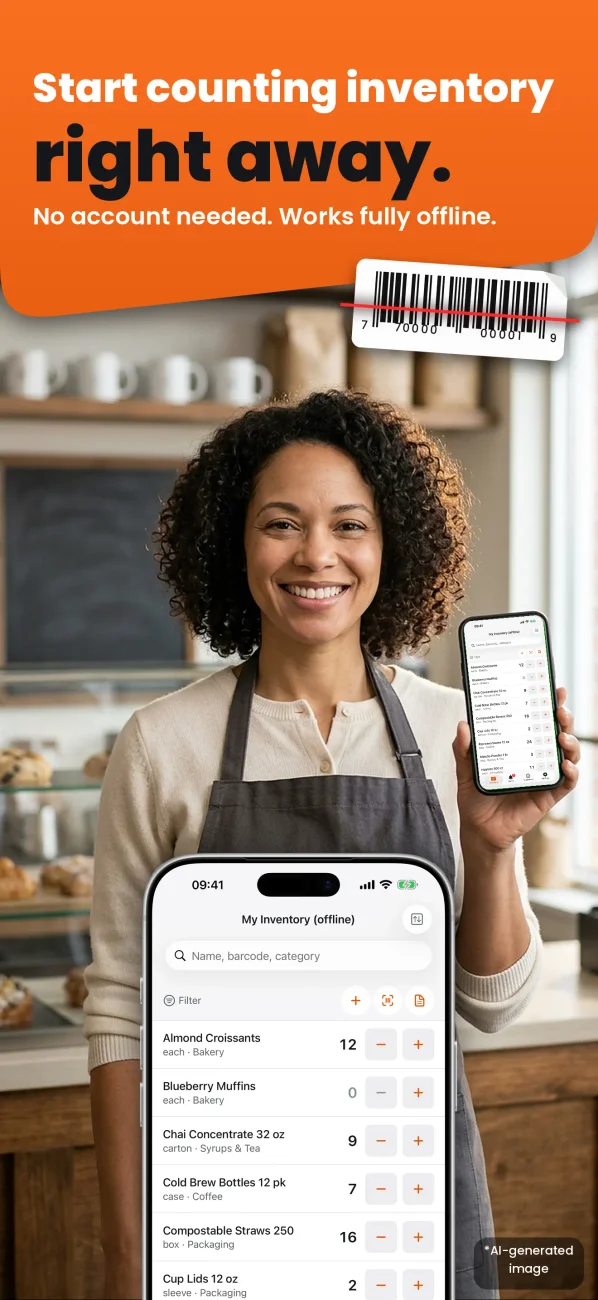
Countpad is a small, fast inventory tracker for people who just need the numbers to be right.
Open it, add your items, and count. Tap + or − straight from the list, or tap the number to type it in when there are 143 of something. That is the whole idea.
WHAT IT DOES
• Count from the list — increase or decrease without opening a detail screen
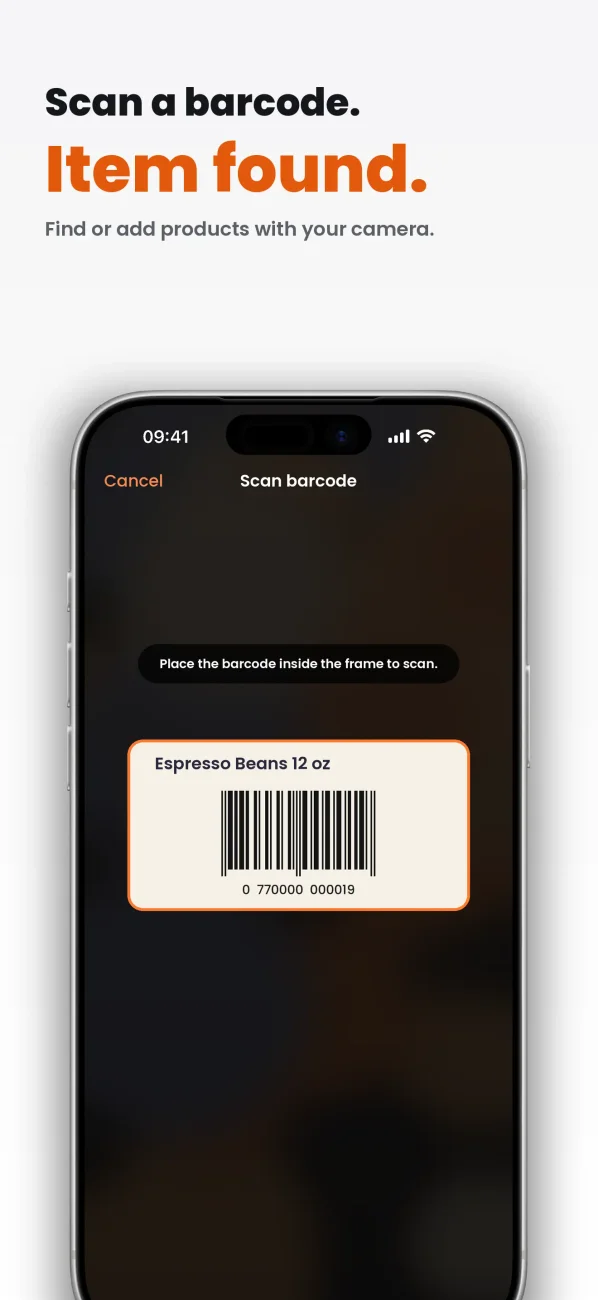
• Scan a barcode to jump to an item, or to create one with the barcode attached
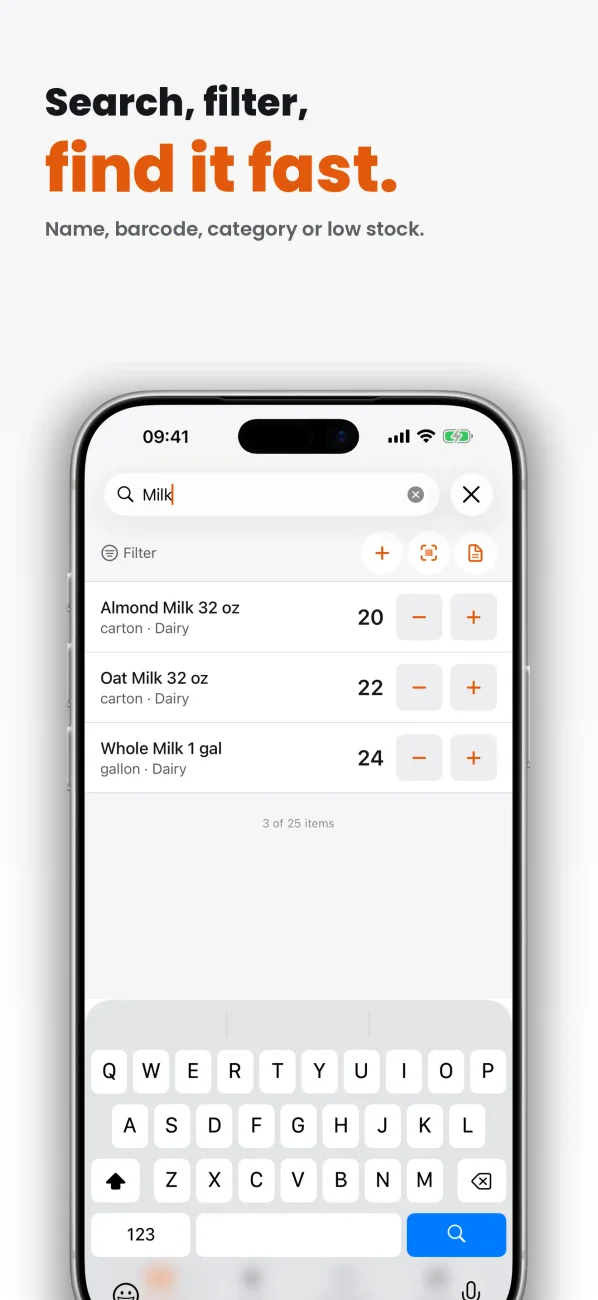
• Search instantly across name, barcode, category and unit
• Filter by category, or by what is in stock, running low or run out
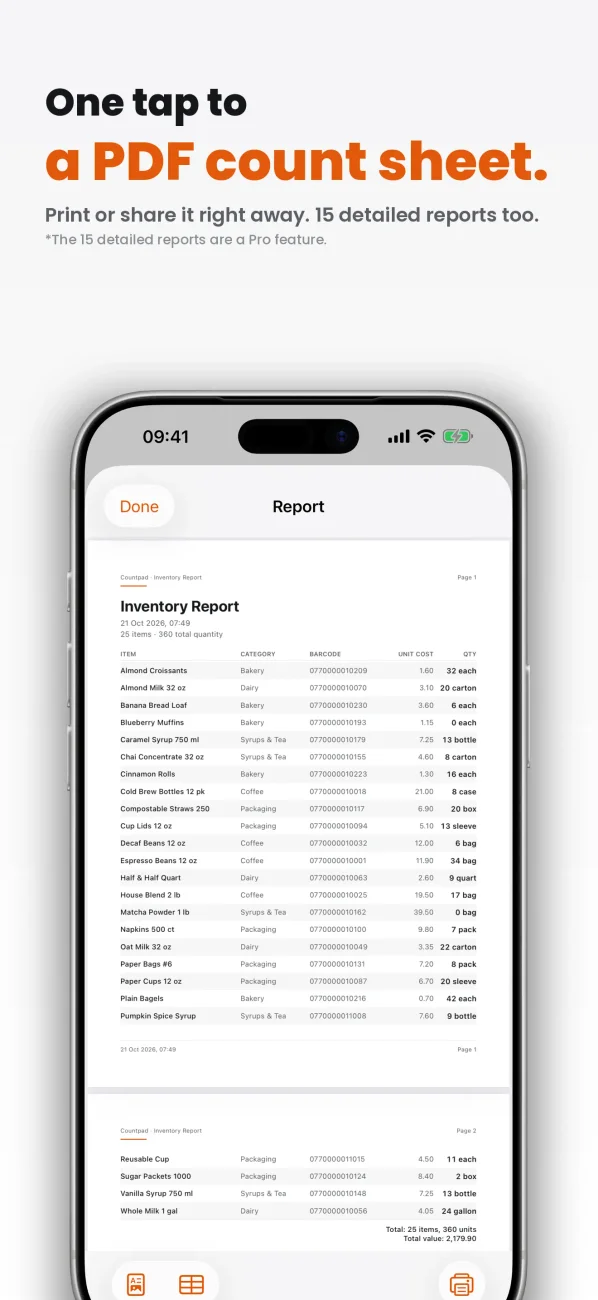
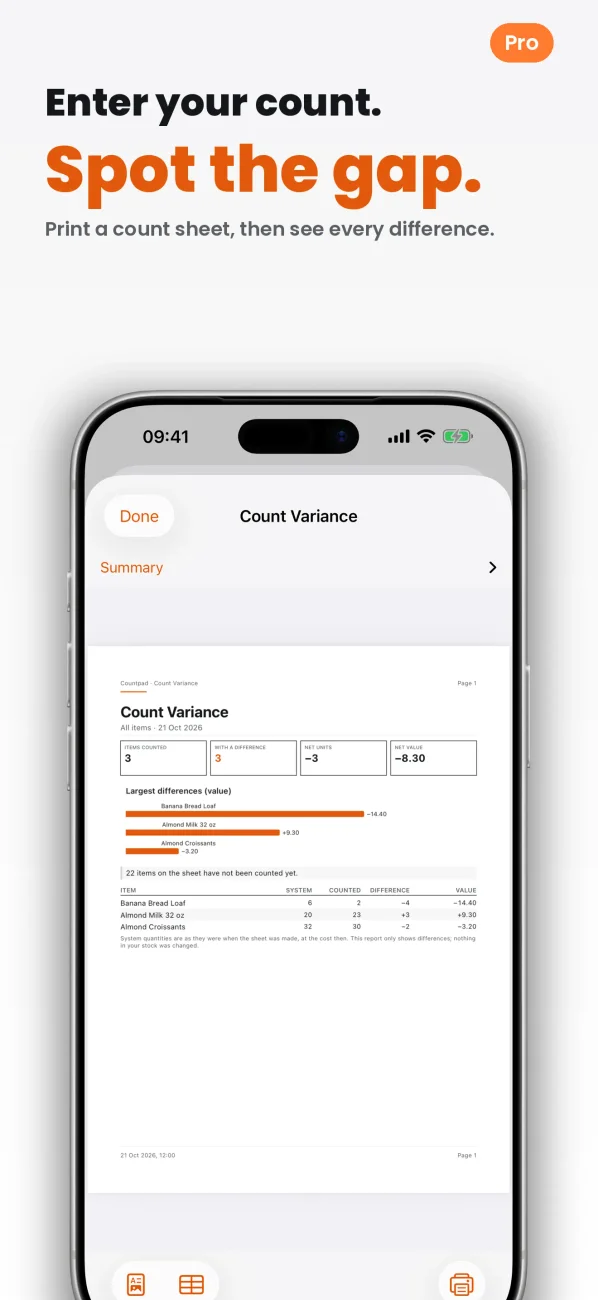
• Create a report in one tap — a clean PDF and a CSV, ready to share or print
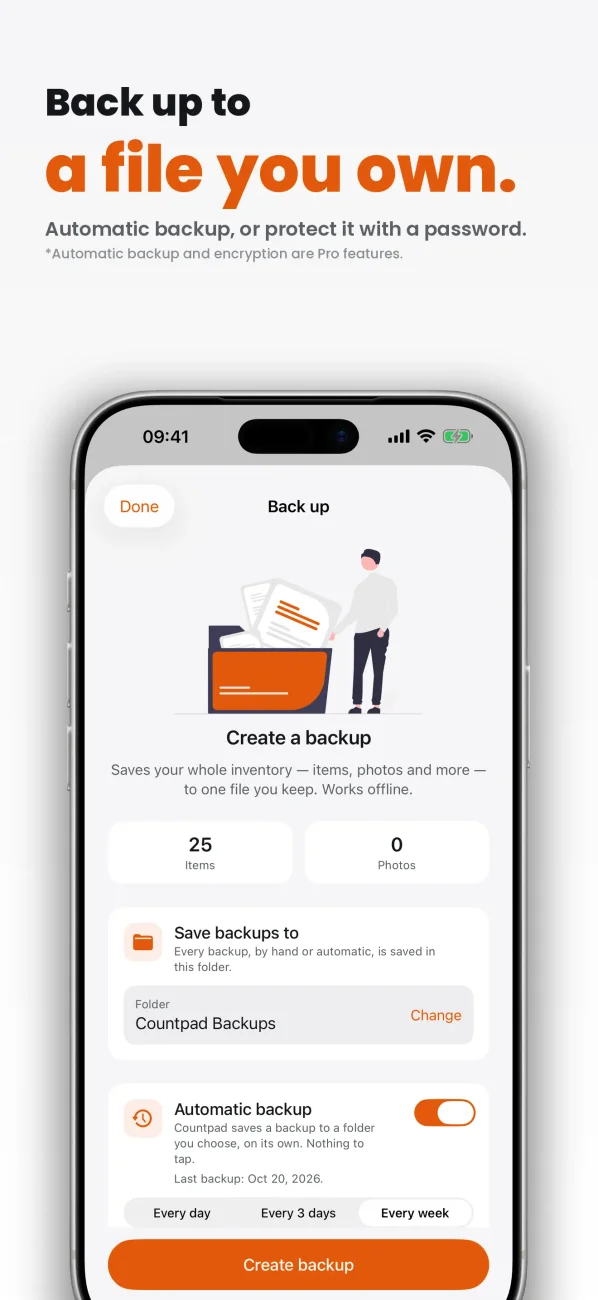
• Back up everything to one portable file in a folder you choose, and restore it later
• Add a photo when two items look alike, and a unit cost when you want a report to total it
WORKS WITHOUT A CONNECTION
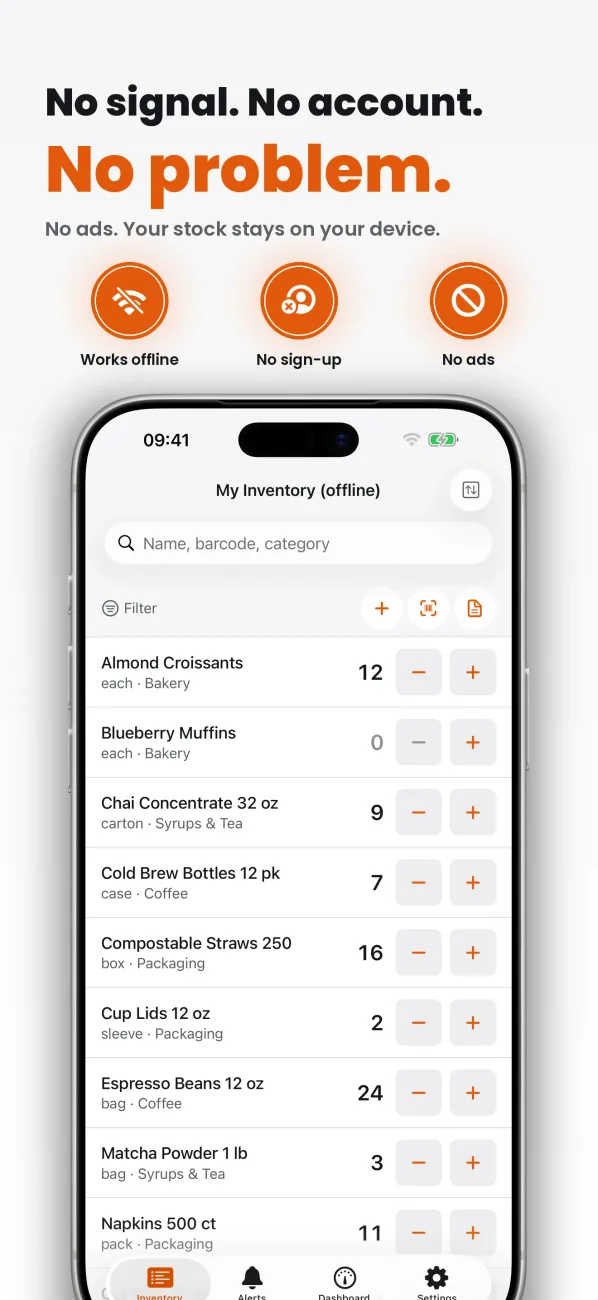
Counting, search, filters, reports and backups all work in airplane mode, in a stockroom with no signal. Your inventory is stored on your device.
NO ACCOUNT NEEDED. NO ADS.
No sign-up, no email, no password. Open the app and start counting. Nothing interrupts counting.
COUNTPAD PRO
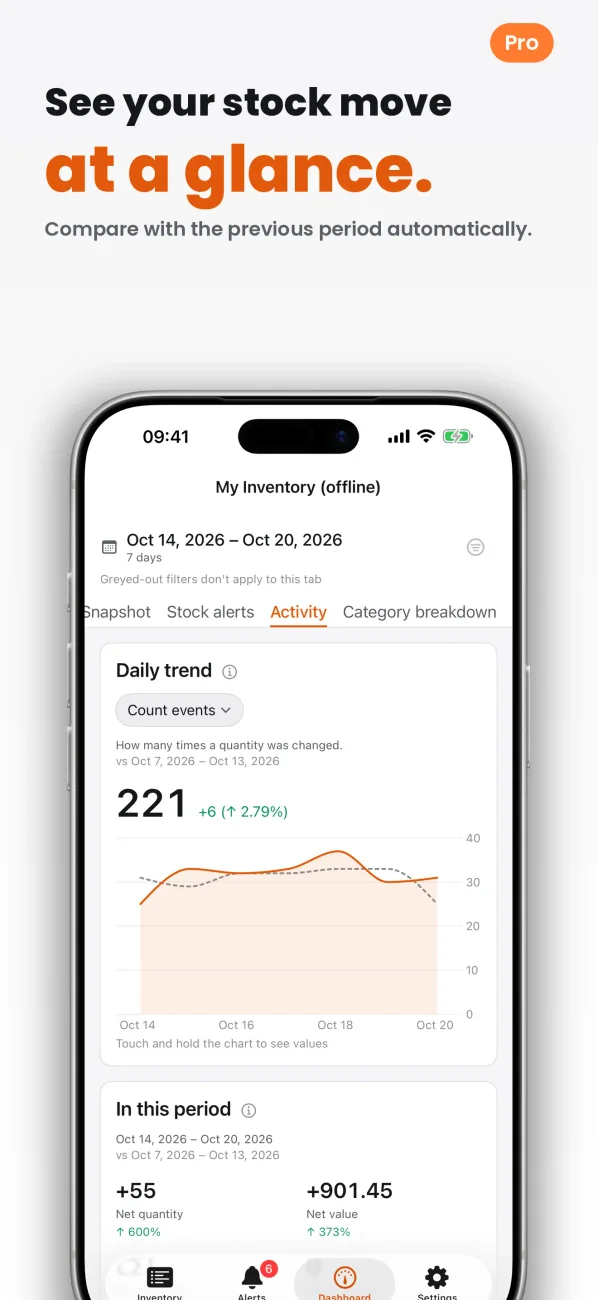
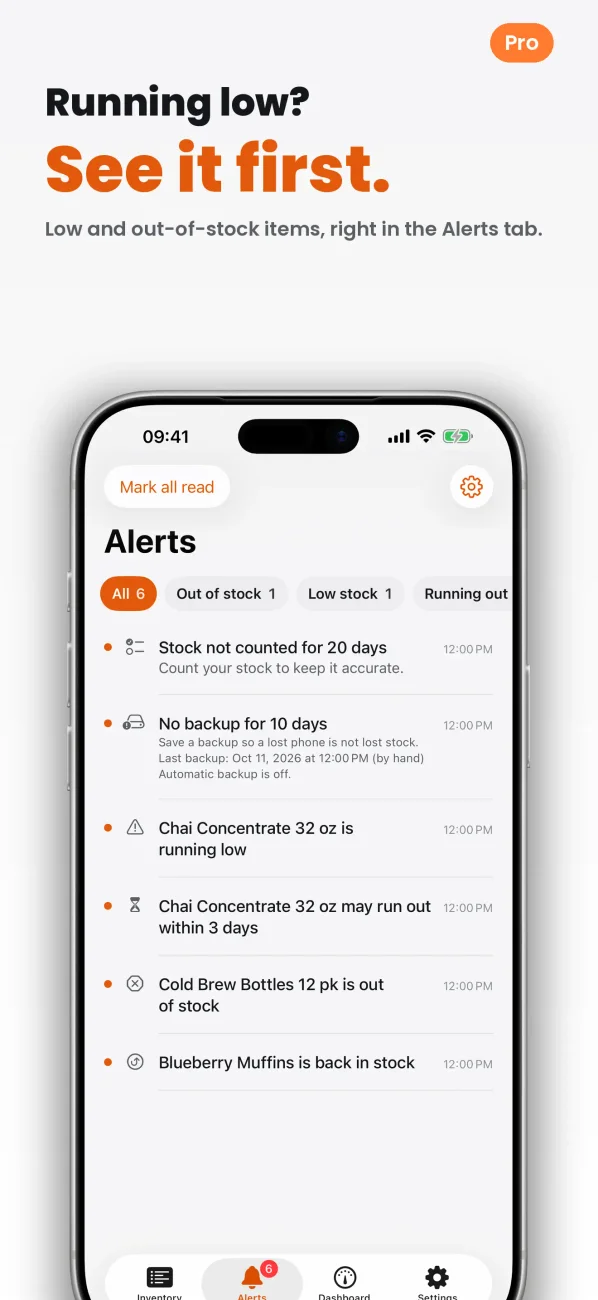
Counting, searching, filtering, scanning, the quick report and backup and restore are free for everyone, with no item limit. Countpad Pro adds more for a growing business: advanced reports, an Alerts tab that tells you what needs attention, a Dashboard of your stock, locked backups and Automatic backup. Your first use starts a 30-day period inside the app so you can try them. Pro is available as a monthly or yearly subscription, or as a one-time Lifetime purchase.
Terms of Use: https://www.apple.com/legal/internet-services/itunes/dev/stdeula/
Privacy Policy: https://gist.github.com/hjatupon/21ebe78638c416a5373e3b1a766eb433
What’s new
Version 4.1.2 · Oct 24, 2026
• Countpad Pro: advanced reports, the Alerts tab, a Dashboard of your stock, locked backups and Automatic backup. A 30-day period inside the app lets you try them first.
• One backup folder: choose it once and every backup goes there. Automatic backup is optional.
• Optional lock for your backups, with Face ID.
• Updated Terms and Conditions, and a Privacy Policy link in Settings.
• The shared inventory is no longer offered. If you had one, a notice in the app shows how to bring your items home.
• Fixes and polish.
App privacy
What Jatupon Hongweing declares on the App Store about how this app handles data.
-
Data linked to you
May be collected and linked to your identity.
- Contact info
- User content
- Identifiers
- Usage data
-
Data not linked to you
May be collected but is not linked to your identity.
- Purchases
- Location
- Diagnostics
Privacy practices may vary, for example with the features you use or your age.
Information
- Seller
- Jatupon Hongweing
- Category
- Productivity
- Version
- 4.1.2
- Updated
- Oct 24, 2026
- Released
- Aug 19, 2026
- Size
- 25.6 MB
- Requires
- iOS 17.0 or later
- Age rating
- 4+
- Price
- Free
- In-app purchases
- Yes
- Languages
- English, German, Japanese, Simplified Chinese, Spanish, Thai
- Copyright
- © 2026 Countpad
You might also like
-
 CaseKeep: Legal Case OrganizerEvidence, Deadlines & Timeline
-
 HOAGuard: HOA Evidence LogViolation & Appeal Tracker
-
 Podknow - Podcast & Offline AIPlayer, Transcripts & Learning
-
 Live Level - Habit TrackerBuild Habits & Reach Goals
-
 Screen Time: FocusBlockBlock Apps & Screen Time
-
 Sequence: Time Block PlannerVisual Day & Schedule Builder
-
 HomeLog: Home InventoryFind items. Track expiry.
-
 Focus Sheep - Pomodoro TimerBlock Apps, Build Daily Habits
-
 Countdown Reminder: Days LeftBirthday, Event, Widget & Sync
-
 NEN: Focus TimerPomodoro for study & deep work