Countryball Creator
Comics, Flags & Animation
Designed for iPhone, iPad, iPod touch
Free · In-app purchases
- Age rating12+
- CategoryGraphics & Design
- DeveloperLeo-Paul Chauvigne
- LanguagesEnglish
- Size167.5 MB
Links to the official App Store page
Download.org hosts no file of Countryball Creator. The button opens its official App Store page, published by Leo-Paul Chauvigne. Listing last checked on Nov 27, 2026.
Screenshots

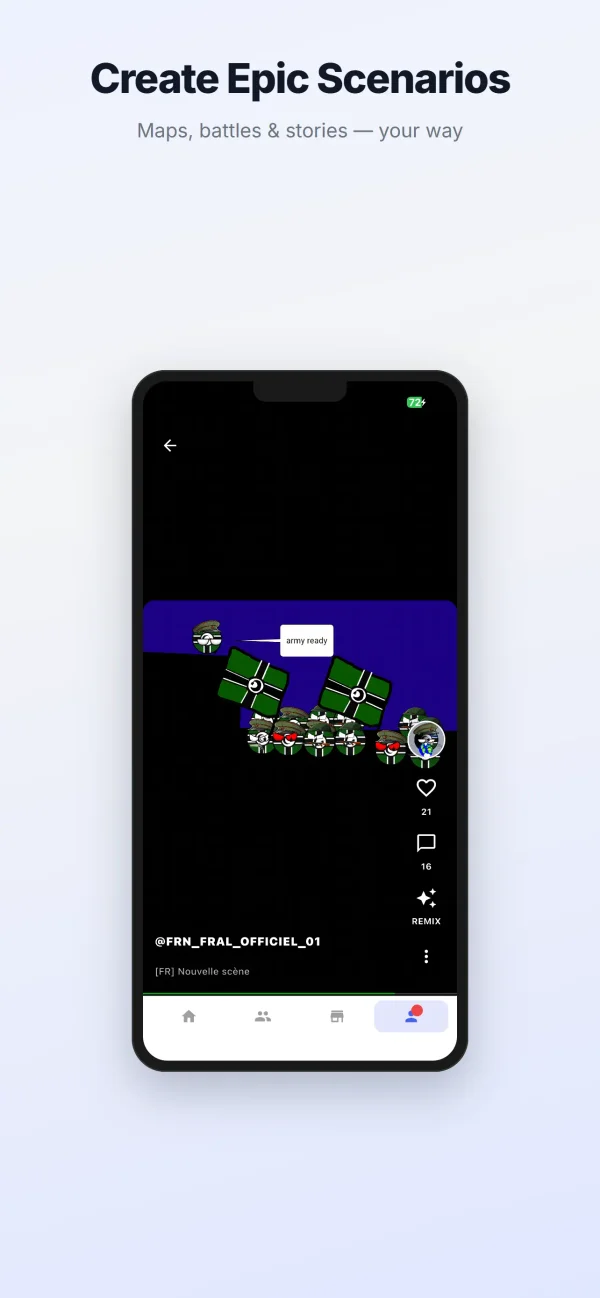
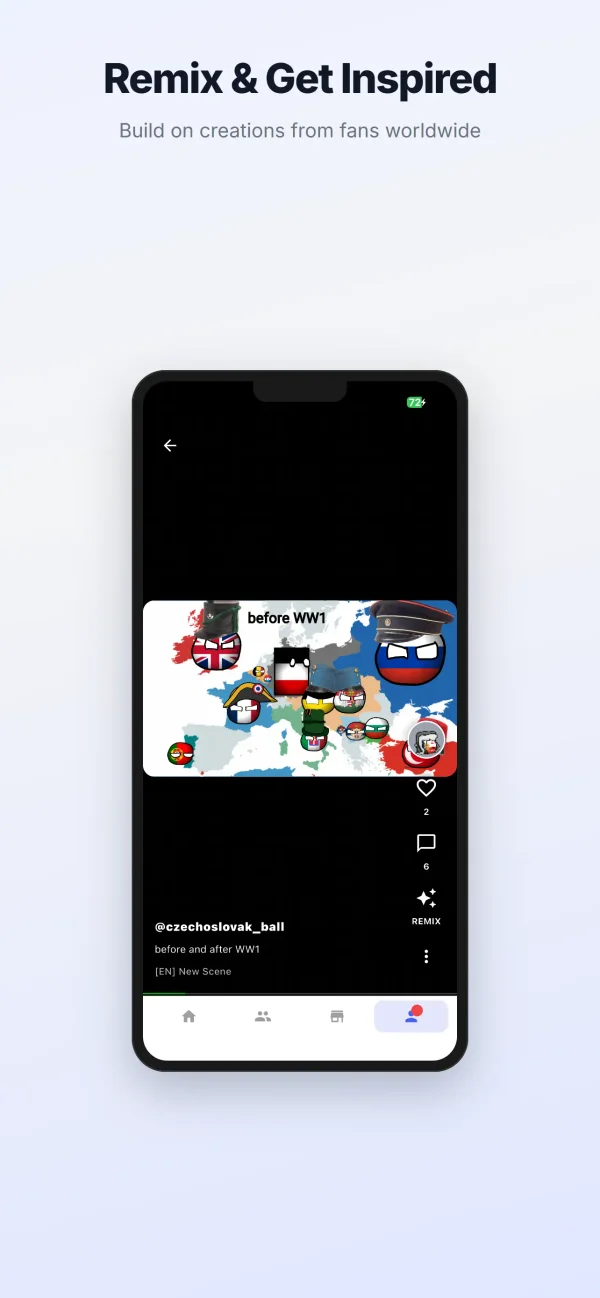

About
Create original countryball characters, comics, and animated scenes — the ultimate toolbox for countryball creators.
Countryball Creator makes it easy to design custom countryballs, build multi-panel comics, animate scenes, and share your work with a global community.
FEATURES
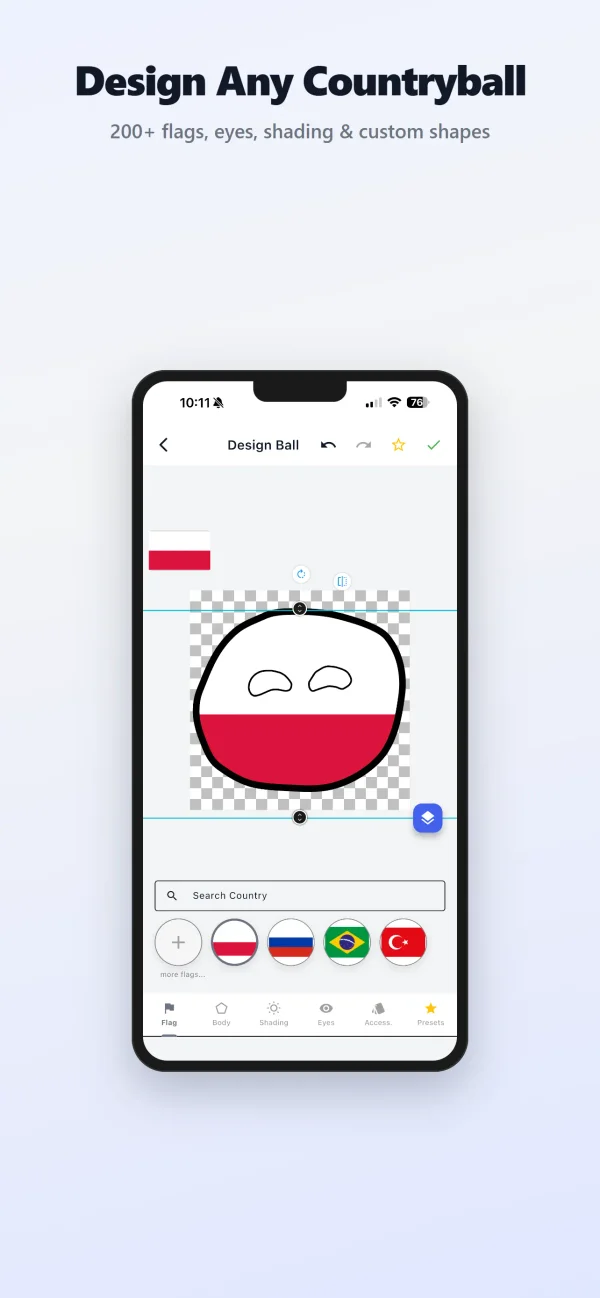
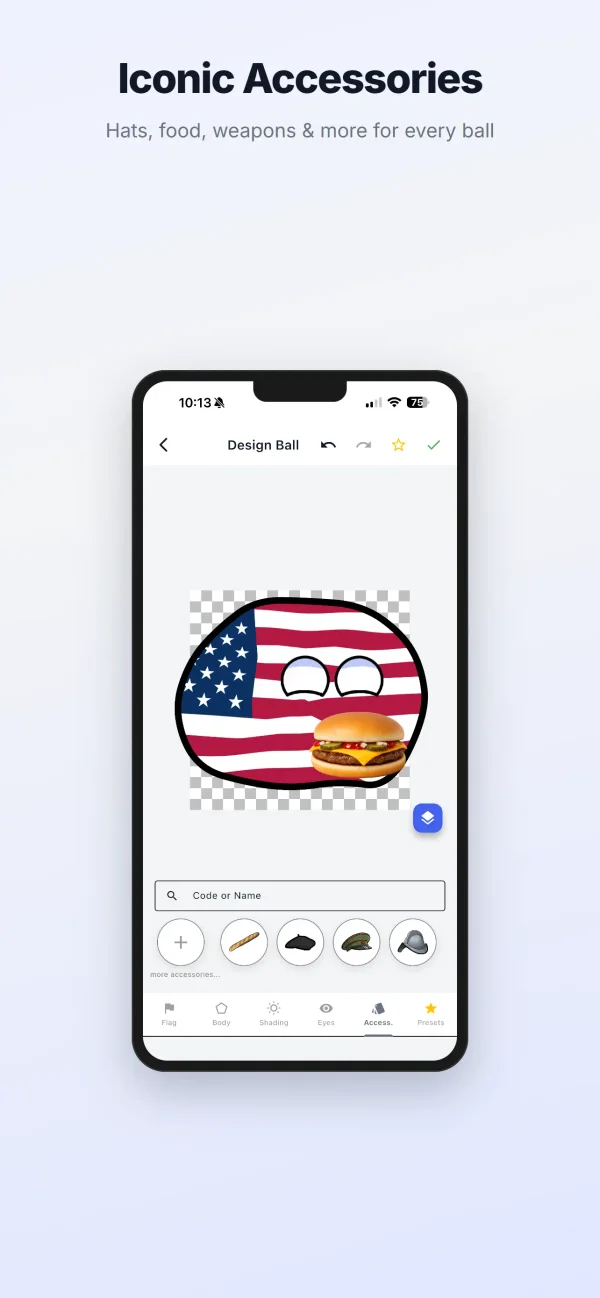
• Design countryballs with flags, accessories, expressions, and custom props
• Create comics and animated scenes frame by frame
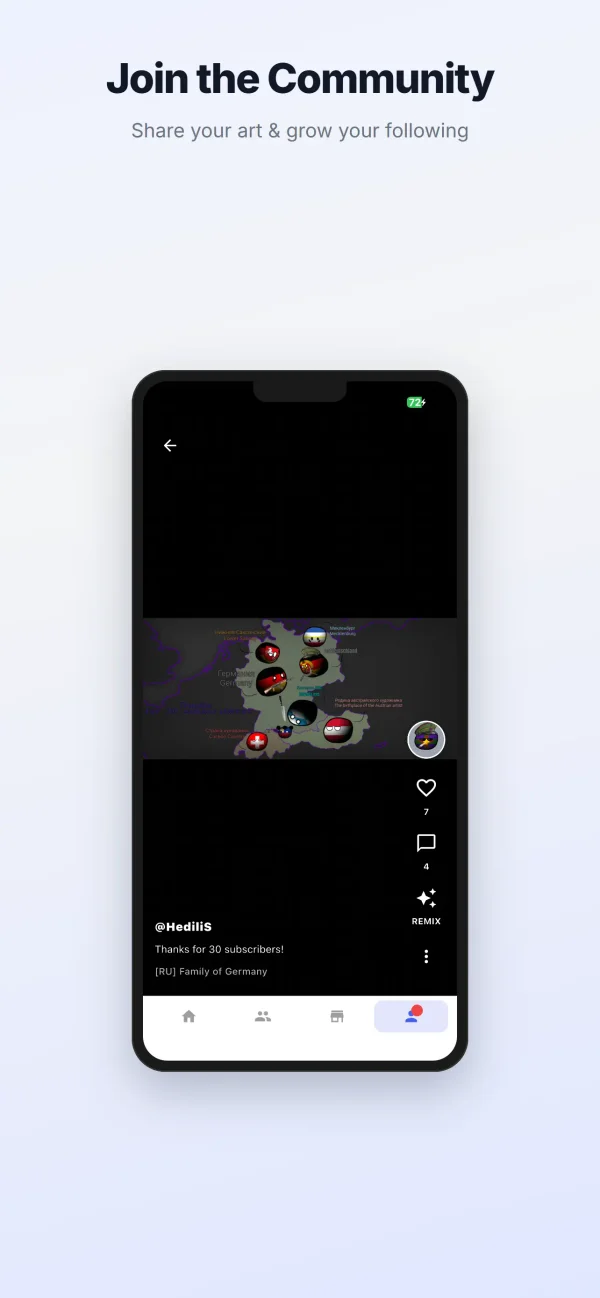
• Share creations to the community feed and discover work from other creators
• Save drafts locally and export to your photo library
• Sign in with Google or Apple to sync your profile and avatar
• Optional paid subscription removes ads and watermarks from video exports.
Whether you're making memes, storytelling comics, or polished animations, Countryball Creator gives you the tools to bring your countryballs to life.
What’s new
Version 1.9.1 · Nov 13, 2026
New features
Scene length in tenths of a second: In the panel editor you can now set a scene's length in steps of 0.1 seconds, down to 0.1 s.
Hex colour input: The drawing panel now shows a "Hex code" option first, so you can type an exact colour such as #E53935. The current colour's code appears beside its swatch.
Scene sound on community posts: Publishing a scene now shares the sound you actually hear, with clip cuts, speed, volume and fades applied and multiple sounds merged, as one original sound others can reuse.
Imported video sound: The audio in an imported video can now be shared as a reusable original sound.
Bug fixes
Animation Studio position: The studio reopens where you left it, both across and down the tracks.
Timeline scroll position: The panels strip and the studio keep their scroll position when closed and reopened, including after adding a countryball from the timeline.
Classic panels edits: Edits made in the panels view are kept, stay on the panel you are working on, and keep the pose you set.
Invisible accessories: Added accessories no longer stay invisible. Images that failed to load now retry automatically instead of staying blank until the scene is reopened.
Help chat unread badge: The badge stays cleared after the app restarts.
Comment notification crash: Opening a scene from a comment notification no longer crashes.
Comment layout: Long button labels in a comment's action row, such as the French "Signaler le commentaire", wrap onto a second line instead of overlapping.
Comment line breaks: Comments and replies keep their line breaks. Before, pressing Enter could block the comment with an "invalid control characters" error.
Imported video in the feed: Scenes with an imported video now show that video in the community feed.
Feed reactions on lower-end phones: The quick emote reactions on feed posts are pre-rendered and play in short bursts, so they no longer drop frames while a video plays beside them.
Background playback: Feed videos, board videos and sound previews pause when the app goes to the background instead of carrying on playing sound.
App privacy
What Leo-Paul Chauvigne declares on the App Store about how this app handles data.
-
Data used to track you
May be used to track you across apps and websites owned by other companies.
- Identifiers
- Usage data
-
Data linked to you
May be collected and linked to your identity.
- Purchases
- Contact info
- User content
- Identifiers
- Usage data
-
Data not linked to you
May be collected but is not linked to your identity.
- Location
- Diagnostics
Privacy practices may vary, for example with the features you use or your age.
Information
- Seller
- Leo-Paul Chauvigne
- Category
- Graphics & Design
- Version
- 1.9.1
- Updated
- Nov 13, 2026
- Released
- Sep 3, 2026
- Size
- 167.5 MB
- Requires
- iOS 15.0 or later
- Age rating
- 12+
- Price
- Free
- In-app purchases
- Yes
- Languages
- English
- Copyright
- © 2026 Rolle Studios
You might also like
-
 Flag MakerCustom Designer, Editor & GIFs
-
 CountryBall Emoji MakerCountryHuman: Emoji Balls
-
 World Map EditorCreate your own map charts
-
 Flag DesignCreate your own flag design
-
 Logo Maker - Design CreatorPoster Flyer Brand Generator
-
 MapChart AppCreate Custom Maps
-
 Cat Emoji Maker: Cute EmojiCat Emoji Maker: Cute Emoji
-
 Blend3D: Image to 3DAI 3D Modeling & Animation
-
 AniToon: Draw Art & AnimateStop-motion, cartoon graphics
-
 UT Create!Make UT animations & scenes!