Counts: Dance Practice Mirror
Slow, loop & 8-count routines
Designed for iPhone
Free · In-app purchases
- Age rating4+
- CategoryHealth & Fitness
- DeveloperRyan Smith
- LanguagesEnglish
- Size6.2 MB
Links to the official App Store page
Download.org hosts no file of Counts: Dance Practice Mirror. The button opens its official App Store page, published by Ryan Smith. Listing last checked on Nov 12, 2026.
Screenshots
About
Learn the routine, not the remote.
Counts turns any routine video into a practice partner. Mirror it so the dancer's left is your left, slow it down without the music going flat, loop the eight you keep missing, and see the counts big enough to read from across the room. Stand your phone on a table, press play and dance.
FOLLOW IT LIKE A MIRROR
• Flip any routine with one tap, so you can follow it like your reflection
• Import from Photos or Files: class videos, lesson recordings, a coach's demo
• Your videos are copied into Counts; the originals stay where they are
SLOW IT DOWN, KEEP IT IN TUNE
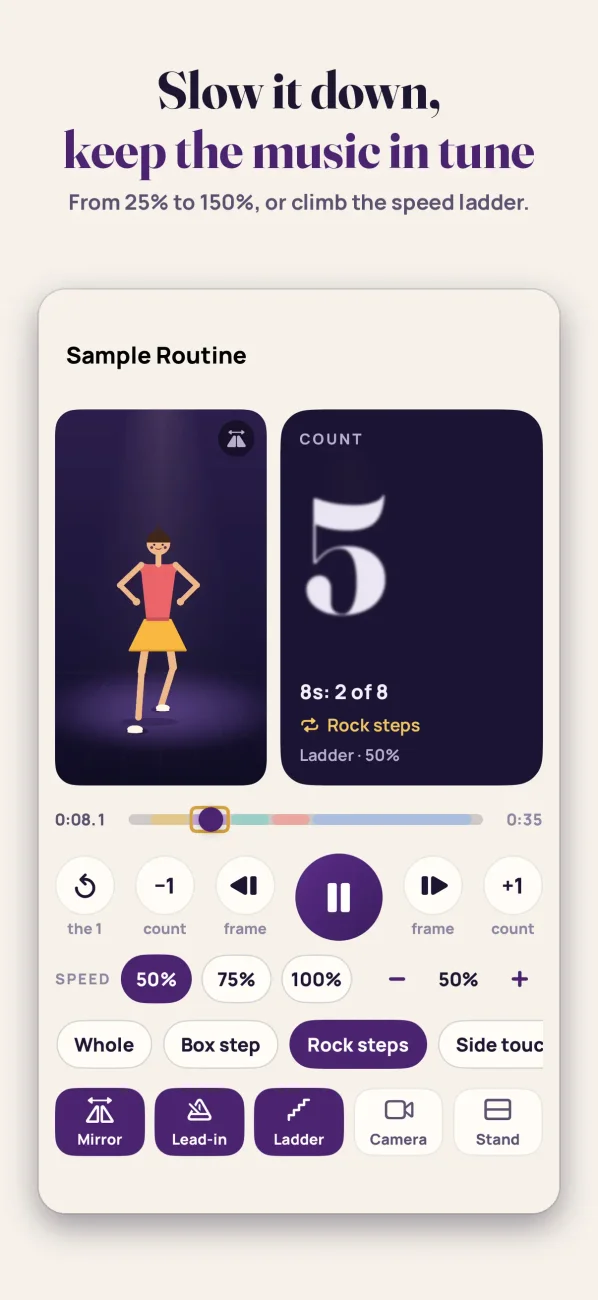
• 25% to 150% speed, with the music at its own pitch
• Step through a move one frame or one count at a time
• Speed ladder: play a loop at 50%, then 75%, then full speed
BIG 8-COUNTS
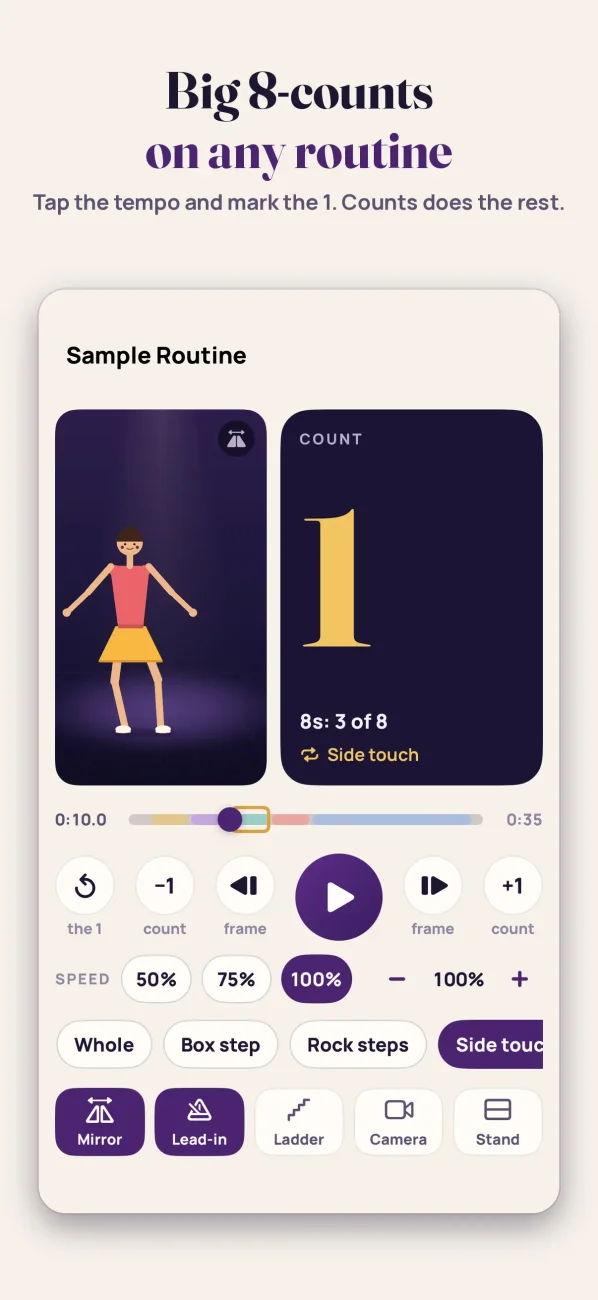
• The count, 1 to 8, in large type, plus which eight you're on ("8s: 3 of 12")
• Tap along to the beat to set the tempo, then mark the 1
• Optional "&" counts for triple steps and quick footwork
• Half time and double time, fine-tuned to a tenth of a beat
LOOP THE HARD PART
• Name sections by eights ("Intro 1–2", "Turn 3–4") or by time, then loop any of them
• Or set an A–B loop anywhere
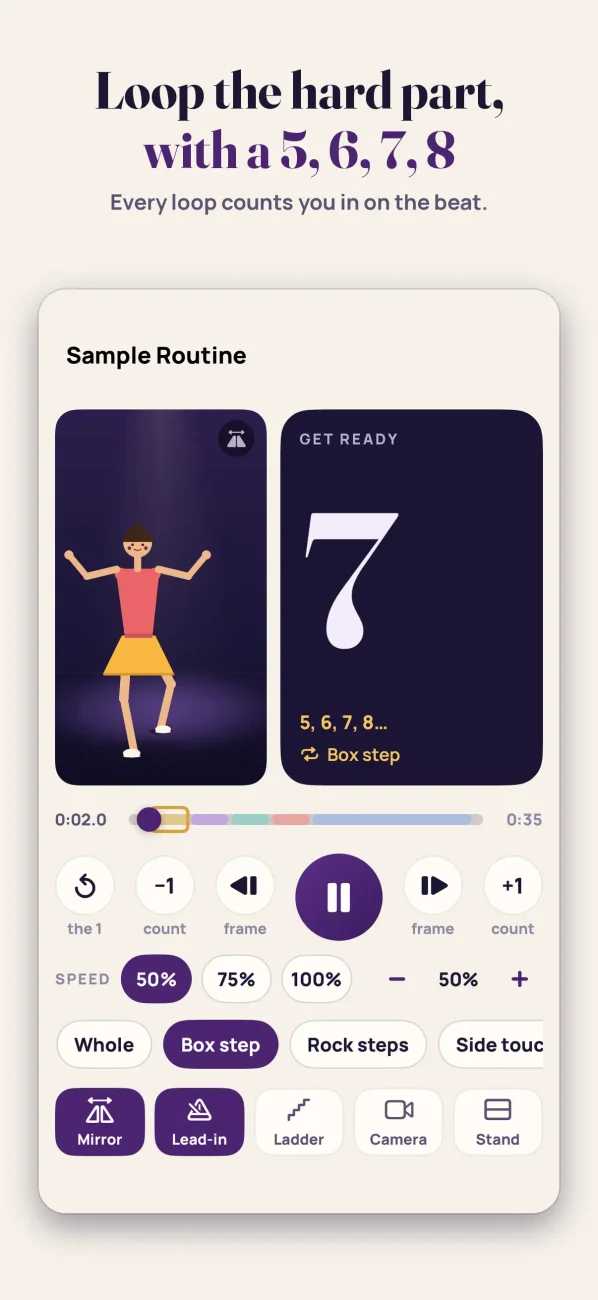
• Every loop counts you in with "5, 6, 7, 8", spoken or clicked, on the beat
• Count along while you dance, in a voice or with clicks
SEE YOURSELF BESIDE THE ROUTINE
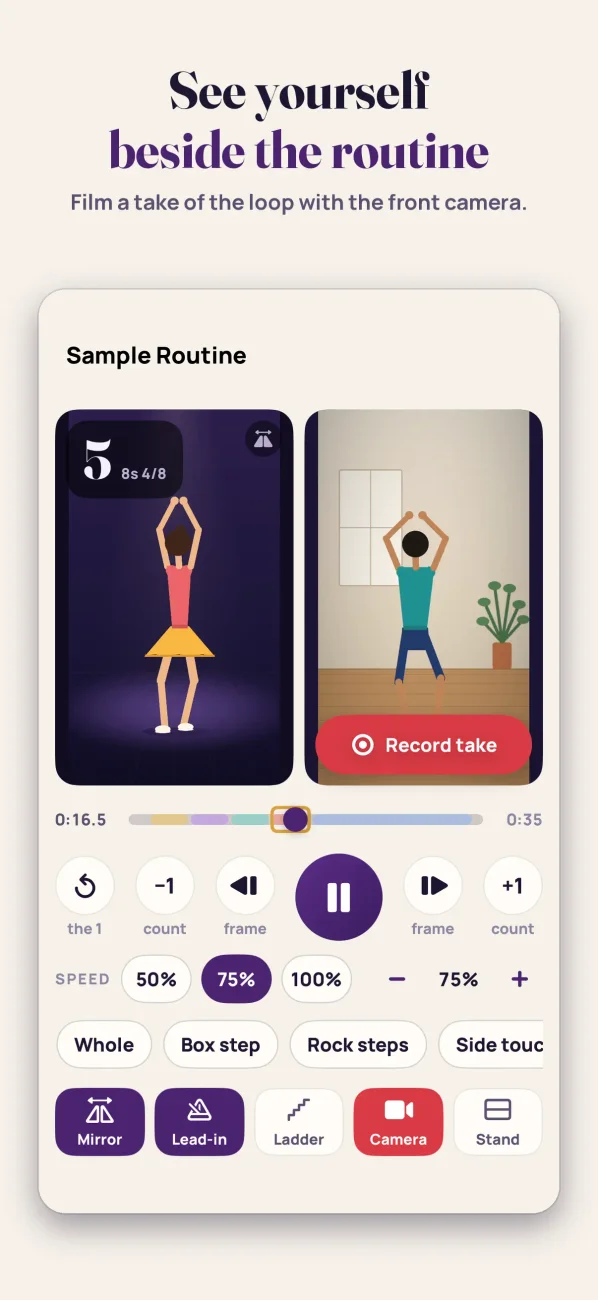
• Turn on the front camera to watch yourself next to the routine
• Record a take: Counts counts you in, films one pass of the loop and lines it up with the routine
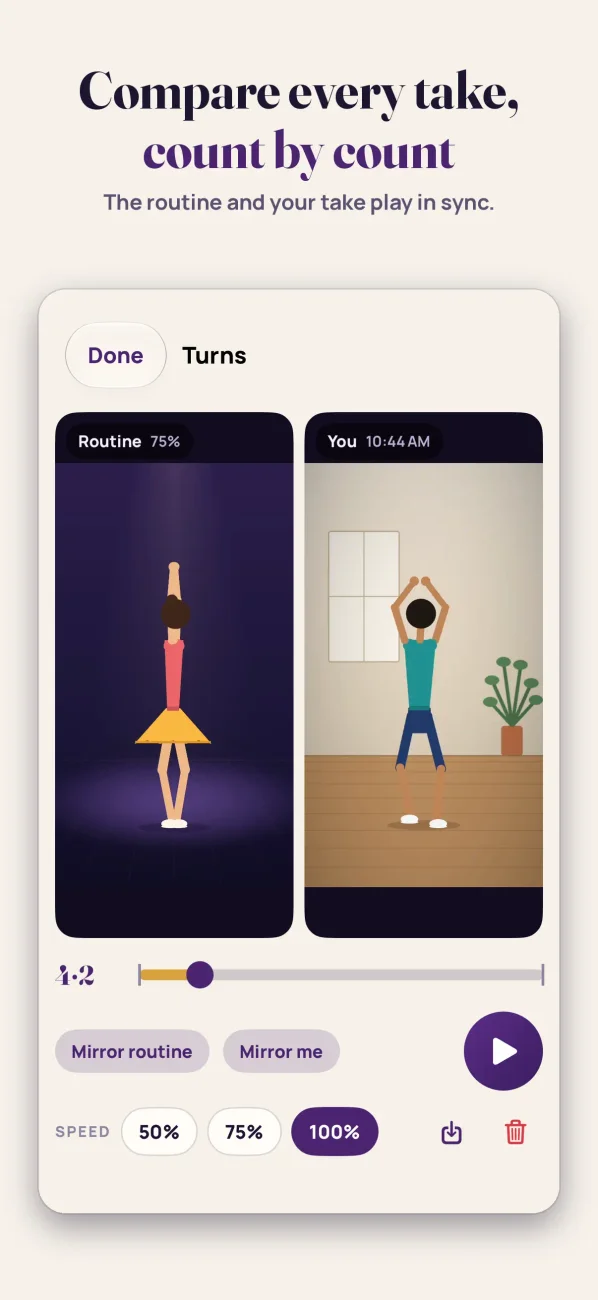
• Review your take side by side with the routine, in sync, at any speed, and mirror either side
• Save a take to Photos or share it with your teacher
STAND IT UP
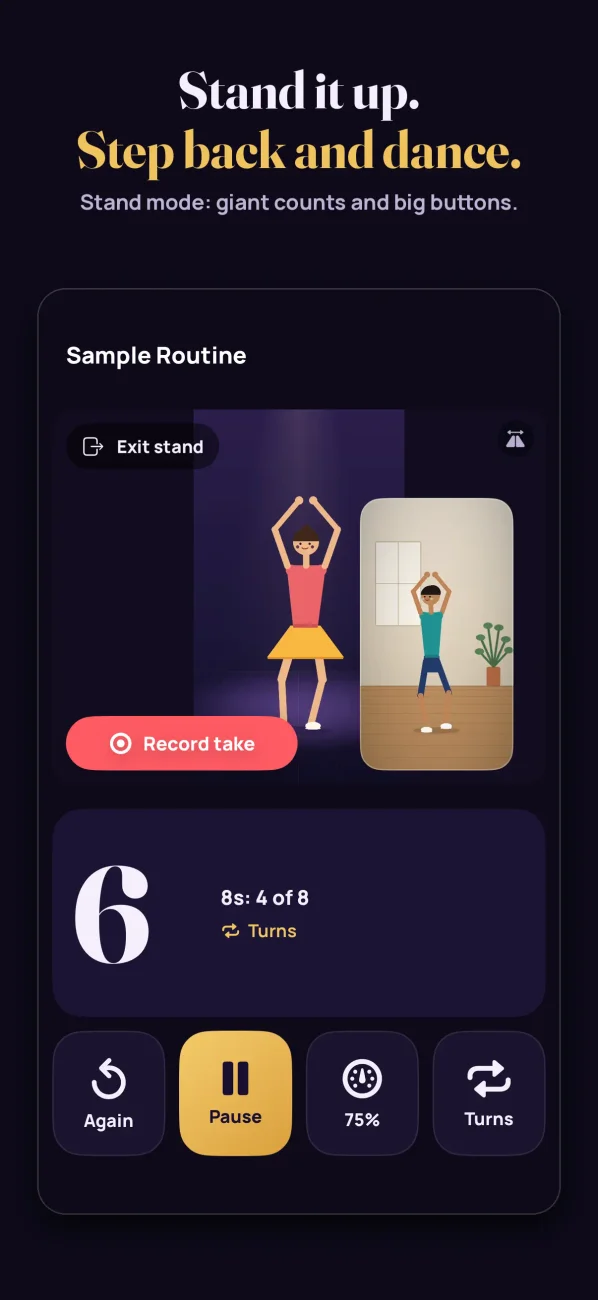
• Stand mode puts the routine on the top half and giant counts with big buttons on the bottom half, readable from arm's length
• The screen stays awake while you practice
PRIVATE BY DESIGN
• No account, no sign-in, no ads, no tracking
• Videos and takes stay on your iPhone; nothing is uploaded
• The camera records video only; Counts never uses the microphone
TRY IT WITH THE SAMPLE ROUTINE
A 4-eight beginner combo with its counts and sections already set, with every feature, free forever.
PAY ONCE. NO SUBSCRIPTION.
Importing, playing and mirroring your own routines are free. Try everything else free for 14 days, with no card on file: slow-down, loops and sections, 8-counts, the lead-in, the speed ladder and recording takes. After that, a one-time $19.99 unlock keeps them for good, and Family Sharing covers your household. Takes you've recorded always stay yours to watch, save and share.
Terms of use: https://www.apple.com/legal/internet-services/itunes/dev/stdeula/
App privacy
What Ryan Smith declares on the App Store about how this app handles data.
-
Data not collected
The developer does not collect any data from this app.
Privacy practices may vary, for example with the features you use or your age.
Information
- Seller
- Ryan Smith
- Category
- Health & Fitness
- Version
- 1.0
- Updated
- Oct 20, 2026
- Released
- Oct 19, 2026
- Size
- 6.2 MB
- Requires
- iOS 18.0 or later
- Age rating
- 4+
- Price
- Free
- In-app purchases
- Yes
- Languages
- English
- Copyright
- © 2026 Ryan Smith