
- Age rating4+
- CategoryBusiness
- DeveloperComplete Innovations Inc
- LanguagesEnglish
- Size33.4 MB
Links to the official App Store page
Download.org hosts no file of Courier Complete Mobile 2. The button opens its official App Store page, published by Complete Innovations Inc. Listing last checked on Nov 12, 2026.
Screenshots

About
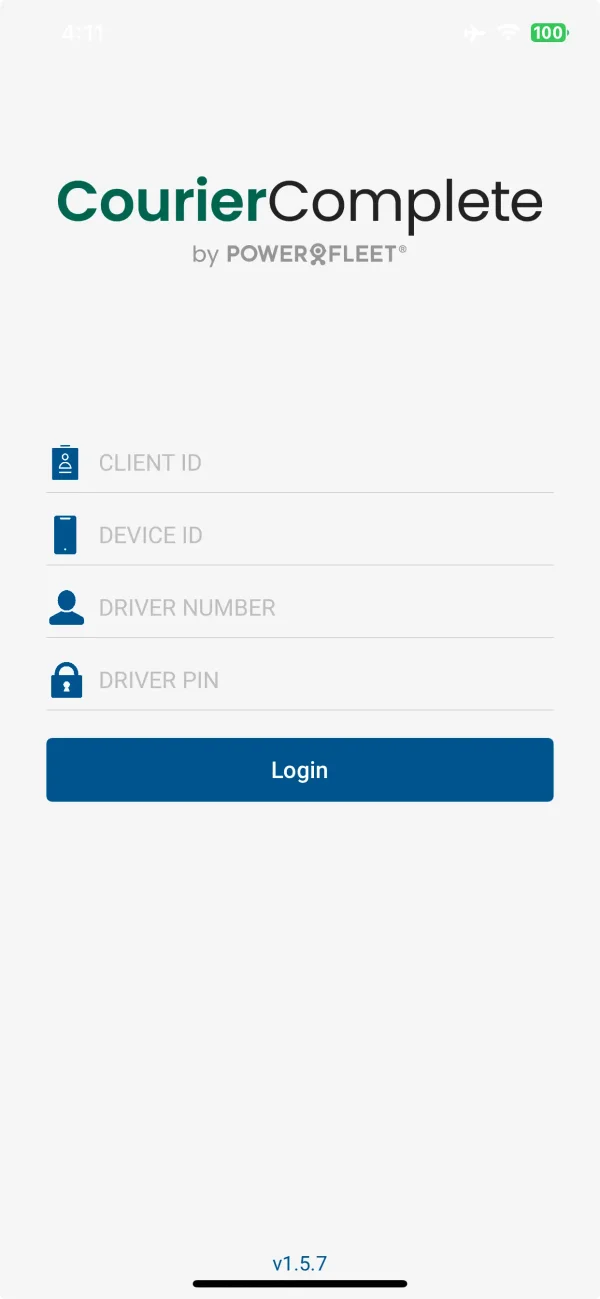
Courier Complete Mobile 2 for iOS.
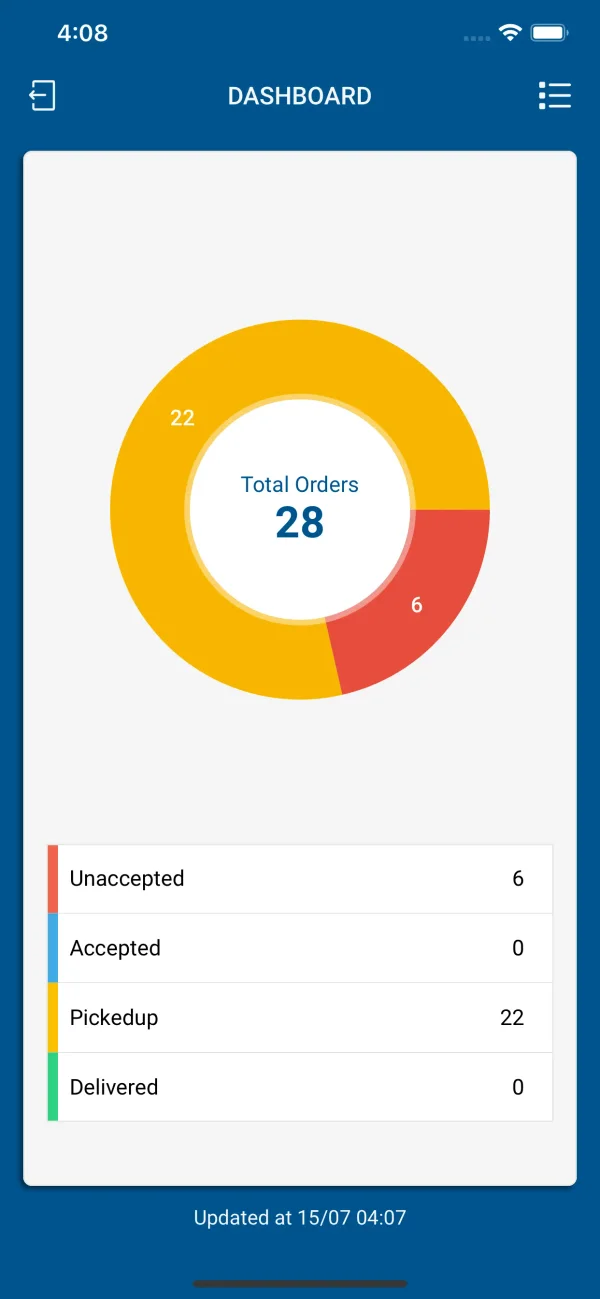
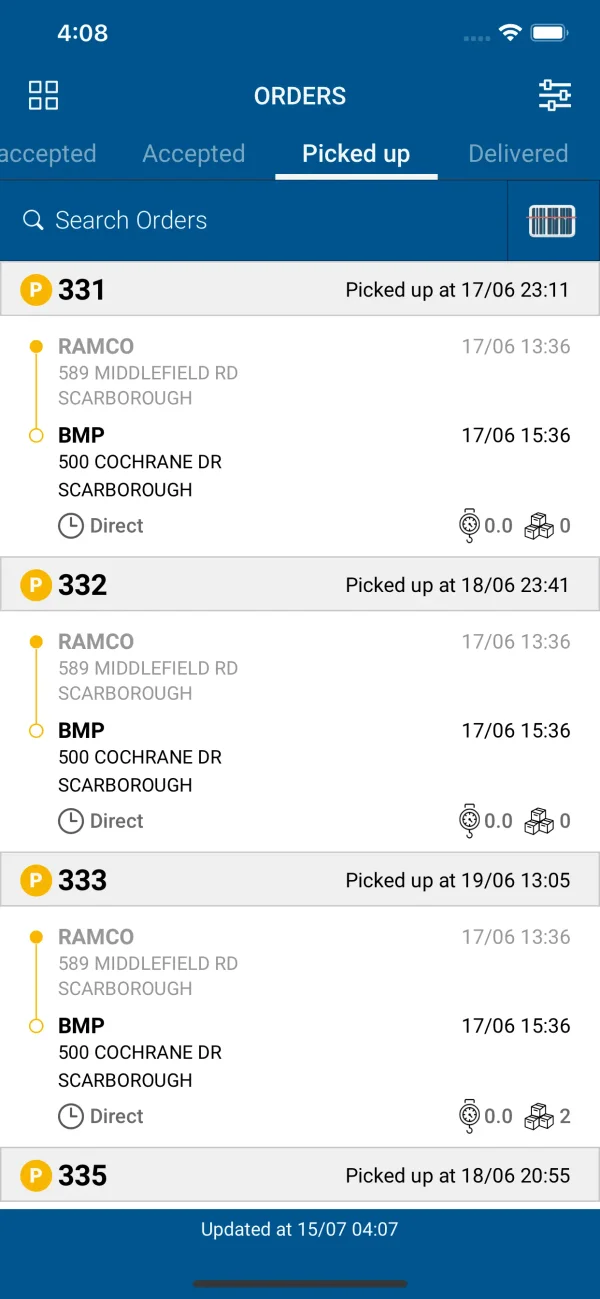
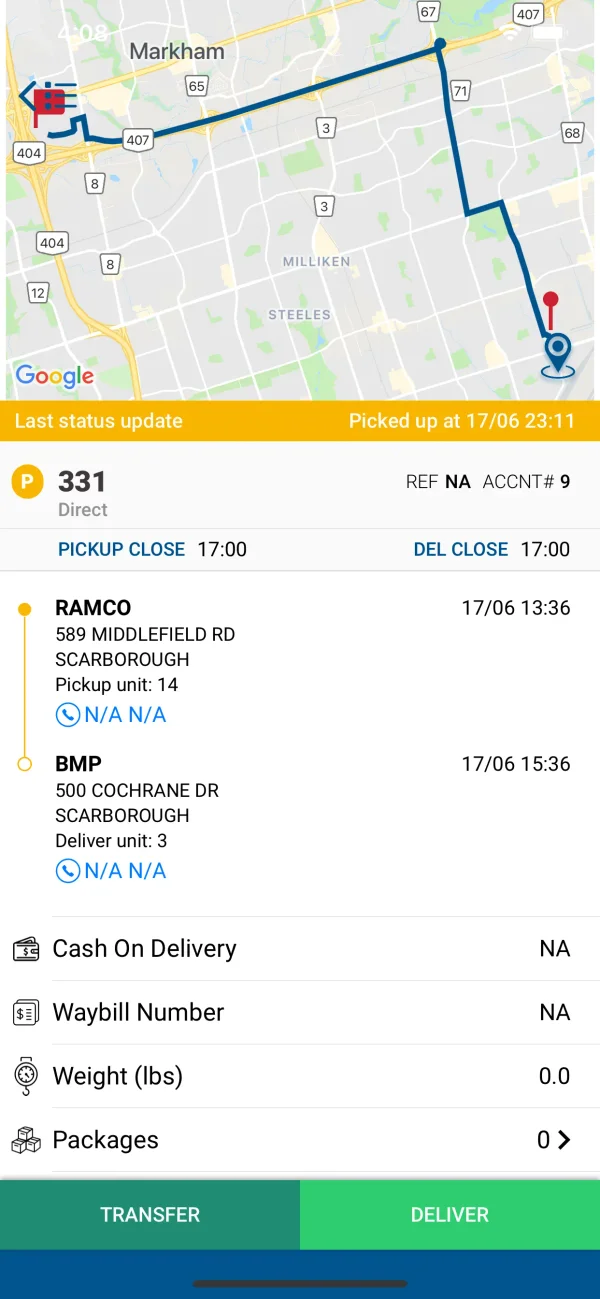
Courier Complete is the most widely used courier software in North America. Courier Complete automates the front office, back-end business and in-field courier processes, including online customer order entry, accounts receivable, real-time deliver tracking, and account information. It uses wireless two-way data technology to enable dispatchers to wirelessly send detailed order information to a driver’s device. Drivers can view and interact with the information on their device and keep dispatchers up to date by remotely updating the status of pickups and deliveries. The Courier Complete solution includes:
- Unlimited Courier Complete desktop (dispatcher) licenses
- Support through our North American support department
- Courier Complete web portal for your clients to place orders
- Mobile device tracking (while user is logged in) and unlimited Fleet Complete licenses
In addition, data services can be provided to assist in the conversion to the Courier Complete product; and a large custom development and consulting team is available to develop custom solutions to give your businesses the competitive advantage.
ccMobile2 provides additional functionality to:
- take photo's when interacting with an order
- timestamp arrival at pickup and delivery location
- specify an exception code for the order
ccMobile2 will require additional Web Services be configured and changes to your Courier Complete application/server. Please contact Courier Complete Support for prior to using this version of ccMobile.
Please Note:
Continued use of GPS running in the background can dramatically decrease battery life.
What’s new
Version 1.5.8 · Oct 30, 2025
1. Toggle between Light Mode and Dark Mode (affecting Splash Screen, Login Screen, Dashboard, Order List Screen, Order Details Screen, Package Details Screen, etc.)
2. Toggle between Collapsed and Expanded as the default setting for the Order List Screen (auto-expanded by default)
3. Upon each order status progression (New -> Accepted -> Arrived at PU -> Picked Up -> Arrived at DEL -> Delivered), toggle between
4. Default Flow: Auto-Redirect to the Next Tab
5. New Flow #1: Stay in the Current Tab
6. New Flow #2: Return to the Dashboard Screen
7. Implemented the ability to browse images in Camera Roll/Photo Gallery to the Photos/Order Images feature
8. Fixed the app crashing issue related to OrderListActivity,ForegroundServiceStartNotAllowedException when starting LocationService from onResume. This is triggered and bubbles up through ActivityThread.performResumeActivity
App privacy
What Complete Innovations Inc declares on the App Store about how this app handles data.
-
Data not collected
The developer does not collect any data from this app.
Privacy practices may vary, for example with the features you use or your age.
Information
- Seller
- Complete Innovations Inc.
- Category
- Business
- Version
- 1.5.8
- Updated
- Oct 30, 2025
- Released
- Jul 22, 2019
- Size
- 33.4 MB
- Requires
- iOS 15.0 or later
- Age rating
- 4+
- Price
- Free
- Languages
- English
- Copyright
- © 2019 Fleet Complete
You might also like
-
 DeliverySuite DriverDeliverySuite Driver
-
 Purolator Delivery ProBusiness
-
 Safety EvolutionComprehensive Health & Safety
-
 1Courier Drivers1Courier Delivery Partner App
-
 ClearD Mobile 4Business
-
 GoBolt DriverBusiness
-
 Courier Connex MobileComplete courier app
-
 ShipTrack PlusBusiness
-
 SkillRecord PassportTools for on-the-job training