Courtside: Scoreboard & Remote
Padel, tennis, basketball…
Designed for iPhone, iPad, iPod touch
Free
- Age rating12+
- CategorySports
- DeveloperAndrei Weintraub
- LanguagesEnglish
- Size25.3 MB
Links to the official App Store page
Download.org hosts no file of Courtside: Scoreboard & Remote. The button opens its official App Store page, published by Andrei Weintraub. Listing last checked on Nov 23, 2026.
Screenshots
About
Turn an iPad or iPhone into a real sports scoreboard, run it from your phone, and put it on the big screen.
Courtside is built for school gyms, clubs, tournaments and pick-up games. It knows the rules of each sport, so you set up a game in seconds and the board does the rest.
SPORTS AND RULES
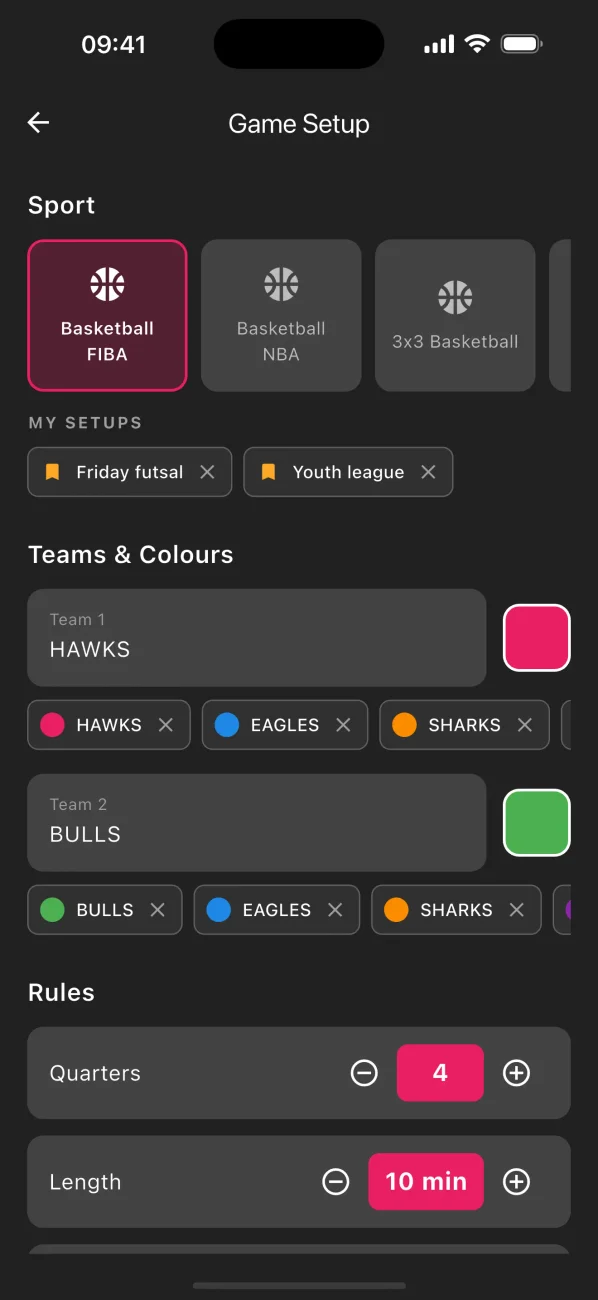
• Basketball FIBA, NBA and 3x3, handball, futsal, volleyball, tennis, padel, badminton and table tennis, plus a fully custom mode
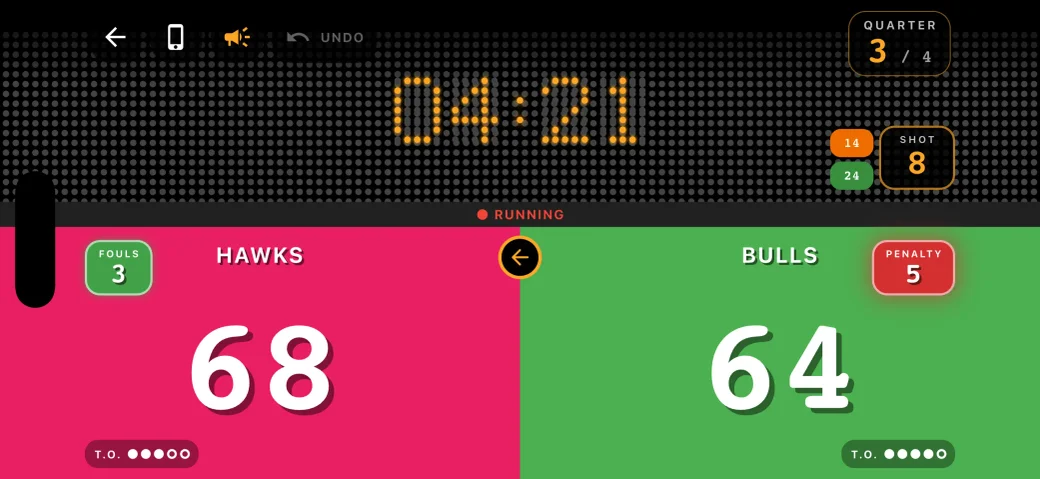
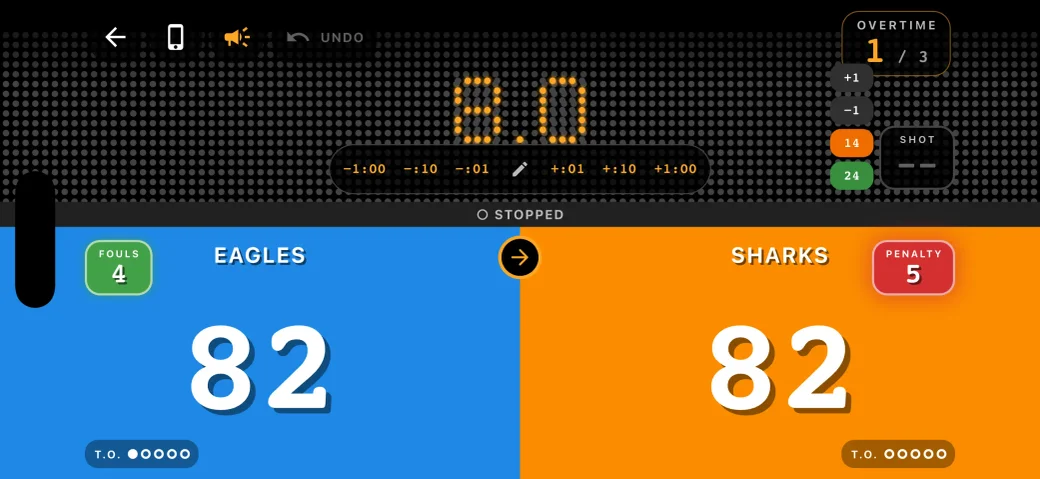
• Periods and period length, team fouls with a penalty indicator, timeouts per team, alternating possession arrow
• Shot clock with 24 and 14 second resets, counting in tenths for the last five seconds
• Overtime when the score is level, as many as your competition allows
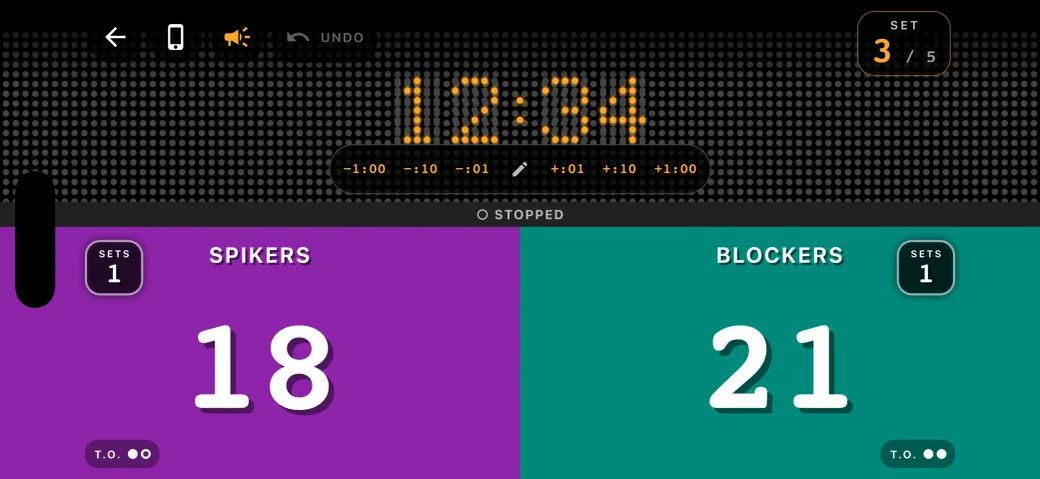
• Volleyball in sets: set points, sets won, and the deciding set to 15
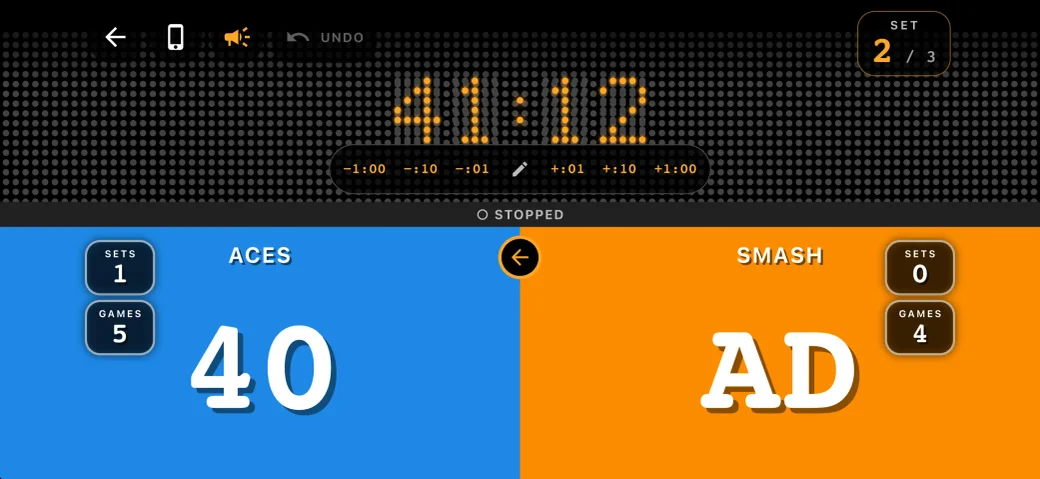
• Tennis and padel with real scoring: 15, 30, 40, advantage, games, sets and the tie-break, with a serve indicator that moves by itself
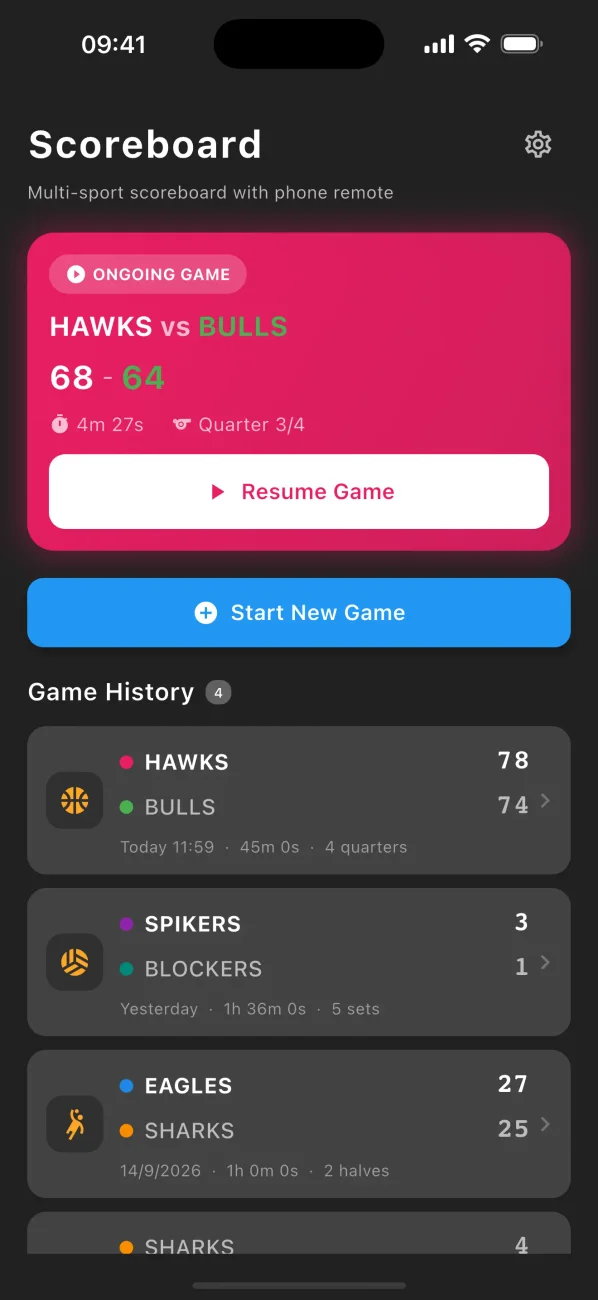
• Save your own rule sets and start them again with one tap
ON THE BOARD
• Large clock and scores, readable from across the hall
• The last ten seconds of every period run in tenths of a second
• Tap to score, undo the last change, correct the clock, rename a team mid-game
• Horn at the end of a period, and whenever you need it
• Ended a period or the game by mistake? Correct the clock and play on, or reopen the game
PHONE REMOTE, NOTHING TO INSTALL
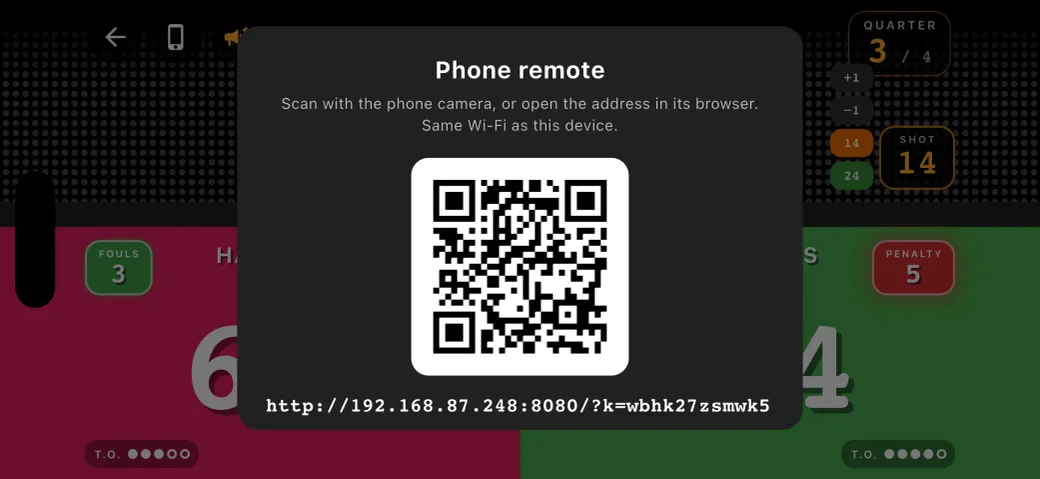
• Scan a QR code and control the board from any phone's browser on the same Wi-Fi
• A second remote for a dedicated shot clock operator
• You decide who controls the game: every link carries a key, new devices can require your approval, and you can lock the game once your crew is connected
APPLE WATCH
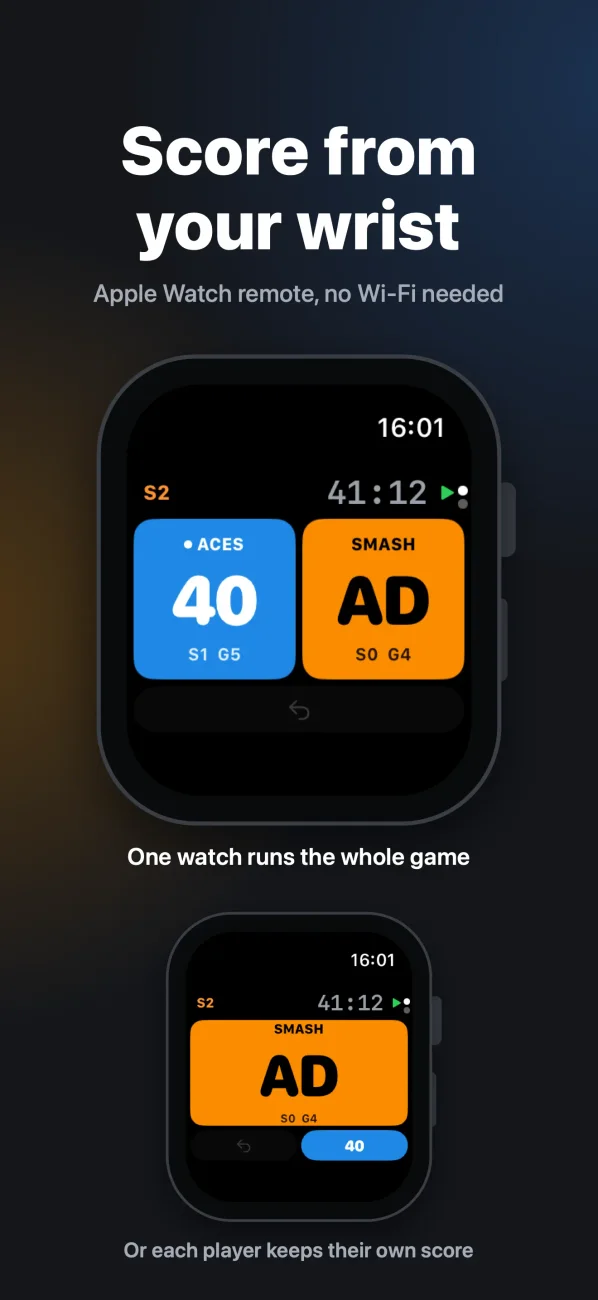
• Score from your wrist: tap to add a point, start the clock or undo. No Wi-Fi needed
• One watch can run the whole game. In a one-to-one match, each player wears one and keeps their own score
• A tap on the wrist tells you when the other player scores
BIG SCREEN
• Connect a TV or projector by cable or AirPlay to show a clean full-screen board while you keep the controls
• Or open the board in the browser of any TV, laptop or tablet on the network
• A separate full-screen shot clock display for a second tablet, for example above each basket
AFTER THE GAME
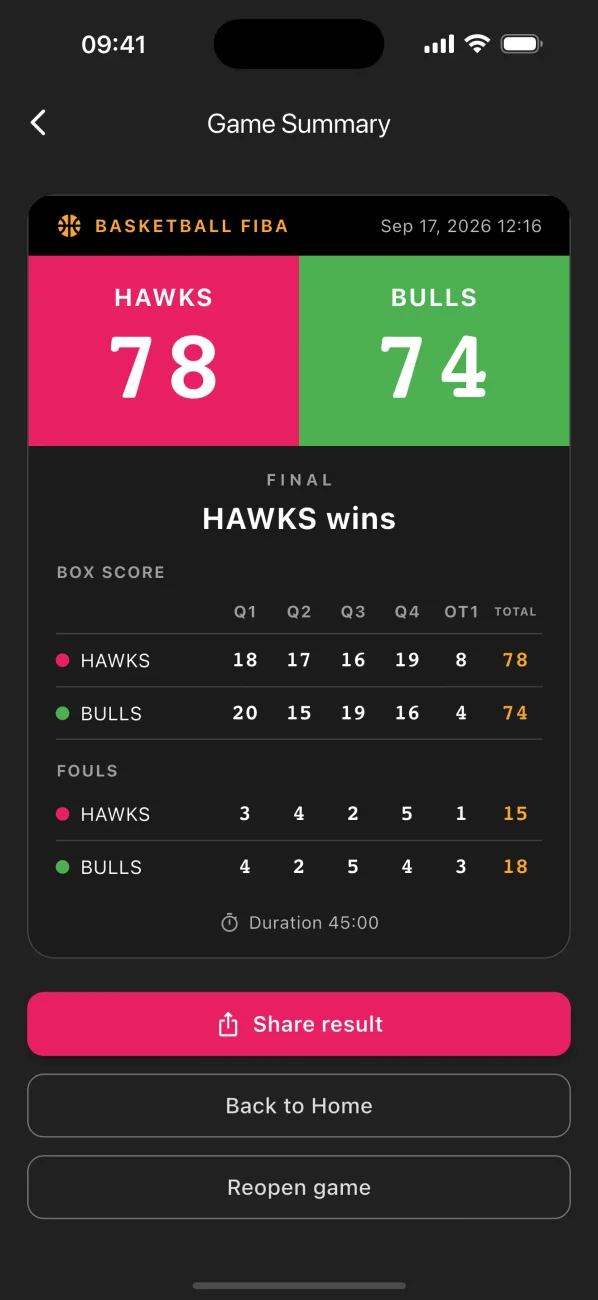
• Game summary with a period-by-period box score of points and fouls
• Share the result as an image, or send it as a text message
• Full game history
MADE FOR THE HALL
• Works without internet. The remote runs on your local network or a phone hotspot
• No account, no ads, no tracking. Nothing leaves your network
• iPhone and iPad layouts, and five languages: English, French, German, Spanish and Romanian
What’s new
Version 1.2.1 · Nov 19, 2026
Your Apple Watch now taps your wrist when the score changes, so you know when the other player scores.
A quick tour shows what the Watch can do, and long game histories scroll smoothly.
Bug fixes.
App privacy
What Andrei Weintraub declares on the App Store about how this app handles data.
-
Data not collected
The developer does not collect any data from this app.
Privacy practices may vary, for example with the features you use or your age.
Information
- Seller
- Andrei Weintraub
- Category
- Sports
- Version
- 1.2.1
- Updated
- Nov 19, 2026
- Released
- Sep 21, 2026
- Size
- 25.3 MB
- Requires
- iOS 15.0 or later
- Age rating
- 12+
- Price
- Free
- Languages
- English
- Copyright
- © Andrei Weintraub
You might also like
-
 Scorena: Pro ScoreboardFootball, basketball, volley
-
 ScoreTap by AkiWorkshopSports
-
 Hoops Basketball ScoreboardPickup games & local leagues
-
 All-Sports ScoreboardScore Keeper & Game Clock
-
 Basketball Score & ScoreboardShot Clock · Fouls · Timeouts
-
 BT Football ScoreboardHigh Quality Scoreboard
-
 Scoreboard: Easy Score KeeperGame Sheet, Card & Counter
-
 Scoreboard in sportsMake scoring simpler
-
 ScoreKeepers: Live ScoreboardScore keeper for any sport
-
 Basketball Scoreboard & TimerShot Clock, Buzzer & Fouls