Cozy Timer
Focus Together, Grow a Garden
Designed for iPhone, iPad, iPod touch
Free
- Age rating4+
- CategoryProductivity
- DeveloperMikhail Grankin
- LanguagesEnglish
- Size124.3 MB
Links to the official App Store page
Download.org hosts no file of Cozy Timer. The button opens its official App Store page, published by Mikhail Grankin. Listing last checked on Nov 13, 2026.
Screenshots


About
Cozy Timer is a calm focus timer for anyone who wants to spend time with more intention: students, remote workers, readers, makers, parents, planners, and anyone building a daily habit one session at a time.
Instead of turning productivity into another dashboard, Cozy Timer gives your focus time a small peaceful place to grow. Choose a character, set a session length, and start focusing. As the timer moves forward, your garden grows with you, turning quiet minutes into visible progress.
USE IT FOR REAL LIFE
Cozy Timer works well for study sessions, writing time, homework, deep work, admin tasks, creative projects, reading, cleaning, practice routines, and short resets between busy parts of the day.
You do not need a complicated system to begin. Pick a session length that fits the moment, start the timer, and let the garden hold the pace while you focus on the task in front of you.
FOCUS ON YOUR OWN
- Start a solo focus session whenever you want quiet concentration.
- Choose a session length that matches your energy and schedule.
- Pause and resume a local session when life interrupts.
- Receive an optional local notification when your timer finishes.
- Review your completed session before starting the next one.
FOCUS WITH OTHERS
Some days are easier when you are not focusing alone. Cozy Timer includes optional shared rooms so you can work alongside friends or other people who are also trying to stay on task.
- Join a public lobby and focus with people in a similar session.
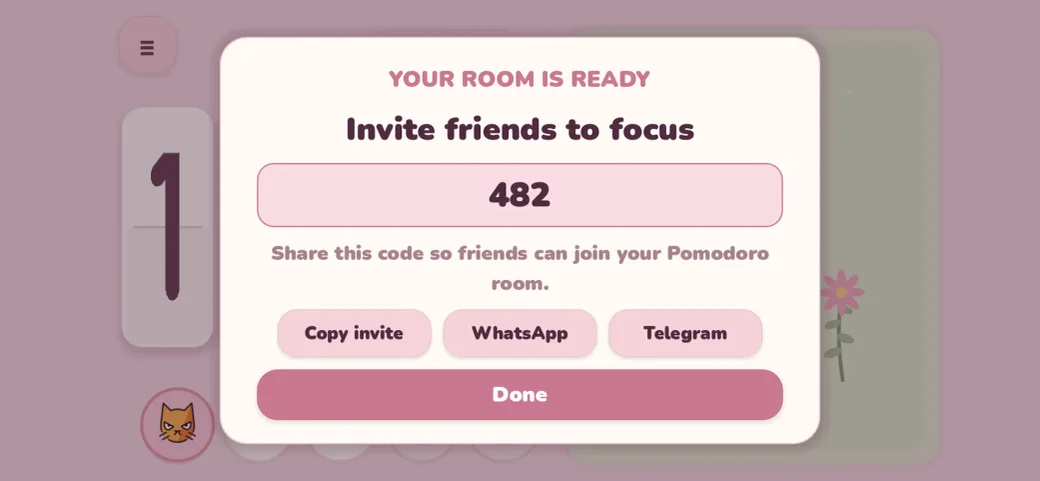
- Create a private room and share the room code with friends.
- Join a friend's room with a simple code.
- See up to five participants together in the garden.
- Share an invitation using your device's normal sharing options.
STAY GENTLY CONNECTED
Shared focus should feel supportive, not distracting. During online sessions, you can send quick emoji reactions, share simple status updates, or encourage another participant with a heart. The goal is a quiet sense of company while everyone keeps working.
WATCH YOUR GARDEN GROW
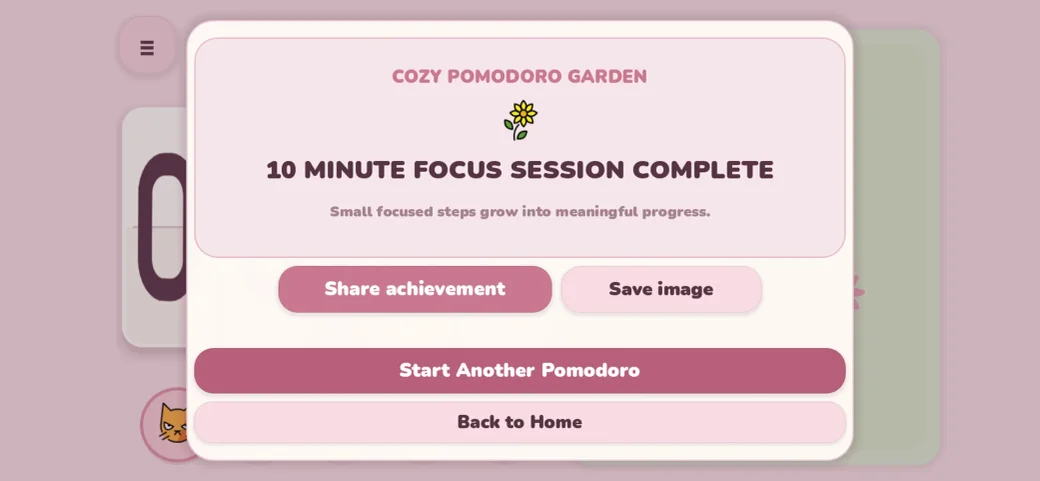
Your plants grow as the timer advances, making progress easy to see without checking a long list of numbers. When a session is complete, you can celebrate the moment, save a completion image, and begin again when you are ready.
KEEP YOUR PROGRESS LOCAL
Cozy Timer stores focus statistics on your device. Photos access is optional and is used only if you choose to save a completed-session image. The app does not read your existing photo library.
No name, email address, phone number, contacts, precise location, advertising identifier, or payment information is required. Online rooms use an anonymous account only to synchronize the shared session.
Whether you are preparing for exams, working from home, building a reading habit, finishing a creative project, or simply trying to protect a calmer part of your day, Cozy Timer gives your focus time a friendly place to grow.
What’s new
Version 1.0.4 · Jul 8, 2026
Welcome to the first release of Cozy Timer.
- Focus with a customizable Pomodoro timer.
- Use solo mode or join public and private rooms.
- Share private room codes with friends.
- Send emoji reactions and status updates.
- Grow a garden as your focus session progresses.
- Save a completion image and track focus statistics on your device.
App privacy
What Mikhail Grankin declares on the App Store about how this app handles data.
-
Data linked to you
May be collected and linked to your identity.
- User content
- Identifiers
- Usage data
-
Data not linked to you
May be collected but is not linked to your identity.
- Usage data
- Diagnostics
Privacy practices may vary, for example with the features you use or your age.
Information
- Seller
- Mikhail Grankin
- Category
- Productivity
- Version
- 1.0.4
- Updated
- Jul 8, 2026
- Released
- Jun 16, 2026
- Size
- 124.3 MB
- Requires
- iOS 15.0 or later
- Age rating
- 4+
- Price
- Free
- Languages
- English
- Copyright
- © 2026 Mikhail Grankin
You might also like
-
 LockTimerLock your phone when time's up
-
 DaPurr - Focus PomodoroHold and feel your purring cat
-
 PomiraFocus with Pomodoro
-
 Screen Time Buddy - Seal FocusApp Blocker & Pomodoro Timer
-
 Focus Island: Temps d'écranProductivity
-
 EggDoro: Focus TimerStay focused. Hatch rewards.
-
 Was Zählt - Timer und ZählerTimer,Zähler für Fokus,Fitness
-
 CapyFocusCozy focus timer & town
-
 Coffeehouse : Brew your focusProductivity
-
 FocusOvenBake Peak Productivity