Craft Rabbit
Design and Make Things
Designed for iPhone, iPad
Free · In-app purchases
- Age rating4+
- CategoryLifestyle
- DeveloperCortney Harrington
- LanguagesEnglish
- Size110.3 MB
Links to the official App Store page
Download.org hosts no file of Craft Rabbit. The button opens its official App Store page, published by Cortney Harrington. Listing last checked on Nov 14, 2026.
Screenshots
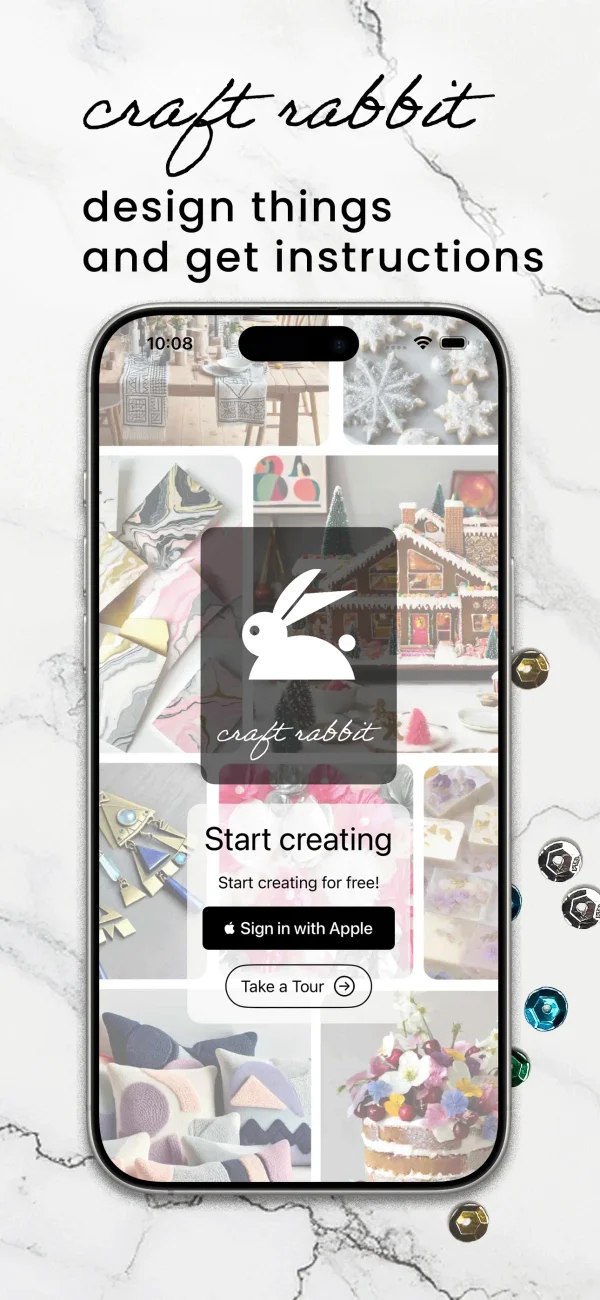
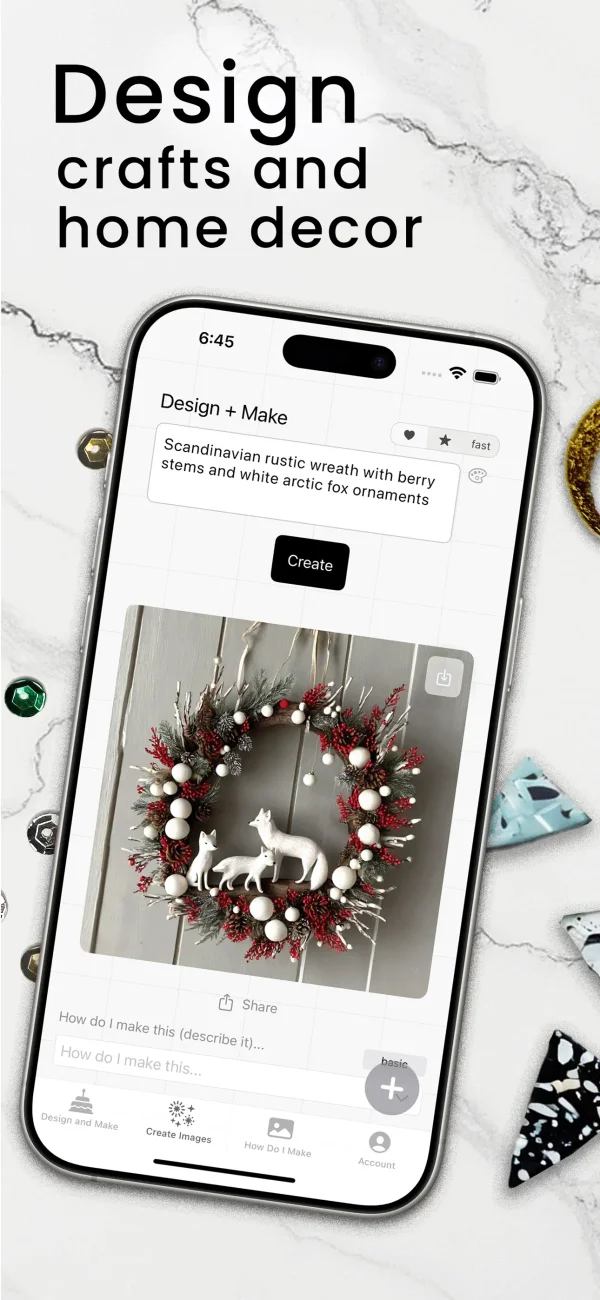
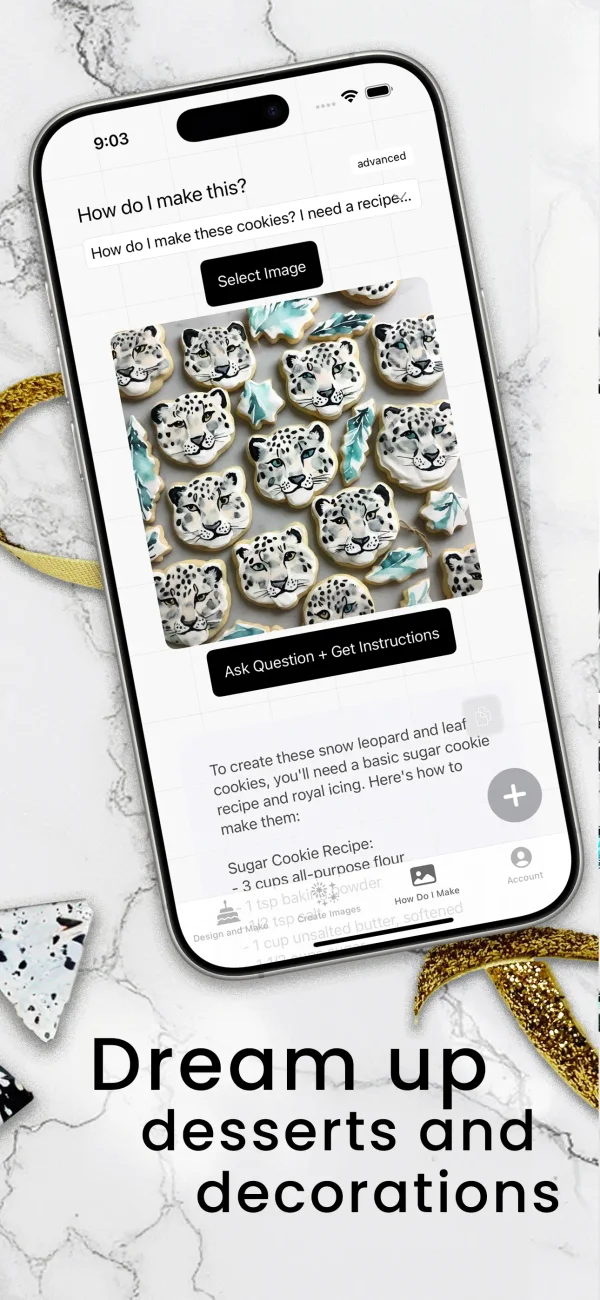
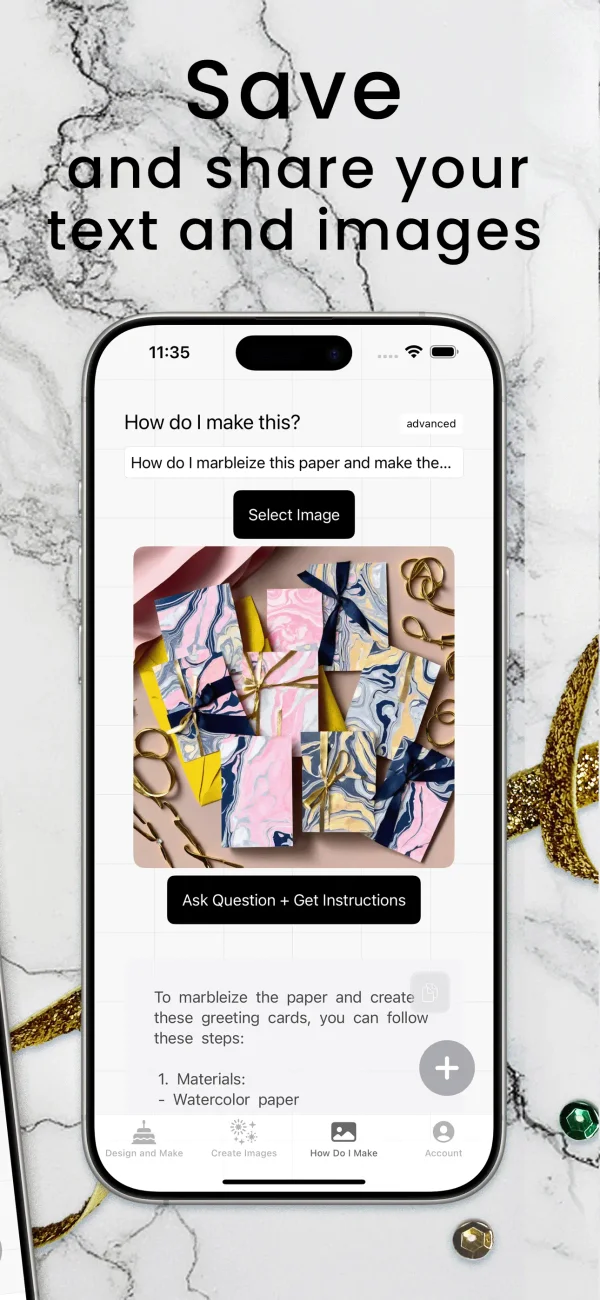
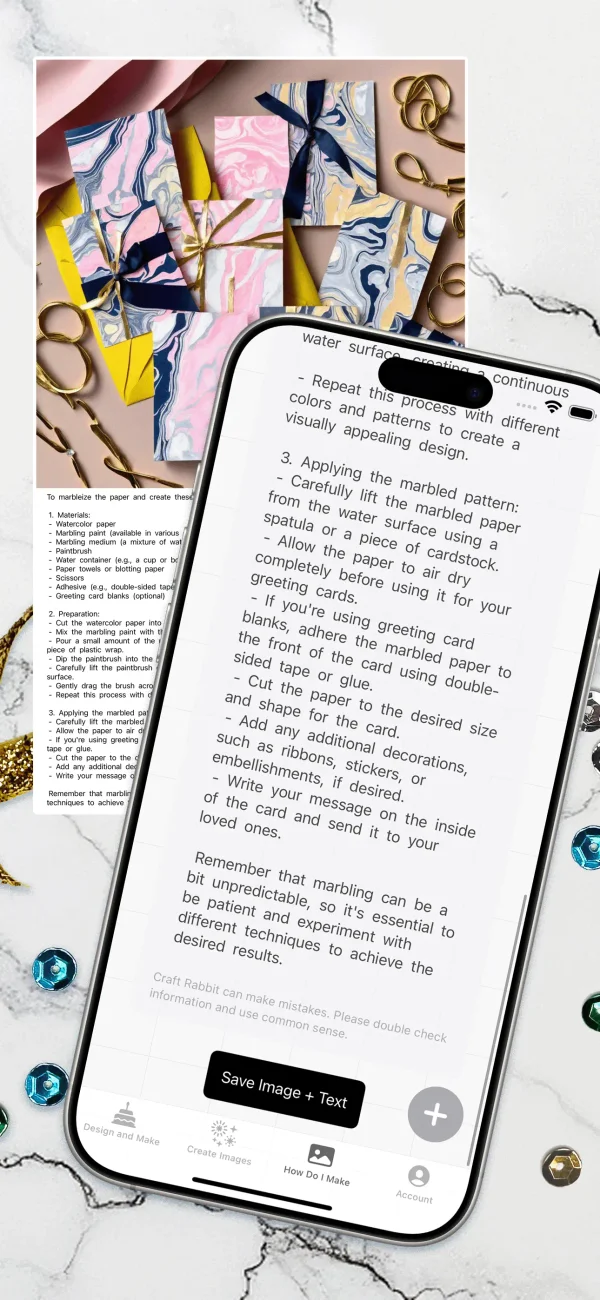

About
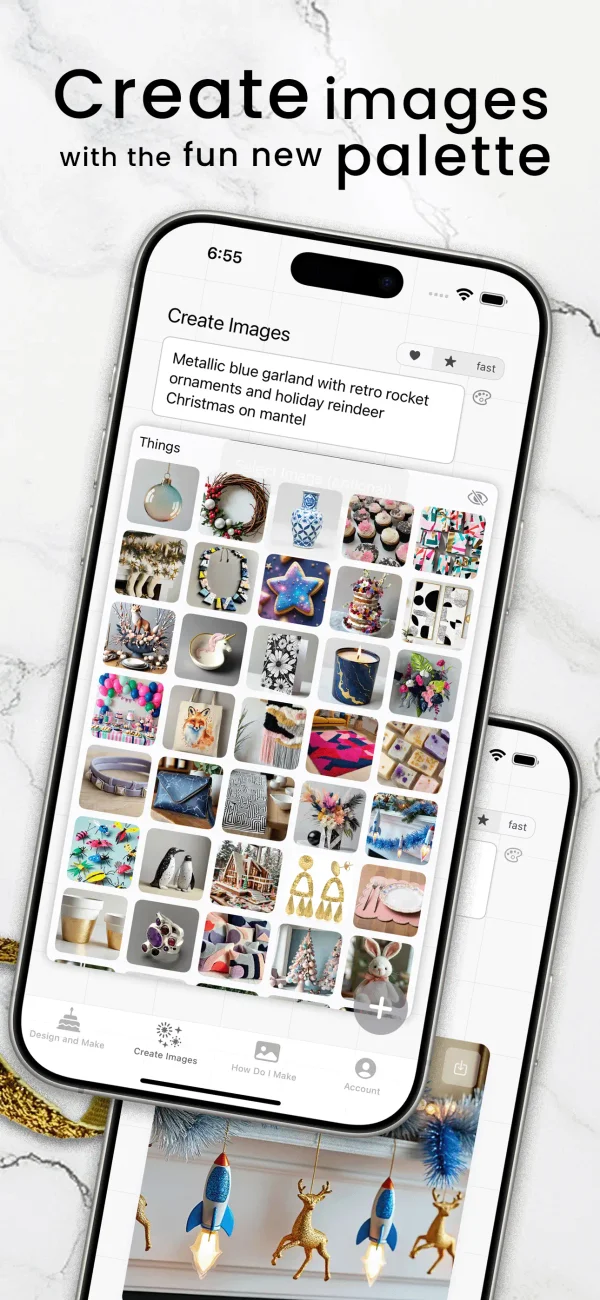
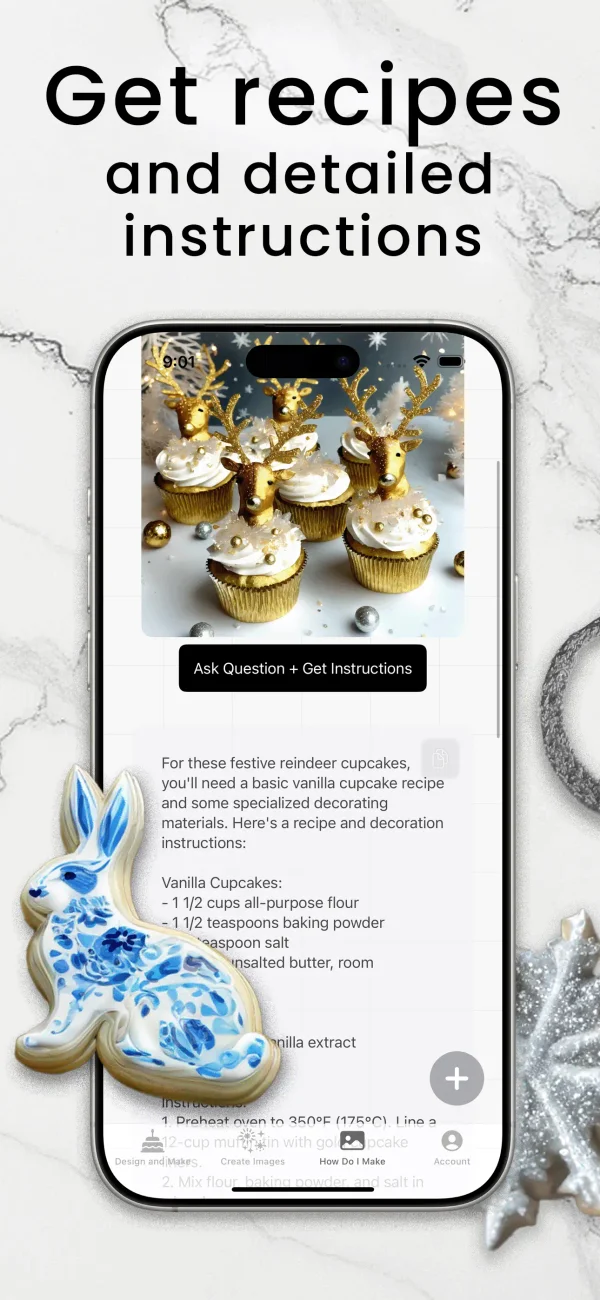
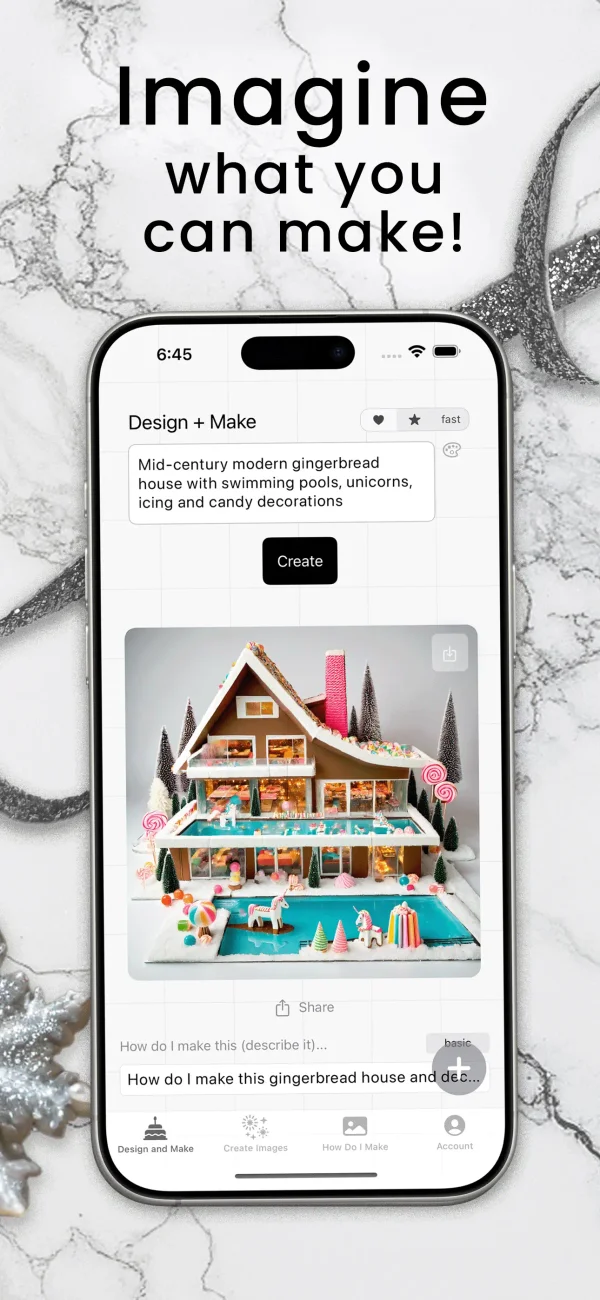
Discover your creativity with our unique tools, perfected by experienced crafters and designers who love making things by hand. Craft Rabbit is not your typical image generation app. Craft Rabbit was created with maximum creativity in mind. Design with words or create images based on a combination of image and text prompts. Craft Rabbit understands materials and a wide range of styles and aesthetics. Whether you dream of space-age modern or want to escape to a rustic mountain cottage, Craft Rabbit will help you create and decorate in unexpected new ways. Craft Rabbit is a fun way to design jewelry, paper goods, ornaments, and textile art. Envision all kinds of cookies and cakes. Ask for tips, recipes, or in-depth instructions. You can use Craft Rabbit to help make prototypes of new crafts for your business. Craft Rabbit is also a great tool for planning kids’ crafts and projects.
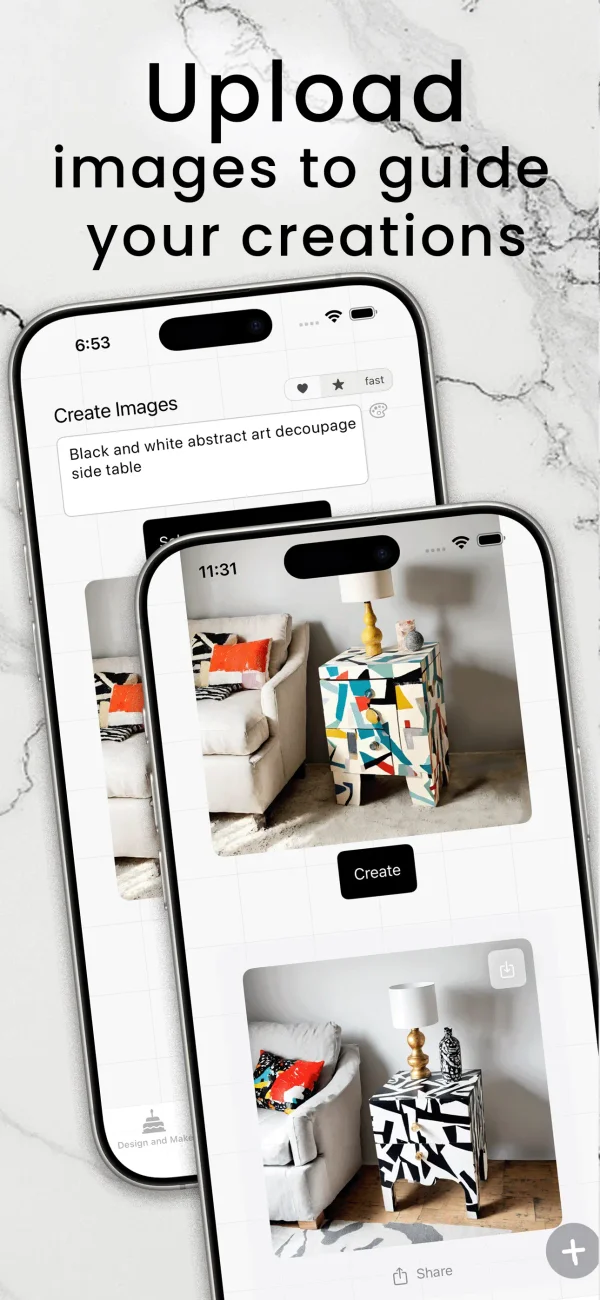
In the Craft Rabbit app, you have a choice of three screens for creating images and receiving instructions for making things. You can upload your own image from your Photos Library and ask questions or get instructions about that image on the “How Do I Make This” screen. You can generate an image based on a text prompt using our custom image generation tools and then get instructions for making the item in the image on the “Design and Make” screen. You can also create original images on the “Create Images” screen, where you can optionally upload an image to help guide your design. You can save your new images to your Photos Library or export them to other apps. You can also copy your text instructions to another document. One of our best features allows you to save your text and images together as a single image file to share or print later.
You can create with Craft Rabbit by purchasing a monthly subscription or creation credits. A purchase screen will appear once you have used all of your creation credits. You can also access the “Purchase and Upgrade” screen via a button on the Account page. Your available creation credits are displayed on the Account page.
Terms of Use: https://www.apple.com/legal/internet-services/itunes/dev/stdeula/
Privacy Policy: https://www.craft-rabbit.com/privacy
What’s new
Version 1.4.1 · Aug 22, 2026
• Grok Imagine is now the default image model
• Added Ideogram V3 Turbo (available during your free trial) and Krea 2 Medium for subscribers
• Seedream 5 Lite is now available while you try the app, including photo-guided creations
• Retired Flux Schnell
App privacy
What Cortney Harrington declares on the App Store about how this app handles data.
-
Data not collected
The developer does not collect any data from this app.
Privacy practices may vary, for example with the features you use or your age.
Information
- Seller
- Cortney Harrington
- Category
- Lifestyle
- Version
- 1.4.1
- Updated
- Aug 22, 2026
- Released
- Sep 30, 2024
- Size
- 110.3 MB
- Requires
- iOS 17.6 or later
- Age rating
- 4+
- Price
- Free
- In-app purchases
- Yes
- Languages
- English
- Copyright
- © Cortney Harrington 2026
You might also like
-
 Craftino - DIY Craft IdeasHome Decor, Wreaths & Holidays
-
 Craft Mae: DIY Craft IdeasDIY Craft Ideas & AI Designer
-
 HandMade -craftsLifestyle
-
 My Craft StuffLifestyle
-
 Craft GossipDIY Crafts, Knitting & Sewing
-
 Daily Life Hacks OfflineHow to do anything!
-
 Ideas MagazineCreative ideas and inspiration
-
 Crafty: DIY Crafts & IdeasHandmade projects made simple
-
 MakerLog: Craft JournalCreative Hobby Project Tracker
-
 Artbox - Crafting MemoriesHome for family arts & crafts