CreamAudio Analyzer
Pro audio measurement suite
Designed for iPhone, iPad, Mac
Free · In-app purchases
- Age rating12+
- CategoryUtilities
- DeveloperSiarhei Hladkou
- LanguagesEnglish
- Size6.9 MB
Links to the official App Store page
Download.org hosts no file of CreamAudio Analyzer. The button opens its official App Store page, published by Siarhei Hladkou. Listing last checked on Nov 16, 2026.
Screenshots

About
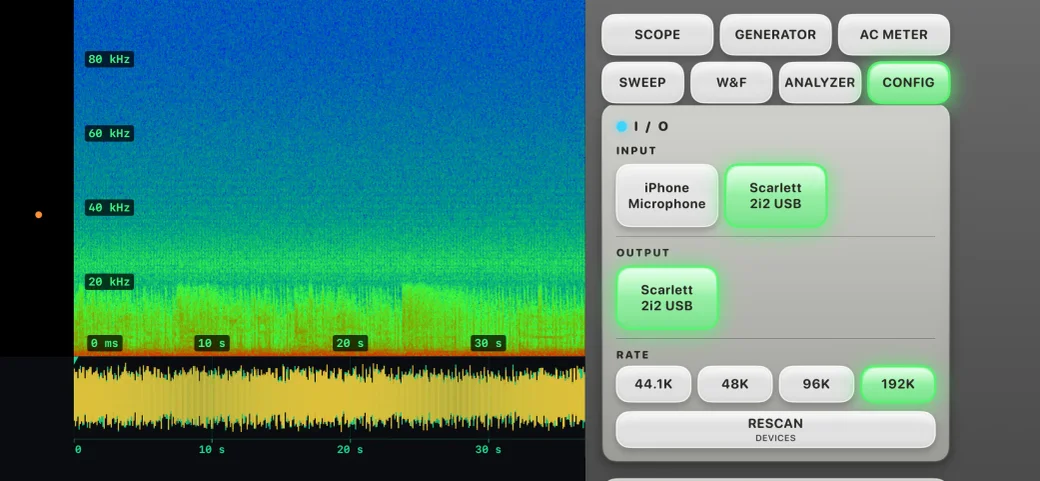
CreamAudio turns your Mac, iPad, or iPhone plus a class-compliant USB or
Thunderbolt audio interface (such as a Focusrite Scarlett 2i2) into a complete
professional audio measurement bench. The interface's analog inputs become the
front end; its outputs drive the built-in signal generator. Multiple precision
instruments share one calibrated signal path:
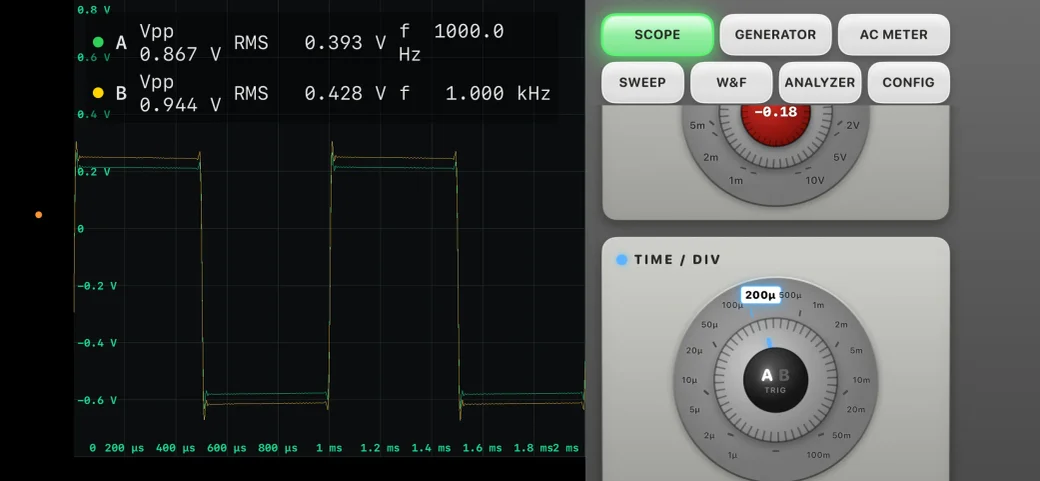
OSCILLOSCOPE
• Live two-channel display in normal (Y-t) and XY (Lissajous) modes
• Adjustable volts/division and time/division with pinch and scroll zoom
• Edge triggering with Auto / Normal / Single modes and single-shot capture
• Graticule with division labels and live Vpp, RMS, frequency readouts
• Per-channel DC/AC coupling and vertical offset
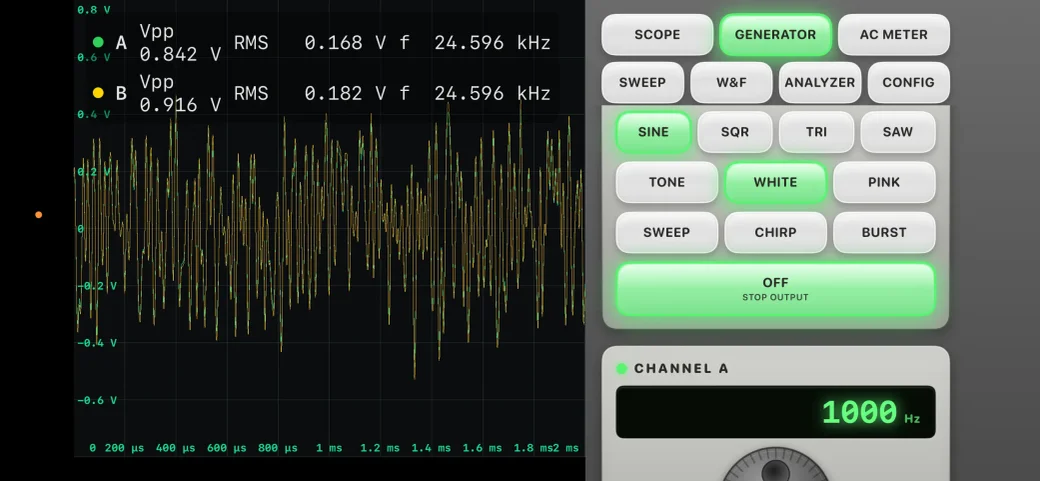
FUNCTION GENERATOR
• Sine, square, triangle, sawtooth, white and pink noise
• Per-channel frequency, amplitude, offset, phase, and duty cycle
• Sweep, chirp, and burst programs
• Test Tape: an automated alignment-tape sequence (reference tones 400 Hz to
12.5 kHz, sweep, chirp, burst, flutter tone) to record onto a deck and measure back
• Route to the same interface (loopback) or a separate output device
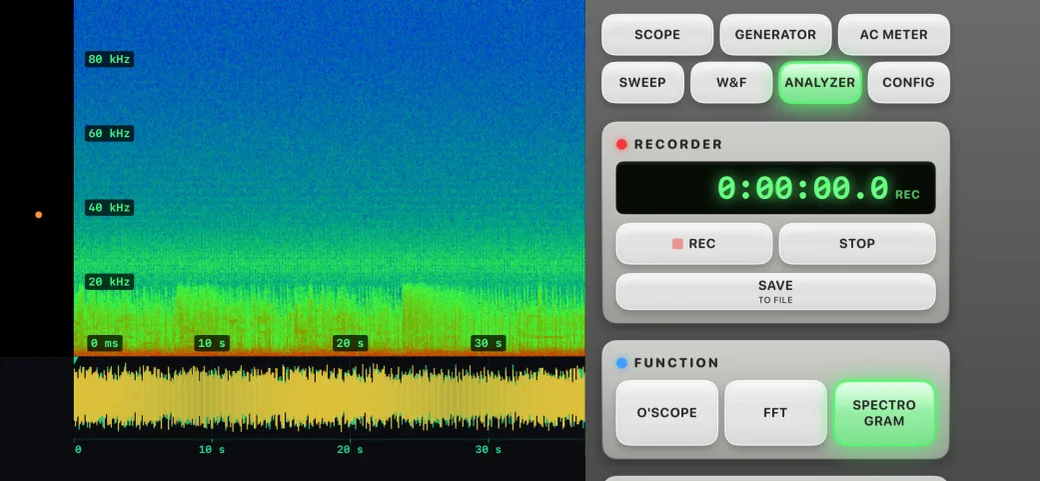
SPECTRUM & SPECTROGRAM
• Real-time FFT spectrum with selectable size and windowing, log/linear axes
• Spectrogram heatmap across the recorded timeline
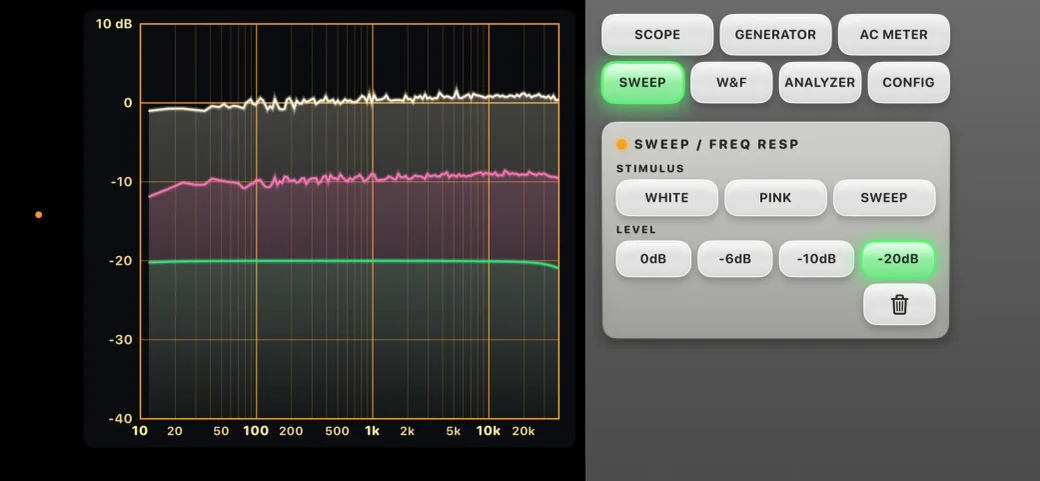
FREQUENCY RESPONSE
• Measure response with white / pink / swept stimulus that drives the generator
automatically; curves accumulate for easy comparison
DISTORTION & LEVEL
• Automatic THD, THD+N, and SNR measurement
• Vpp, Vrms, mean, frequency, period, and duty-cycle readouts
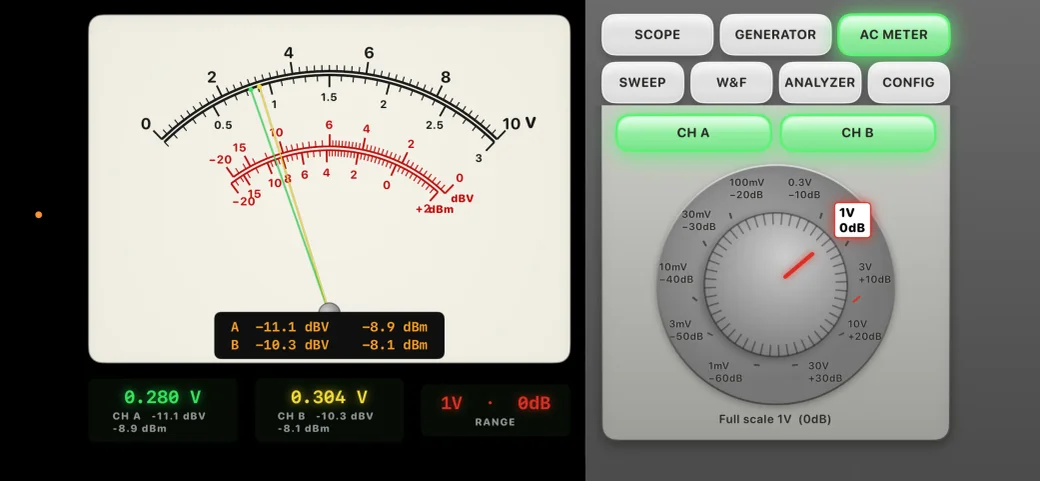
• Built-in analog-style AC millivoltmeter (1 mV to 30 V, dual volt/dB scales)
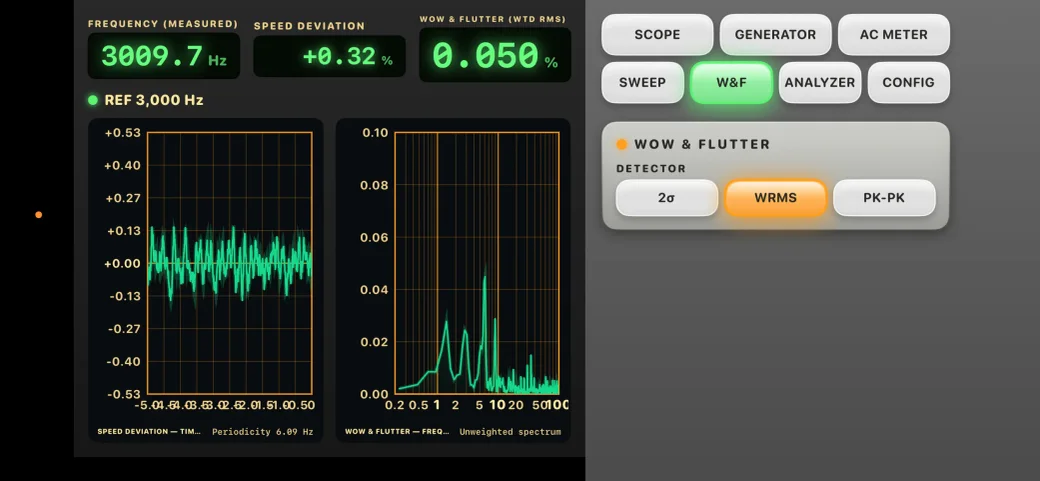
WOW & FLUTTER METER
• Speed-stability analysis for turntables, cassette, and reel-to-reel tape
• DIN / IEC 386 (3150 Hz) and JIS (3000 Hz) reference tones with auto-detect
• WRMS, DIN 2-sigma quasi-peak, and unweighted readings; deviation waveform
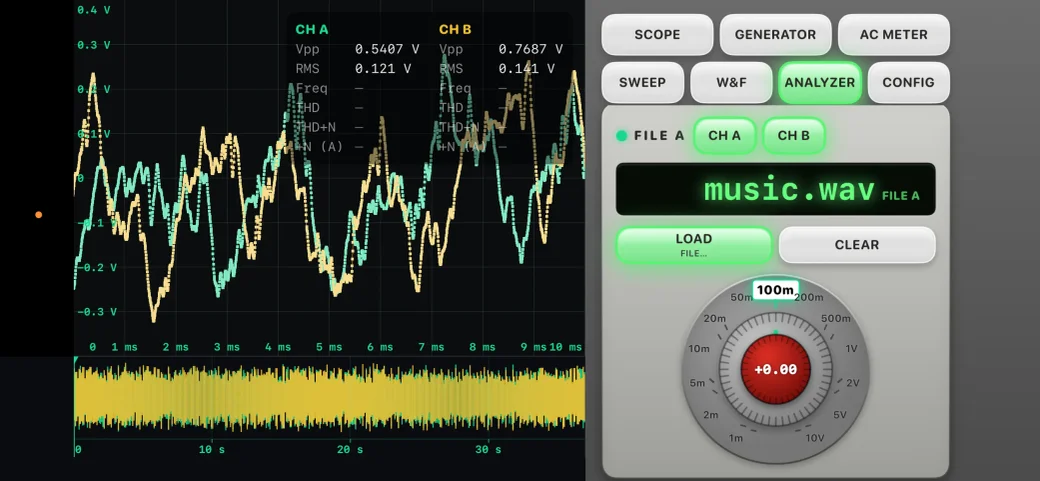
RECORD, SCRUB & EXPORT
• Record the raw two-channel stream and scrub the timeline to find transients
• Re-run any analysis offline on a selected window
• Save recordings to WAV (lossless) or AAC (.m4a)
CALIBRATION
• Map normalized samples to real volts with manual entry or a guided reference
solve, so every reading is in true voltage units; profiles persist per device
Sample rates up to 192 kHz where the interface supports them. Everything runs
locally on your device — no account, no network, no data collection.
Requires a Metal-capable device. An external audio interface is recommended for
real measurement work; the built-in microphone can be used for casual signals.
Requires a subscription or one-time purchase. Start with a 3-day free trial, after which a monthly subscription begins automatically and renews each month unless cancelled at least 24 hours before the period ends. Prefer to pay once? Unlock everything with a one-time lifetime purchase — no trial, no subscription. The free trial is available to new subscribers. Subscription and lifetime prices are shown in the app and on this product page. All features described below are included once unlocked; there is no separately-priced content.
Terms of Use (EULA): https://www.apple.com/legal/internet-services/itunes/dev/stdeula/
What’s new
Version 1.1 · Sep 3, 2026
New Pro mode exposes the full signal path — channel mapping for multichannel interfaces (pick which device channels feed scope A/B and which the generator drives, by driver channel name), and per-channel output calibration.
Level units are now honest: dBFS, dBu, dBV or Vrms, with every dBFS readout labelled by its full-scale convention. The generator's level is a jog control at 0.01 dB resolution, with per-channel mute and polarity invert.
Bench profiles save an entire rig — interface, channel mapping, calibration, units, and all scope and generator settings — under a name, and recall it in one key.
Fixes scope tearing, a wedge that stopped reconnection after an interface was unplugged, and an iOS restart loop. The Mac app is now Apple Silicon only.
App privacy
What Siarhei Hladkou declares on the App Store about how this app handles data.
-
Data not collected
The developer does not collect any data from this app.
Privacy practices may vary, for example with the features you use or your age.
Information
- Seller
- Siarhei Hladkou
- Category
- Utilities
- Version
- 1.1
- Updated
- Sep 3, 2026
- Released
- Jul 16, 2026
- Size
- 6.9 MB
- Requires
- iOS 18.0 or later
- Age rating
- 12+
- Price
- Free
- In-app purchases
- Yes
- Languages
- English
- Copyright
- © 2026 Siarhei Hladkou
You might also like
-
 DB22Utilities
-
 FixYourDeckConfigure or diagnose audio
-
 SoundEngg: RTA Audio AnalyzerLive Sound Spectrum & PA Tools
-
 ng-audioRam Audio Subwoofer Control
-
 radioCREEPAudio Analyzer
-
 Survey RushGet rewards from receipts
-
 Biquadia: Audio & DSP LabPrecision Audio & DSP Toolkit
-
 AuraField: Sensor & Mood LogTrack Vibe, Noise & Altitude
-
 White Mark Room AcousticsStudio Acoustics & Measurement
-
 Sound Scope AnalyzerOscilloscope & Spectrum