
Creata AI Art & Chat
AI Art, Chat & Photo Editing
Designed for iPhone, iPad, Mac
Free · In-app purchases
- Age rating12+
- CategoryGraphics & Design
- DeveloperCreata AI
- LanguagesEnglish
- Size133.6 MB
Links to the official App Store page
Download.org hosts no file of Creata AI Art & Chat. The button opens its official App Store page, published by Creata AI. Listing last checked on Nov 14, 2026.
Screenshots



About
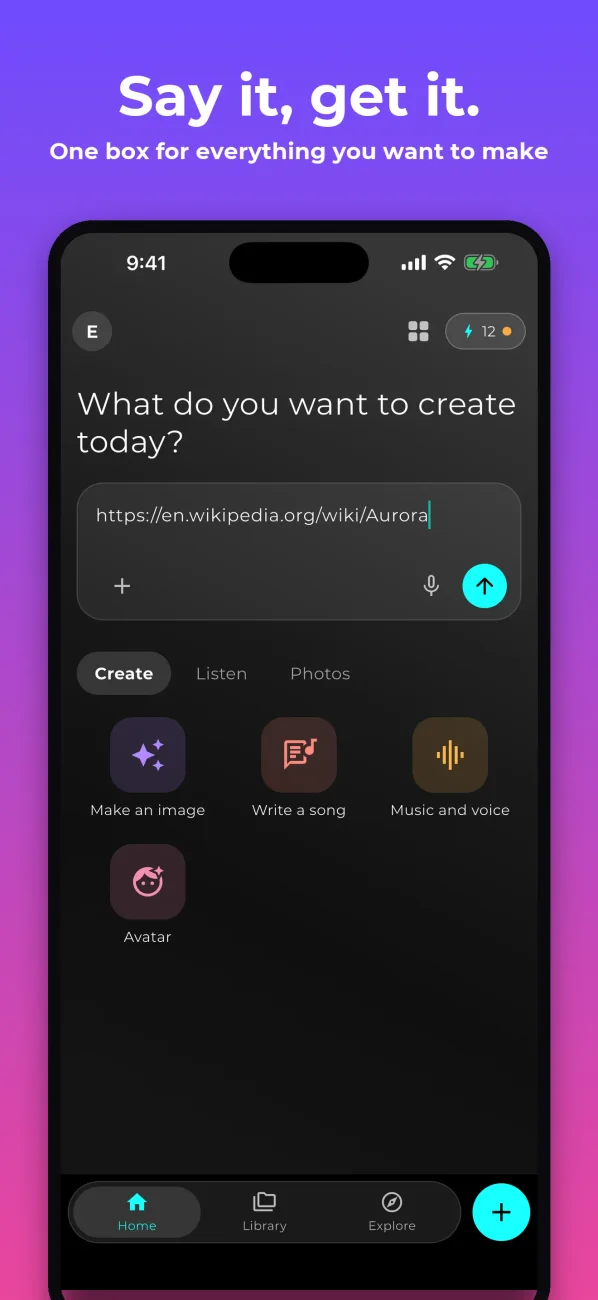
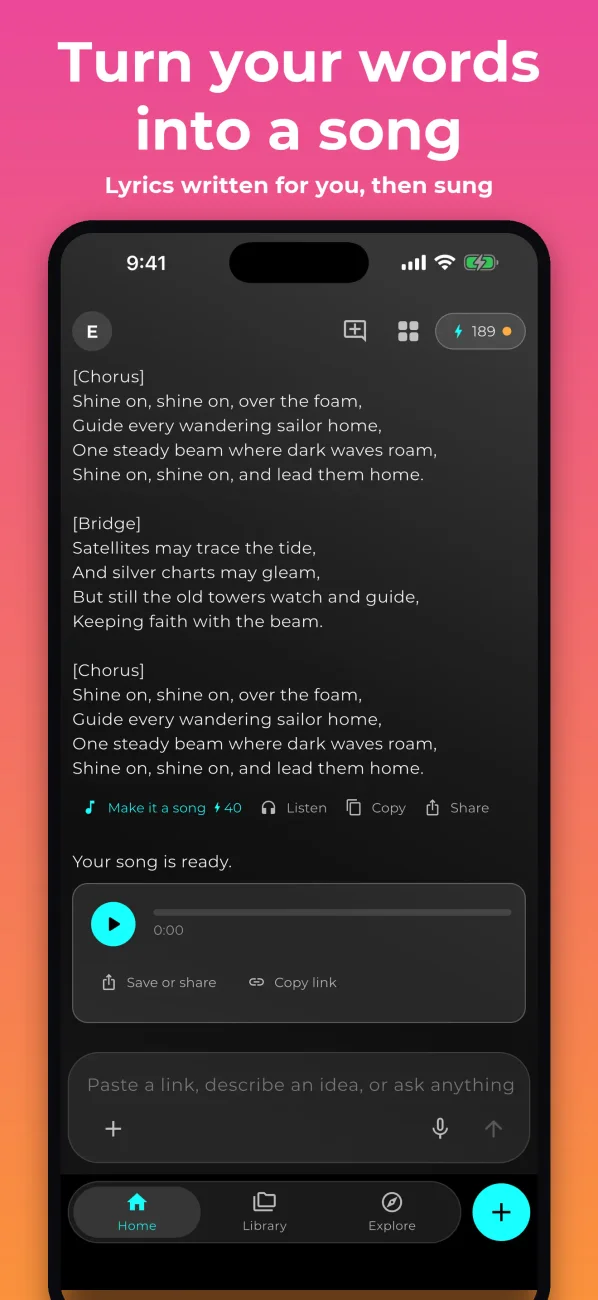
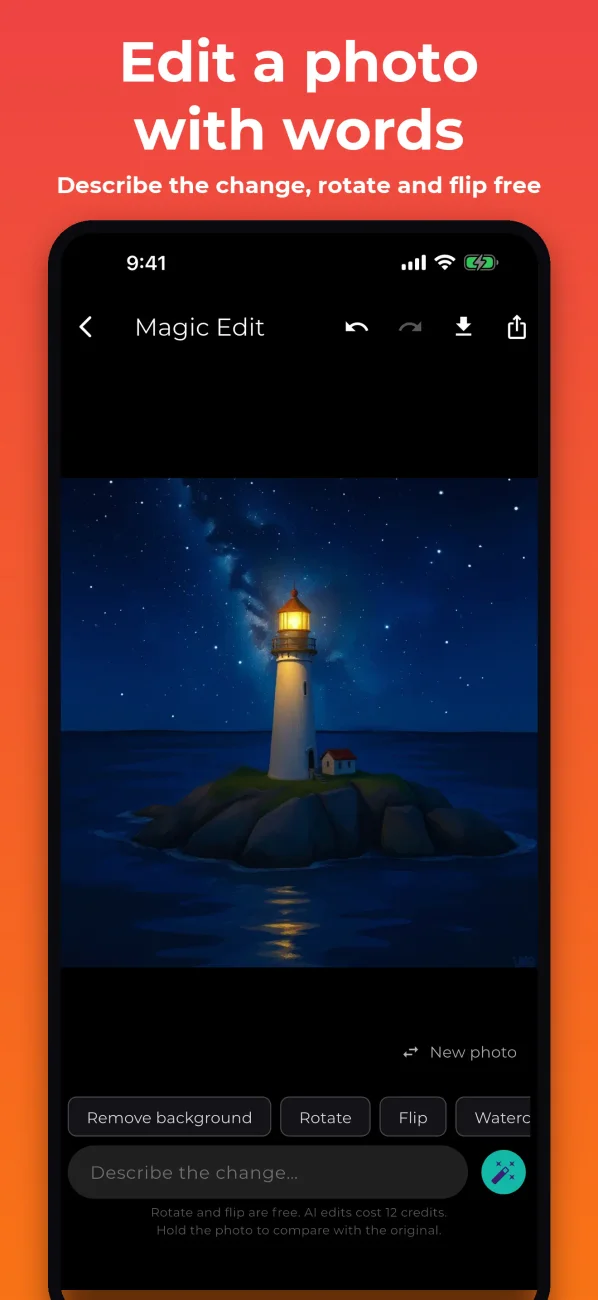
Creata AI turns a few words, a link or a photo into something you can listen to, read, watch or share — art, edited photos, avatars, podcasts and songs, all in one app.
SAY IT, GET IT
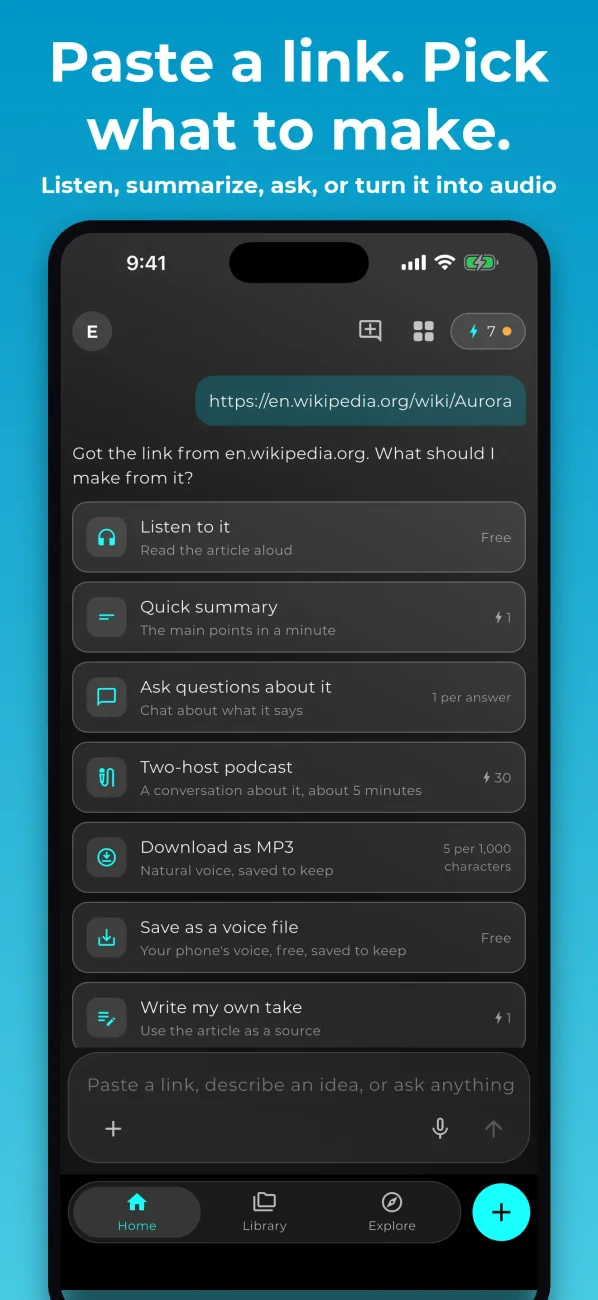
• Chat-first home: type or paste a link and choose what to make
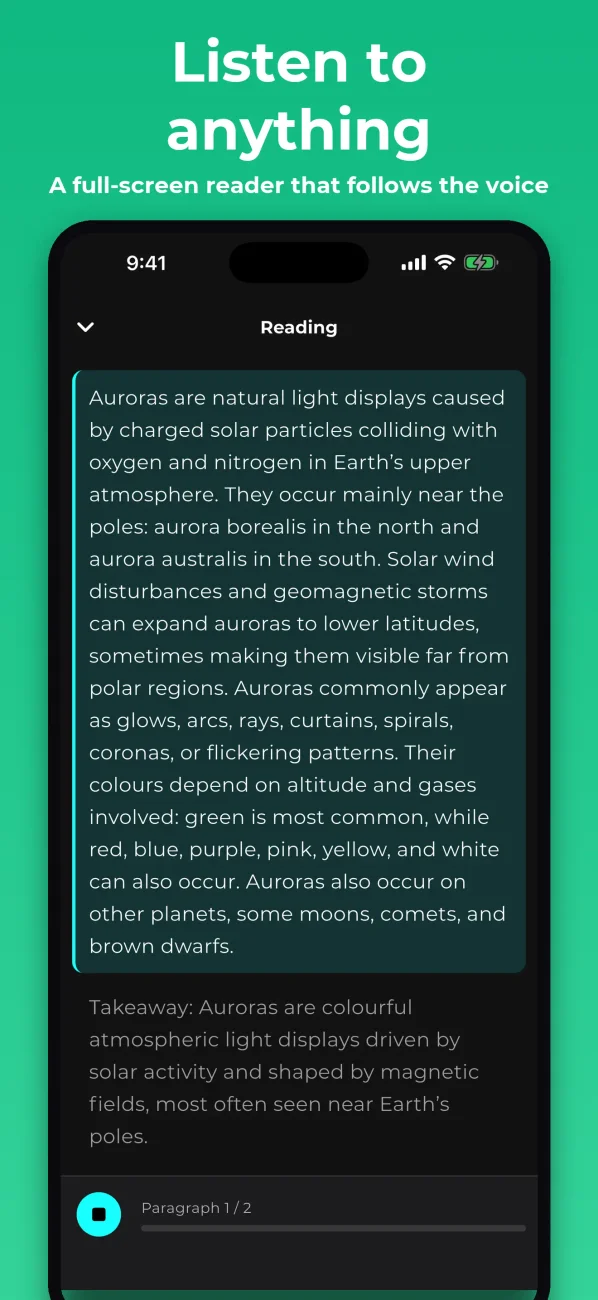
• Listen to articles and text, get summaries, and ask questions about what you shared. Listening starts free in your phone's voice; switch to Creata Voice Premium or Ultra for a more natural voice
• Make an MP3 or a two-host podcast in Creata Voice Premium or Ultra, or a song with vocals from your text (Starter and Pro)
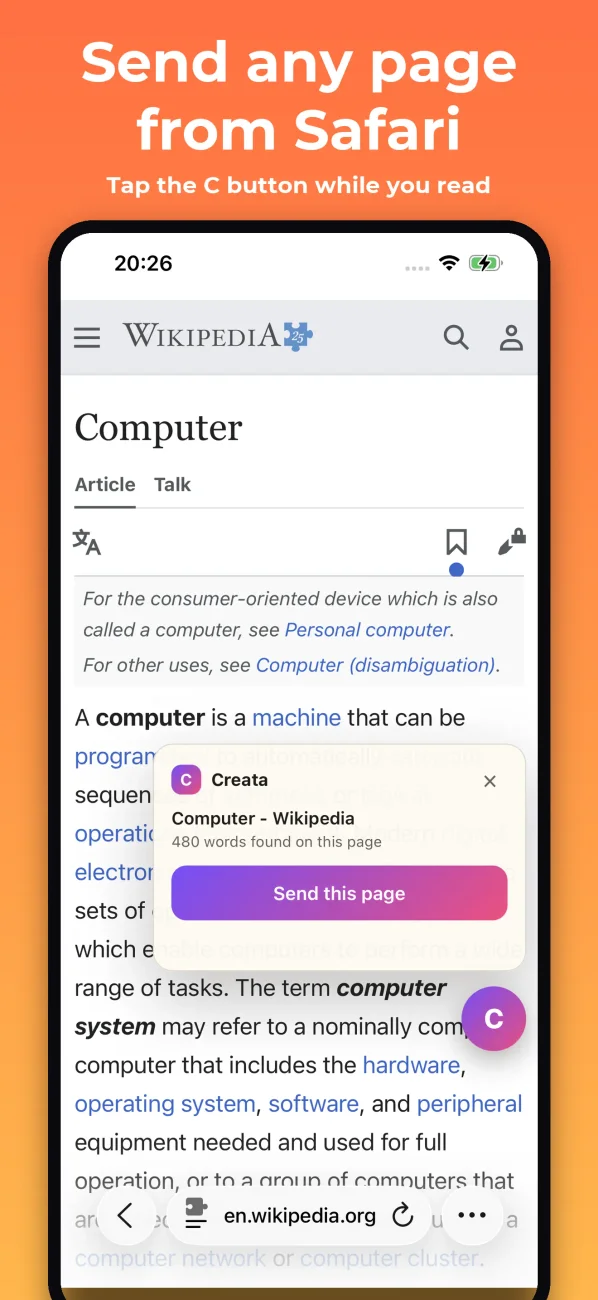
• Share to Creata from Safari and other apps
• Send the page you are reading: turn on the Creata button in Safari (page menu > Manage Extensions), tap C, and choose what to make from it
• Works with pages behind a login, and Apple News stories from screenshots
CREATE
• Text-to-image with current-generation image models
• Magic Edit: change a photo by describing the change
• Voice Changer: re-record a clip in another voice (Starter and Pro)
• Generate a polished avatar or headshot from a selfie
• AI interior design — redesign a room from a photo
• Enlarge and enhance low-resolution or blurry photos
BUILT FOR HOW YOU ACTUALLY CREATE
• Everything you make is saved to your Library, with audio kept for 7 days
• Optional reminders, including a reminder to claim your daily credits
• Sign in with Apple to protect your credits and subscription and restore them on a new phone (asked only when you subscribe)
• Choose the app language in Profile, or follow your device
• Chat replies with headings, lists and links
• Quick-start templates for common outcomes: profile photo, product shot, wallpaper, social post, and more
• Light and dark themes
• Available in 19 languages
FAIR, CLEAR PRICING
• Free to use, with daily free credits — no forced trial, no dark patterns
• Upgrade for more monthly credits and the audio features
• Existing subscribers: your access and pricing are protected, not reduced
Chat prompts are sent for processing when you submit them. Before a photo, voice recording or text-to-audio request is sent to a third-party AI service, the app asks for your permission. See our Privacy Policy.
Creata AI has been creating art for our community since 2023 — we're just getting started.
Terms of Use (EULA): https://www.apple.com/legal/internet-services/itunes/dev/stdeula/
Privacy Policy: https://creataai.com/privacy
[:mav: 5.4.0]
What’s new
Version 5.5.0 · Oct 19, 2026
WHAT YOU CAN DO WITH CREATA AI
• Chat about an idea, or paste an article link to listen, get a summary, and ask questions. Share a page from Safari or another app.
• Create images from text; edit photos with Magic Edit; make avatars and headshots; redesign rooms; and enhance or enlarge photos.
• Turn text into an MP3, a two-host podcast, or a song with vocals. Change a voice recording into another voice. These audio creation tools require Starter or Pro.
• Find your creations in Library (audio files are kept for 7 days), start from quick templates, and claim free daily credits. Available in 19 languages.
NEW IN VERSION 5.5
• Creata Voice Premium and Ultra are now available for listening, MP3s, and podcasts. Listening still starts free in your phone's voice; credit costs are shown before you choose a paid voice.
• Sign in with Apple to link your credits and subscription and restore them after reinstalling or changing phones. Free features work without sign-in; you are asked to sign in before subscribing. Restore Purchases does not require sign-in.
• Profile now shows your account name with a Copy button and clearer account and plan information.
• Chat replies display headings, lists, bold text, and links. Choose the app language in Profile or follow your device.
• Improved links pasted next to Chinese or Japanese punctuation and articles copied from Apple News. Updated audio data-sharing consent and reliability fixes.
App privacy
What Creata AI declares on the App Store about how this app handles data.
-
Data linked to you
May be collected and linked to your identity.
- Purchases
- Contact info
- Identifiers
- Usage data
-
Data not linked to you
May be collected but is not linked to your identity.
- User content
- Identifiers
Privacy practices may vary, for example with the features you use or your age.
Information
- Seller
- Creata AI LLC
- Category
- Graphics & Design
- Version
- 5.5.0
- Updated
- Oct 19, 2026
- Released
- Jan 15, 2023
- Size
- 133.6 MB
- Requires
- iOS 17.0 or later
- Age rating
- 12+
- Price
- Free
- In-app purchases
- Yes
- Languages
- English
- Copyright
- © CreataAi.com
You might also like
-
 ImageGen AI Photo GeneratorAI Photoshoot Avatar Headshot
-
 Diffusitron - AI ArtCreate, Animate & Remix AI
-
 AI Art:AI Drawing & AI ImageAI Painting.Creator.Generator
-
 AI Image Generator + EditorGenerative AI for Pics & Art
-
 AI Art GeneratorAI image creator & AI Filter
-
 AI Art Generator - Video-Art-XAI Picture Maker&Image Creator
-
 AI Art Generator - UniDream AIDrawing Anime & Realistic Girl
-
 GoArt - AI Art Image GeneratorAI Art Generator, Anime Filter
-
 TryArt - AI Art GeneratorPowered by Stable Diffusion
-
 AI Image Generator - CreArtPhoto, Art & Video Creator