
- Age rating12+
- CategoryGraphics & Design
- DeveloperCricut, Inc.
- LanguagesEnglish+ 21 more
- Size386.0 MB
Links to the official App Store page
Download.org hosts no file of Cricut Design Space. The button opens its official App Store page, published by Cricut, Inc. Listing last checked on Nov 28, 2026.
Screenshots

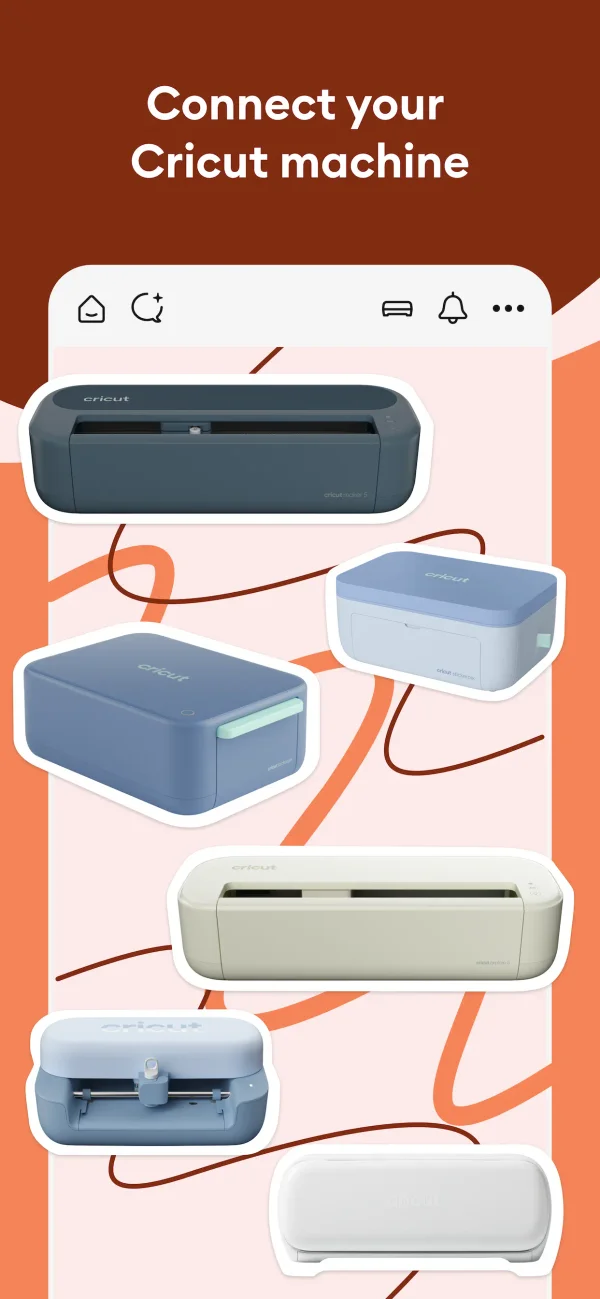

About
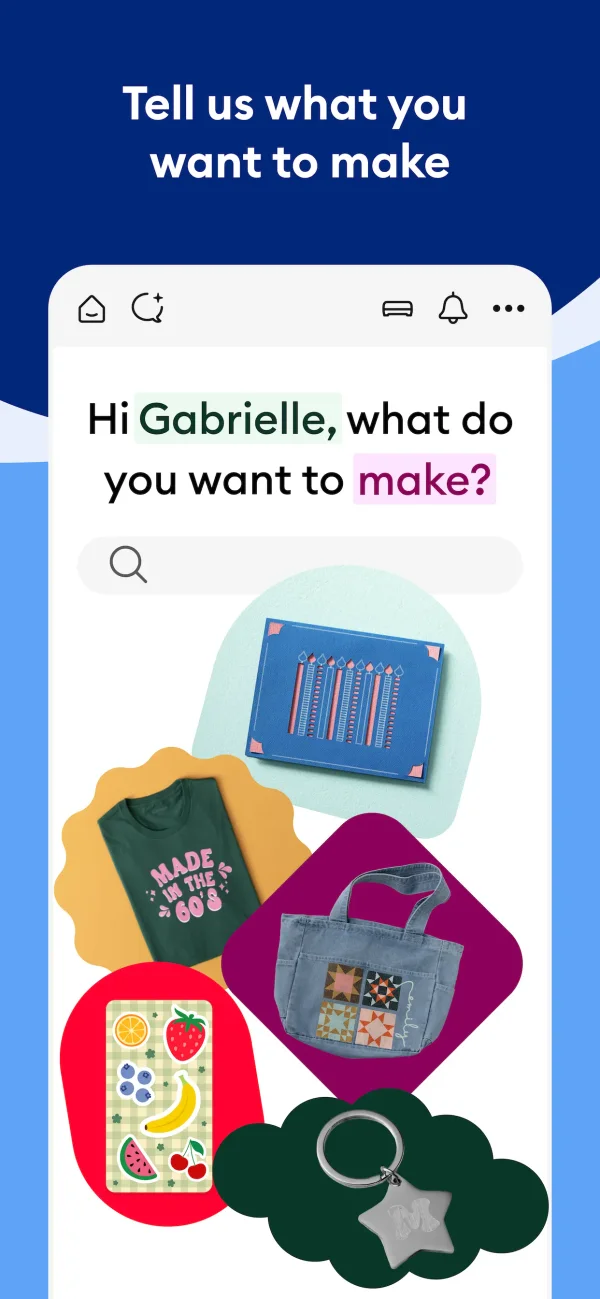
Enjoy total creative freedom over your next DIY project with Cricut Design Space™. Design, cut, or draw by connecting to Cricut Explore™ or Cricut Maker™ machines.
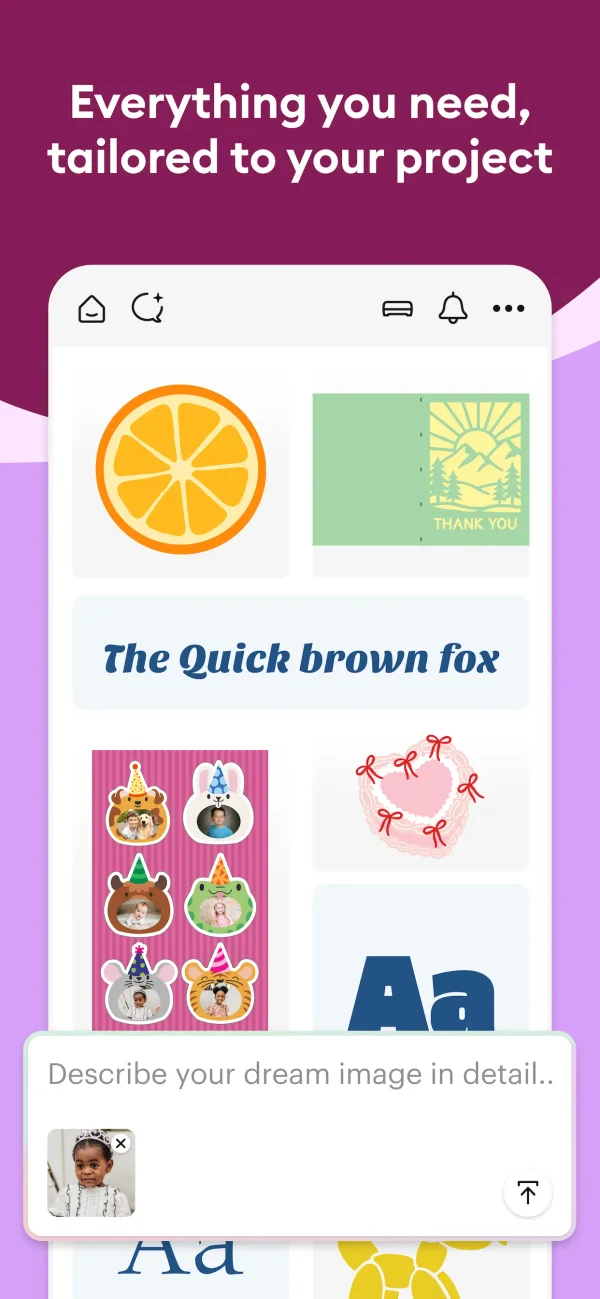
Start your project from scratch or browse thousands of images, ready-to-make projects, and unique fonts in the Cricut Image Library.
Create from anywhere, any time inspiration sparks with cloud-based syncing across devices.
Make the most of every last scrap with the SnapMat™ feature.
Connect to your compatible Cricut cutting machine with a Bluetooth® connection.
Experience brand-new features like kerning, spell check, right-to-left text & more by upgrading your device to iOS 14 or above.
New to Cricut? Welcome! To use this companion Design Space app, first activate your new machine at cricut.com/setup
Existing members with Cricut Joy™ machines? For fun or functional projects in 15 minutes or less, use the companion Cricut Joy™ app.
Features:
• Over 50,000 FREE images, fonts & projects
• Upload & edit your own compatible image files (jpg, .bmp, .png, .gif, .svg, and .dxf)
• Browse Cricut fonts or use your own system fonts
• Cut predesigned Make It Now projects quickly & easily
• Make cards, invitations, 3D models & more
• Design home & party decor, jewelry, and fashion accessories
• Get perfect cut settings for your material type
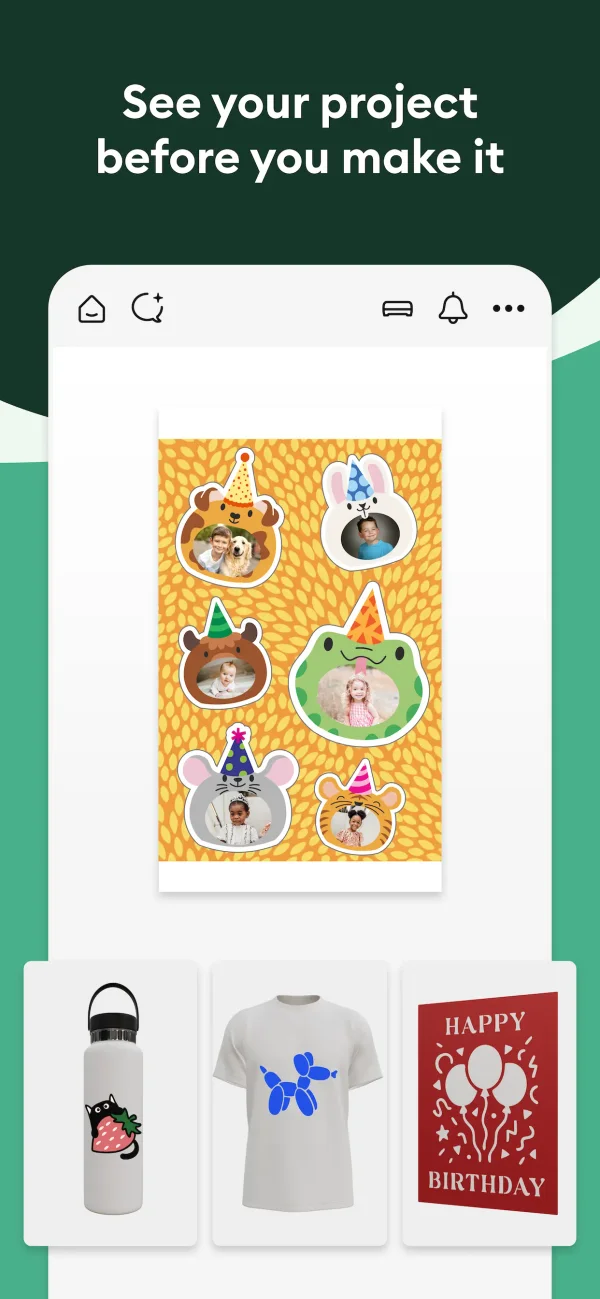
• Visualize & position artwork on scrap material with SnapMat™ feature
• Access images & projects and make purchases on cricut.com or Design Space with Cricut ID.
• Setup & activate machine right from app
• Bluetooth® capability (Bluetooth adapter may be required, sold separately)
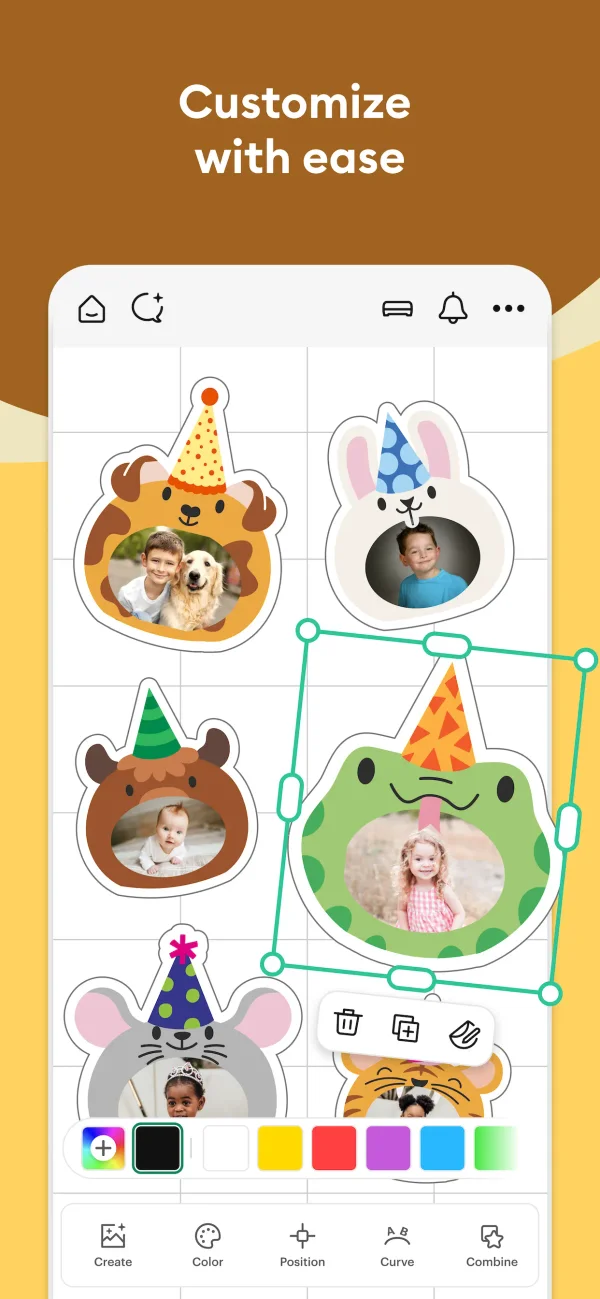
• Easily position, resize & rotate text
• Kerning for fonts
• Follow step-by-step project instructions
• Ready-to-make mug designs
• Auto-save projects
Cricut Access:
https://cricut.com/legal#terms-of-use
What’s new
Version 6.86.0 · Nov 16, 2026
• This update contains bug fixes and performance enhancements.
App privacy
What Cricut, Inc. declares on the App Store about how this app handles data.
-
Data linked to you
May be collected and linked to your identity.
- Purchases
- Location
- Contact info
- User content
- Search history
- Identifiers
- Usage data
-
Data not linked to you
May be collected but is not linked to your identity.
- Usage data
- Diagnostics
Privacy practices may vary, for example with the features you use or your age.
Information
- Seller
- Cricut, Inc.
- Category
- Graphics & Design
- Version
- 6.86.0
- Updated
- Nov 16, 2026
- Released
- Jun 4, 2014
- Size
- 386.0 MB
- Requires
- iOS 17.0 or later
- Age rating
- 12+
- Price
- Free
- In-app purchases
- Yes
- Languages
- English, Czech, Danish, Dutch, Finnish, French, German, Hungarian, Italian, Japanese, Korean, Norwegian Bokmål + 10 more
- Copyright
- © Cricut, Inc.
You might also like
-
 Design Maker For Craft Space!AI Monograms,Fonts & Cut Files
-
 Fonts for DIY SpaceJoy, Air, Explore, Air, & Heat
-
 Silhouette GoGraphics & Design
-
 Playground: AI Design & EditorLogos, T-Shirts, Posters, SVG
-
 Designs for Craftingfor Maker, Explore, Air, & Joy
-
 Brother ArtspiraGraphics & Design
-
 Crafti: Design for MakersCreate Crafts, Stickers & More
-
 Car Editor & AI Car Designercar ai design & Build modify
-
 Vector & SVG Maker - AssemblyGraphic Design for Art & Logos
-
 Color Identifier・Match ScannerDetector・Finder・Picker・Reader