
- Age rating4+
- CategoryUtilities
- DeveloperGustavo Legarreta
- LanguagesEnglish
- Size690.7 MB
Links to the official App Store page
Download.org hosts no file of CRJ Virtual Panel. The button opens its official App Store page, published by Gustavo Legarreta. Listing last checked on Nov 17, 2026.
Screenshots

About
PREPARE FOR YOUR CRJ TRAINING
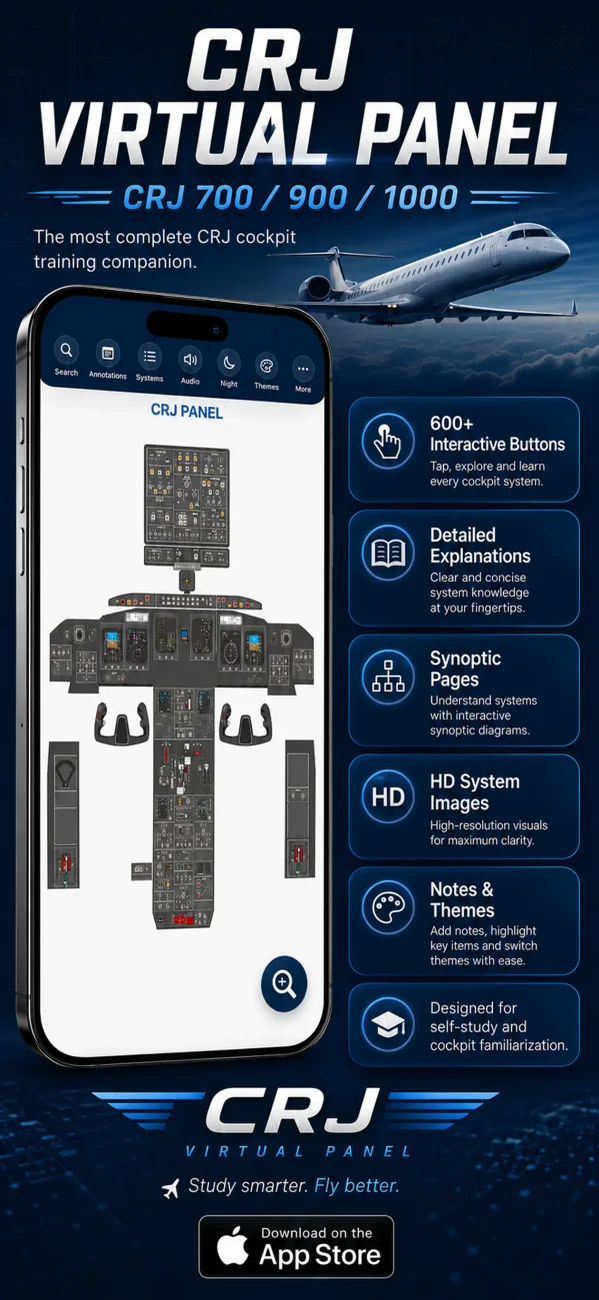
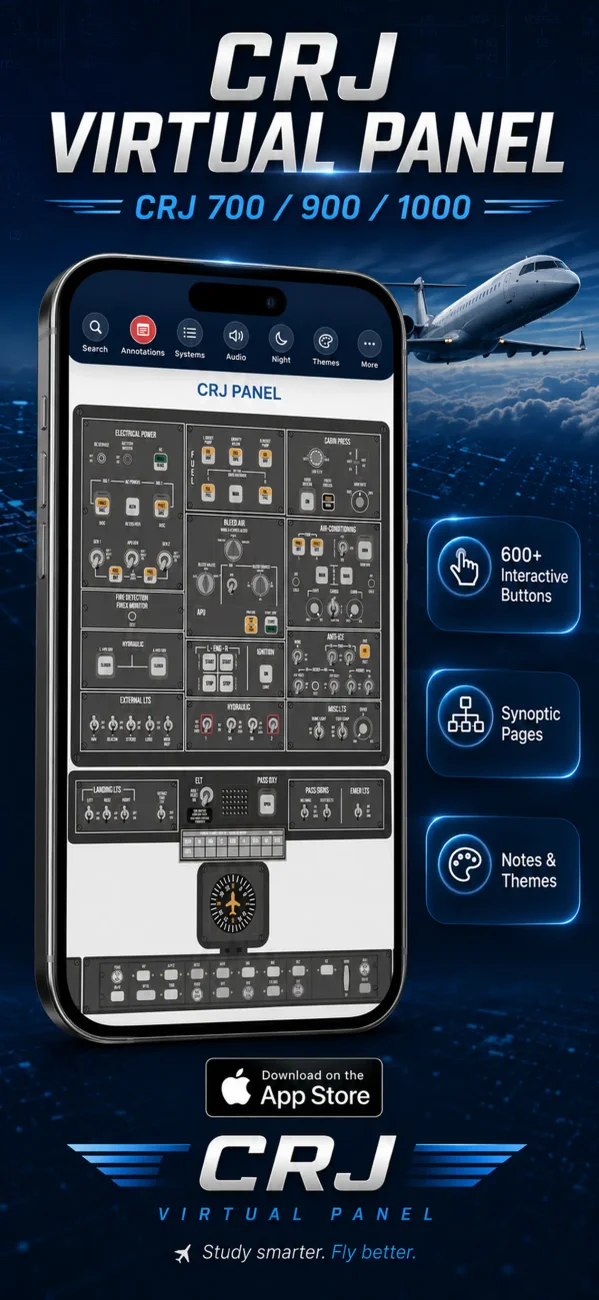
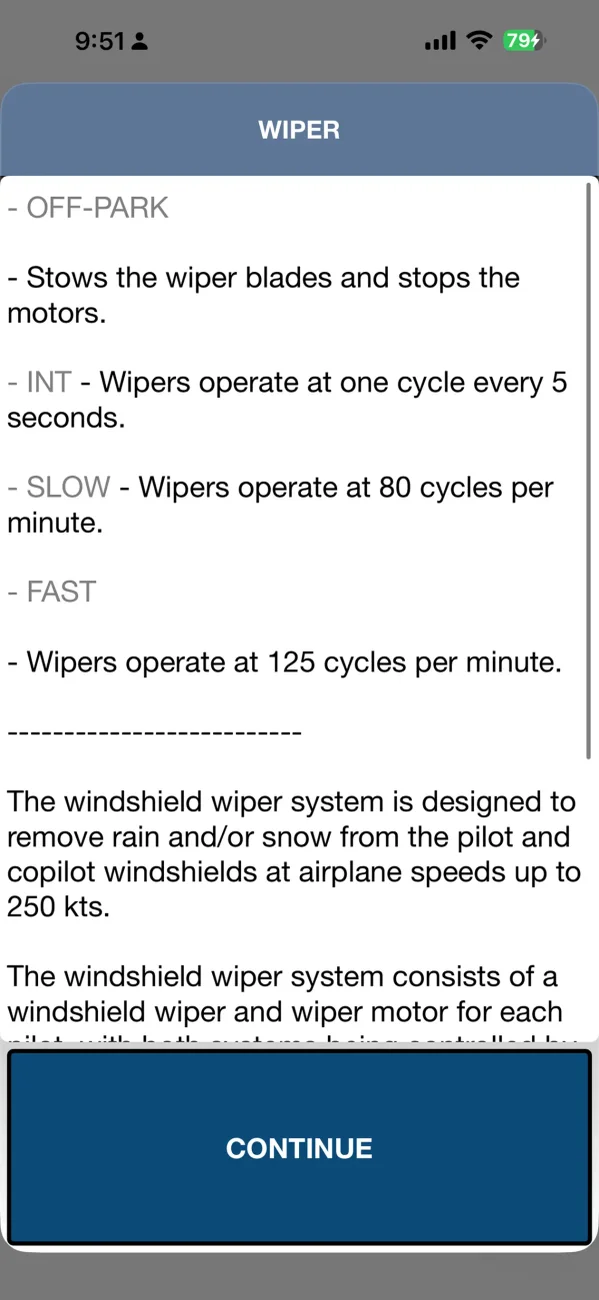
The CRJ Virtual Panel App is a comprehensive self-study tool designed to help pilots prepare for initial, recurrent, and proficiency training on the CRJ 700, 900, and 1000.
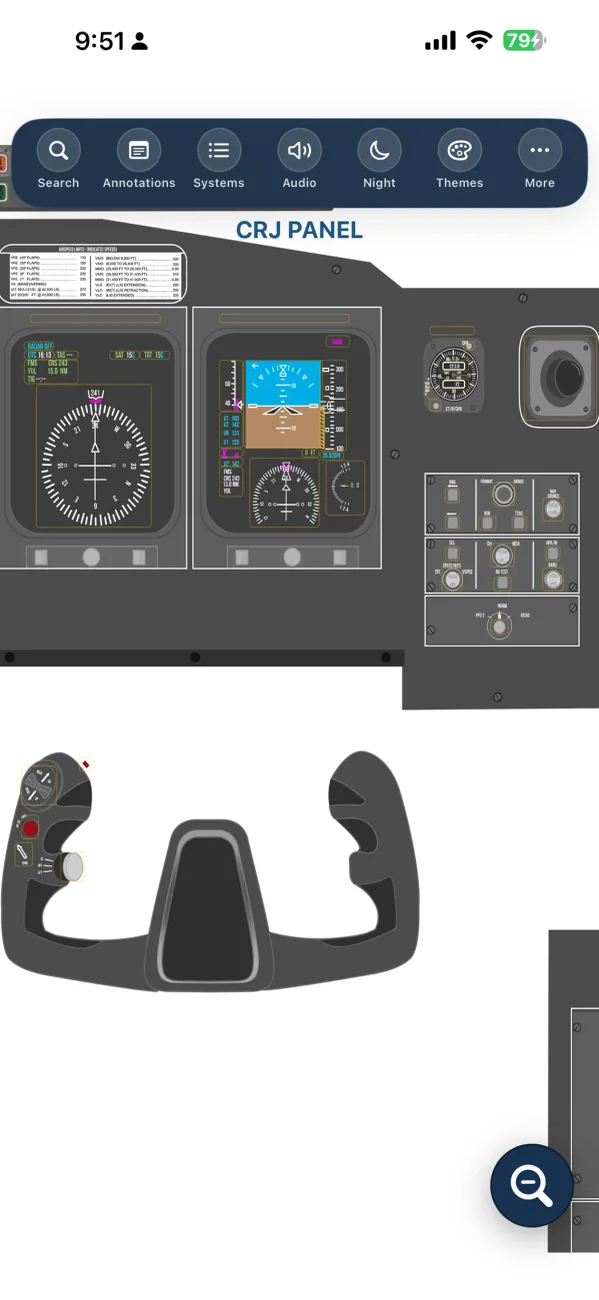
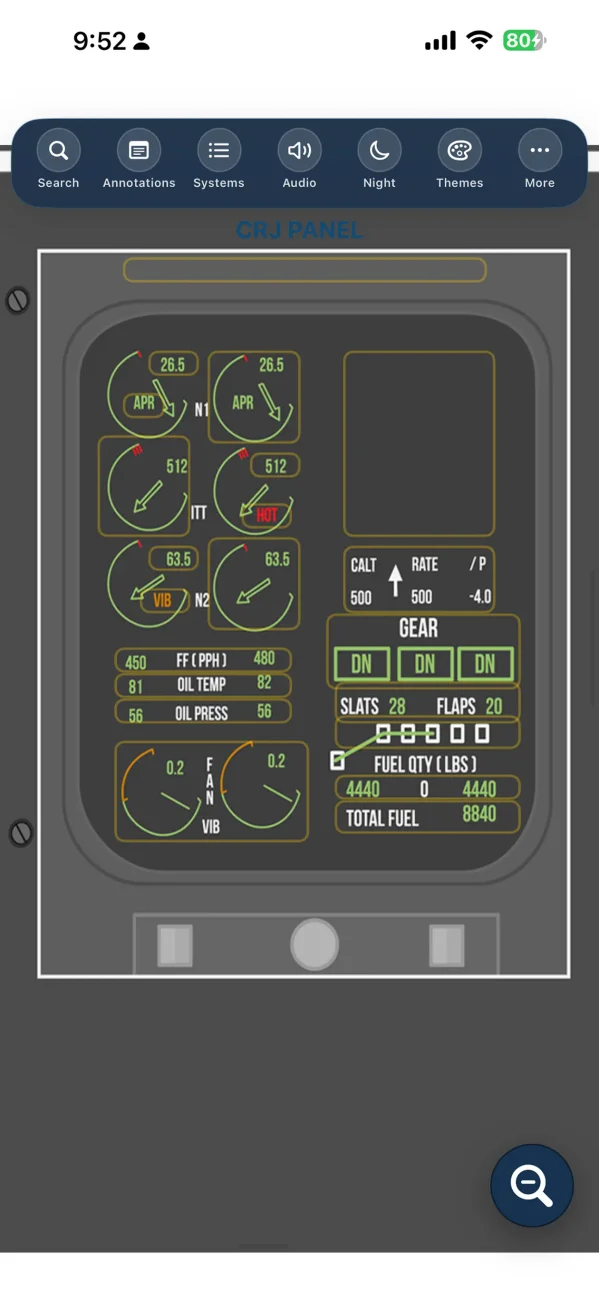
Explore an interactive virtual cockpit, review system components, study aircraft limitations, and access detailed explanations, images, and references—all from your device.
Reduce preparation time and become more familiar with CRJ cockpit controls, indications, synoptic pages, and aircraft systems.
KEY FEATURES
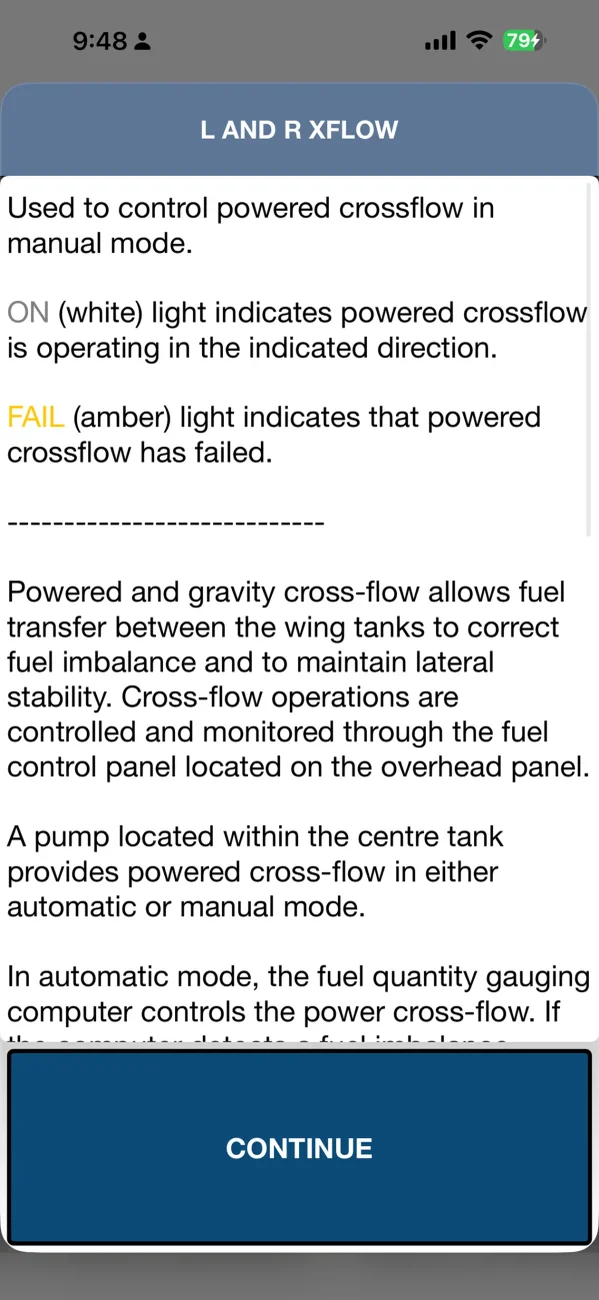
• More than 600 interactive buttons and controls
• Detailed button and switch explanations
• High-resolution system images
• Technical references
• Pan and zoom functionality
• Fast and intuitive search tools
• Dark Mode support
• Personal notes saved directly on your device
• Offline access to saved notes
• Customizable aircraft limitations
PERSONALIZE YOUR LIMITATIONS
Aircraft limitations may vary between operators. The app allows you to create, edit, categorize, and save your own company-specific limitations.
Your personalized limitations remain stored on your device and are available offline.
QUICK-SEARCH DATABASES
• CRJ 700/900/1000 limitations
• CRJ definitions
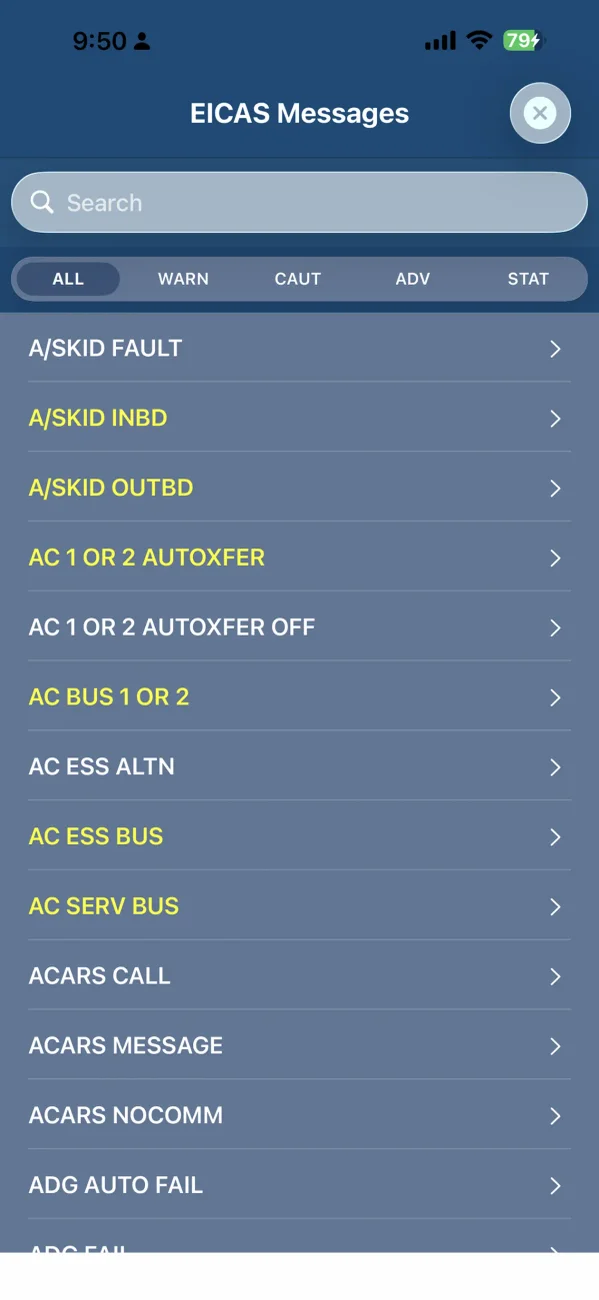
• CRJ EICAS messages
• FAA abbreviations
• Jeppesen abbreviations
• Aviation glossary
INTERACTIVE SYSTEM IMAGES
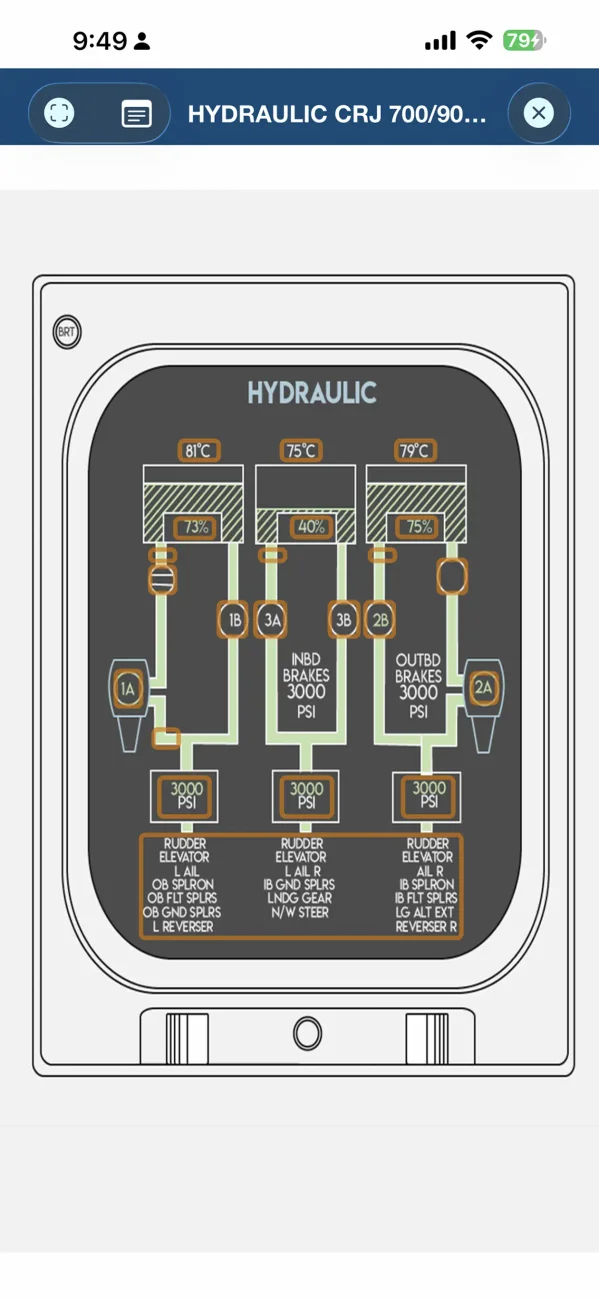
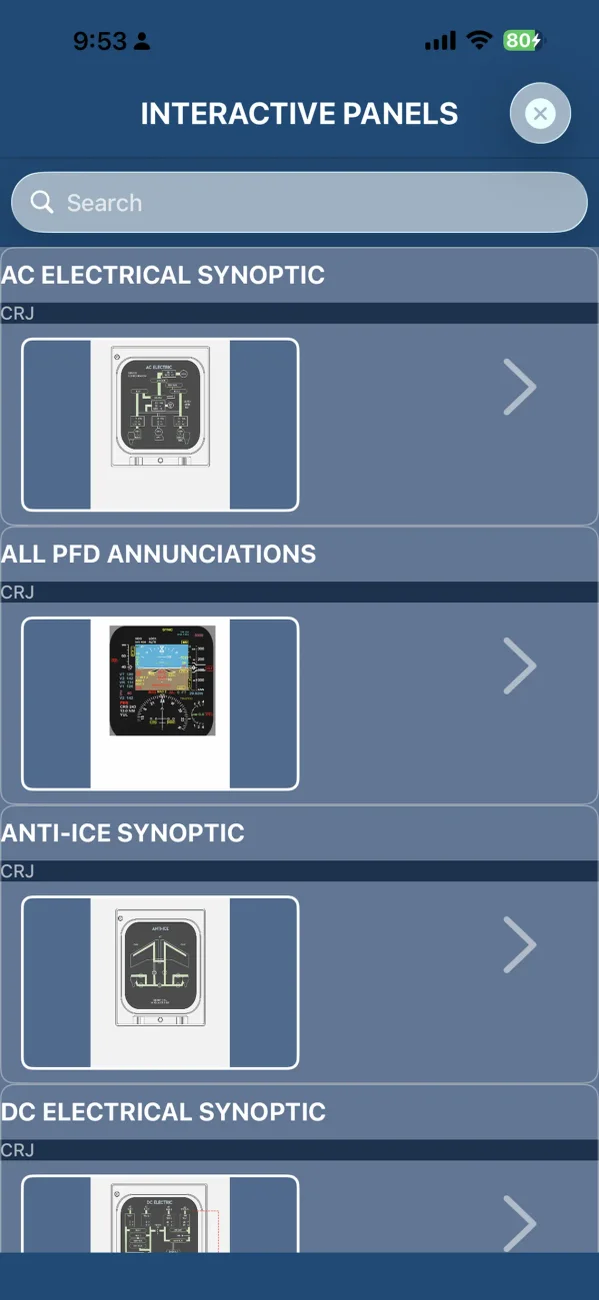
The CRJ Virtual Panel App includes more than 20 detailed interactive images and system diagrams:
• AC Electrical Synoptic
• DC Electrical Synoptic
• Anti-Ice Synoptic
• PFD Annunciations
• Door Synoptic — CRJ 700
• Door Synoptic — CRJ 900/1000
• ECS Synoptic
• Electrical Components — CRJ 700
• Electrical Components — CRJ 900/1000
• External Lights — CRJ 700
• External Lights — CRJ 900/1000
• Flight Controls — CRJ 700
• Flight Controls — CRJ 900/1000
• Flight Controls Synoptic
• Fuel Synoptic
• Hydraulic Synoptic — CRJ 700/900
• Hydraulic Synoptic — CRJ 1000
• ISI Configurations
• Oxygen System Components
• Pressurization System Schematic
BUILT FOR CRJ PILOTS
Whether you are preparing for an initial qualification course, recurrent training, a simulator session, or a technical review, the CRJ Virtual Panel App provides a practical and organized study experience.
Updated using the latest available manuals.
IMPORTANT NOTICE
Cockpit configurations may vary depending on the aircraft model, operator, modification status, and manufacturer options. The panels, buttons, switches, and indications shown in this app represent specific aircraft configurations.
This app is intended exclusively as a supplementary training and study tool. Always refer to your operator’s approved manuals, procedures, limitations, and training materials.
What’s new
Version 3.1 · Jun 24, 2026
WHAT’S NEW
• Improved app functionality and performance
• Updated content based on the latest available manuals
• Redesigned interface for a smoother study experience
• Enhanced virtual panel controls and interactions
• Updated aircraft limitations and customization tools
• Improved navigation, search, and overall usability
• General updates, refinements, and bug fixes
App privacy
What Gustavo Legarreta declares on the App Store about how this app handles data.
-
Data not collected
The developer does not collect any data from this app.
Privacy practices may vary, for example with the features you use or your age.
Information
- Seller
- Gustavo Legarreta
- Category
- Utilities
- Version
- 3.1
- Updated
- Jun 24, 2026
- Released
- Apr 9, 2020
- Size
- 690.7 MB
- Requires
- iOS 15.0 or later
- Age rating
- 4+
- Price
- $19.99
- Languages
- English
- Copyright
- © Aviation Study Guides
You might also like
-
 E-JETS Virtual PanelEMB 190-170-175 VIRTUAL PANEL
-
 WBAT MobileUtilities
-
 Simionic G1000 (MFD)Simulator for Garmin G1000
-
 LogTen Pilot LogbookDigital Electronic Flight Log
-
 Simple XwindSimple Crosswind Calculator
-
 Simionic G1000 (PFD)Simulator for Garmin G1000
-
 Hangar - Social Flight TrackerThe Social Network For Pilots
-
 TheFlightWallConfigure your FlightWall
-
 Zulu Time Now - UTC GMT ClockUTC Widget for Pilot, Military
-
 Time Calculator - Work HoursDate, Calendar & Salary Clock