
- Age rating4+
- CategoryGraphics & Design
- DeveloperASHLEY DAVID LESLIE
- LanguagesEnglish+ 28 more
- Size4.0 MB
Links to the official App Store page
Download.org hosts no file of Cropcut: Sticker Maker. The button opens its official App Store page, published by ASHLEY DAVID LESLIE. Listing last checked on Nov 25, 2026.
Screenshots
About
Cropcut is a completely free iPhone app that turns any photo into a sticker and puts it where you actually use stickers: WhatsApp, Telegram, iMessage, and your Photos. No ads, no subscription, no account, no watermark. It works offline, and every sticker is saved as a transparent PNG.
CUT OUT ANYTHING
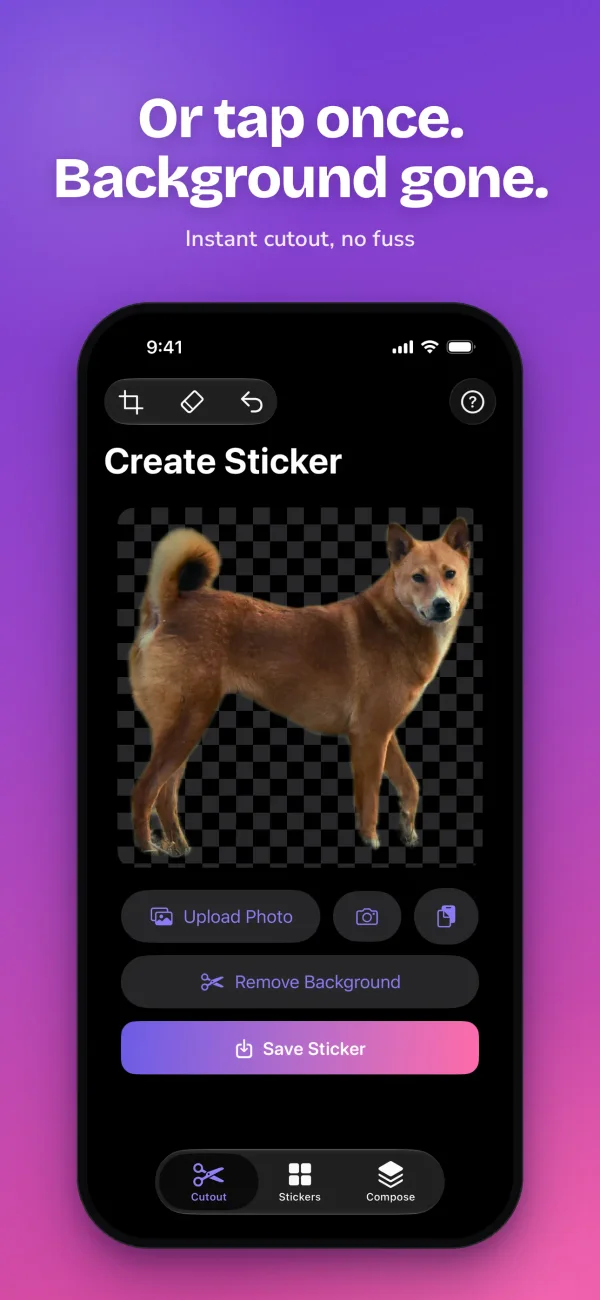
• Tap Remove Background for an instant, automatic cutout.
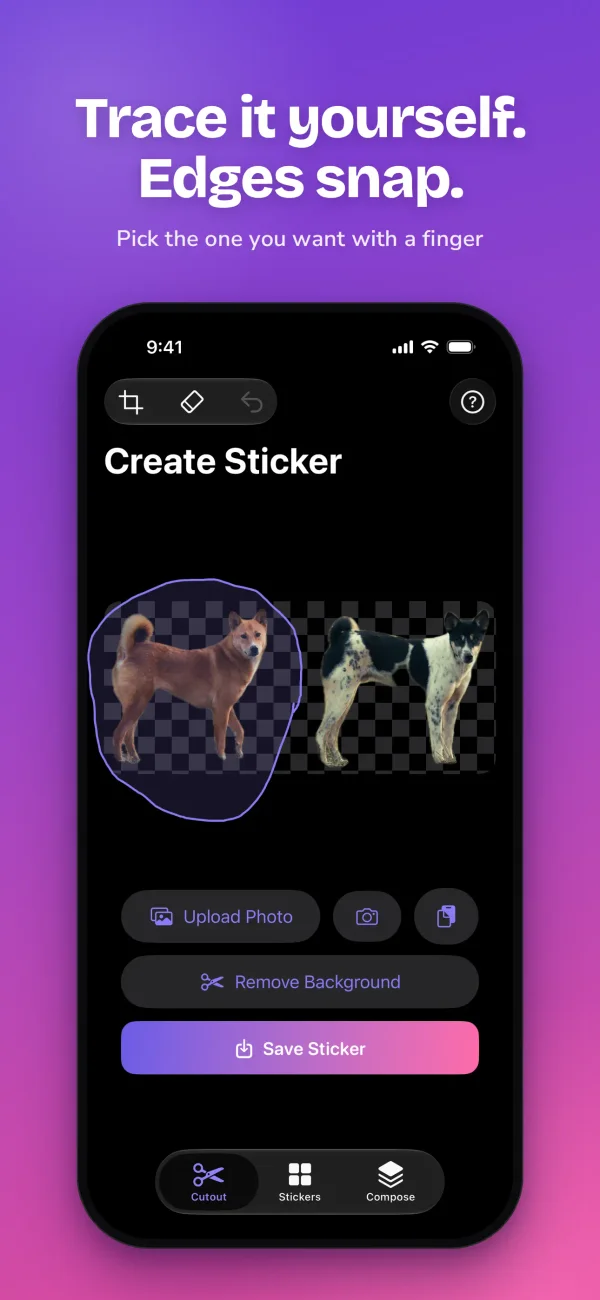
• Or trace around your subject with your finger. Cropcut snaps to the edges, so you get the exact cut you wanted, even when auto-detection gets it wrong.
• Brush away leftovers with the eraser, crop, undo, and fine-tune until it's just right.
START FROM ANYWHERE
• Pick from your library, snap a photo with the camera, or paste a screenshot straight from the clipboard.
• Send any photo to Cropcut from the share sheet in Photos, Safari, or a chat.
MAKE IT A STICKER
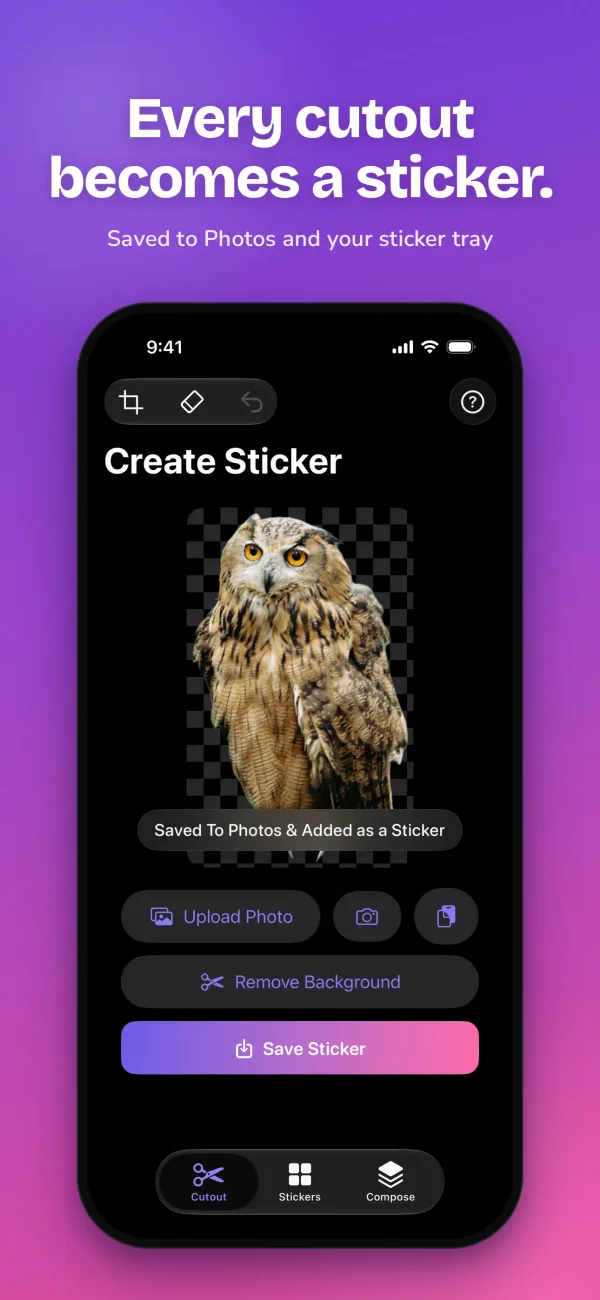
Every cutout is saved to your sticker tray and to Photos as a transparent PNG. Your dog, your friend's face, that one perfect reaction shot: cut it once, use it forever. Long-press any sticker to share it, copy it, or save it again, and delete the ones you no longer want.
SEND IT AS A PACK
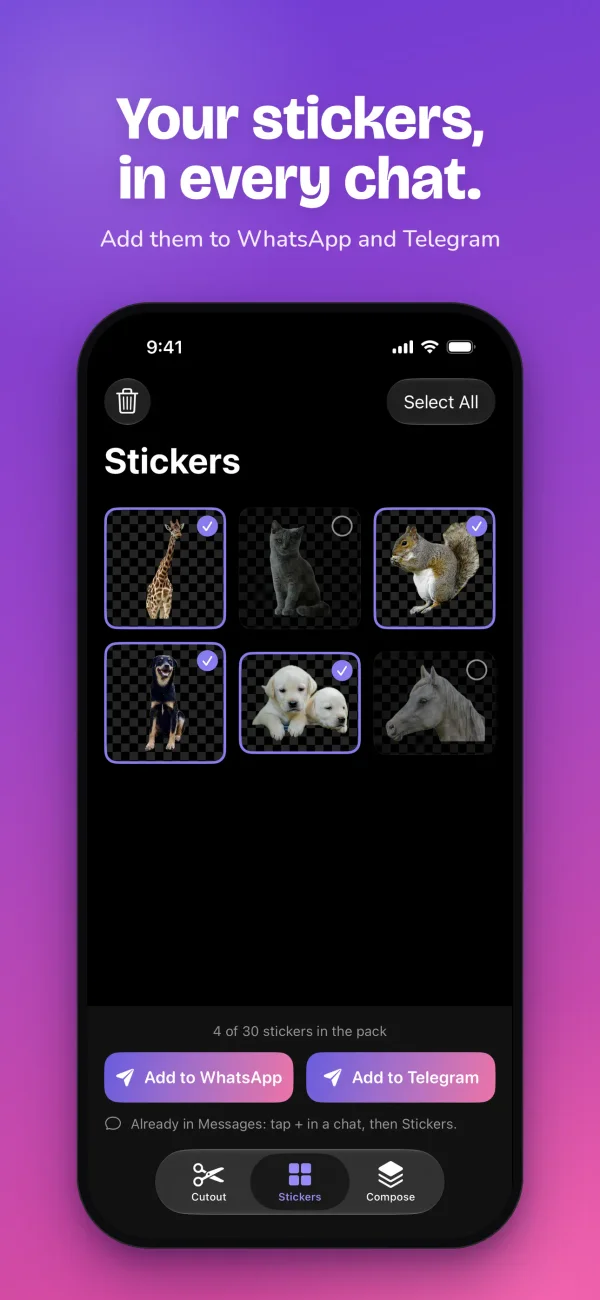
• WhatsApp: pick 1 to 30 stickers and tap Add to WhatsApp. Packs arrive as "Cropcut Stickers"; rename them in WhatsApp if you like.
• Telegram: pick your stickers and tap Add to Telegram. Each export creates a new set.
• Stickers sent to WhatsApp or Telegram get the classic white die-cut outline automatically, styled to match the stickers already in your chats. Everywhere else they stay clean.
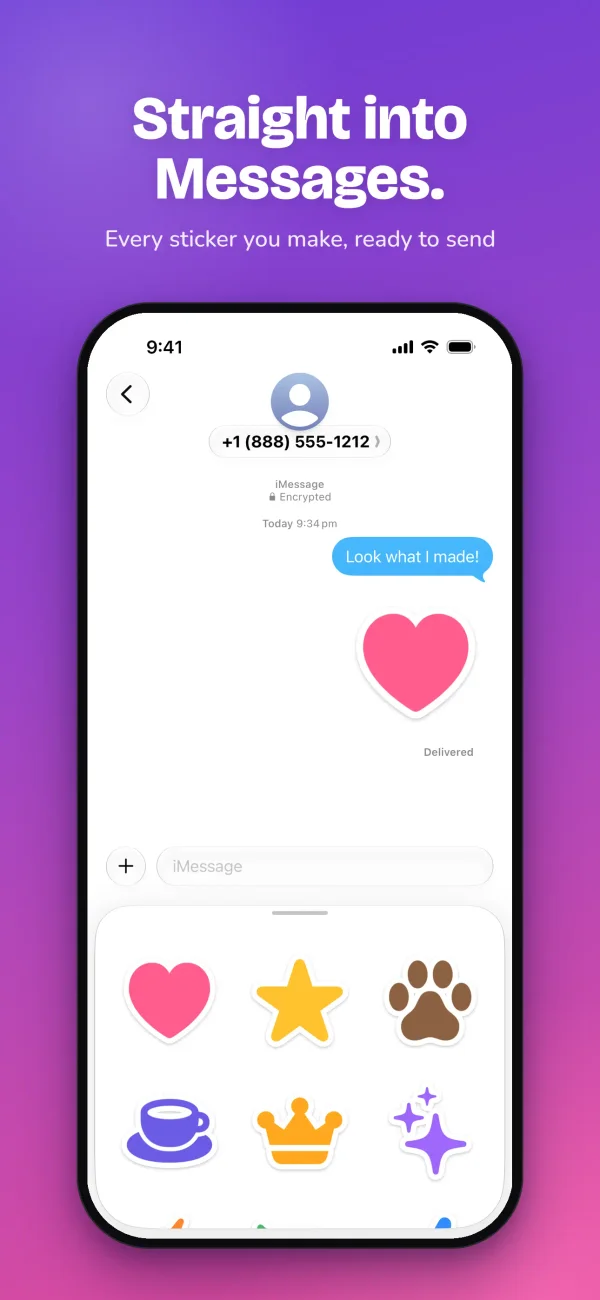
• iMessage: nothing to export. Every sticker you make is already in the Messages sticker drawer: tap + in a chat, then Stickers, then Cropcut.
COMPOSE & CREATE
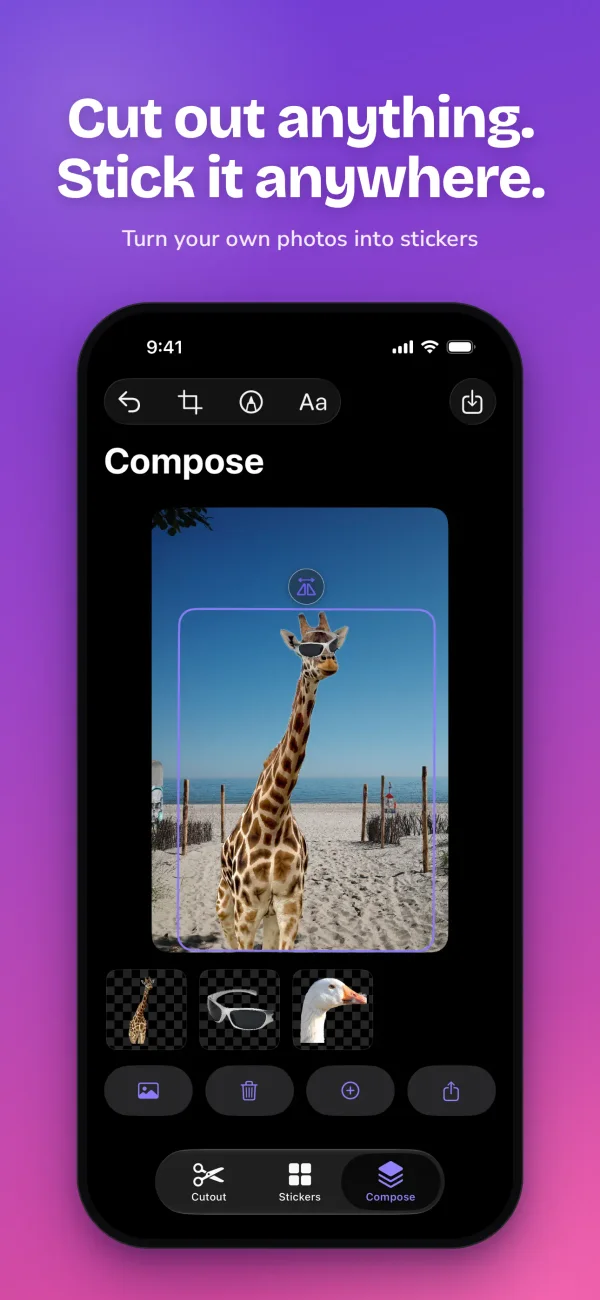
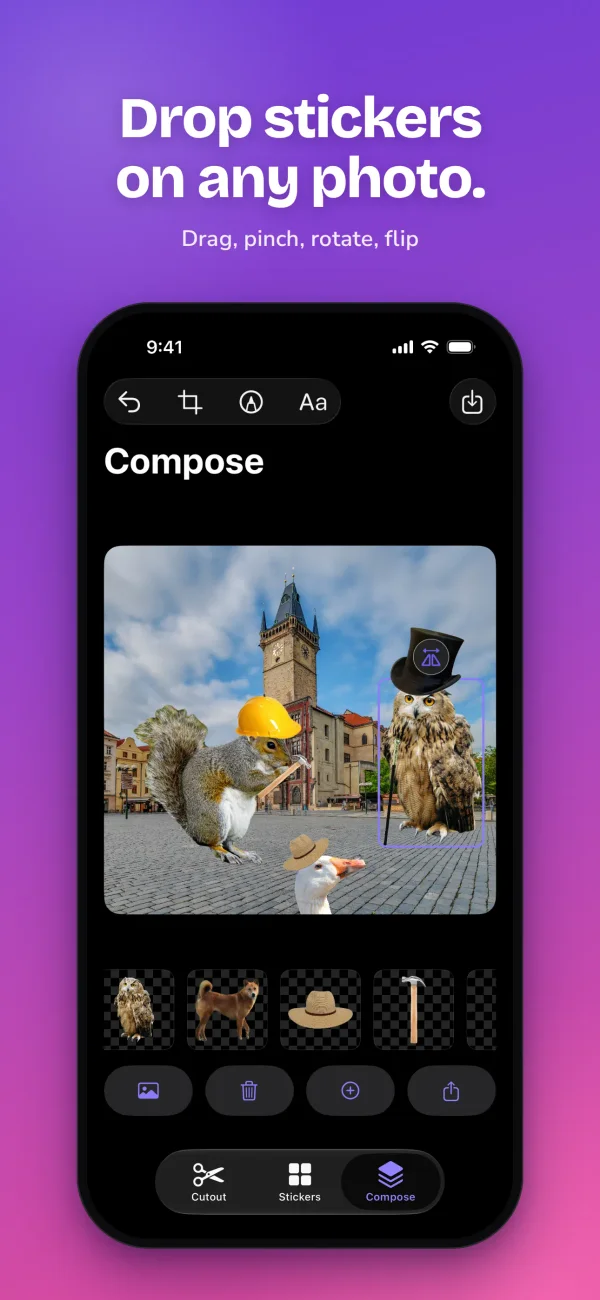
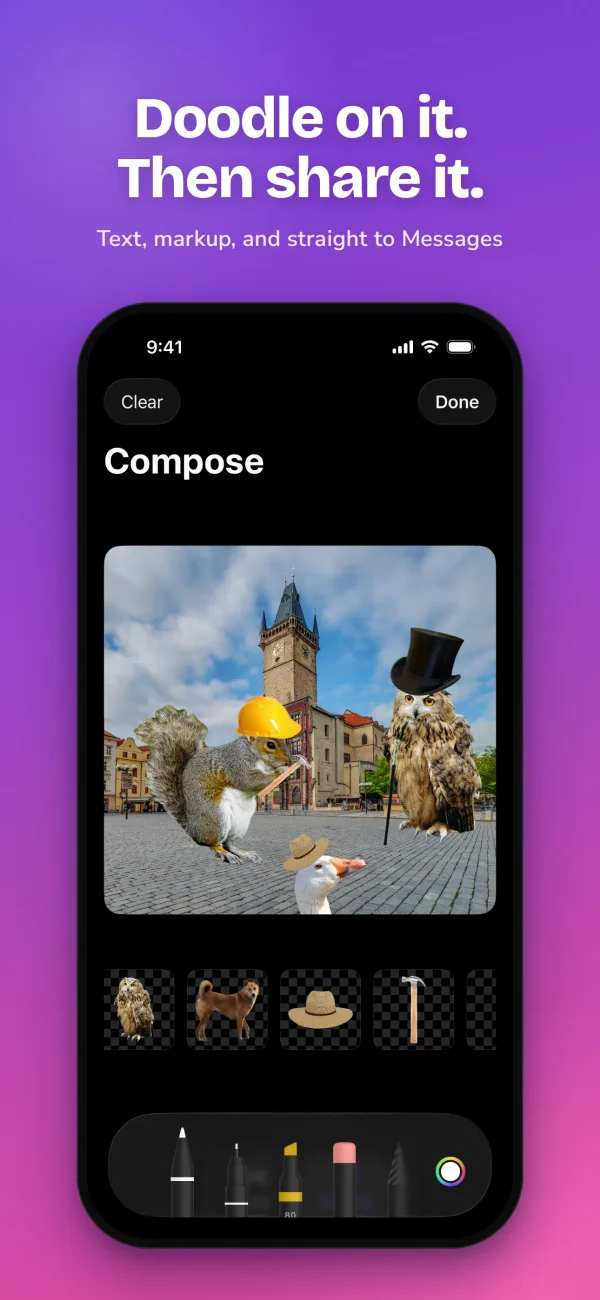
• Drop your stickers onto any photo.
• Drag to move, pinch to resize, twist to rotate.
• Add text, and draw on top with freehand markup.
• Save your creation to Photos or share it anywhere.
MADE FOR CREATORS
Memes, custom emoji, profile pictures, scrapbook pages, journal stickers, birthday cards, playful collages. Cropcut keeps it fast and fun.
WHAT MAKES CROPCUT DIFFERENT
• Trace it yourself. Automatic cutouts are great until they aren't. When the background remover leaves a stray edge or grabs the wrong thing, just draw around what you want and Cropcut snaps to it.
• More than the built-in Add Sticker. iOS can lift a subject from a photo, and for simple shots that's fine. Cropcut is for when it isn't: manual tracing, an eraser, a PNG you can use outside Messages, and a Compose canvas for building scenes.
• Cutouts you can actually reuse. Your stickers live in a tray inside the app, in the Messages drawer, and as real PNG files in Photos, so they work everywhere, not just in one keyboard.
• Cut, compose, and send in one place. No bouncing between a cutout app, a collage app, and a sticker-pack app.
• Nothing to unlock. There is no Pro tier, no watermark, no daily limit, no trial that quietly turns into a subscription. Every feature is available to everyone from the first tap.
PRIVATE BY DESIGN
• No account required.
• No sign-in, no tracking, no data collection.
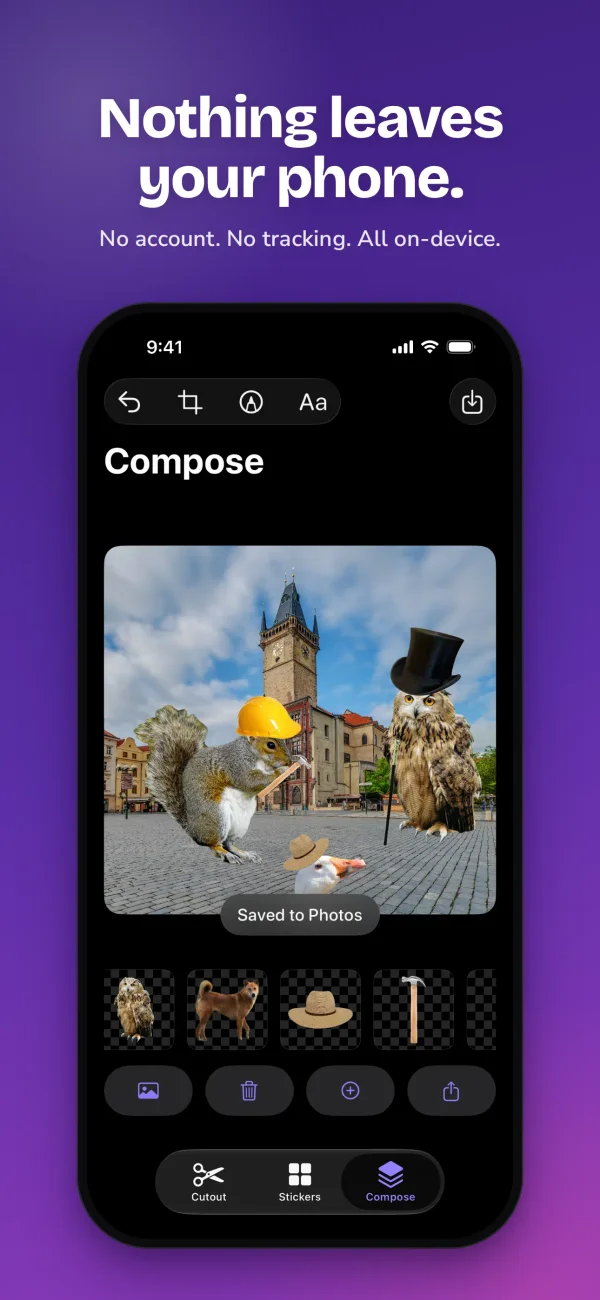
• Your photos are processed on your device. Cropcut never uploads them and makes no network requests at all.
Download Cropcut and start cutting.
Cropcut is an iPhone app, not a cutting machine, and is not affiliated with Cricut, CapCut, Apple, WhatsApp, Telegram, Meta, or any other company mentioned.
What’s new
Version 1.4 · Nov 23, 2026
Your photo, bigger.
• The photo you're editing now fills much more of the Cutout screen.
• Pinch to zoom in for precise cuts, and move around with two fingers. One finger still traces, erases and crops.
• More room to work: once a photo is loaded, the upload buttons tuck away into a single Upload Photo button at the top.
• Undo goes further: it can now take off a photo you just added, and there's a Redo button to bring it back.
• Deleted a sticker by mistake? Tap Undo in the Stickers tab to get it back, for up to 7 days.
• Compose: pinch to zoom in on your photo, and swipe to move around.
• Compose: the photo is bigger on screen.
• Compose: cropping now shows just the part you kept.
App privacy
What ASHLEY DAVID LESLIE declares on the App Store about how this app handles data.
-
Data not collected
The developer does not collect any data from this app.
Privacy practices may vary, for example with the features you use or your age.
Information
- Seller
- ASHLEY DAVID LESLIE
- Category
- Graphics & Design
- Version
- 1.4
- Updated
- Nov 23, 2026
- Released
- Sep 16, 2026
- Size
- 4.0 MB
- Requires
- iOS 17.0 or later
- Age rating
- 4+
- Price
- Free
- Languages
- English, Arabic, Czech, Danish, Dutch, Finnish, French, German, Greek, Hindi, Hungarian, Indonesian + 17 more
- Copyright
- © 2026 Ashley Leslie
You might also like
-
 StickerCut StudioAI Sticker Maker & SVG Export
-
 StickeredSticker maker & cutout studio
-
 Cutout Sticker MakerOn-Device Photo Outlines
-
 Stickomat - Sticker MakerYour Stickers, Your Way
-
 Stable Diffusion: AI ImagesArt Generator & Photo Editor
-
 AI Cute Animal StickersFunny Stickers & Emojis Chat
-
 Stiki: Stickers for MessengerSticker Pack & Emoji Maker
-
 Moiré / InterferenceCreate outstanding effects
-
 Pipday: Stickers & ScrapbookPhoto Cutouts & Creative Pages