Cropic: Screenshot Editor
Stitch, Frame & Mockup Maker
Designed for iPhone
Free · In-app purchases
- Age rating12+
- CategoryPhoto & Video
- DeveloperAleksei Chusovitin
- LanguagesEnglish+ 6 more
- Size11.9 MB
Links to the official App Store page
Download.org hosts no file of Cropic: Screenshot Editor. The button opens its official App Store page, published by Aleksei Chusovitin. Listing last checked on Nov 18, 2026.
Screenshots


About
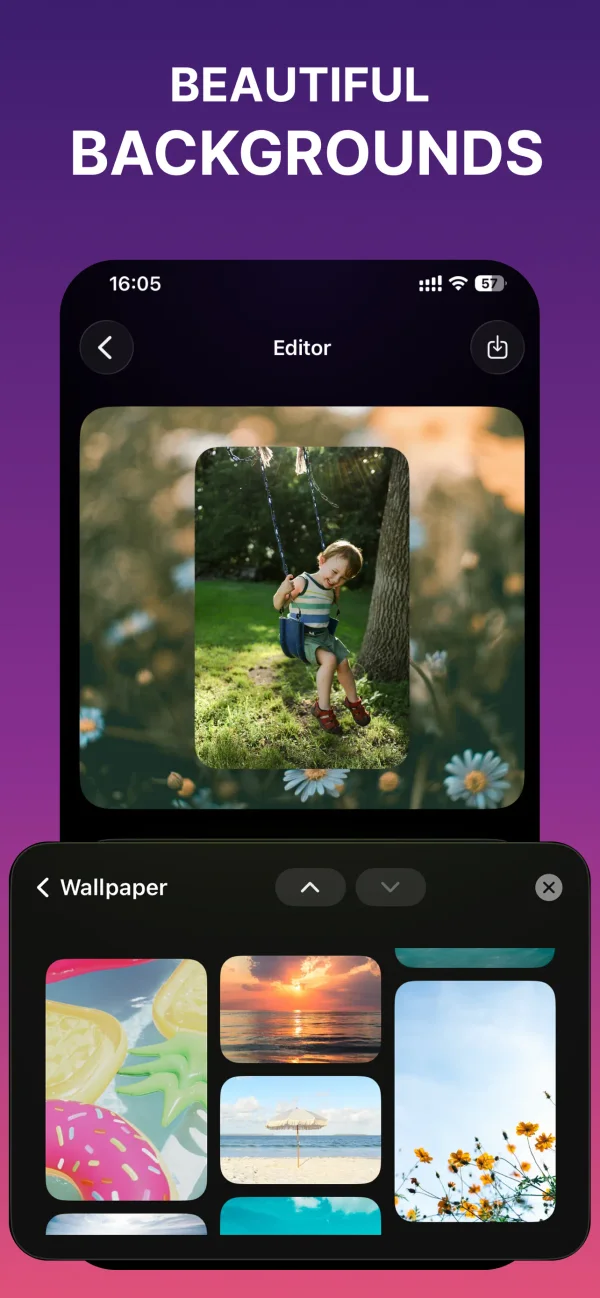
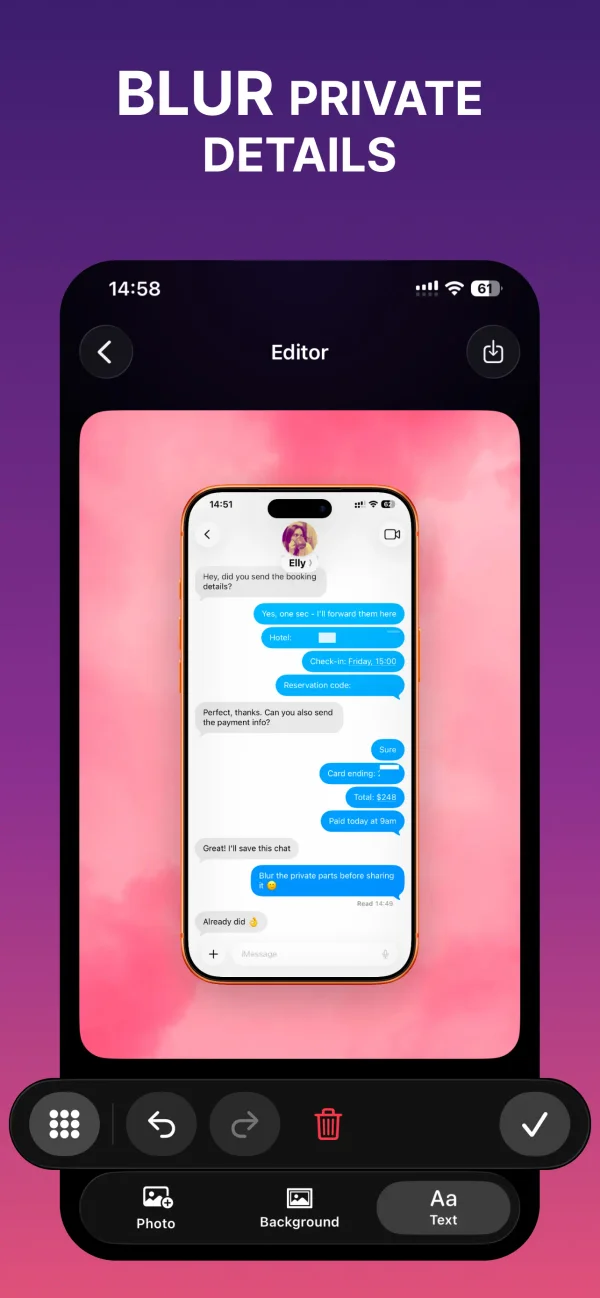
Cropic turns ordinary screenshots into images worth sharing. Stitch multiple screenshots into one long picture, or dress up a single shot with a device frame, a beautiful background, and your own text - all in a few taps.
STITCH SCREENSHOTS INTO ONE IMAGE
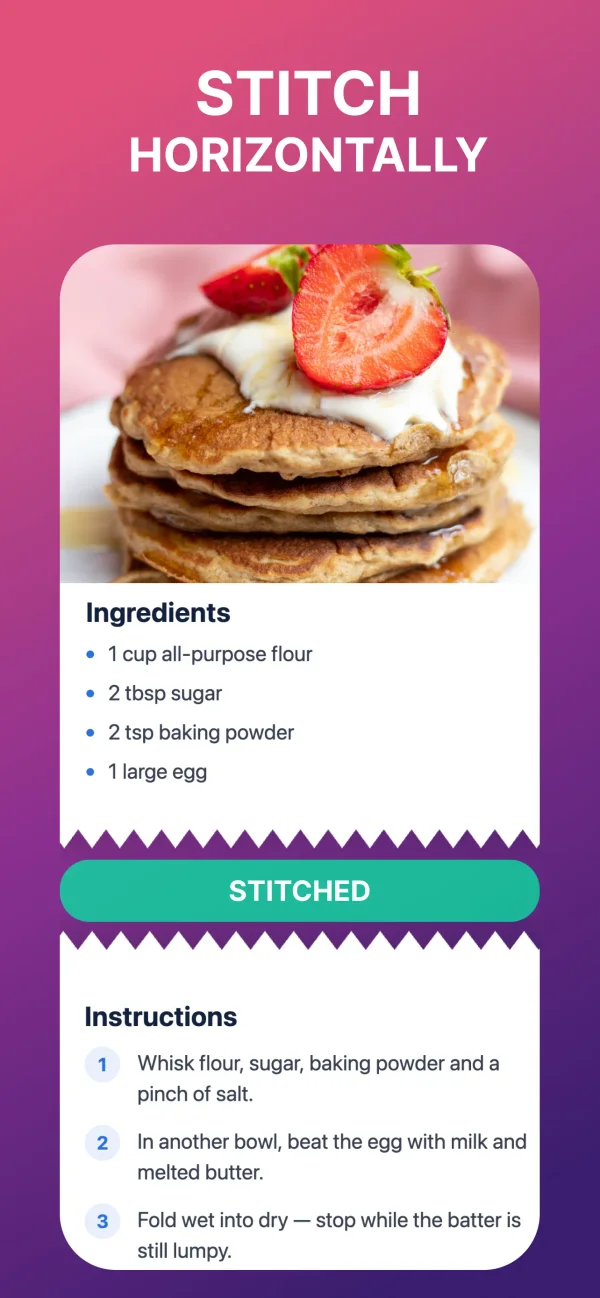
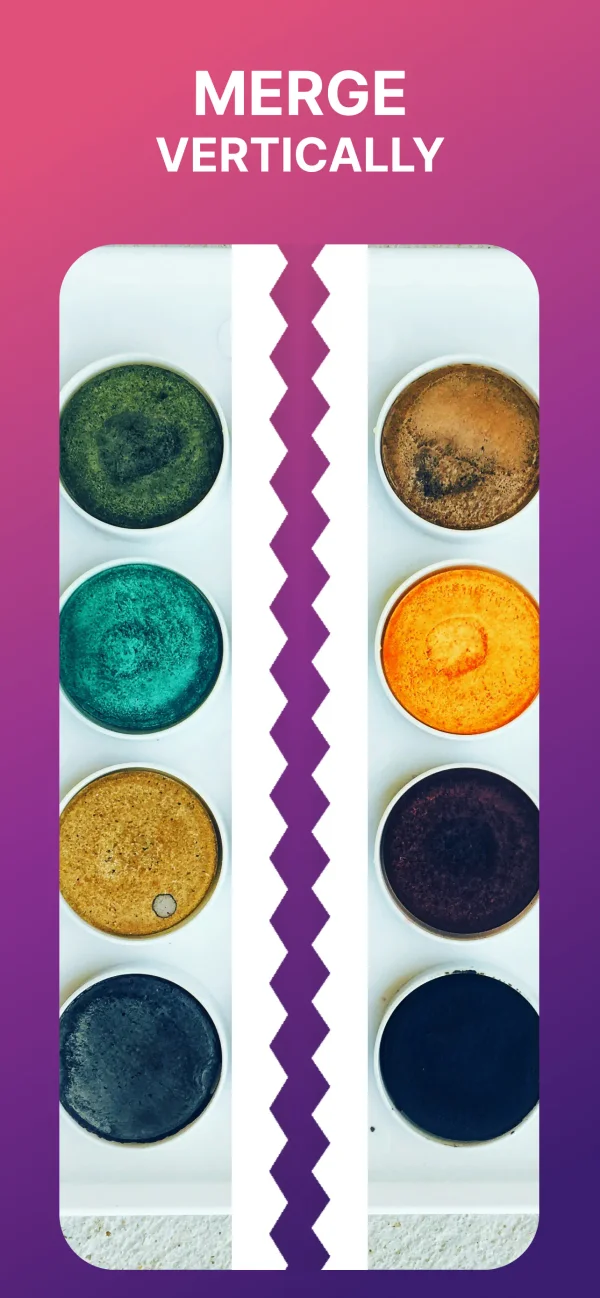
Combine chat logs, articles, receipts, and anything else that doesn't fit on one screen. Cropic merges your screenshots vertically into one long image - or horizontally when you need a side-by-side view. Reorder, align, and fine-tune the result before you save.
MAKE ANY SCREENSHOT BEAUTIFUL
A plain screenshot rarely looks good on social media or in a presentation. Cropic fixes that:
Backgrounds - solid colors, smooth gradients, or stunning photos to place behind your screenshot
Device frames - wrap your shot in beautiful device mockups
Text - add captions and titles, then drag them exactly where you want, with full control over position and style
Aspect ratios - one tap to switch between 1:1, 4:5, 9:16, 16:9, and more
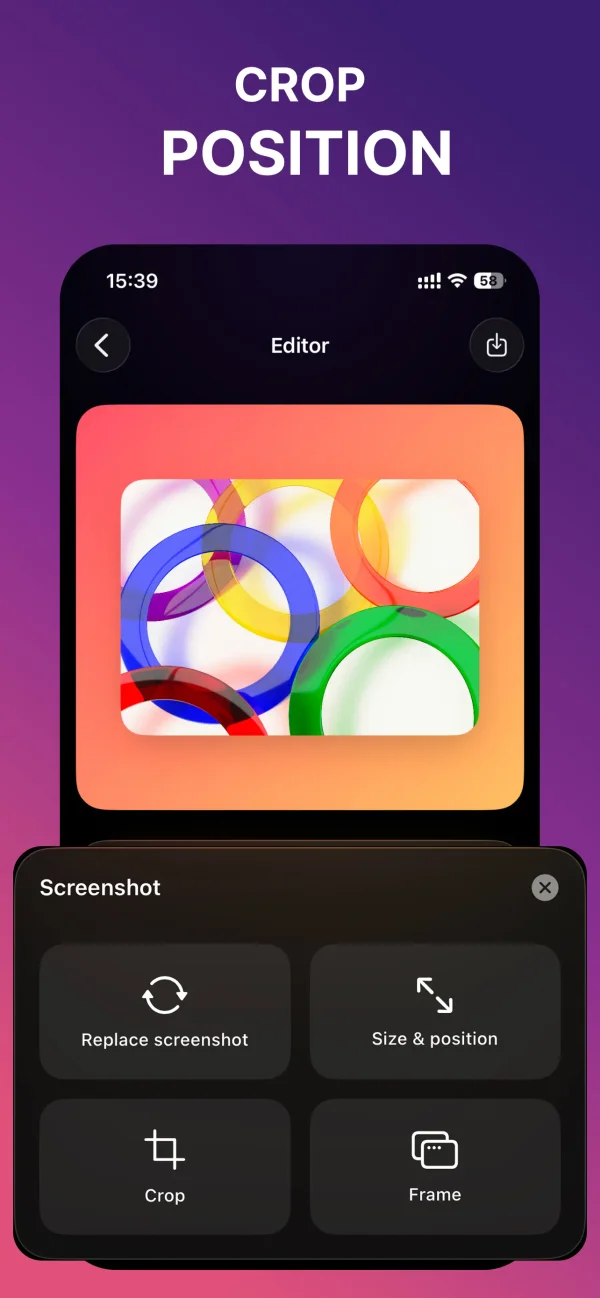
Crop - trim status bars, edges, and anything you don't need
BUILT FOR SHARING
Every canvas preset matches the platform you're posting to, so your screenshot looks right the first time - no manual resizing, no awkward borders. Import images straight from the share sheet and export in high resolution.
WHO IS CROPIC FOR?
— Anyone saving long chats, threads, and articles as a single image
— Developers and designers showcasing their apps in device mockups
— Marketers and bloggers preparing screenshots for posts, ads, and articles
— Support teams and testers documenting bugs step by step
— Students and professionals capturing notes, receipts, and documents
WHY CROPIC?
Fast: from screenshots to a share-ready image in seconds
Simple: a clean, focused editor - no learning curve
Flexible: stitch, frame, caption, and resize in one app
Private: everything is processed on your device
Download Cropic and never share a boring screenshot again.
Some features may require a subscription.
Terms of Use: https://forestlamp.github.io/CropicDocs/Terms.html
Privacy Policy: https://forestlamp.github.io/CropicDocs/Privacy.html
What’s new
Version 2.1 · Aug 10, 2026
Small improvements under the hood.
App privacy
What Aleksei Chusovitin declares on the App Store about how this app handles data.
-
Data not collected
The developer does not collect any data from this app.
Privacy practices may vary, for example with the features you use or your age.
Information
- Seller
- Aleksei Chusovitin
- Category
- Photo & Video
- Version
- 2.1
- Updated
- Aug 10, 2026
- Released
- Jul 15, 2026
- Size
- 11.9 MB
- Requires
- iOS 26.0 or later
- Age rating
- 12+
- Price
- Free
- In-app purchases
- Yes
- Languages
- English, French, German, Japanese, Korean, Russian, Spanish
- Copyright
- © Aleksei Chusovitin
You might also like
-
 スクショ整理 - 結合・モザイク・PDF出力Photo & Video
-
 PolyGen - Create Polygon ArtPhoto & Video
-
 Video Resizer No Crop CompressBlur background, MP4 converter
-
 Background Remover・Eraser ТооlErase, Change BG of Photo
-
 Grid: Feed Planner PhotosPlanner for Instagram with AI
-
 Photo Collage Maker ۬Photo & Story Collage Editor
-
 Face Replace: AI on devicePhoto & Video Swap, Morph
-
 Makeup Check AI: Skin & ColorUndertone, Face Shape Analysis
-
 OverCam – Photo Overlay CameraAlign & Recreate: Pose Guide
-
 Cineica: Cinematic PhotosAnalog Film Camera with Grain