
Cropper Reframe: Video Editor
Crop vertical. Add captions.
Designed for iPhone, iPad
Free · In-app purchases
- Age rating4+
- CategoryPhoto & Video
- DeveloperRocco Contini
- LanguagesEnglish
- Size15.3 MB
Links to the official App Store page
Download.org hosts no file of Cropper Reframe: Video Editor. The button opens its official App Store page, published by Rocco Contini. Listing last checked on Nov 13, 2026.
Screenshots

About
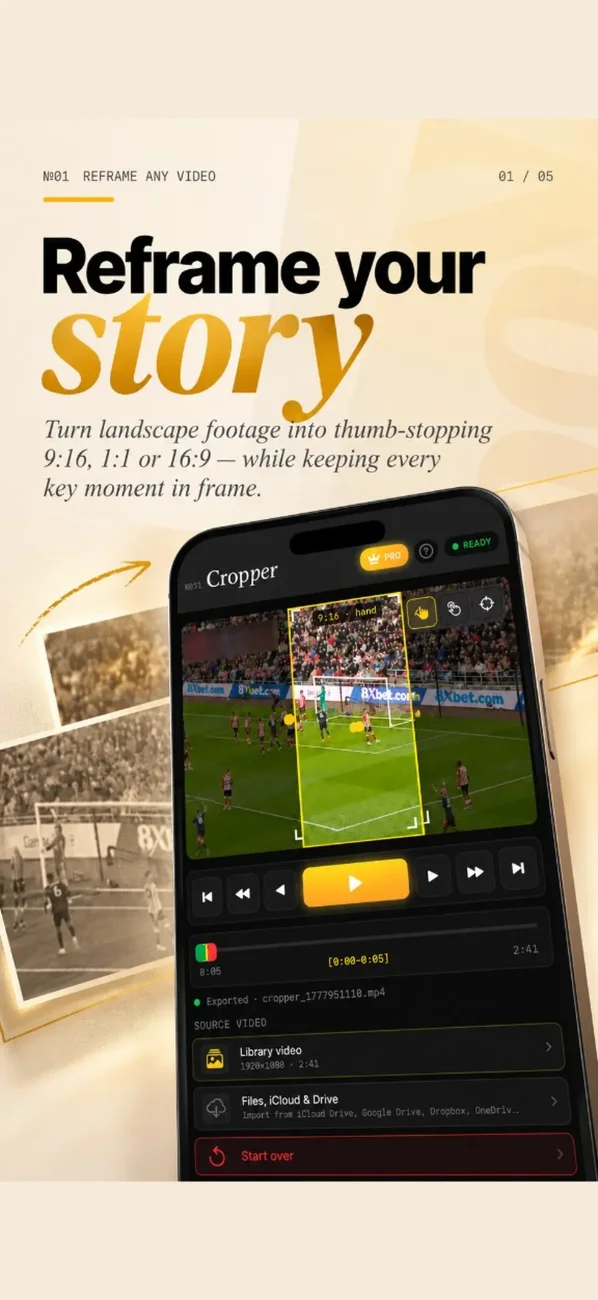
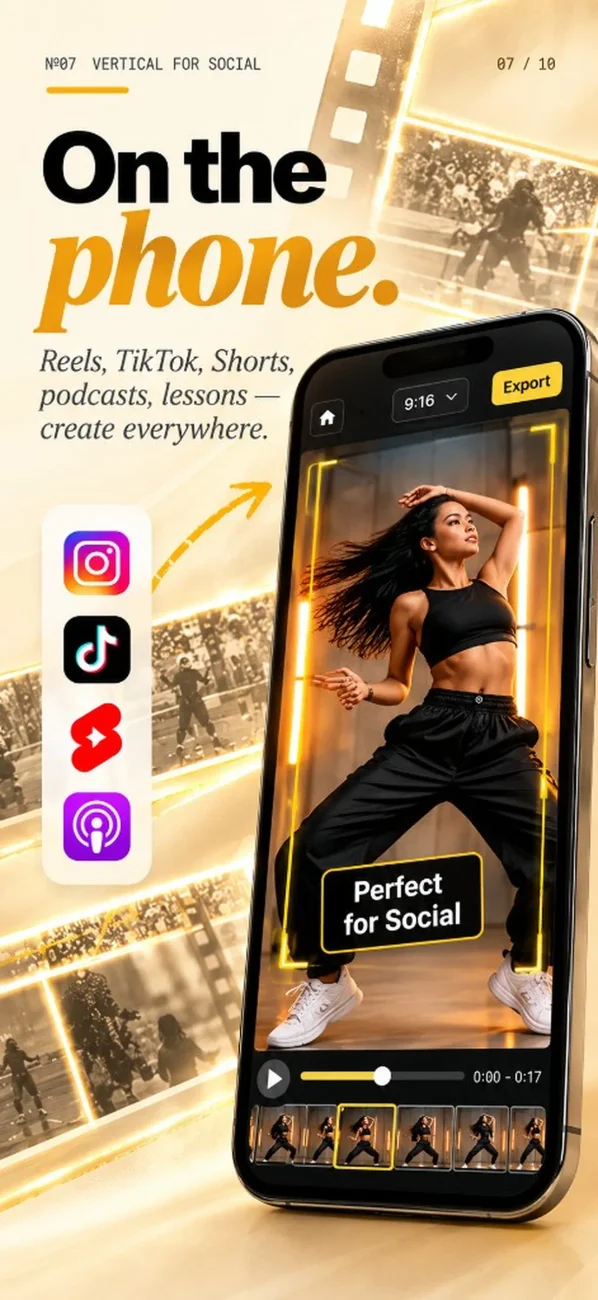
Cropper is the vertical video editor for iPhone. Crop wide footage to vertical for Reels, TikTok, and Shorts. Reframe with one finger. Add captions. Export on the phone.
Nothing is uploaded.
The app is free forever with a center Cropper mark. There is no time-limited trial. Cropper Pro removes the mark.
CROP TO VERTICAL
- Load a video, then turn the phone sideways to frame it
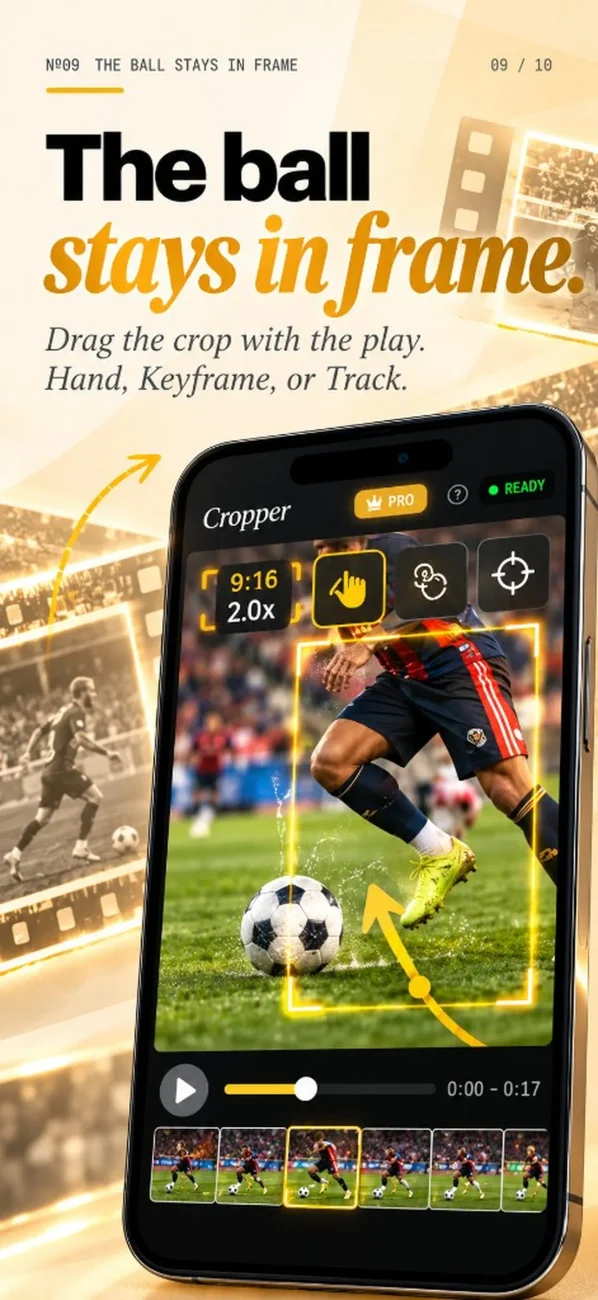
- One finger drags the crop up, down, and across
- Two fingers pinch to zoom
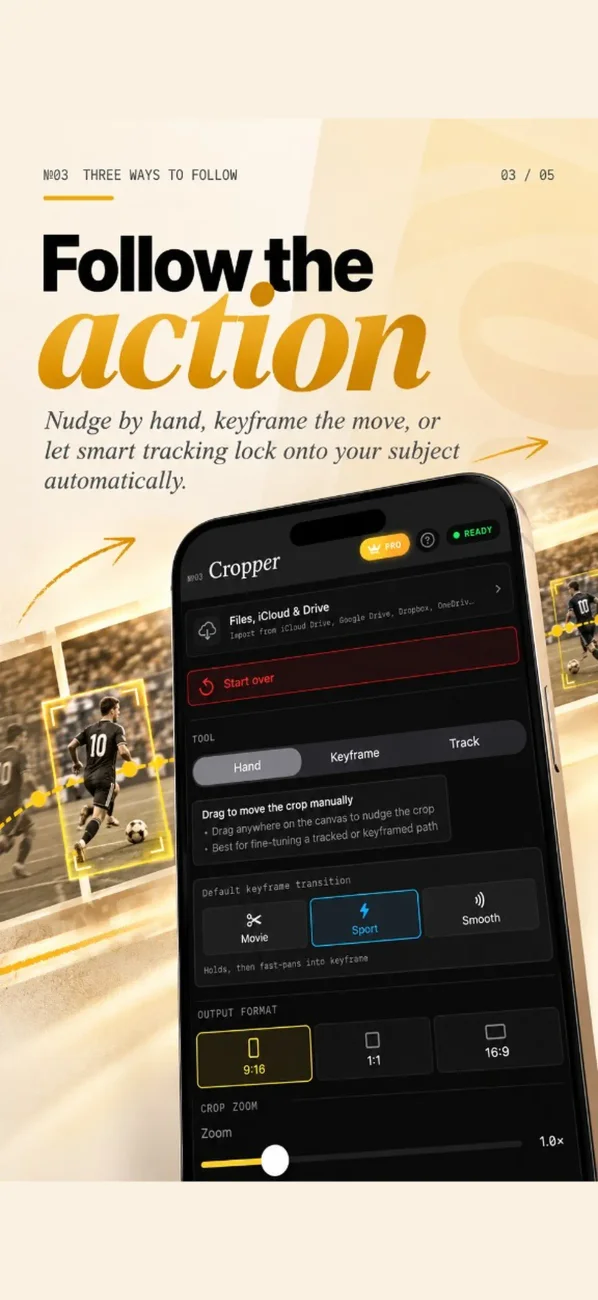
- Hand, Keyframe, and Track sit beside the monitor
- Movie or Smooth sets how the crop moves between keyframes
- The next screen plays those keyframes. It does not add new ones
You steer the frame. Cropper does not auto-center the shot.
CAPTIONS
Speech-to-text runs on the iPhone.
- Edit every line
- Styles on the player: Highlight, Bounce, Paint, Comic Book, and more
- Place the line at the top, middle, or bottom
- Auto detect, or pick a language. English is the default
If captions are on, they show on the before and after pictures at export.
ENHANCE AND LOGO
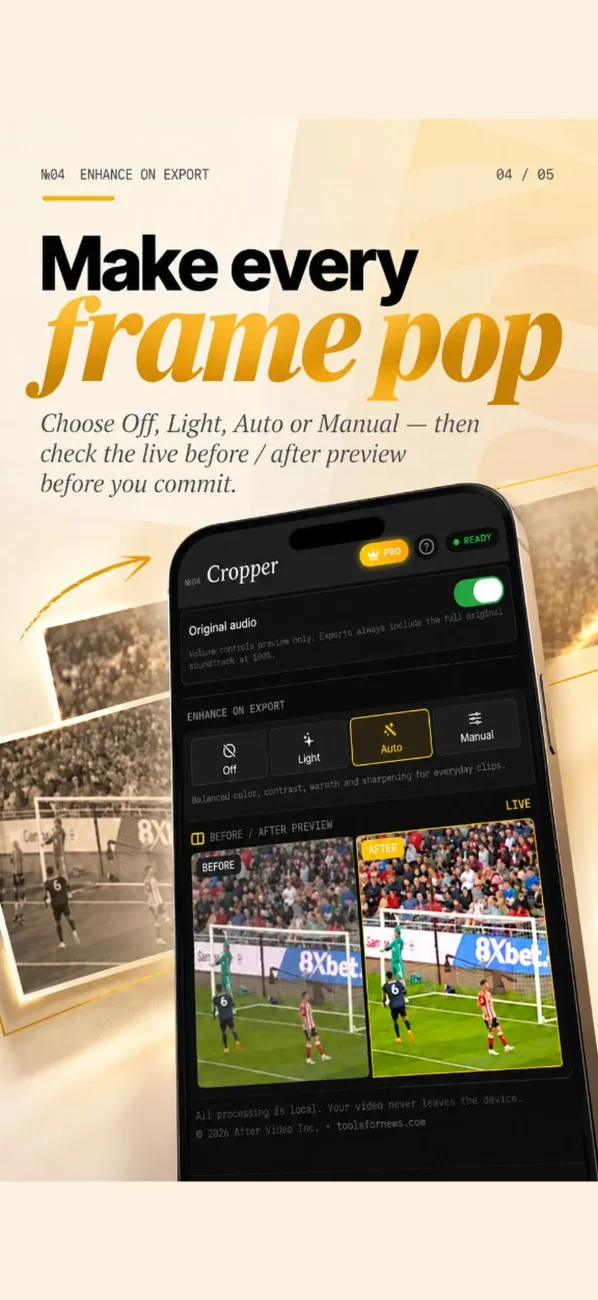
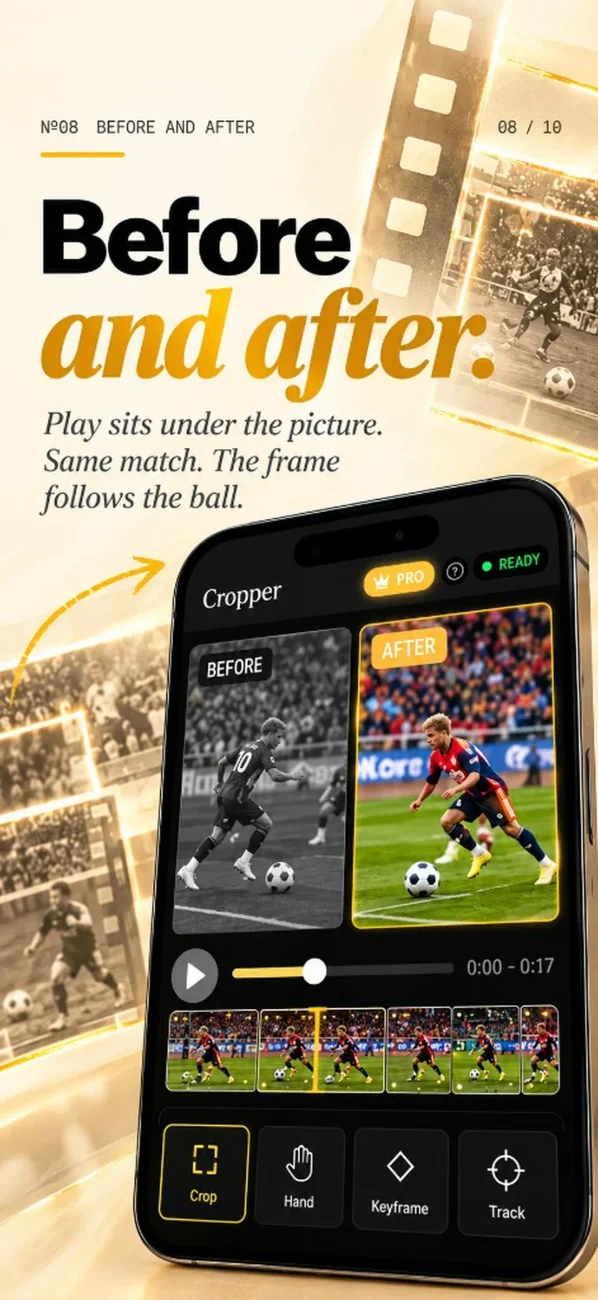
- Before and after, side by side
- Off, Light, Auto, or Manual
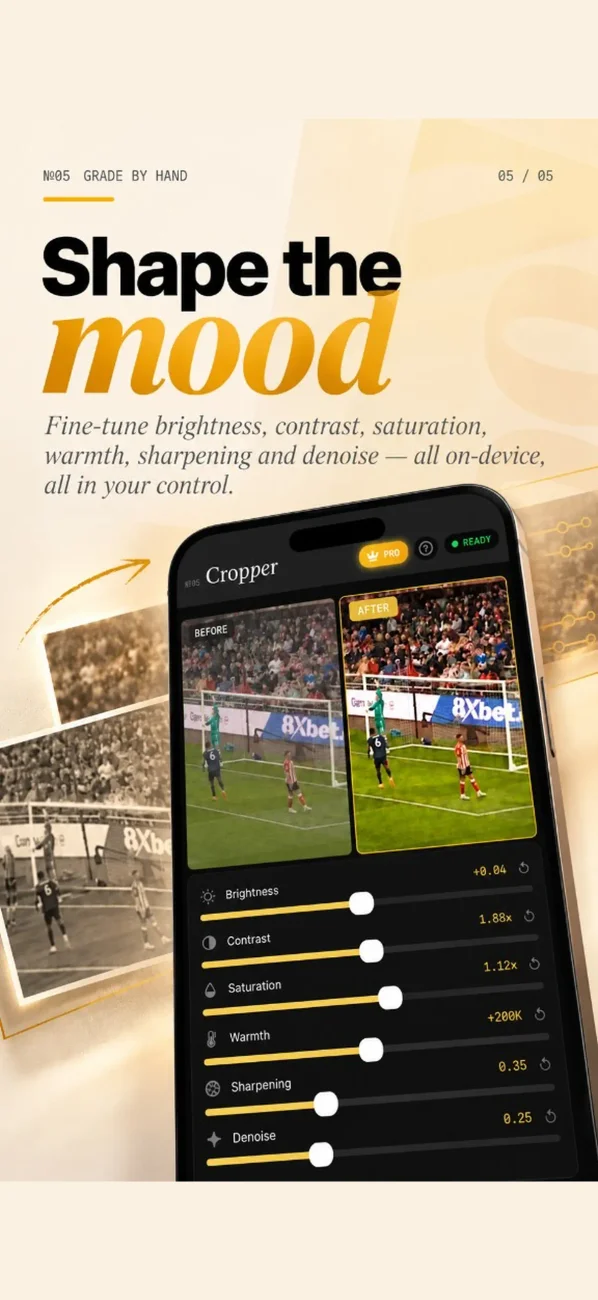
- Manual: brightness, contrast, saturation, warmth, sharpening, and denoise
- Add a logo. Set position, size, and opacity
- Play sits with the picture so you can check the grade
EXPORT
Before and after are at the top. Play is directly underneath. The crop, captions, enhance, and logo are in the file. Free exports keep the center Cropper mark. Pro removes it.
9:16, for Reels, TikTok, and Shorts.
WHY CROPPER
Most reframing apps upload the footage or hide the work in a timeline. Cropper keeps every frame on the iPhone.
CROPPER PRO
The tier name is what you buy:
- Cropper Pro Monthly: US $1.90/month
- Cropper Pro Annual: US $18.90/year
- Cropper Pro Lifetime: US $53.90 (one-time)
Pro includes unlimited clean exports, AI subject tracking, Light / Auto / Manual enhance, and up to 4K. No time-limited trial. The free app is how you try it: exports keep the Cropper mark until you buy Pro. Cancel a subscription anytime in Settings.
MADE FOR
- Sports: crop to vertical around the play
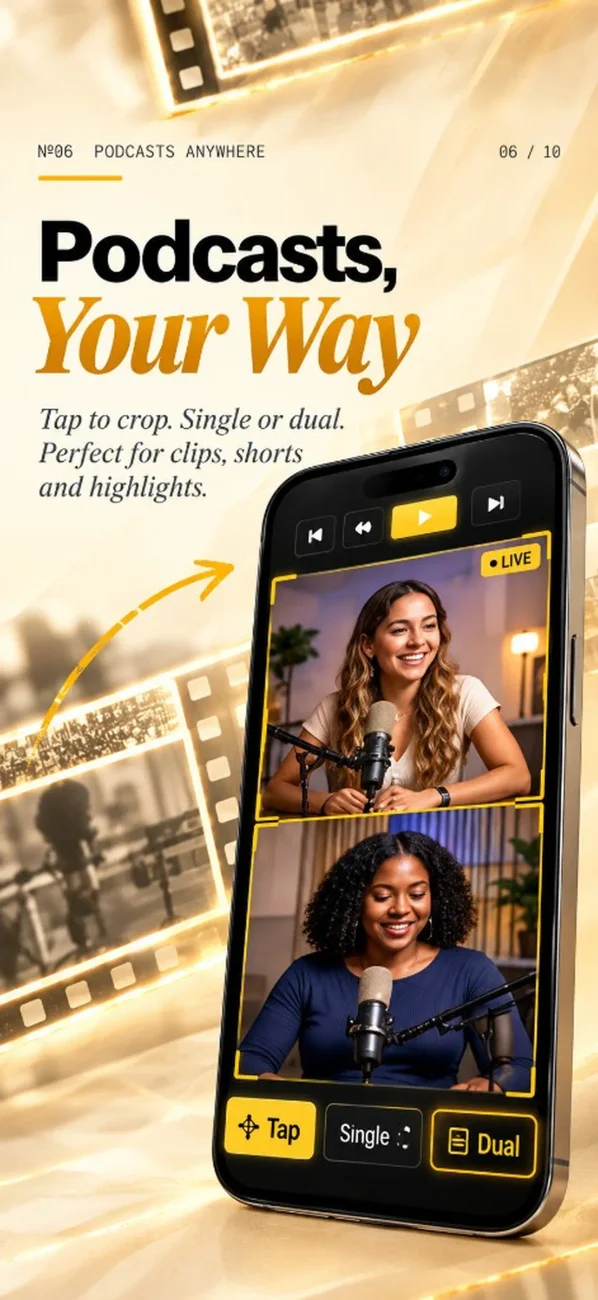
- Podcasts: center the host in a tall frame
- Fashion and product: keep the subject in frame
- Anyone posting for Reels without giving up the wide shot
Created and distributed by Aria Media Technologies, Inc.
Designed by Rocco Contini, professional video editor for 20+ years and CEO of Aria Media Technologies, Inc.
Privacy Policy: https://cropper.video/privacy
Support: https://cropper.video
US prices shown. Prices vary by country; the purchase screen shows your local price.
What’s new
Version 4.3 · Nov 12, 2026
Improved caption synchronization for better timing during video playback and export.
Cropper remains free forever with a center watermark. Upgrade to Cropper Pro for clean exports.
No timeline. Just crop.
App privacy
What Rocco Contini declares on the App Store about how this app handles data.
-
Data not collected
The developer does not collect any data from this app.
Privacy practices may vary, for example with the features you use or your age.
Information
- Seller
- Rocco Contini
- Category
- Photo & Video
- Version
- 4.3
- Updated
- Nov 12, 2026
- Released
- May 15, 2026
- Size
- 15.3 MB
- Requires
- iOS 18.0 or later
- Age rating
- 4+
- Price
- Free
- In-app purchases
- Yes
- Languages
- English
- Copyright
- © 2026 Aria Media Technologies, Inc.
You might also like
-
 Reveals AI: AI Product AdsMake AI Product Photos & Video
-
 AI Background Generator - BGFXProduct Photo, Change BG & ADs
-
 CartoonAI GPTAnime Filters, Toon Avatar
-
 VisuAI: AI Image GeneratorAI Photo, Video & Avatar Maker
-
 RW - AI Video Generator 3Photo & Video
-
 AI Anime Generator - TokariAnime Girl, Waifu, Art, Avatar
-
 Blur Video - Video Blur MakerFaceless Blur Video Background
-
 AI Headshot Generator - HiShotProfessional Business Photo AI
-
 Tooner AI: Photo EditorTrending AI Photoshoots
-
 AI Professional Headshot - HS9Business AI Portrait Generator