
Croptune - Nutrient analyzer
Nutrient analysis on the spot
Designed for iPhone, iPod touch
Free
- Age rating4+
- CategoryProductivity
- DeveloperCROPTUNE TECHNOLOGIES LTD
- LanguagesEnglish
- Size121.7 MB
Links to the official App Store page
Download.org hosts no file of Croptune - Nutrient analyzer. The button opens its official App Store page, published by CROPTUNE TECHNOLOGIES LTD. Listing last checked on Nov 25, 2026.
Screenshots
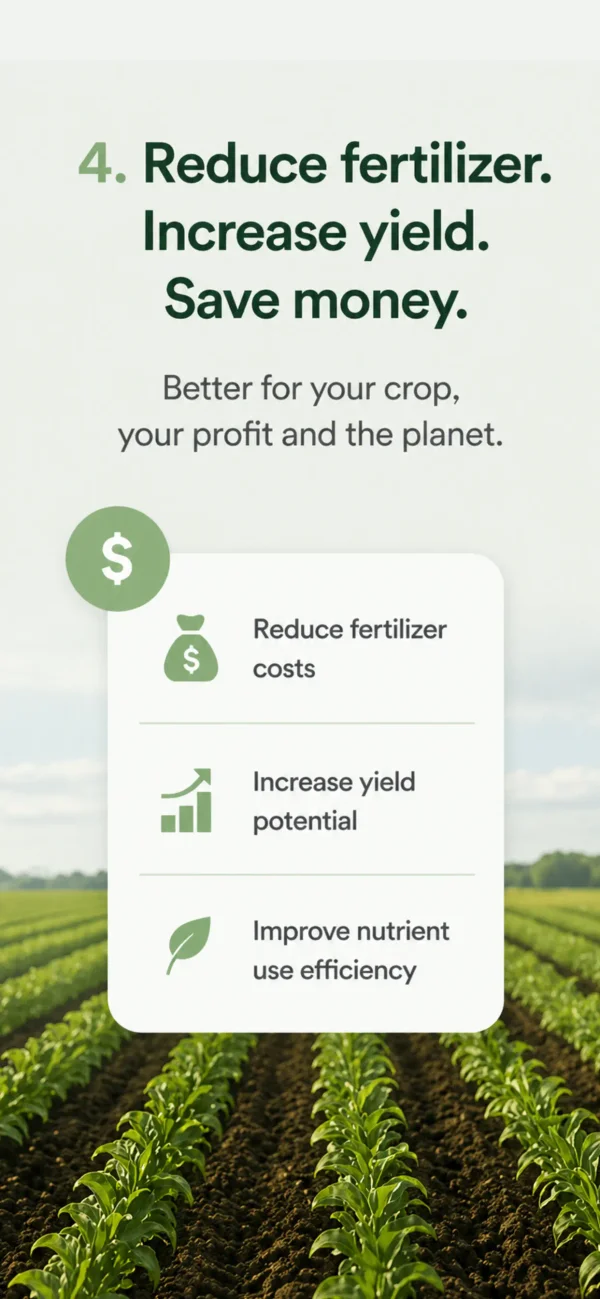
About
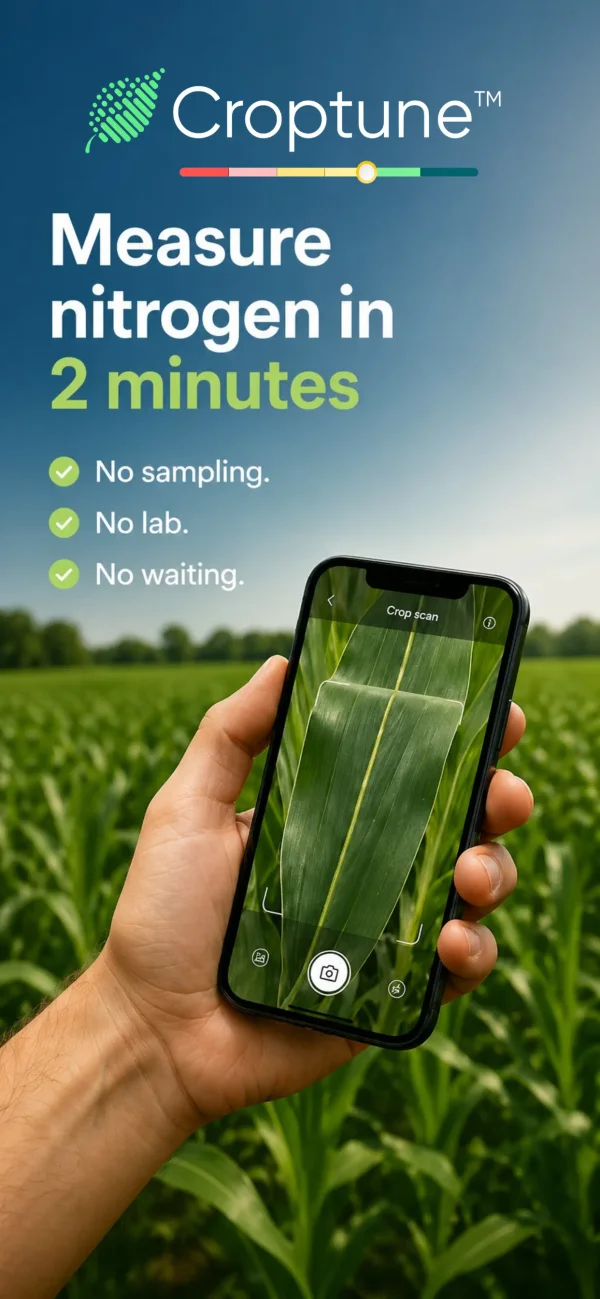
Croptune – Smarter Fertilizing, Right from the Field
Just snap a photo of your crops, and Croptune instantly tells you how much nitrogen they really need. No more guessing, no more over-fertilizing.
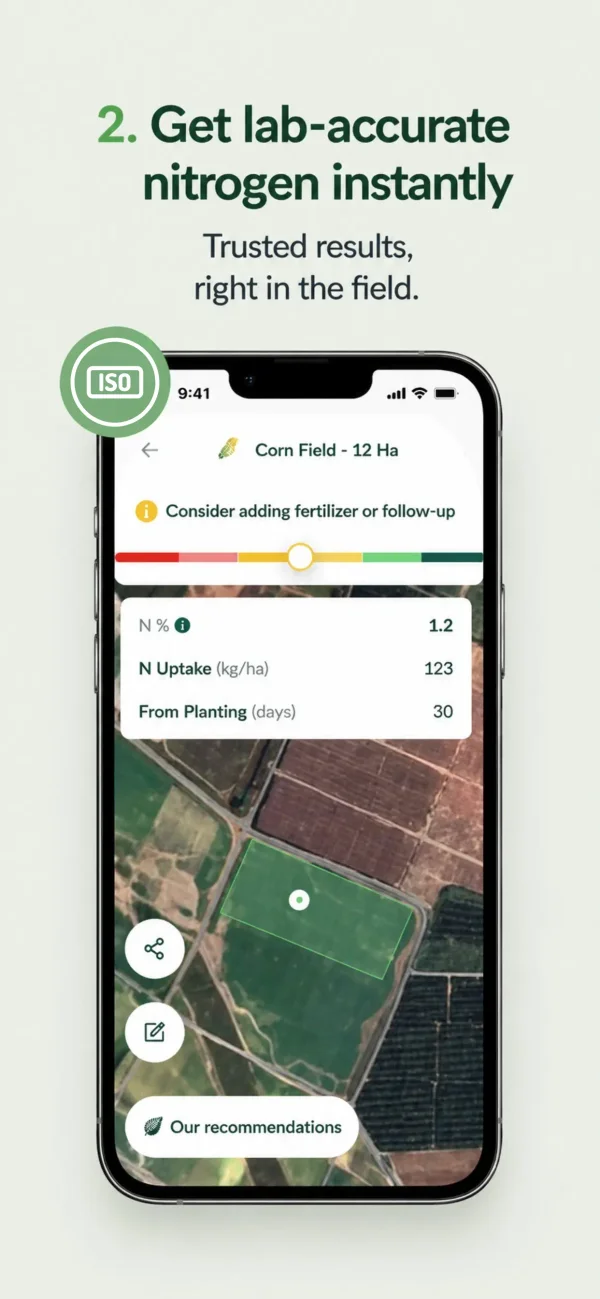
Croptune uses advanced image analysis and big data to give real-time nitrogen insights - straight from the field, in seconds.
All results are backed by ISO 17025-certified lab data, so you can trust what you see.
Less waste, better yields — with technology made for farmers.
Create your own private lab
Thanks to Croptune’s easy-to-use method, anyone can have their own laboratory up and running at a click of a button! Croptune saves you precious money and time on costly equipment, hiring experts, and laboratory analysis, while helping you optimize your fertilization protocol according to the actual status in the field.
Help protect the environment
As any farmer knows, chemical fertilizers can cause serious environmental issues and lead to water, soil, and air pollution. By installing Croptune you will be able to improve your fertilization process and avoid excessive fertilization, thus helping protect the environment while growing healthier produce.
How it works?
To get started, install the Croptune app and select your crop type. Croptune is currently calibrated to detect deficiencies and issue recommendations for field crops, including corn, wheat, carrot, cotton, lettuce, pepper, tomato, potato, cucumber, onion, and rice and for orchards, which includes avocado, banana, pear, cherry, peach, nectarine and clementine.
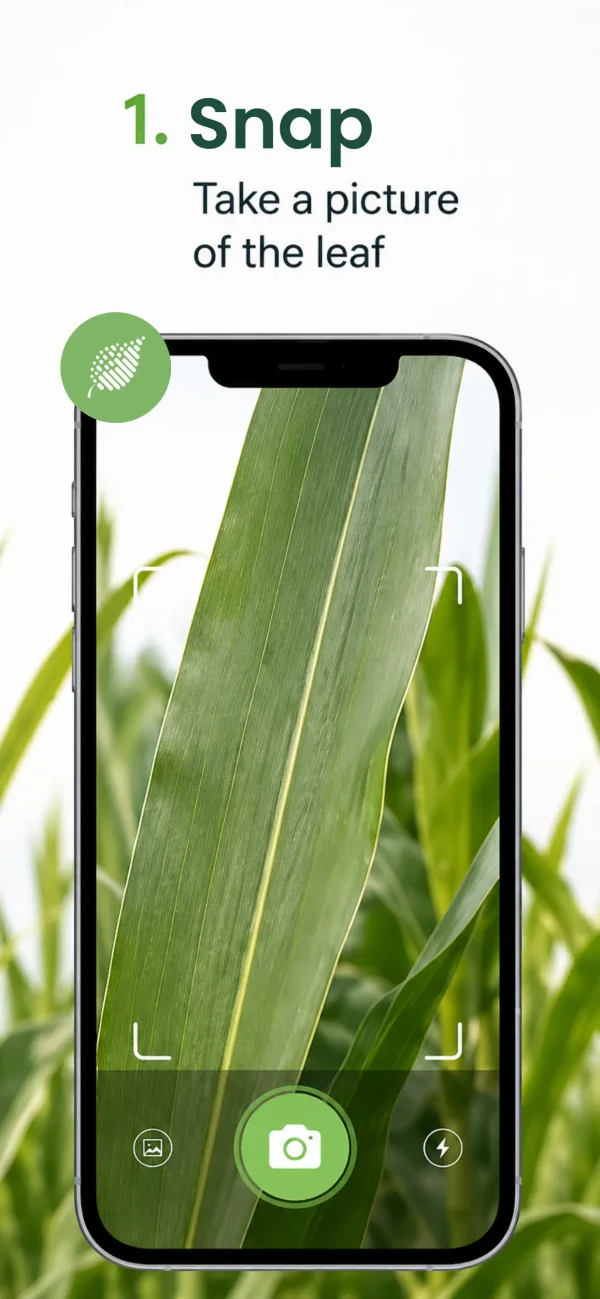
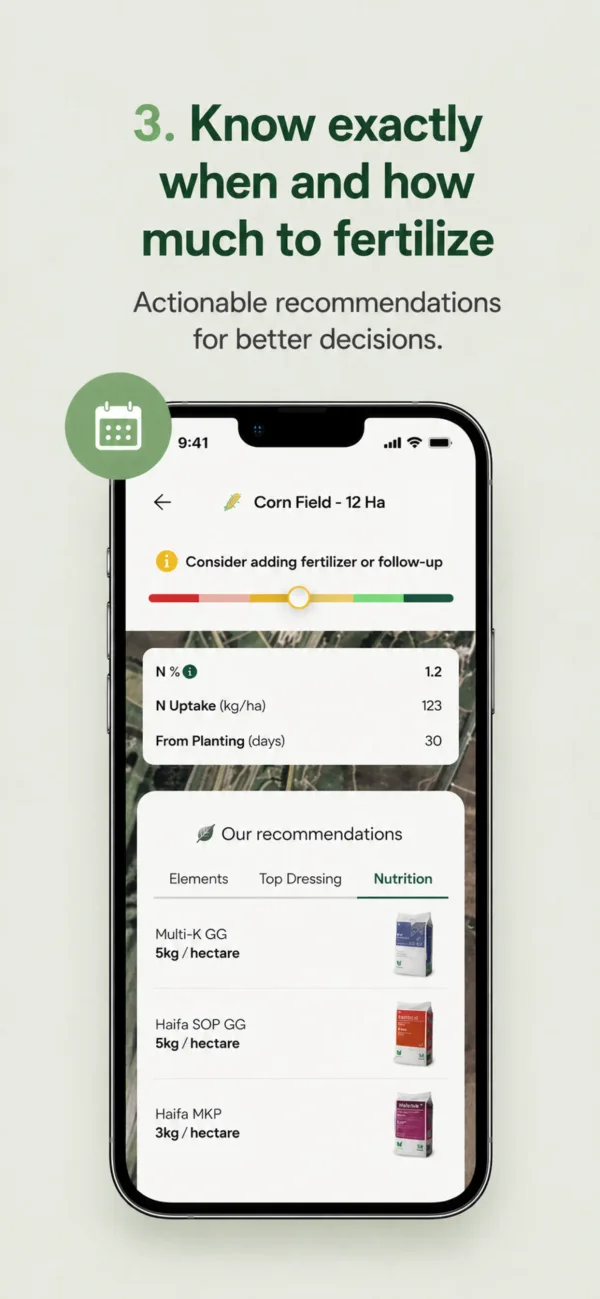
Next, select your planting or sawing date and planting season and if necessary, modify the number of plants per area. Define your plot by using 4-8 pinpoints and click on the Camera icon. Croptune will open in live video mode. Click on "Add image" to capture 3-5 pictures of the selected plant. Repeat this process on other plants to improve accuracy. Next, click on the Continue button and you will get your recommendations in seconds. Croptune saves your data so that you can access it at any time and review a specific crop’s history to keep track of the status of your field.
Now, sit back and relax while you enjoy maximum yields!
The next generation of agriculture is already here! Install Croptune today!
What’s new
Version 27.2.0 · Nov 24, 2026
• Share analysis with AI!
• Improved analysis sharing with others
• End-of-season support
• Improved analysis image quality checks
• More precise fertilizer recommendations for potatoes
• More efficient use of phone's battery
These features will roll out over the coming weeks. Thanks for using Croptune!
App privacy
What CROPTUNE TECHNOLOGIES LTD declares on the App Store about how this app handles data.
-
Data not collected
The developer does not collect any data from this app.
Privacy practices may vary, for example with the features you use or your age.
Information
- Seller
- CROPTUNE TECHNOLOGIES LTD
- Category
- Productivity
- Version
- 27.2.0
- Updated
- Nov 24, 2026
- Released
- Feb 2, 2022
- Size
- 121.7 MB
- Requires
- iOS 15.0 or later
- Age rating
- 4+
- Price
- Free
- Languages
- English
- Copyright
- © Croptune
You might also like
-
 NutricoCrop Management
-
 Arc™ farm intelligenceProductivity
-
 AgroptimaDigitize your farm
-
 Syngenta Cropwise GrowerProductivity
-
 ORTHYour AI agronomy assistant
-
 FarmQA - Crop Scouting & moreScout / Advise / Analyze
-
 EdenicEdenic By Bluelab
-
 Cropwise ProtectorProductivity
-
 AuravantAgricultura de precisión
-
 Field Navigator: Tractor GPSFarm sprayer guidance system