- Age rating4+
- CategoryUtilities
- DeveloperYaniv van der Stigchel
- LanguagesEnglish+ 4 more
- Size10.2 MB
Links to the official App Store page
Download.org hosts no file of Crosscheck: Crosswind Calc. The button opens its official App Store page, published by Yaniv van der Stigchel. Listing last checked on Nov 28, 2026.
Screenshots



About
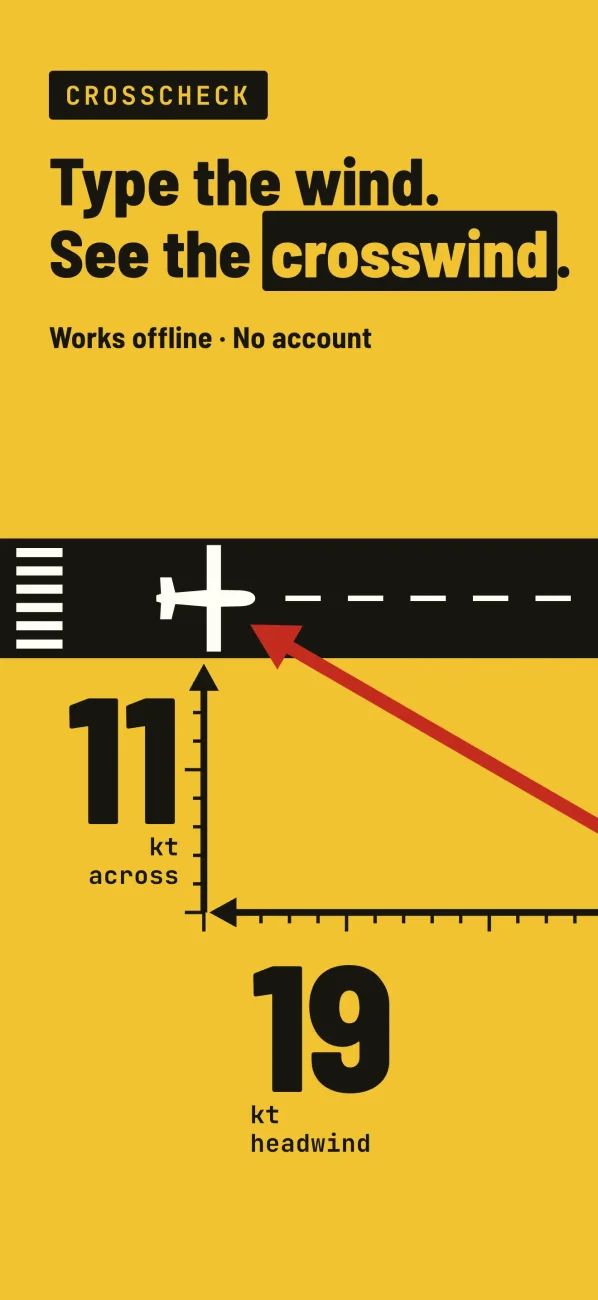
Two lines of trigonometry, in the runup area, with the ATIS still in your head. Crosscheck does them and draws the answer.
Type the runway and the wind. You get the crosswind and the head or tailwind, and — the part that matters — the runway drawn with the wind across it at the real angle, so which side it is on is unmistakable. Knowing the number is easy. Picturing the side wrong under pressure is what puts an aeroplane in the grass.
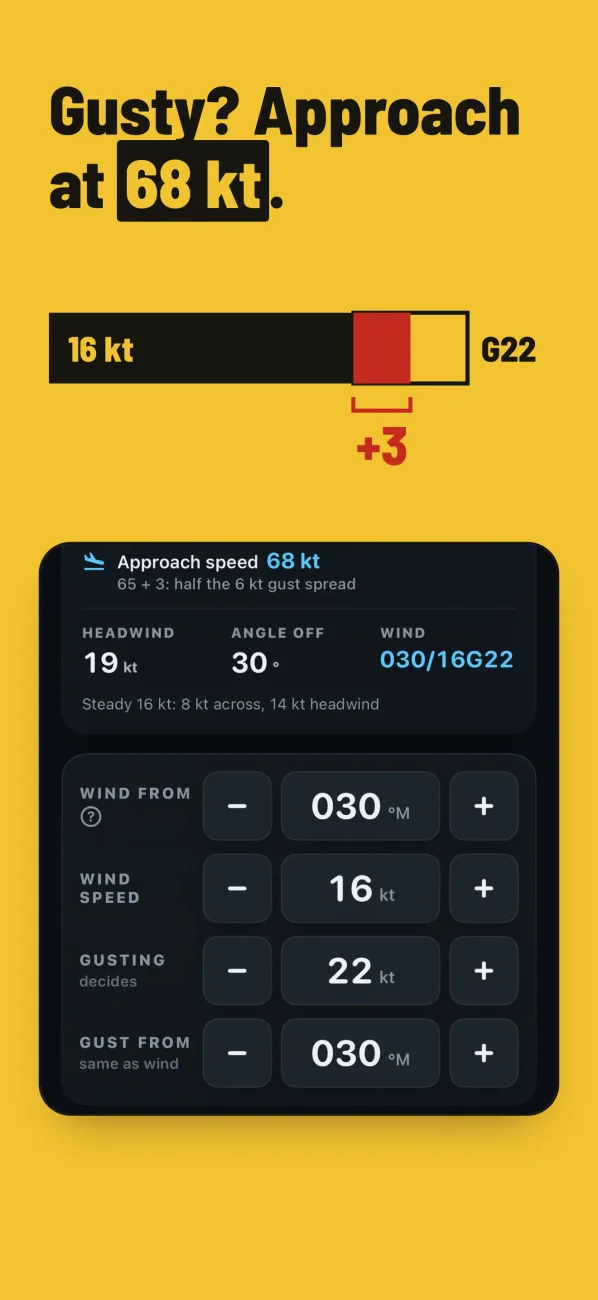
THE GUST IS THE NUMBER THAT DECIDES
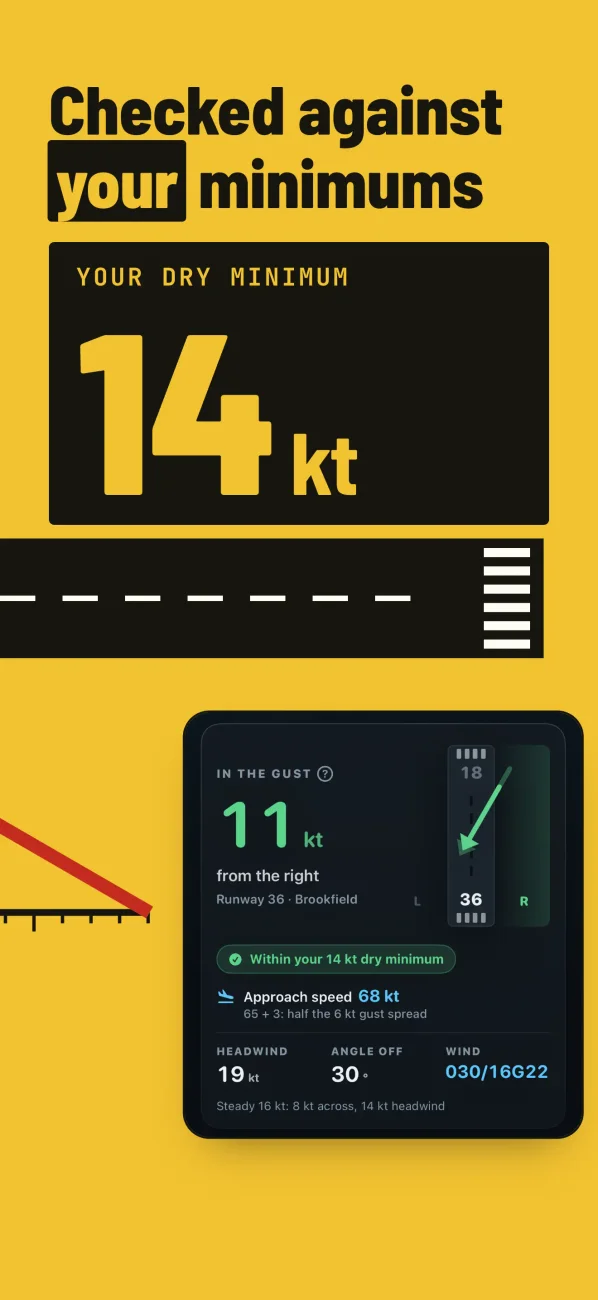
Plan on the steady wind and land in the gust and you planned the wrong number. The headline figure is the gust; the steady one is underneath it, because you brief both.
IT WORKS THE OTHER END WITHOUT BEING ASKED
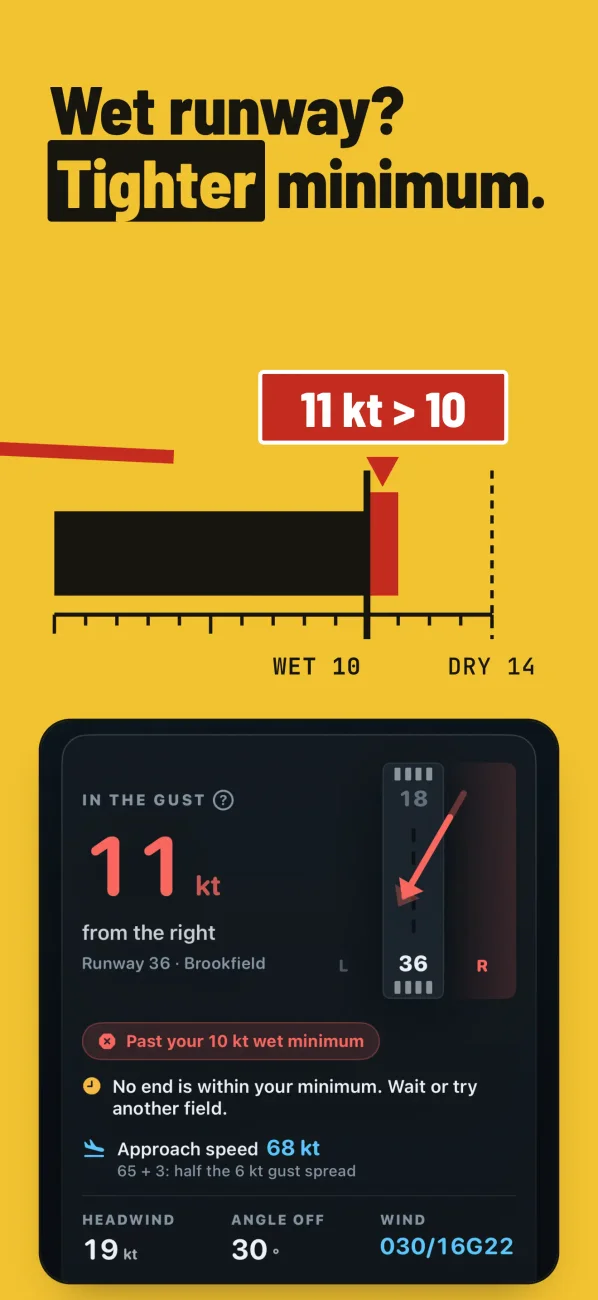
Every wind is computed for the reciprocal too. If that end is the better one — a headwind instead of a tailwind, or materially less across — the app says so with the numbers already on it, and swaps with one tap. That is the question you actually have when a crosswind is marginal, and no other calculator answers it.
GRADED AGAINST YOUR FIGURE, NOT OURS
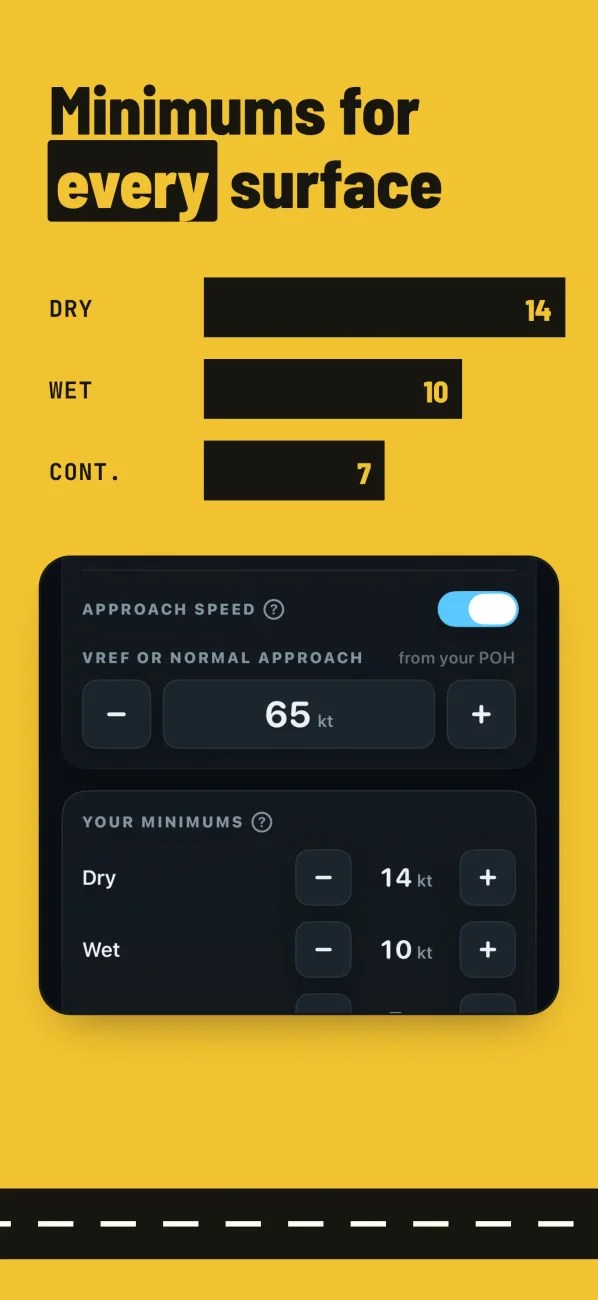
You type the demonstrated crosswind from your own POH. The app compares your number to the computed component and tells you where you sit — within it, close to it, or past it — and it names which figure it means, the crosswind or the tailwind.
There is no built-in aircraft database, on purpose. Demonstrated crosswind varies by model, by year and sometimes by modification, and a figure that is close but wrong is worse than no figure at all.
For most light aircraft the demonstrated crosswind is a DEMONSTRATED value — the strongest crosswind a test pilot happened to find during certification — not a structural or regulatory limit. Some types are placarded with a real limit. The app says so where you enter it.
DENSITY ALTITUDE TOO
Field elevation, altimeter setting and OAT give you pressure altitude and density altitude, using the standard approximation printed in POH supplements.
AND THE CLOCK RULE, HONESTLY
The mental shortcut you were taught — angle off over sixty, times the wind — shown against the real figure at every angle, so you can see exactly where it starts over-reading. At 60° it says the full wind when the answer is 87%.
WHAT IT IS NOT
A planning aid, not an authority, and not a source of weather. It has no network connection of any kind: it does not fetch METARs, and the wind it uses is the wind you typed. Verify against the current ATIS or ASOS.
It does not compute weight and balance, takeoff or landing distance, or performance of any kind. The pilot in command decides.
Works offline. No account.
What’s new
Version 1.3.4 · Nov 24, 2026
Find your airport. 28,000 airports are now built in, runways filled in: search by code, name or city and Crosscheck picks the best runway end for the wind. Press and hold the app icon to go straight to the search. Runway data wrong or an airfield missing? A small button lets you tell me.
App privacy
What Yaniv van der Stigchel declares on the App Store about how this app handles data.
-
Data linked to you
May be collected and linked to your identity.
- Contact info
-
Data not linked to you
May be collected but is not linked to your identity.
- Usage data
Privacy practices may vary, for example with the features you use or your age.
Information
- Seller
- Yaniv van der Stigchel
- Category
- Utilities
- Version
- 1.3.4
- Updated
- Nov 24, 2026
- Released
- Sep 24, 2026
- Size
- 10.2 MB
- Requires
- iOS 17.0 or later
- Age rating
- 4+
- Price
- $4.99
- Languages
- English, French, German, Portuguese, Spanish
- Copyright
- © 2026 Yaniv Vanderstigchel
You might also like
-
 Poker Odds (Hold'em)Texas Hold'em Odds Calculator
-
 Wind TriangleAviation wind calculator
-
 Flight Times RecorderTrack your flight times easily
-
 C182 M&B mobileCessna 182 Mass and Balance
-
 CrossCheck ChecklistsModern Checklists for Pilots
-
 Runway WindThe pilot's runway wind tool.
-
 Crosscheck – Built for CrewTools for life in the air
-
 Dexgreen OpenreachUtilities
-
 WVG PortalUtilities
-
 TruAirspeedUtilities