
- Age rating4+
- CategoryProductivity
- DeveloperMustafa YAYLA
- LanguagesEnglish
- Size38.8 MB
Links to the official App Store page
Download.org hosts no file of Crossuse Agenda. The button opens its official App Store page, published by Mustafa YAYLA. Listing last checked on Nov 17, 2026.
Screenshots
About
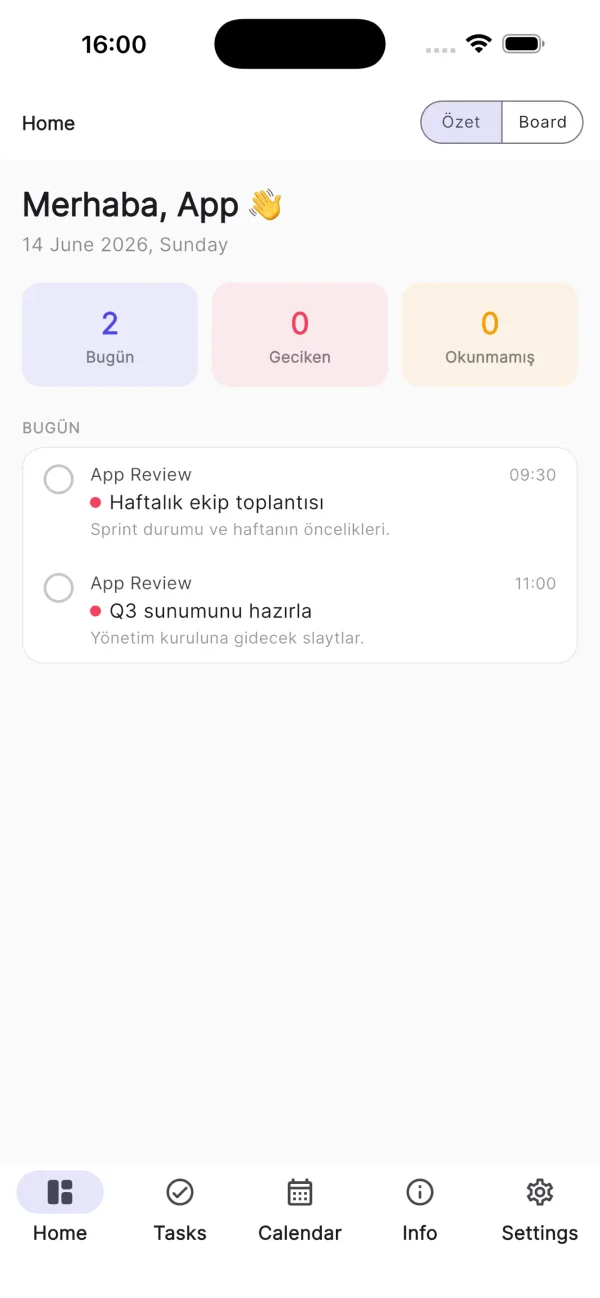
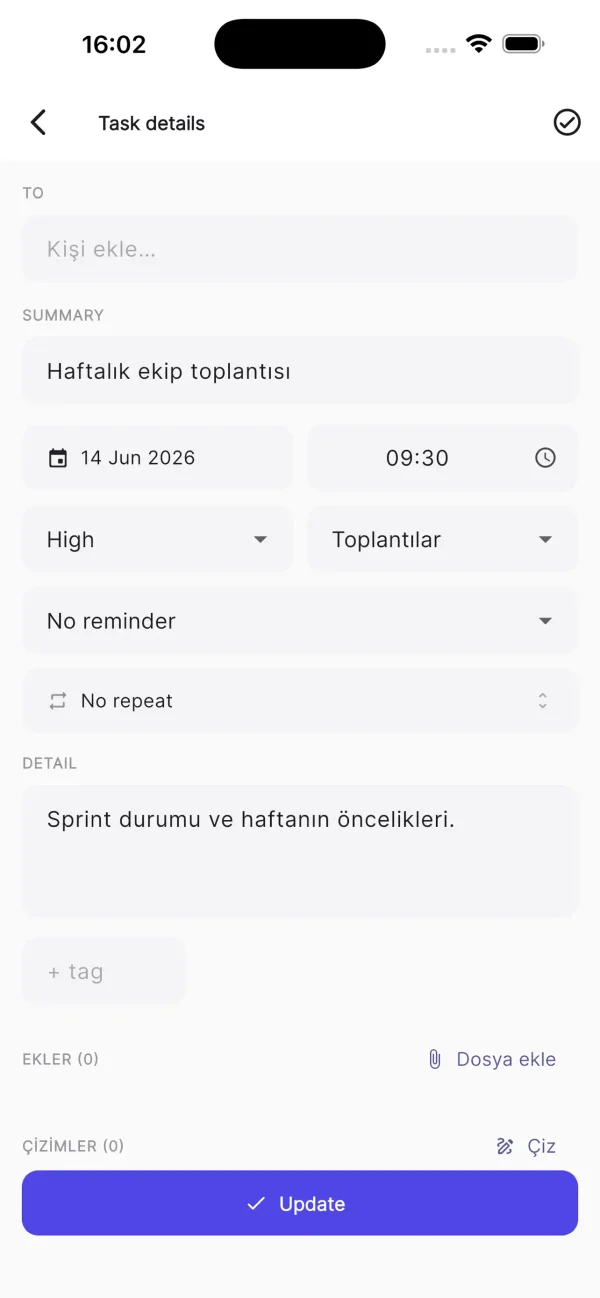
Agenda brings your groups, tasks, chat and calls together in one place — a group-centric planner for teams, families and yourself.
GROUPS AT THE CENTER
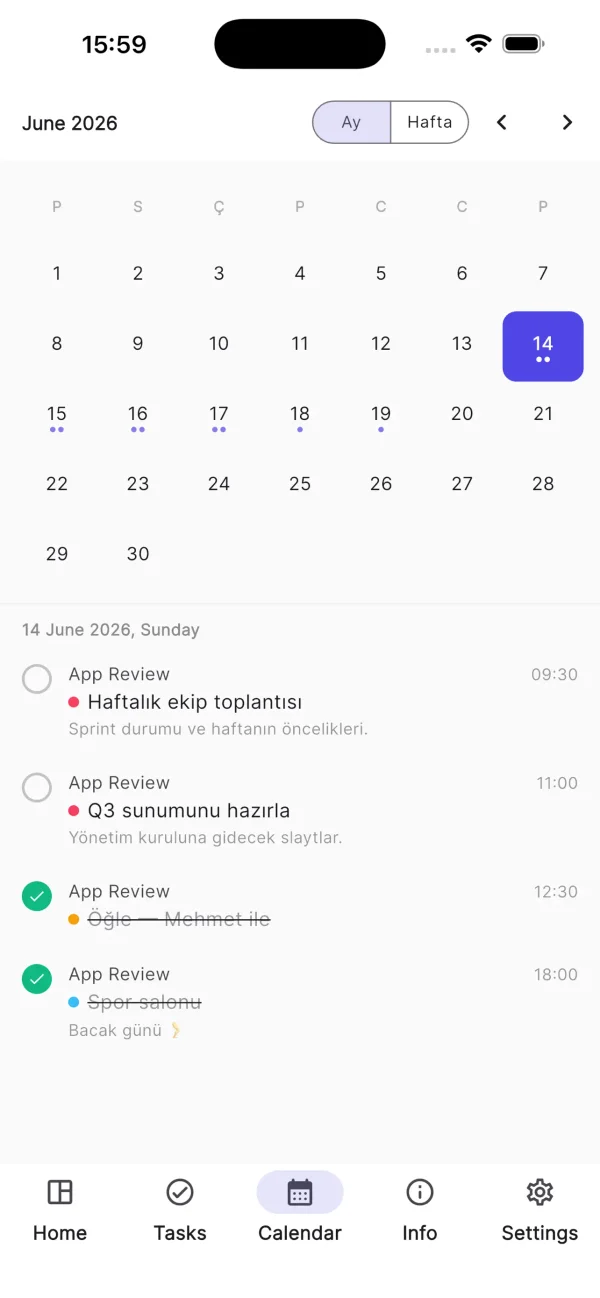
• Every group has its own shared space: tasks, chat, calendar, folders, links and a secure vault
• Roles (owner, admin, member), ownership transfer, leaving a group
• Mark members as Outside collaborators — an "O" tag shows wherever they appear
• 1:1 direct messages with the same shared space, upgradeable to a group
TASKS THAT FLOW
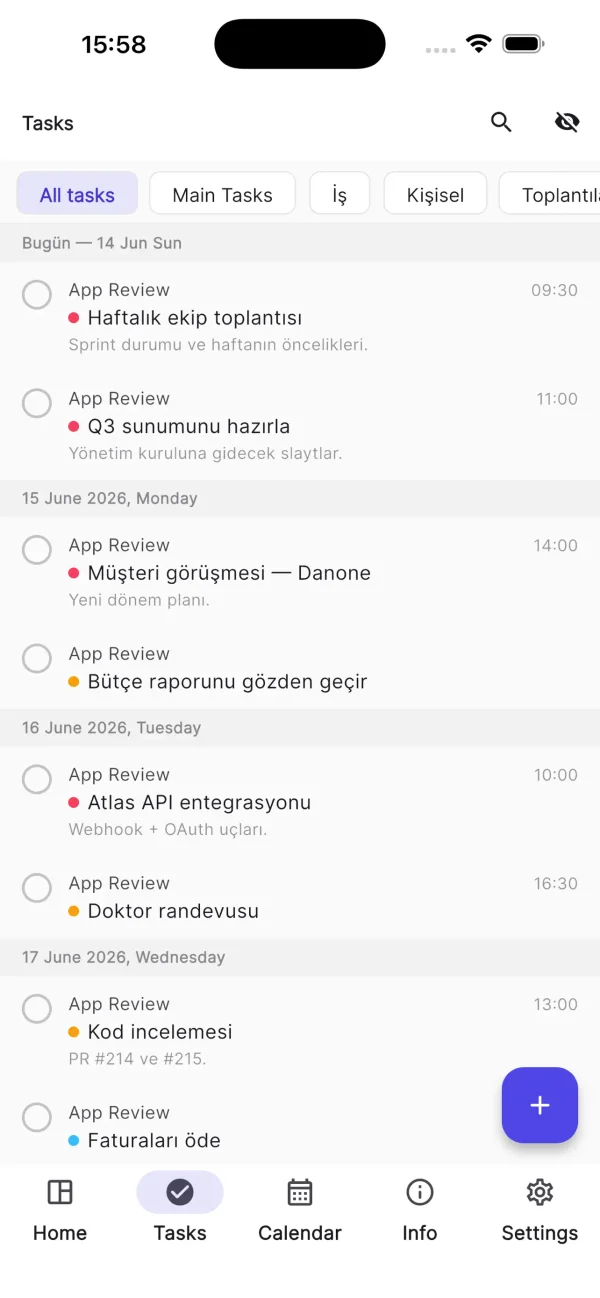
• Create, schedule, tag; recurring tasks and remind-until-done
• Five priority levels, from P1 Critical to P5 Planning
• Assign to one or many people, delegate, hand off or return
• Approve or reject finished work with a message; everything is logged
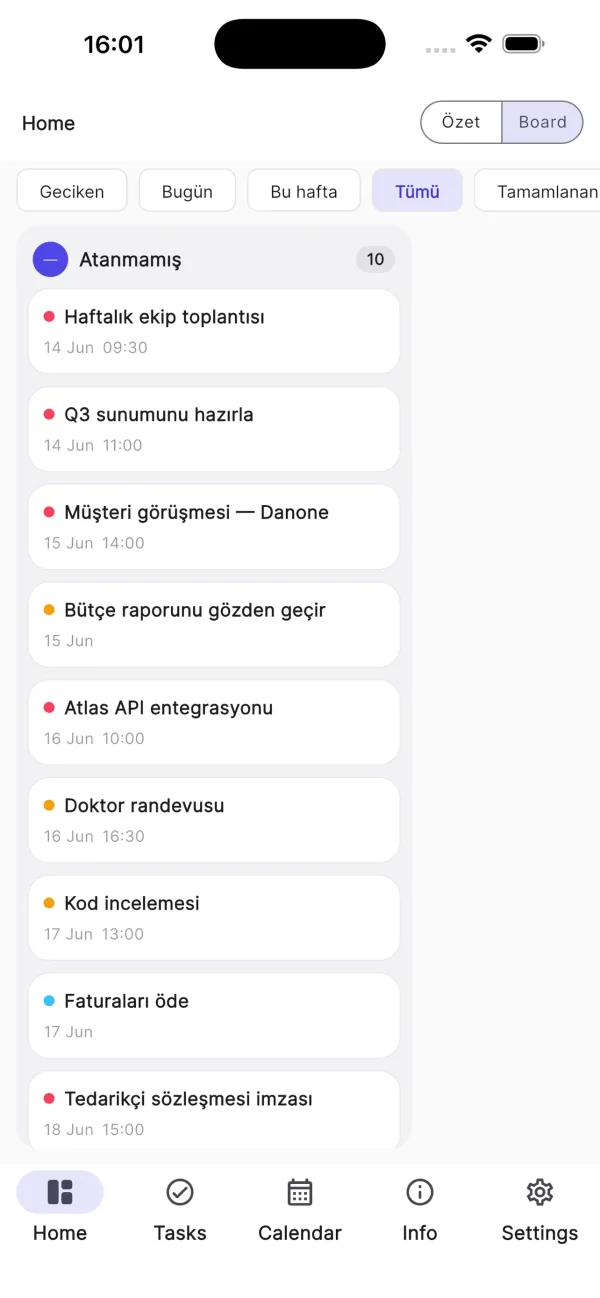
• Kanban boards (by status, person, folder, group, tag) with drag & drop
• Boards open with your own work and widen to the whole group in one tap
• Filter boards by people: everyone, members only, or outside collaborators
SLA TRACKING
• Make any task SLA-tracked: start and completion targets per priority, measured from assignment
• Group-wide targets with per-person overrides — everyone follows the group defaults until a personal target is set
• A Start task action stamps when work begins; live countdown badges on tasks
• One-time alerts to the assignee and the owner the moment a target is breached
• SLA compliance charts on Home and in every group: targets met by priority, a live at-risk view, and a per-person breakdown for owners and admins
CHAT & CALLS
• Group chat and DMs with files, voice messages and @mentions
• Voice & video calls with optional recording; native incoming-call screen
• Meetings with flexible recurrence, invitations and one-tap join
ALWAYS IN SYNC
• iPhone, iPad, Mac, Windows and the web — one account, everything live
• Push notifications for messages, assignments, mentions and reminders
• A cross-group dashboard: your work, waiting-on-you items and today's plan
PRIVATE BY DESIGN
• Add contacts and group members by e-mail — no public people directory
• Remove or block contacts; blocked people can't reach you
• Sign in with e-mail, Google or Microsoft; two-factor authentication built in
• You stay signed in across updates, and signed-out devices stop receiving notifications
What’s new
Version 2.7.44 · Jul 26, 2026
Priorities, SLAs and outside collaborators:
• Tasks now use five priority levels — P1 Critical to P5 Planning
• New SLA-tracked tasks: start and completion targets per priority, measured from assignment
• Set group-wide SLA targets with per-person overrides
• Start task stamps when work begins; live countdown badges and instant alerts on breaches
• New SLA compliance charts on Home and in groups — targets met, at-risk and per-person views
• Mark group members as Outside collaborators with an "O" tag, plus a people filter on boards
• Fixed: deleting a group that had SLA targets could fail
App privacy
What Mustafa YAYLA declares on the App Store about how this app handles data.
-
Data linked to you
May be collected and linked to your identity.
- Contact info
- User content
- Identifiers
Privacy practices may vary, for example with the features you use or your age.
Information
- Seller
- Mustafa YAYLA
- Category
- Productivity
- Version
- 2.7.44
- Updated
- Jul 26, 2026
- Released
- Jun 19, 2026
- Size
- 38.8 MB
- Requires
- iOS 15.0 or later
- Age rating
- 4+
- Languages
- English
- Copyright
- © 2026 crossuse
You might also like
-
 Haru: Your Day at a GlanceImport, remind, repeat & sync
-
 Plan: Simple to-do listSitoplazma
-
 QuitBuddy: Quit AddictionContent Blocker, Life Saver!
-
 Duplicate Contacts ManagerRemove, Merge, Backup, Restore
-
 Junkman: AI Spam SMS BlockerSmart spam message filter
-
 My Contacts BackupAddress Book Backup
-
 Addons Maker for MinecraftCraft Mobs, Weapon, Dimensions
-
 Tiimo: To-Do List PlannerSchedule Structured Daily Task