- Age rating4+
- CategoryNavigation
- DeveloperLars Lemke
- LanguagesEnglish+ 1 more
- Size8.8 MB
Links to the official App Store page
Download.org hosts no file of CruiseControl - SpeedTracker. The button opens its official App Store page, published by Lars Lemke. Listing last checked on Nov 13, 2026.
Screenshots


About
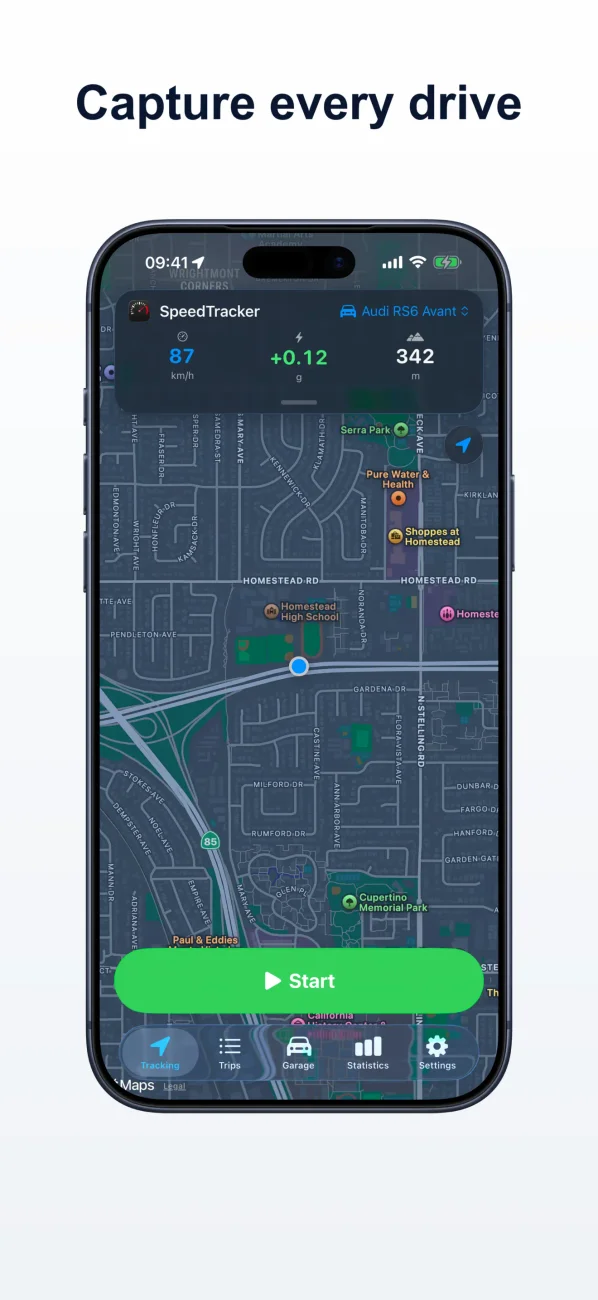
SpeedTracker records every drive with the precision of dedicated automotive instruments — and the elegance of a modern iPhone app.
Open the app, hit Record, and put the phone away. SpeedTracker captures your speed, acceleration, route, and altitude in the background, even with the screen locked. A Live Activity on your Lock Screen and Dynamic Island keeps the trip stats one glance away, and the home-screen widgets show your last drive and personal records without opening the app.
WHAT GETS RECORDED
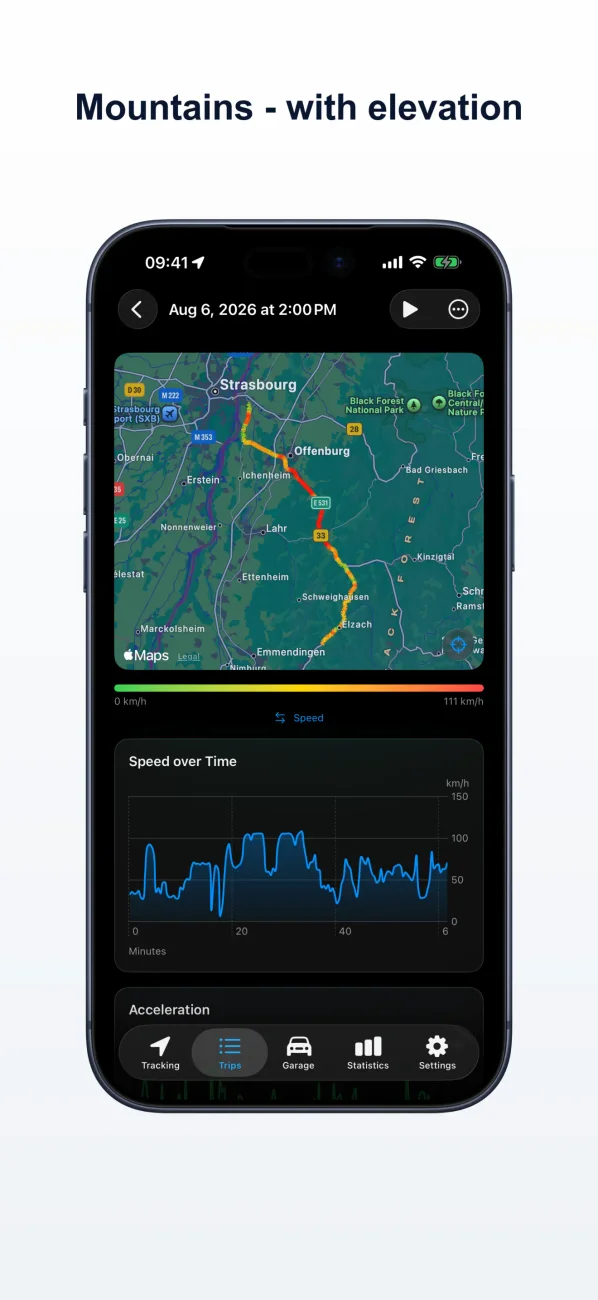
• Live speed, distance, duration, and average speed
• Maximum acceleration and braking forces
• Altitude profile with elevation gain and loss
• Full GPS route, drawn on the map
• Motion-sensor fusion bridges tunnels and GPS dead zones
INSIGHT INTO EVERY DRIVE
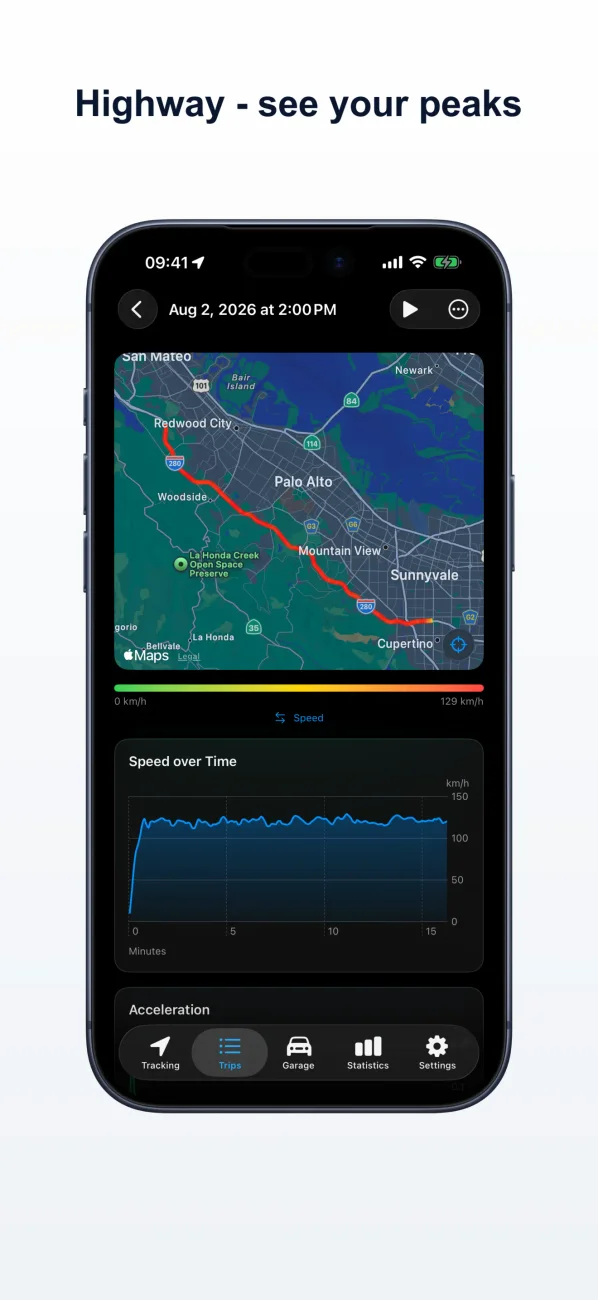
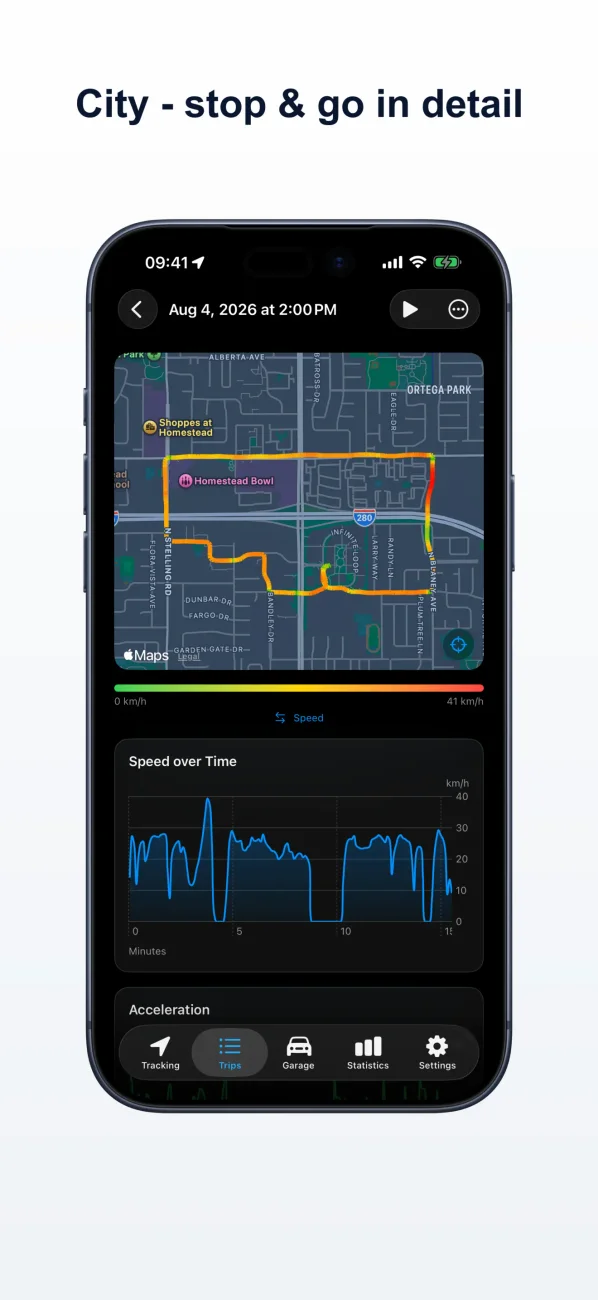
• Speed, acceleration, and altitude charts with pinch-to-zoom
• Color-coded route map (green = slow, red = fast)
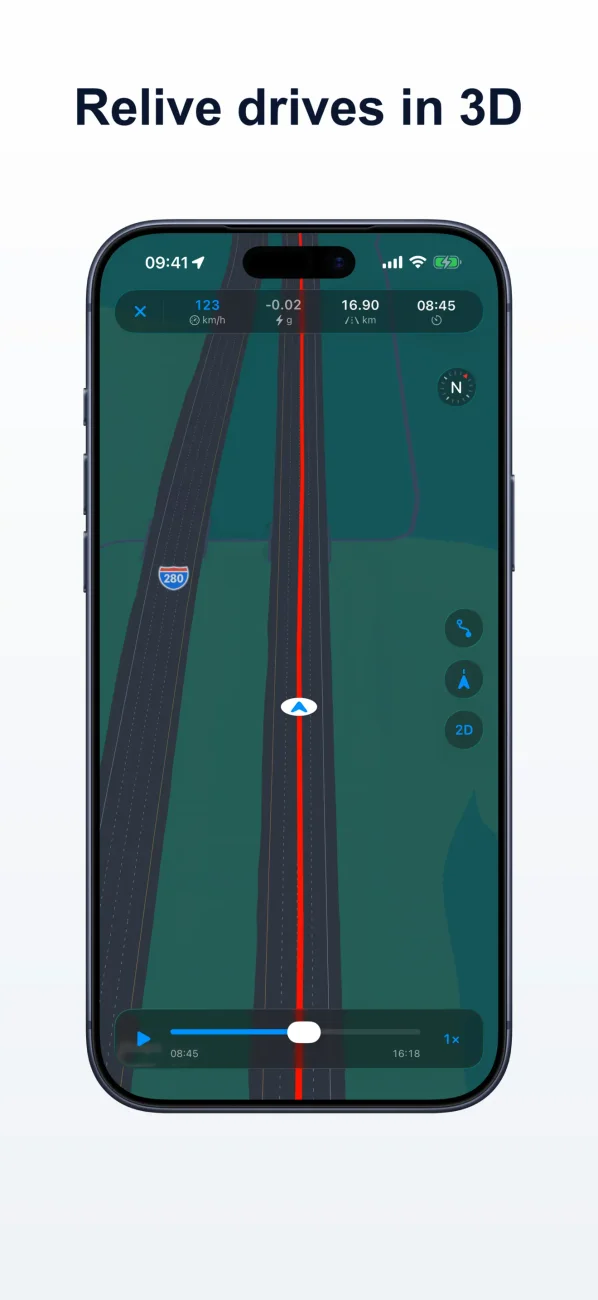
• 3D replay — retrace every route animated, with speed and altitude live along the way
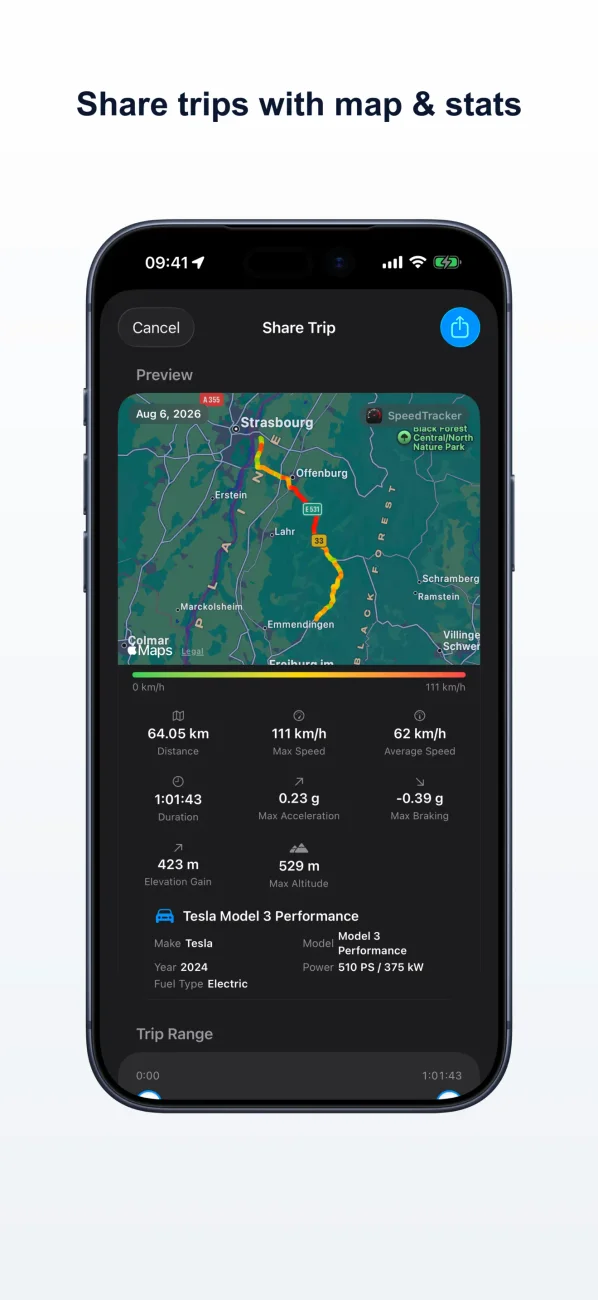
• Detailed per-trip statistics
• Rename trips and organize them your way
STATISTICS & RECORDS
• Interactive activity chart — browse by week, month, or quarter
• Route heatmap — see your most-driven roads at a glance
• Filter everything by car or a custom date range
• Personal records across all your trips
GARAGE FOR YOUR CARS
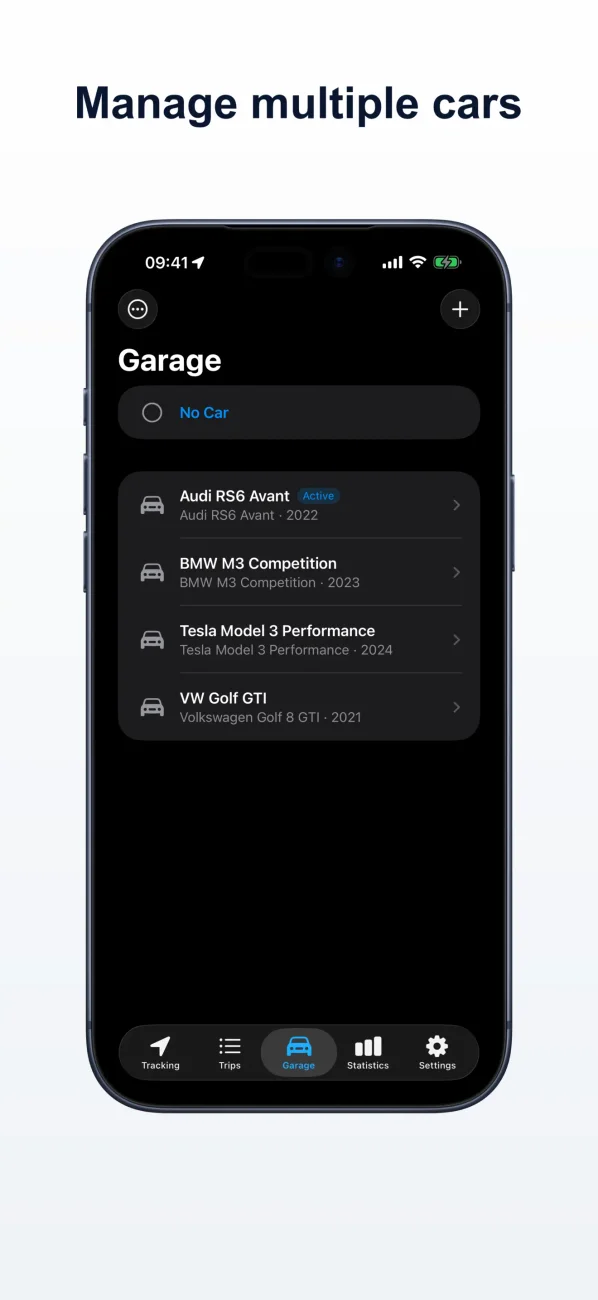
Manage multiple vehicles and assign each trip to the right one. Switch the active car while tracking, or reassign trips later — one at a time or in bulk.
NEVER FORGET TO STOP
Parked and walked away? SpeedTracker notices, sends you a notification, and can end the trip automatically — so an hour of standstill never pollutes your stats.
SHARE WITH PRECISION
Trim any trip to a sub-range and export a beautiful summary image to share with friends — without revealing the start or end address.
IMPORT & EXPORT
• GPX import: bring your history from Strava, Garmin, or any other GPX app — with a full preview before anything is saved
• Open .gpx files straight from Files, Mail, or the Share Sheet
• GPX and CSV export for any trip — including bulk export
• Lossless round-trip: exported SpeedTracker files re-import perfectly
SYNCED WITH iCLOUD
Trips, cars, and settings sync automatically between your iPhone and iPad via your personal iCloud — stored only in your private iCloud account, and you can switch sync off per device.
CONTROL CENTER + WIDGETS + LIVE ACTIVITIES
• One-tap start/stop from Control Center
• Home Screen widgets for the last trip and your records
• Lock Screen widgets for speed and records at a glance
• StandBy widget for the iPhone bedside view
• Lock Screen and Dynamic Island Live Activity
HANDS-FREE WITH CARPLAY & BLUETOOTH
With Apple Shortcuts Personal Automations, tracking can start the moment your iPhone connects to CarPlay or a specific Bluetooth device — and stop automatically when it disconnects. Plug in, drive, every trip records itself.
The included Shortcuts intents "Start Tracking" and "Stop Tracking" make this a 30-second setup. A further intent sets the active car — so every auto-started trip is filed under the right vehicle from the start.
PRIVACY-FIRST
No account, no third-party servers, no analytics. Your drives live on your device — and, if you enable sync, in your personal iCloud and nowhere else. The app only uses Location and Motion sensors — that's it.
REQUIREMENTS
• iOS 26 or newer
• iPhone with GPS
• "Always" location permission for background recording
App privacy
What Lars Lemke declares on the App Store about how this app handles data.
-
Data not collected
The developer does not collect any data from this app.
Privacy practices may vary, for example with the features you use or your age.
Information
- Seller
- Lars Lemke
- Category
- Navigation
- Version
- 1.0
- Updated
- Sep 4, 2026
- Released
- Sep 5, 2026
- Size
- 8.8 MB
- Requires
- iOS 26.4 or later
- Age rating
- 4+
- Languages
- English, German
- Copyright
- © 2026 Lars Lemke
You might also like
-
 Elsewhere: World ClockTime zones with live weather
-
 orecast: Minerals & FossilsWW2 bunkers, lidar & old maps
-
 kmaps.co - Navigate OfflineReach Destination with Privacy
-
 GPS Speedometer: Trip TrackerCar & Bike Speed Tracker
-
 BayernInfo MapsTravel
-
 Ways: Map Weather - Waysioways map, weather & navigate
-
 trafficpilotNavigation
-
 Ray.Radar DetectorHelps save on fines!
-
 Bochum AppTravel
-
 Grüne-Flotte-CarsharingTravel