Crux: Screen time control
Focus & App Blocker
Designed for iPhone
Free · In-app purchases
- Age rating4+
- CategoryProductivity
- DeveloperIdan Rachmani
- LanguagesEnglish
- Size15.8 MB
Links to the official App Store page
Download.org hosts no file of Crux: Screen time control. The button opens its official App Store page, published by Idan Rachmani. Listing last checked on Nov 20, 2026.
Screenshots


About
Crux blocks the apps that steal your time — so you can actually focus.
Set a session, pick the apps to block, and put your phone down. Crux uses
Apple's Screen Time technology to enforce the block system-wide, even if you
close the app.
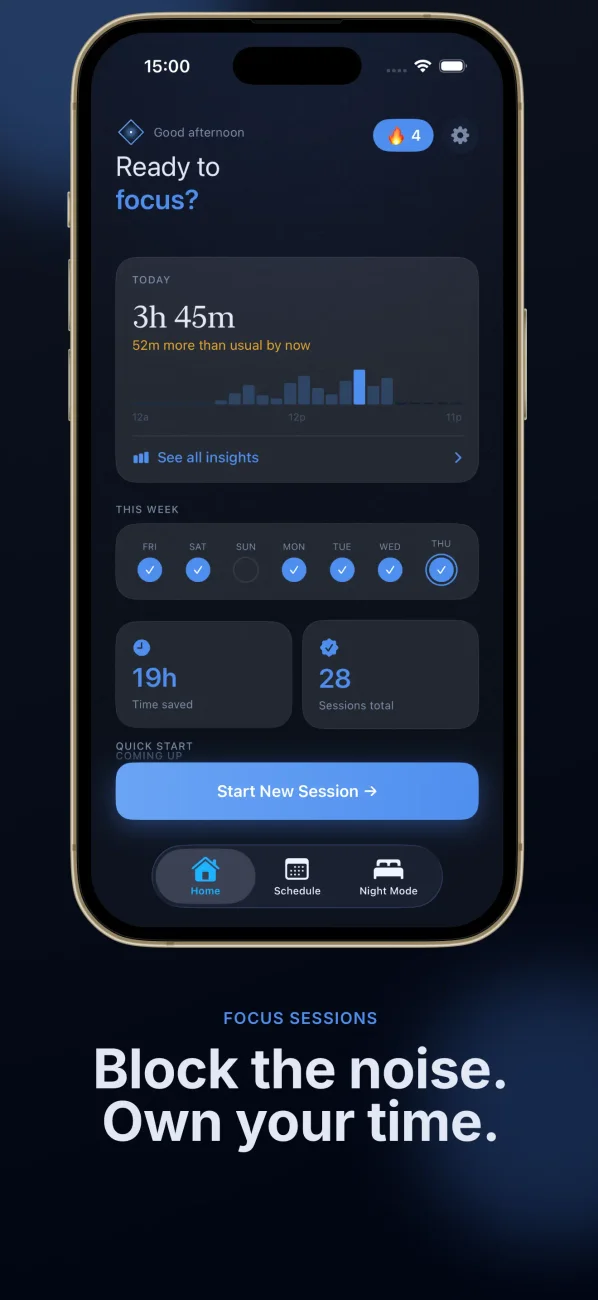
FOCUS SESSIONS
Block any app for as long as you need. Crux holds the block until the session
ends — no cheating.
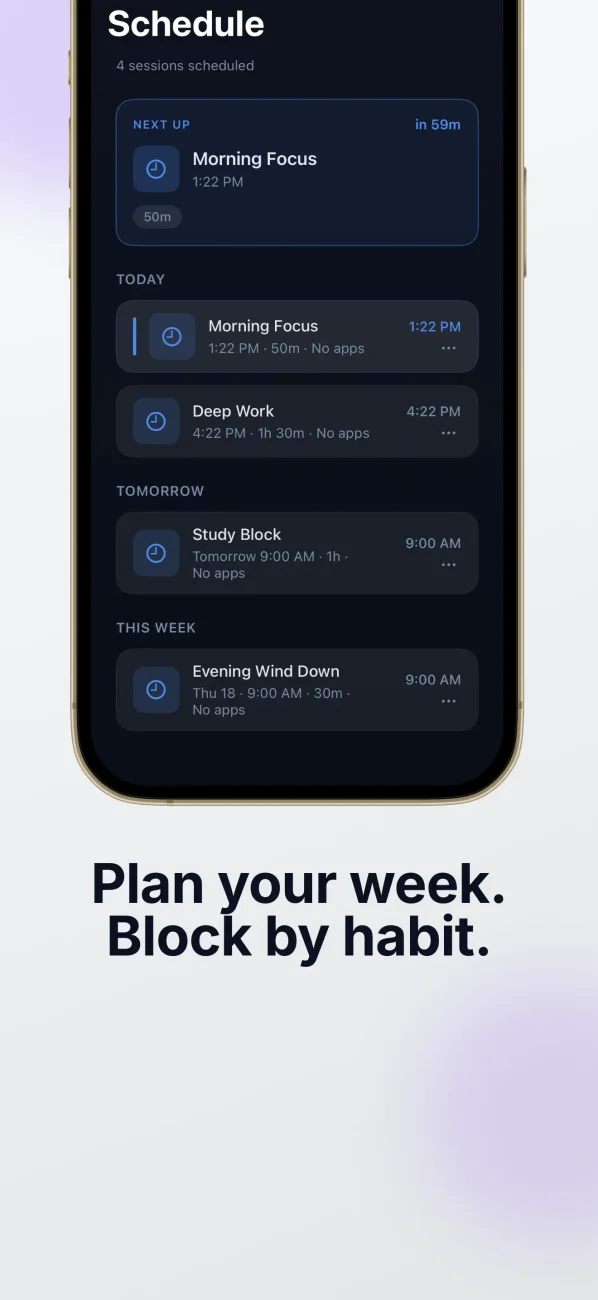
SCHEDULED SESSIONS
Set recurring blocks in advance. Your protection runs automatically, even if
you never open the app.
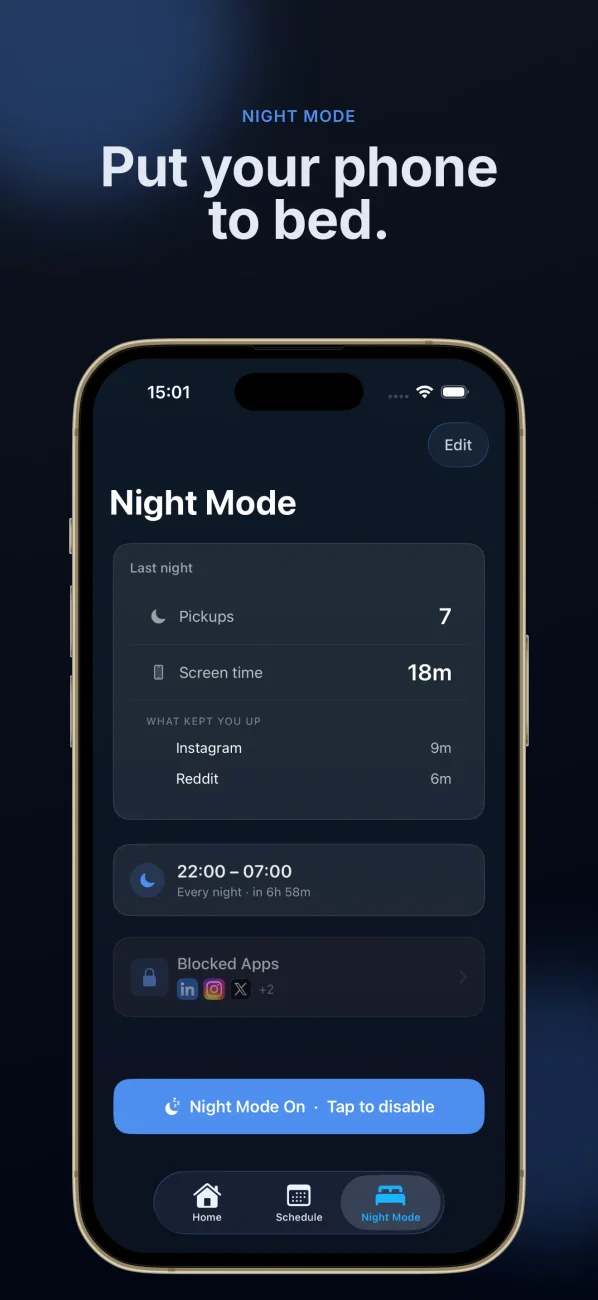
NIGHT MODE
Block apps during your sleep window. Wake up to how many times you reached for
your phone, how long you were on it, and which apps kept you up.
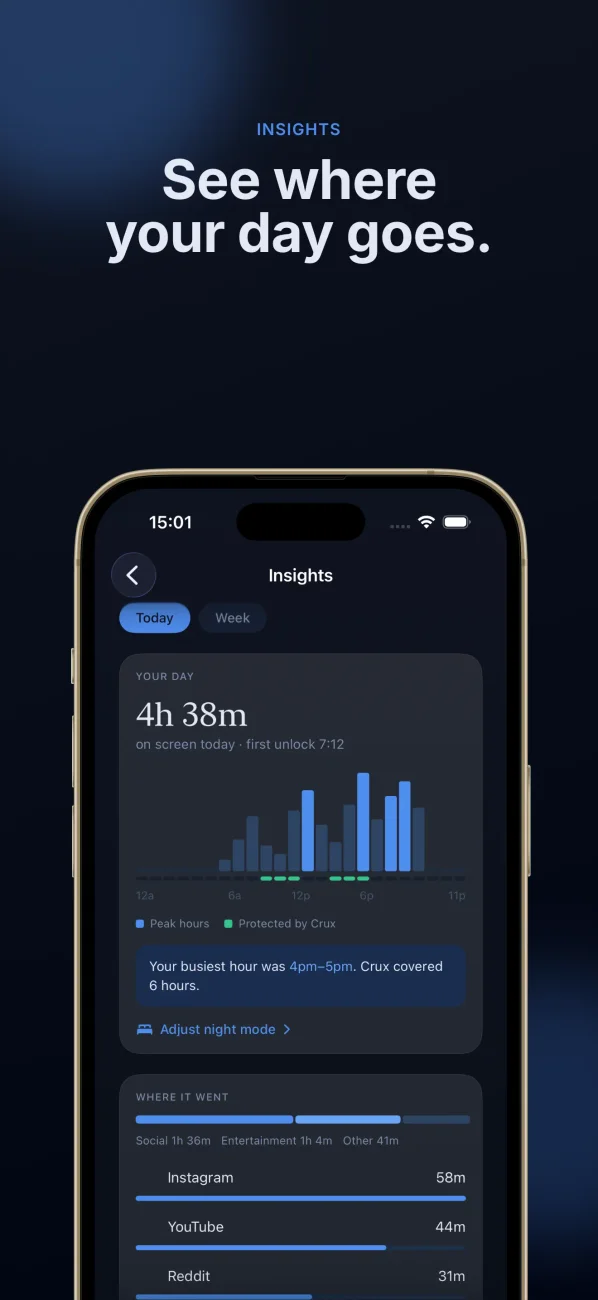
INSIGHTS
See where your day actually went — hour by hour, and which apps took it. Crux
marks the hours it protected for you, and tells you how today compares with
your usual pace.
HOME SCREEN WIDGET
See what's coming without opening the app — your next session, tonight's sleep
window, and a live countdown while a block is running.
STREAKS & STATS
See your focus streak and total time saved grow over time.
YOUR DATA STAYS ON YOUR PHONE
Crux reads your Screen Time data inside Apple's sandbox, and it never leaves
your device. We never see which apps you use, or which ones you block.
No gimmicks. No fake willpower tricks. Just a hard block on the apps that
shouldn't have your attention.
Privacy Policy: https://idanrach.github.io/crux-legal/privacy.html
Terms of Use: https://idanrach.github.io/crux-legal/terms.html
EULA: https://www.apple.com/legal/internet-services/itunes/dev/stdeula/
What’s new
Version 1.2.0 · Sep 11, 2026
Home screen widget
Crux is now on your home screen. It shows the time you've focused today and what's coming up next — your next scheduled session, or tonight's Night Mode window.
While a session is running it becomes a live countdown, so you can see how long is left without opening the app. Through the night it goes quiet and just tells you when Night Mode ends.
Two sizes, small and medium. Add it by long-pressing your home screen.
App privacy
What Idan Rachmani declares on the App Store about how this app handles data.
-
Data not linked to you
May be collected but is not linked to your identity.
- Purchases
- Identifiers
- Usage data
Privacy practices may vary, for example with the features you use or your age.
Information
- Seller
- Idan Rachmani
- Category
- Productivity
- Version
- 1.2.0
- Updated
- Sep 11, 2026
- Released
- Jun 17, 2026
- Size
- 15.8 MB
- Requires
- iOS 16.0 or later
- Age rating
- 4+
- Price
- Free
- In-app purchases
- Yes
- Languages
- English
- Copyright
- © 2026 Idan Rachmani
You might also like
-
 Focus Gate: App BlockerLimit Screen Time & Focus
-
 Cala: App Blocker, Screen TimeFocus, Habit & Self Control
-
 BetterScreens: Screen TimeReduce screen time, focus more
-
 FocusLock: App BlockerScreen Time & Website Control
-
 Mutely — App BlockerBlock apps, reclaim your time
-
 BlossomWayHabit Tracker&Daily Planner
-
 RotStop - Screen Time AppSimple Exercise Based Limiting
-
 Don't Scroll: App BlockerLock Apps & Limit Screen Time
-
 Hush - Reduce Screen TimeLess distraction, more focus
-
 Social Media Blocker: OtisStay Focused & App Time Limit