
CSV File Viewer - Smart CSV
Reader, Editor & PDF Export
Designed for iPhone, iPad, iPod touch
Free · In-app purchases
- Age rating4+
- CategoryProductivity
- DeveloperHue Nguyen
- LanguagesEnglish
- Size58.4 MB
Links to the official App Store page
Download.org hosts no file of CSV File Viewer - Smart CSV. The button opens its official App Store page, published by Hue Nguyen. Listing last checked on Nov 20, 2026.
Screenshots

About
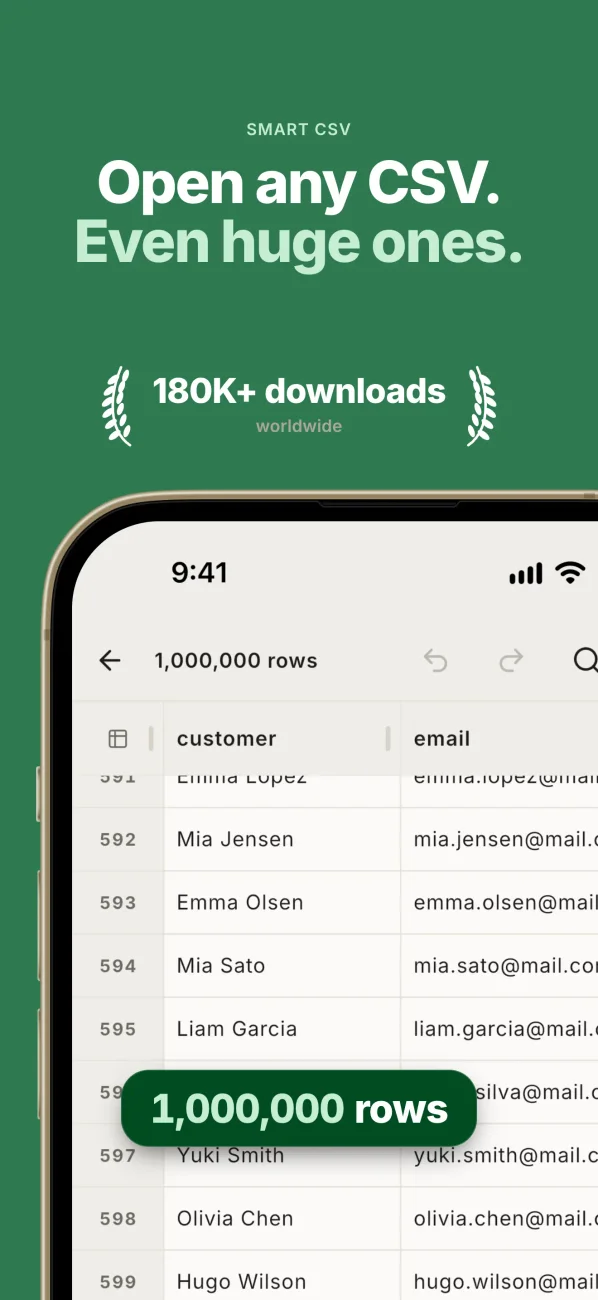
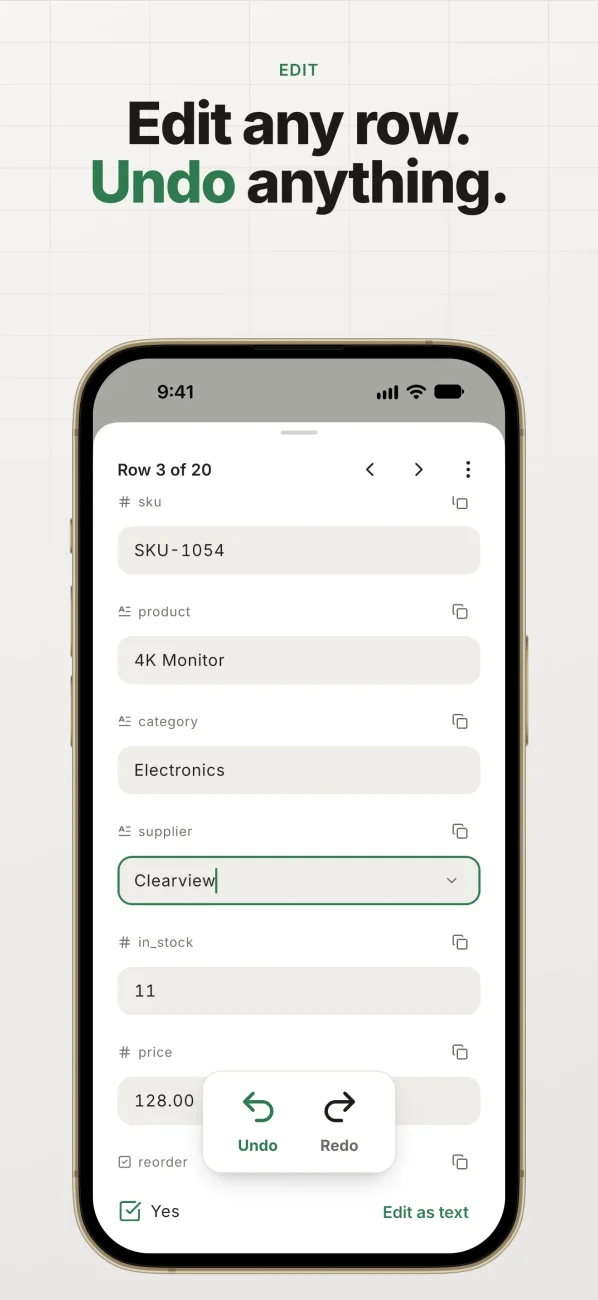
Open, view and edit CSV & TSV files, then export them to PDF. More than a basic CSV reader, Smart CSV is your complete CSV file explorer:
- Easy to view your CSV files. (Support both csv - comma/tab - tsv files format)
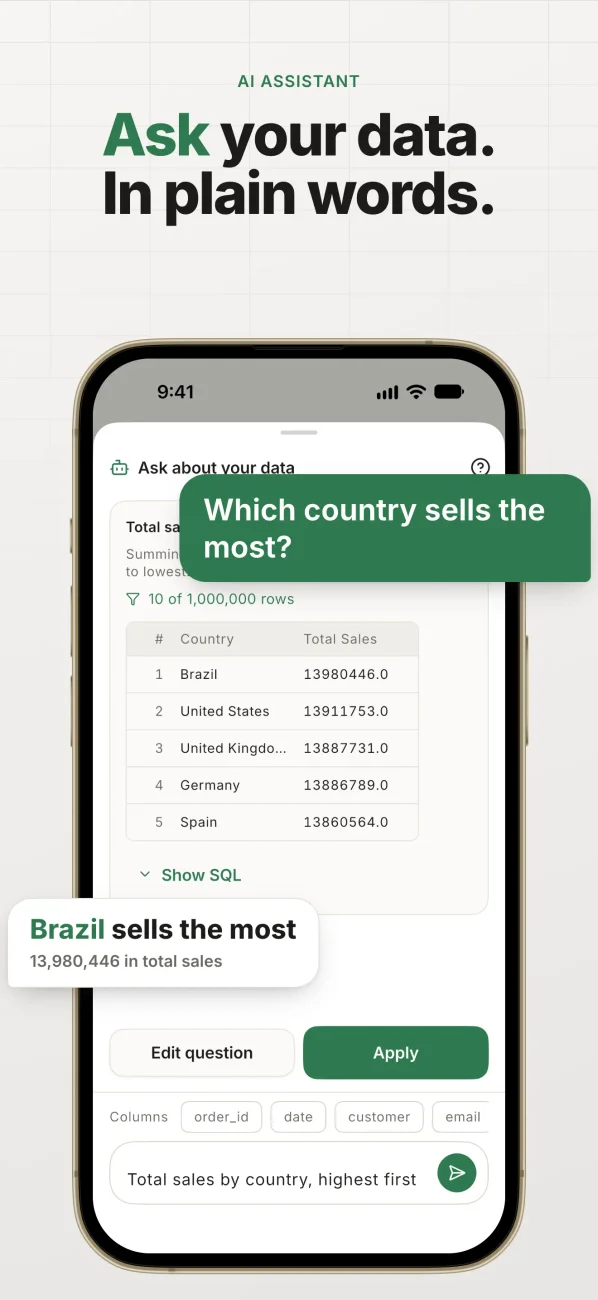
- Use AI Assistant to query CSV content.
- Show column image URL as an image.
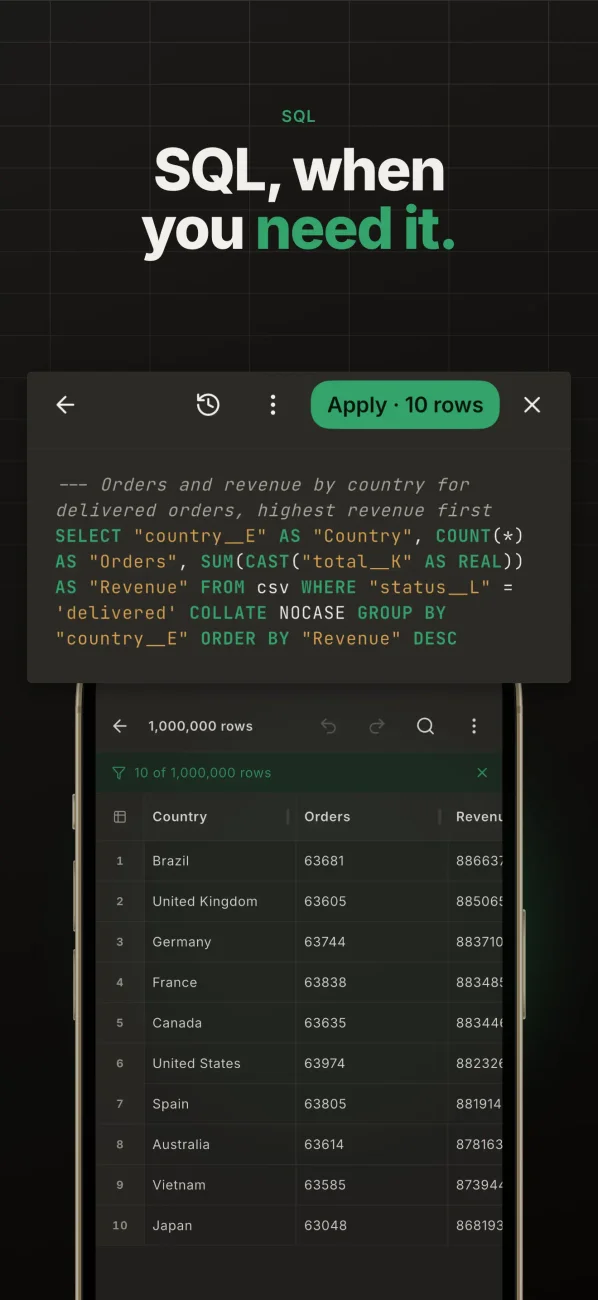
- Query your CSV by using SQL query.
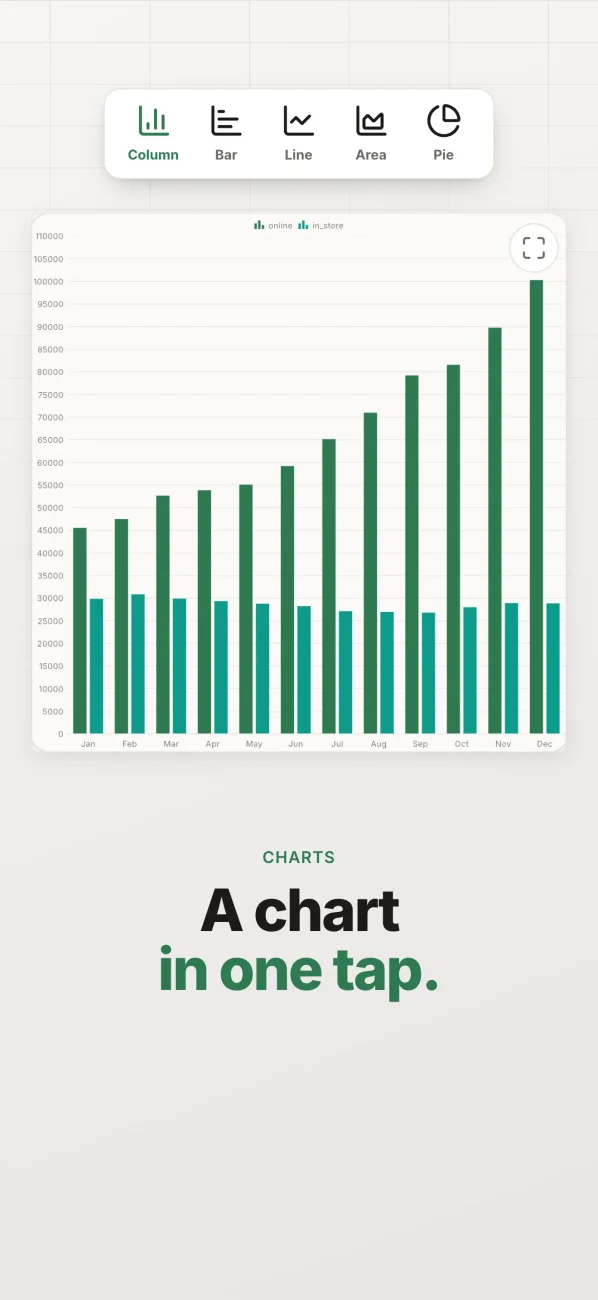
- Create chart from csv data.
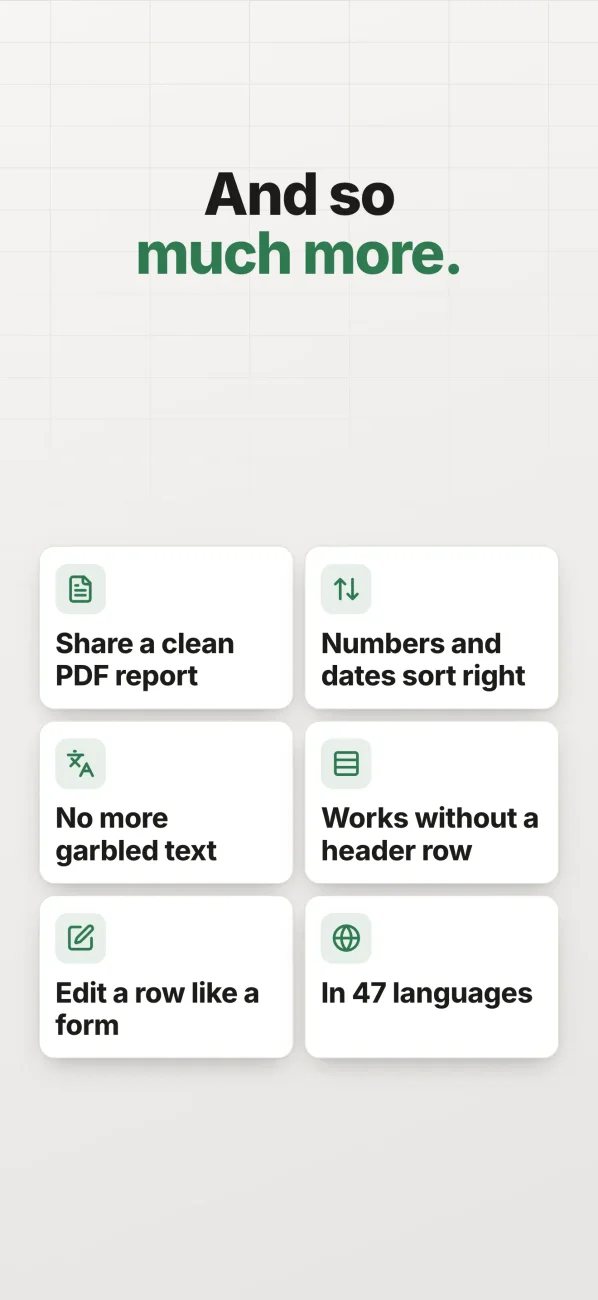
- Convert to pdf file. Customize the data and style before converting a CSV file to PDF.
- Manage all the exported files and share them with your friends.
- Easy to filter with Visual filter.
- Easy to search your content.
- Copy the selected rows.
- and more.
# FAQ
- Q: Which chart types are supported?
- A: Currently, Smart CSV Viewer supports column chart, bar chart, line chart, area chart, spline chart, scatter chart, step line chart, and step area chart.
---
- Q: What do you mean by “customizable”?
- A: In Smart CSV Viewer you can customize almost everything. For example, when you only want to copy a part of data in a row, you can use the “filter” feature to exclude it. You can extract data by column. When you export to a pdf file, you can customize the style (color scheme) to match your expectation. More than a CSV converter tool, now you can change the look of your pdf file by styling it.
---
- Q: How to resize/change the column width?
- A: You can resize the column width by using one of the following methods:
- Long-press on the header, and then drag the resize indicator to change the column width.
- Click on the resize icon. The resize dialog will appear, allowing you to set a specific column width value so that all columns will have the same width. Alternatively, you can enable automatic resizing, and the app will adjust the column size automatically.
If you have any questions, don't hesitate to contact us:
Email: imuosdev@gmail.com
Download Smart CSV and open your first file in seconds!
---
Terms of Use: https://mygems.app/term
Privacy Policy: https://mygems.app/privacy
What’s new
Version 2026.11.20 · Nov 20, 2026
• Every file now opens in full, however many rows it has. Files over 1,000 rows open read-only.
• Sort your files by date modified, name or size.
• Reopening a file no longer creates a new copy. Files with the same name from different folders keep their original names.
App privacy
What Hue Nguyen declares on the App Store about how this app handles data.
-
Data not collected
The developer does not collect any data from this app.
Privacy practices may vary, for example with the features you use or your age.
Information
- Seller
- Hue Nguyen
- Category
- Productivity
- Version
- 2026.11.20
- Updated
- Nov 20, 2026
- Released
- Apr 20, 2022
- Size
- 58.4 MB
- Requires
- iOS 15.0 or later
- Age rating
- 4+
- Price
- Free
- In-app purchases
- Yes
- Languages
- English
- Copyright
- © 2026 My Gems
You might also like
-
 CSVReaderViewing and editing CSV files
-
 CSV file Create Edit & ViewerTables, search, sort & filter
-
 CSV MasterSpreadsheet Style CSV Editor
-
 myTextViewer: Code & Log FileOpen Any Text, JSON, YAML, CSV
-
 Fast CSV Editor & ViewerCSV File Viewer & Editor
-
 JSON Tools: XLSX CSV to JSONConvert XLSX CSV & XML to JSON
-
 Csv2ImgCsv Converter to PNG / PDF.
-
 CSV Viewer and EditorOpen, Edit & Compare CSV Files
-
 MobiDB DatabaseDatabase app with cloud sync
-
 CSV file Create Editer & ViewText to CSV Converter