
CSVShare
CSV SharePlay with Whiteboard
Designed for iPhone, iPad
Free · In-app purchases
- Age rating4+
- CategoryProductivity
- Developer勇 崔
- LanguagesEnglish
- Size1.9 MB
Links to the official App Store page
Download.org hosts no file of CSVShare. The button opens its official App Store page, published by 勇 崔. Listing last checked on Nov 23, 2026.
Screenshots




About
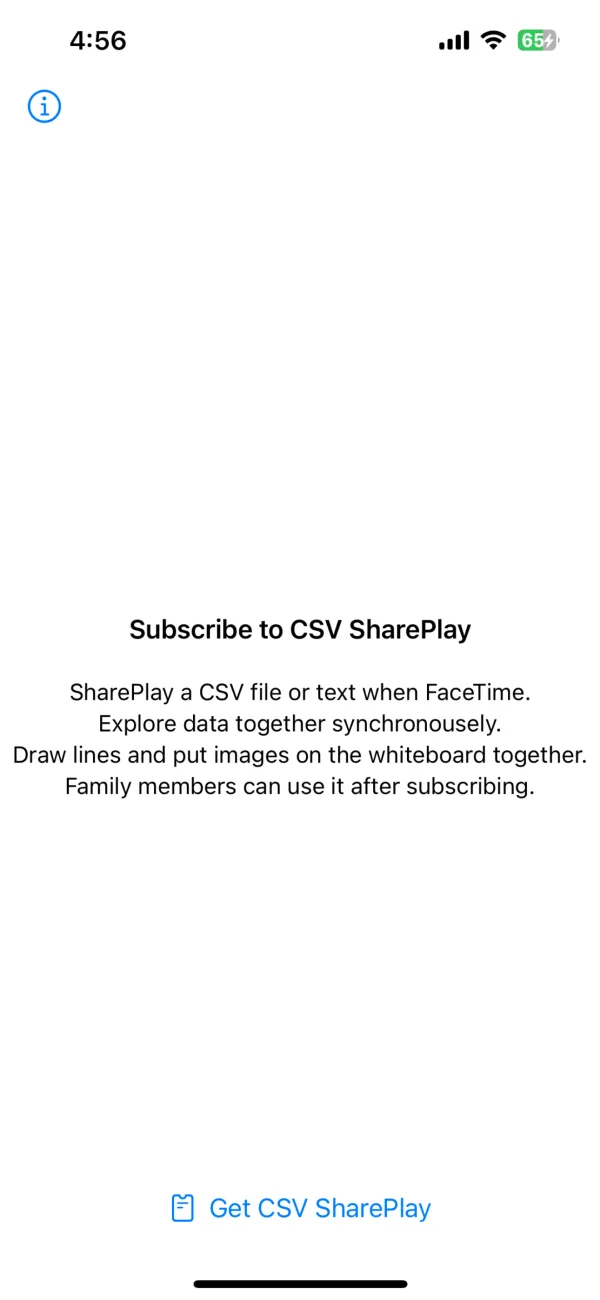
When having FaceTime with some friends, one person copies and pastes a CSV file or text into the SharePlay session.
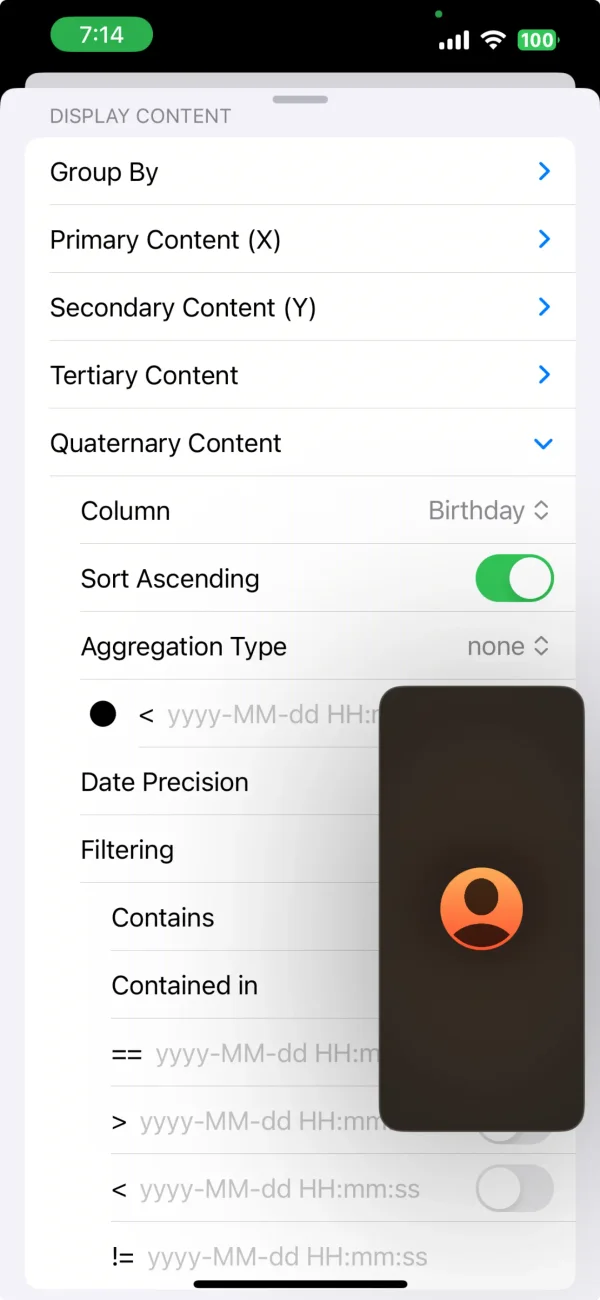
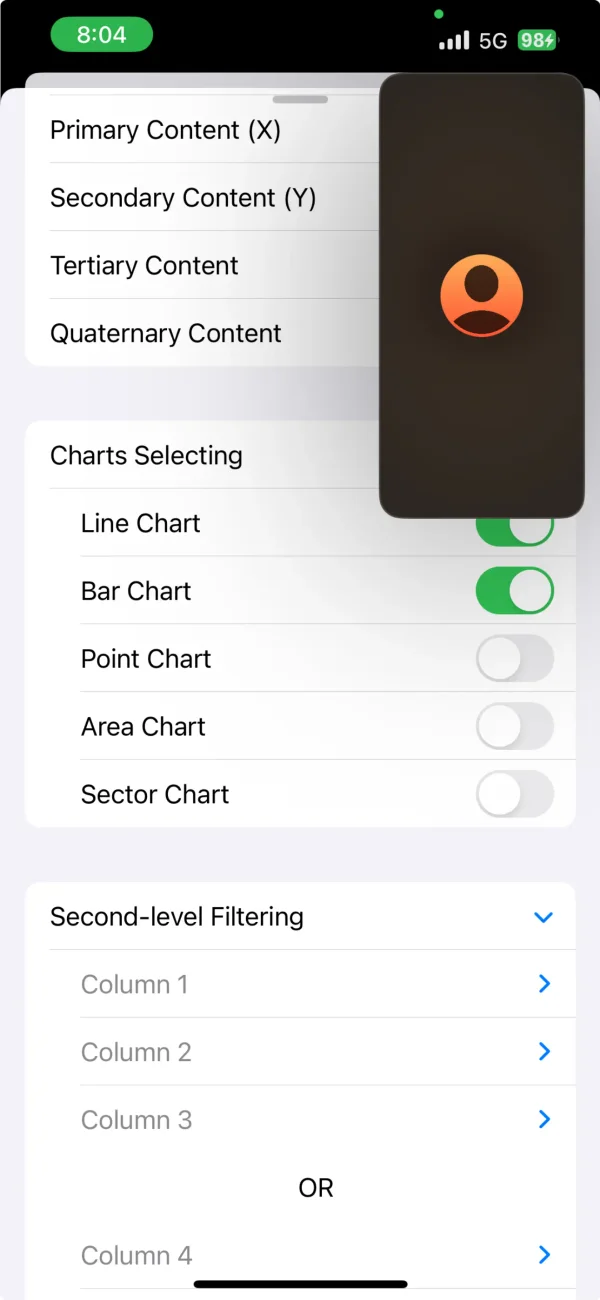
Then everyone can synchronously configure list display content, fields display colors, sorting, filtering, charts setting, and so on.
Click a button can switch to Whiteboard Mode.
Then you can draw lines together with your friends. You can switch colors when drawing.
You can place images on the whiteboard.
Before sending an image, you can move, magnify, or rotate the image.
After adjusting an image, press it and hold for about 3 seconds, then release to share the image with everyone.
Family members can use it after subscribing.
=== EULA ===:
[standard Apple Terms of Use (EULA)](https://www.apple.com/legal/internet-services/itunes/dev/stdeula/)
What’s new
Version 5.7 · Nov 20, 2026
Bug fixes.
Minor UI enhancements.
App privacy
What 勇 崔 declares on the App Store about how this app handles data.
-
Data not collected
The developer does not collect any data from this app.
Privacy practices may vary, for example with the features you use or your age.
Information
- Seller
- 勇 崔
- Category
- Productivity
- Version
- 5.7
- Updated
- Nov 20, 2026
- Released
- Oct 31, 2023
- Size
- 1.9 MB
- Requires
- iOS 17.0 or later
- Age rating
- 4+
- Price
- Free
- In-app purchases
- Yes
- Languages
- English
- Copyright
- © 2023 Yong Cui
You might also like
-
 Shopping List for Whole FamilyCreate, Share & Organize
-
 Progressive Overload TrainingSimple gym workout log tracker
-
 TimeZone CarouselProductivity
-
 ClipStackX – Copy&Memo ManagerProductivity
-
 Form Extractor - Scan & ExportFormulary document scanner
-
 WidgetWorks: Custom WidgetsTrack updates from any website
-
 CSV file Create Editer & ViewText to CSV Converter
-
 FIRM by FabindiaProductivity
-
 absence.io terminalProductivity
-
 Fast CSV Editor & ViewerCSV File Viewer & Editor