CTRL Focus: Deep Work Timer
Build focus momentum
Designed for iPhone
In-app purchases
- Age rating4+
- CategoryProductivity
- DeveloperCTRL Studio UG (haftungsbeschrankt)
- LanguagesEnglish
- Size75.2 MB
Links to the official App Store page
Download.org hosts no file of CTRL Focus: Deep Work Timer. The button opens its official App Store page, published by CTRL Studio UG (haftungsbeschrankt). Listing last checked on Nov 23, 2026.
Screenshots

About
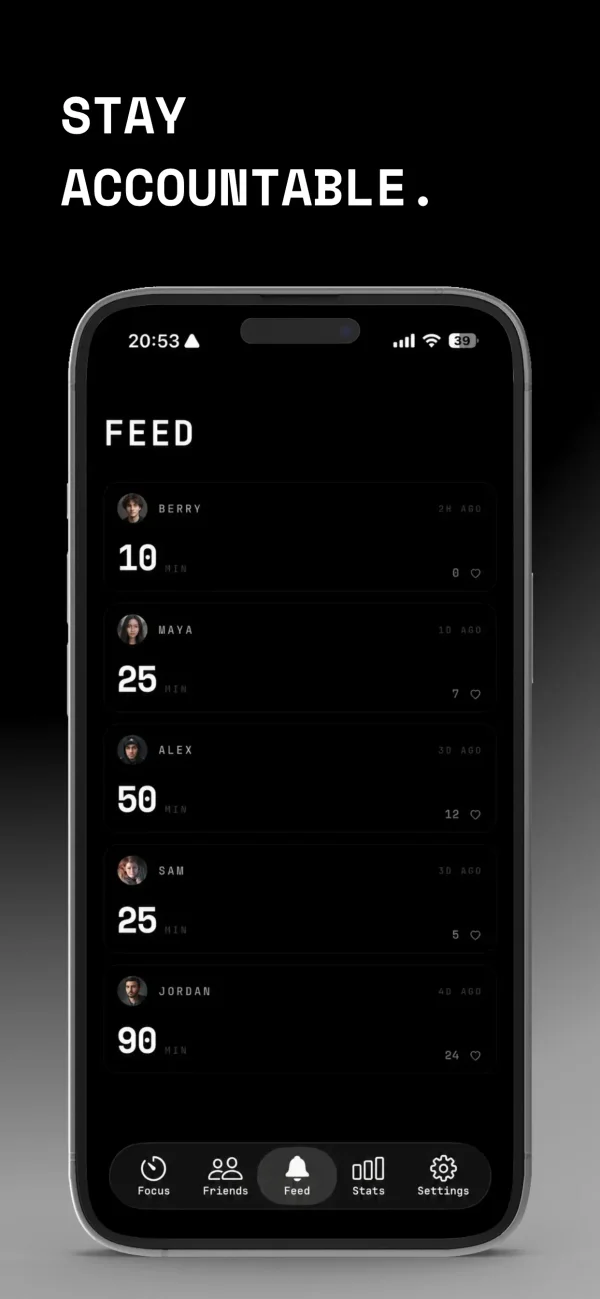
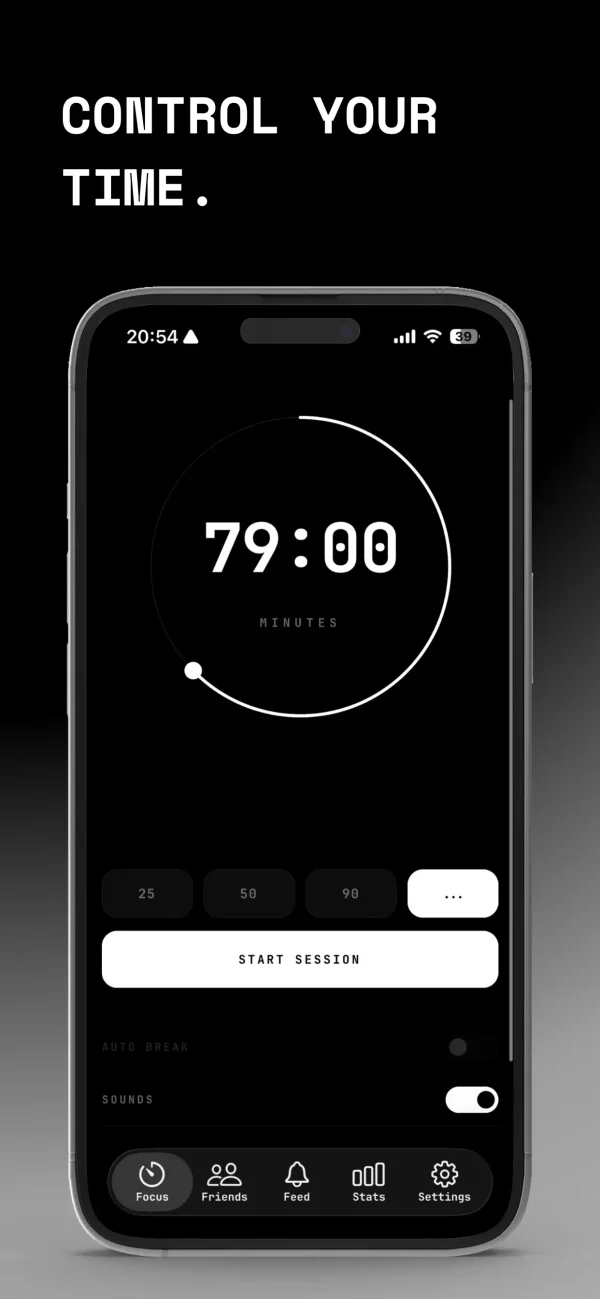
CTRL Focus is a focus timer for studying and deep work. Start a session, put your phone away, and let your friends see that you did the work.
How it works
- Set a duration and start a focus session.
- Stay with one task until the timer ends.
- Take a photo as proof and share it with your friends.
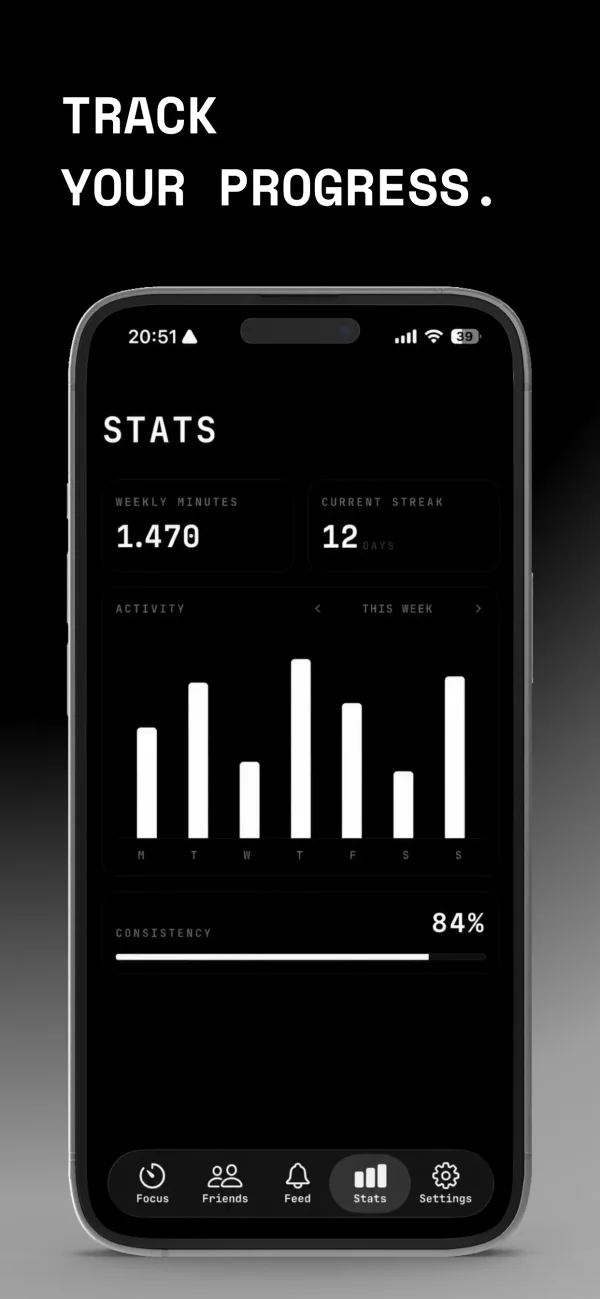
- Check your stats to see how much you focused each day.
Free
Focus sessions with custom durations, friends, photo proof and your stats for the current week. Also on Apple Watch.
CTRL Focus Pro (optional subscription)
- App blocking with Screen Time: block distracting apps while a session runs
- Stats history beyond the current week
- Your timer on the Lock Screen and Home Screen (widgets and Live Activity)
Good for studying, exam prep, thesis writing, coding, writing and work sprints.
Subscriptions: Pro Monthly (1 month) and Pro Yearly (1 year). New subscribers get a 7-day free trial. The price is shown in the app before you subscribe. Payment is charged to your Apple Account at confirmation of purchase, or after the trial ends. Subscriptions renew automatically unless you cancel at least 24 hours before the end of the current period. You can manage and cancel in your Apple Account settings.
Terms of Use (EULA): https://www.apple.com/legal/internet-services/itunes/dev/stdeula/
Privacy Policy: https://ctrlfocus.app/privacy
What’s new
Version 1.2.0 · Nov 21, 2026
Thank you for using CTRL Focus!
Here is what's new in this update:
- CTRL Focus Pro: Block distracting apps while you focus, look back at every week you've tracked, and keep your timer on the Lock Screen and Home Screen.
- Still free: Focus sessions, friends and photo proof.
- Stats: Blocks now show how long you focused each day.
- App blocking: Simpler setup with Screen Time.
- Bug Fixes: Fixed several issues for a more reliable experience.
The CTRL Focus Team
App privacy
What CTRL Studio UG (haftungsbeschrankt) declares on the App Store about how this app handles data.
-
Data linked to you
May be collected and linked to your identity.
- Contact info
- User content
- Identifiers
- Usage data
-
Data not linked to you
May be collected but is not linked to your identity.
- Diagnostics
Privacy practices may vary, for example with the features you use or your age.
Information
- Seller
- CTRL Studio UG (haftungsbeschrankt)
- Category
- Productivity
- Version
- 1.2.0
- Updated
- Nov 21, 2026
- Released
- May 27, 2026
- Size
- 75.2 MB
- Requires
- iOS 16.4 or later
- Age rating
- 4+
- In-app purchases
- Yes
- Languages
- English
- Copyright
- © 2026 CTRL Studio UG (haftungsbeschränkt)
You might also like
-
 Goal Breakdown BoardAchieve Goals Step by Step
-
 Wayve: Goal & Deadline TrackerKnow if you'll hit your goal
-
 Pomodoro Timer & Focus by VibrTo do list & concentration
-
 Pomodoro Pro TimerFocus better. Achieve more.
-
 ZenFocus: True Study TimeReal Study Time, Not Seat Time
-
 windays:routine calendarmake routines with windays
-
 Pomodoro Pro: Task TimerBoost productivity & webhooks
-
 SeedFocus: Pomodoro TimerFocus, Study & Concentration
-
 FocusFlow – GentleA Gentle Way to Start Focusing
-
 Someday - Weekly PlannerOne week at a time