
CtrlTV: Smart TV Remote
Samsung LG Sony Bravia Hisense
Designed for iPhone, iPad
Free · In-app purchases
- Age rating4+
- CategoryUtilities
- DeveloperAnatoli Petrosyants
- LanguagesEnglish+ 8 more
- Size13.5 MB
Links to the official App Store page
Download.org hosts no file of CtrlTV: Smart TV Remote. The button opens its official App Store page, published by Anatoli Petrosyants. Listing last checked on Nov 25, 2026.
Screenshots


About
Lost your TV remote? Control your smart TV from your iPhone fast, free, no setup.
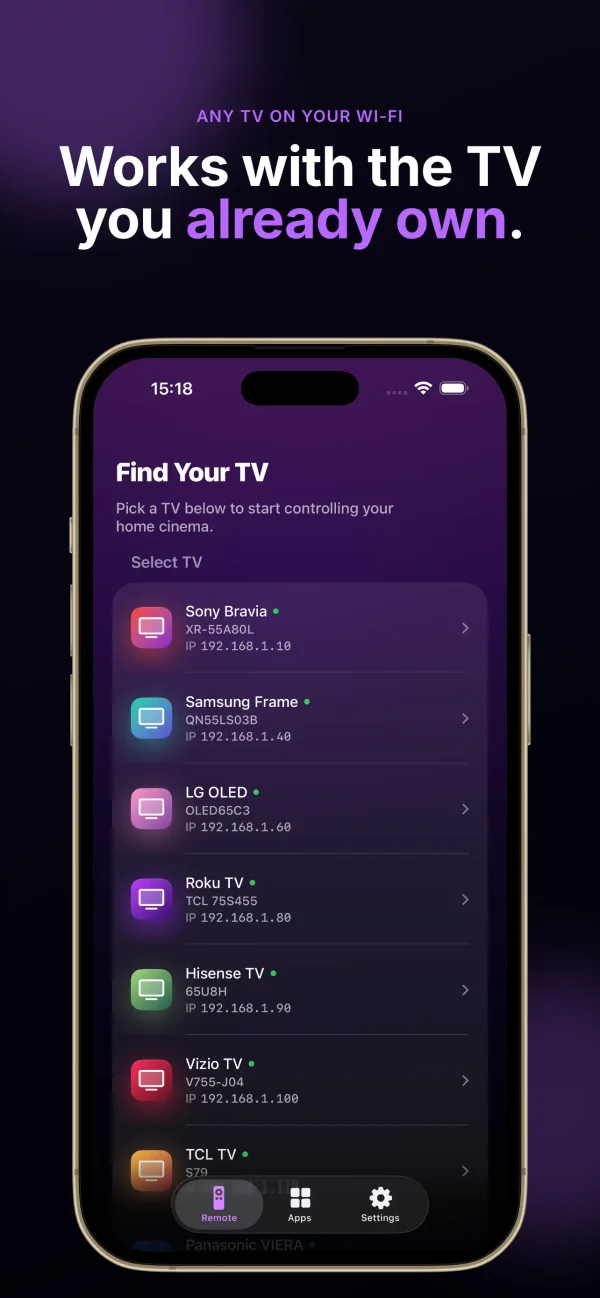
CtrlTV finds your TV on your Wi-Fi network and gives you full control right from your phone. No extra hardware. No batteries to replace. No more searching the couch.
KEY FEATURES
• Instant Wi-Fi connection no setup, no pairing dance
• Full remote control: power, volume, channels, navigation
• Built-in keyboard type passwords and searches in seconds
• Touchpad and keypad control modes
• Smooth playback control play, pause, skip
• Auto-reconnect to your TV
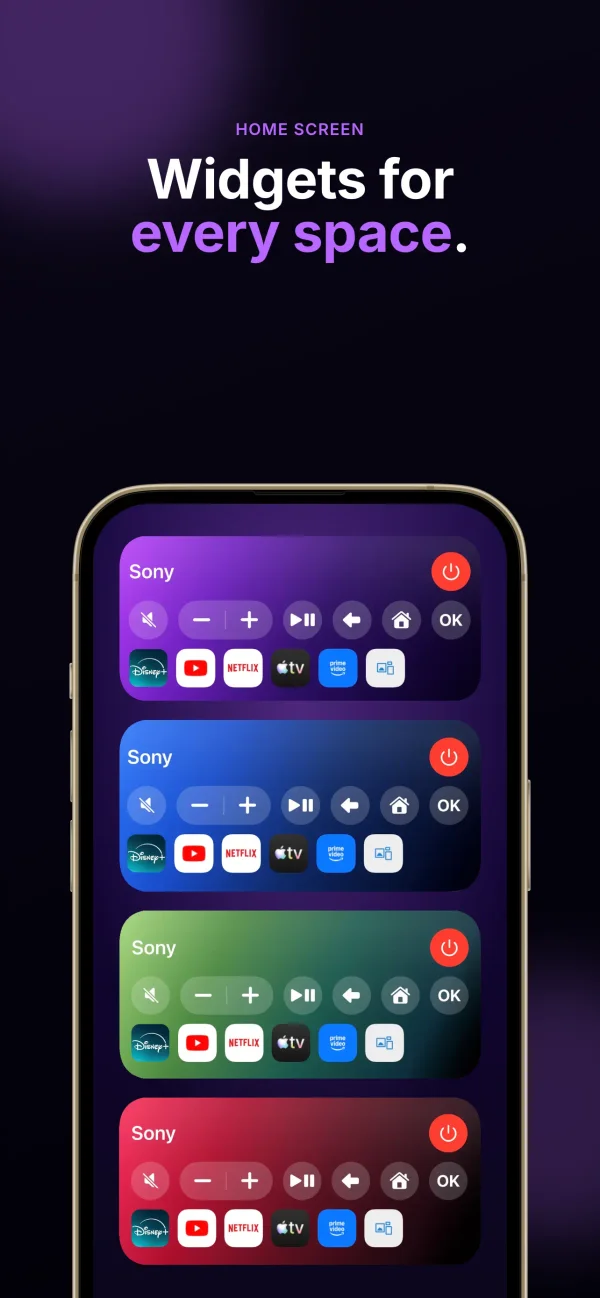
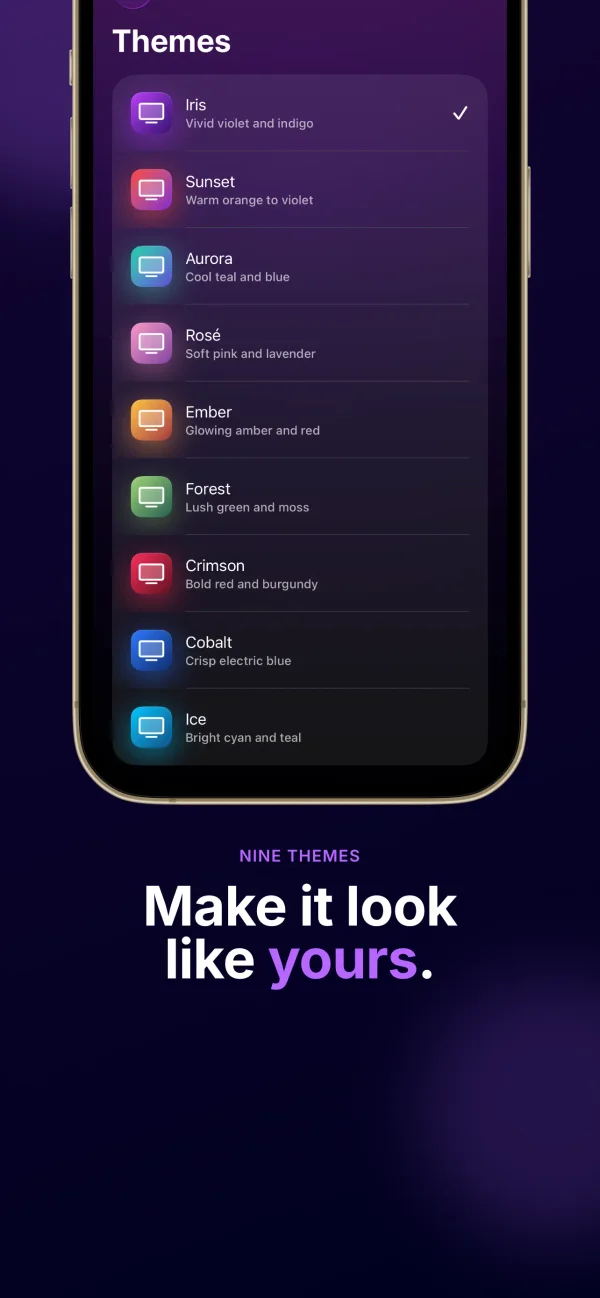
• Home Screen widgets in four themes
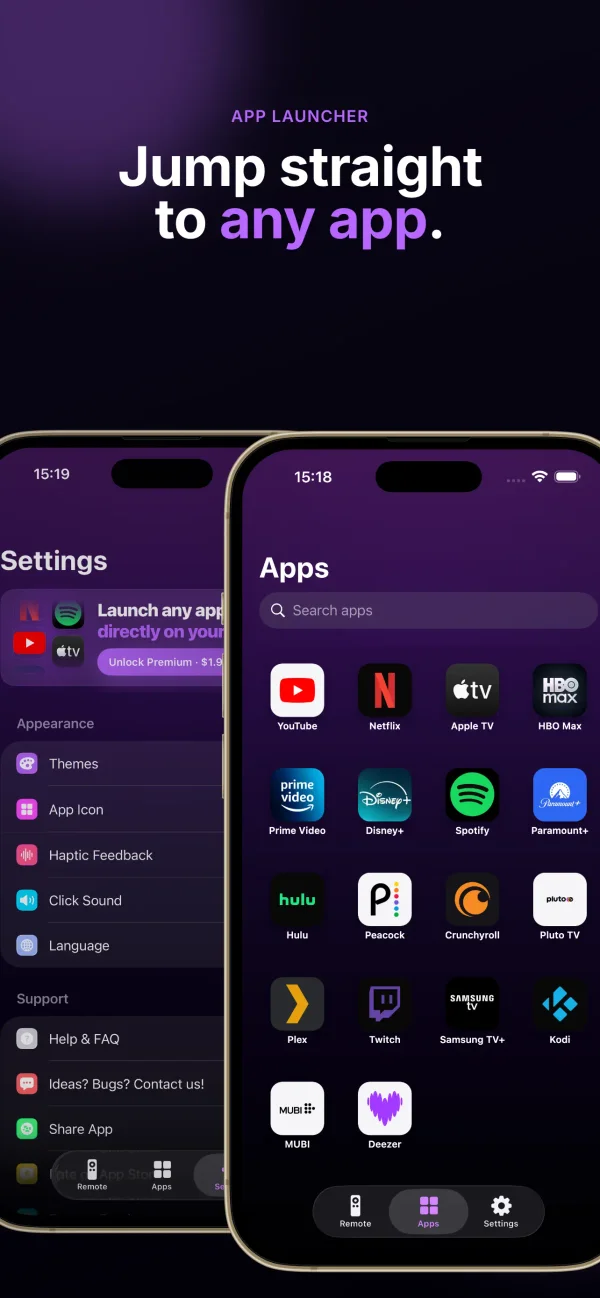
• Quick app launches directly on your TV
• Clean, modern, native iPhone design
WHY YOU'LL LOVE IT
• Replace your lost or broken remote in seconds
• Type 10× faster than tapping arrow keys on your TV remote
• Open your streaming apps on the TV straight from your phone
• No ads. No clutter. No nonsense.
COMPATIBILITY
• Works with most Wi-Fi smart TVs from 2016 onward that support network remote control
• Open CtrlTV on the same Wi-Fi network as your TV it lists every set it can reach
• Not finding your TV? Contact support and we'll help
REQUIREMENTS
• iPhone and smart TV must be on the same Wi-Fi network
• App launching is a one-time in-app purchase
Download CtrlTV and turn your iPhone into the only remote you'll ever need.
CtrlTV is an independent app. It is not affiliated with, endorsed by, or sponsored by any television manufacturer. All product names and trademarks are the property of their respective owners.
What’s new
Version 3.15.1 · Nov 23, 2026
Control your TV with your voice, no app required.
• Siri: say "Control TV volume up", "Control TV mute" or "Control TV power" and your TV responds while CtrlTV stays closed.
• Shortcuts: power, volume, mute, play/pause, Home and Back are now ready to use in the Shortcuts app and Spotlight.
• Action Button: on iPhone 15 Pro and later, assign TV Power or any other command to the Action Button for one-press control.
Works with the last TV you connected. Available in all nine app languages.
App privacy
What Anatoli Petrosyants declares on the App Store about how this app handles data.
-
Data not collected
The developer does not collect any data from this app.
Privacy practices may vary, for example with the features you use or your age.
Information
- Seller
- Anatoli Petrosyants
- Category
- Utilities
- Version
- 3.15.1
- Updated
- Nov 23, 2026
- Released
- Apr 12, 2026
- Size
- 13.5 MB
- Requires
- iOS 26.0 or later
- Age rating
- 4+
- Price
- Free
- In-app purchases
- Yes
- Languages
- English, French, German, Italian, Japanese, Russian, Simplified Chinese, Spanish, Traditional Chinese
- Copyright
- © Anatoli Petrosyants
You might also like
-
 Mic to ClipboardTap. Talk. Paste.
-
 OneCall: Private P2P VideoSecure calls via one-time code
-
 BridgemoteRemote for HomeKit TVs
-
 Ranita: Private Scam CheckOn-Device Scam Analysis
-
 Calc, Convert & QR ScanCalculator, Converter, QR Scan
-
 NetLens - Network ToolkitPing, DNS, Port Scanner & More
-
 Unit Converter – Convert UnitsConvert Length,Weight,Area
-
 PincrumbsSave places,Memories for later
-
 Barcode QR ReaderScan QR, Wi-Fi, Boarding Pass
-
 Car Noise MeterMeasure cabin noise precisely