CUBE_2D Revolution
2D Cube Puzzle from 3 Shuffles
Designed for iPhone, iPad
Free · In-app purchases
- Age rating4+
- CategoryPuzzle
- DeveloperTABIBITO
- LanguagesEnglish+ 2 more
- Size30.7 MB
Links to the official App Store page
Download.org hosts no file of CUBE_2D Revolution. The button opens its official App Store page, published by TABIBITO. Listing last checked on Nov 18, 2026.
Screenshots

About
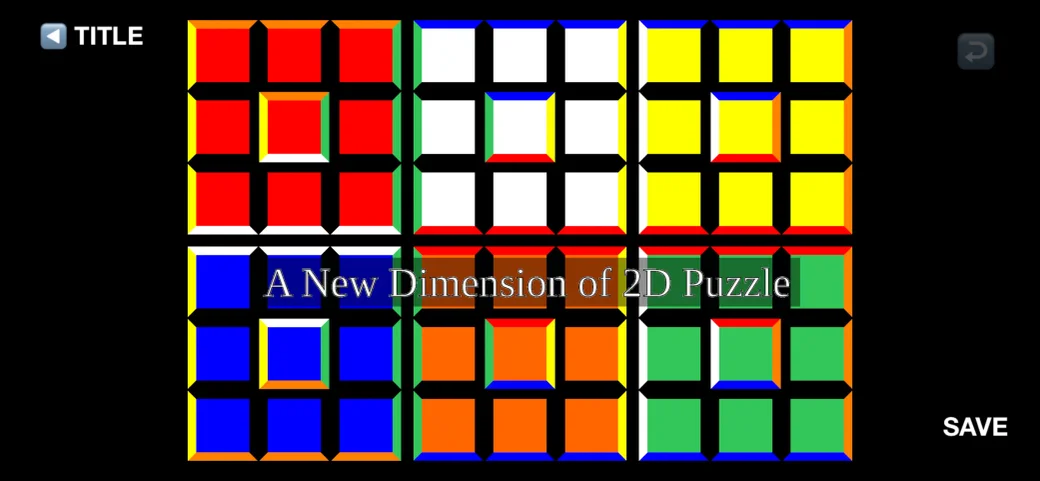
"CUBE_2D Revolution" is a puzzle app that faithfully recreates the structure and logic of the world’s most beloved 3D puzzle on a 2D plane.
While it brings deep, challenging gameplay by translating that classic 3D puzzle into 2D, the logical consistency of the puzzle is flawlessly maintained.
Use line movements and face rotations to align the scrambled panels and solve each side.
To solve the faces, the narrow "color indicators" at the edges of each panel play a crucial role.
[Game Features]
・A unique puzzle system representing 3D puzzle mechanics in 2D.
・Supports both tap and swipe controls, featuring Undo and Save functions for comfortable play.
・4 adjustable shuffle levels (3, 5, 7, and 20) to customize difficulty.
[About Shuffle]
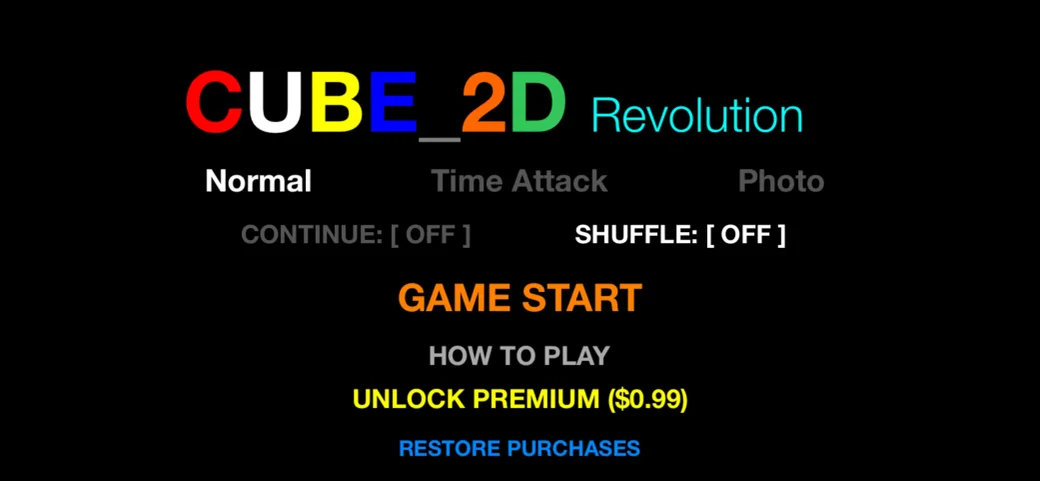
The title screen includes a "Shuffle" feature to randomize the panels before starting.
・Shuffle 3
Scrambles 3 times. Solvable in as few as 3 moves, giving a chess-puzzle-like feel. Ideal for beginners.
・Shuffle 5
Scrambles 5 times. Try this once you can easily clear Shuffle 3. Intermediate level.
・Shuffle 7
Scrambles 7 times. Offers a rewarding challenge for advanced players who want to ponder.
・Shuffle 20
Scrambles 20 times. For experts only. Challenge this if you are confident in your skills!
[About the Undo Button]
An "Undo" button is placed on the top right of the screen. You can revert up to 5 previous moves. (Available in Normal Mode and Photo Mode). Use it whenever you make a mistake or want to retry a move.
[Save & Continue]
・Tap "SAVE" at the bottom right of the game screen to manually save your progress at any time.
・Data is saved individually for each mode (Normal / Time Attack / Photo).
・Simply select your mode on the title screen, turn Continue "ON", and tap "GAME START" to resume anytime.
[Unlocking Modes via In-App Purchase]
The core "Normal Mode" (including the Shuffle feature) is completely free to enjoy. Unlocking premium features via in-app purchase gives you access to two additional modes:
・"Time Attack Mode" for those confident in their speed and skills.
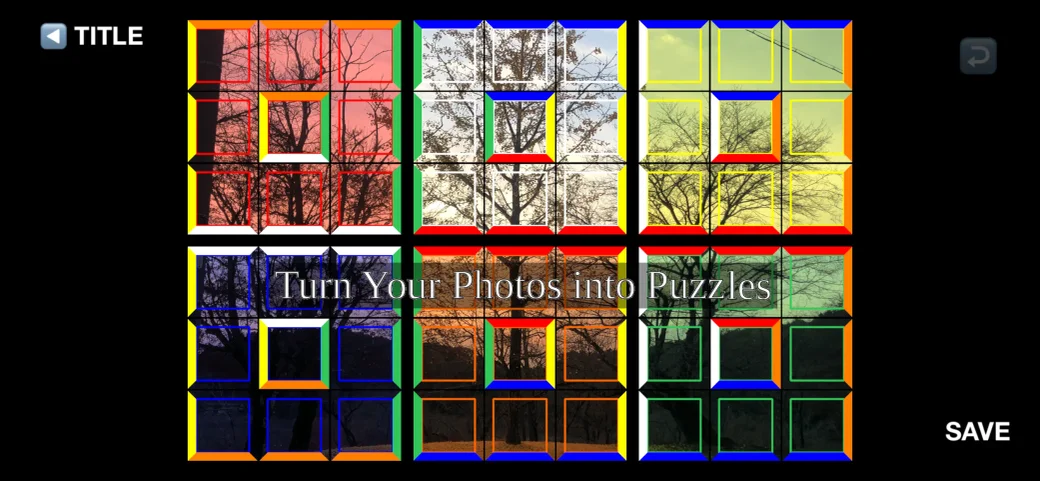
・"Photo Mode" allowing you to import your favorite images and turn them into challenging puzzles.
[Educational & Brain Training Use]
Great for training logical thinking and brain exercise. We hope it can also be useful in educational settings and daily mental workouts!
Whether you want to relax and enjoy deep logical thinking or test your puzzle mastery, we look forward to your challenge!
What’s new
Version 1.7 · Sep 15, 2026
Made minor adjustments.
App privacy
What TABIBITO declares on the App Store about how this app handles data.
-
Data not collected
The developer does not collect any data from this app.
Privacy practices may vary, for example with the features you use or your age.
Information
- Seller
- TABIBITO
- Category
- Puzzle
- Version
- 1.7
- Updated
- Sep 15, 2026
- Released
- Jun 29, 2026
- Size
- 30.7 MB
- Requires
- iOS 16.6 or later
- Age rating
- 4+
- Price
- Free
- In-app purchases
- Yes
- Languages
- English, Japanese, Simplified Chinese
- Copyright
- © TABIBITO 2026
You might also like
-
 じゃんけんあそびGames
-
 ShookSlideMulti-dimension Slide Puzzle
-
 Chromix: Color Mixing GameDaily Paint & Hue Match Puzzle
-
 Tap Cube 3D: Arrow Away PuzzleArrow, Screw & Parking Puzzles
-
 Janken Drop : Fun Falling GameAction
-
 じゃんけんポン!Casual
-
 (EXTENDS)TankSimulation
-
 Block Puzzle Game 2026Brain Games For Adults
-
 Courier Drone SimulatorExperience a Realistic Flight
-
 Victory Toss – Tap to Launch!Send the coach flying high