Cube Solver - 3D Cube Timer
Solve Rubiks Cube with Camera
Designed for iPhone, iPod touch
Free · In-app purchases
- Age rating4+
- CategorySimulation
- DeveloperShenzhen Yiken Technology Co., Ltd
- LanguagesEnglish+ 22 more
- Size183.8 MB
Links to the official App Store page
Download.org hosts no file of Cube Solver - 3D Cube Timer. The button opens its official App Store page, published by Shenzhen Yiken Technology Co., Ltd. Listing last checked on Nov 24, 2026.
Screenshots

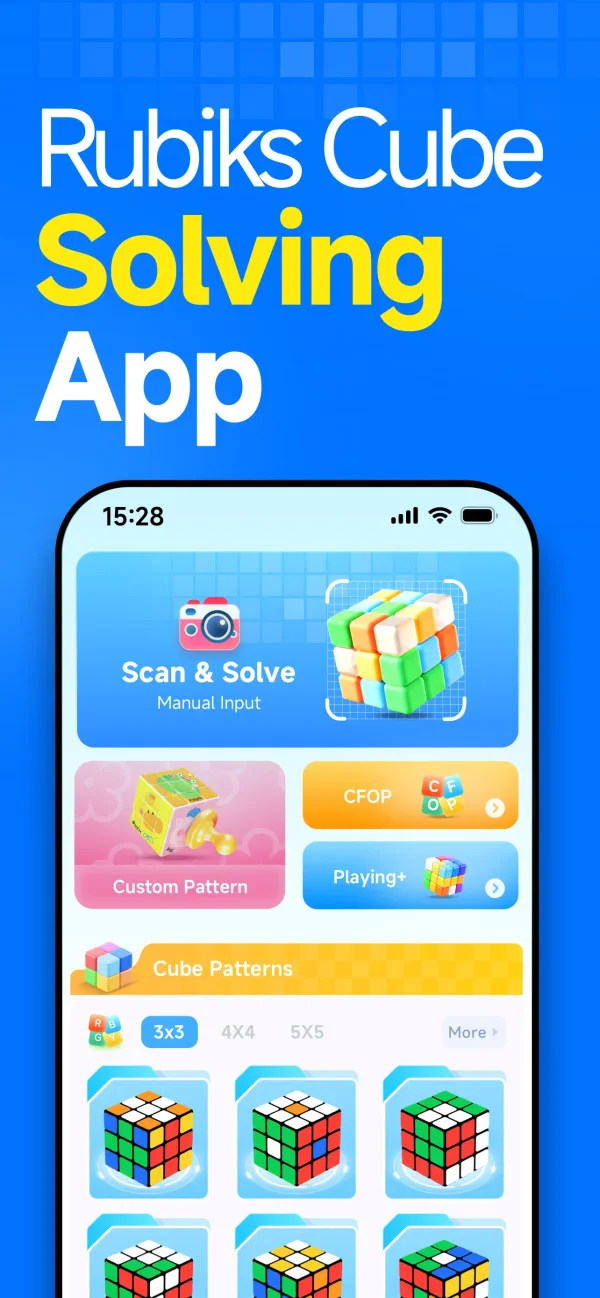
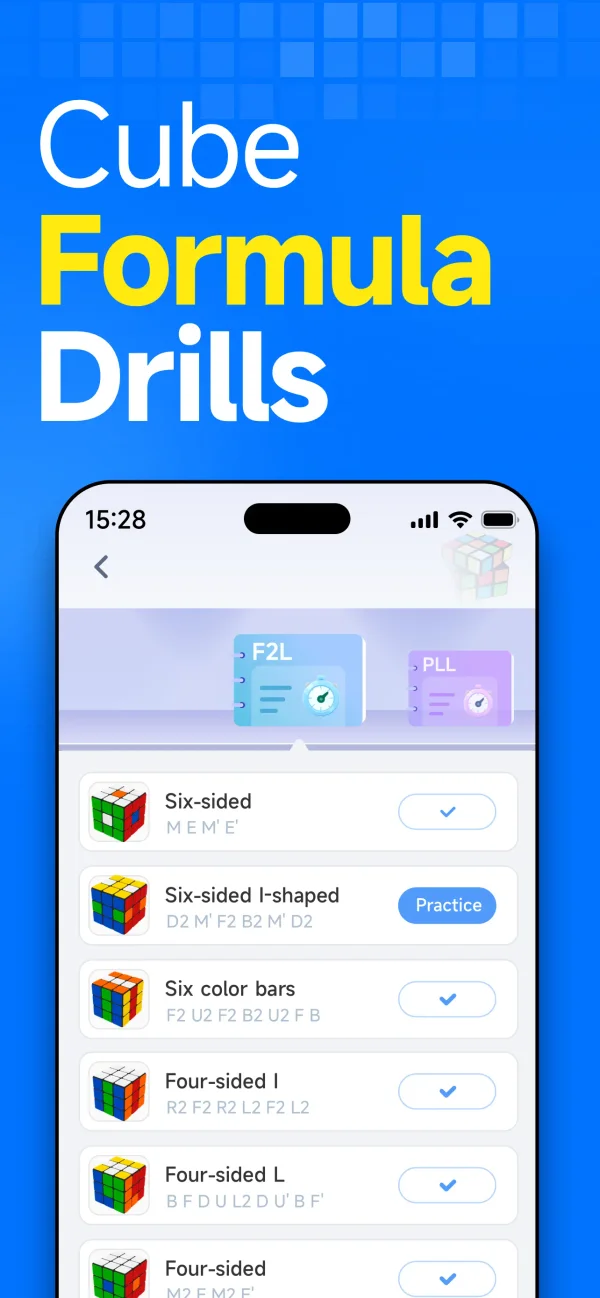
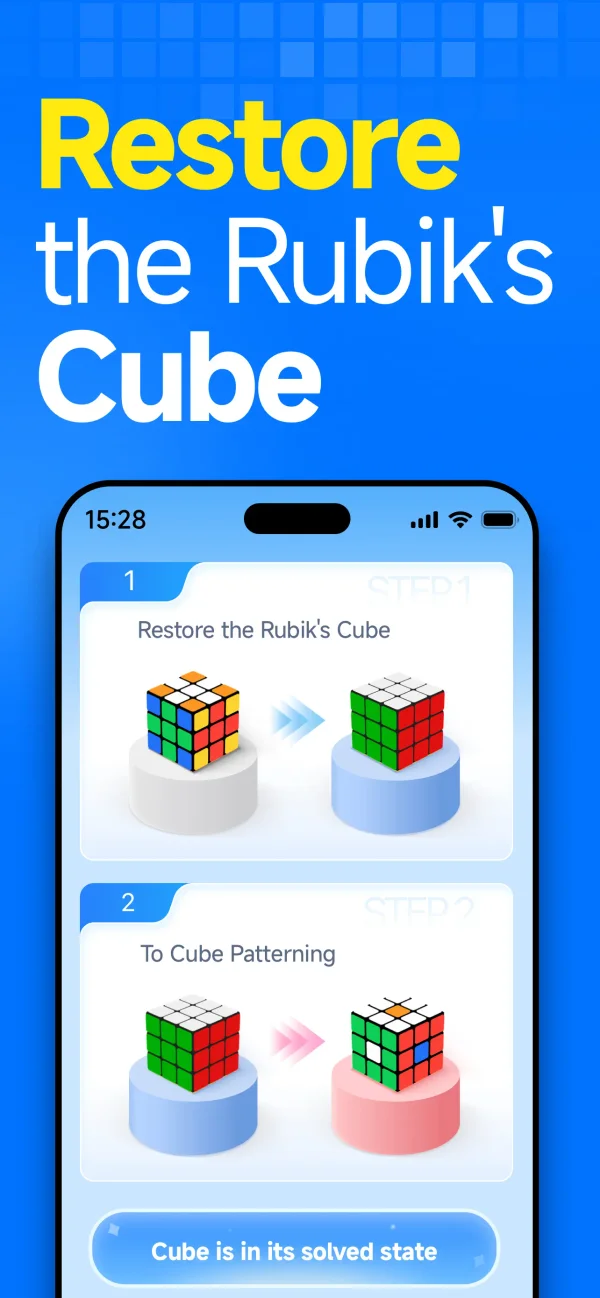

About
Every day, thousands of users rely on our app to transform their jumbled rubik's cubes into perfectly aligned masterpieces. Our Rubiks Cube Solver app has amassed a vast user base, with enthusiasts from all corners of the globe flocking to experience its unparalleled rubiks cube solving capabilities.
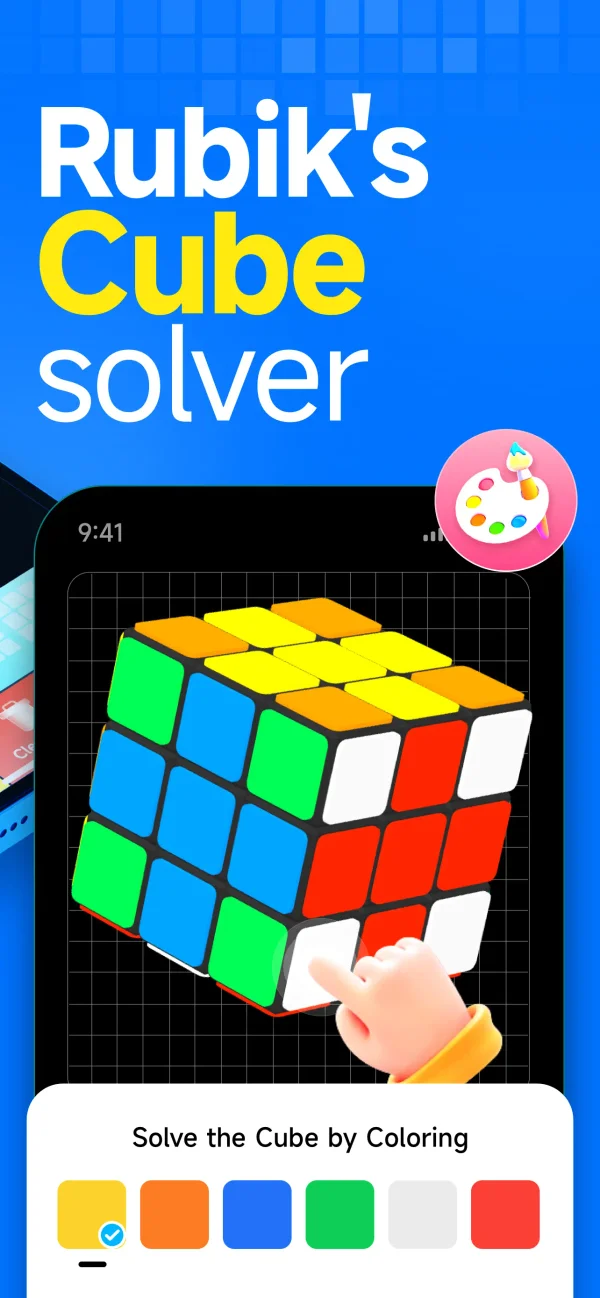
Do you envy those who can effortlessly twist and turn the cube, transforming a jumbled mess into a perfectly aligned masterpiece in mere seconds? No more cube stress—toss the tangle and solve easy with Rubiks Cube Solver! This app’s your go-to buddy, mixing AI tech with a no-fuss design that’s as easy as swiping. Whether you’re a total newbie or a cubing whiz, it’s like having a pro friend who turns messy cubes into wins—fast and fun.
HOW IT WORKS
Using Rubiks Cube Solver is incredibly simple. Just follow these easy steps:
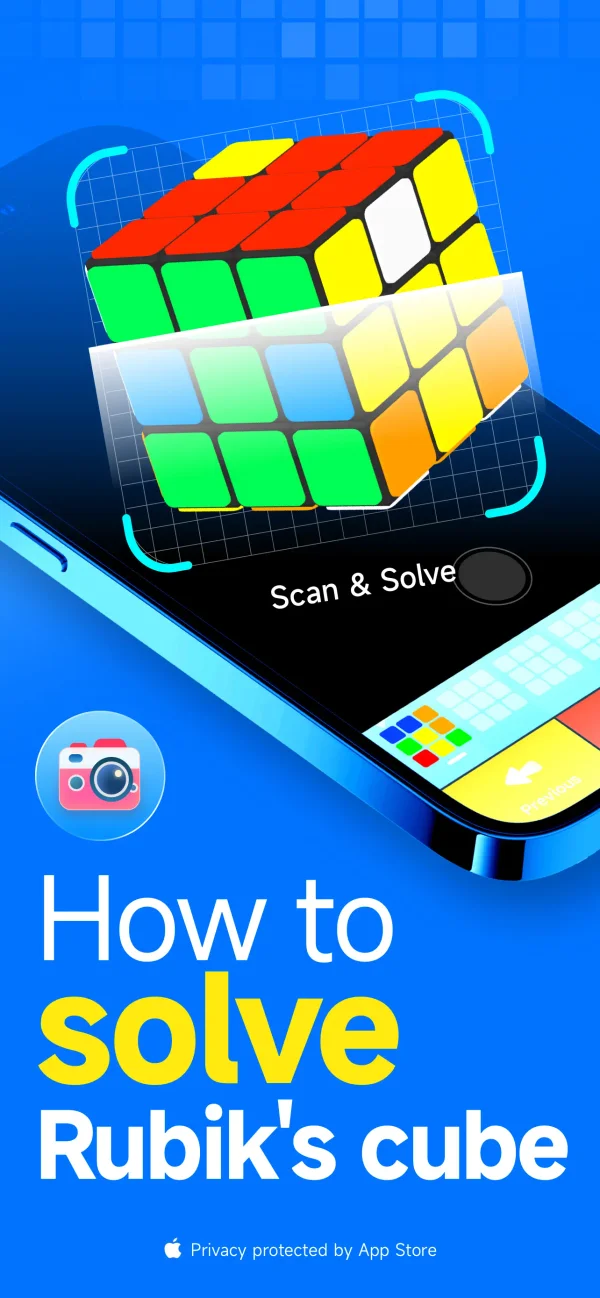
- Open the app: Launch Rubiks Cube Solver on your mobile device and tap the "Scan Cube" button.
- Scan your cube: Hold your device's camera over the Rubik's Cube and rotate it slowly to capture all six sides. Our app will automatically detect the colors and positions of each cubelet, analyzing the cube's state in real-time.
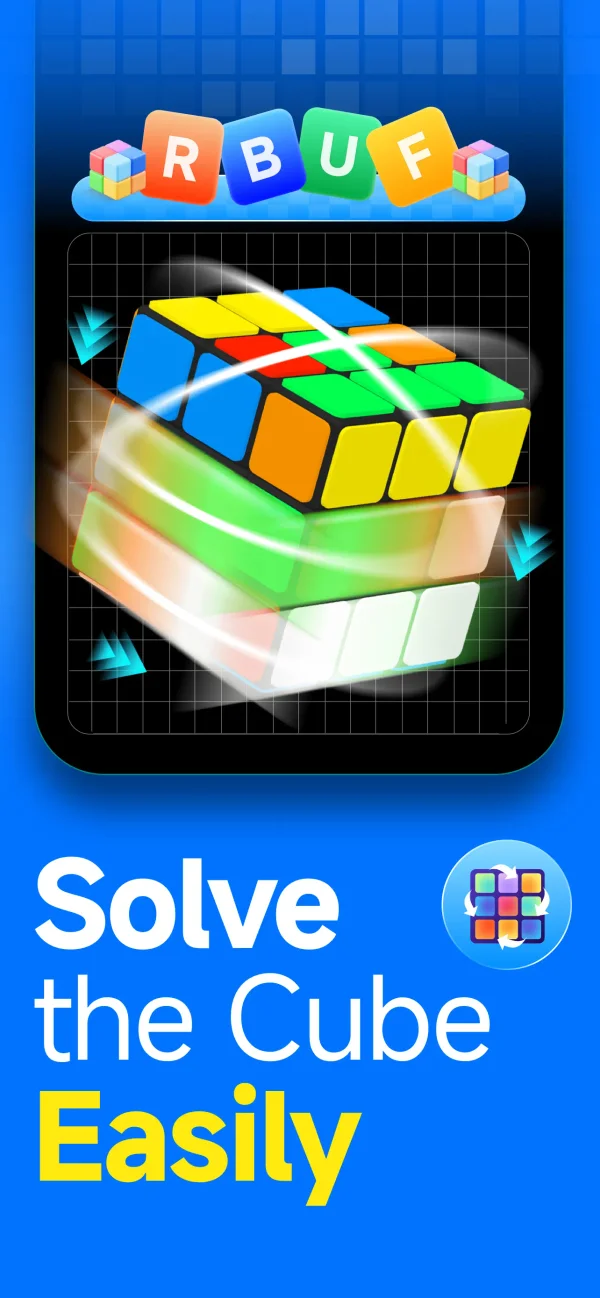
- Get your solution: Once the scan is complete, Rubiks Cube Solver will generate a detailed step-by-step solution tailored to your cube's specific configuration. You can choose to view the solution as a series of text instructions, a 3D animation, or a combination of both.
- Solve your cube: Follow the instructions provided by the app, turning the cube according to the suggested moves. Our app will guide you through each step of the process, providing helpful hints and tips along the way.
Key Features and Benefits
- Advanced Computer Vision Technology: Rubiks Cube Solver uses state-of-the-art computer vision algorithms to accurately detect the colors and positions of each cubelet, ensuring a precise and reliable solution every time.
- Step-by-Step Instructions: Our app provides detailed, easy-to-follow instructions that are tailored to your skill level and learning style. Whether you prefer text, images, or 3D animations, Rubiks Cube Solver has you covered.
- Real-Time Feedback: As you solve your cube, Rubiks Cube Solver provides real-time feedback, highlighting the moves you've made and the ones you still need to complete.
- Progress Tracking: Our app keeps track of your cube-solving progress, allowing you to monitor your improvement over time. You can view your solve times, move counts, and other statistics, and compare your results with other users around the world.
- User-Friendly Interface: Our app features a clean, intuitive interface that is easy to navigate and use.
Why Choose Rubiks Cube Solver?
- Accuracy: Our app uses advanced computer vision technology to ensure a precise and reliable solution every time. You can trust Rubiks Cube Solver to guide you to a successful cube solve, no matter how complex the cube's configuration.
- Speed: Rubiks Cube Solver generates solutions in seconds, allowing you to solve your cube quickly and efficiently.
- Ease of Use: Our app is designed with the user in mind, featuring a simple, intuitive interface that is easy to navigate and use. You don't need to be a computer expert or a cube-solving master to use Rubiks Cube Solver – just download the app, scan your cube, and let the magic happen.
- Versatility: Rubiks Cube Solver supports a variety of Rubik's Cube sizes and types, including the classic 3x3x3 cube, the 2x2x2 cube, the 4x4x4 cube, the 5x5x5 cube, the 6x6x6 cube, the 7x7x7 cube, the 8x8x8 cube, the 9x9x9 cube, the 10x10x10 cube, the 11x11x11 cube, and more.
Email: macflamedev@outlook.com
Privacy Policy: https://gocubesolver.com/privacy-policy
Terms of use: https://gocubesolver.com/Service_Terms
What’s new
Version 1.6.8 · Nov 6, 2026
Thank you for updating the Cube Solver App! New Custom Cube feature is now available:
You can customize the pattern of each cube tile with two modes: Puzzle and Match.
Puzzle Mode: All tiles on the same face are split pieces of an image.
Match Mode: All tiles on the same face use the same image.
It supports magic cubes of all orders, and provides formulas for solving.
Wish you a smooth and pleasant experience!
App privacy
What Shenzhen Yiken Technology Co., Ltd declares on the App Store about how this app handles data.
-
Data used to track you
May be used to track you across apps and websites owned by other companies.
- Identifiers
-
Data not linked to you
May be collected but is not linked to your identity.
- Location
- User content
- Identifiers
- Usage data
- Diagnostics
Privacy practices may vary, for example with the features you use or your age.
Information
- Seller
- Shenzhen Yiken Technology Co., Ltd
- Category
- Simulation
- Version
- 1.6.8
- Updated
- Nov 6, 2026
- Released
- Jun 19, 2025
- Size
- 183.8 MB
- Requires
- iOS 15.6 or later
- Age rating
- 4+
- Price
- Free
- In-app purchases
- Yes
- Languages
- English, Arabic, Danish, Dutch, Filipino, French, German, Hindi, Indonesian, Italian, Japanese, Korean + 11 more
- Copyright
- © Shenzhen Yiken Technology Co., Ltd
You might also like
-
 Solviks: Cube SolverHow to solve a cube
-
 Cube Solver - Scan & SolveSolve Rubik’s Cube with Camera
-
 Cube Solver - Solve any CubeFastest way to solve a cube
-
 Arrow Tap:Block PuzzleGames
-
 Cat Merge:Pet GameGames
-
 Mow Rush:Grass MasterGames
-
 Cooking ClashChaos is Ready!
-
 Avatars, Skins & Clothes MakerUnique Skin & Outfit Editor
-
 I Am Taxi DriverPassangers are waiting!
-
 Star's ChoicesPuzzle your way through fame