
- Age rating4+
- CategoryProductivity
- DeveloperToru Kano
- LanguagesJapanese+ 1 more
- Size10.0 MB
Links to the official App Store page
Download.org hosts no file of CueBell: Presentation Timer. The button opens its official App Store page, published by Toru Kano. Listing last checked on Nov 12, 2026.
Screenshots

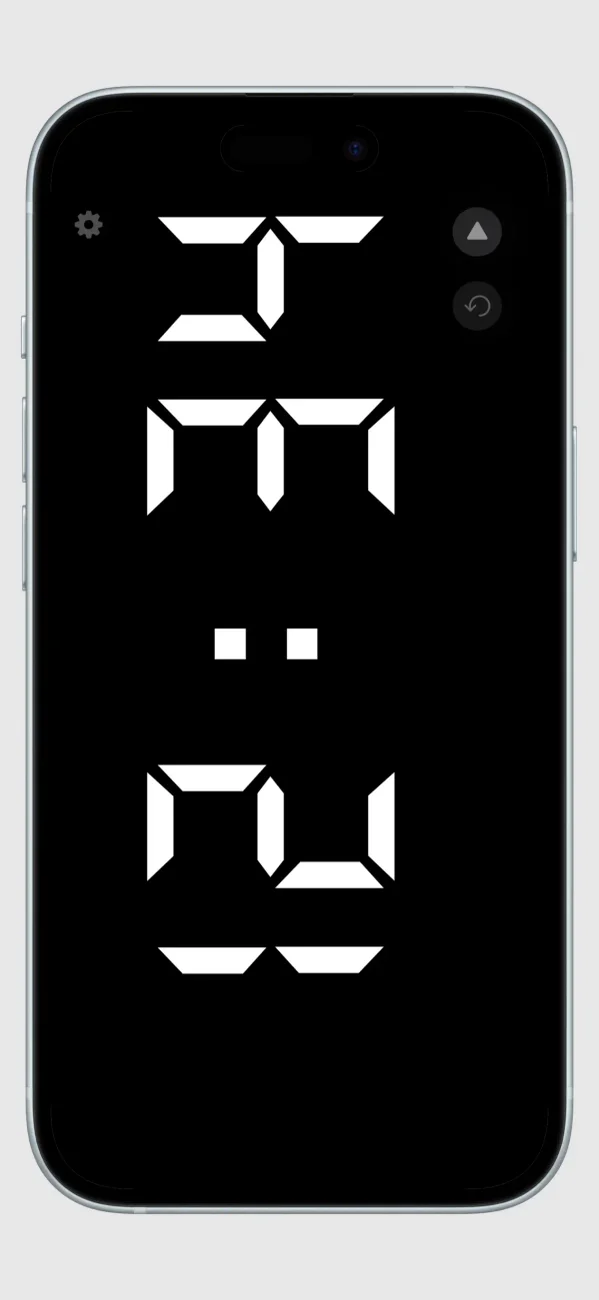
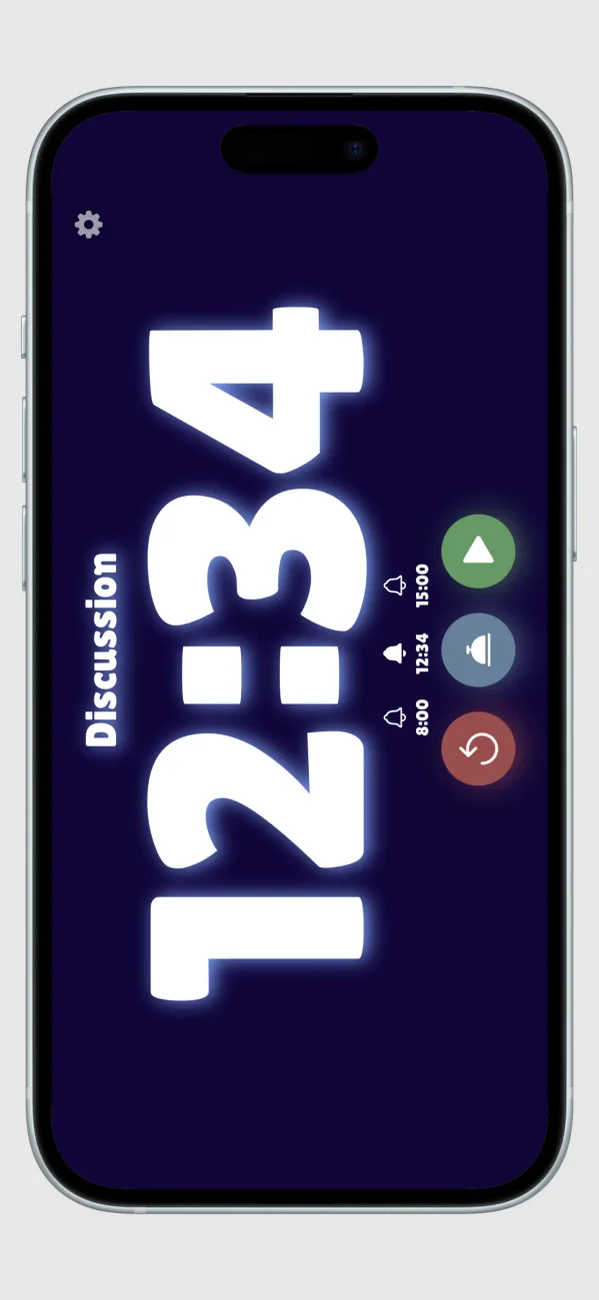
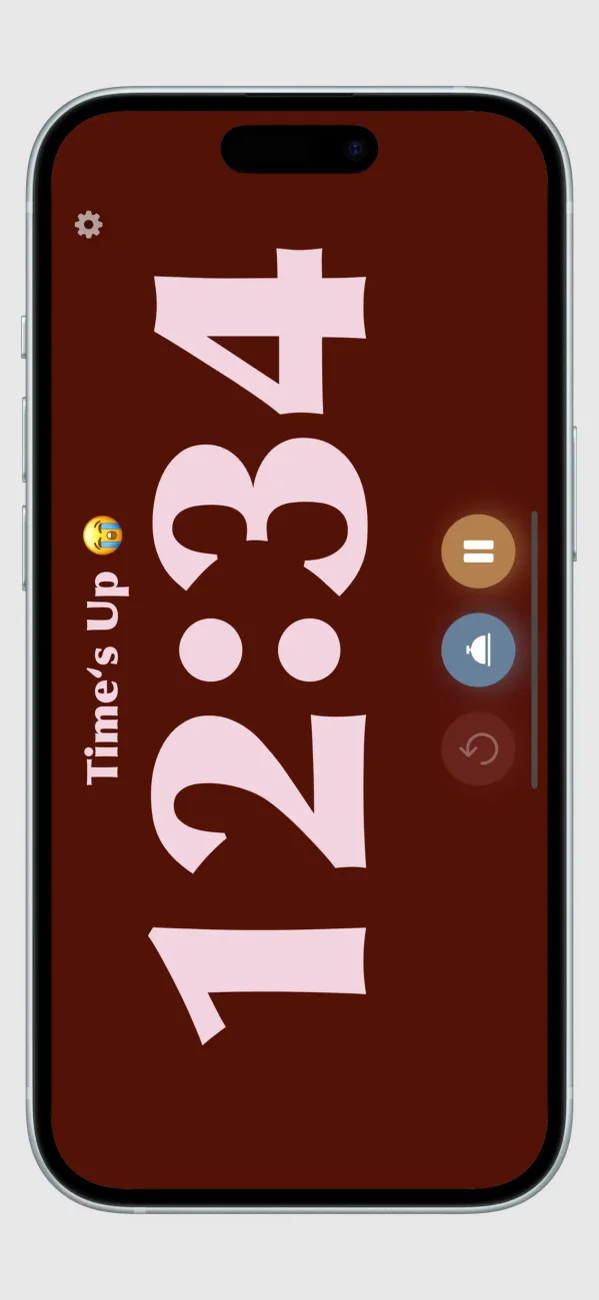
About
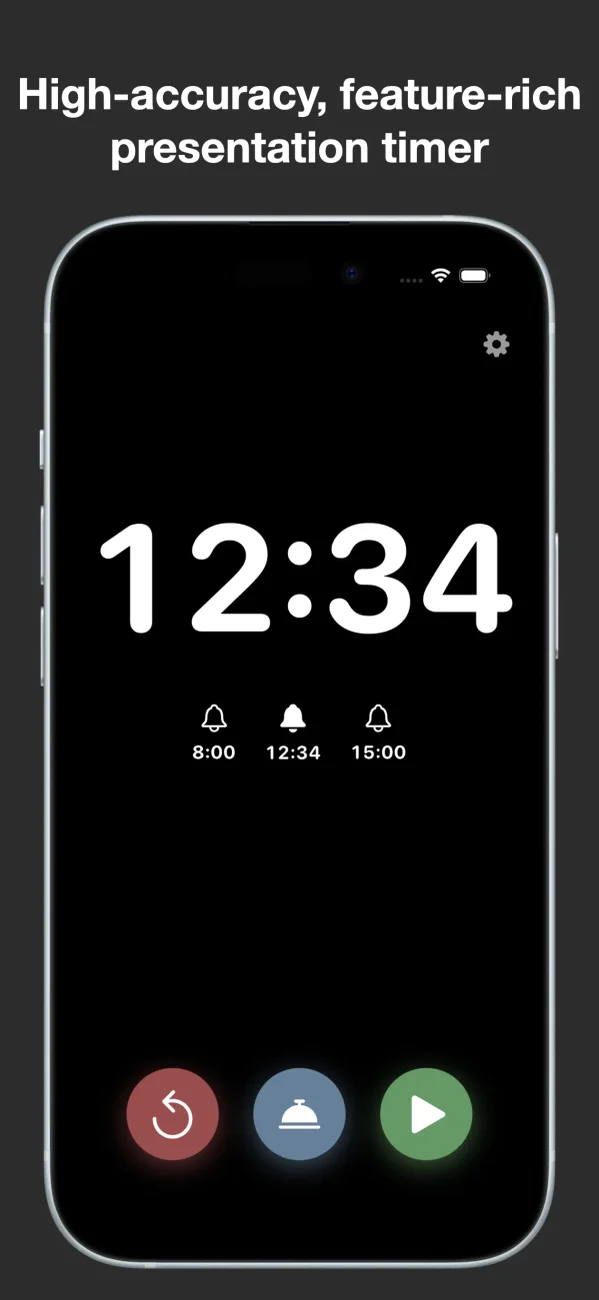
CueBell is a high-accuracy, feature-rich timer designed for presentations and conference talks.
It works fully offline, contains no ads, and supports Apple Watch.
Key Features
- High-accuracy timer (references the system clock and corrects timing to minimize drift over long sessions)
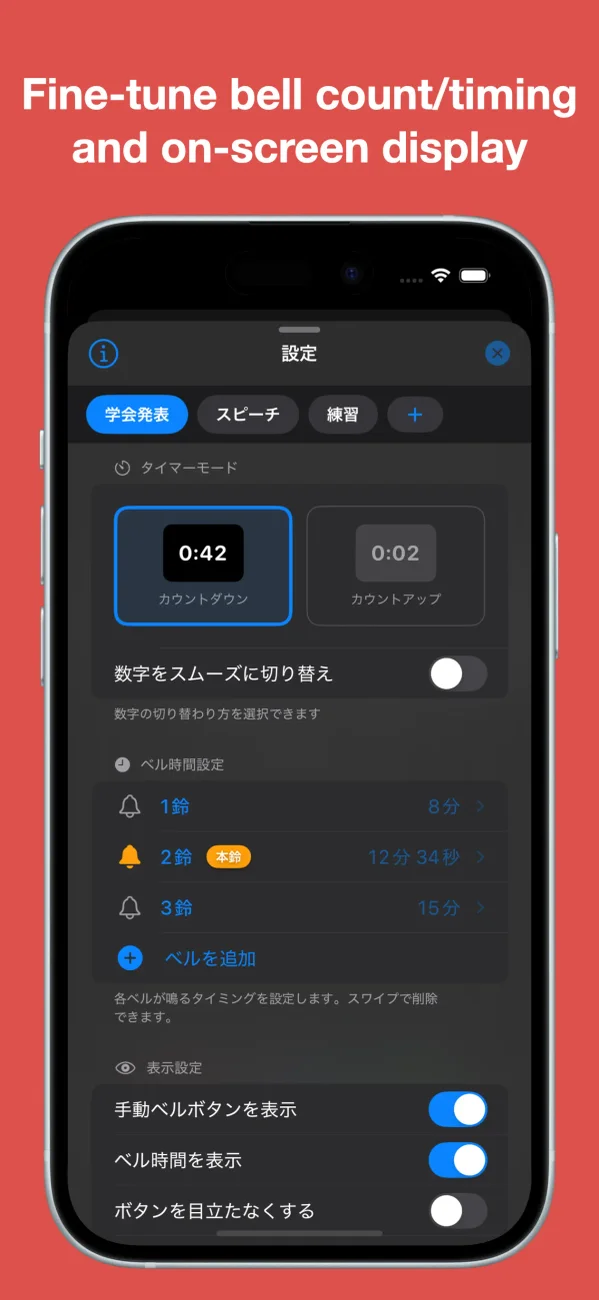
- Countdown / Count-up modes
- Up to 10 bell (alarm) times
- Apple Watch support (see the remaining time on your wrist, start / pause / reset, bells as haptics)
- Bells ring via notifications even while the app is in the background (using your selected bell sound and ring count)
- Bells play even when your device is in silent mode
- Timer in the Dynamic Island and on the Lock Screen (Live Activities, enable in Settings)
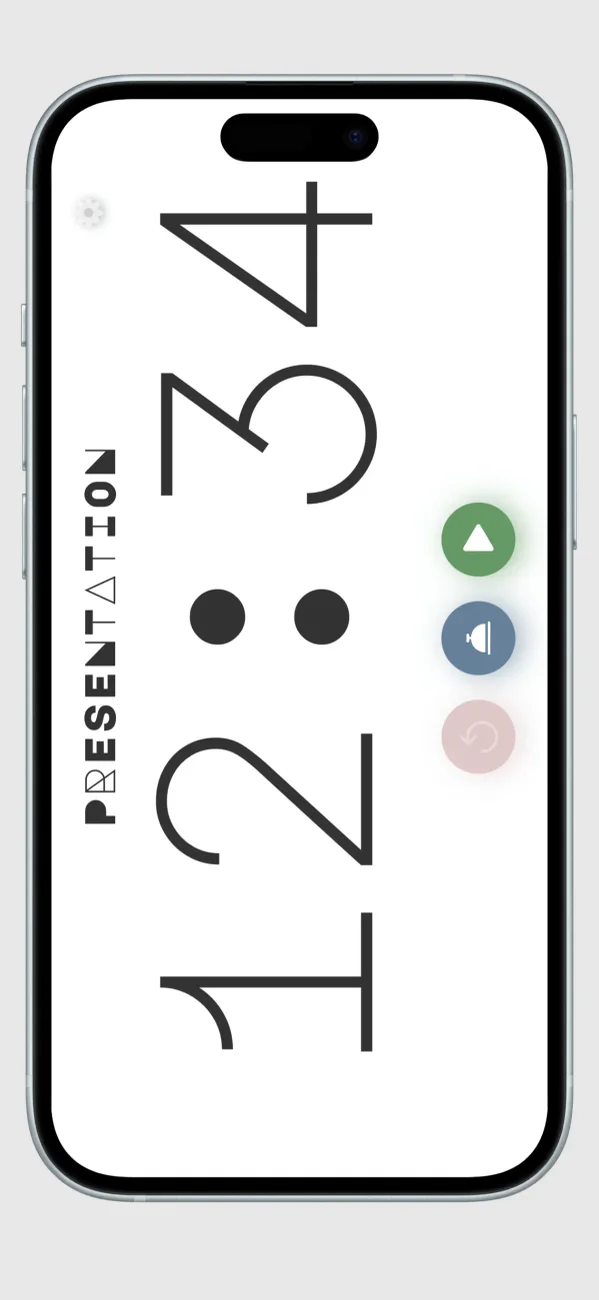
- Per-section styling and on-screen text labels
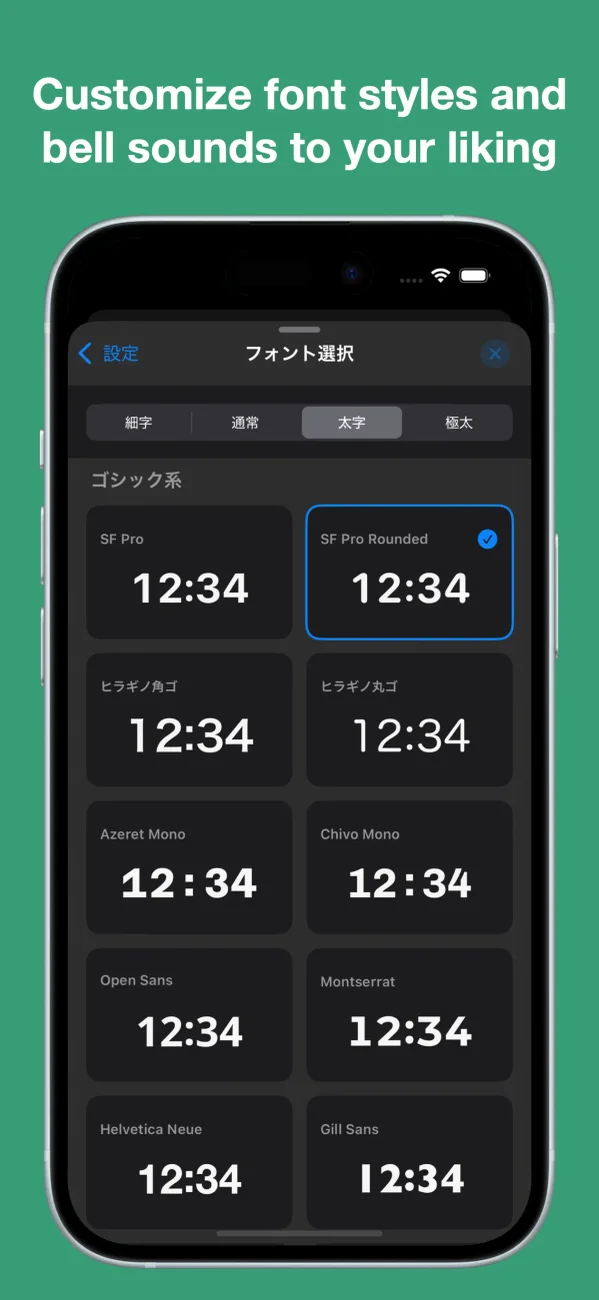
- Choose from many fonts and bell sounds
- Fine-grained appearance customization
- Save frequently used setups as presets
- Optimized for both portrait and landscape (iPhone / iPad)
- Supports Japanese / English / Chinese (automatically follows your device language)
- Clean, readable UI
Apple Watch
- Presets set on iPhone (bell times and section colors) sync automatically
- Start, pause, reset and switch presets from the Watch
- Bells arrive as haptics and notifications (sound and haptics can be toggled in the Watch settings)
- Keeps timing on the Watch even when your iPhone is not nearby
How to Use
1. Tap the gear icon to set bell times
2. Set the end bell (finish time)
3. Tap ▶ to start
4. On Apple Watch, use the synced presets as they are
What’s new
Version 1.4.0 · Oct 25, 2026
• iPhone Duo support: unfold for a larger timer. When half-folded, the timer and buttons move to either side of the crease so nothing sits on the fold.
• Fixed an issue where the timer could run twice when the app was open in two windows (for example on iPad).
• Fixed an issue where iPhone bells might not ring when the timer was started or resumed from Apple Watch while the iPhone was locked.
• Fixed an issue where a Live Activity could remain on the Lock Screen after the app was force-quit.
• Improved syncing with Apple Watch.
App privacy
What Toru Kano declares on the App Store about how this app handles data.
-
Data not collected
The developer does not collect any data from this app.
Privacy practices may vary, for example with the features you use or your age.
Information
- Seller
- Toru Kano
- Category
- Productivity
- Version
- 1.4.0
- Updated
- Oct 25, 2026
- Released
- Jan 5, 2026
- Size
- 10.0 MB
- Requires
- iOS 18.5 or later
- Age rating
- 4+
- Languages
- Japanese, English
- Copyright
- © Toru Kano
You might also like
-
 The Presentation Timer -SimpleSimple Performance Timer
-
 The Presentation TimerBeautiful & simple timer
-
 Dora-Gong Presentation TimerGong Presentation Timer
-
 プレゼン時計/PresenClockProductivity
-
 Presentation Timer PlusPresentation Practice Tool
-
 VisibleTime | See Time FlowVisual Timer to See Time
-
 タイムキーパー : 効率的に議題の進行を管理Productivity
-
 GoyoyakProductivity
-
 Talking Timers: Voice & MultiSpeakable Routine Timer
-
 Labelify2Productivity