
- Age rating4+
- CategoryUtilities
- DeveloperMakoto Fukuoka
- LanguagesEnglish+ 46 more
- Size23.7 MB
Links to the official App Store page
Download.org hosts no file of CuePic. The button opens its official App Store page, published by Makoto Fukuoka. Listing last checked on Nov 17, 2026.
Screenshots
About
More helpful than a thick manual:
a simple “right here” from someone you know.
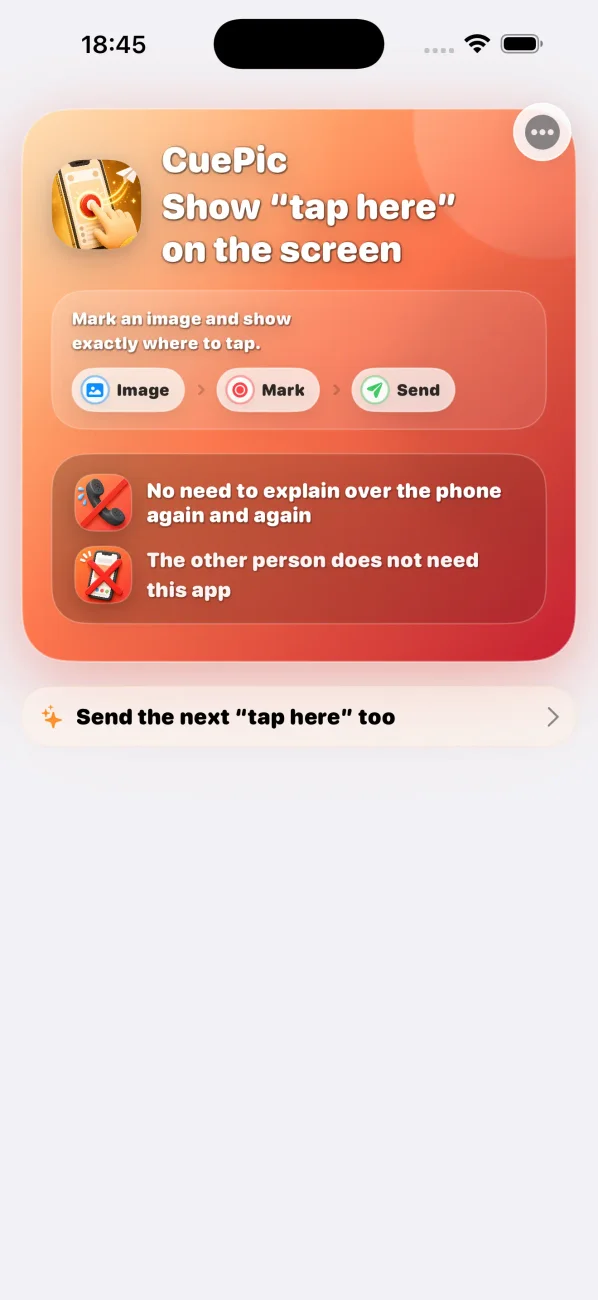
CuePic is an app for gently showing where to tap, where to look, or what to follow by adding marks to an image.
“Tap here.”
“Look here.”
“Follow these steps.”
“The button in the top right,” “the item below that,” “the blue part” —
words alone can be surprisingly hard to understand.
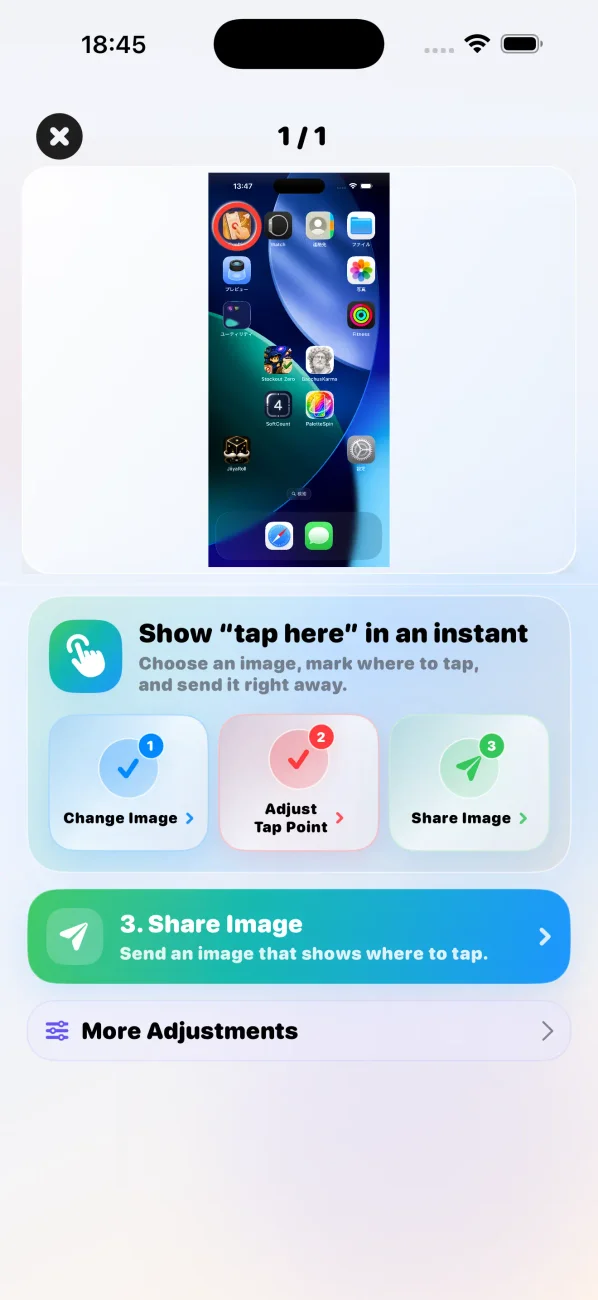
With CuePic, you can choose an image, add a red circle or rectangle, and share it right away.
Add a clear “right here” to the words you already know how to say.
Every editing tool is available without a Pro upgrade. Adjust colors, sizes and positions, save annotation styles, and turn several images into a step-by-step guide.
When you want to help a family member with a phone.
When you want to show a friend where to look.
When you want someone at work to check a specific spot.
Start with one image and mark it with a red circle or rectangle.
For someone you do not want to confuse, add a pointer or arrow to make it even clearer.
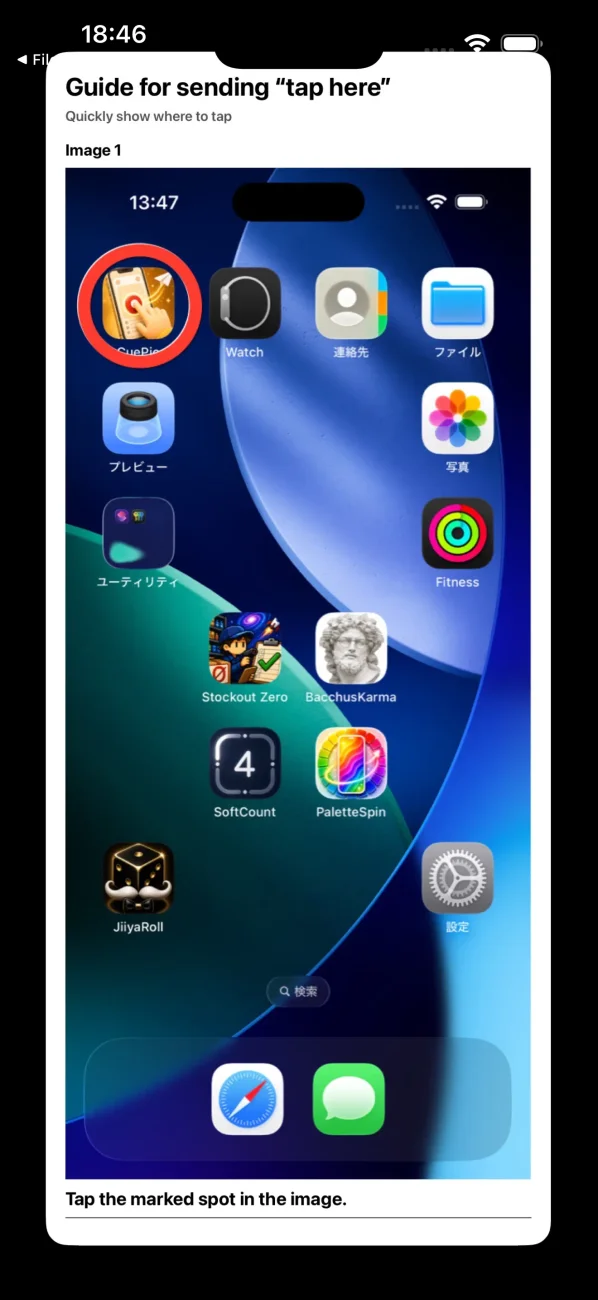
For steps you do not want to explain over and over, you can turn multiple images into a simple guide.
When explaining gets a little easier,
the conversation can feel a little kinder.
CuePic is a small image explanation app that helps reduce misunderstandings and deliver a simple “right here.”
Main Features:
・Add red circles or rectangles to images
・Clearly show where to tap or where to look
・Share the image you made right away
・Use pointers and arrows to make things stand out
・Combine multiple images into step-by-step instructions
・Helpful for explaining phone steps to family
・Useful for work checks and quick guidance for friends
Use CuePic when:
・You want to show someone where to tap on their phone
・You want to point out where to look in an image
・Words alone are hard to explain
・You want to say “right here” with one image
・You want to show multiple screens as steps
・You want to make explanation a little easier
CuePic delivers a “right here” that is a little kinder for both the person explaining and the person receiving it.
What’s new
Version 1.1.0 · Nov 2, 2026
We’ve removed the paid Pro upgrade and the “Buy me a coffee” option. Every editing tool is now included at no extra charge, from circles and arrows to step-by-step image guides. Everything unlocked. Create and share away!
App privacy
What Makoto Fukuoka declares on the App Store about how this app handles data.
-
Data not collected
The developer does not collect any data from this app.
Privacy practices may vary, for example with the features you use or your age.
Information
- Seller
- Makoto Fukuoka
- Category
- Utilities
- Version
- 1.1.0
- Updated
- Nov 2, 2026
- Released
- Jun 3, 2026
- Size
- 23.7 MB
- Requires
- iOS 18.0 or later
- Age rating
- 4+
- Price
- $0.29
- Languages
- English, Arabic, Bengali, Bulgarian, Catalan, Croatian, Czech, Danish, Dutch, Finnish, French, German + 35 more
- Copyright
- © 2026 tsukigashizumu
You might also like
-
 Photo SenderSend photos & videos with EXIF
-
 老师工作台 - 班主任工作台Utilities
-
 CPM Calculator with CTR, RPMEstimate advertising revenue
-
 OneFlixPlayer for Microsoft OneDrive
-
 CalcSMARTScientific Graphing Calculator
-
 ZipEazy: Multi-Format UnZipzip/rar/7zPassword Archives
-
 TerraWarn: Disaster AlertsHazard Alerts & Family Safety
-
 BTWN – Hide Messages in PhotosSecret Texts Inside Any Image
-
 How Are You TodayTrack Mood & Light Notes
-
 KimDrop: Photo Backup & FilesWi-Fi browser: photos & files