CueRack - AB Looper
Network Video A-B Looper
Designed for iPhone, iPad, Mac
Free · In-app purchases
- Age rating4+
- CategoryEducation
- DeveloperWei Te Hsu
- LanguagesEnglish+ 3 more
- Size10.7 MB
Links to the official App Store page
Download.org hosts no file of CueRack - AB Looper. The button opens its official App Store page, published by Wei Te Hsu. Listing last checked on Nov 20, 2026.
Screenshots


About
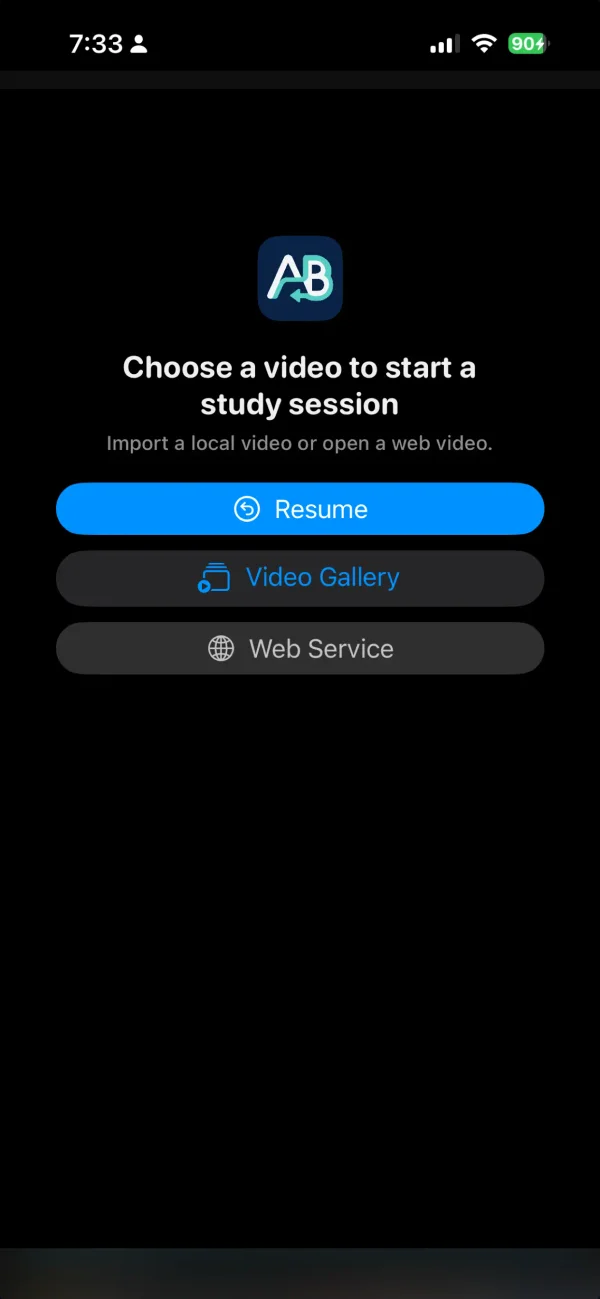
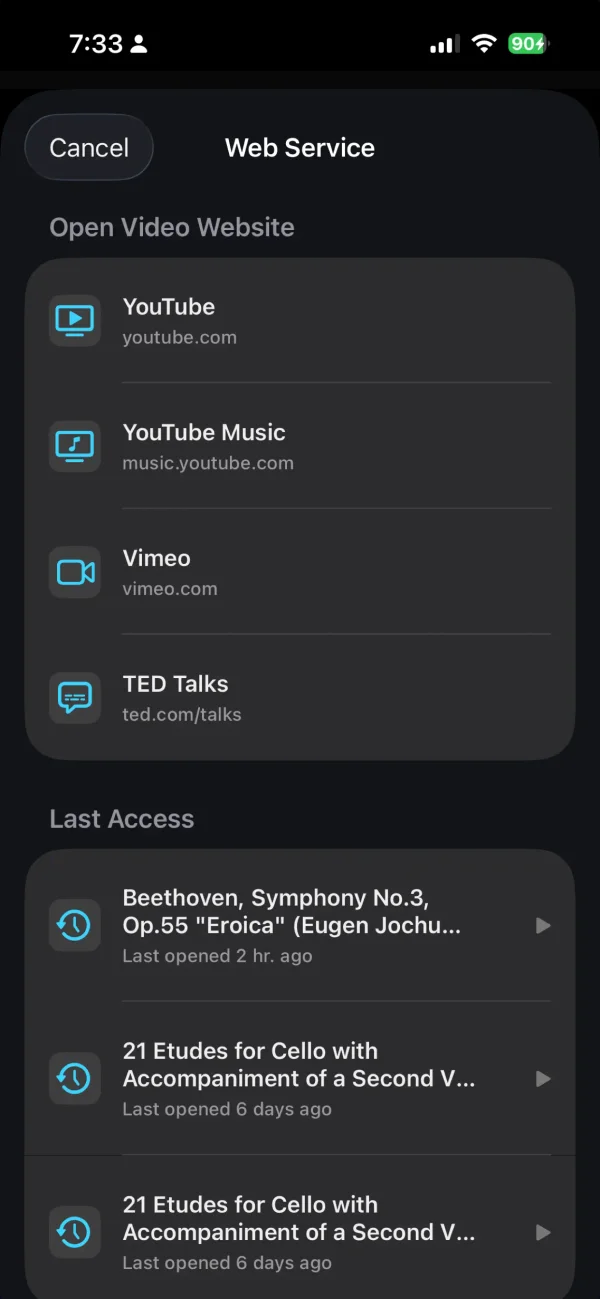
CueRack is a focused workspace for online learning and video practice. Import local videos or open video pages yourself on YouTube, YouTube Music, TED Talks, Vimeo, Bilibili, TikTok, and other supported services. CueRack does not provide or download third-party videos.
While watching a lecture, tutorial, or talk, repeat key passages, add precise bookmarks, and keep notes and reference materials together. CueRack works on iPhone, iPad, and Mac, helping you continue your study across devices.
STUDY AT YOUR OWN PACE
- Set A-B loops to repeat a passage.
- Adjust playback speed for close listening or review.
- Change pitch independently of speed when practicing with an imported local video.
- Add timestamped bookmarks, notes, and study marks to capture and revisit key moments.
VIDEO, PDFS, AND HANDWRITTEN NOTES
- Add PDF references such as sheet music, books, or online course materials to a video.
- Manage multiple reference PDFs for each video and switch between them as you study.
- Browse pages in single-page or continuous mode, with adjustable scaling and panel size.
- Link bookmarks to video timestamps and PDF pages to return to the right lesson moment and its corresponding material.
- Pro users can write notes by hand directly on PDFs, sheet music, and course handouts with Apple Pencil on iPad.
- Place tappable timestamp stamps on PDFs to jump back to the linked video moment.
- Create blank, ruled, or music staff PDF templates and export documents with annotations.
- Share video bookmarks and their linked reference PDFs.
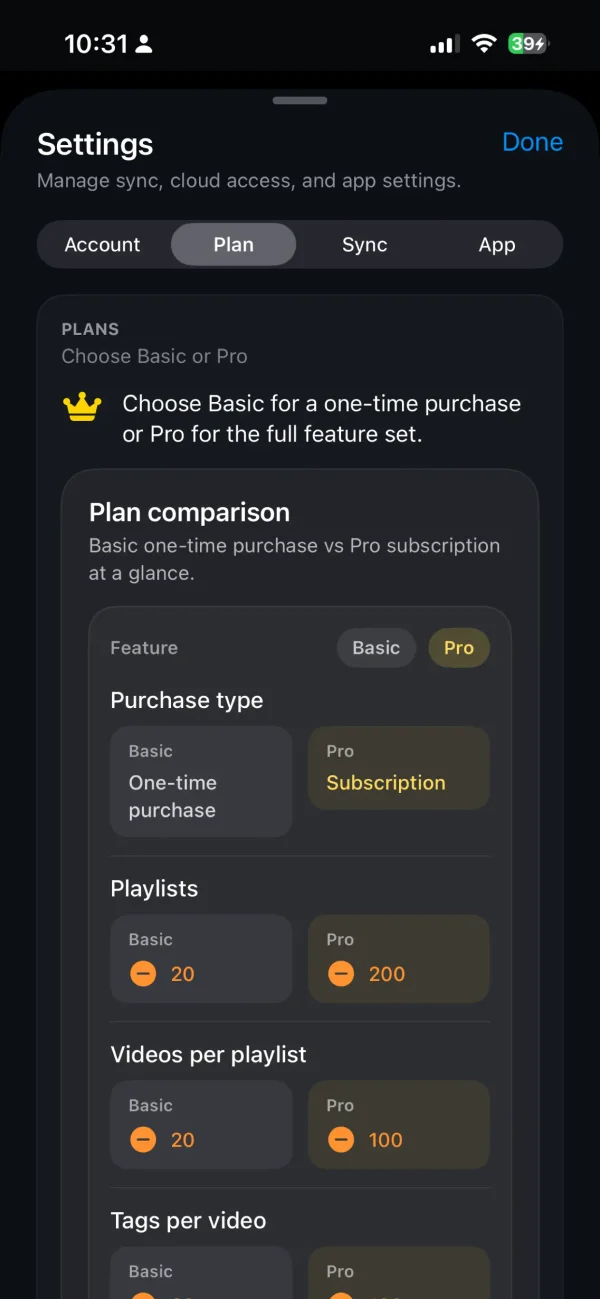
- Basic supports viewing up to 3 uploaded reference PDFs across the Library. Pro unlocks PDF creation, Apple Pencil handwriting and annotations, timestamp stamps, annotated export, and CueRack Share.
YOUR STUDY LIBRARY
- Import local videos or open supported web video pages yourself.
- Organize videos, bookmarks, and study progress, then sync your learning across devices.
- PDF reference documents sync separately from study library data.
CueRack is designed for language learning, online courses, music practice, tutorials, and any activity that benefits from repeating video, taking handwritten notes, and reviewing key moments. Online services remain subject to their own terms and availability.
Privacy Policy: https://videostudyhub.vercel.app/privacy
Terms of Use / EULA: https://www.apple.com/legal/internet-services/itunes/dev/stdeula/
What’s new
Version 1.15 · Nov 15, 2026
CueRack 1.15 improves playlists, video study, and the Mac workspace.
• Browse, scan, cancel scans, and pin CueRack and YouTube playlists in Library
• Play videos directly from Photos, or add videos separately from Photos and Files
• Keep playlist order and continuous playback; use Previous, Next, Stop, and Library shortcuts in Mini Bar
• Added Netflix and improved browser controls and restored-session options
• Refined Library interactions on iPhone and iPad, plus Mac full-screen and detachable panels
App privacy
What Wei Te Hsu declares on the App Store about how this app handles data.
-
Data linked to you
May be collected and linked to your identity.
- Contact info
- Identifiers
- Usage data
-
Data not linked to you
May be collected but is not linked to your identity.
- Contact info
- Identifiers
Privacy practices may vary, for example with the features you use or your age.
Information
- Seller
- Wei Te Hsu
- Category
- Education
- Version
- 1.15
- Updated
- Nov 15, 2026
- Released
- Jun 17, 2026
- Size
- 10.7 MB
- Requires
- iOS 18.6 or later
- Age rating
- 4+
- Price
- Free
- In-app purchases
- Yes
- Languages
- English, German, Japanese, Traditional Chinese
- Copyright
- © 2026 Video Study Hub Team