
- Age rating4+
- CategoryEducation
- DeveloperJAE KWANG SHIN
- LanguagesEnglish+ 10 more
- Size221.9 MB
Links to the official App Store page
Download.org hosts no file of Curo AI. The button opens its official App Store page, published by JAE KWANG SHIN. Listing last checked on Nov 12, 2026.
Screenshots

About
CuroAI is an educational coding app for children and students that
combines block-based programming with hands-on AI experiences.
With simple drag-and-drop blocks, learners can create their own
AI projects, machine learning models, and control real robots —
no prior coding experience required.
■ Key Features
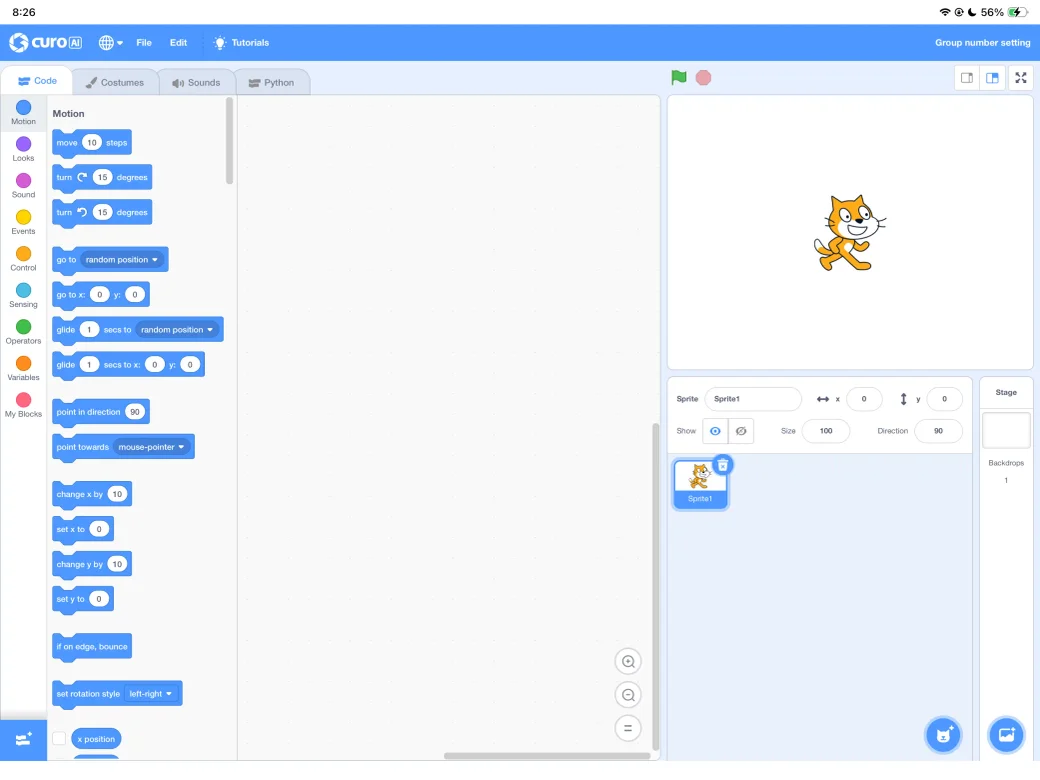
1. Block-Based Coding
A familiar visual coding environment with 9 block categories:
Motion, Looks, Sound, Events, Control, Sensing, Operators,
Variables, and My Blocks. Build complex projects by combining
simple blocks.
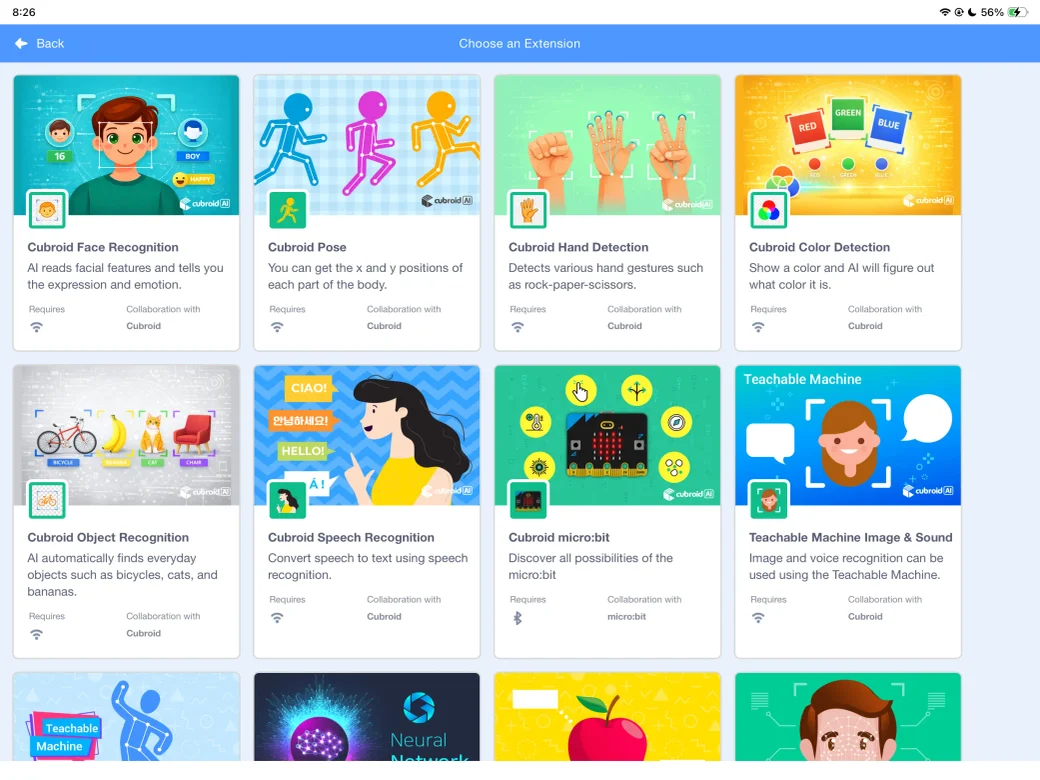
2. AI Recognition Blocks
- Face Recognition: Detect expressions, emotions, age, and gender
- Hand Detection: Recognize gestures like rock-paper-scissors
- Pose Recognition: Track body keypoints in real time
- Object Recognition: Identify everyday objects automatically
- Color Detection: Recognize colors through the camera
- Speech Recognition: Convert voice to text
- Finger and Face Tracking: Precise camera-based tracking
- QR Code Reader
All AI recognition runs entirely on-device. No camera images,
voice data, or personal information is sent to external servers.
3. Machine Learning
Train your own AI models with images and sounds. Includes
Teachable Machine, Neural Networks, and Image Classifier blocks
for hands-on machine learning education.
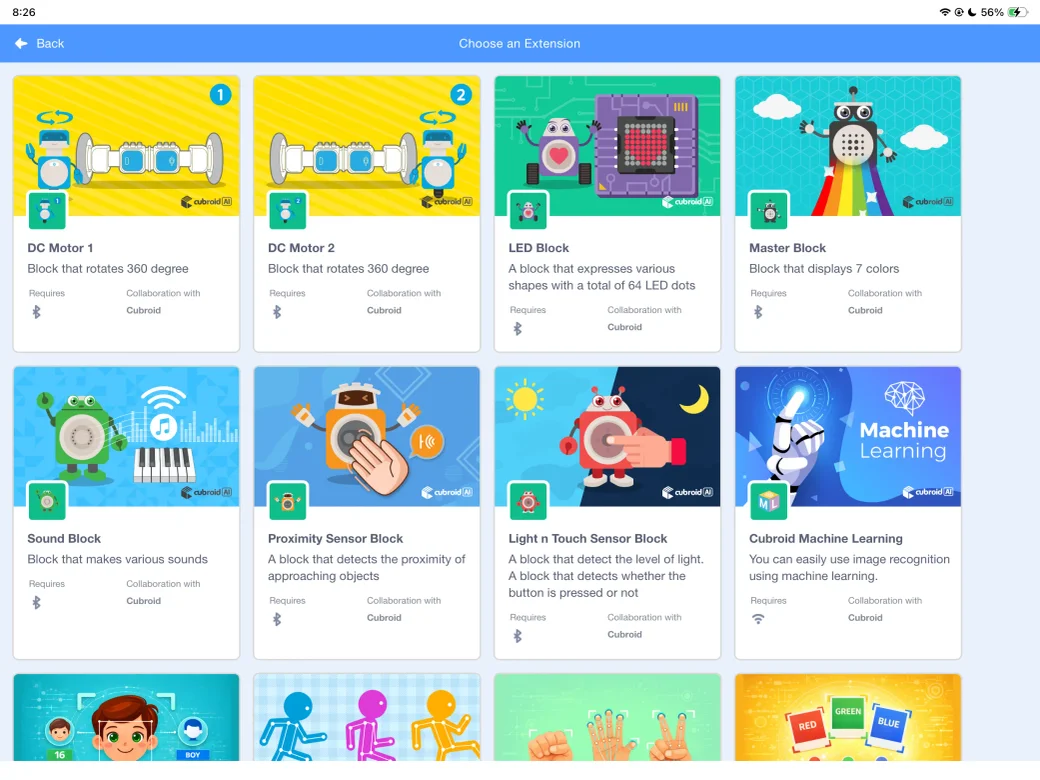
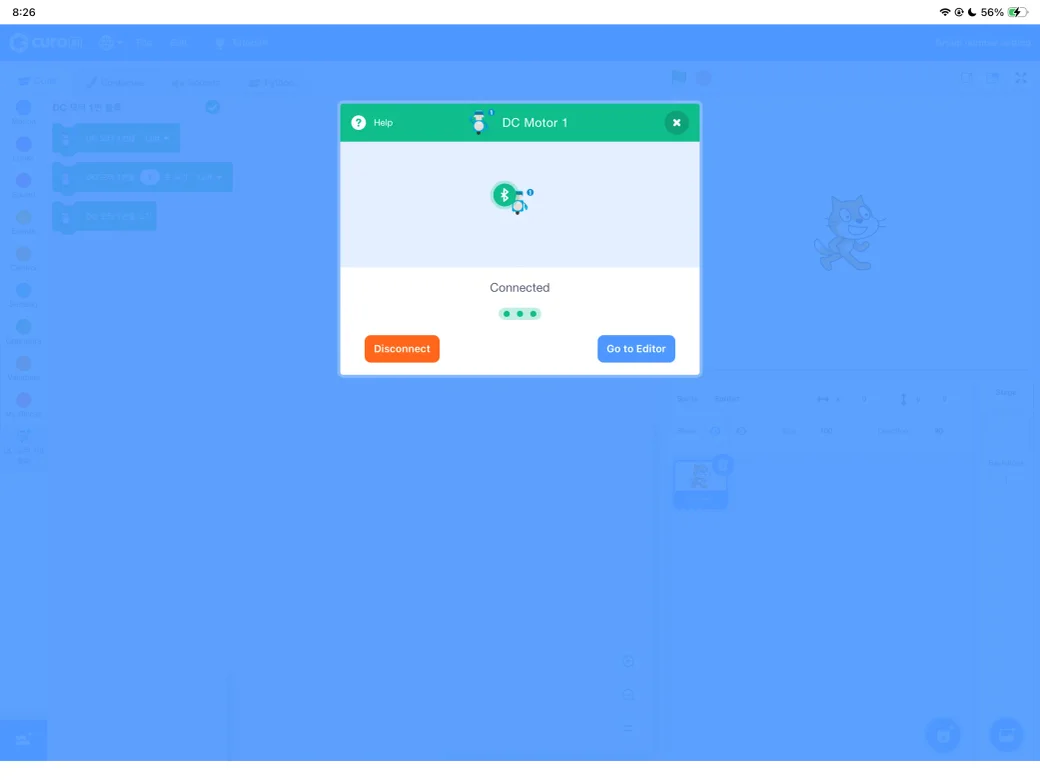
4. Cubroid Robot Integration
Connect to Cubroid coding blocks via Bluetooth — DC Motors, LED
Block, Master Block, Sound Block, Proximity Sensor, and Light &
Touch Sensor. Build, code, and watch your physical robot come
alive. The app also works fully without hardware using on-screen
sprite simulation.
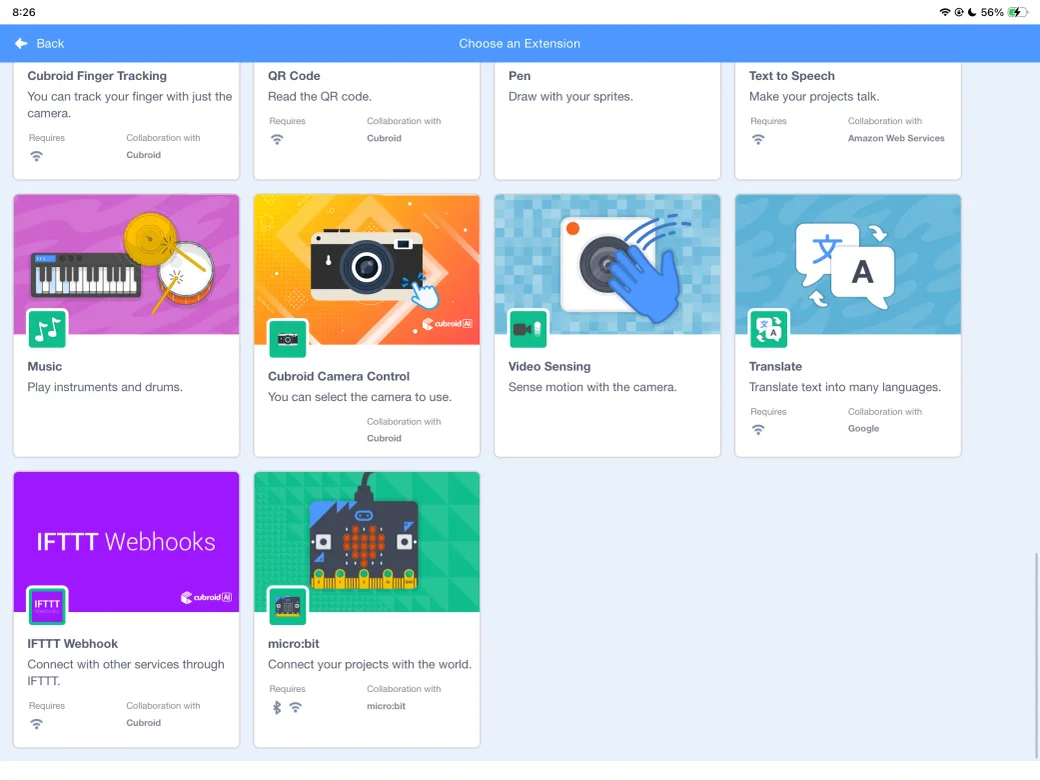
5. Extensions
- Pen: Draw with sprites
- Music: Play instruments and drums
- Text to Speech (TTS)
- Translate: Multiple languages via Google
- Video Sensing and Camera Control
- micro:bit support
- IFTTT Webhooks for connecting external services
6. Python Mode
Convert your block code into Python code automatically — a smooth
bridge from visual programming to text-based coding.
■ Who is CuroAI for?
- Elementary to high school students learning to code
- Young learners exploring AI and machine learning hands-on
- Teachers running coding classes at school, after-school programs,
or academies
- Parents who want their children to gain future-ready skills
■ About Cubroid
Cubroid is a Physical AI education company with 8 years of
experience, delivering coding kits to over 10,000 schools across
46 countries. We make AI tangible — turning abstract concepts into
hands-on experiences kids can build and touch.
■ Contact
Website: https://cubroid.com
Email: support@cubroid.com
What’s new
Version 1.0.6 · Oct 6, 2026
Fixed an issue where Cubroid blocks (DC motor, LED, and more) appeared in Korean when the device language was set to English.
Improved Vietnamese translations and fixed some AI extension names that were shown only in English.
Removed the internet-required label from AI extensions that work offline.
App privacy
What JAE KWANG SHIN declares on the App Store about how this app handles data.
-
Data not collected
The developer does not collect any data from this app.
Privacy practices may vary, for example with the features you use or your age.
Information
- Seller
- JAE KWANG SHIN
- Category
- Education
- Version
- 1.0.6
- Updated
- Oct 6, 2026
- Released
- Oct 15, 2024
- Size
- 221.9 MB
- Requires
- iOS 13 or later
- Age rating
- 4+
- Price
- Free
- Languages
- English, French, German, Italian, Japanese, Korean, Russian, Serbian, Simplified Chinese, Spanish, Vietnamese
- Copyright
- © Cubroid Co., Ltd.
You might also like
-
 Scrub Web Browserfor Scratch 3.0 and BLE
-
 intelino scratchBlock coding with intelino!
-
 TypeCodeEducation
-
 PingPongScratchEducation
-
 Scratch Tutorial - Coding GameProgramming For Kids
-
 Spike™ LEGO® EducationEngage every learner in STEAM
-
 ScratchJrEducation
-
 Tynker: Coding for KidsLearn to code, mod, make games
-
 TinkercadFrom mind to design in minutes
-
 MIT App InventorEducation