Cursive: Learn Cursive
Practice cursive by tracing!
Designed for iPhone, iPad, iPod touch
Free · In-app purchases
- Age rating4+
- CategoryEducation
- Developerenoiu
- LanguagesEnglish+ 39 more
- Size50.6 MB
Links to the official App Store page
Download.org hosts no file of Cursive: Learn Cursive. The button opens its official App Store page, published by enoiu. Listing last checked on Nov 22, 2026.
Screenshots



About
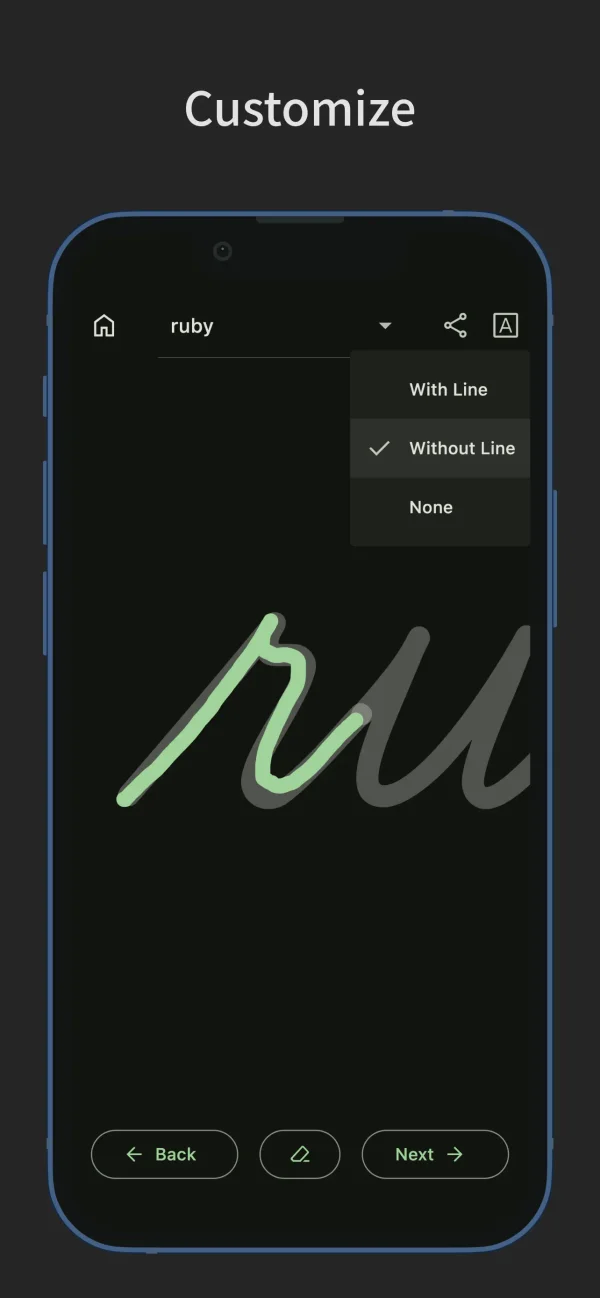
This app lets you practice cursive by tracing.
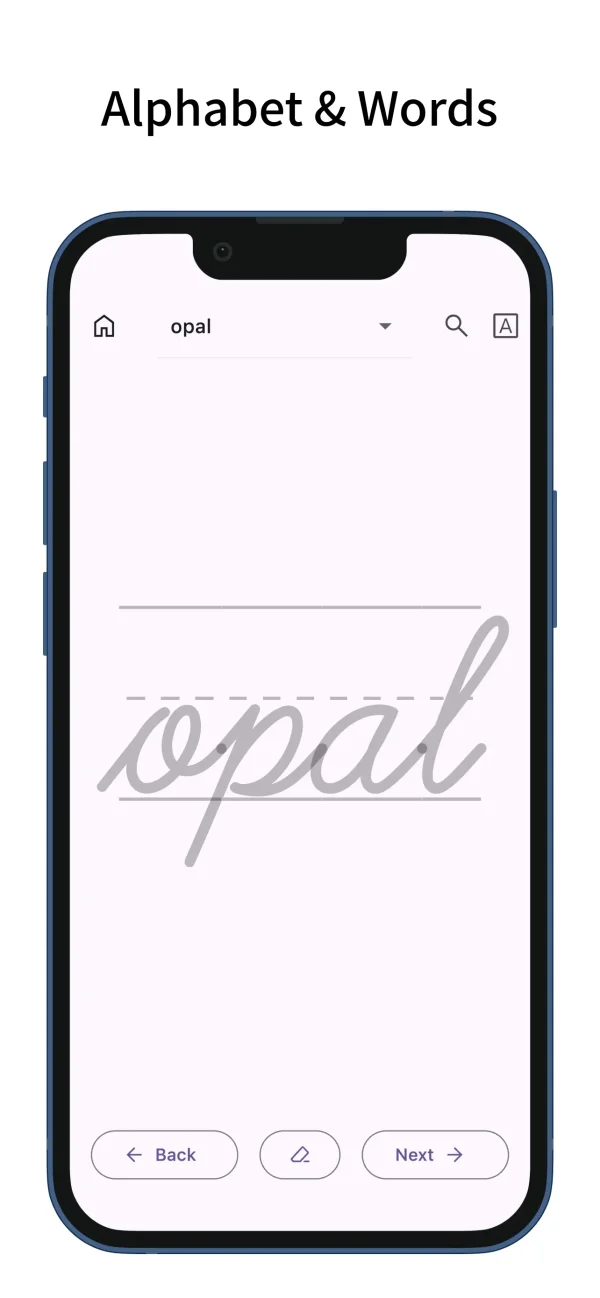
It includes uppercase and lowercase letters, as well as words in multiple languages.
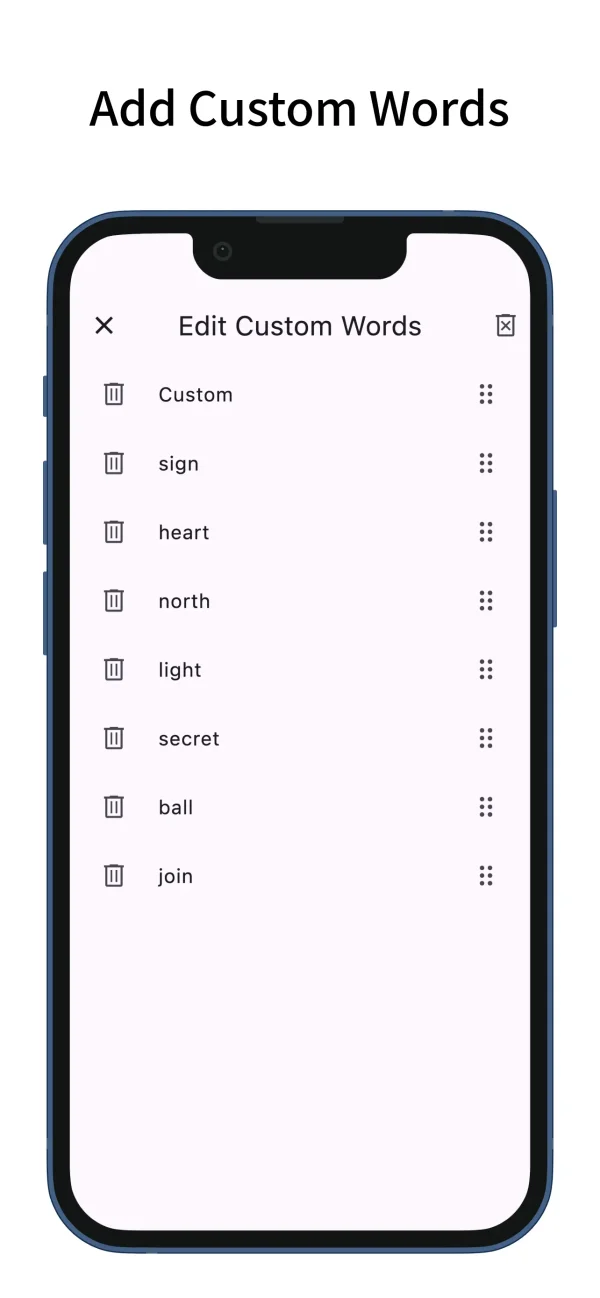
You can also add your own words for custom practice.
Practice Cursive
- Trace to practice cursive writing.
- Practice both uppercase and lowercase letters.
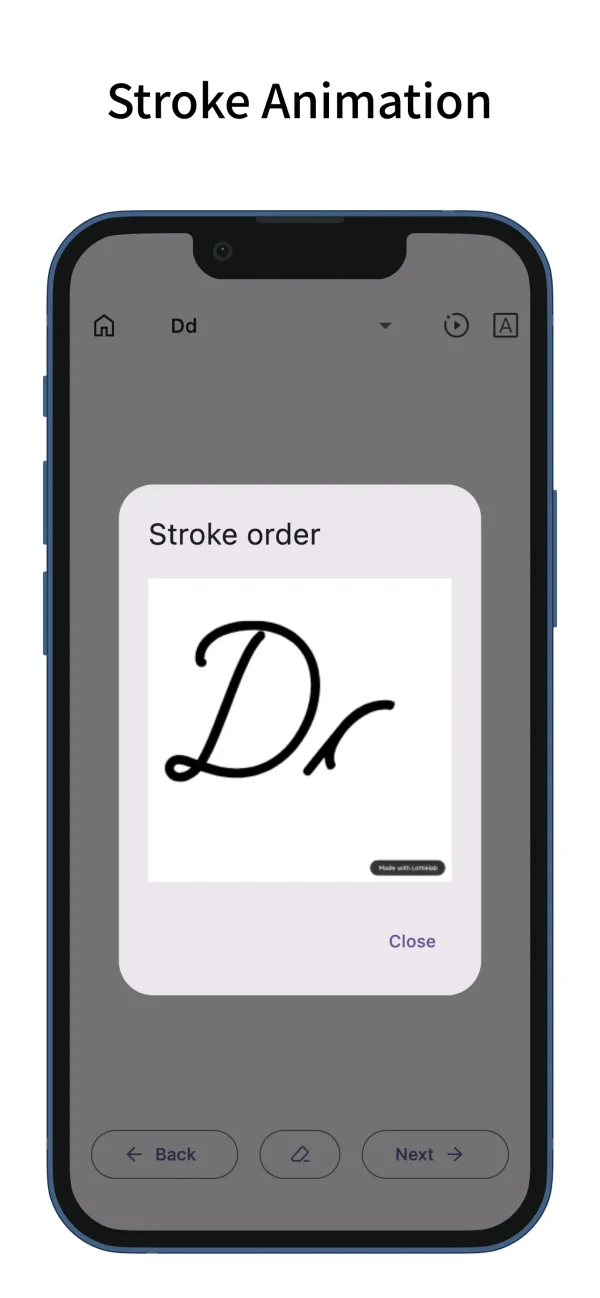
- View animated stroke order for each letter.
- Supports special characters in German and Spanish (ä, ö, ß, ü, ñ).
- Practice words in multiple languages.
- Includes over 100 words per language.
- Supports words with accent marks.
Cursive Languages
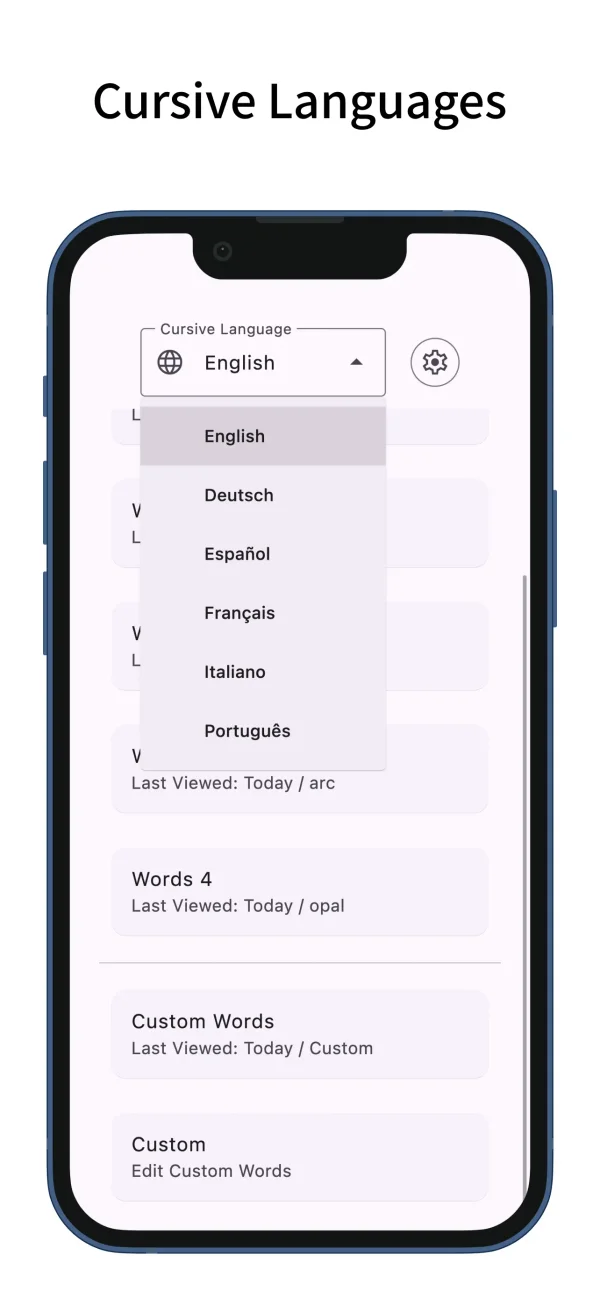
- Switch between different cursive languages.
- Supports English, German, Spanish, French, Italian, and Portuguese.
- The app’s display language can be linked to the selected cursive language.
- Use the search button to look up word meanings (opens in external browser).
- You can also switch the search button to a share button.
Custom Words
- In “Custom,” you can display typed text in cursive.
- Add typed text to "Custom Words" for practice.
- Custom Words can be sorted and deleted.
- Custom Words are shared across all cursive languages.
Cursive Settings
- Change the font of the example text.
- Adjust the font size of the example text.
- Switch example styles (with line, without line, or none).
- Toggle between pen and eraser.
- Change the pen’s thickness and color.
- Enable or disable zooming.
Customization
- Supports dark mode.
- You can also change the theme color.
- Features a simple design based on Material Design.
What’s new
Version 8.0.0 · Nov 21, 2026
- Redesigned stroke order animations with support for all fonts, plus zoom and pan during playback.
- Expanded cursive practice to 26 languages and app display to 40 languages.
- Improved UI with quick language/font switching, searchable selection sheets, and a compact landscape bar.
- Fixed an issue opening Pro purchase and video ads from certain screens.
App privacy
What enoiu declares on the App Store about how this app handles data.
-
Data used to track you
May be used to track you across apps and websites owned by other companies.
- Location
- Identifiers
- Usage data
- Diagnostics
-
Data linked to you
May be collected and linked to your identity.
- Location
- Identifiers
- Usage data
- Diagnostics
-
Data not linked to you
May be collected but is not linked to your identity.
- Diagnostics
Privacy practices may vary, for example with the features you use or your age.
Information
- Seller
- enoiu
- Category
- Education
- Version
- 8.0.0
- Updated
- Nov 21, 2026
- Released
- Sep 7, 2022
- Size
- 50.6 MB
- Requires
- iOS 15.0 or later
- Age rating
- 4+
- Price
- Free
- In-app purchases
- Yes
- Languages
- English, Arabic, Bengali, Bosnian, Croatian, Czech, Danish, Dutch, Filipino, Finnish, French, German + 28 more
- Copyright
- © 2023 enoiu
You might also like
-
 Writey Cursive HandwritingPractice calligraphy writing
-
 Cursive Letters Writing WizardLearn Handwriting for Kids
-
 Cursive Writing-Education
-
 Handwriting SuccessHandwriting Success
-
 Modern Handwriting CalligraphyPencil practice Writing wizard
-
 Cursive PracticeEducation
-
 Cursive WordsEducation
-
 Cursively Handwriting LessonsCursive writing practice pad
-
 Writing Wizard: Learn to WriteABC & Letter Tracing for Kids
-
 Dynamilis Handwriting PracticeCursive & ABC Writing for Kids