- Age rating4+
- CategoryEducation
- DeveloperKiyoshi Koike
- LanguagesEnglish+ 1 more
- Size7.8 MB
Links to the official App Store page
Download.org hosts no file of Cursive Trainer. The button opens its official App Store page, published by Kiyoshi Koike. Listing last checked on Nov 20, 2026.
Screenshots

About
Learn cursive handwriting on your iPad by tracing beautiful model letters.
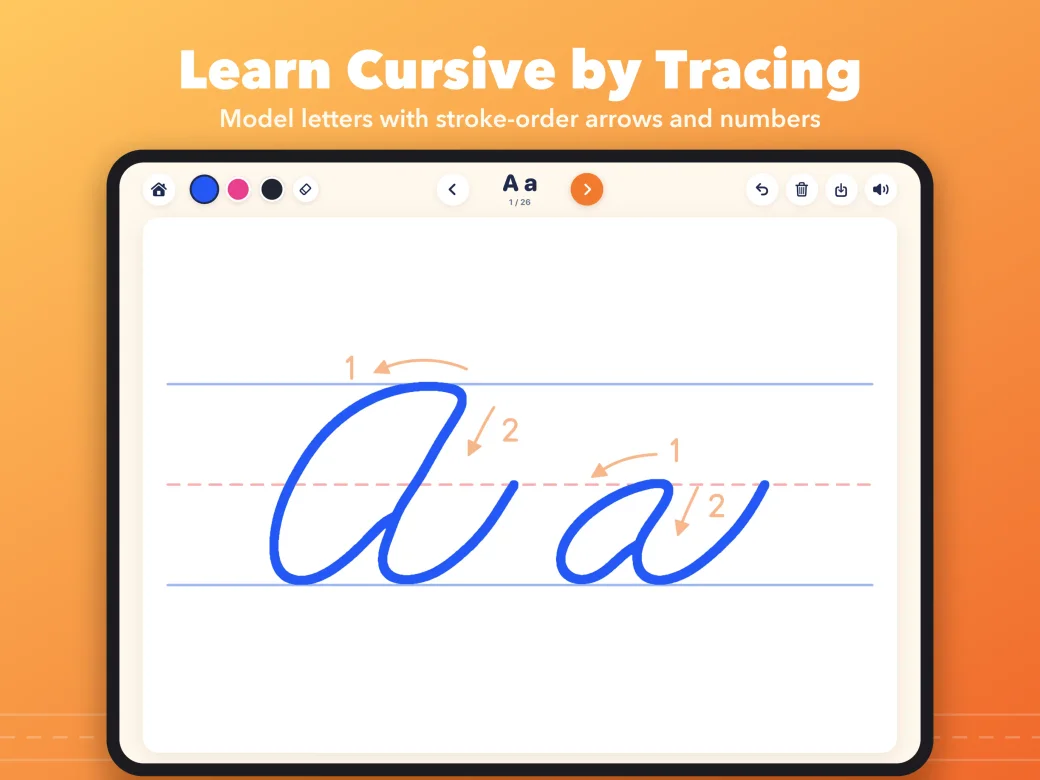
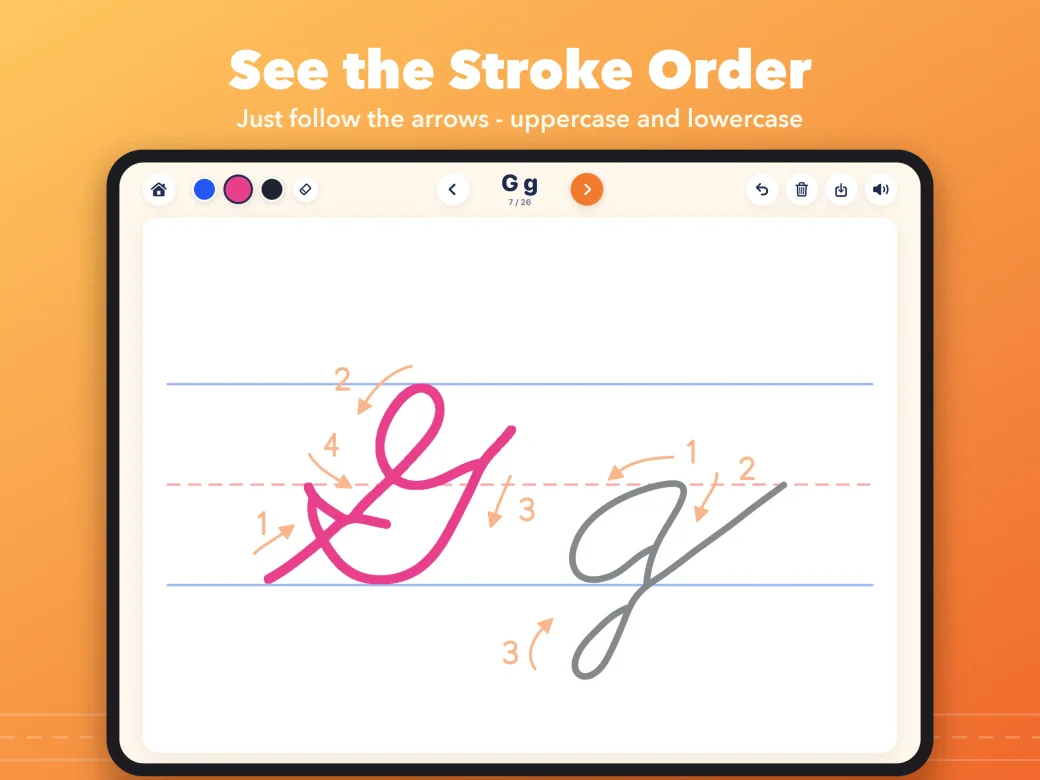
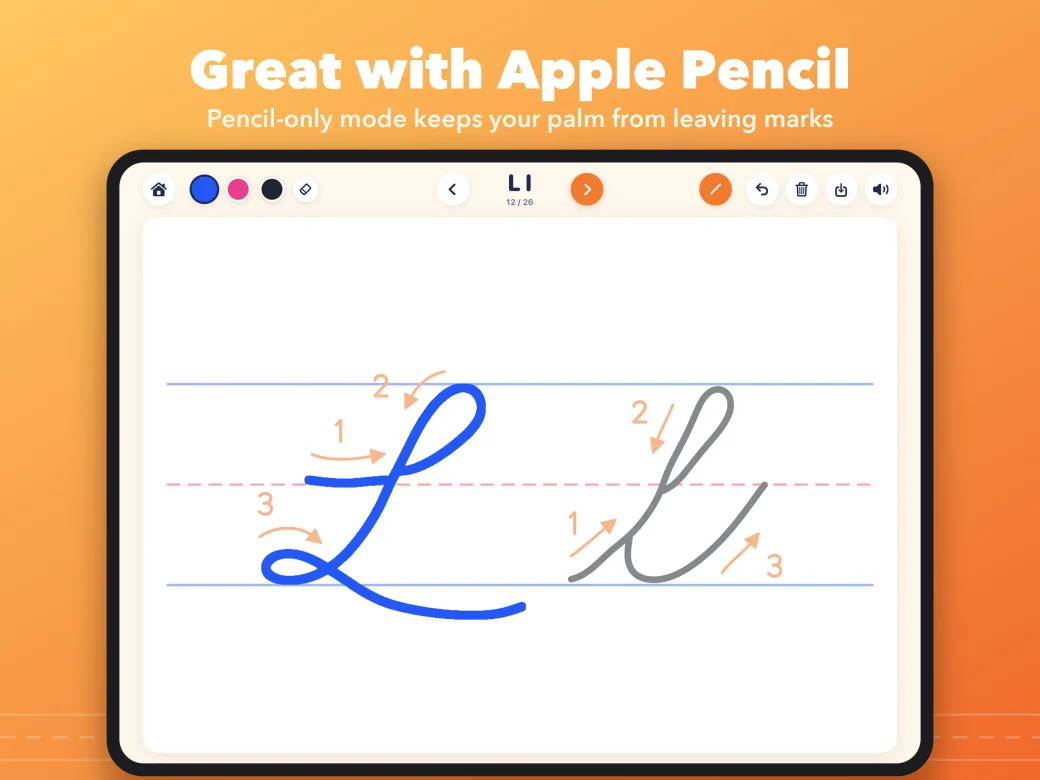
Every model letter shows stroke-order arrows and numbers, so you always know where to start and which way to go. Just trace over the model with your finger or Apple Pencil and build clean, confident cursive.
FEATURES
- Crisp model letters for all 26 uppercase and lowercase letters, with stroke-order arrows and numbers
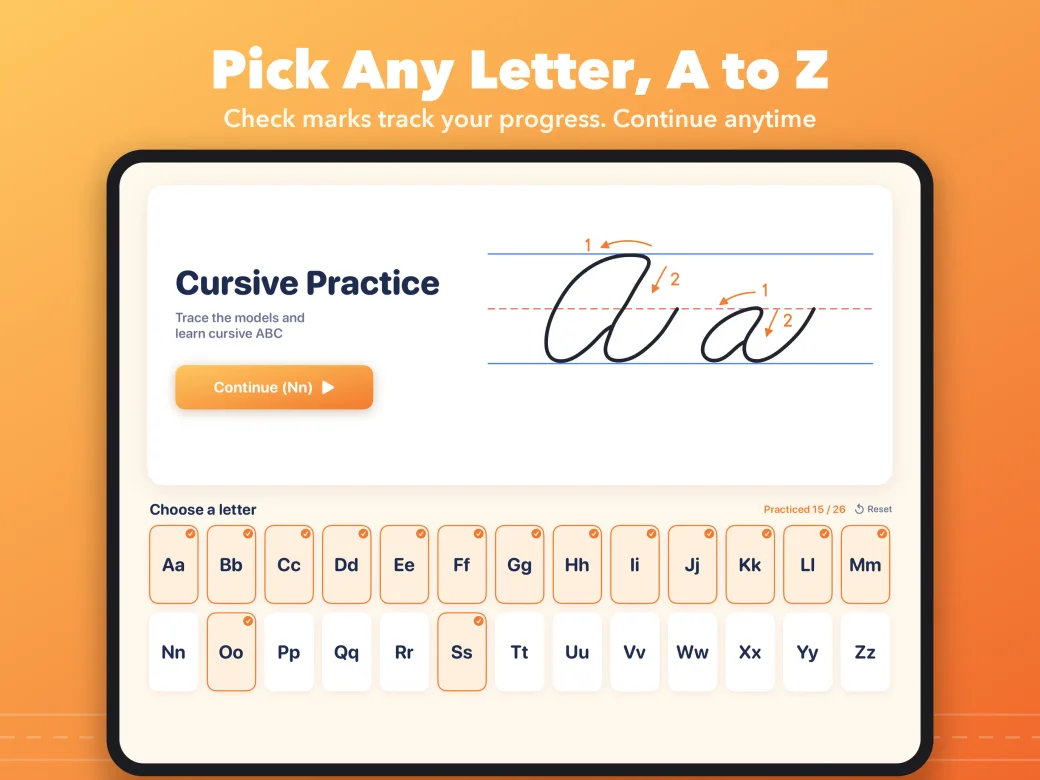
- Pick any letter from A to Z right on the home screen
- Finish tracing a letter to see "Well done!" and earn a check mark
- Reset your check marks anytime to go around again
- "Continue" takes you straight back to where you left off
- Blue, pink and black pens, plus an eraser for fixing just the messy part
- Undo and Erase All let you try again until it looks right
- Apple Pencil-only mode: your palm and fingers won't leave marks (turns on automatically when you use Apple Pencil)
- Double-tap Apple Pencil (2nd generation / Pro) to switch to the eraser
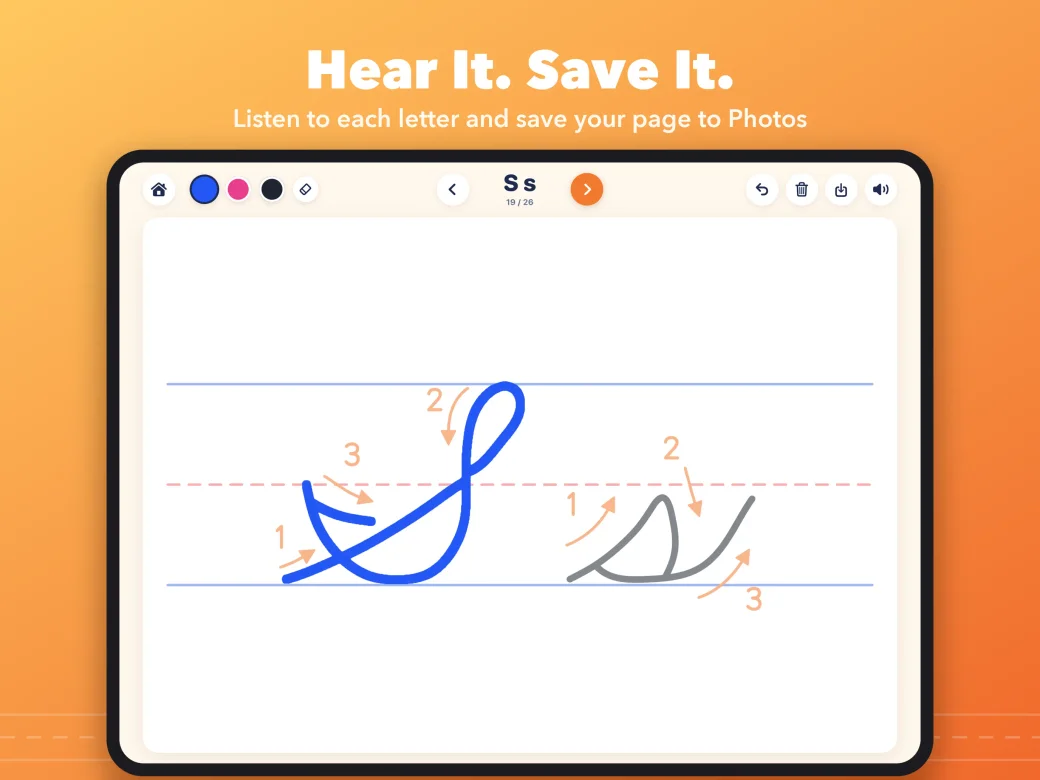
- Hear the pronunciation of each letter (tap the letter to replay)
- Save your page to Photos together with the model letters
- Big, full-screen layout on every iPad, from iPad mini to iPad Pro 13-inch
GREAT FOR
- Students learning cursive at school
- Kids starting to learn English
- Adults who want neater handwriting
- Anyone who wants to write cards and letters in cursive
This app is free and supported by ads.
What’s new
Version 1.2.0 · Nov 16, 2026
- All-new design
- Choose any letter from A to Z on the home screen
- Finish tracing a letter to see "Well done!" and earn a check mark
- "Continue" picks up where you left off, and Reset lets you start a new round
- New three-color pens, an eraser and an Undo button
- New Apple Pencil-only mode, so your palm won't leave marks
- Saved images now include the model letters
- Redrawn model letters: sharper lines, with stroke-order arrows in orange
- Full-screen layout on larger iPads such as iPad Pro
- New app icon
App privacy
What Kiyoshi Koike declares on the App Store about how this app handles data.
-
Data used to track you
May be used to track you across apps and websites owned by other companies.
- Location
- Identifiers
- Usage data
- Diagnostics
-
Data linked to you
May be collected and linked to your identity.
- Location
- Identifiers
- Usage data
- Diagnostics
-
Data not linked to you
May be collected but is not linked to your identity.
- Diagnostics
Privacy practices may vary, for example with the features you use or your age.
Information
- Seller
- Kiyoshi Koike
- Category
- Education
- Version
- 1.2.0
- Updated
- Nov 16, 2026
- Released
- Jun 22, 2013
- Size
- 7.8 MB
- Requires
- iOS 15.6 or later
- Age rating
- 4+
- Price
- Free
- Languages
- English, Japanese
- Copyright
- © snoowinc
You might also like
-
 Cosmic CursiveLearning Cursive can be fun!
-
 Learn Cursive WritingTools For at-home learning!
-
 Cursive Practice - Letter+Handwriting & Learn ABC
-
 Cursive Words 2Education
-
 Cursive PracticeEducation
-
 Quill Learn CursivePenmanship lessons & practice
-
 Abc Cursive Writing PracticeLearn to Write Cursive Letters
-
 Cursive WordsEducation
-
 Cursively Handwriting LessonsCursive writing practice pad
-
 Crazy Cursive Letters LiteJoined Up Writing