- Age rating4+
- CategoryUtilities
- DeveloperCLINTON Electronics
- LanguagesEnglish
- Size49.2 MB
Links to the official App Store page
Download.org hosts no file of CVMS Mobile. The button opens its official App Store page, published by CLINTON Electronics. Listing last checked on Nov 18, 2026.
Screenshots
About
CVMS Mobile (Clinton Video Management Software) allows you to connect to your Clinton Electronics Hybrid, FXR, or EX Series DVR from anywhere in the world.
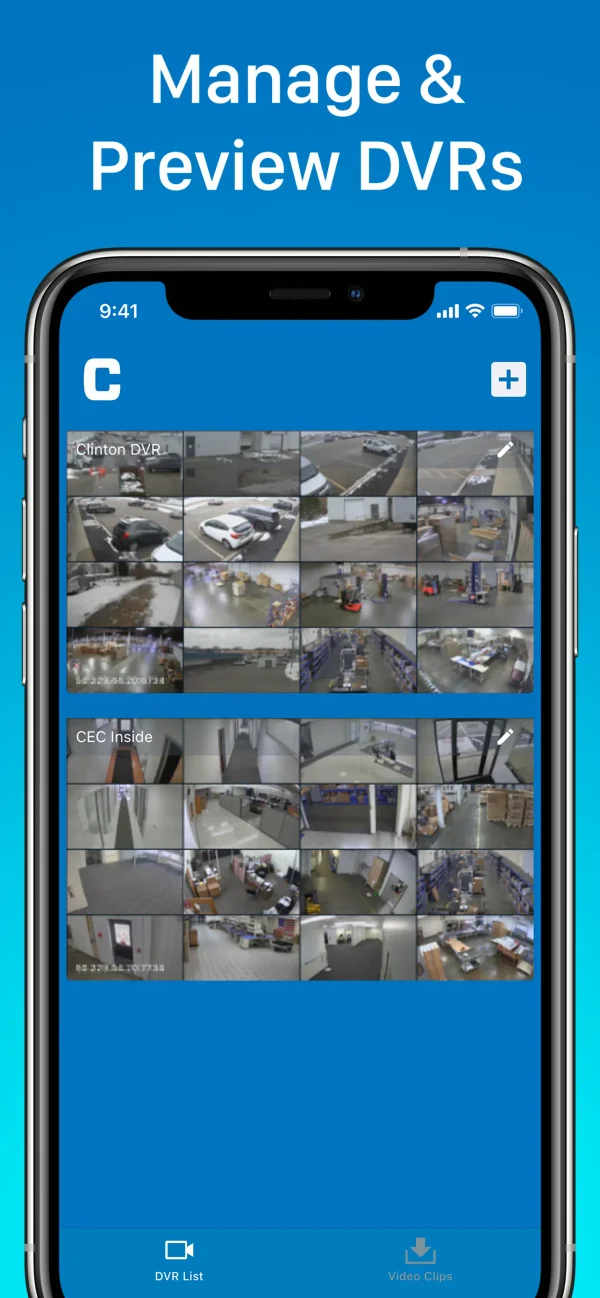
MANAGE YOUR DVRS
Easily add and save multiple DVRs for quick recollection later. Once saved, a DVR thumbnail preview will appear, making it a breeze to locate the DVR of your choosing.
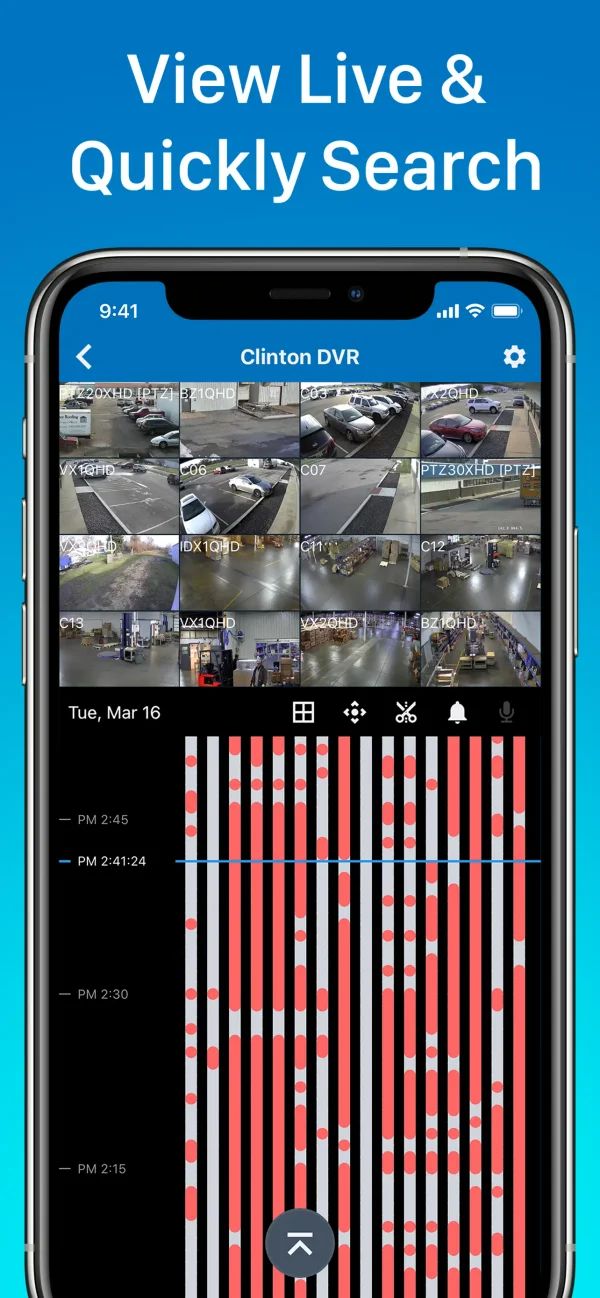
A NEW WAY TO SEARCH
Searching video on-the-go has never been more convenient, scroll up or down to search any number of channels all at once with the new color-coded timeline. Drill down to a single camera to view snapshots of past events.
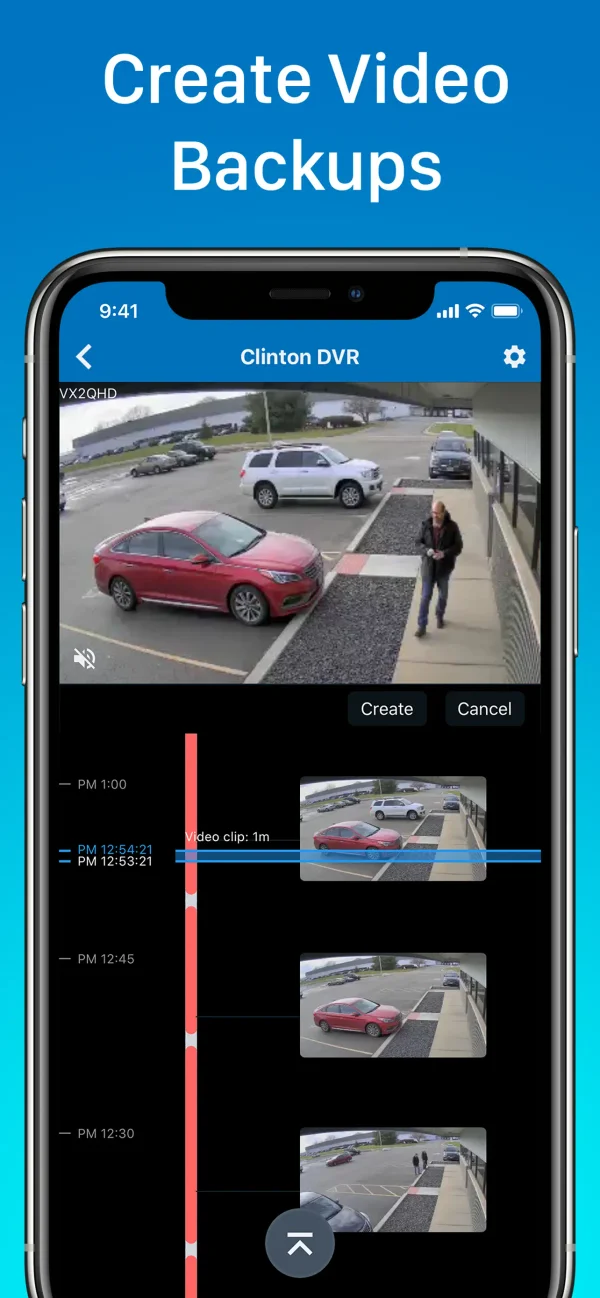
CREATE VIDEO BACKUPS
Quickly save video up to 5 minutes to your device by creating a clip. View and manage saved video clips in all-in-one-place, then share as an email, message, or via any other 3rd-party file sharing app installed.
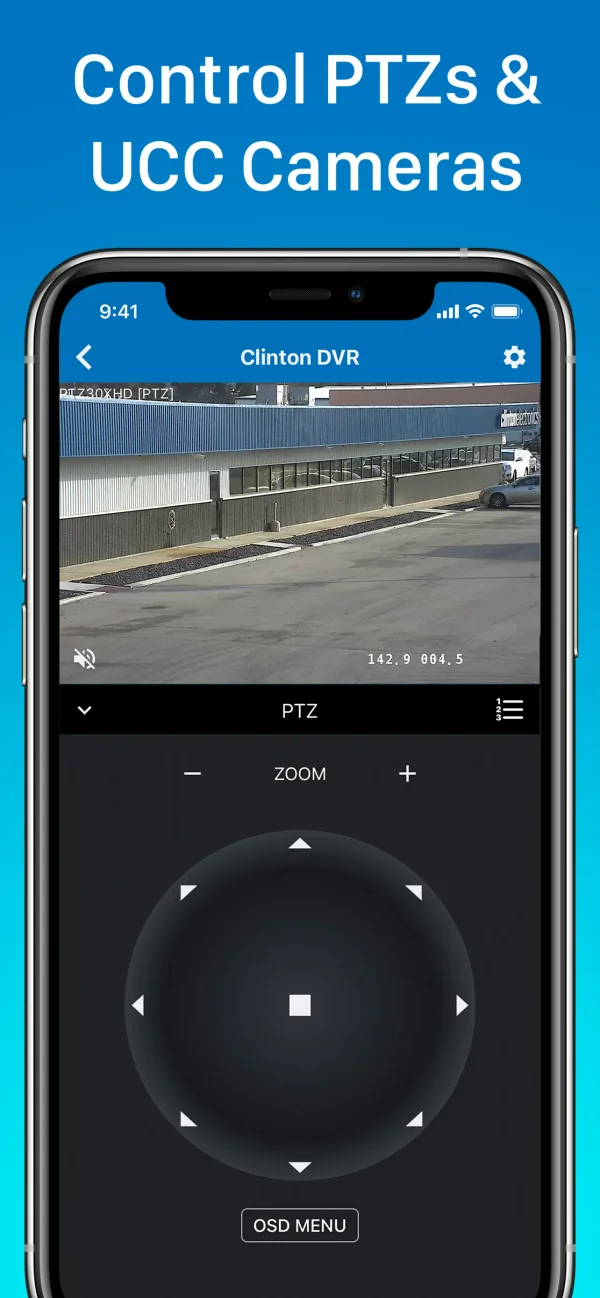
CAMERA CONTROL
With EX-SDI 2.0, it's now possible to make camera adjustments remotely via the app using UCC control. To control, select the camera and tap on the control icon to adjust OSD menu settings as well as zoom & focus levels.
Have a PTZ camera? Effortlessly move the camera with the virtual joystick and quickly navigate to presets via a simple tap on the preset thumbnail preview list.
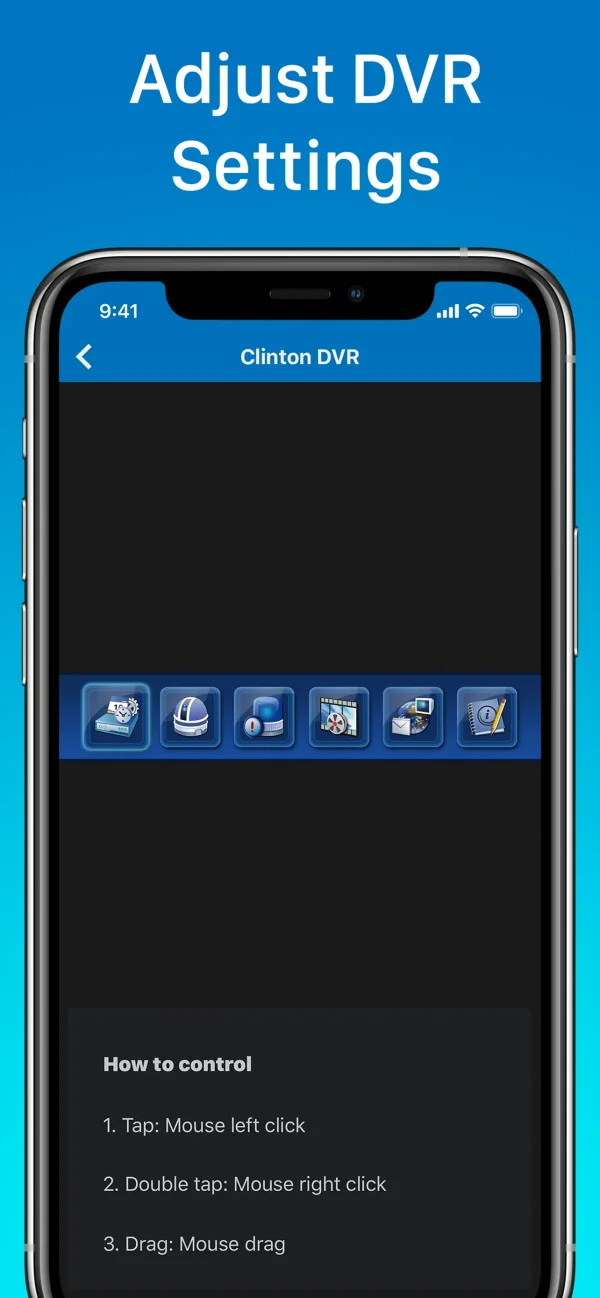
ADJUST DVR SETTINGS
Need to make a change to your DVR settings? With CVMS Mobile, you now have full control over all DVR settings via the app.
*This app is designed to work with iOS 9.0 and later.
**Your DVR may require a firmware update for the app to function correctly.
**Not recommended for iPhone 5 or older phones. iPhone 6 live/search video quality is reduced for app performance.
What’s new
Version 1.2.30 · Sep 24, 2026
This update adds new settings, easier device management, and more flexible video exports.
- New Settings page: Access app settings from the main screen, replacing the “C” icon.
- Camera name visibility: Choose whether to show or hide the camera name.
- Video timestamps: Optionally embed a timestamp in exported video clips.
- Advanced Mode: Manage hundreds of devices in the new Directory List, with CSV bulk import and search to quickly find a device.
- Device Groups: Add DVRs to groups to keep your devices organized.
- Favorites: Favorite DVRs to display them on the My Sites page with snapshot previews.
- QR code sharing: Import and export DVR details using QR codes.
- Clip file sizes: View file size information on the Video Clips page.
- Precise timeline navigation: Pinch to zoom on the video timeline for more precise searching.
- Longer exports: Export up to 10 minutes of video, increased from 5 minutes.
App privacy
What CLINTON Electronics declares on the App Store about how this app handles data.
-
Data not collected
The developer does not collect any data from this app.
Privacy practices may vary, for example with the features you use or your age.
Information
- Seller
- Clinton Electronics
- Category
- Utilities
- Version
- 1.2.30
- Updated
- Sep 24, 2026
- Released
- Nov 20, 2019
- Size
- 49.2 MB
- Requires
- iOS 15 or later
- Age rating
- 4+
- Price
- Free
- Languages
- English
- Copyright
- © Clinton Electronics