
- Age rating4+
- CategoryProductivity
- DeveloperCW Suite
- LanguagesEnglish
- Size24.1 MB
Links to the official App Store page
Download.org hosts no file of CW Browser. The button opens its official App Store page, published by CW Suite. Listing last checked on Nov 18, 2026.
Screenshots

About
CW Browser is the mobile companion for CW Suite — a controlled business workspace that gives your retail team secure access to Point of Sale, Business Operations, and CW Apps from any device.
KEY FEATURES
Point of Sale
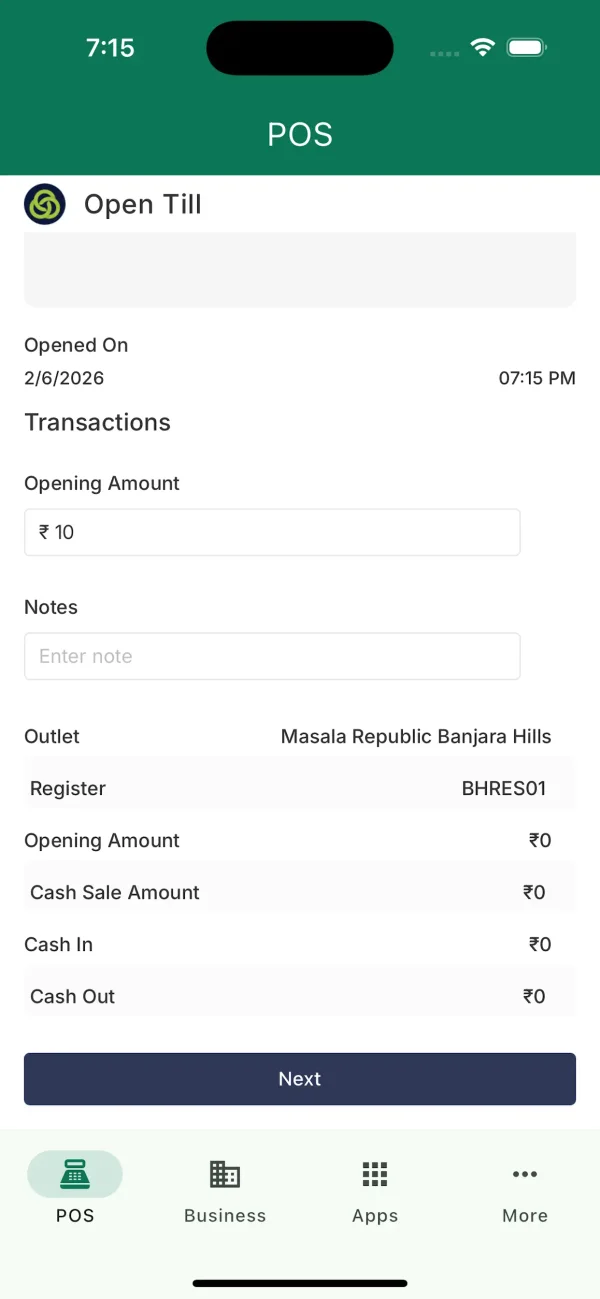
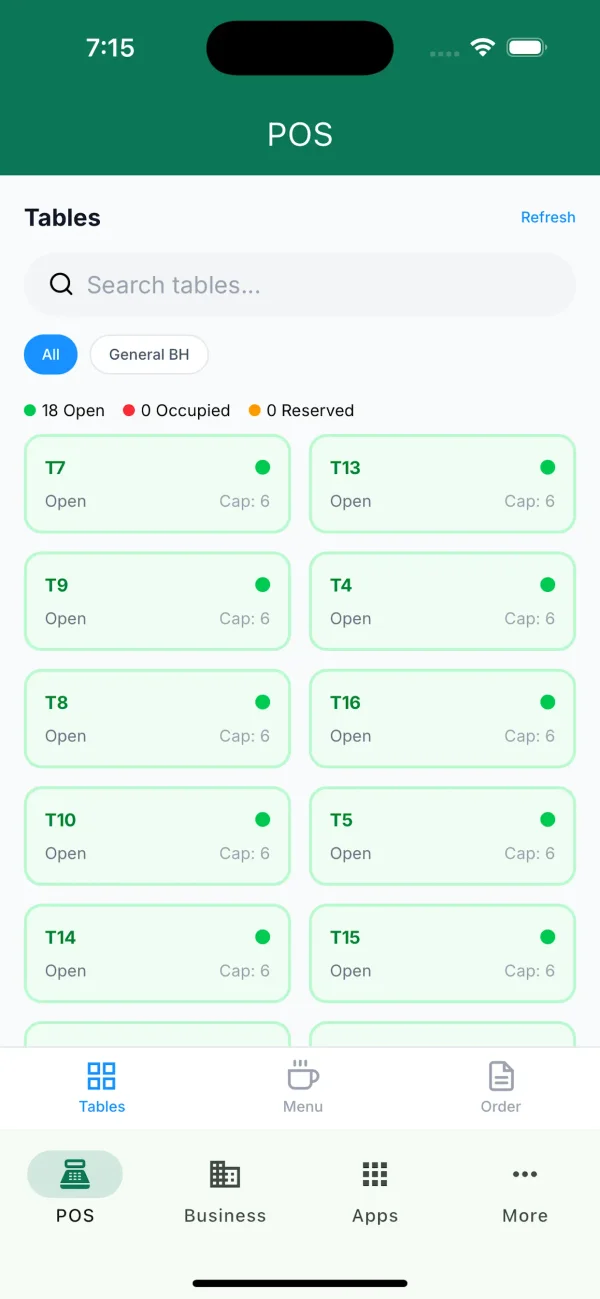
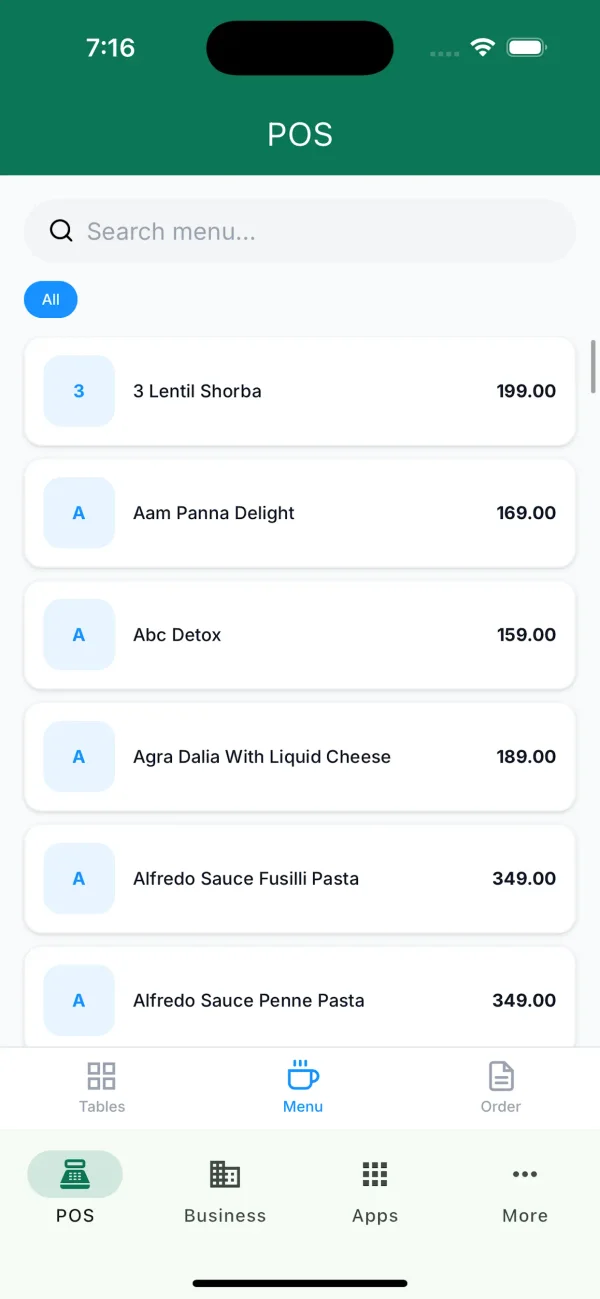
Access your POS system on phones and tablets. Process transactions, manage tills, handle returns, and serve customers — all from CW Browser. Works with your existing CW POS setup for retail, supermarkets, and restaurants.
Business Operations
View sales reports, manage inventory, process purchase orders, and oversee your business operations. All your back-office tools in one secure workspace.
CW Apps
Access the full suite of CW applications — payroll, attendance, CRM, production, inventory management, and more. Open multiple apps in a tabbed interface.
Local Network Sync
Connect CW devices on the same WiFi for real-time sync without internet. Kitchen displays, table management tablets, and customer displays all communicate instantly through the local mesh network.
Secure by Design
• Organization-level access control
• SSO authentication — sign in once, access all apps
• Tenant isolation — each organization's data is completely separate
• No sensitive data stored on device — all processing happens in your secure cloud
• Device provisioning via CW Browser Admin
Built for Business
• Multi-tenant support — switch between organizations
• Offline-capable — continue POS operations when internet is unstable
• Automatic session management — secure login/logout across all apps
• Works with CW Browser Desktop for a unified experience
PERFECT FOR
• Retail stores and chains
• Restaurants, cafes, and food service
• Warehouse and inventory management
• Multi-location businesses
• Field sales teams
REQUIREMENTS
• Active CW Suite subscription
• CW Browser Admin configured by your IT team
• Internet connection for initial setup (works offline after sync)
CW Browser is part of the CW Suite platform. Contact your administrator or visit cwsuite.com to get started.
What’s new
Version 1.0.3 · Nov 17, 2026
• First release of CW Browser for mobile
• Access POS, Business, and Apps from your device
• SSO authentication with CW Browser Desktop
• Local mesh network for restaurant operations
• Offline-capable with automatic sync
• Multi-tenant organization support
App privacy
What CW Suite declares on the App Store about how this app handles data.
-
Data linked to you
May be collected and linked to your identity.
- Contact info
Privacy practices may vary, for example with the features you use or your age.
Information
- Seller
- CWSuite India Private Limited
- Category
- Productivity
- Version
- 1.0.3
- Updated
- Nov 17, 2026
- Released
- Sep 3, 2026
- Size
- 24.1 MB
- Requires
- iOS 15.0 or later
- Age rating
- 4+
- Price
- Free
- Languages
- English
- Copyright
- © CW Suite @2025
You might also like
-
 Odoo HRSSProductivity
-
 Leap Work for BlackBerry®Business communication
-
 Spiffy Mobile AppManage Your Odoo Instances
-
 SproutzSproutz Food App
-
 Cherry Studio - AI WorkstationAI Chat & Multimodel Assistant
-
 HiFutureSelf: Future MessengerSchedule Reminders Motivation
-
 Widget Web 27HTML WWW Page on Home-screen
-
 Bhumi-MoLLand services at one address
-
 Time Doctor 2Productivity
-
 IRIS Peridot GST & MSME AppApp for GST and MSMEs