Cyber Flip Clock - Neon Timer
Pomodoro · Weather · Widgets
Designed for iPhone, iPad
Free · In-app purchases
- Age rating4+
- CategoryUtilities
- Developer慧琴 王
- LanguagesEnglish+ 3 more
- Size35.2 MB
Links to the official App Store page
Download.org hosts no file of Cyber Flip Clock - Neon Timer. The button opens its official App Store page, published by 慧琴 王. Listing last checked on Nov 12, 2026.
Screenshots

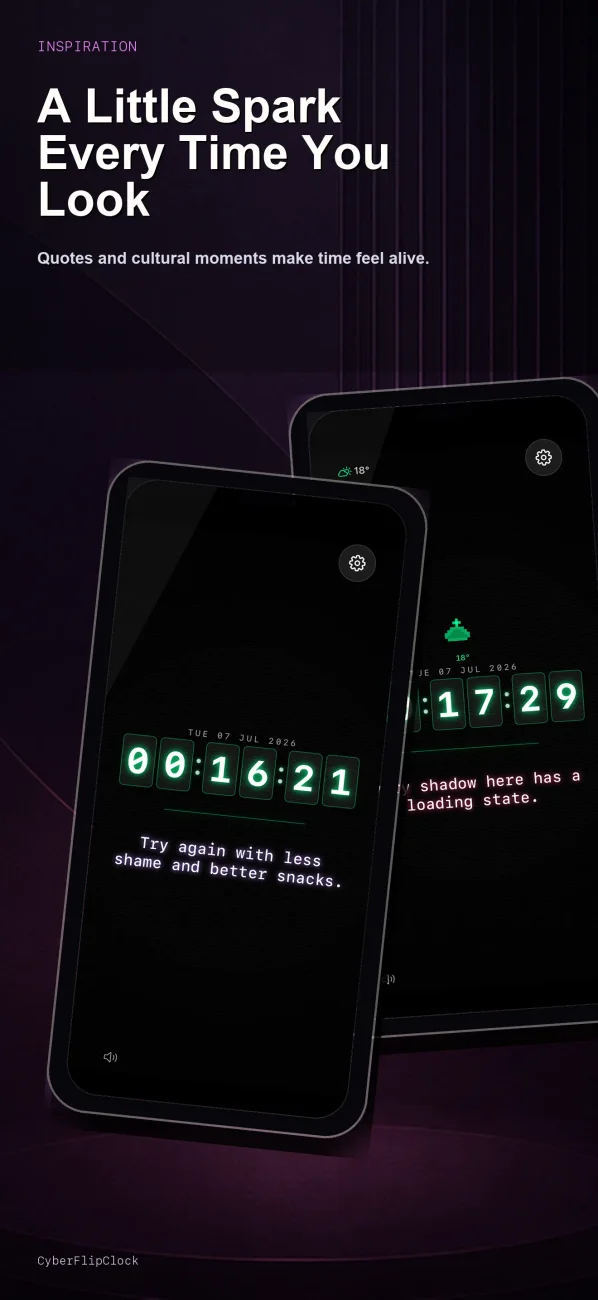
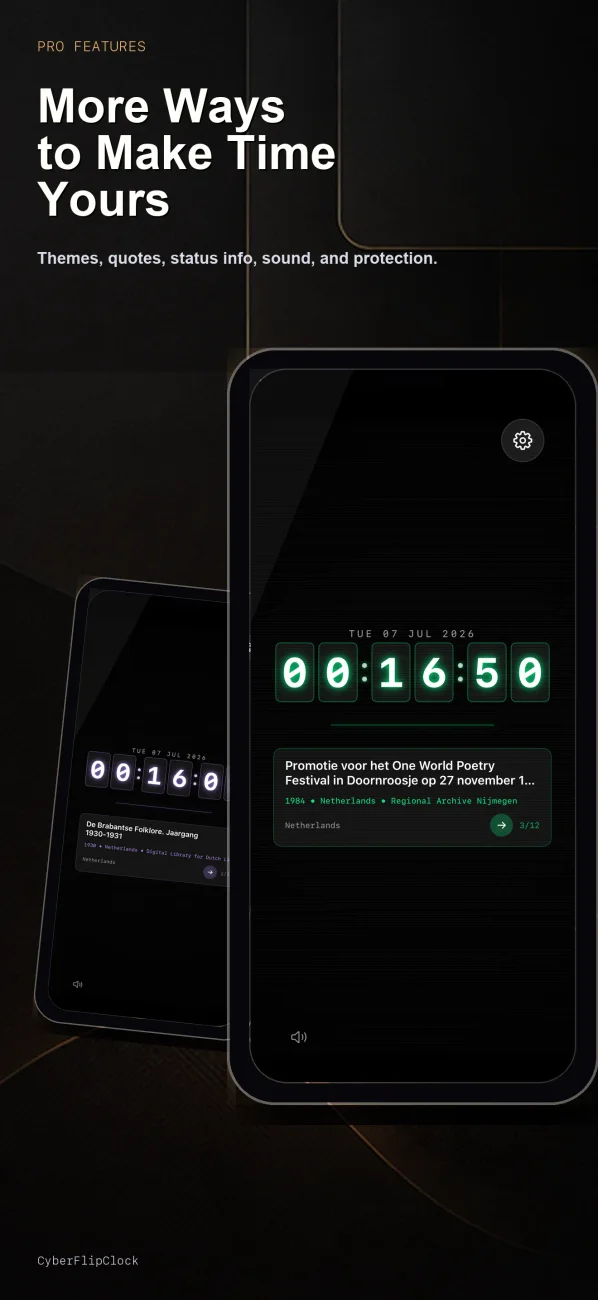
About
Transform your desk into a cyberpunk time portal.
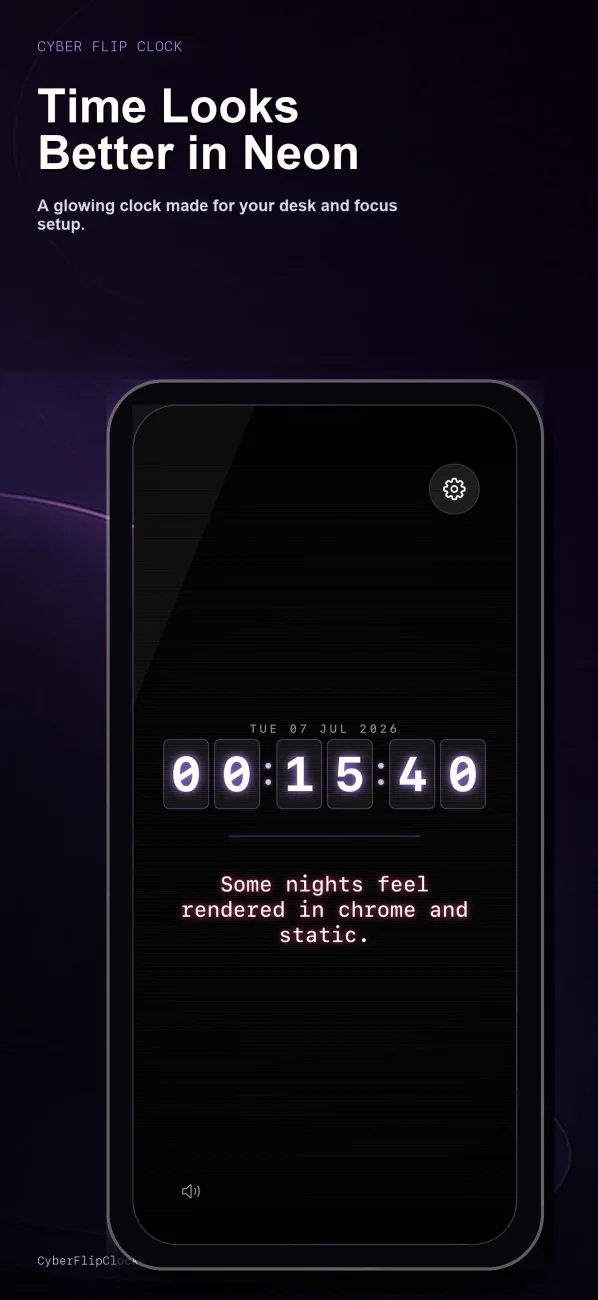
Cyber Flip Clock brings the satisfying mechanical flip of a retro clock to a neon-inspired display with scan lines, glow effects, and carefully crafted themes. It is more than a clock—it creates a focused atmosphere for your desk, study space, or nightstand.
CYBERPUNK FLIP CLOCK
Enjoy a mechanical flip animation with neon glow, scan-line overlays, and CRT-inspired styling. Choose from multiple dial themes, each with its own colors and personality.
LIVE WEATHER
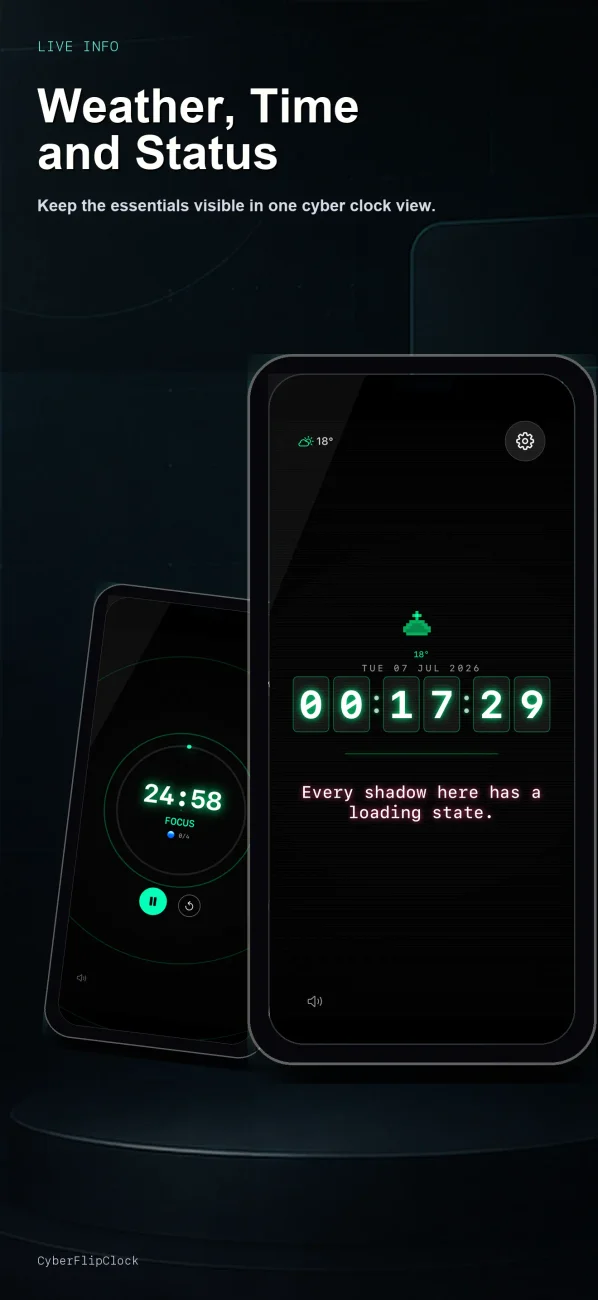
View current conditions and temperature using weather data from Open-Meteo. Pixel-style rain, snow, and sunshine animations reflect the reported conditions.
DAILY QUOTES
Browse inspirational, geeky, and cyberpunk quotes with a retro typewriter effect. Tap to discover more and save your favorites.
TODAY IN HISTORY
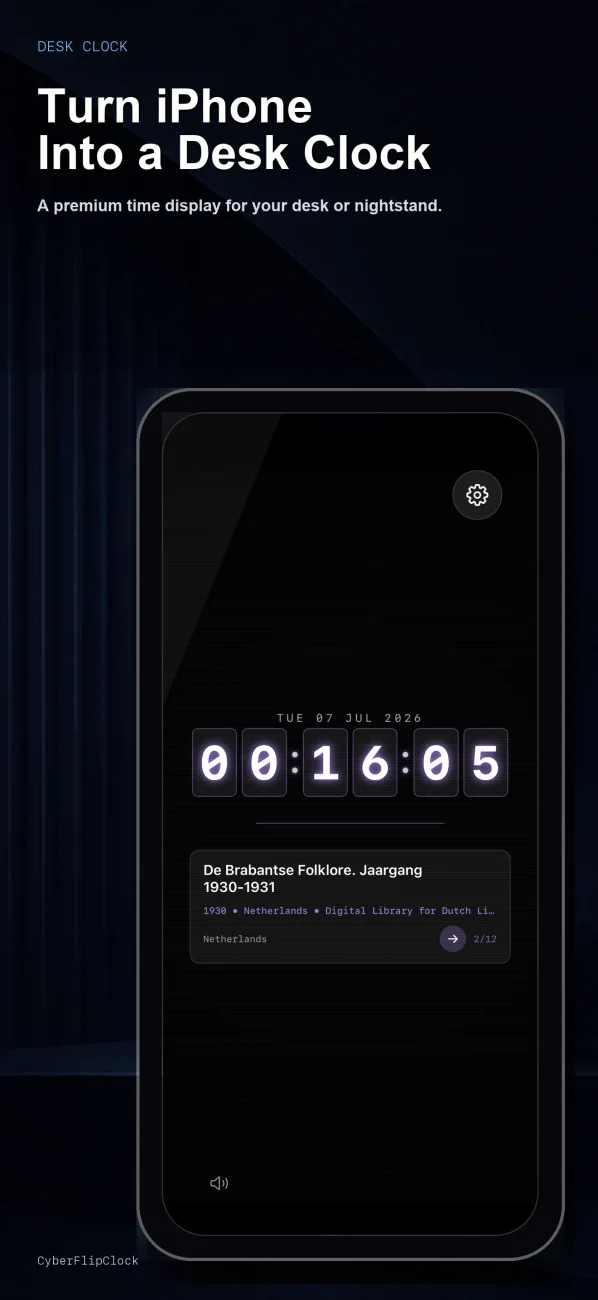
Discover notable events that happened on this day. Events rotate automatically, adding a little context whenever you check the time.
POMODORO TIMER
Start a focused 25-minute work session with break reminders and minimal visual distractions.
COUNTDOWN
Create countdowns for birthdays, deadlines, trips, and other moments that matter.
AMBIENT SOUNDS
Listen to rain, fireplace, forest, and other ambient sounds for focus or relaxation. A timer can stop playback automatically.
HOME SCREEN WIDGETS
Add clock widgets to your Home Screen and choose a cyber theme that fits your setup.
Great for:
• Desk and nightstand clocks
• Focus and study sessions
• Desk aesthetics and room decor
• Ambient focus and relaxation
Download Cyber Flip Clock and make time look beautiful.
Terms of Use: https://sites.google.com/view/timelibraryflip/
Privacy Policy: https://sites.google.com/view/timelibrary-privacy/
What’s New
• Corrected the weather provider description to match the app’s Open-Meteo integration
• Added clearer guidance for long-duration display use
• Improved analytics consent and privacy transparency
• Improved reliability and fixed minor issues
What’s new
Version 1.7.0 · Jul 13, 2026
Optimize user experience
App privacy
What 慧琴 王 declares on the App Store about how this app handles data.
-
Data used to track you
May be used to track you across apps and websites owned by other companies.
- Location
- Identifiers
- Usage data
-
Data linked to you
May be collected and linked to your identity.
- Purchases
- Location
- Identifiers
- Usage data
- Diagnostics
-
Data not linked to you
May be collected but is not linked to your identity.
- Location
Privacy practices may vary, for example with the features you use or your age.
Information
- Seller
- 慧琴 王
- Category
- Utilities
- Version
- 1.7.0
- Updated
- Jul 13, 2026
- Released
- Mar 14, 2021
- Size
- 35.2 MB
- Requires
- iOS 16.0 or later
- Age rating
- 4+
- Price
- Free
- In-app purchases
- Yes
- Languages
- English, Japanese, Korean, Simplified Chinese
- Copyright
- © Huiqing Wang
You might also like
-
 CKClockSimple flip clock
-
 翻页时光 - 翻页时钟与番茄钟Utilities
-
 Small Clock - Beautiful ClockFull screen desktop clock
-
 极简全屏时钟-桌面翻页时钟倒计时器Utilities
-
 World Clock By On StationClock made for time travelers
-
 MiniTime - Flip ClockFull-Screen Digital Desk Clock
-
 ZenFlip - Full Screen ClockMinimal digital flip clock
-
 一点时钟Utilities
-
 PlainTick Flip ClockDesk Clock · Focus & Widgets
-
 Flip Clock & Digital WidgetsTimer, Pomodoro & Countdown