
- Age rating4+
- CategoryDeveloper Tools
- DeveloperVeridian Software LLC
- LanguagesEnglish
- Size26.6 MB
Links to the official App Store page
Download.org hosts no file of Cyphir. The button opens its official App Store page, published by Veridian Software LLC. Listing last checked on Nov 18, 2026.
Screenshots
About
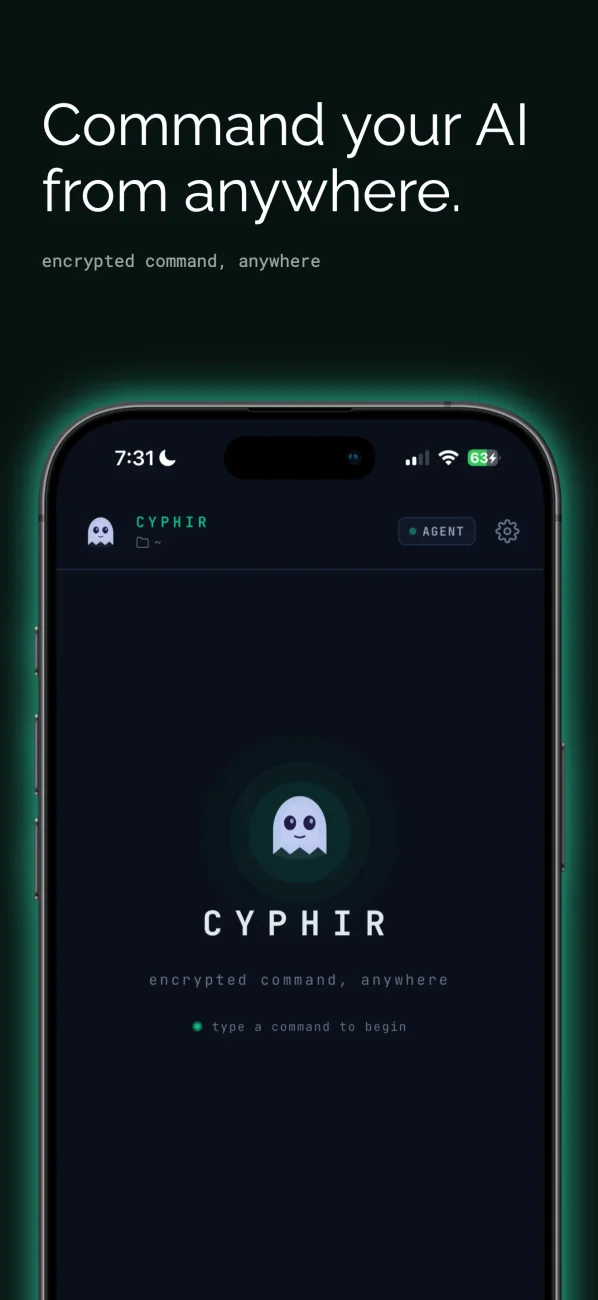
Cyphir turns your iPhone into a control surface for AI coding agents running on your Mac or PC.
Start sessions, send instructions, monitor activity, and stay close to your AI-assisted development work even when you are away from your desk.
CONTROL YOUR AI WORKFLOW
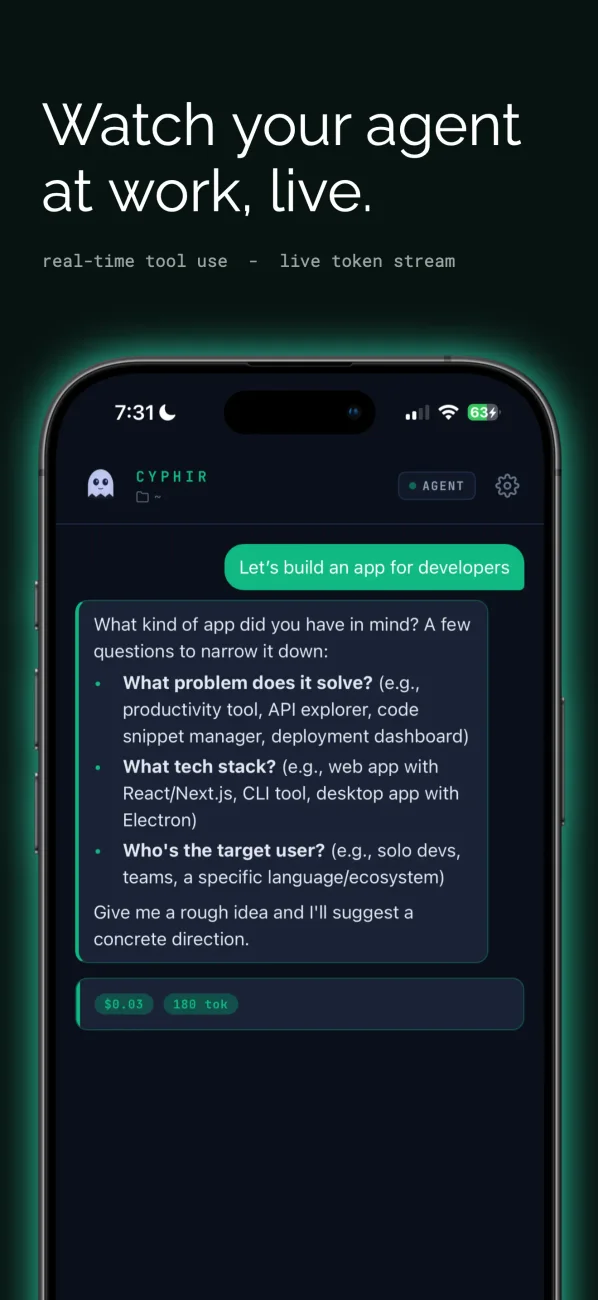
Cyphir lets you connect your phone to supported coding-agent sessions on your computer through the Cyphir bridge. From your iPhone, you can send commands, follow session activity, and keep visibility into what is happening on your machine.
BUILT FOR AI CODING AGENTS
Cyphir is designed for developers, builders, and power users who run tools like Claude Code, Codex, and other local AI-assisted coding workflows. Your computer runs the agent. Your phone becomes the command and review layer.
REMOTE SESSION VISIBILITY
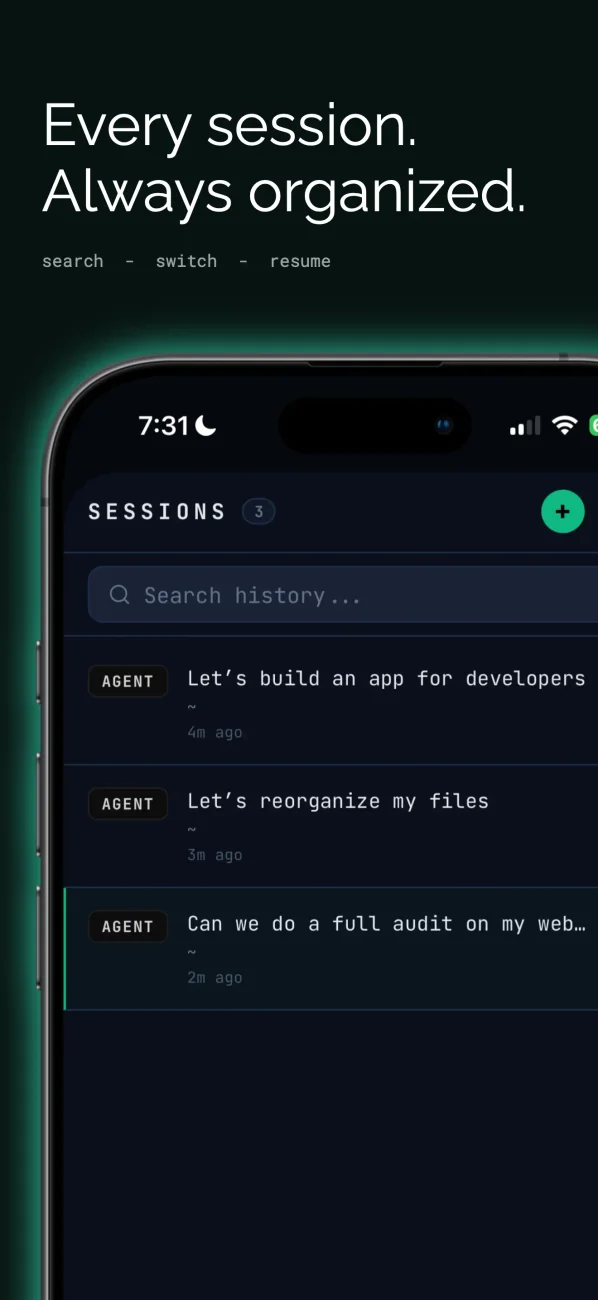
Follow active sessions from your phone, review recent activity, and keep track of agent work while you move between your desk, laptop, and mobile device.
PAIR YOUR COMPUTER SECURELY
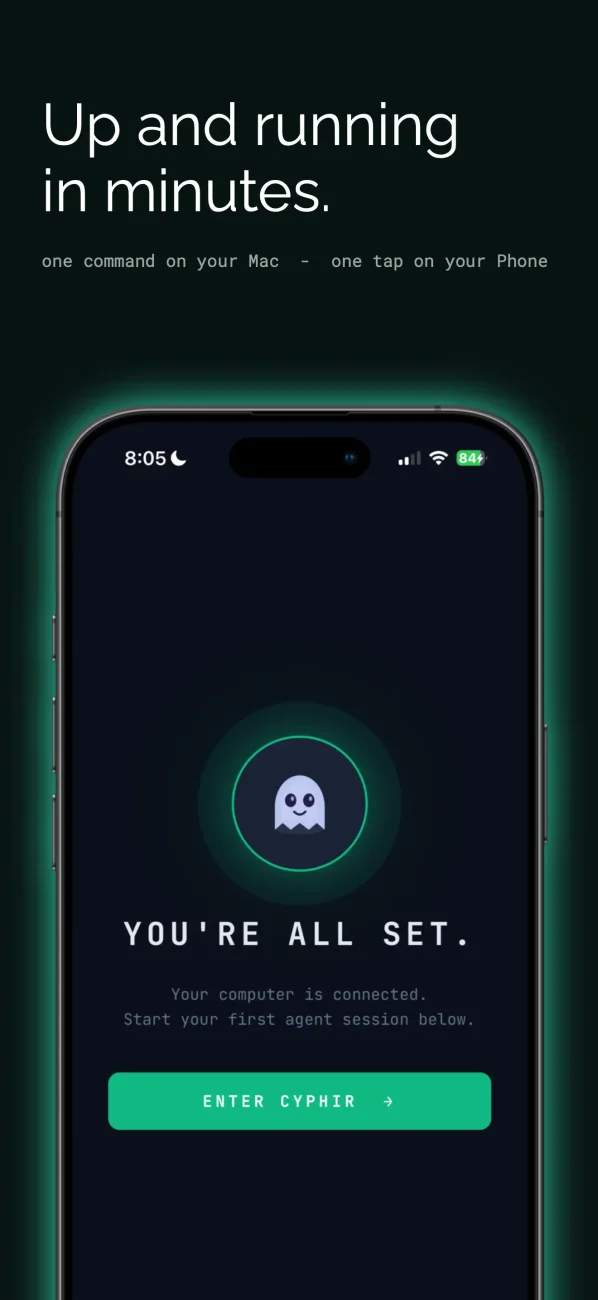
Install the Cyphir bridge on your Mac or PC, pair it with your iPhone, and connect through Cyphir’s relay infrastructure. Pairing is tied to your account and device flow so you can manage access from the app.
APPROVAL-FOCUSED CONTROL
Cyphir is built around visibility and control. Supported approval and review flows help you understand what your agent is doing and reduce the chance of unattended work moving forward without your awareness.
PRIVACY-CONSCIOUS BY DESIGN
Cyphir is designed to avoid unnecessary exposure of sensitive workflow data. Authentication, pairing, local device storage, session cleanup, and relay behavior are built with security and privacy in mind.
HOW IT WORKS
1. Install the Cyphir bridge on the computer where your AI coding agent runs.
2. Pair your iPhone using the Cyphir app.
3. Start or monitor supported sessions from your phone.
4. Review activity and stay in control while your agent works.
WHAT YOU CAN DO
• Connect your iPhone to supported AI coding workflows on your computer
• Start and monitor coding-agent sessions
• Send natural-language instructions
• Review supported session activity from your phone
• Use account-based pairing and bridge connection flows
• Manage your mobile session state securely
• Keep your AI coding workflow close, even when you step away from your desk
WHO CYPHIR IS FOR
Cyphir is for developers, founders, technical operators, and AI power users who want mobile visibility and control over their AI coding workflows.
REQUIREMENTS
Cyphir requires the Cyphir bridge to be installed on the Mac or PC you want to connect. Supported AI coding tools must be installed and configured separately on that computer.
A Cyphir subscription may be required after the free trial.
What’s new
Version 1.0.4 · Jul 1, 2026
This update restores reliable access to computer pairing and fixes a Settings issue.
• Fixed a problem where opening Settings could leave you on a recovery screen with unresponsive buttons.
• Pairing a computer is now reachable from multiple places — the home screen, the Settings menu, and the Connected Computers list — so setup is never blocked.
• Added a streamlined Settings menu for quick access to pairing, connected computers, and sign out.
• General stability improvements.
App privacy
What Veridian Software LLC declares on the App Store about how this app handles data.
-
Data linked to you
May be collected and linked to your identity.
- Contact info
- Identifiers
Privacy practices may vary, for example with the features you use or your age.
Information
- Seller
- Veridian Software LLC
- Category
- Developer Tools
- Version
- 1.0.4
- Updated
- Jul 1, 2026
- Released
- May 1, 2026
- Size
- 26.6 MB
- Requires
- iOS 15.1 or later
- Age rating
- 4+
- Price
- Free
- Languages
- English
- Copyright
- © 2026 Veridian Software LLC
You might also like
-
 Tinca: ROS 2 Robot ControlBuild your ROS 2 dashboard
-
 OSH - Zero Trust SSHDeveloper Tools
-
 OpenCodeMManage your OpenCode
-
 BLE WiFi Setup – IoT DevicesSupports ESP32, ESP8266, nRF
-
 Terminal - SSH ClientRemote Shell & Server Manager
-
 MobileVibeVibe Coding with VS Code
-
 MQTeeNative MQTT 5 Client
-
 API Tool ProTest APIs, Streams & WebSocket
-
 Cortex Relay - AI TerminalDeveloper Tools
-
 AgentShellYour AI Agents, Anywhere