
D Image Editor
Easy & simple image editor app
Designed for iPhone, iPad, iPod touch
Free · In-app purchases
- Age rating4+
- CategoryPhoto & Video
- DeveloperOsama Emara
- LanguagesEnglish+ 30 more
- Size81.4 MB
Links to the official App Store page
Download.org hosts no file of D Image Editor. The button opens its official App Store page, published by Osama Emara. Listing last checked on Nov 17, 2026.
Screenshots
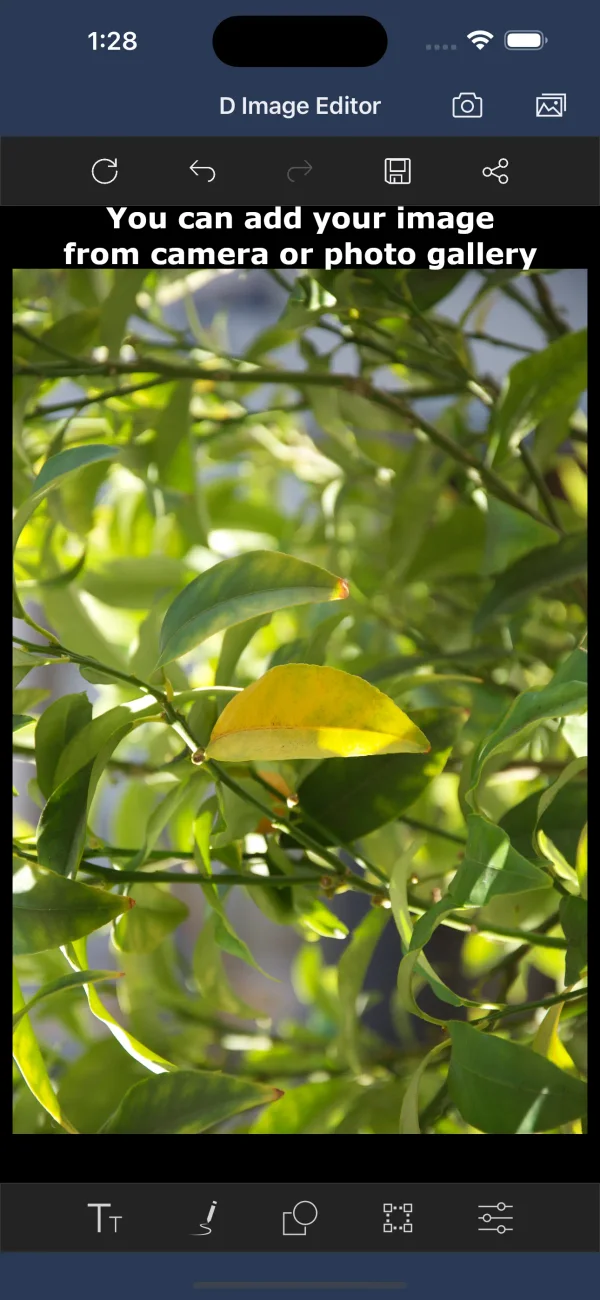
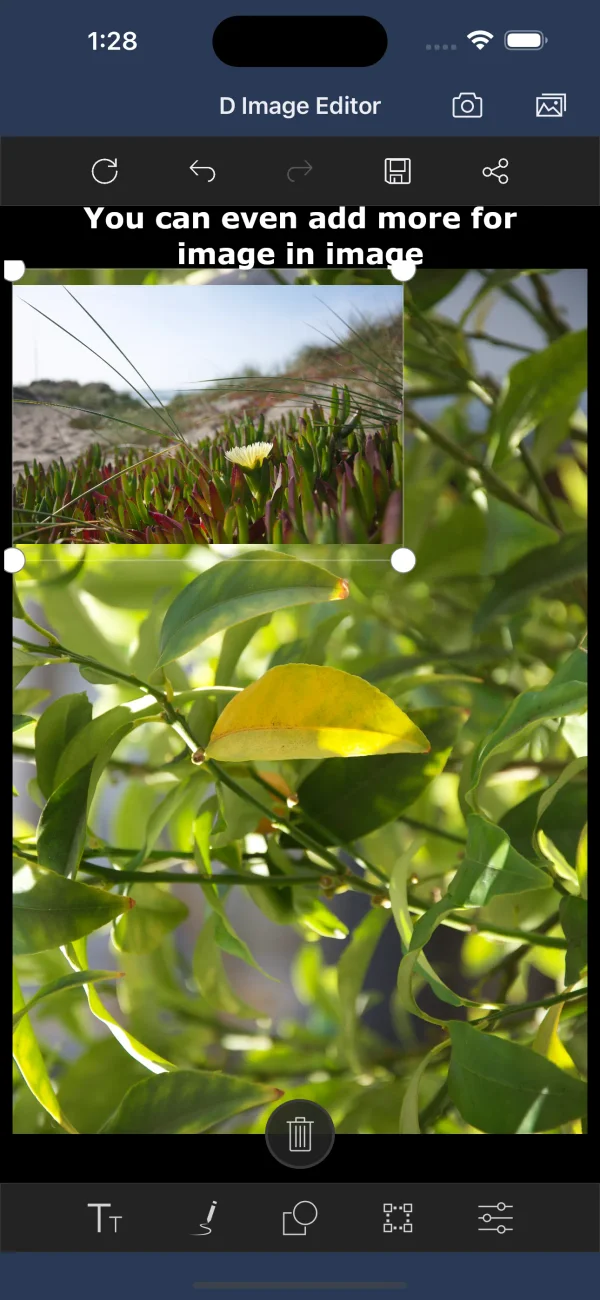

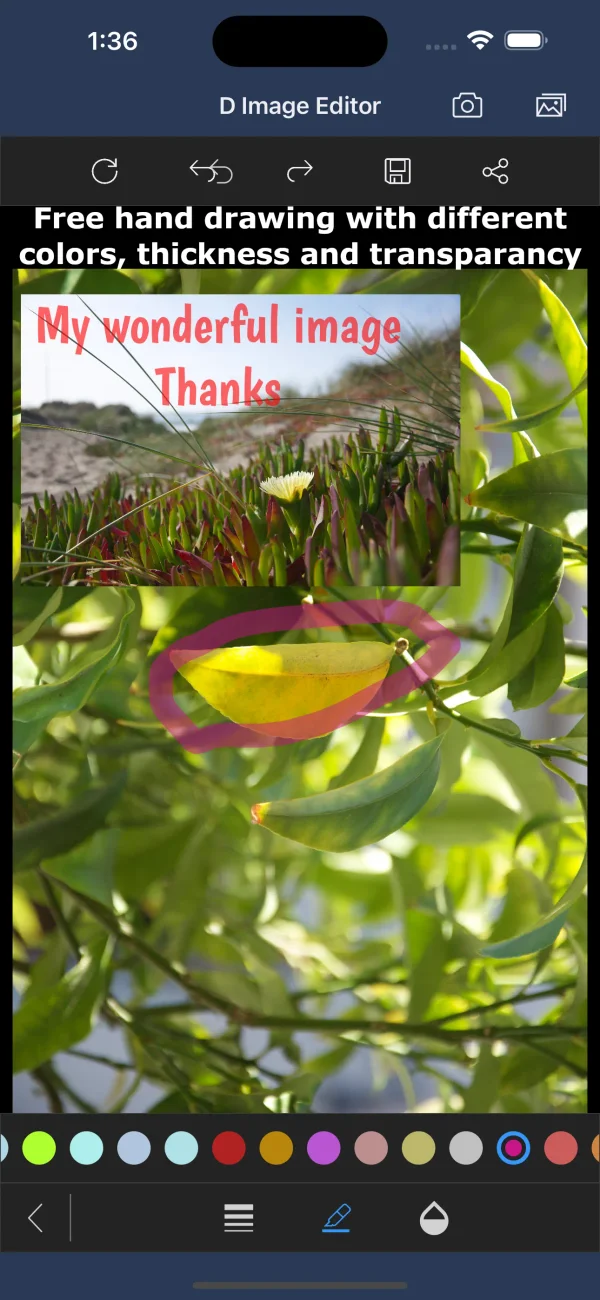
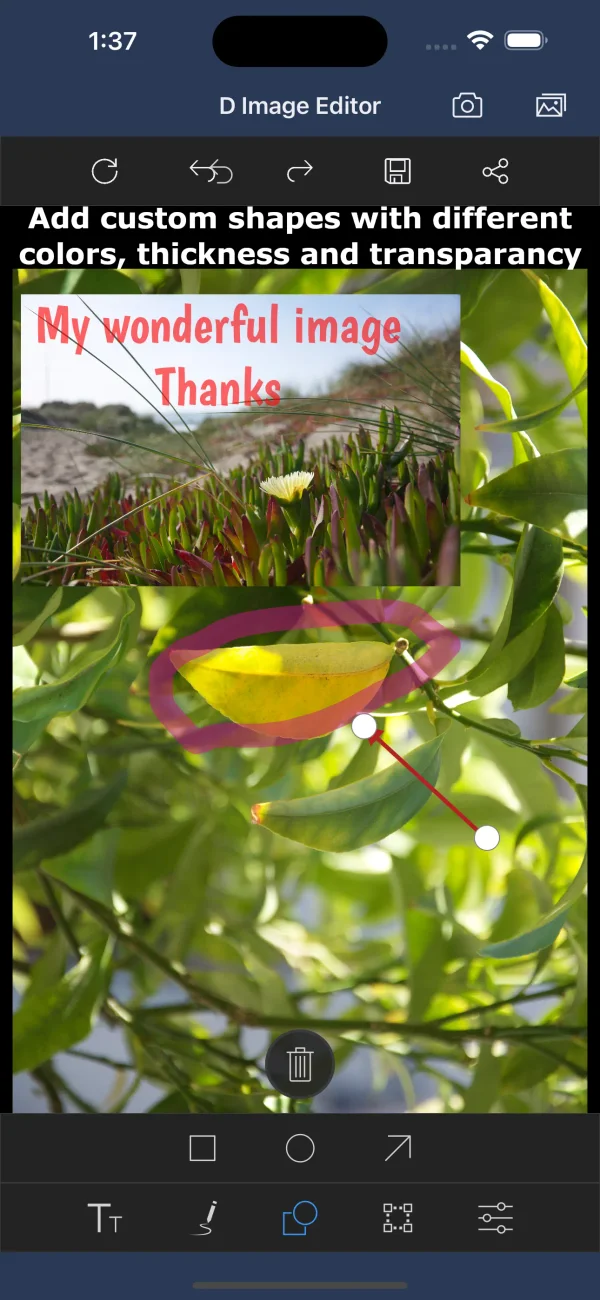

About
D Image Editor is a very convenient tool for editing an image by annotating it with freehand drawing paths, text, and built-in shapes. It also allows you to crop and flip the image.
- Now you have an exciting new feature that lets you remove the background from any image and save or share it with transparency!
- D Image Editor support freehand drawing over images with customizable stroke thickness options.
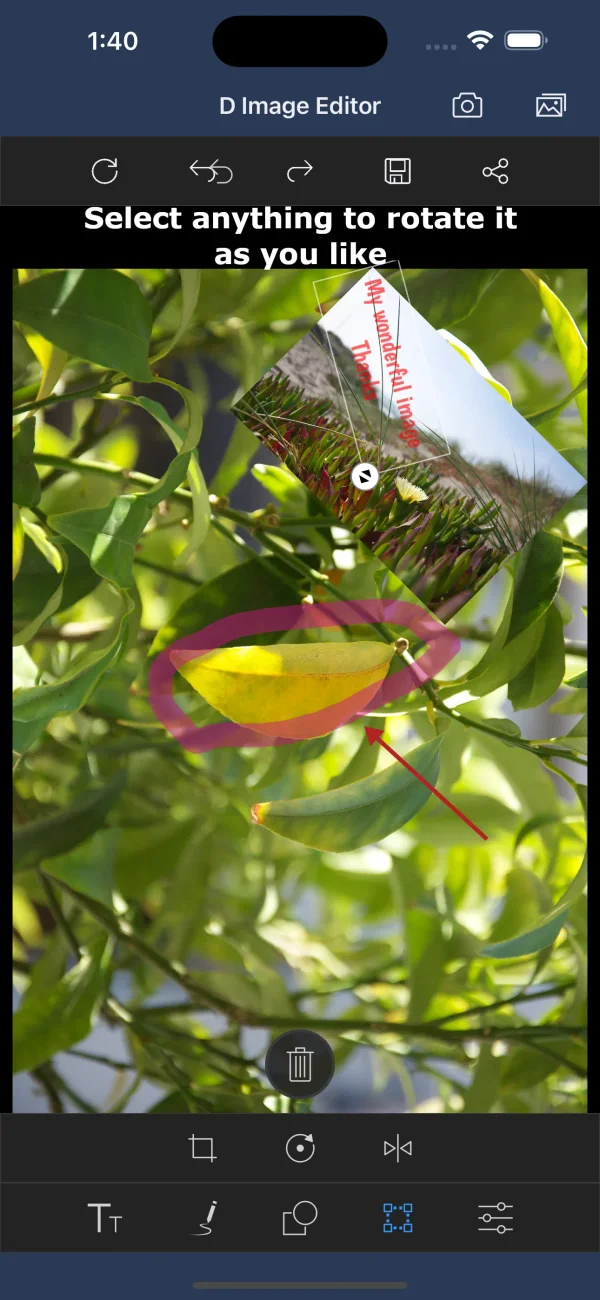
- Annotate images with shapes (rectangle, arrow, and circle), text, and freehand drawings that can be dragged and dropped, and resized.
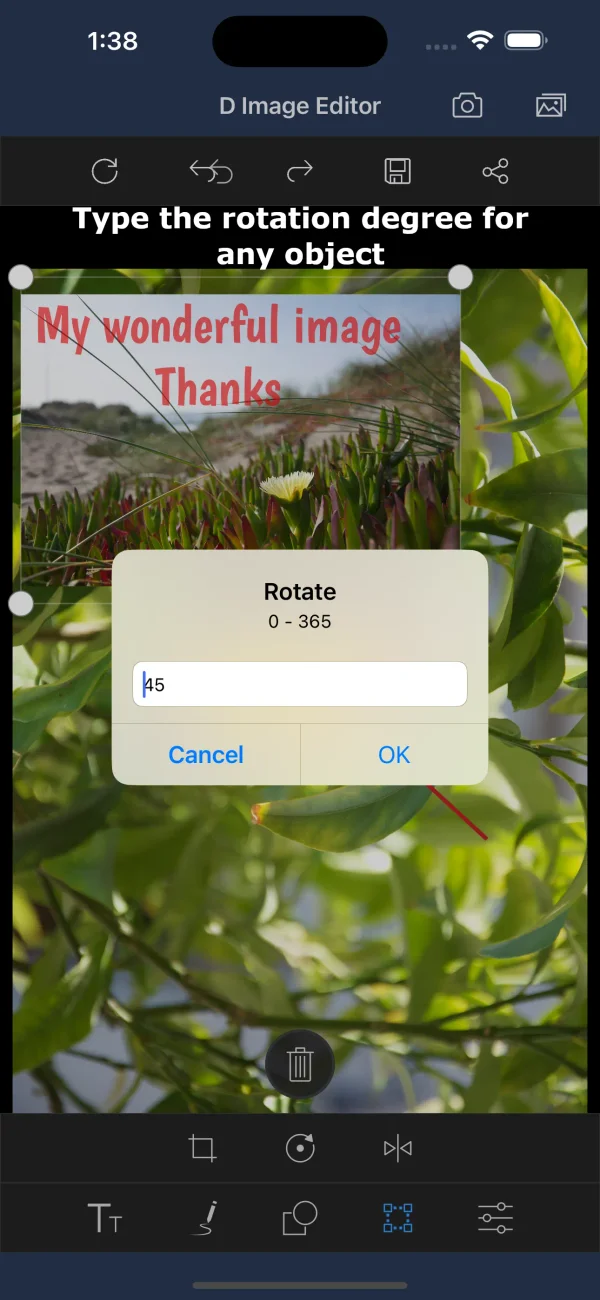
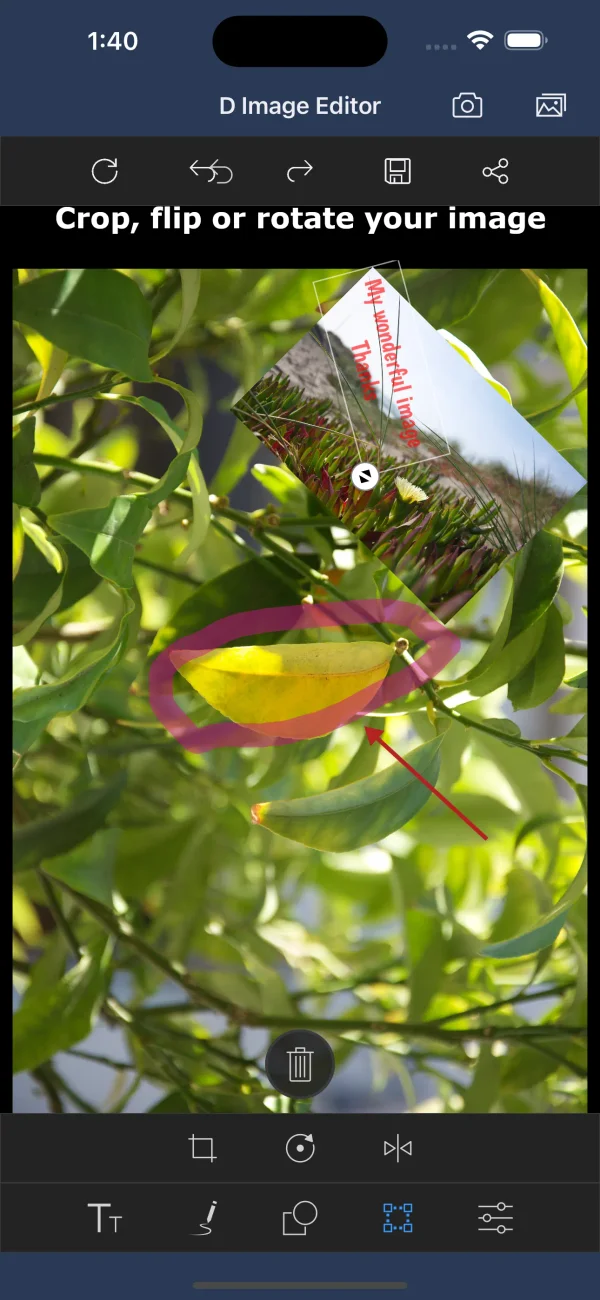
- D Image Editor provides an option to perform image transformations such as rotate and flip.
- D Image Editor provides an option to crop a particular region of an image as desired with the help of the built-in cropping tool.
- D Image Editor supports image zooming and panning.
It is free software, so whether you are a graphic designer, photographer, illustrator, or scientist. You will have a sophisticated tools to get your job done. You can further enhance your productivity with it thanks to many customization options.
You have the tools you needed for high quality image manipulation. From retouching to restoring to creative composites, the only limit is your imagination.
You have the power and flexibility to transform images into truly unique creations. So it is a freely distributed program for such tasks as photo retouching, image composition and image authoring.
D Image Editor is a versatile graphics manipulation package. This page should help you get a taste of what is capable of.
Each task requires a different environment and D Image Editor allows you to customize the view and behavior the way you like it. Starting from the widget theme, allowing you to change colors, widget spacings and icon sizes to custom tool sets in the toolbox. The interface is modulized into so called docks, allowing you to stack them into tabs or keep them open in their own window. Pressing the tab key will toggle them hidden.
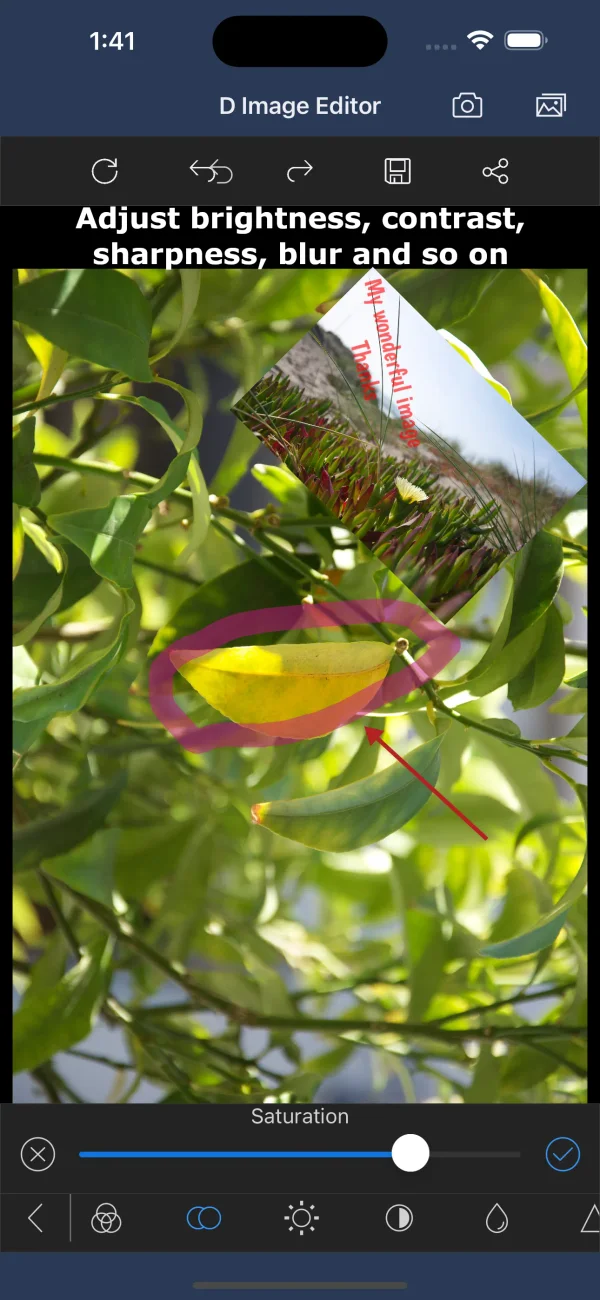
Numerous digital photo imperfections can be easily compensated for using D Image Editor. Fix perspective distortion caused by lens tilt simply choosing the corrective mode in the transform tools. Eliminate lens’ barrel distortion and vignetting with a powerful filter but a simple interface.
The included channel mixer gives you the flexibility and power to get your B/W photography stand out the way you need.
D Image Editor is ideal for advanced photo retouching techniques. Get rid of unneeded details using the clone tool, or touch up minor details easily with the new healing tool. With the perspective clone tool, it’s not difficult to clone objects with perspective in mind just as easily as with the orthogonal clone.
What’s new
Version 2.5 · Jun 18, 2026
The Google Ads SDK was removed due to deceptive practices that resulted in network abuse.
App privacy
What Osama Emara declares on the App Store about how this app handles data.
-
Data used to track you
May be used to track you across apps and websites owned by other companies.
- Usage data
-
Data linked to you
May be collected and linked to your identity.
- Usage data
-
Data not linked to you
May be collected but is not linked to your identity.
- Diagnostics
Privacy practices may vary, for example with the features you use or your age.
Information
- Seller
- Osama Emara
- Category
- Photo & Video
- Version
- 2.5
- Updated
- Jun 18, 2026
- Released
- May 25, 2023
- Size
- 81.4 MB
- Requires
- iOS 15.0 or later
- Age rating
- 4+
- Price
- Free
- In-app purchases
- Yes
- Languages
- English, Arabic, Croatian, Czech, Danish, Dutch, Finnish, French, German, Greek, Hebrew, Hindi + 19 more
- Copyright
- Copyright © DDual.com
You might also like
-
 Easy Image EditorQuick, Easy and Simple
-
 Photokit: Photo Gallerysort photos, photo cleaner
-
 NoCrop Photo - Picture ResizerFit size. No crop image resize
-
 Font Candy Style Text on PhotoPhoto & Video
-
 Photo Tune: Editor Body & FaceRetouch Photos, Professional
-
 Photos, Gallery: Magic AIAI Photo Editor, Video Player
-
 Background Eraser_ Remove BGObject Removal & Edit Photos
-
 Scale To FillResize images without cropping
-
 Photo Background Blur & EditorRemover・Eraser | Edit・ Retouch
-
 Effectshop Pic & Collage MakerPhoto Editor, Editing Effects