
D-Tools Mobile Install
D-Tools Field Installer
Designed for iPhone, iPad, iPod touch
Free
- Age rating4+
- CategoryProductivity
- DeveloperD-Tools
- LanguagesEnglish
- Size31.3 MB
Links to the official App Store page
Download.org hosts no file of D-Tools Mobile Install. The button opens its official App Store page, published by D-Tools. Listing last checked on Nov 17, 2026.
Screenshots
About
Mobile Install is a powerful field service management app designed for technicians, installers, and service teams who use D-Tools SI (System Integrator).
Mobile Install will allow field users to manage their tasks and service orders, track time, add site items and update status,
Mobile Install can also capture time entries when offline with no internet connection.
KEY FEATURES
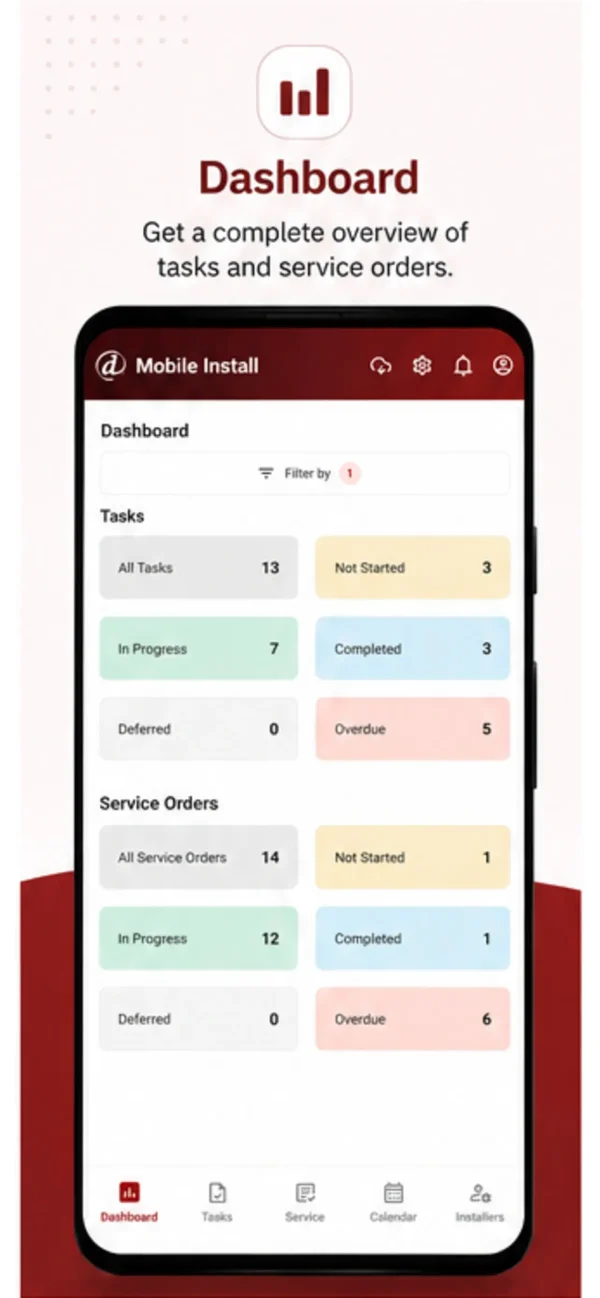
• Dashboard — Get a clear overview of your daily work, priorities, and pending items at a glance
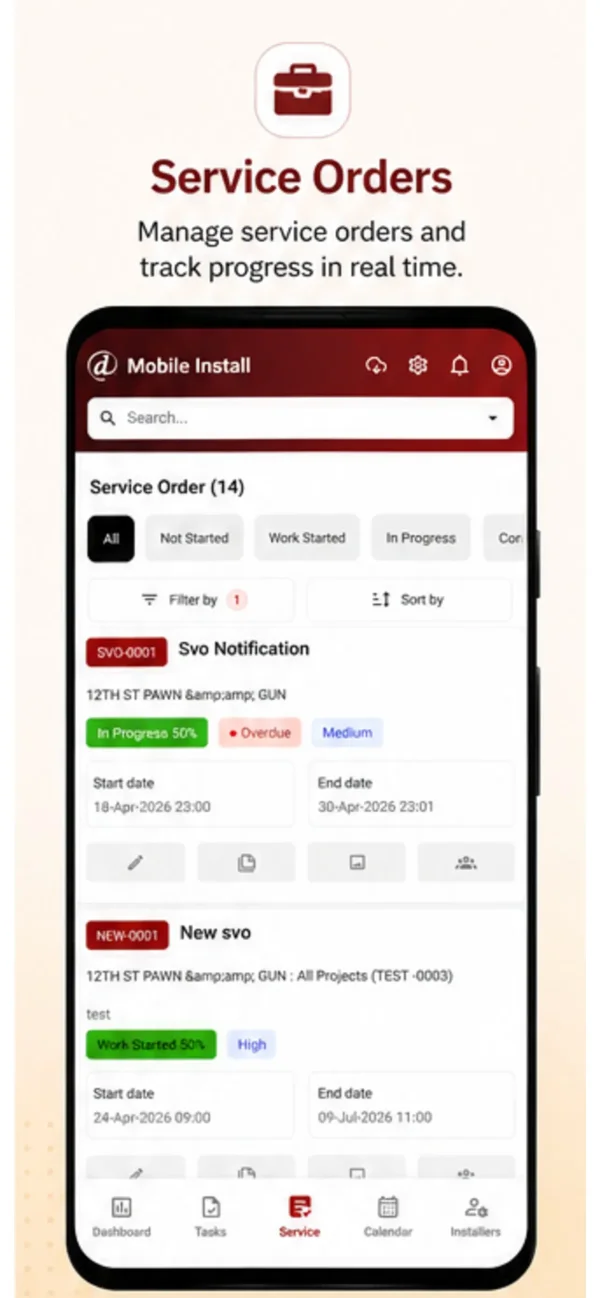
• Service Orders — View and update service orders. Add site items, site notes, site images and update status.
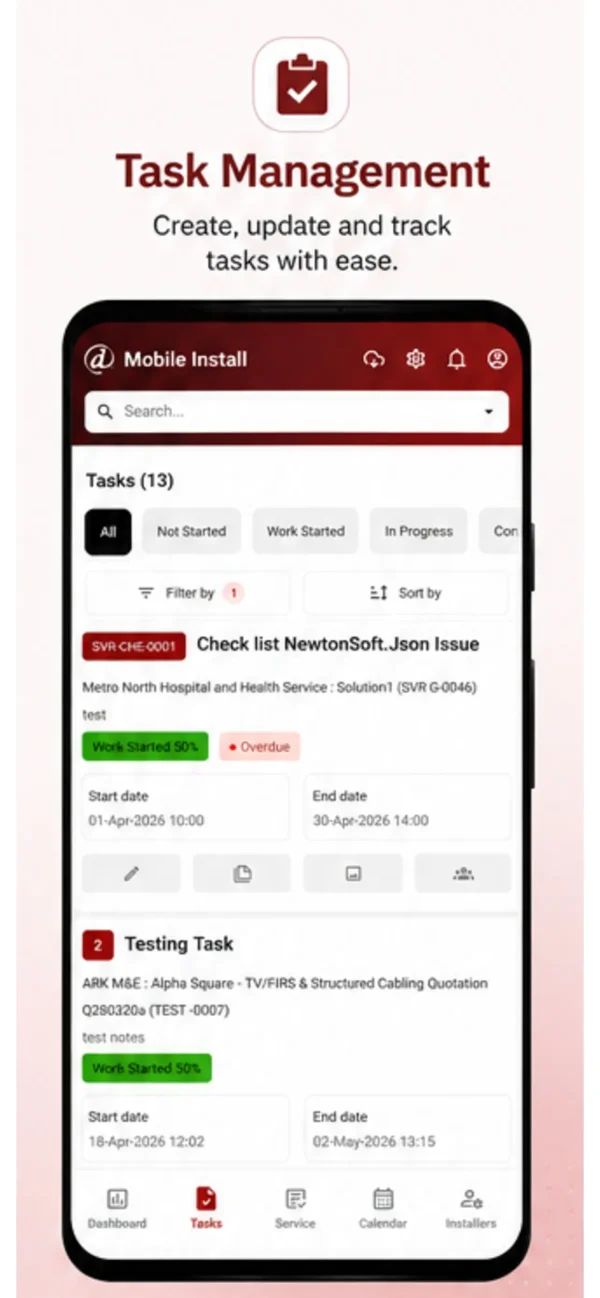
• Tasks — View and update tasks. Add site items, site notes, site images and update status.
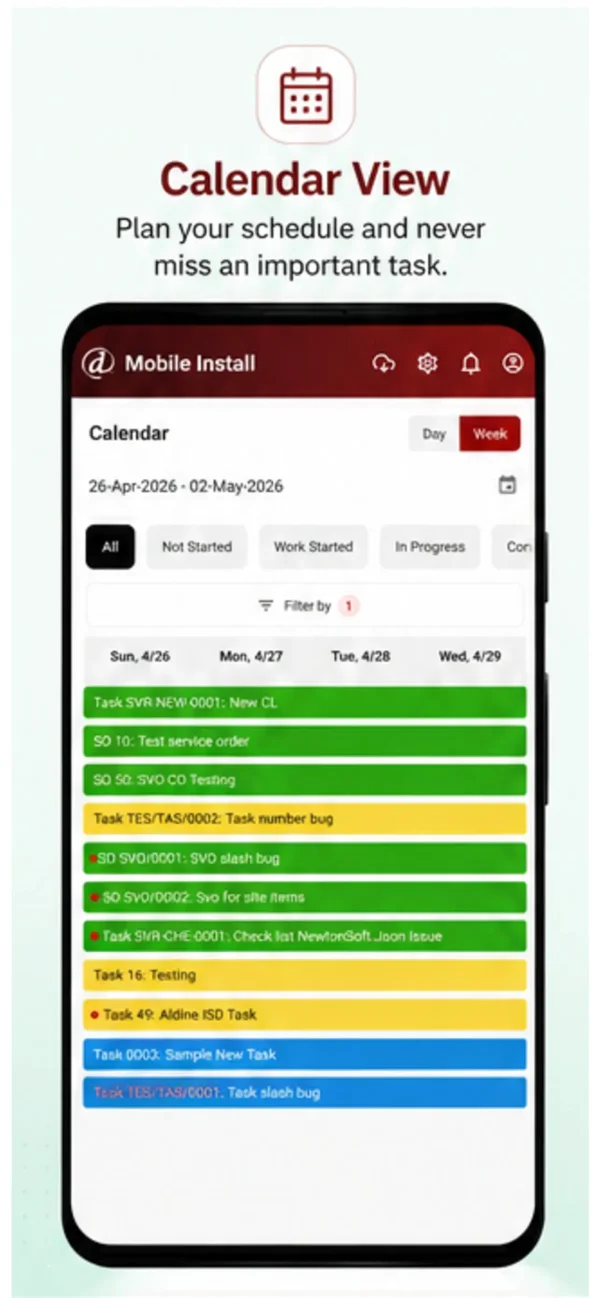
• Calendar View — Plan your day with an integrated calendar showing all your scheduled tasks and service orders
• Site Notes and Site Images — Capture site images on site and add notes to tasks and service orders
• Installer Tools — Quick access to assignments, routes, and work priorities for installation teams
• Barcode Scanning — Use your device camera to scan barcodes for quick equipment and part lookups
• Offline Mode — View tasks and service orders when offline and create time entries when offline which will instantly sync back when online.
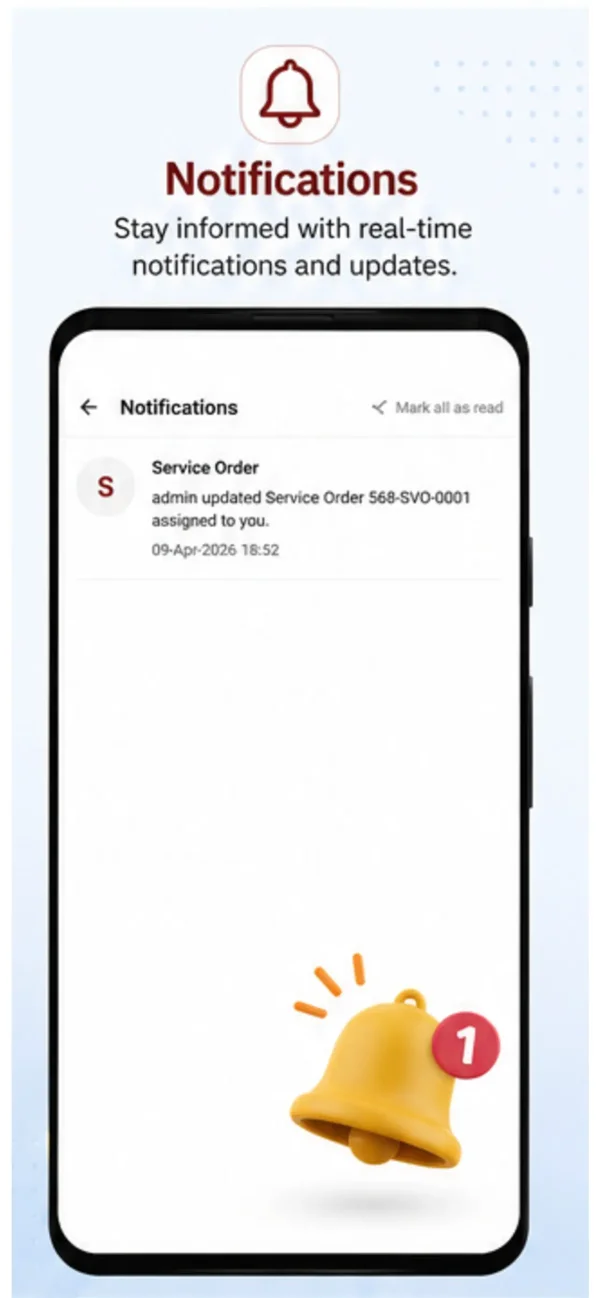
• Push Notifications — Stay informed about new assignments, schedule changes, and updates instantly
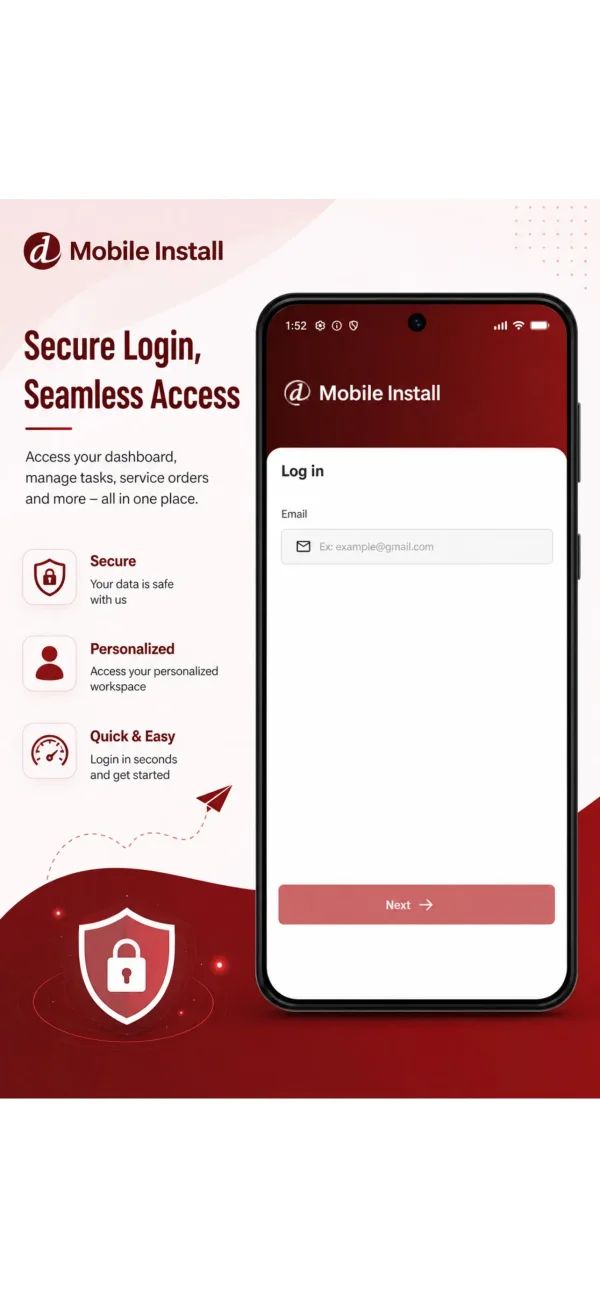
• Secure Access — Enterprise-grade authentication protects your data and customer information
BUILT FOR THE FIELD
Mobile Install is designed specifically for teams that work on the move. No more paperwork, no more missed updates, and no more lost time syncing between the office and the field.
Perfect for:
- Installation technicians
- Field service engineers
- Service order coordinators
- Maintenance and repair teams
- On-site contractors and installers
WHY CHOOSE MOBILE INSTALL?
- Fast, intuitive interface built for on-the-go use
- Complete documentation at your fingertips
- Real-time sync between team members and the back office
- Designed with field technicians, for field technicians
- Reliable offline-first design — never lose work due to connectivity
Get more work done, reduce errors, and keep your team in sync — wherever the job takes you.
For support, questions, or feedback, please get in touch with our team using the support link provided.
What’s new
Version 2.0.2 · Nov 12, 2026
What's New in This Release
Weekly Calendar View: Added four calendar title display options: Name, Number, Name and Number, or Number and Name.
Mobile Improvements: Fixed an issue that caused a white screen when launching the app.
MI Web Sync: Improved synchronization with MI Web, including updates to the SI Status Dashboard, Calendar Title Settings, and Time In/Out Rules.
We've also included performance improvements and bug fixes for a better experience.
App privacy
What D-Tools declares on the App Store about how this app handles data.
-
Data linked to you
May be collected and linked to your identity.
- Location
- Contact info
- User content
- Identifiers
- Usage data
- Diagnostics
Privacy practices may vary, for example with the features you use or your age.
Information
- Seller
- D-Tools, Inc.
- Category
- Productivity
- Version
- 2.0.2
- Updated
- Nov 12, 2026
- Released
- Apr 24, 2026
- Size
- 31.3 MB
- Requires
- iOS 15.6 or later
- Age rating
- 4+
- Price
- Free
- Languages
- English
- Copyright
- © 2026 D-Tools, Inc
You might also like
-
 Crestron Device AssistantProductivity
-
 XTEN-AVDesign Quote Manage & Service
-
 IC Now ProProductivity
-
 SpecifiAV Project Management
-
 OvrCProductivity
-
 iPoint Tech ProProductivity
-
 Crestron ONETouchless Room Control
-
 Turing LiteProductivity
-
 AlarmNet 360Productivity
-
 acre Access Control MobileSecurity Management Simplified