
Dactylo – Typewriter
Write your book, key by key
Designed for iPad, Mac
Free · In-app purchases
- Age rating4+
- CategoryProductivity
- DeveloperKADER AYDIN
- LanguagesEnglish+ 8 more
- Size9.5 MB
Links to the official App Store page
Download.org hosts no file of Dactylo – Typewriter. The button opens its official App Store page, published by KADER AYDIN. Listing last checked on Nov 23, 2026.
Screenshots
About
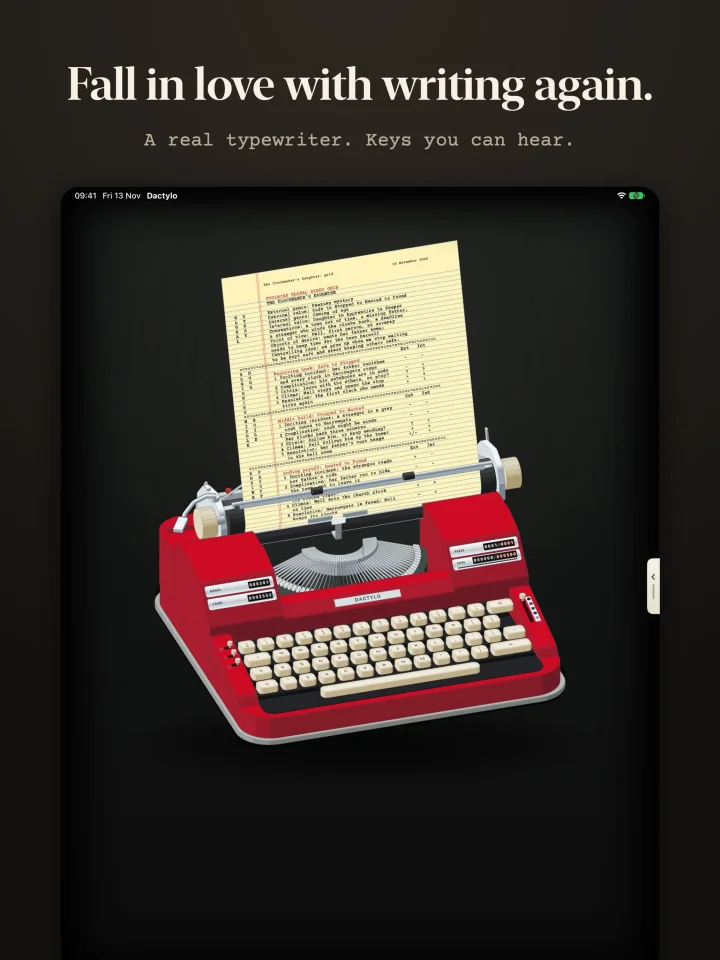
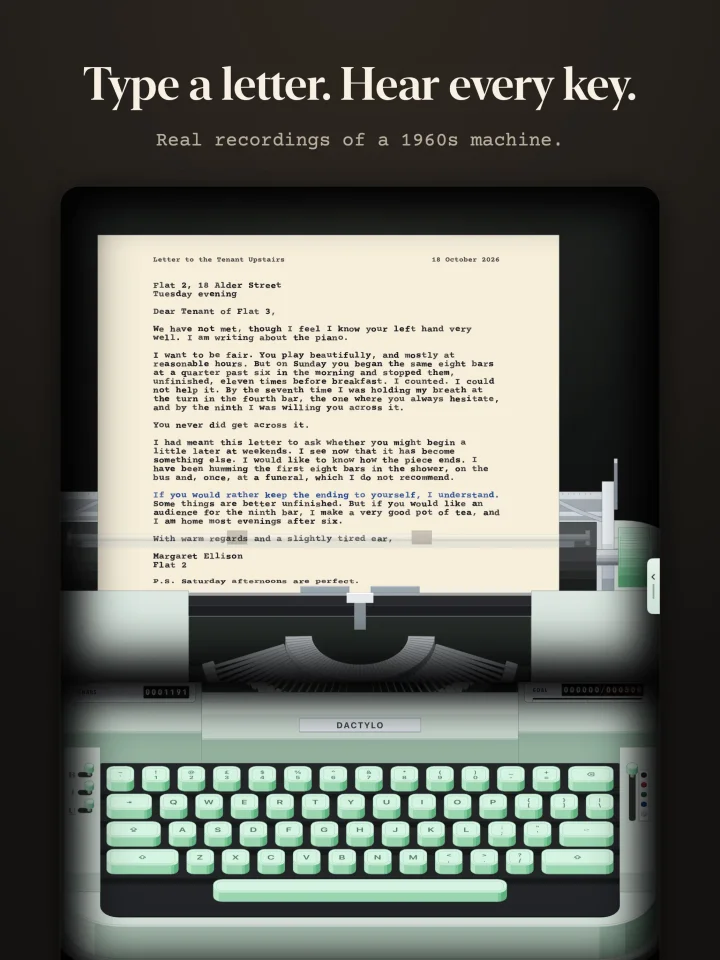
Dactylo turns your Mac and iPad into a real typewriter.
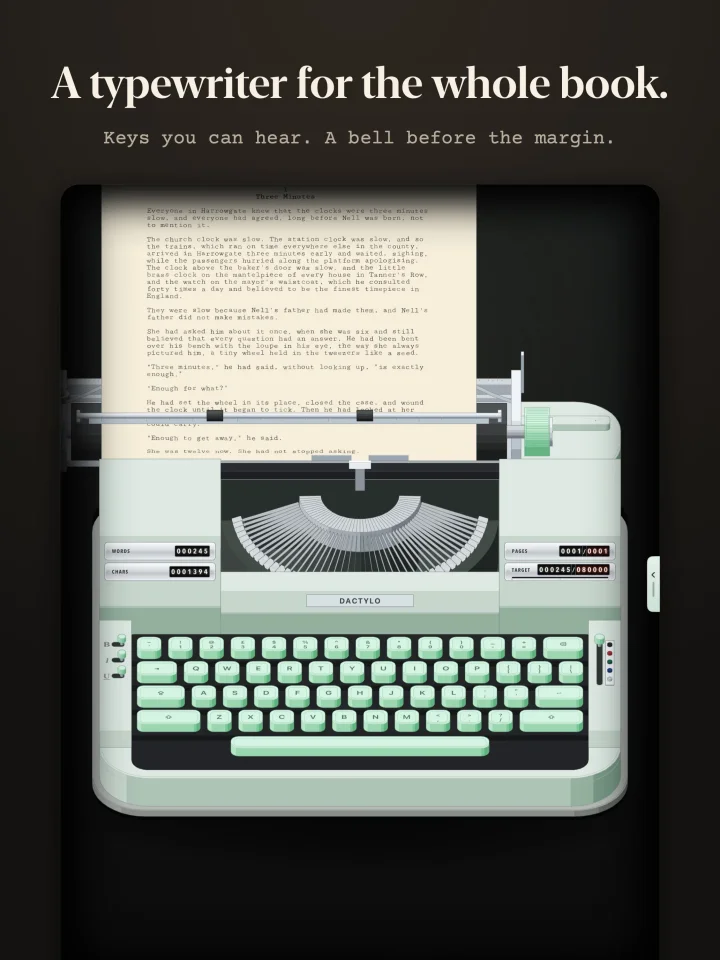
Keys you can hear. A bell seven letters before the margin. A carriage that steps along and slides home when you press Return. Paper you choose. And when the draft is done, a manuscript that is ready for publishers.
A WHOLE TYPEWRITER, LIVE
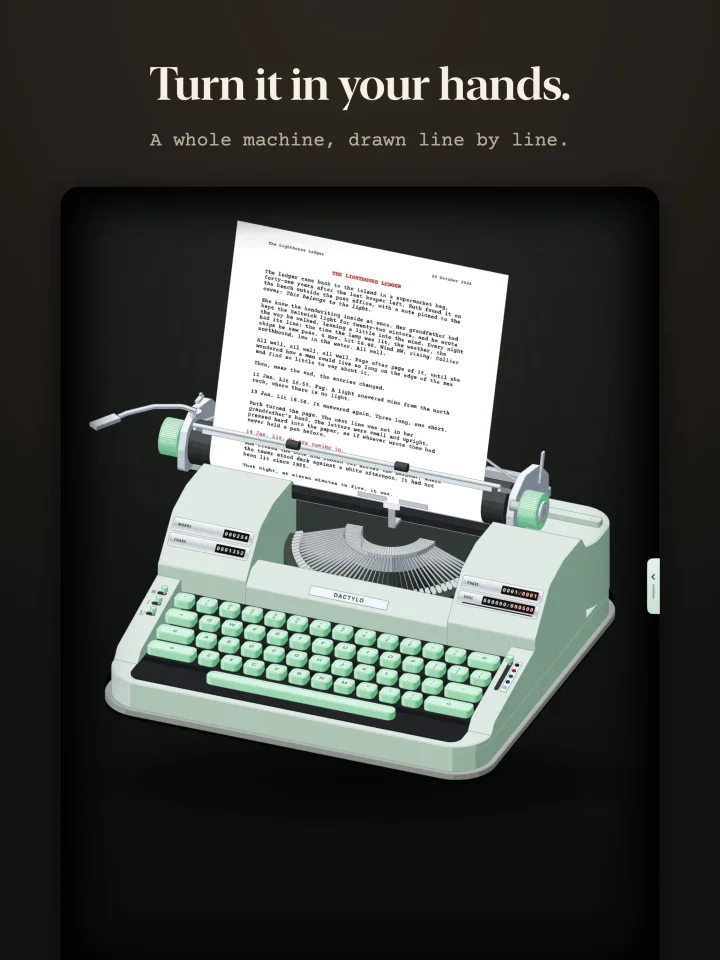
• Turn the machine in your hands, tilt it, zoom in: every key lifts its own typebar
• The keys follow your own keyboard and its language
• Four views: Desk, Whole Machine, Page and Manuscript
THE SOUND
• Real recordings of a 1960s machine, a little different with every stroke
• Portable, Office, Electric or Quiet; rain, fireplace or record crackle under your typing
INK AND PAPER
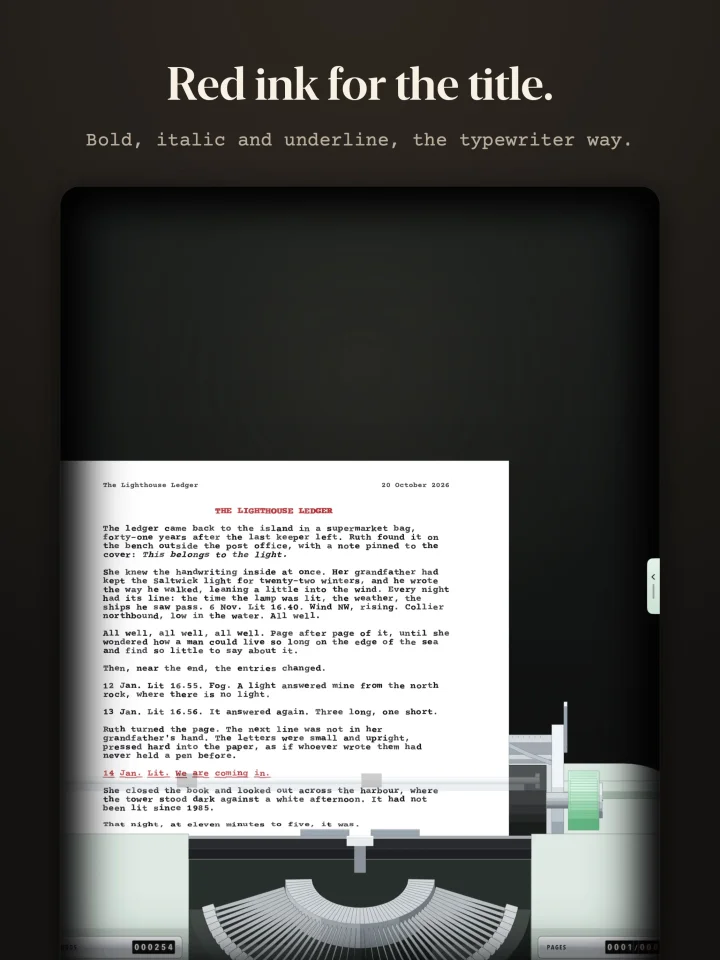
• Black, red, blue and green ribbons, or mix your own ink
• Bold, italic and underline, struck the typewriter way
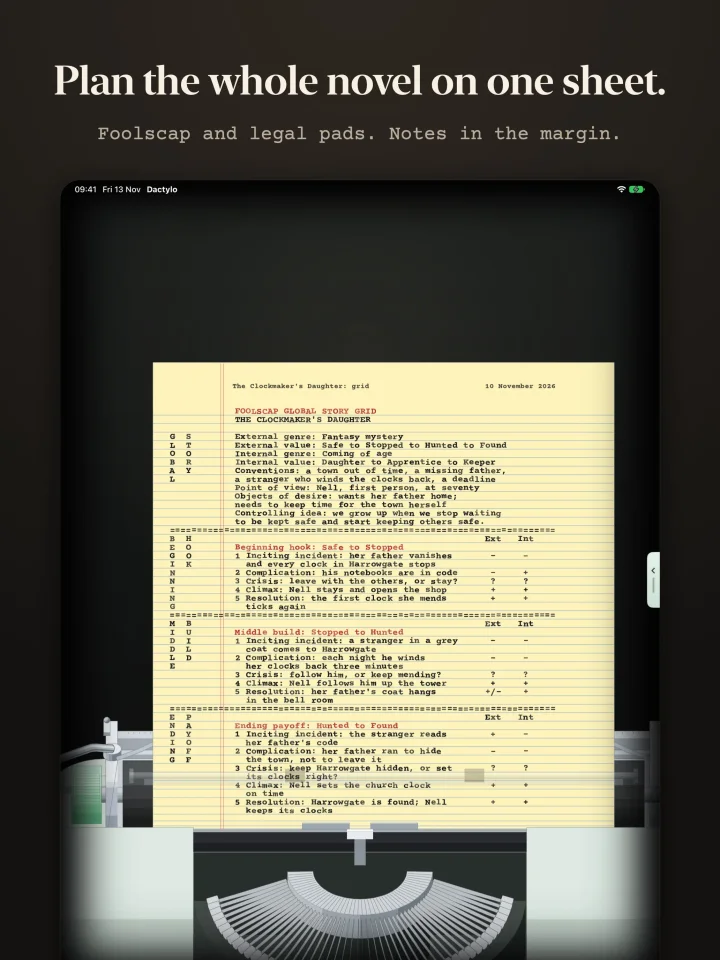
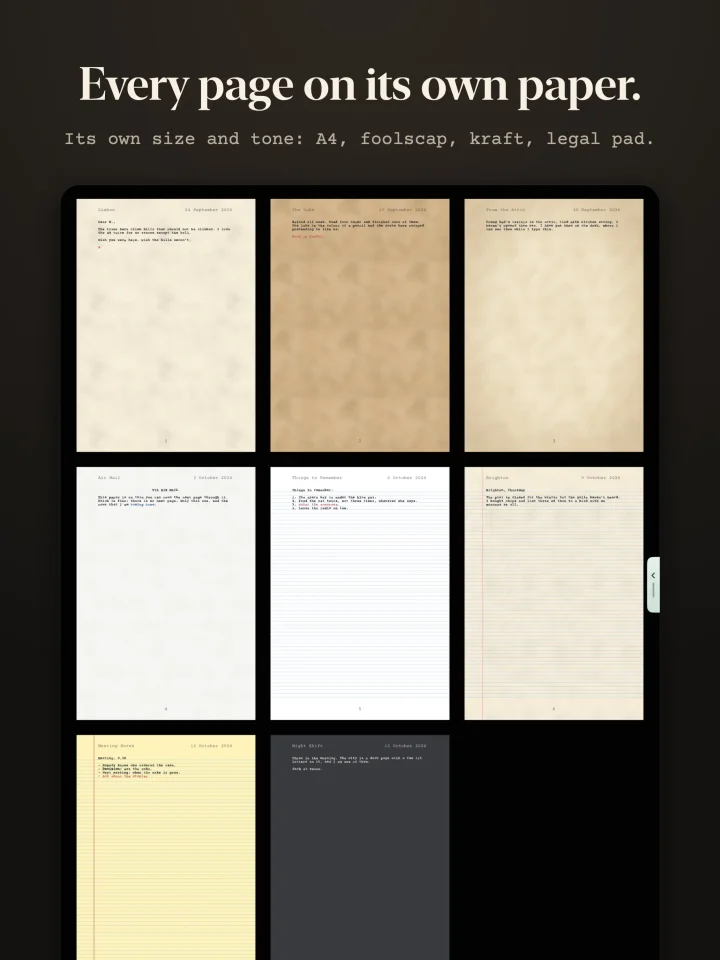
• Cream, kraft, laid, aged, onionskin, lined, a yellow legal pad or dark paper: every page keeps its own
LIKE A TYPIST
• Drag the red margin arrows; tap the ruler to set your own tab stops
• Single, one-and-a-half or double spacing; A4, US Letter, US Legal or A5
• Draft Mode: Backspace types an x, so you only go forward
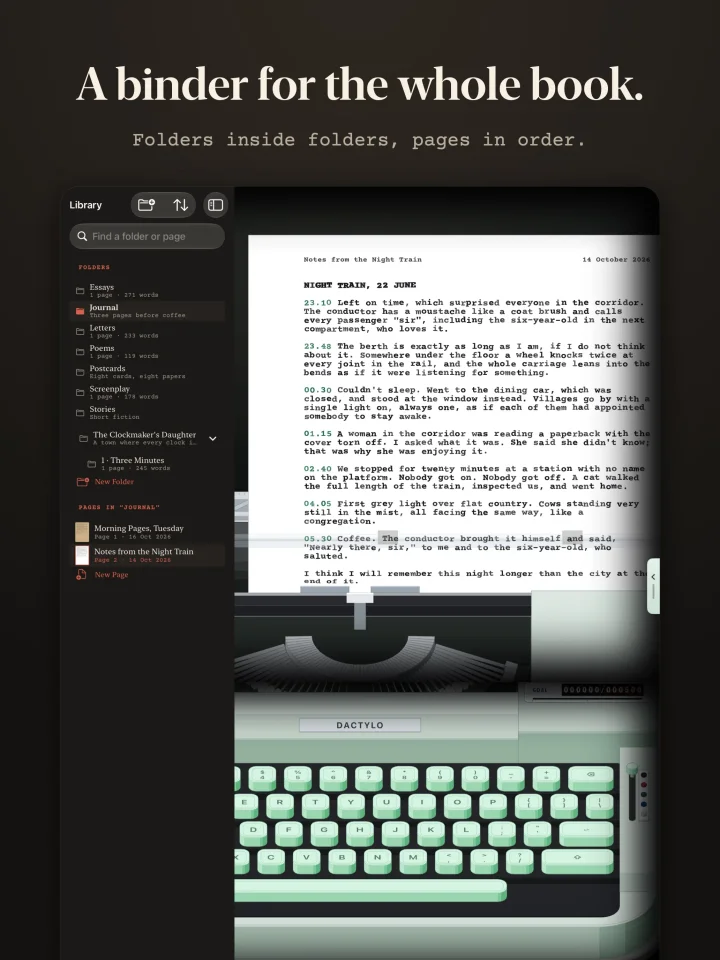
A BINDER FOR THE WHOLE BOOK
• Folders inside folders; every sheet is a page with its own title and date
• All Pages lays every sheet of a folder out on the desk
• Words, characters, pages, a daily goal, timed sessions and a target for the book, on counters that roll
FROM DRAFT TO SUBMISSION
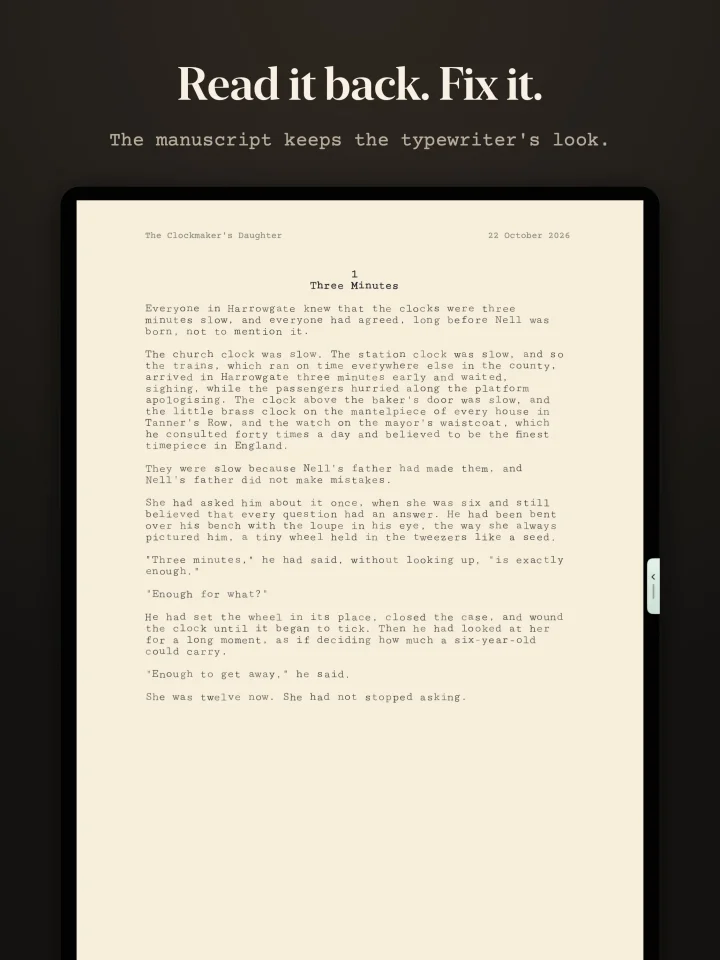
• The Manuscript view: read it back and correct it, in the same type and ink
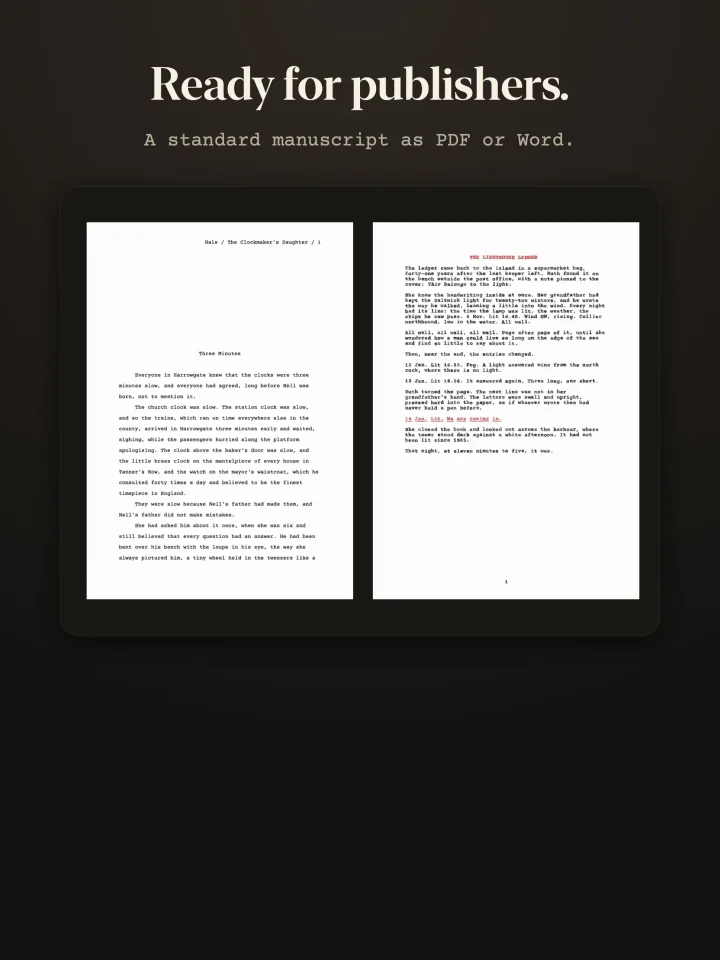
• Export a standard manuscript as PDF or Word for editors and agents, your typed pages exactly as they look, Markdown or plain text
YOURS
• iCloud Drive keeps your folders the same on every Mac and iPad
• Face ID or Touch ID lock, and one backup file for everything
• No account, no ads, no tracking
Your first page is free. Unlock every page, every folder and every export once, for Mac and iPad, shared with your family. No subscription.
What’s new
Version 1.2.2 · Nov 21, 2026
Colour and style in the Manuscript: select any words and give them another ink, or make them bold, italic or underlined, from the Format menu that appears with the selection (or ⌘B, ⌘I, ⌘U). Your own inks from My Colours are there too, and the page in the machine shows the change at once.
Neater lists: start a line with a number or a mark, press Tab and write. When the line runs on, the next lines start under your words, not under the number, on the machine and in the Manuscript alike.
A quiet line above the pages: the machine's counters, B I U, your inks and the paper, typed small and out of the way. Each one can be turned off in Settings › Manuscript, and the line fades while you type. Tab moves selected lines in by a tab stop; Shift-Tab moves them back.
App privacy
What KADER AYDIN declares on the App Store about how this app handles data.
-
Data not collected
The developer does not collect any data from this app.
Privacy practices may vary, for example with the features you use or your age.
Information
- Seller
- KADER AYDIN
- Category
- Productivity
- Version
- 1.2.2
- Updated
- Nov 21, 2026
- Released
- Nov 4, 2026
- Size
- 9.5 MB
- Requires
- iOS 26.0 or later
- Age rating
- 4+
- Price
- Free
- In-app purchases
- Yes
- Languages
- English, French, German, Japanese, Korean, Portuguese, Spanish, Traditional Chinese, Turkish
- Copyright
- © 2026 Kader Aydın