
- Age rating4+
- CategoryUtilities
- DeveloperDaikin Europe
- LanguagesEnglish+ 22 more
- Size212.2 MB
Links to the official App Store page
Download.org hosts no file of Daikin e-Care. The button opens its official App Store page, published by Daikin Europe. Listing last checked on Nov 23, 2026.
Screenshots
About
The Daikin e-care app can be downloaded for free but can only be accessed with an approved Stand By Me account.
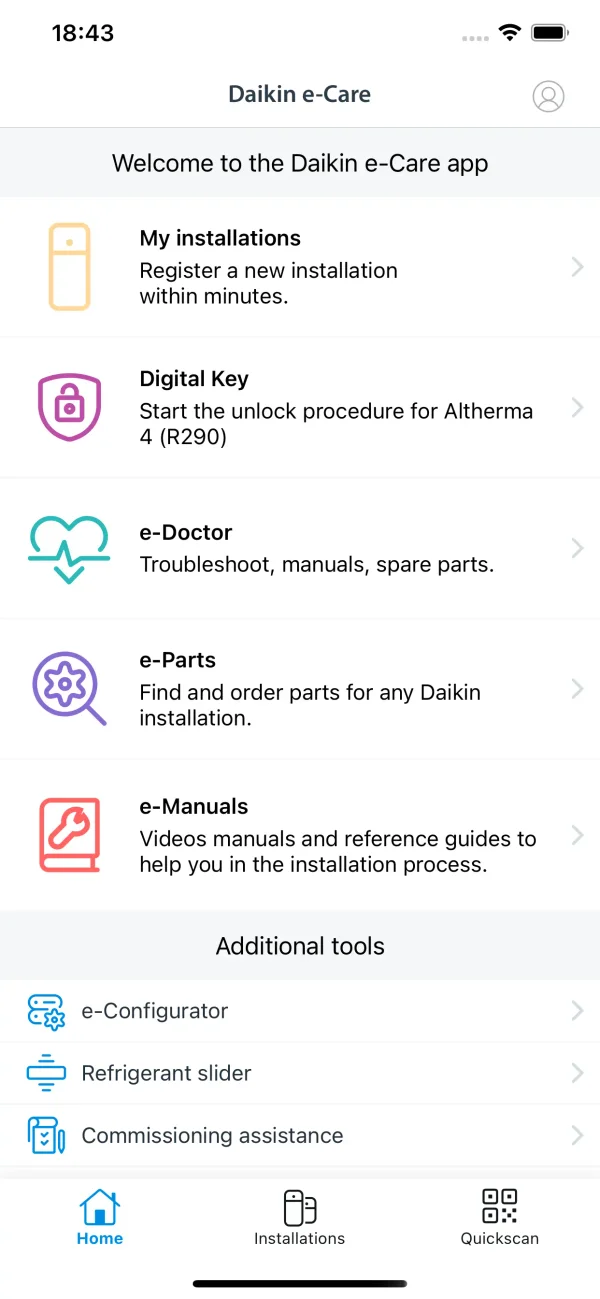
The app includes the following functionalities:
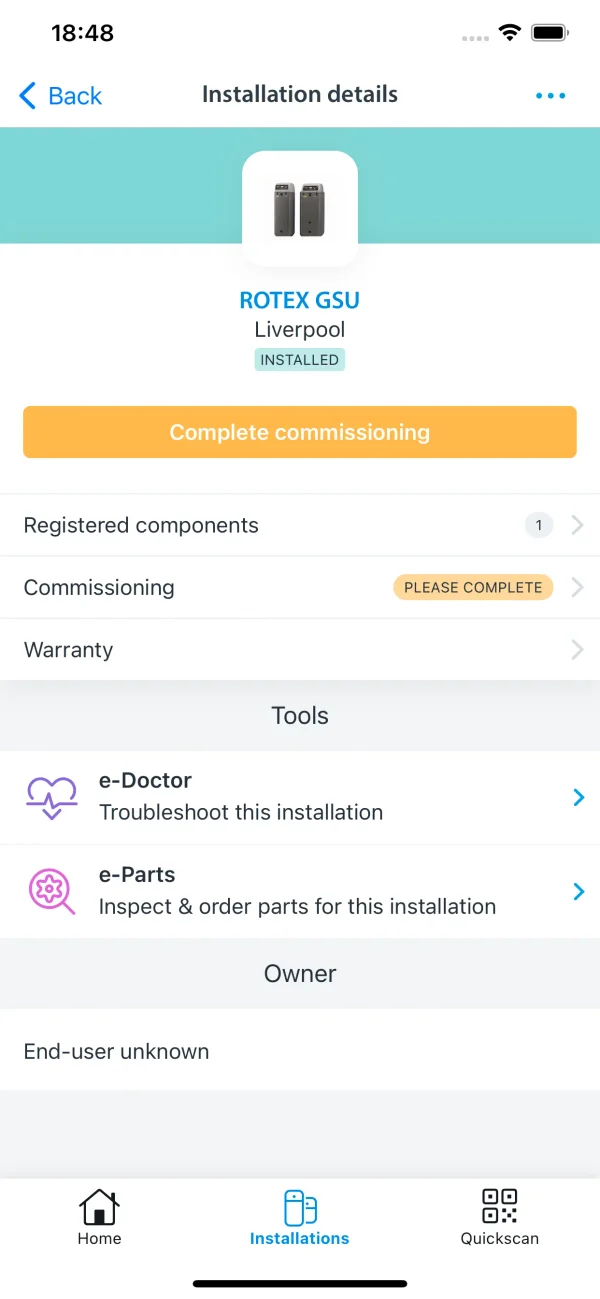
My installations
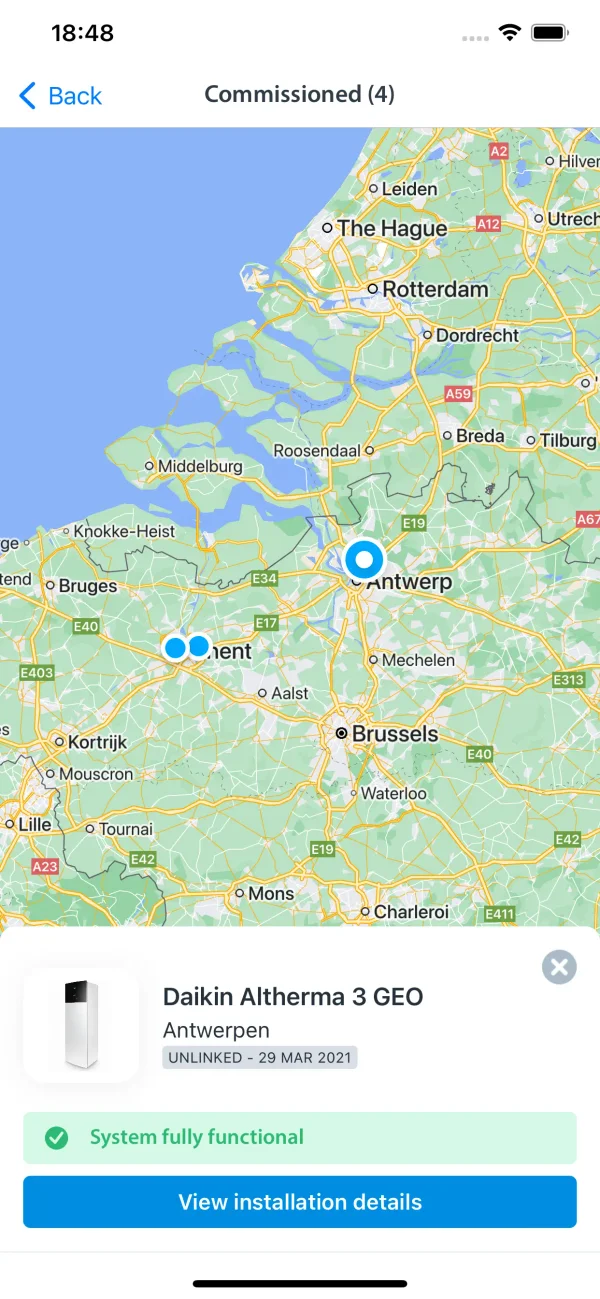
This part allows the installer to register an installation within seconds. Manual input is minimized thanks to a smart QR code scanner that enables the app to find the product name and serial number of each scanned unit. The commissioning document can be uploaded by simply taking a picture with any mobile device. GPS tracking allows the app to recognize the location of the installation instantly. The app is connected with Stand By Me, so all installations registered via the app will be shown in the installation database of the professionals Stand By Me account.
e-Configurator
Quick configuration of the settings of your heating system. The app is fit for the Daikin’s heat pump range. To start the e-configurator, you can either scan the QR code of the nameplate, either type the productname of the unit. The parameter setting can be done on an ‘easy mode’, which is the default setting, or an ‘advanced mode’. In a first tab, the parameters which are ‘system-related’ are being defined in a few clicks. In a second tab, the settings related to space heating are set. Depending on your solution, a Domestic Hot Water tab is also available. In just 8 to 10 clicks, all settings of the heat generator are being defined and in a last tab, you can find an overview of all settings. The changed settings are being highlighted.
You can save the settings as pdf or store them on a USB memory stick or SD card for the new Altherma 3 generation units. Note that the Daikin e configurator is available as app and web-application. In case you have no possibility to connect a USB memory stick on your tablet or smartphone, the configuration can be done from your PC.
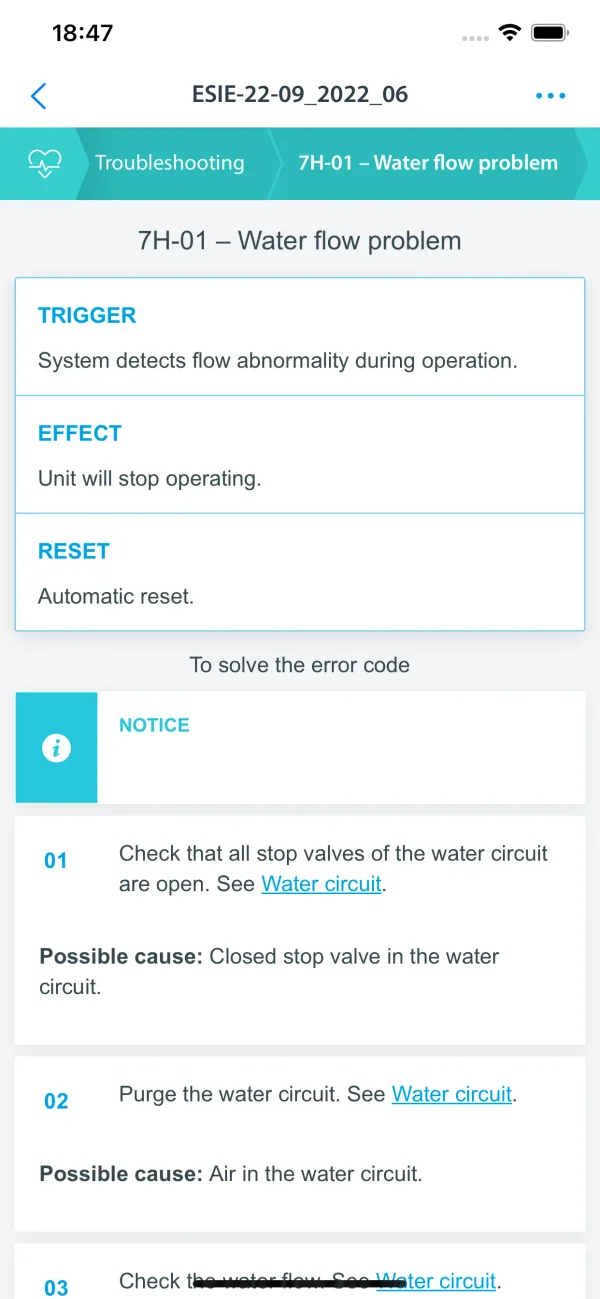
e-Doctor
The Daikin e-Doctor is a mobile application, that guides service technicians during troubleshooting, component check and repair of Daikin units.
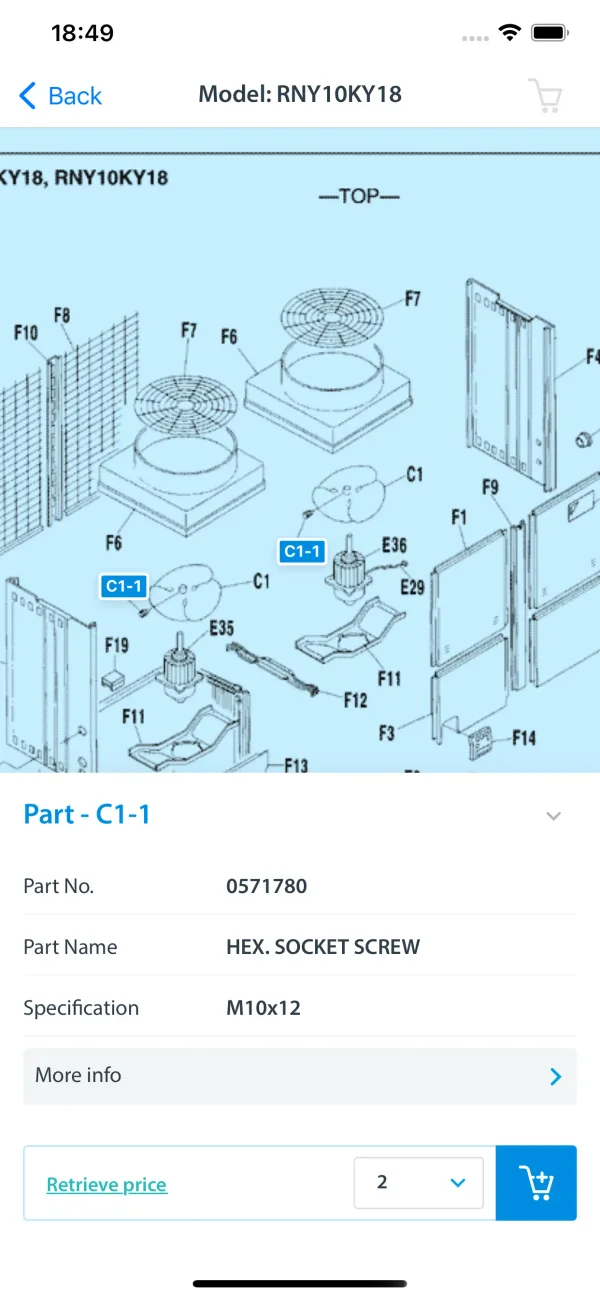
Technical data and a link to the Daikin Business Portal are included in the app.
You can use your Daikin Business Portal account to log-in to only access e-Doctor. In case you need full e-Care functionality log-in with your Stand-By-Me account.
The e-Doctor is an on-line application and needs continuous connection to the internet. Therefore, you need WiFi or mobile data to be able to use it.
What’s new
Version 11.7.1 · Oct 29, 2026
Bug fixes and improvements
App privacy
What Daikin Europe declares on the App Store about how this app handles data.
-
Data not linked to you
May be collected but is not linked to your identity.
- Diagnostics
Privacy practices may vary, for example with the features you use or your age.
Information
- Seller
- Daikin Europe N.V.
- Category
- Utilities
- Version
- 11.7.1
- Updated
- Oct 29, 2026
- Released
- Dec 5, 2017
- Size
- 212.2 MB
- Requires
- iOS 15.0 or later
- Age rating
- 4+
- Languages
- English, Bulgarian, Croatian, Czech, Danish, Dutch, Finnish, French, German, Greek, Hungarian, Italian + 11 more
- Copyright
- © 2017 Daikin Europe N.V.
You might also like
-
 Daikin 3DUtilities
-
 Airzone CloudUtilities
-
 Airzone Pro CloudUtilities
-
 Belimo Assistant 2Utilities
-
 E-Monitoring ToolUtilities
-
 ViGuideViessmann
-
 MELCloud HomeWhen comfort and energy matter
-
 eSetup for ElectricianApp for commissioning
-
 Grundfos GO: Your Pump ToolkitEasy Installer Guides & Tools
-
 Duco Installation AppFast, efficient and simple