DailyWall: Lock Screen Notes
Sticky Notes Widget, Reminders
Designed for iPhone, iPad
Free · In-app purchases
- Age rating4+
- CategoryProductivity
- DeveloperSerkan Kaplan
- LanguagesEnglish+ 32 more
- Size235.4 MB
Links to the official App Store page
Download.org hosts no file of DailyWall: Lock Screen Notes. The button opens its official App Store page, published by Serkan Kaplan. Listing last checked on Nov 27, 2026.
Screenshots

About
Your day, on a wall.
A to-do list isn't a list — it's paper you stick on a wall. Write it, draw it, tape it up. In the evening, that wall becomes your Lock Screen.
TOGETHER, ON ONE WALL
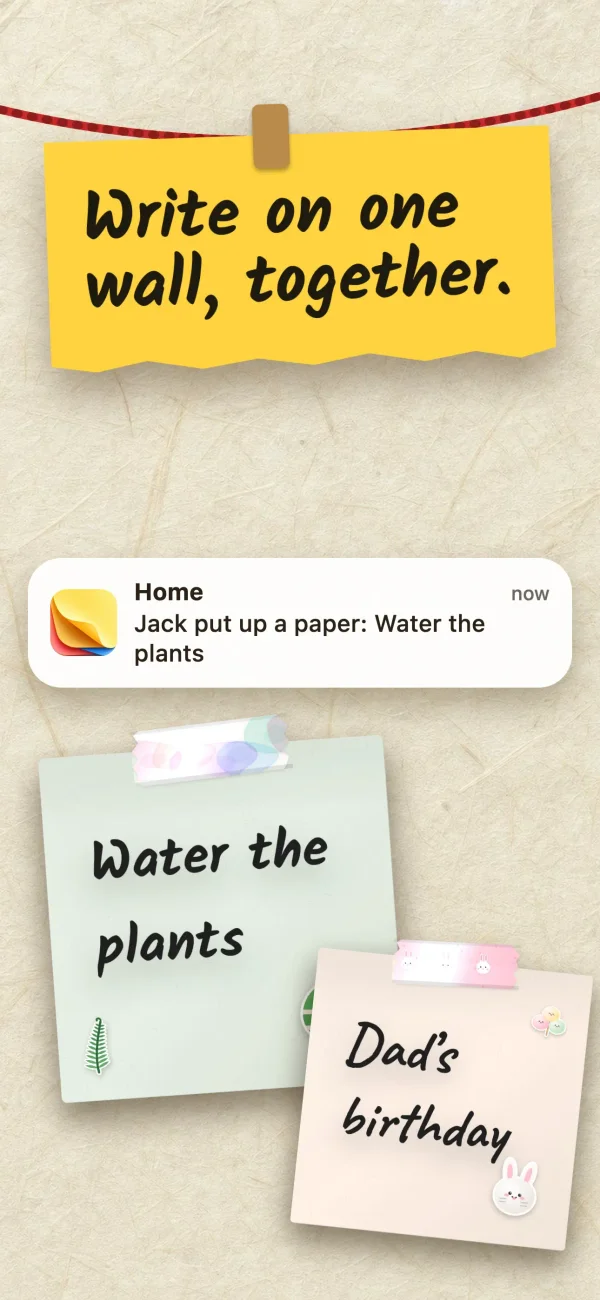
Create a shared wall and invite friends with a link or a QR code. Creating and joining are free. Everyone hangs paper; you're notified when someone does, and every paper shows who put it up. Free gives each person two notes per wall; Pro removes the limit.
HANG IT, DON'T LIST IT
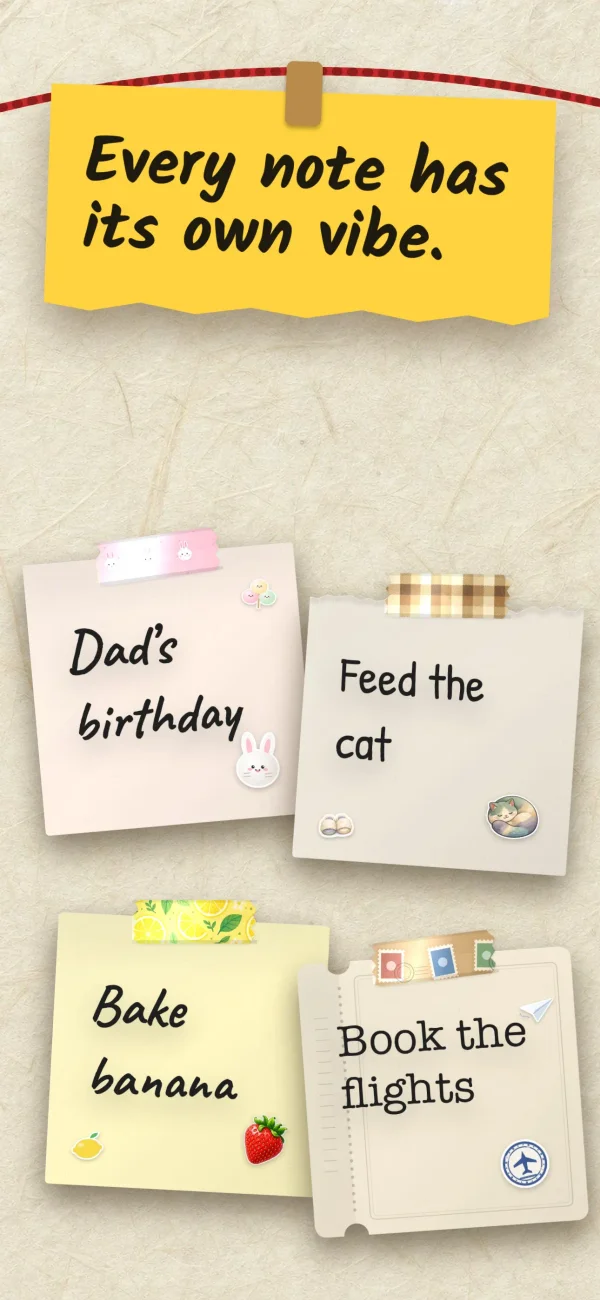
Tap an empty spot and a sheet of paper opens. Type on it, or draw straight onto it with Apple Pencil or a finger — both layers stay on the same sheet. Drag the note where you like, turn it with two fingers, pick its colour and its tape.
YOUR WALL ON THE LOCK SCREEN
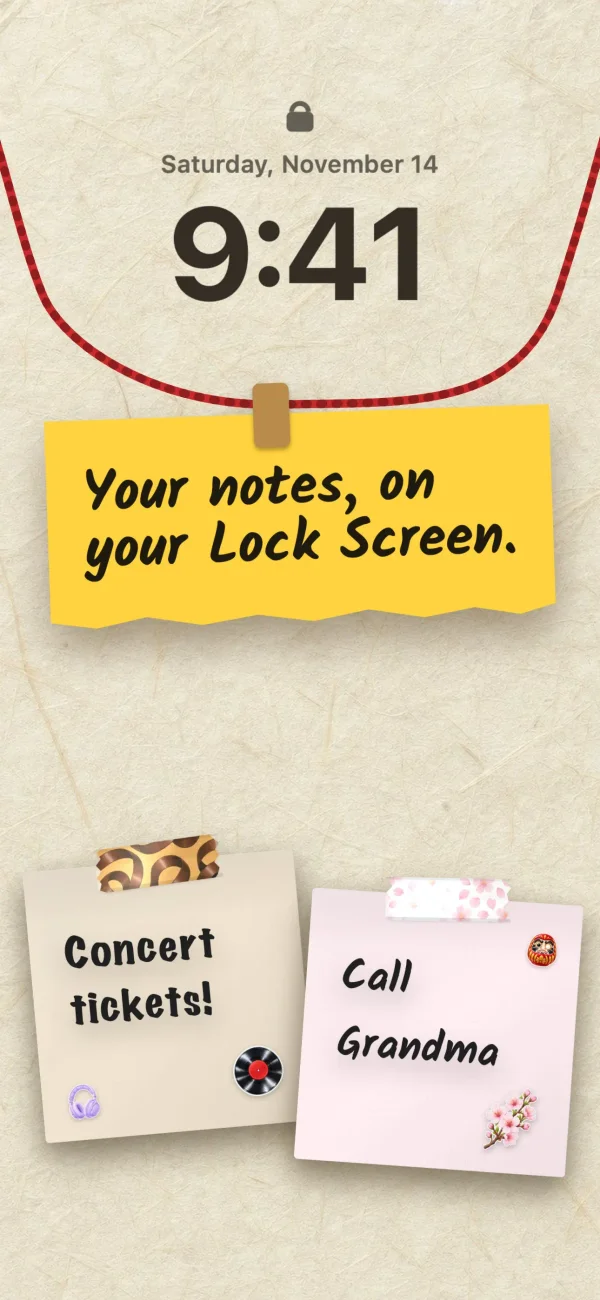
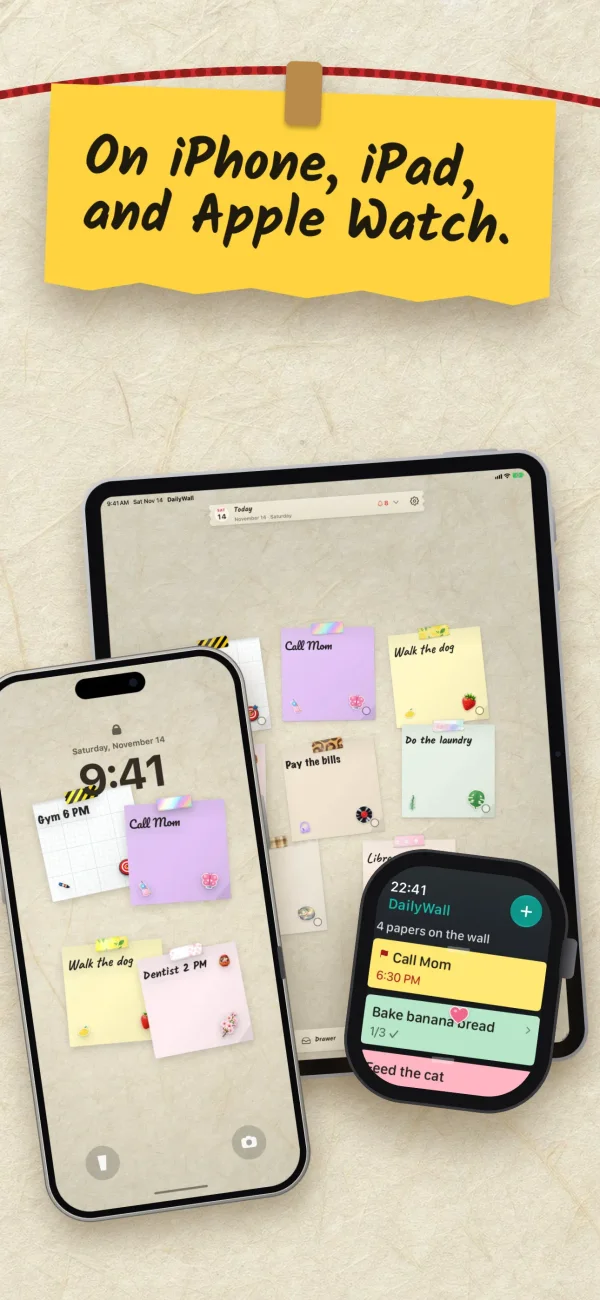
Set it up once. From then on, every time you leave the app, that day's wall becomes your wallpaper: the same paper, in the same places, at the same size. Nothing is rescaled, shifted or cropped.
DailyWall never writes to your photo library on its own, and it never deletes anything.
PAPER THAT BEHAVES LIKE PAPER
15 paper shapes, 140 tapes, 210 stickers, 55 walls, 34 strings and 20 handwriting styles — and any paper colour you like. Torn edges, curled corners, notebook pages, cork, slate, brick, graph paper — or a photo of your own behind it all. When a sheet is full, it is genuinely full.
STRINGS BETWEEN PAPERS
Drag from the top of one paper to another and a string is pulled between them, under the tape. Yarn, twine, fairy lights, neon, candy — 34 kinds. Tap a string to change it, hold it to cut it. Strings work on shared walls too.
EVERY DAY HAS ITS OWN WALL
Arrows step through the days. For anything further back, a calendar opens from the corner of the wall and takes you straight there — dots underneath show which days have paper on them.
THE DRAWER
Somewhere to put "I don't know when yet". The drawer holds every note without a day, and it is the only place that searches across every wall you have made: titles, the writing on the paper, and the items inside a list.
WRITE IT THE WAY YOU'D SAY IT
"dentist tomorrow at 2" arrives as a note on tomorrow's wall, at 14:00. A shopping list typed on one line comes back as a checklist.
AND EVERYWHERE ELSE
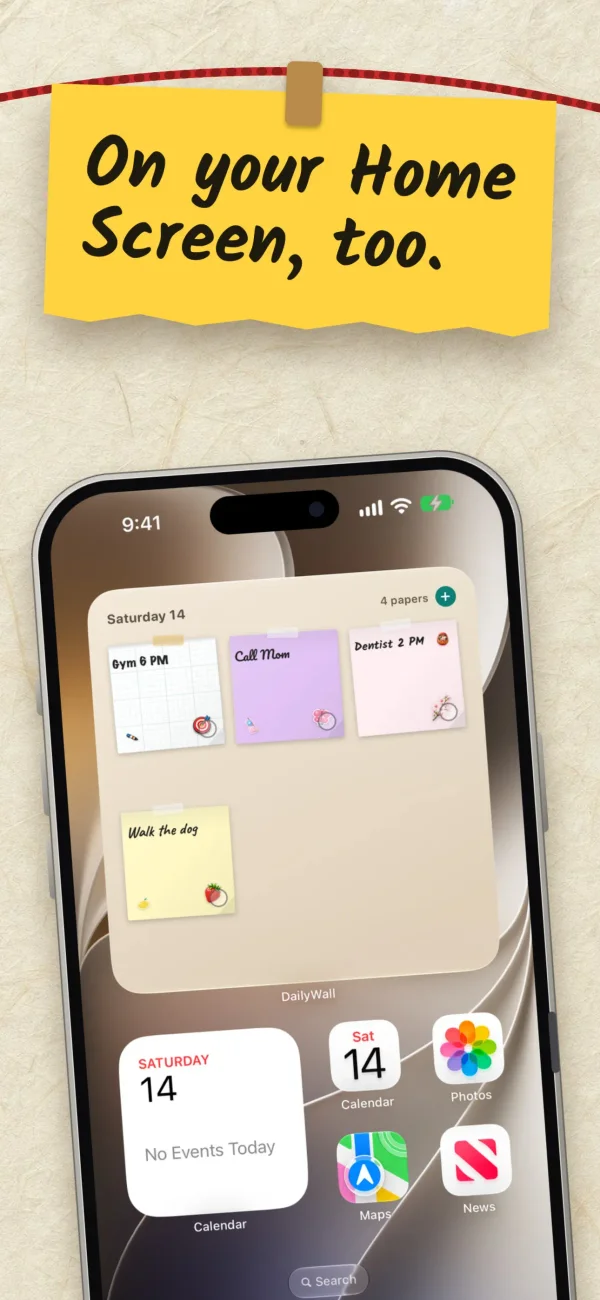
Home Screen widgets, Apple Watch, a Lock Screen control for writing a note in one tap, and iCloud backup that carries your handwriting with it.
DAILYWALL PRO
Free: five notes a day, the free papers, tapes, stickers and strings, and the Lock Screen wall.
Pro: unlimited notes a day, iCloud backup, and every pack — Pro stickers, tapes, walls and strings, with a new one in every update.
Invite friends to a shared wall and unlock three gift packs for free, yours to keep.
The subscription renews automatically unless cancelled. You can cancel anytime in Settings.
Privacy Policy: https://dailywall.app/privacy/
Terms of Use: https://www.apple.com/legal/internet-services/itunes/dev/stdeula/
What’s new
Version 1.9.2 · Nov 25, 2026
New
- Say it: on the "+" page, tap the microphone and say what's on your mind; it's split into separate papers.
- Calendar and Reminders: when you turn sync off, you can remove the papers it added in one tap. Removed papers don't come back, and turning it off on one device turns it off on your other devices too.
- Small papers in the widget: Settings > Notes and calendar.
Also
- Each paper in the widget now opens itself.
- Settings is easy to read on every wall background.
- "Back to today" on shared walls, plus many fixes.
App privacy
What Serkan Kaplan declares on the App Store about how this app handles data.
-
Data linked to you
May be collected and linked to your identity.
- Purchases
- Identifiers
-
Data not linked to you
May be collected but is not linked to your identity.
- User content
- Identifiers
- Usage data
Privacy practices may vary, for example with the features you use or your age.
Information
- Seller
- Serkan Kaplan
- Category
- Productivity
- Version
- 1.9.2
- Updated
- Nov 25, 2026
- Released
- Aug 11, 2026
- Size
- 235.4 MB
- Requires
- iOS 17.0 or later
- Age rating
- 4+
- Price
- Free
- In-app purchases
- Yes
- Languages
- English, Arabic, Catalan, Croatian, Czech, Danish, Dutch, Finnish, French, German, Greek, Hebrew + 21 more
- Copyright
- © 2026 Serkan Kaplan
You might also like
-
 Lock Screen Notes: StickySortRemember To-Dos with Widgets
-
 Lock Screen Notes: StickyNotes on your Lock Screen
-
 TickbaseEverything to get things done
-
 ReadyKin: Planner & RemindersPacking Lists & Daily Routines
-
 Sticky Notes - PostyTo-Do Lists, Notes & Widgets
-
 Sticky Notes : StickMeNever forget. Set a reminder.
-
 Quick Note: Sticky Notes MenuFloating Memo, Todo & Widget
-
 Sync Sticky NotesDesktop Notes with Cloud Sync
-
 Sticky Notes: To Do ListNotepad-Checklist & Widget App
-
 Notely: Offline NotepadFast private memo organizer