Dance Mirror: Practice & Loop
Choreography Side by Side
Designed for iPhone, iPad
$1.99
- Age rating4+
- CategoryHealth & Fitness
- DeveloperNetflowers Inc.
- LanguagesEnglish+ 43 more
- Size18.4 MB
Links to the official App Store page
Download.org hosts no file of Dance Mirror: Practice & Loop. The button opens its official App Store page, published by Netflowers Inc. Listing last checked on Nov 18, 2026.
Screenshots





About
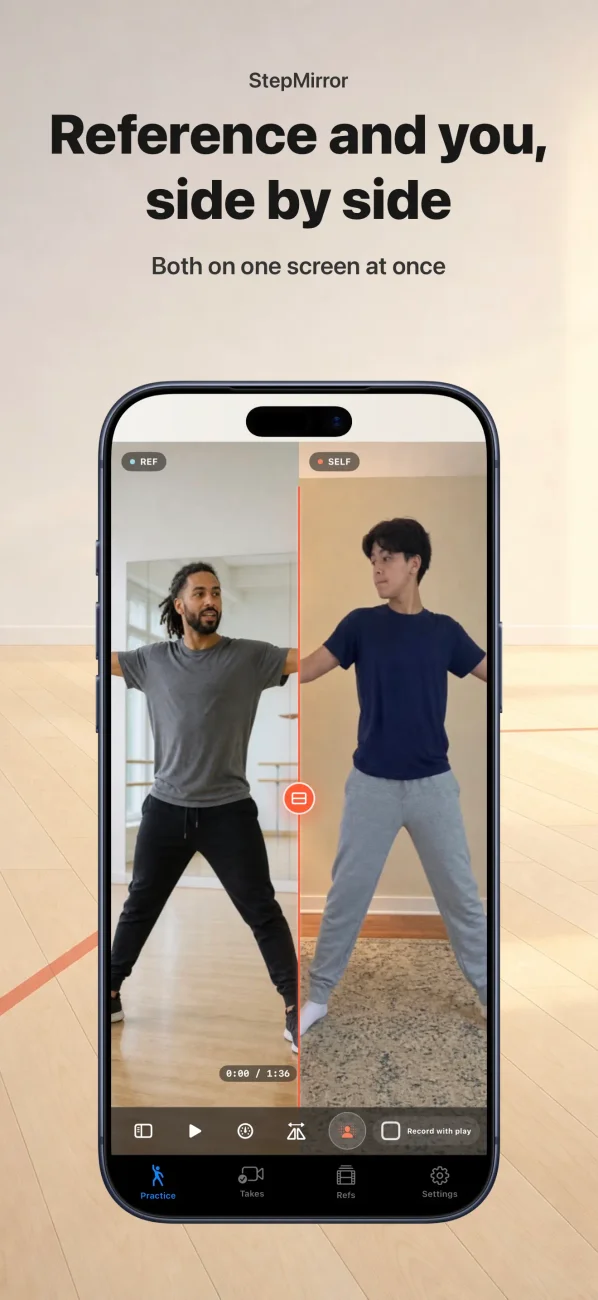
Put the routine you are learning next to yourself, and dance.
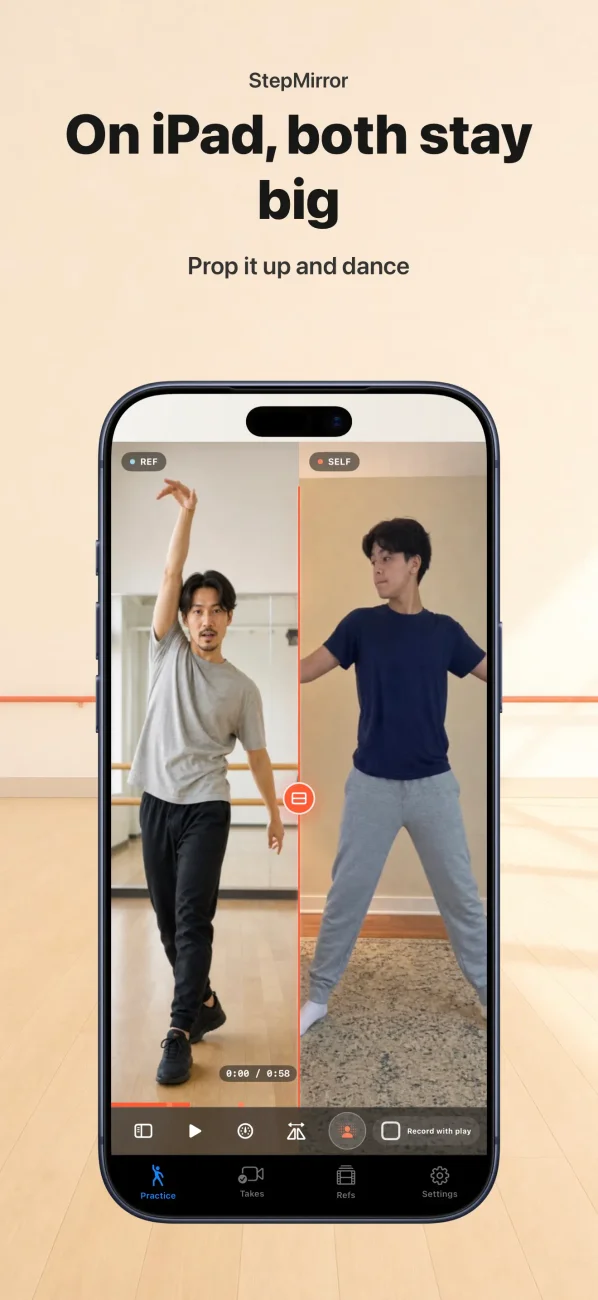
StepMirror shows a reference video and your front camera on one screen at the
same time. Drag the dividing line to change how much space each one gets.
Push it all the way to the edge and the other one becomes a small floating
window you can move anywhere. There are no layout menus - one line does it all.
Line up several clips at once. The eight-count drill, the chorus, the full run -
pick them all and they play in order. Leave it looping the one part you keep
getting wrong, or loop the whole set and just keep going.
On iPad it opens up properly: the playlist stays on the left, the reference and
you sit side by side at close to full size, and every speed is one tap away.
Stand it on the floor and dance.
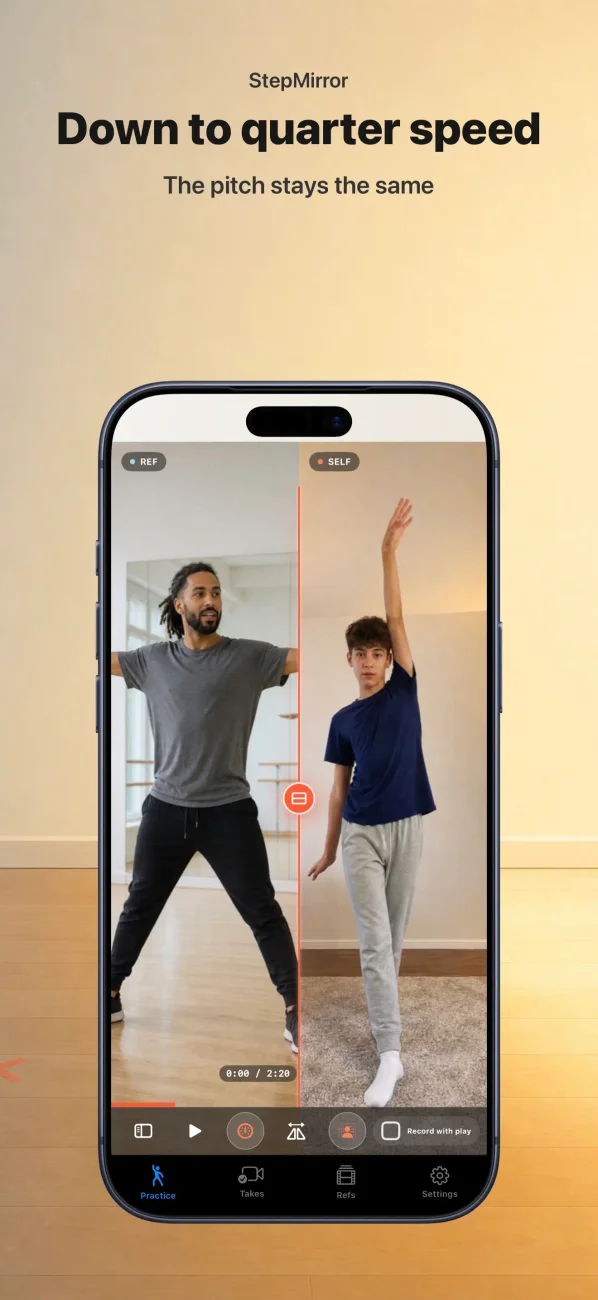
Slow the reference down to a quarter speed without the music dropping in pitch.
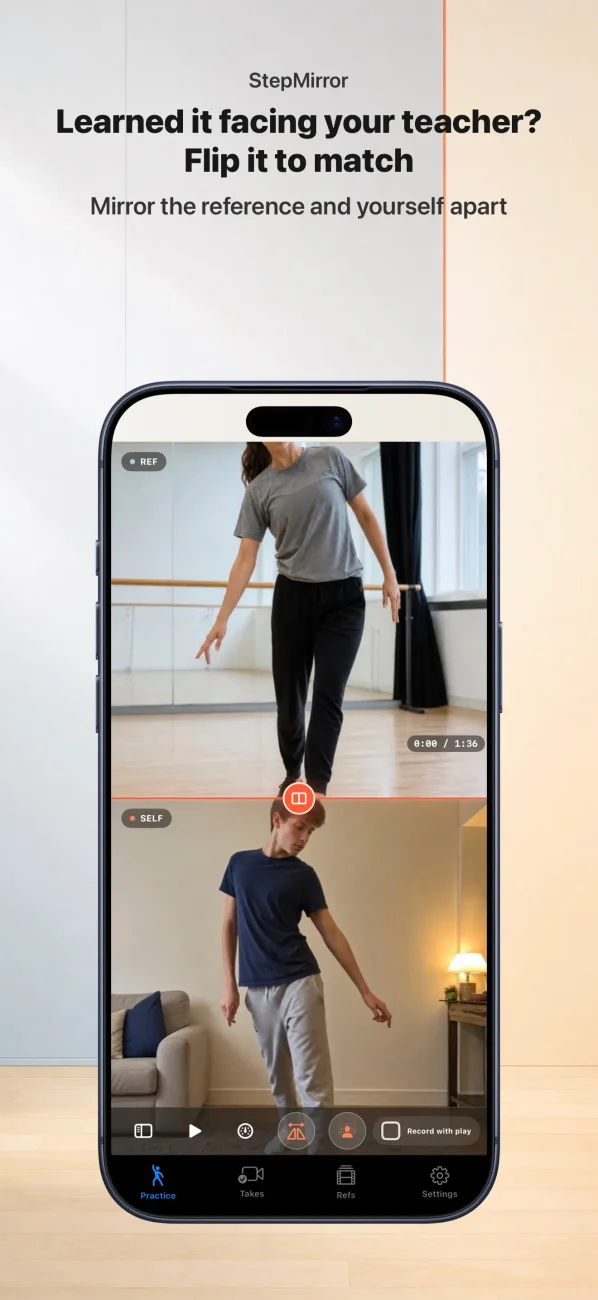
Flip the reference left-to-right when you learned the steps facing your teacher.
Flip yourself, or don't - your camera is mirrored by default, like a studio wall.
Record what you see. Not a separate export, not a different crop - exactly the
screen you were looking at, with the reference audio on it. Watch it back later,
step through it frame by frame, and save it to Photos if you want to keep it.
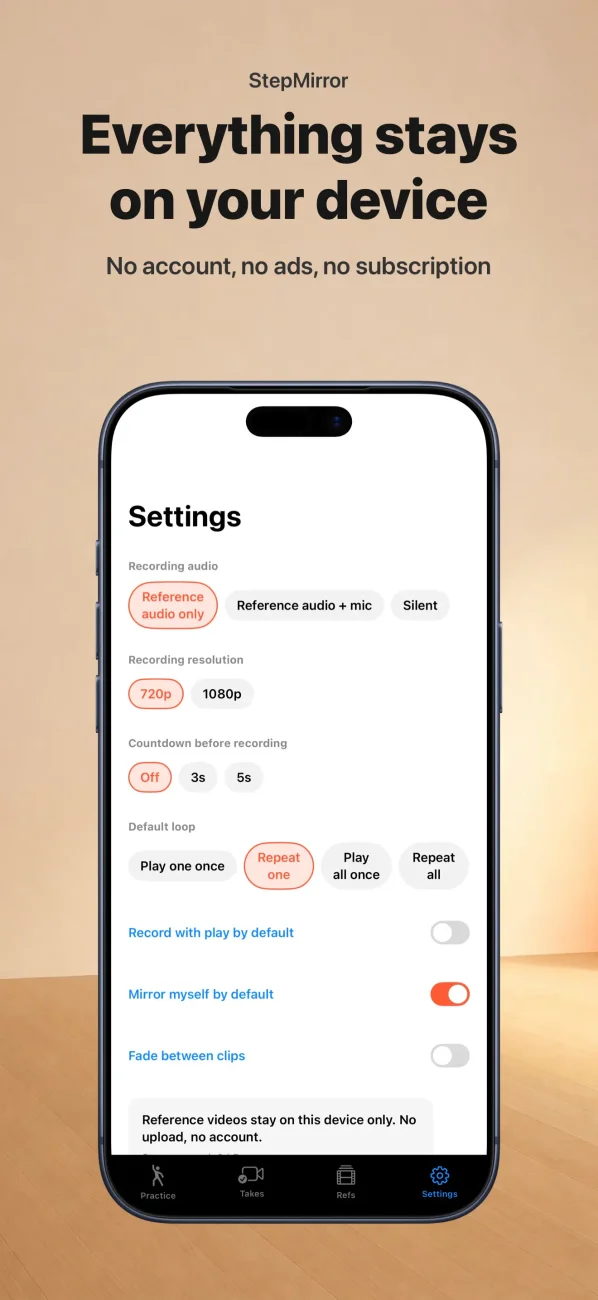
Everything stays on your device. No account, no upload, no ads, no subscription.
You bring your own reference videos from your library or files - the app never
sends them anywhere.
- Reference video and front camera together, on one screen
- Drag the divider: side by side, stacked, or picture-in-picture
- Queue up several clips and play them back to back
- Loop one clip, loop the whole list, or don't loop at all
- Built for iPad: playlist always visible, both videos stay big
- 0.25x / 0.5x / 0.75x / 1x, with pitch-corrected audio
- Mirror the reference and yourself independently
- Record the composed screen with the reference audio
- A-B loop on the hard eight counts, per clip
- Camera-only takes when you just want to check yourself
- Frame-by-frame review of everything you recorded
- Works without camera permission (playback still does everything)
- One purchase. No subscription.
What’s new
Version 1.1 · Sep 17, 2026
Optimized the display and improved wording across languages. Also improved overall stability.
App privacy
What Netflowers Inc. declares on the App Store about how this app handles data.
-
Data not collected
The developer does not collect any data from this app.
Privacy practices may vary, for example with the features you use or your age.
Information
- Seller
- Netflowers Inc.
- Category
- Health & Fitness
- Version
- 1.1
- Updated
- Sep 17, 2026
- Released
- Sep 6, 2026
- Size
- 18.4 MB
- Requires
- iOS 17.6 or later
- Age rating
- 4+
- Price
- $1.99
- Languages
- English, Arabic, Bengali, Catalan, Croatian, Czech, Danish, Dutch, Finnish, French, German, Greek + 32 more
- Copyright
- © 2026 netflowers
You might also like
-
 ChoreoSync: AI Dance ScoreSync, Score & Fix Your Dance
-
 Dance MirrorSee Your Dance. No Recording.
-
 BOXR GYMHealth & Fitness
-
 Fight AI: Boxing & MMA CoachVideo feedback. Focused drills
-
 Journal Club: MedicineTrials at your fingertips
-
 CitusHealthMedical
-
 ZoomRxMedical
-
 Mirrored PerfectPerfect your dance choreo
-
 ICD10 ConsultSmart, quick medical coding
-
 Lumiere: Anxiety & Stress AidCBT, Self-Care & Affirmations