
Dark Night Browser
Eye Care Internet Web Browsing
Designed for iPhone, iPad, iPod touch
Free · In-app purchases
- Age rating17+
- CategoryHealth & Fitness
- DeveloperPrasomsak Khunmuen
- LanguagesEnglish
- Size6.9 MB
Links to the official App Store page
Download.org hosts no file of Dark Night Browser. The button opens its official App Store page, published by Prasomsak Khunmuen. Listing last checked on Nov 12, 2026.
Screenshots


About
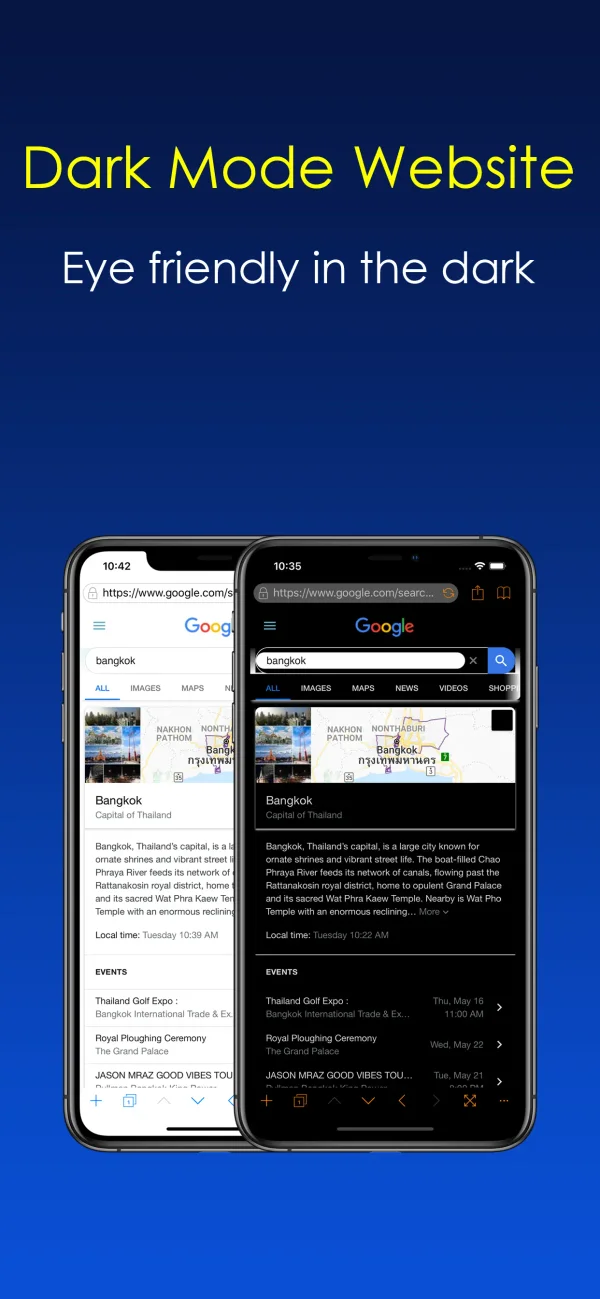
Is your screen too bright in the dark? Experiencing eye strain while browsing? Let your eyes relax!
Dark Night Browser is specifically designed to make browsing more comfortable by reducing the strain on your eyes. With its intuitive dark mode and a suite of advanced features, it’s the perfect browser for anyone who spends a lot of time online, whether you’re browsing at night or just want a smoother, more enjoyable experience.
Features include all the standard browsing tools you need, plus customizable settings that allow you to tailor your experience to your personal comfort level. Whether you’re a casual user or an advanced one, Dark Night Browser ensures you can browse with ease and peace of mind.
Eye care features:
- Brightness filter: Lower brightness than the system offers.
- Blue light filter: Helps you sleep better.
- Dark mode: Helps you read better in the dark.
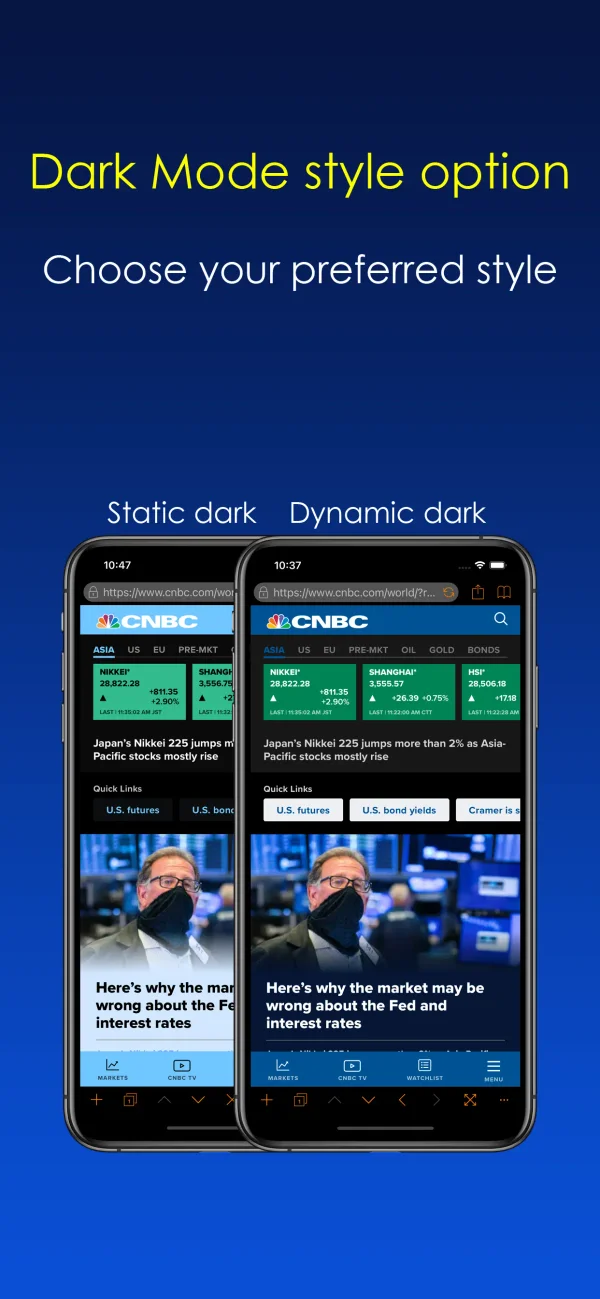
- Dark mode style option: Choose your preferred dark mode style.
- Increase font size: Helps you read more easily.
- Turn off all animations: Prevents dizziness and motion sickness.
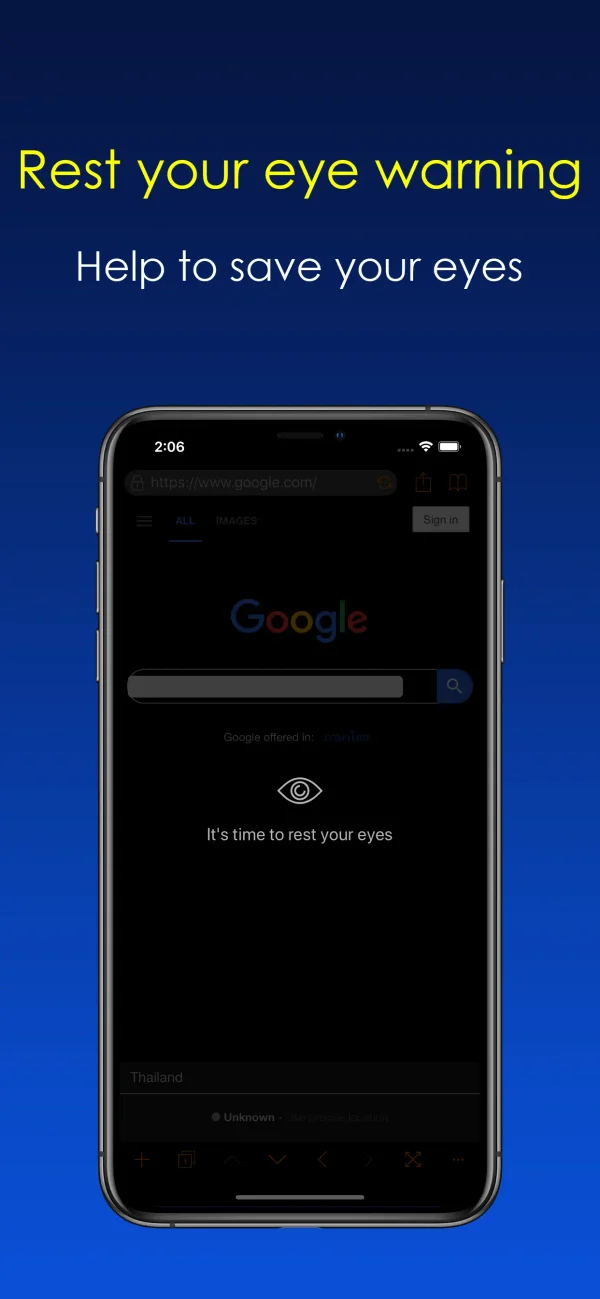
- Rest your eye warning: Prevents computer vision syndrome.
Standard browser features:
- Portrait and landscape support.
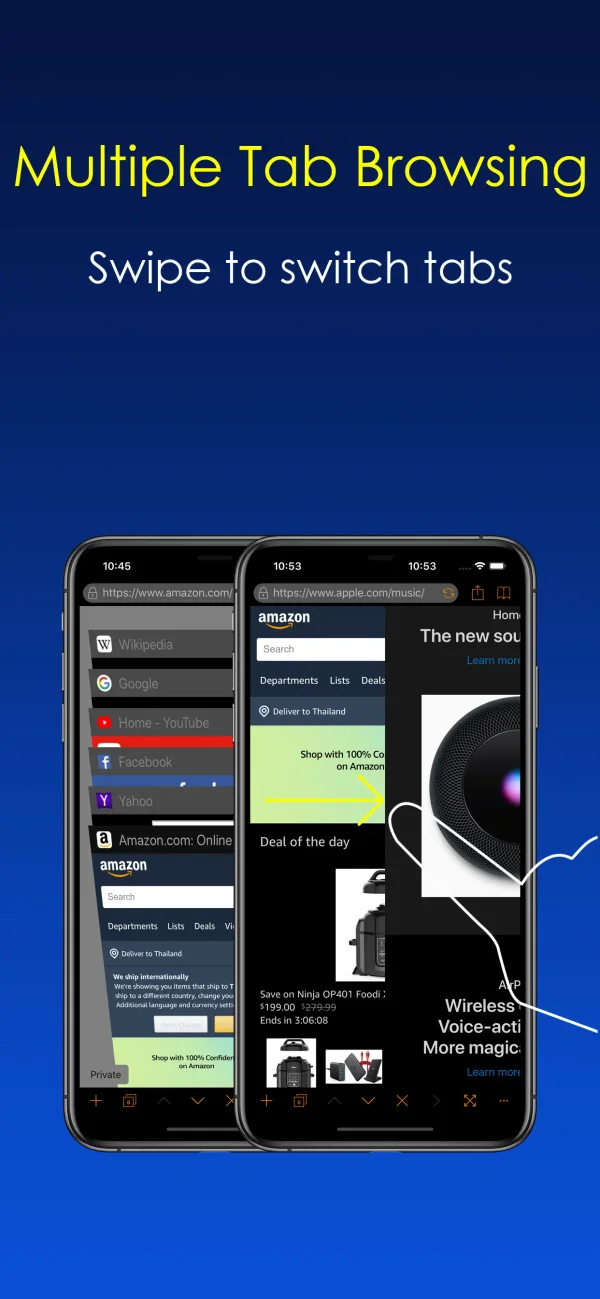
- Multiple tab browsing.
- Bookmark.
- History.
- Clear history, cache, and cookies.
- Request desktop site.
- Find on page.
- Reader view.
- Translate website language.
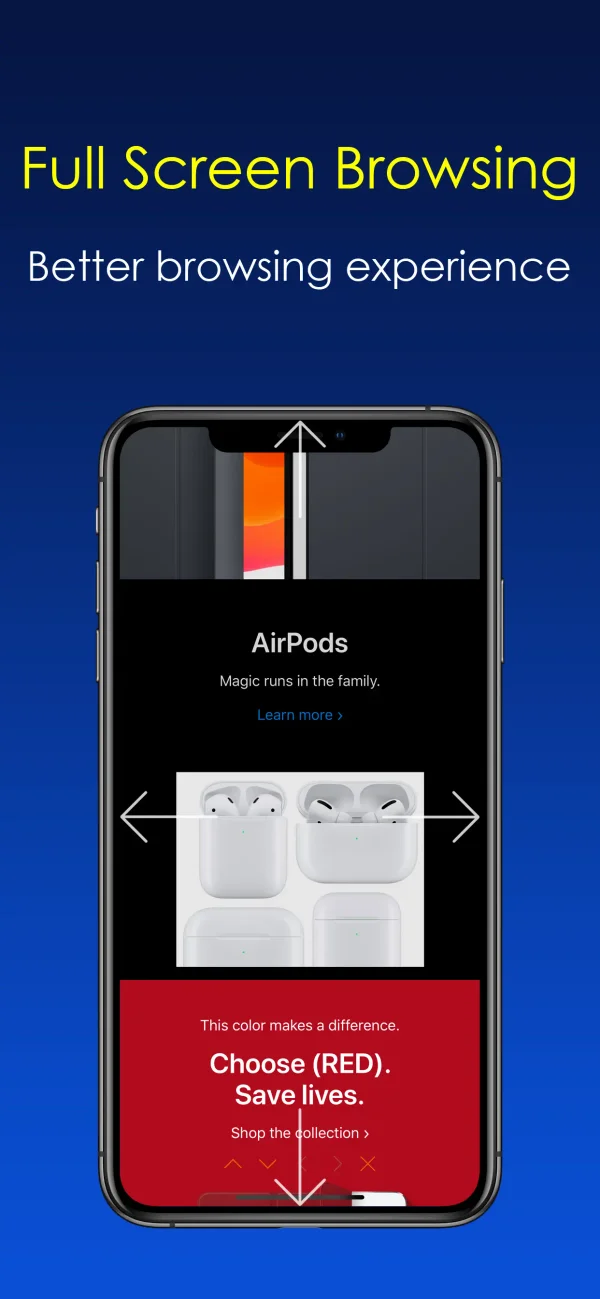
- Full-screen browsing mode.
- Private browsing mode.
- Save and autofill passwords.
- Selectable search engine.
- Search suggestions when typing.
- Most visited list.
Advanced features:
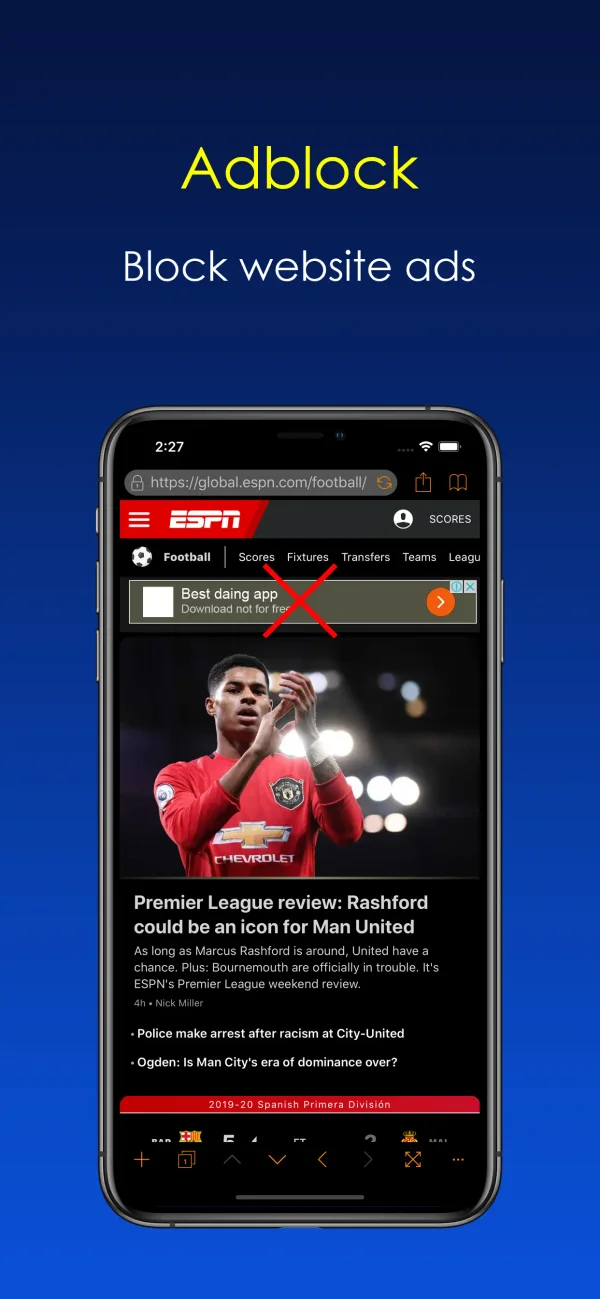
- Adblock.
- Unlock with passcode, Touch ID.
- Download and preview files.
- Many swipe gestures supported.
- Many keyboard shortcuts supported.
- Capture website screen to an image: Both visible area and entire website.
- User-Agent switcher: Simulate your device as mobile, tablet, or desktop.
- Manage MIME actions: Change default actions for each file type.
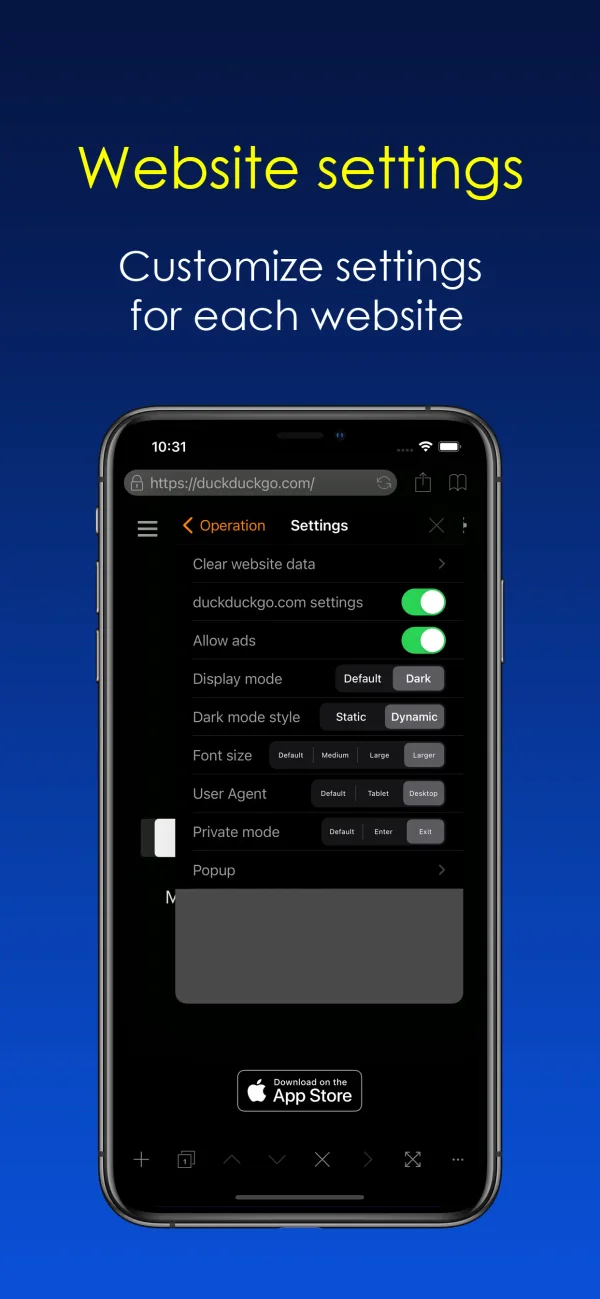
- Customize private mode, display mode, font size, user-agent, popup, and allow ads for each website individually.
- Keyboard helper: Helps you type the URL quickly.
- Change video playback speed on any website.
What’s new
Version 1.4.9 · Feb 2, 2025
Fixed minor bugs on iOS 18.
App privacy
What Prasomsak Khunmuen declares on the App Store about how this app handles data.
-
Data used to track you
May be used to track you across apps and websites owned by other companies.
- Location
- Identifiers
- Usage data
- Diagnostics
-
Data linked to you
May be collected and linked to your identity.
- Location
- Identifiers
- Usage data
- Diagnostics
-
Data not linked to you
May be collected but is not linked to your identity.
- Diagnostics
Privacy practices may vary, for example with the features you use or your age.
Information
- Seller
- Prasomsak Khunmuen
- Category
- Health & Fitness
- Version
- 1.4.9
- Updated
- Feb 2, 2025
- Released
- Dec 28, 2016
- Size
- 6.9 MB
- Requires
- iOS 9.3 or later
- Age rating
- 17+
- Price
- Free
- In-app purchases
- Yes
- Languages
- English
- Copyright
- © 2016 appkonthai
You might also like
-
 Eye Care Browser: Blue LightDim & Filter Blue Light
-
 Smart Browser: Healthy VisionAdjustable font sizes for web
-
 Eye Care 20 20 20Eye Strain Break Reminder
-
 Eye Workout: Recovery ExerciseEyesight improver, rest & care
-
 Night Light: Sleep BetterRelaxing lights, sleep sounds
-
 Binaural Beats: Sleep & HealHealing Frequencies & Sounds
-
 Night Shift TherapyHealth & Fitness
-
 Vision test and Eye exercisesEyesight, exam, myopia & chart
-
 Relax Eyes-ProWidget&Pomodoro Timer&Watch
-
 Vibration Massager HapticVibeFeel Power: Strong Vibrator