DarkBook:Lite Spending Tracker
Minimalist budget bookkeeping
Designed for iPhone, iPad, iPod touch
Free · In-app purchases
- Age rating4+
- CategoryFinance
- DeveloperChongqing Zhouhu Technology Co.,Ltd
- LanguagesEnglish+ 8 more
- Size26.3 MB
Links to the official App Store page
Download.org hosts no file of DarkBook:Lite Spending Tracker. The button opens its official App Store page, published by Chongqing Zhouhu Technology Co.,Ltd. Listing last checked on Nov 28, 2026.
Screenshots
About
【Inspiration】
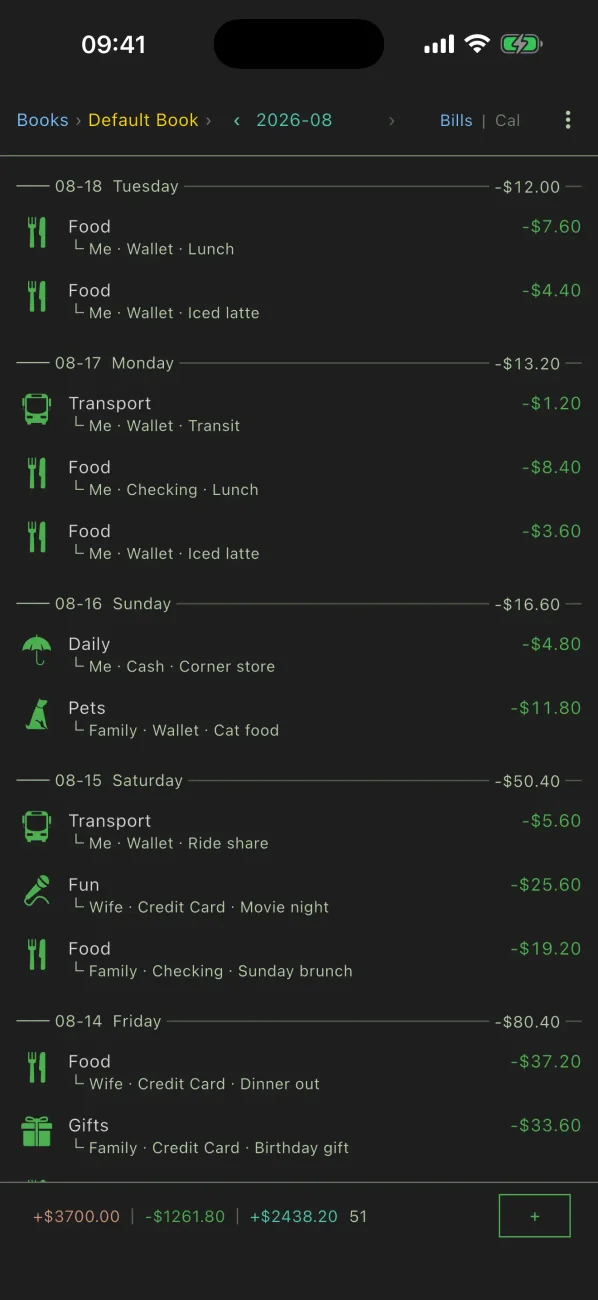
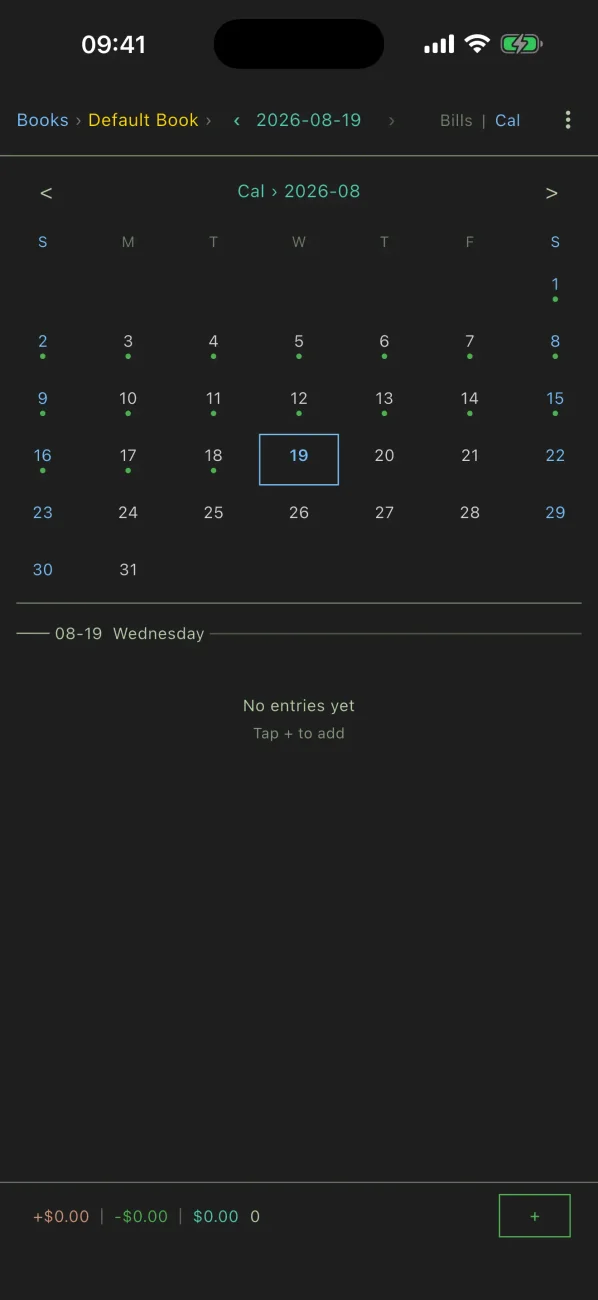
The idea is “highlight and focus.” When using everyday editing software, the author always chooses a dark, eye-friendly palette if given the choice. It reduces visual fatigue and makes text stand out. Bookkeeping apps work the same way. The two times I record expenses most often are (1) right after a transaction and (2) before bed—one in bright light, one in dim light. In both cases, a high-contrast dark theme brings the content forward. That is why DarkBook was built: optimized for dark mode, with a simplified interface that keeps text at the center and creates a more focused space for tracking your money.
【Features】
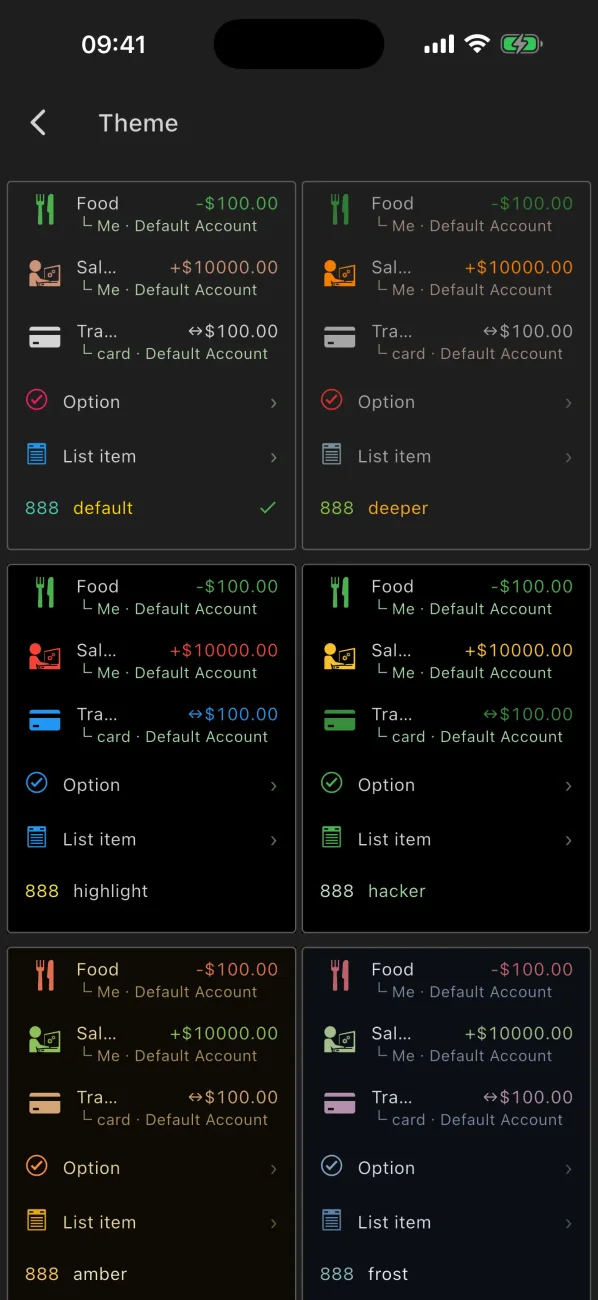
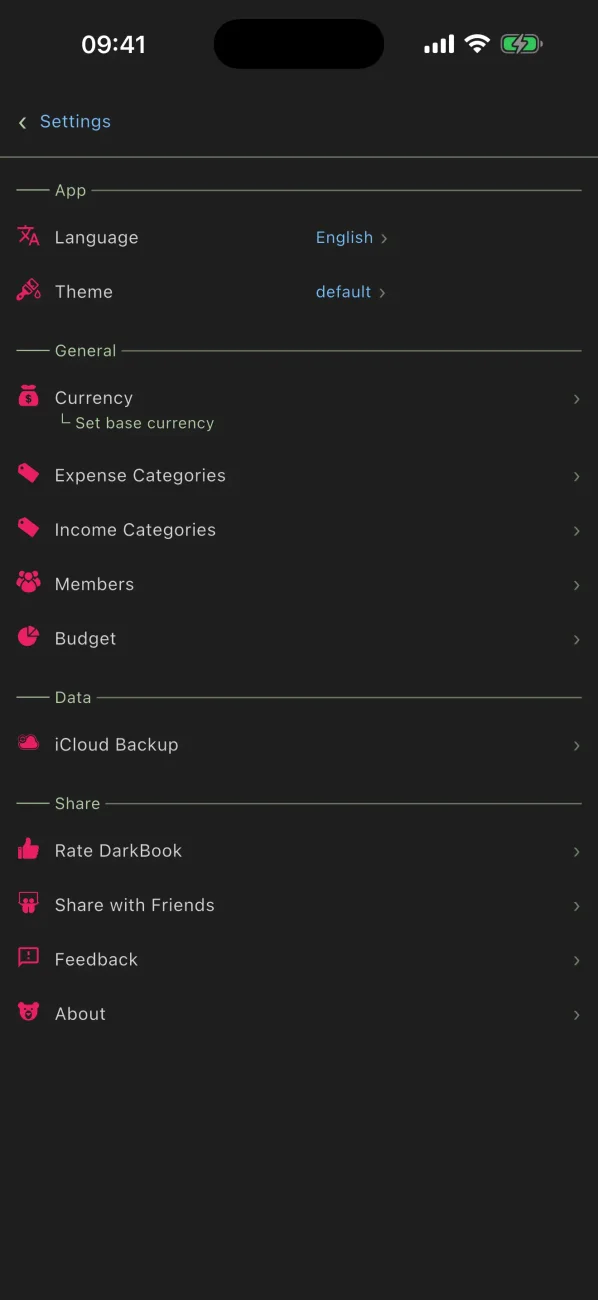
Optimized dark theme: carefully tuned dark palettes for long sessions, plus multiple themes (including light themes) you can switch anytime.
Offline on device: your data stays on your device. No sign-up required—start tracking right away.
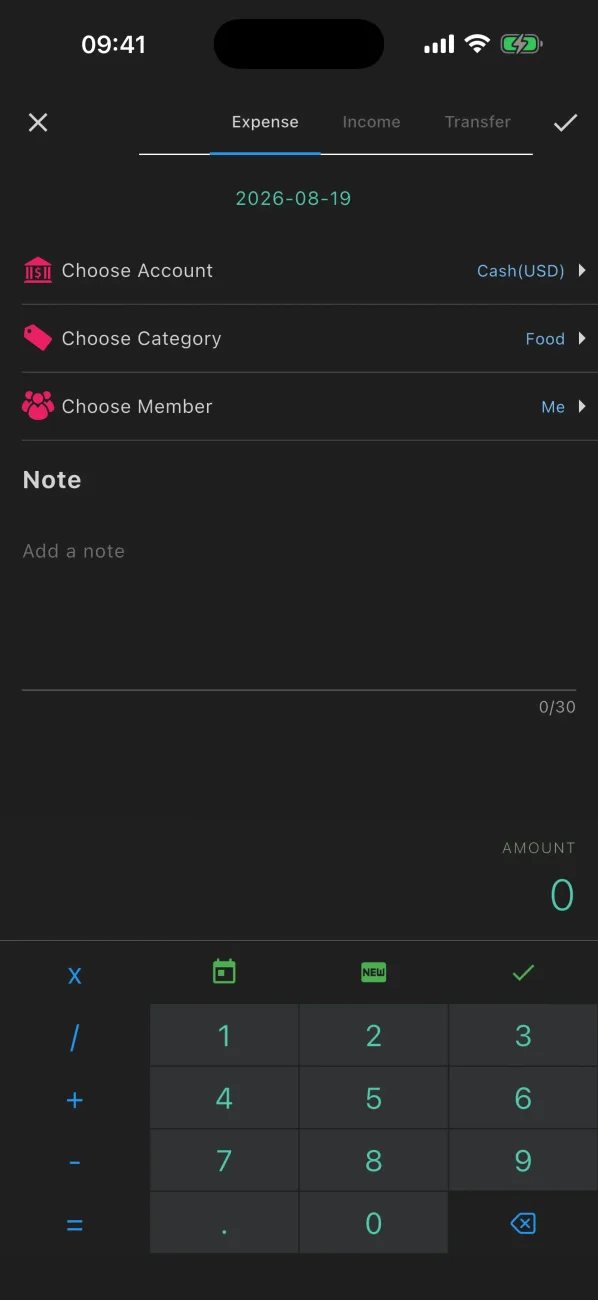
Quick entry: gesture support and fewer steps; built-in calculator keys (+ − × ÷) help you log faster.
Multiple books: life, work, travel, baby… keep a separate book for each scenario.
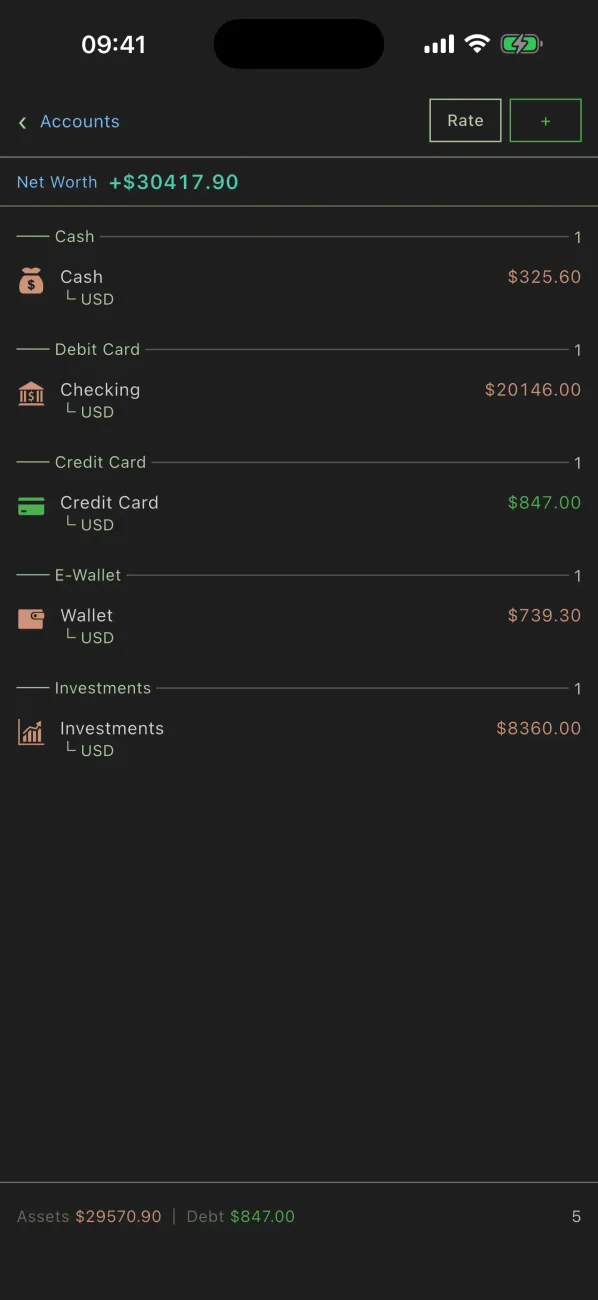
Multiple accounts: manage cash, credit cards, and virtual-currency accounts separately.
Multiple members: tag spending for yourself, your partner, children, or parents.
Multiple currencies: support for major world currencies and virtual currencies, with rates and conversion.
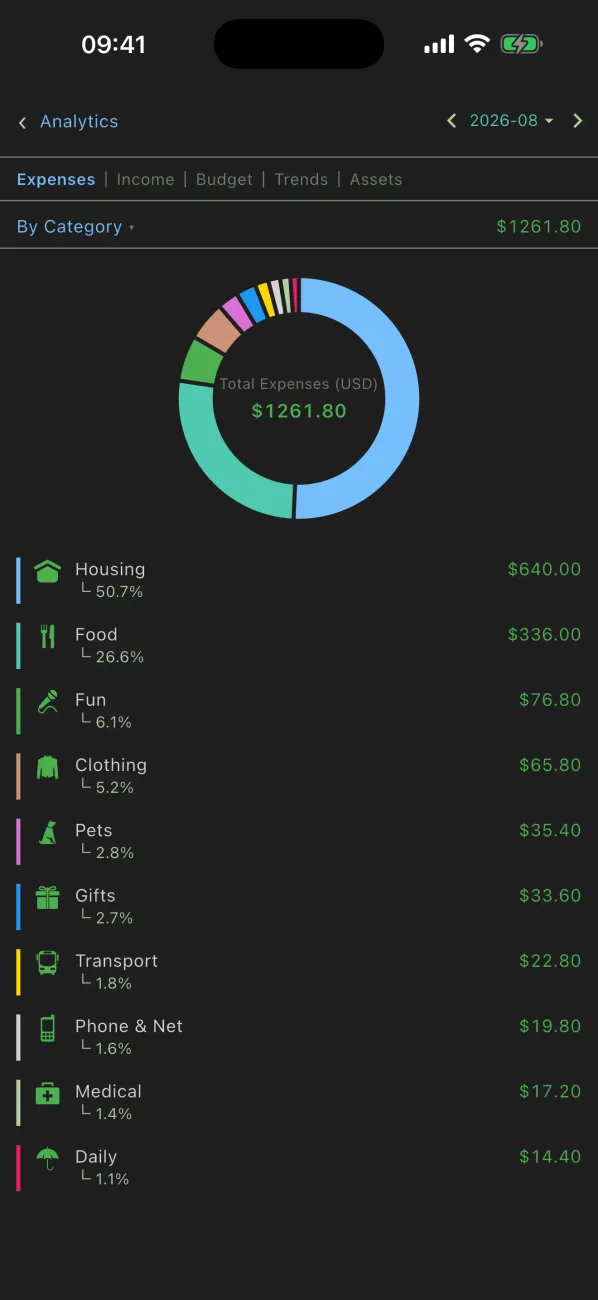
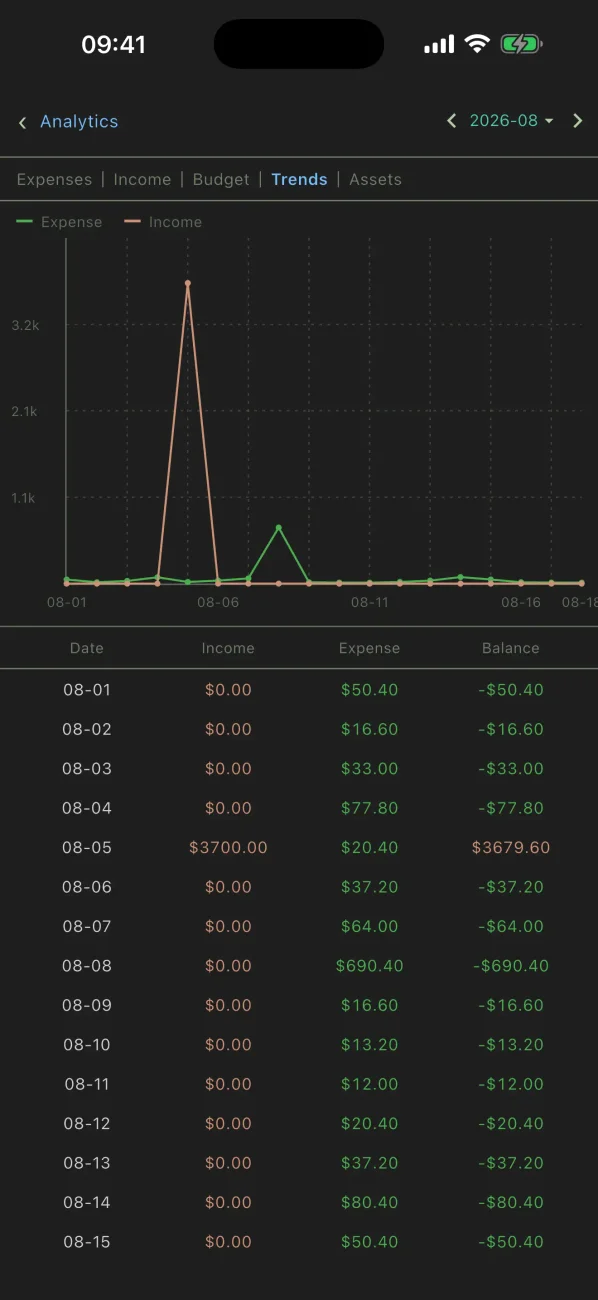
Income & expense analysis: custom date ranges show where money went, to whom, and from which account.
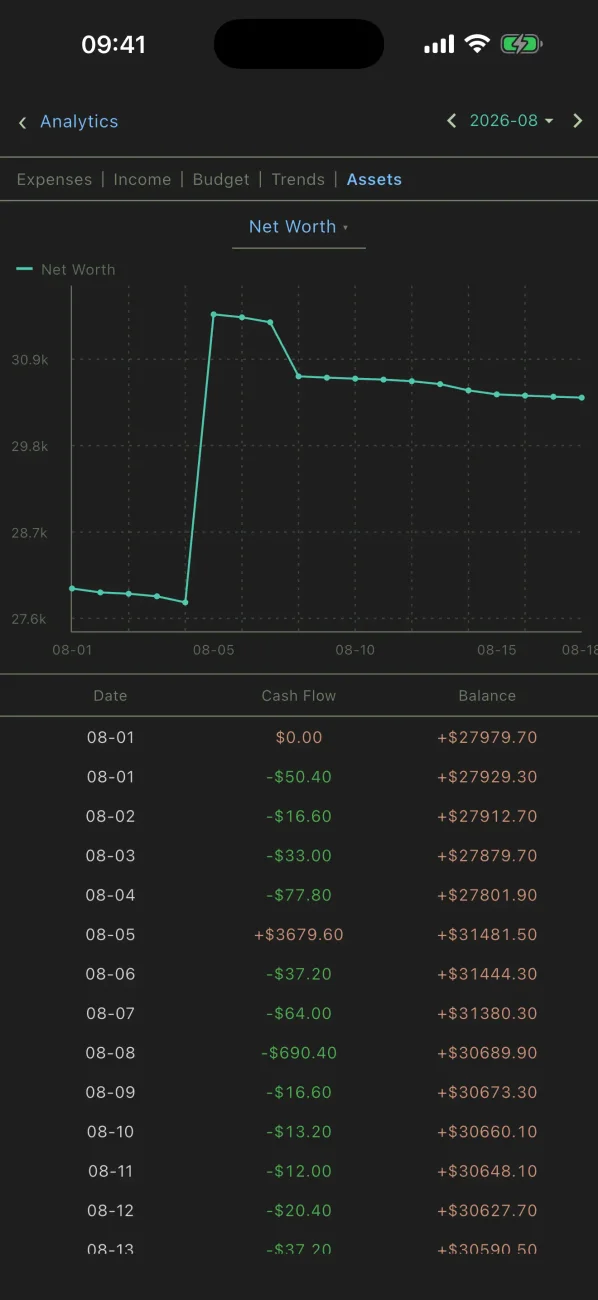
Asset trends: track assets and net worth over time.
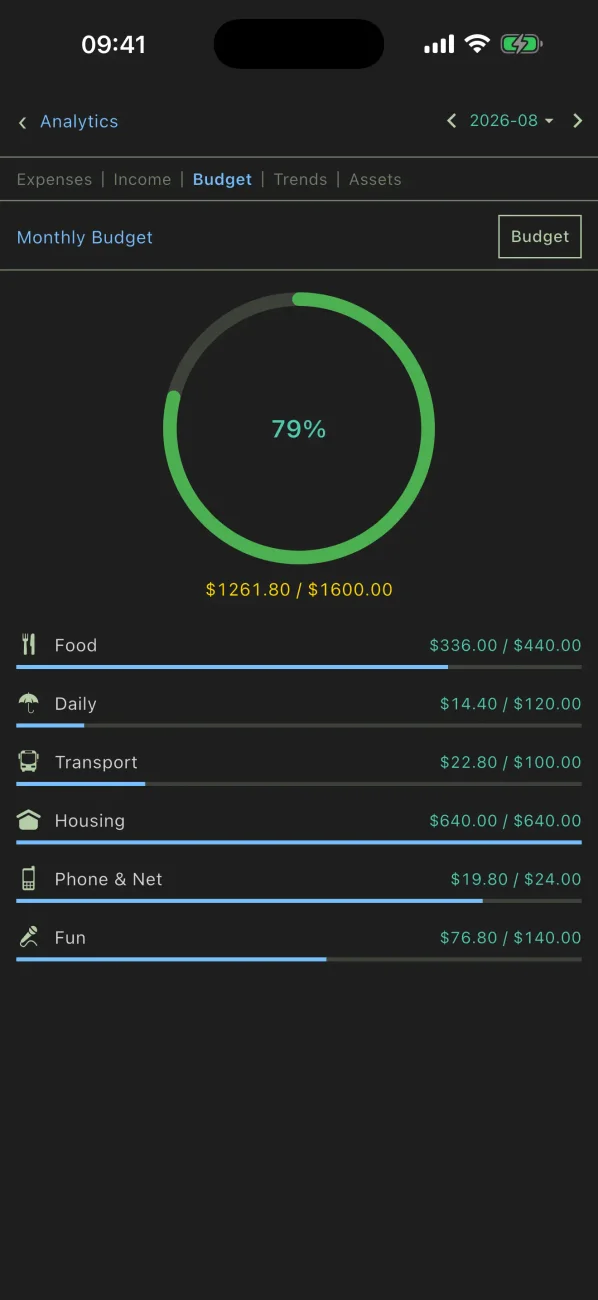
Budgets: set budgets for your book and expense categories.
Account transfers: a small feature, but closer to how money really moves.
Bill search: find entries by note, amount, or account; filter by date, category, member, and more.
CSV import/export: export bills to CSV for editing on a computer, or import in bulk.
iCloud backup: back up to iCloud and sync across devices signed in with the same Apple ID.
Clean and ad-free: we do not want ads to get in your way.
【Auto-renewable subscription】
1. Subscription service: a subscription means service fees are charged on a recurring basis. An annual plan is currently available. Your subscription renews automatically within 24 hours before the end of each period unless you turn off auto-renewal or we discontinue the service.
2. Price: the annual subscription price is shown in the App Store for your region and may change during promotions. If you subscribe, any new price applies in the next billing period. Payment is charged to your Apple ID upon confirmation.
3. Refunds: fees for the current billing period are generally non-refundable, subject to Apple Media Services Terms and applicable local law. If a free trial is offered, cancel before it ends to avoid being charged.
4. Cancel subscription: subscriptions renew automatically. To avoid renewal, turn off auto-renewal at least 24 hours before the current period ends. Manage or cancel in Settings > Apple ID > Subscriptions.
【Terms】
Terms of Use: https://www.zotiger.com/darkbook-terms-of-use-en
Privacy Policy: https://www.zotiger.com/darkbook-privacy-en
【Contact】
Email: service@zotiger.com
What’s new
Version 4.6.0 · Sep 23, 2026
- Easier recovery when something goes wrong: if your ledger won’t open, you can try restoring from a local backup in Settings
- Exporting a full backup is smoother
- Attach photos as receipts when adding or editing bills (camera or gallery); 1 free, up to 9 with Premium; photos are included when you export a backup
- Tap a bill to see full details, including photo thumbnails
- Easier bill entry: Details, Notes, and Attachments fold separately, with a short summary when collapsed
- Dates, accounts, and other details are easier to read; account and member icons show when expanded
- When creating a bill, expense/income/transfer tabs move to the top bar; the calculator takes up less space
App privacy
What Chongqing Zhouhu Technology Co.,Ltd declares on the App Store about how this app handles data.
-
Data not collected
The developer does not collect any data from this app.
Privacy practices may vary, for example with the features you use or your age.
Information
- Seller
- Chongqing Zhouhu Technology Co.,Ltd
- Category
- Finance
- Version
- 4.6.0
- Updated
- Sep 23, 2026
- Released
- Jul 7, 2020
- Size
- 26.3 MB
- Requires
- iOS 15.0 or later
- Age rating
- 4+
- Price
- Free
- In-app purchases
- Yes
- Languages
- English, Indonesian, Japanese, Korean, Malay, Simplified Chinese, Spanish, Thai, Traditional Chinese
- Copyright
- © Chongqing Zhouhu Technology Co.,Ltd.
You might also like
-
 Split - Budget & Track Bills6 Jars Money Manager
-
 MinExp - Mini Expense TrackerDaily expense and income
-
 Money Manager: Budget ExpenseTracker your personal finance
-
 Trading LabTrading Replay & Simulator
-
 PagarvaReceive payments instantly
-
 Money Manager: Bills & BudgetsAd-Free Expense Budget Planner
-
 Money Monitor: Expense TrackerAccount, Budget & Bill Planner
-
 Bills Organizerremind money finance track.er
-
 iSpending - Expense TrackerIncome and spending tracker
-
 Checkbook - Account TrackerSpending, Income and Cashflow