
- Age rating4+
- CategoryBusiness
- DeveloperMUJEER
- LanguagesEnglish
- Size66.6 MB
Links to the official App Store page
Download.org hosts no file of DashCall. The button opens its official App Store page, published by MUJEER. Listing last checked on Nov 14, 2026.
Screenshots

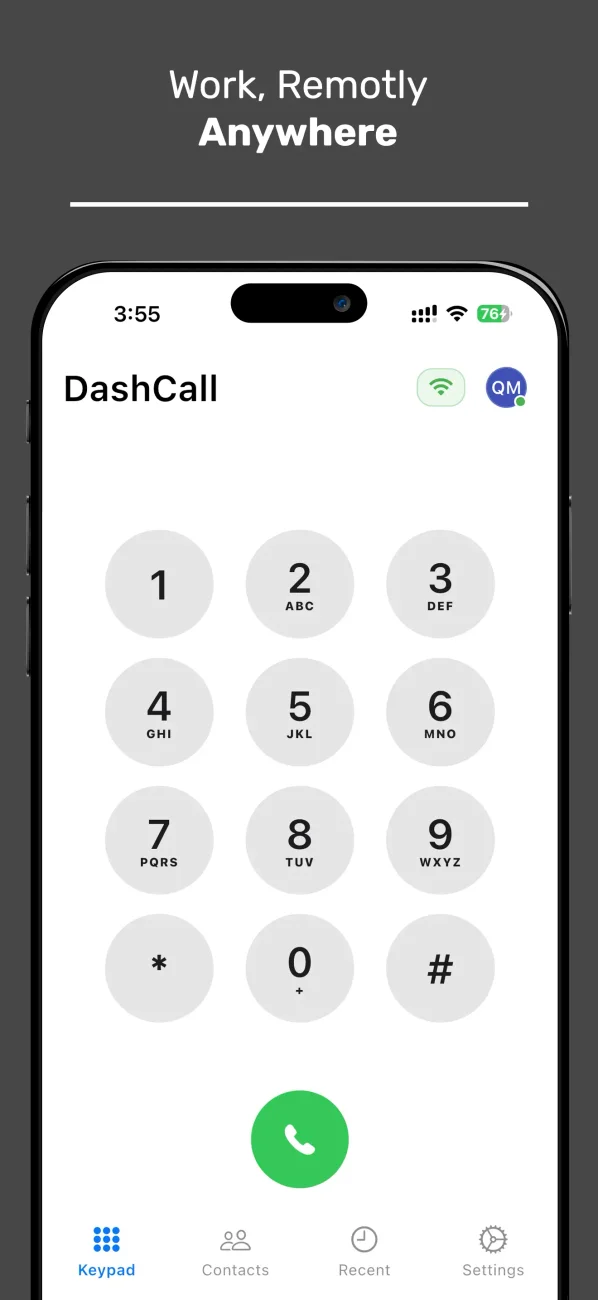

About
Stay connected with your team no matter where you are. DashCall lets you use your office phone extension right from your mobile device—perfect for remote work, travel, or working from home.
Key Features:
- Make and receive calls using your office extension
- High-quality audio and secure communication
- Easy QR code setup – no complex configuration needed
- Works seamlessly with your existing DashCall system
How to Get Started:
1. Install DashCall on your device
2. Open the app and allow camera and microphone access
3. Scan the QR code from your DashCall dashboard
4. You’re ready to make and receive calls!
Note: DashCall requires an active DashCall system. This app is not a standalone dialer.
App privacy
What MUJEER declares on the App Store about how this app handles data.
-
Data linked to you
May be collected and linked to your identity.
- Contacts
- Identifiers
Privacy practices may vary, for example with the features you use or your age.
Information
- Seller
- MUJEER FOR SOFTWARE
- Category
- Business
- Version
- 1.0
- Updated
- Jun 25, 2025
- Released
- Jun 25, 2025
- Size
- 66.6 MB
- Requires
- iOS 12.0 or later
- Age rating
- 4+
- Languages
- English
- Copyright
- © Mojeer Salman, 2025