
DashingBI: Data Dashboards
Spreadsheets into dashboards
Designed for iPhone, iPad, iPod touch
Free · In-app purchases
- Age rating4+
- CategoryProductivity
- DeveloperThomas Buxton
- LanguagesEnglish
- Size46.0 MB
Links to the official App Store page
Download.org hosts no file of DashingBI: Data Dashboards. The button opens its official App Store page, published by Thomas Buxton. Listing last checked on Nov 20, 2026.
Screenshots



About
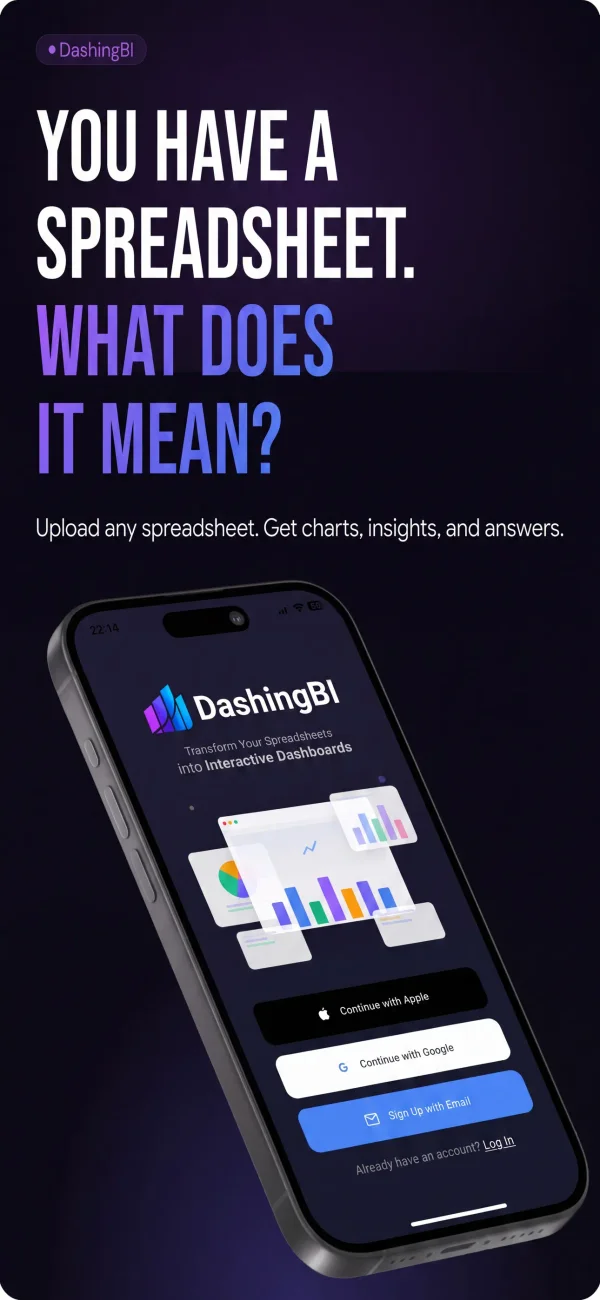
DashingBI turns any spreadsheet into a real interactive dashboard, built for your phone from the ground up.
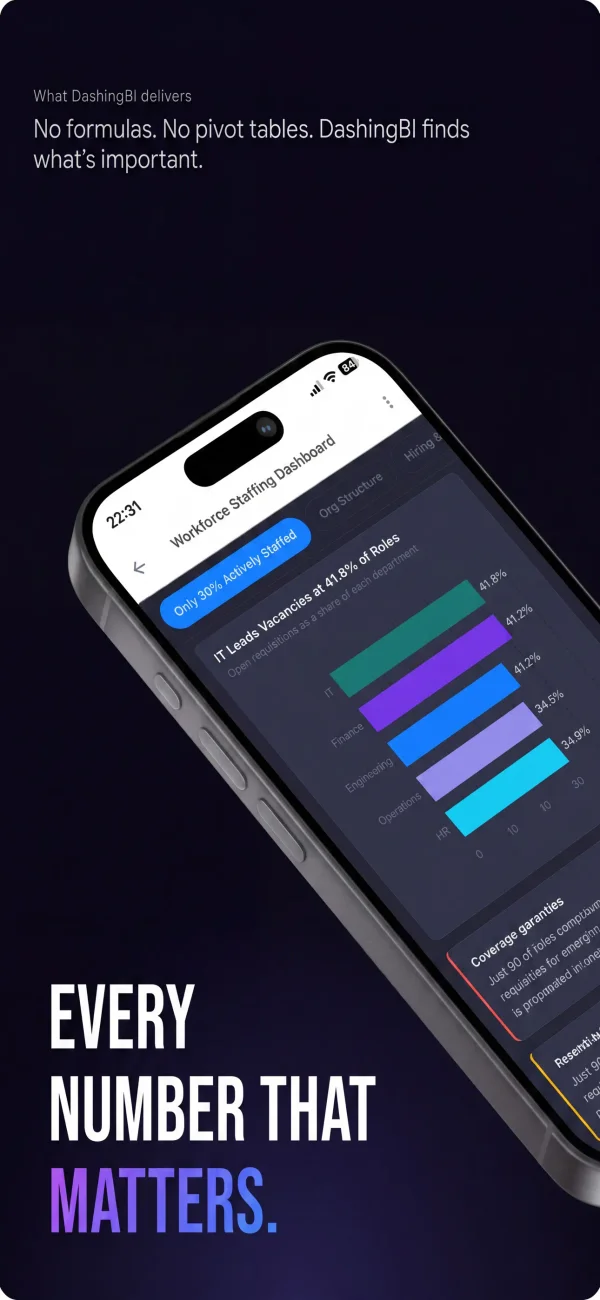
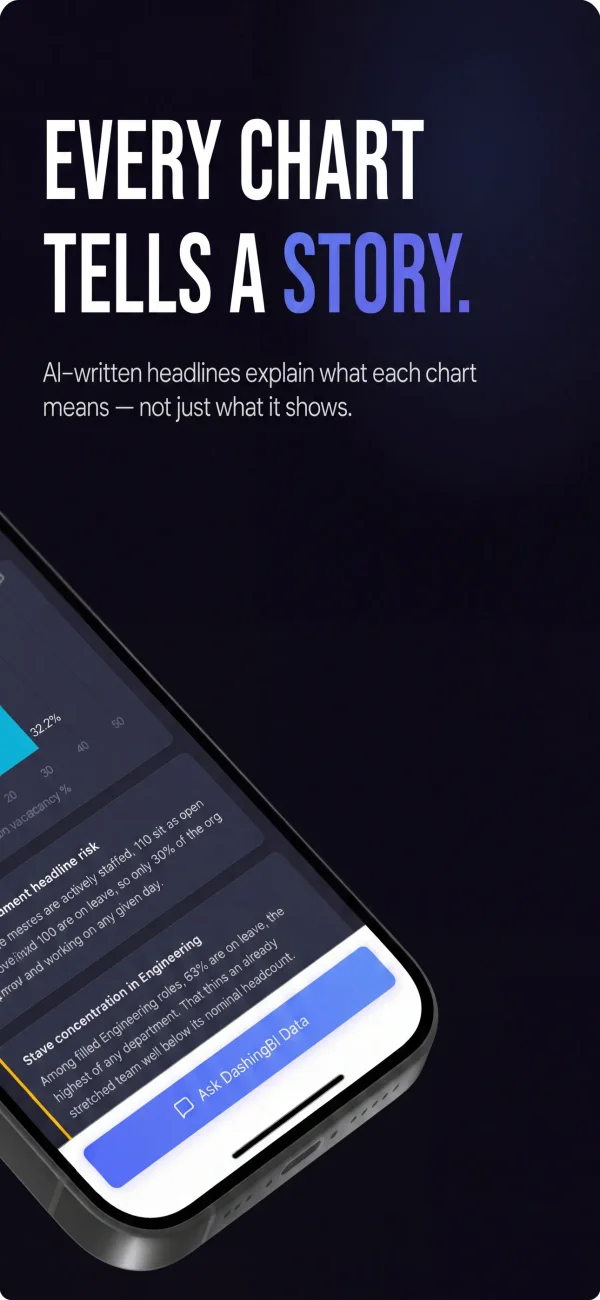
Upload an Excel or CSV file and we'll build a complete analytics report for you. Charts, KPIs, trend lines, and written insights that explain what the numbers actually mean. No pivot tables. No formulas. No templates.
THE ONLY BI TOOL YOU ACTUALLY BUILD WITH ON YOUR PHONE
Tableau Mobile is view-only. Power BI Mobile is view-only. Every enterprise BI app treats mobile as a read-only companion to a desktop tool. DashingBI is the opposite. You upload a file, DashingBI reads it, and the dashboard is yours. From your phone. No laptop required.
WHAT YOU CAN DO WITH DASHINGBI
• Upload any spreadsheet, get a push notification when your dashboard is ready
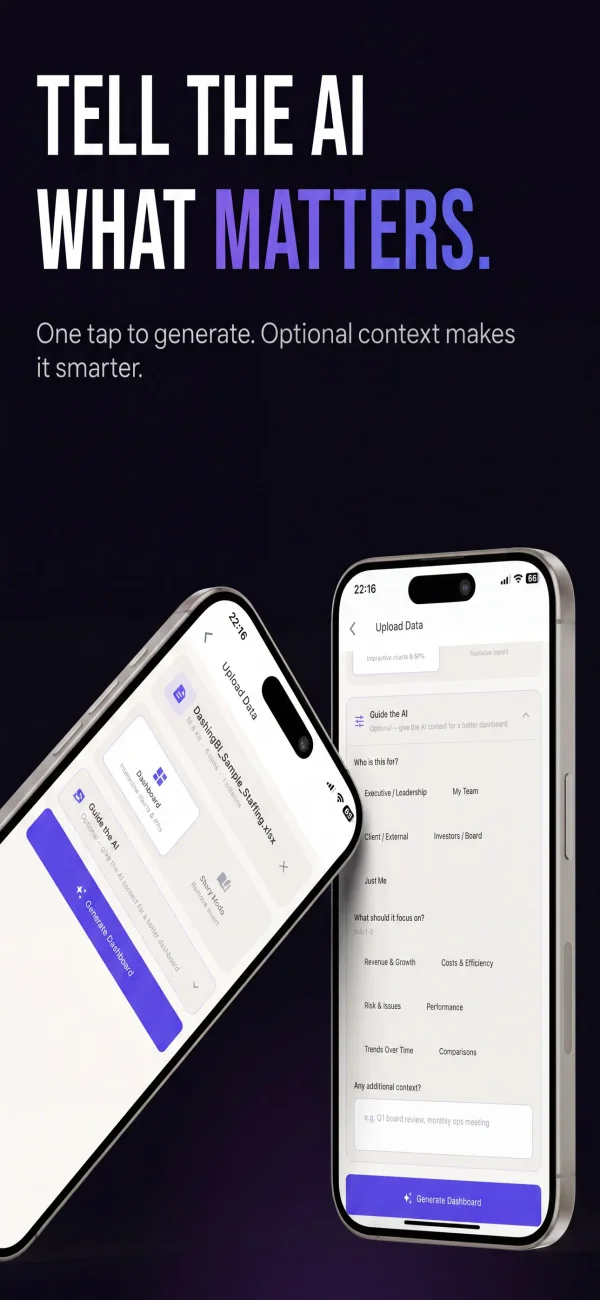
• Two generation modes: interactive Dashboard or swipeable Story deck
• Ask your data questions in plain English and get real answers grounded in your uploaded rows
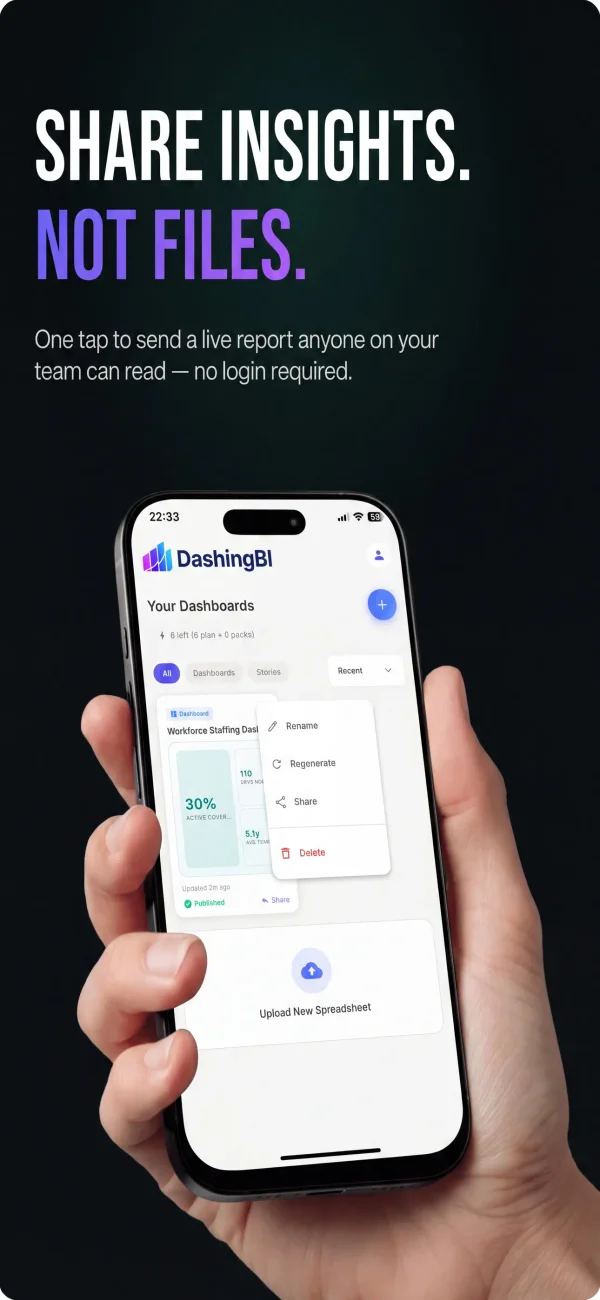
• Share dashboards with a link or lock them behind a PIN
• Every dashboard saved to your library for later reference
TWO MODES FOR TWO AUDIENCES
Dashboard Mode is for analysts and operators who need depth. Multi-tab reports with filters, KPIs, data tables, and every key metric in one place.
Story Mode is for founders and executives who need clarity. Swipeable full-screen slides that walk through the findings like a keynote presentation. Share the deck with a tap.
ASK YOUR DATA
On any paid plan, you can chat with your data. Ask anything. "What are the top trends?" "Which category is growing fastest?" "Summarize the main risks." DashingBI pulls the answer from your actual uploaded rows, not from generic training data.
BOARD-MEETING QUALITY
Every DashingBI dashboard is designed to read like something a senior analyst at a top consulting firm would build. Clean layouts. Meaningful sort orders. Declarative titles. Written insight callouts that explain what the numbers actually mean, not just what they are.
WORKS WITH YOUR FILES
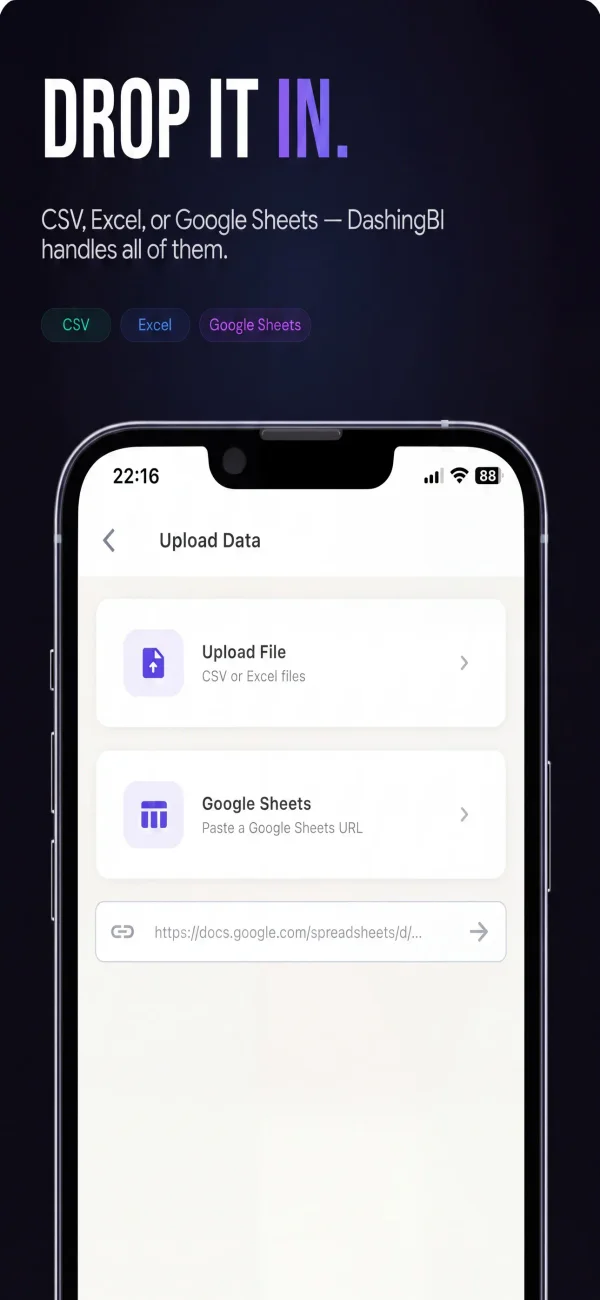
• Excel (.xlsx, .xls)
• CSV
• Google Sheets (export or share link)
• Multi-sheet workbooks
• Up to 500,000 rows (plan-dependent)
PLANS
DashingBI is a single subscription. Start with a 3-day free trial, then $9.99/month. Includes unlimited AI-generated dashboards, Story Mode presentations, Ask Your Data conversational analysis, dashboard sharing with PIN protection, and no ads.
Your trial converts to a paid subscription automatically unless canceled at least 24 hours before it ends. Subscriptions are billed monthly through your App Store account and auto-renew until canceled. You can cancel any time in Settings or in your Apple ID account.
PRIVACY FIRST
Your data stays yours. We do not sell personal information. AI providers are contractually forbidden from training their models on your uploaded data. You can delete your account and every dashboard, file, and chat message at any time from Settings, Delete Account.
Privacy Policy: https://dashingbi.com/privacy
Terms of Service: https://dashingbi.com/terms
Questions? Email support@dashingbi.com
What’s new
Version 1.0.3 · Aug 10, 2026
New name, new look, same app. Your dashboards, your data, and your subscription all carry over exactly as they were — only the name and logo have changed.
App privacy
What Thomas Buxton declares on the App Store about how this app handles data.
-
Data linked to you
May be collected and linked to your identity.
- Purchases
- Contact info
- User content
- Identifiers
- Usage data
- Diagnostics
Privacy practices may vary, for example with the features you use or your age.
Information
- Seller
- Thomas Buxton
- Category
- Productivity
- Version
- 1.0.3
- Updated
- Aug 10, 2026
- Released
- Apr 18, 2026
- Size
- 46.0 MB
- Requires
- iOS 15.0 or later
- Age rating
- 4+
- Price
- Free
- In-app purchases
- Yes
- Languages
- English
- Copyright
- © 2026 Thomas Buxton
You might also like
-
 QuickDashExcel and AI Dashboard
-
 VyzoraCharts, CSV & PDF Reports
-
 Dev-Print Proby E4hp Applications LLC
-
 CREATOR Cognitive OSGoals, Habits & Schedule
-
 Gwal – Pocket AI Agents HubLaunch & command your AI Army.
-
 Office Reader - Pro Doc EditorMy Doc Editor, XLX, PDF & PPT
-
 AI TLDRRYouTube, PDF & Web Summarizer
-
 A1 Drive: Cloud StorageSecure Photos, Video & Files
-
 Freaks: Habit Tracker, StreaksDaily Routine, Journal & Notes
-
 Checklist: Reusable ListsPacking, Templates & To-Dos