
Database Viewer: SQLite & DBF
Access, CSV, MDB, ODS & XLSX
Designed for iPhone, iPad
Free · In-app purchases
- Age rating4+
- CategoryBusiness
- Developer伟 王
- LanguagesEnglish+ 23 more
- Size82.2 MB
Links to the official App Store page
Download.org hosts no file of Database Viewer: SQLite & DBF. The button opens its official App Store page, published by 伟 王. Listing last checked on Nov 20, 2026.
Screenshots
About
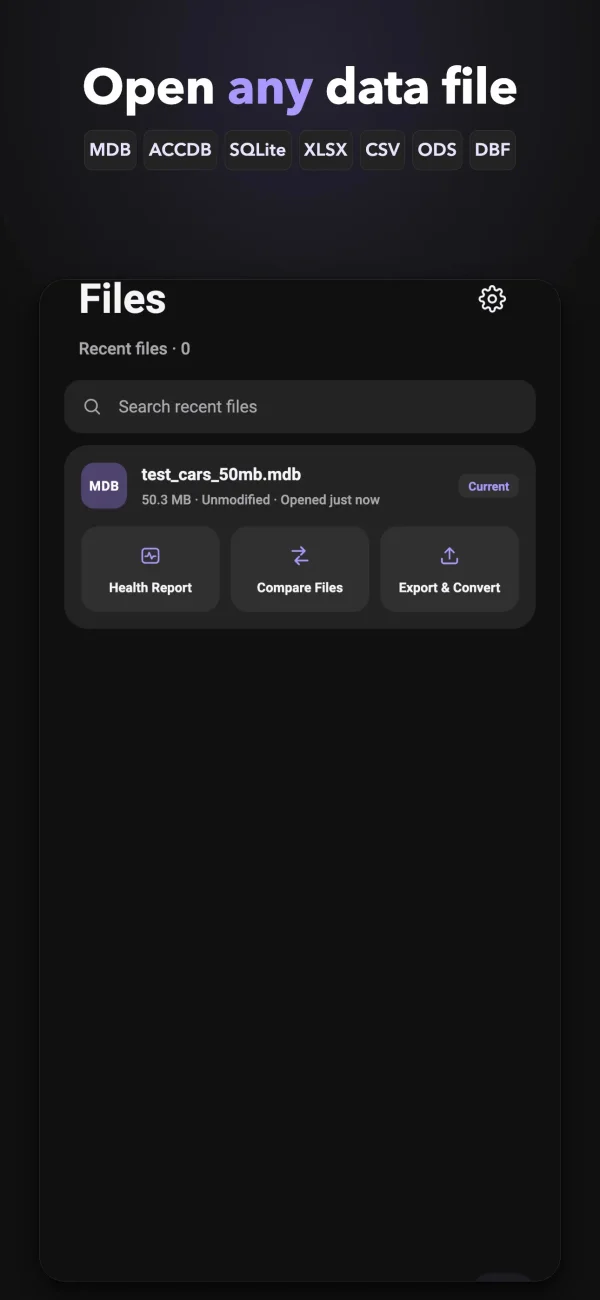
Database Viewer opens, browses, edits and converts database and data files right on your iPhone or iPad — no desktop, no account, no upload.
Supported formats:
• Microsoft Access: MDB and ACCDB (Jet 3/4/2007+)
• SQLite databases
• Excel workbooks: XLSX
• OpenDocument spreadsheets: ODS
• dBase files: DBF (dBase III)
• CSV and TSV text tables
• SQL dump scripts (SQLite dialect)
Open any file, run a free health check first, then browse for free.
WHY DATABASE VIEWER
Data files don't wait until you're at a desk. Sales exports, inventory lists, archived Access databases, spreadsheet attachments — they arrive on your phone, and you need answers now. Database Viewer brings a native C engine to your device so real files open fast and stay local.
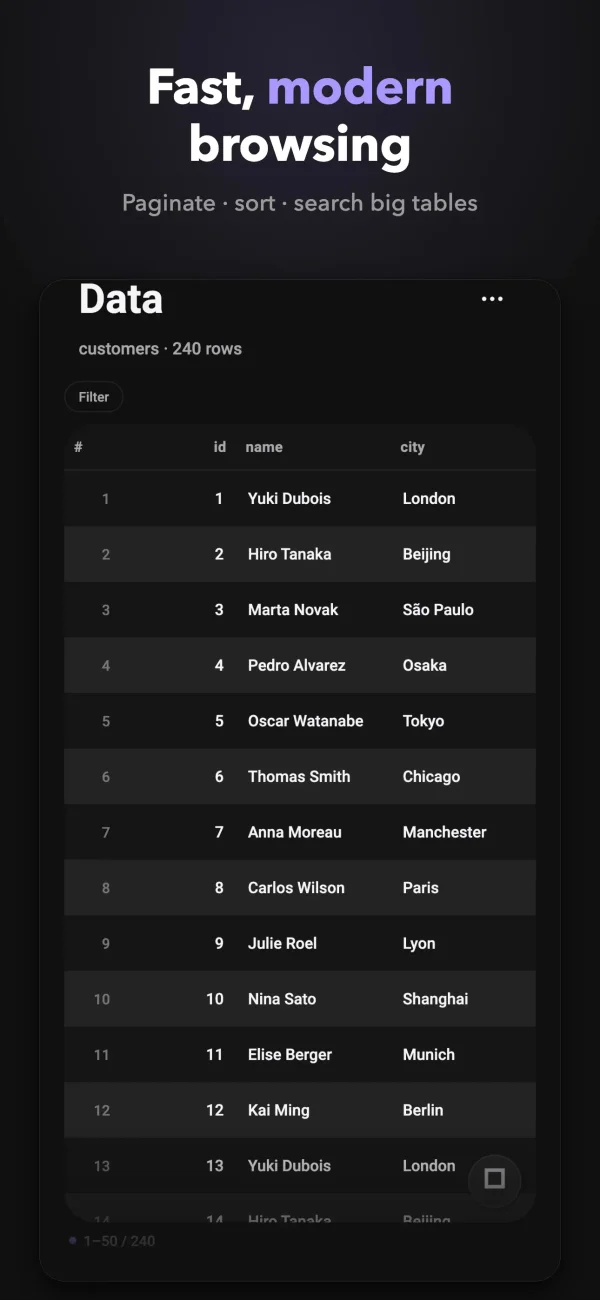
• Open large files with confidence - Native parsing keeps millions of rows and files of 1.5GB+ responsive, with pagination and a fullscreen browse mode.
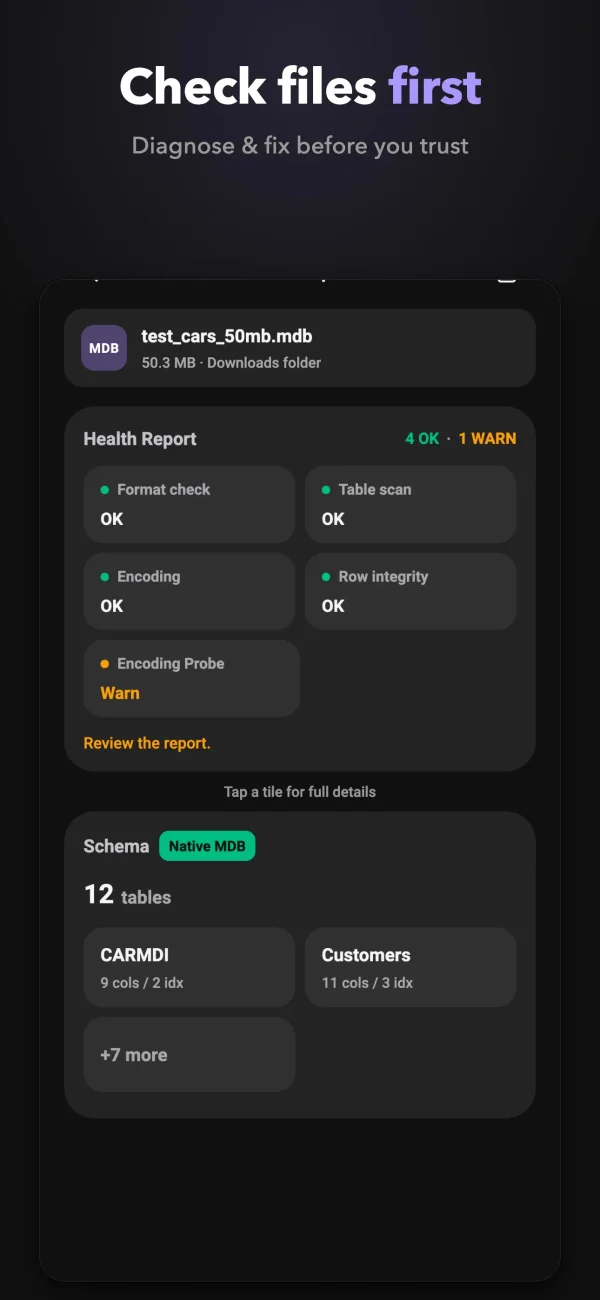
• Health check before you commit - Every file is analyzed for format, readability, encoding and damaged regions before you open it, with clear explanations and next-step suggestions when something is wrong.
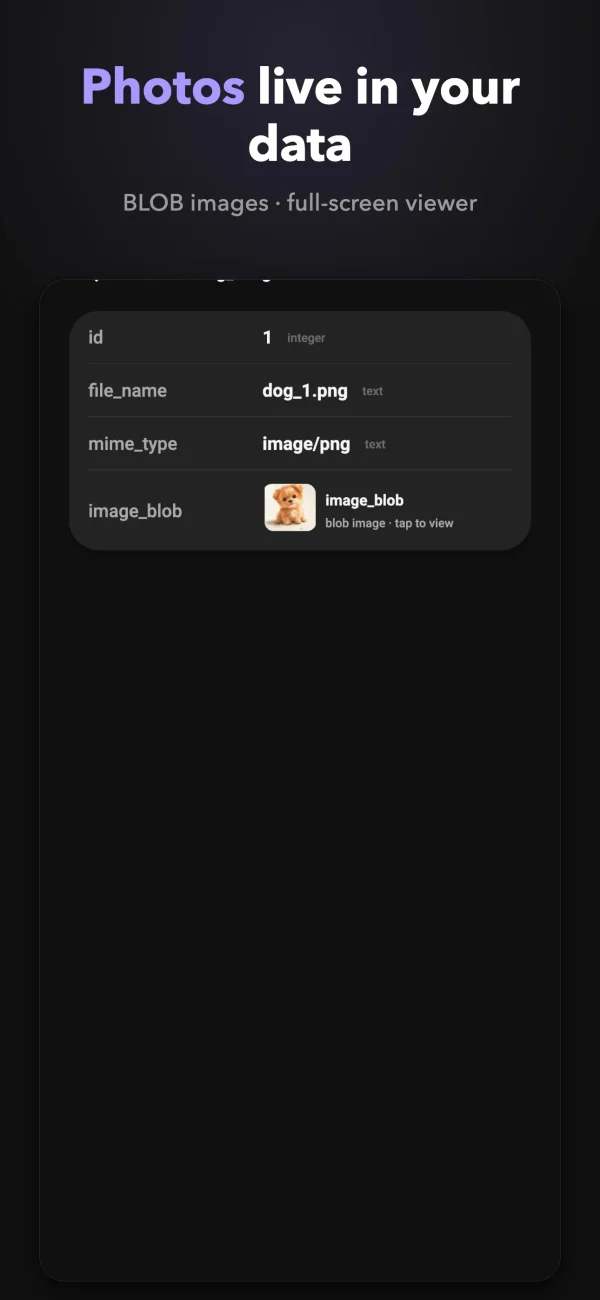
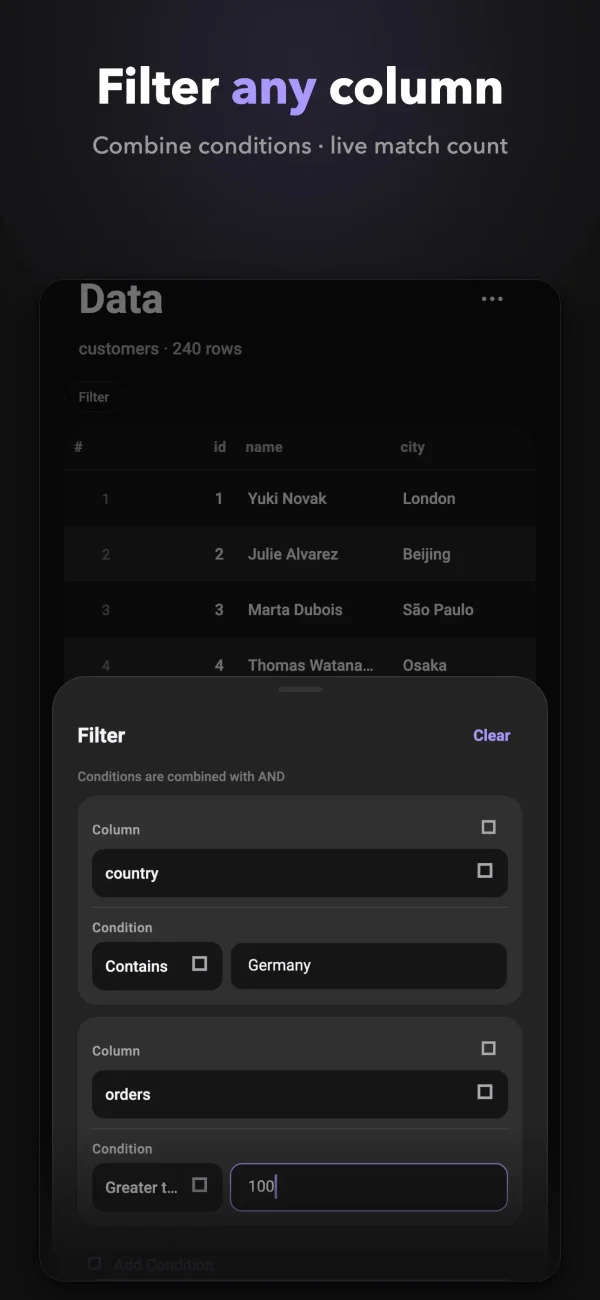
• Browse, search and filter - Jump between tables and inspect any row in a detail view.
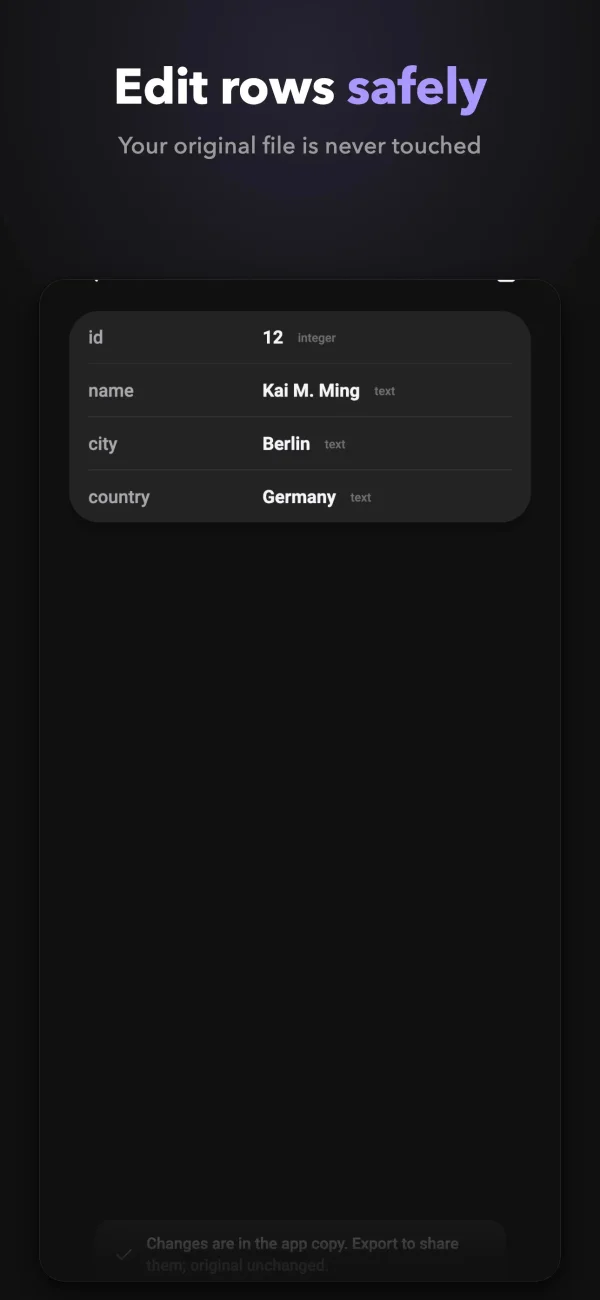
• Edit safely - Edits are made on a private working copy; your original is never modified. Save when you are ready and keep the original untouched.
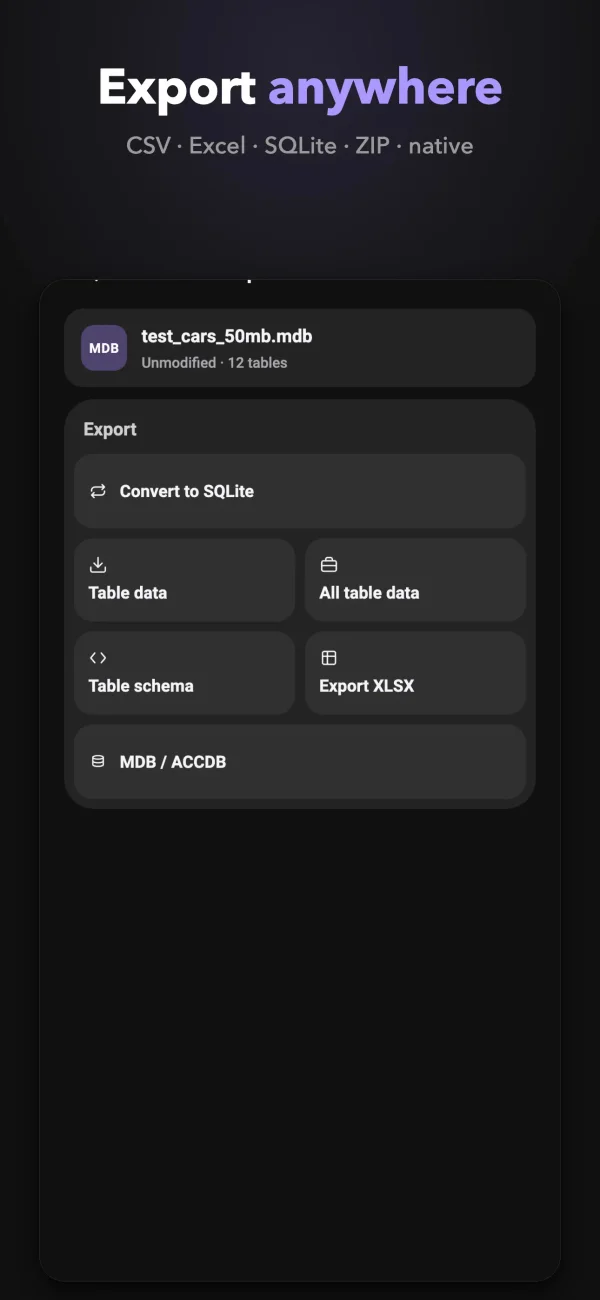
• Convert to SQLite - Turn any supported format into a modern SQLite database on your device.
• Export anywhere - Write CSV, XLSX, ZIP archives, or save back in the original MDB/ACCDB format.
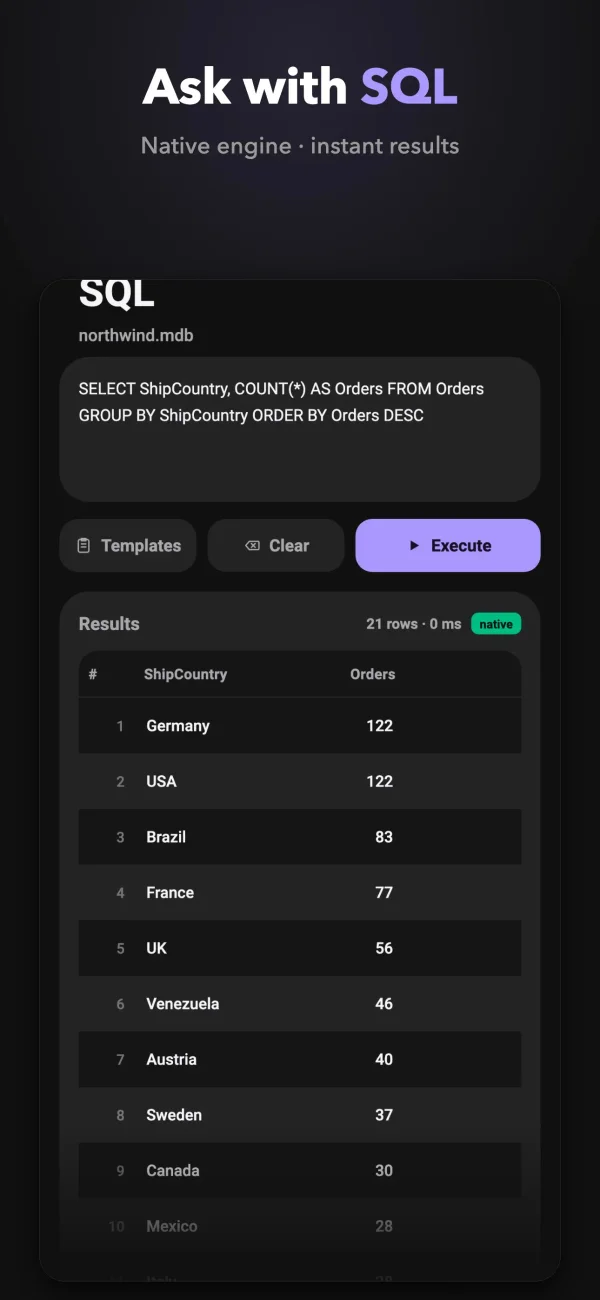
• Run SQL queries - Execute SQL with a native engine and a clear error explanation when a query fails.
• Compare two files - Diff any two databases or tables and get a row-by-row change report.
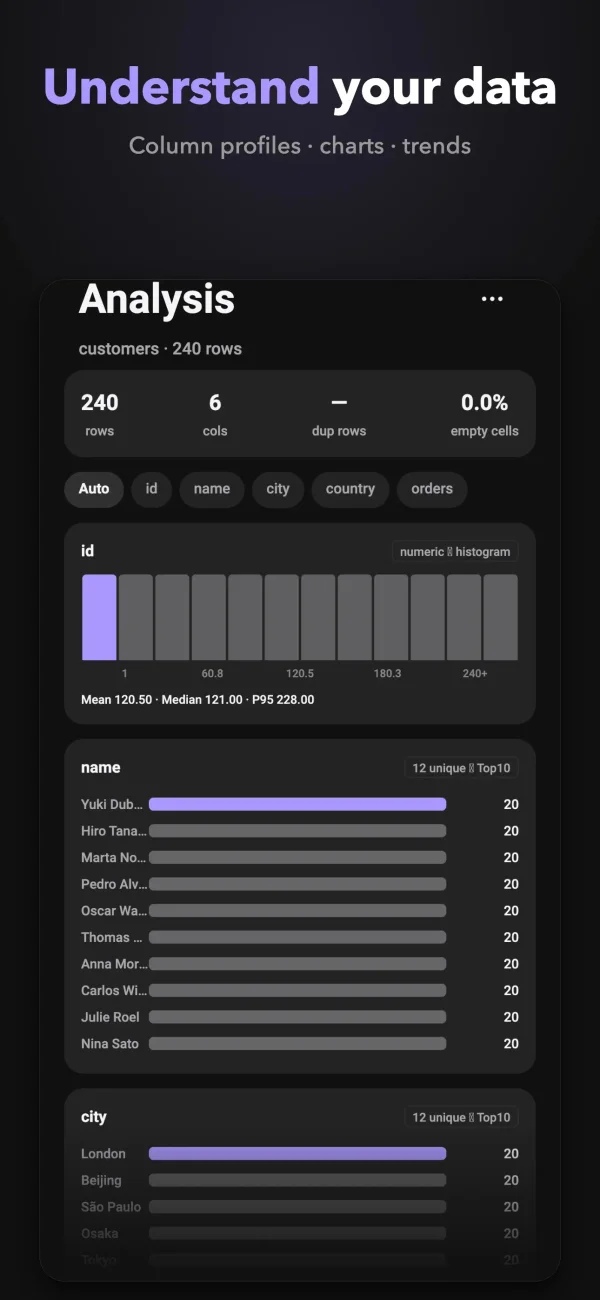
• Understand your data - Column profiling surfaces outliers, trends and correlations; a chart wall visualizes distributions and totals.
• Keep data local - Everything is processed on your device and never uploaded to cloud servers. No account required.
QUICK ANSWERS
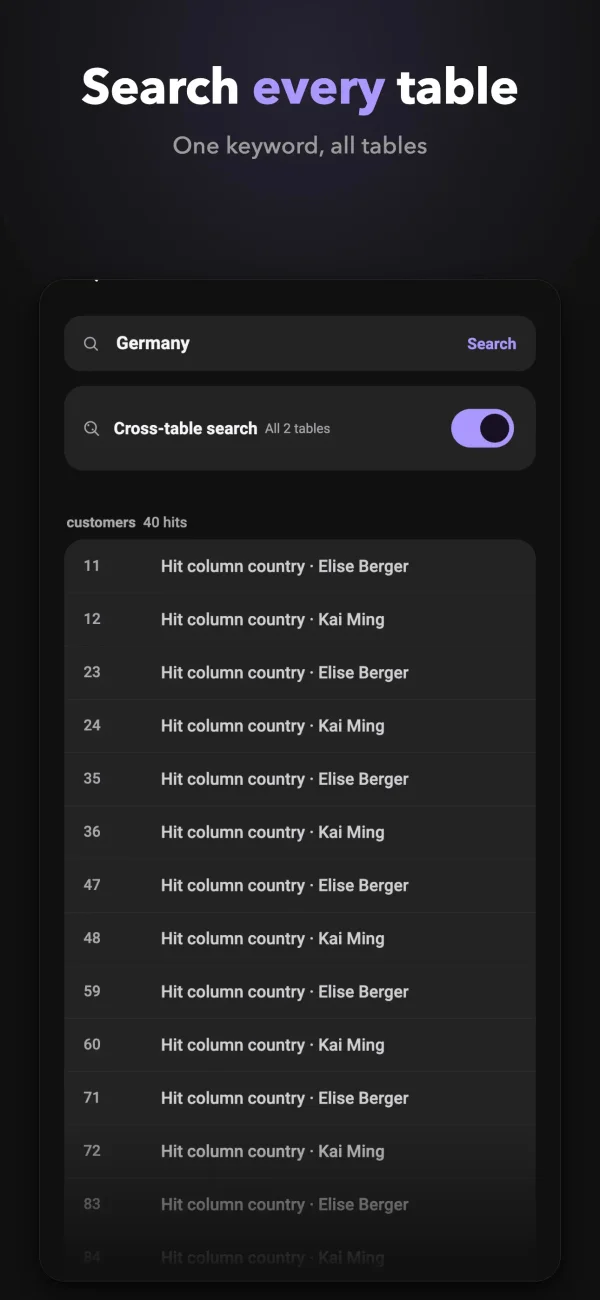
• Need to open an MDB or ACCDB file from an old Access database? Browse every table, search across all of them at once, and inspect rows in fullscreen.
• Looking for a DBF viewer for dBase III files? Open, browse and edit them, then save back in the original format.
• Want to turn a CSV export or an Excel XLSX workbook into a real database? Import it, browse it and convert it to SQLite.
• How do you read a SQL dump without running any server? Open the script directly, or query it through a local SQLite copy.
• Searching for an offline viewer that keeps your data private? Nothing leaves your device — no account, no cloud.
DATABASE VIEWER PRO
Browsing is free forever. Pro is a single one-time purchase that unlocks:
• Editing in all supported formats, with safe write-back
• SQL query execution
• Converting any file to SQLite
• Exporting to CSV, XLSX, ZIP and original formats
• File diff reports
• Advanced column profiling and all analysis charts
• Cross-table search
• Ad removal
Sorting, fullscreen browsing and column settings are free too. Pay once, keep everything — no subscription, no account, no tracking.
TERMS & PRIVACY
Use of the app is subject to Apple's standard Licensed Application End User License Agreement: https://www.apple.com/legal/internet-services/itunes/dev/stdeula/
Privacy policy: https://lababacy.com/accessviewer/privacy/
RESTORE & SUPPORT
Already purchased Pro? Tap Restore Purchases on the Pro screen and everything comes back — no repurchase, no subscription. Questions? Email w4n9we1@gmail.com or visit https://lababacy.com/accessviewer/support/
What’s new
Version 1.3.0 · Nov 18, 2026
• Access queries are now browsable: sources, fields, criteria and rebuilt SQL.
• New relationship diagram for Access files — tap to highlight, long-press to open a table.
• Run rebuilt SQL in one tap when it is executable.
• Export any table to JSON or HTML (Pro).
• SQL editor gains syntax highlighting and smart completion.
App privacy
What 伟 王 declares on the App Store about how this app handles data.
-
Data used to track you
May be used to track you across apps and websites owned by other companies.
- Location
- Identifiers
- Usage data
-
Data linked to you
May be collected and linked to your identity.
- Contact info
-
Data not linked to you
May be collected but is not linked to your identity.
- Purchases
- Location
- Identifiers
- Usage data
- Diagnostics
Privacy practices may vary, for example with the features you use or your age.
Information
- Seller
- 伟 王
- Category
- Business
- Version
- 1.3.0
- Updated
- Nov 18, 2026
- Released
- Oct 8, 2026
- Size
- 82.2 MB
- Requires
- iOS 17.0 or later
- Age rating
- 4+
- Price
- Free
- In-app purchases
- Yes
- Languages
- English, Arabic, Catalan, Danish, Dutch, Finnish, French, German, Hungarian, Indonesian, Italian, Japanese + 12 more
- Copyright
- © 2026 wei wang
You might also like
-
 DBF ViewerDBASE File Reader 2000 & Open
-
 MDB Viewer – ACCDB DatabaseOpen Access files offline
-
 MDB CareMonitoring your MDB on hand.
-
 EMMPAProductivity
-
 Database Pro.View&Edit Access and SQLite DB
-
 Rising LebanonRising Lebanon
-
 NAWAHBusiness
-
 Quest UniversalSuccessful Missions
-
 Podcast Creator: NeoPodcastRecord Voice Notes & Publish
-
 WiCardTouch Your Success