
DataFastView
Wi-Fi Quality.Data on Island
Designed for iPhone
Free · In-app purchases
- Age rating4+
- CategoryUtilities
- DeveloperMoscoso Pacheco, Gonzalo Juvenal
- LanguagesEnglish+ 1 more
- Size9.4 MB
Links to the official App Store page
Download.org hosts no file of DataFastView. The button opens its official App Store page, published by Moscoso Pacheco, Gonzalo Juvenal. Listing last checked on Nov 13, 2026.
Screenshots

About
Make your Home Screen look the way you always wanted it to.
DataFastView is a collection of twenty-four Home Screen widgets designed to look like they shipped with the phone — and to go transparent, so your wallpaper shows through every one of them. No subscriptions: the app is free, three widgets are free, and each page of widgets is a single purchase that is yours forever, on every iPhone signed in with your Apple Account.
PICK A PAGE, MAKE IT YOURS
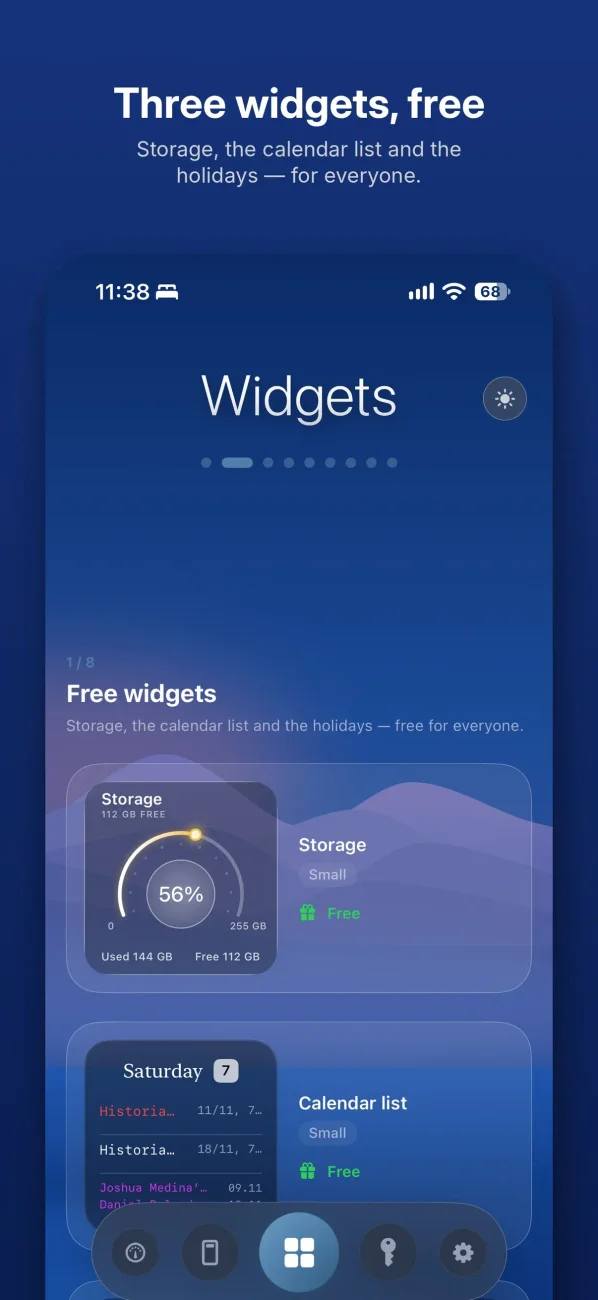
• Free — Holidays for your country, the calendar list, and Storage and network. For everyone.
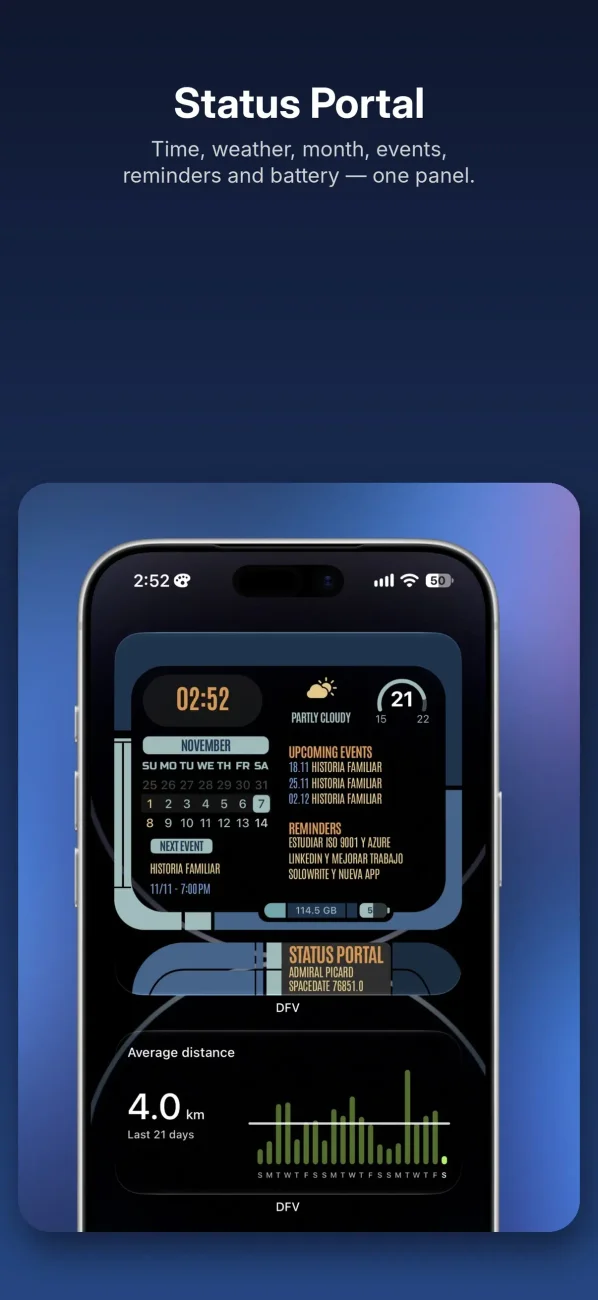
• Status Portal — a large sci-fi control panel with the time, the weather, your month, your next events and reminders, and your battery. Two palettes.
• Weather and time — the sky now and the next three hours, today by the hour, the week ahead as soft curves, and a glass clock that looks like the Lock Screen’s. Temperatures in °C or °F, by your region.
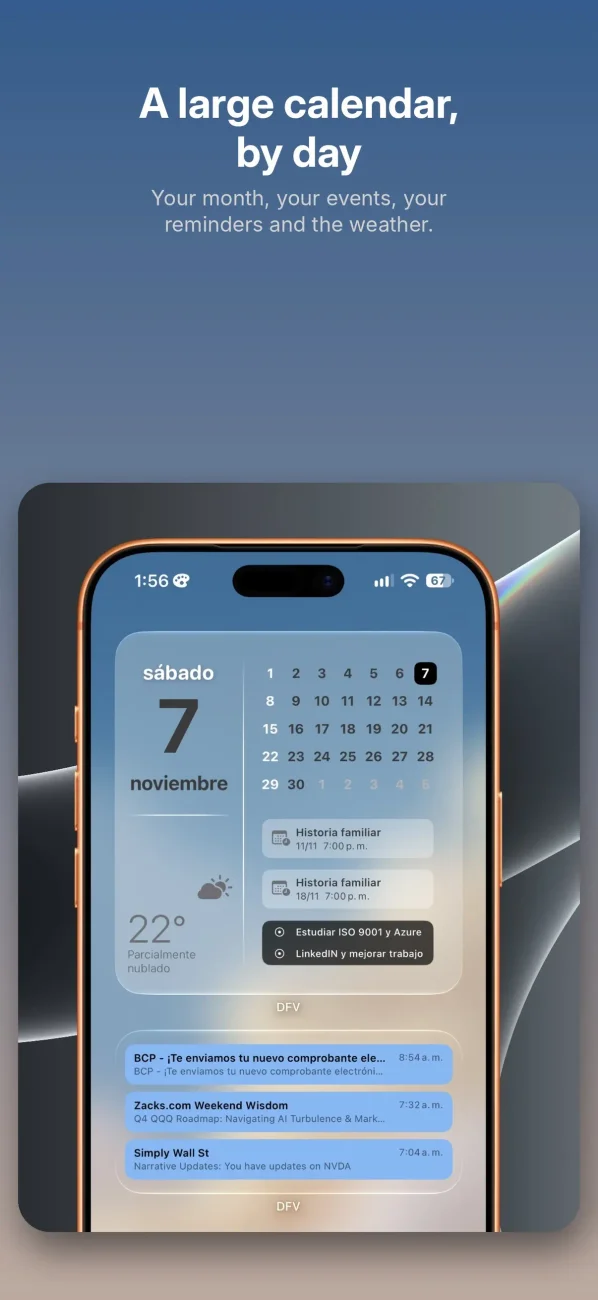
• Calendar — a large calendar with your events, reminders and the weather on one panel, the next events as cards, today’s date, and the whole month. By day and by night.
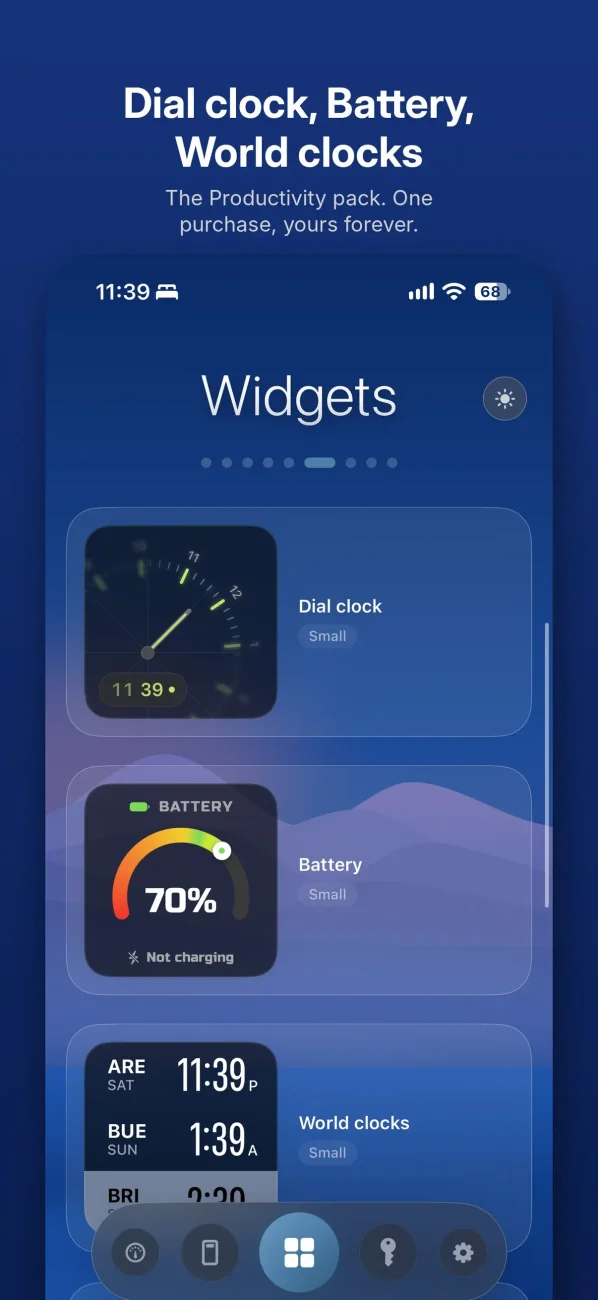
• Productivity — ten shortcuts to your apps with their real icons, a four-tile version at icon size, the time with two shortcuts under it, and three world clocks that show whether it is day or night there.
• Mail — unread messages from two accounts, on small or medium cards, in the colour you choose. Works with any IMAP account, Gmail included.
• Health — this week’s steps as a curve with today’s count, and your average distance over the last 21 days.
• Dashboards — Calendar Dashboard: the time, the weather, your month, what is coming up and your steps on one board of carved panels, with a button to show or hide your reminders.
EVERY WIDGET CAN BE TRANSPARENT
Each widget has a switch: draw its own background, or let your wallpaper through. Light and dark follow your phone, and every widget’s options are together in Settings.
AND THE REST OF THE APP
• Status — free space, link quality and a real speed test: download, upload, latency and jitter, with charts.
• Dynamic Island and Lock Screen — fourteen live metrics, or a phrase of your own, in the colour you pick.
• Control Center — your shortcuts one swipe away.
• Passwords — a generator for strong passwords, ready to paste.
PRIVATE BY DESIGN
Your calendars, reminders, steps, distance and mail are read on your device and shown on your widgets. Nothing is sent anywhere. Mail passwords live in the Keychain and never leave the phone.
In English and Spanish. Made for iPhone.
What’s new
Version 2,2 · Nov 8, 2026
New in 2.2: three new widgets — Battery (a gauge with the charging state), Dial clock (a quarter dial that turns so the hour is always in view) and Activity trend (three weeks of distance about your average). One Weather widget that switches between the next hours and the week with a tap. Storage redesigned in glass. Light or dark for the Calendar Dashboard, whatever your phone is set to. Passphrase passwords. A quieter Dynamic Island, with phrases optional. And a fix for purchases that could appear locked right after buying — your purchase now stays unlocked.
App privacy
What Moscoso Pacheco, Gonzalo Juvenal declares on the App Store about how this app handles data.
-
Data not collected
The developer does not collect any data from this app.
Privacy practices may vary, for example with the features you use or your age.
Information
- Seller
- Moscoso Pacheco, Gonzalo Juvenal
- Category
- Utilities
- Version
- 2,2
- Updated
- Nov 8, 2026
- Released
- Sep 10, 2026
- Size
- 9.4 MB
- Requires
- iOS 18.6 or later
- Age rating
- 4+
- Price
- Free
- In-app purchases
- Yes
- Languages
- English, Spanish
- Copyright
- © 2026 Gonzalo Moscoso Pacheco
You might also like
-
 LED Scrolling Text - GlowVoxBanner Sign, Megaphone & Voice
-
 Compass AR - Sun & MoonAR track, position, altitude
-
 WebClearBlock clutter, ads & banners
-
 AiGoodbyePrivate, offline AI assistant
-
 Say In Bulbs: LED Message SignBanner, Scroller & Marquee
-
 Element HiderHide anything. Browse your way
-
 StepBy: Checklists & WorkflowsStep-by-step tasks & SOPs
-
 Watch Tuner LiteUtilities
-
 MTG Card Scanner: Lotus ScanPrice Tracker and Deck Builder
-
 Idle Isle: Relax & Focus TimerStudy with cozy lofi scenery