
DataSieve: Text to Data
Extract emails, dates & more
Designed for iPhone, iPad, Mac, iPod touch
Free · In-app purchases
- Age rating4+
- CategoryProductivity
- DeveloperAlberto Malagoli
- LanguagesEnglish
- Size90.2 MB
Links to the official App Store page
Download.org hosts no file of DataSieve: Text to Data. The button opens its official App Store page, published by Alberto Malagoli. Listing last checked on Nov 18, 2026.
Screenshots
About
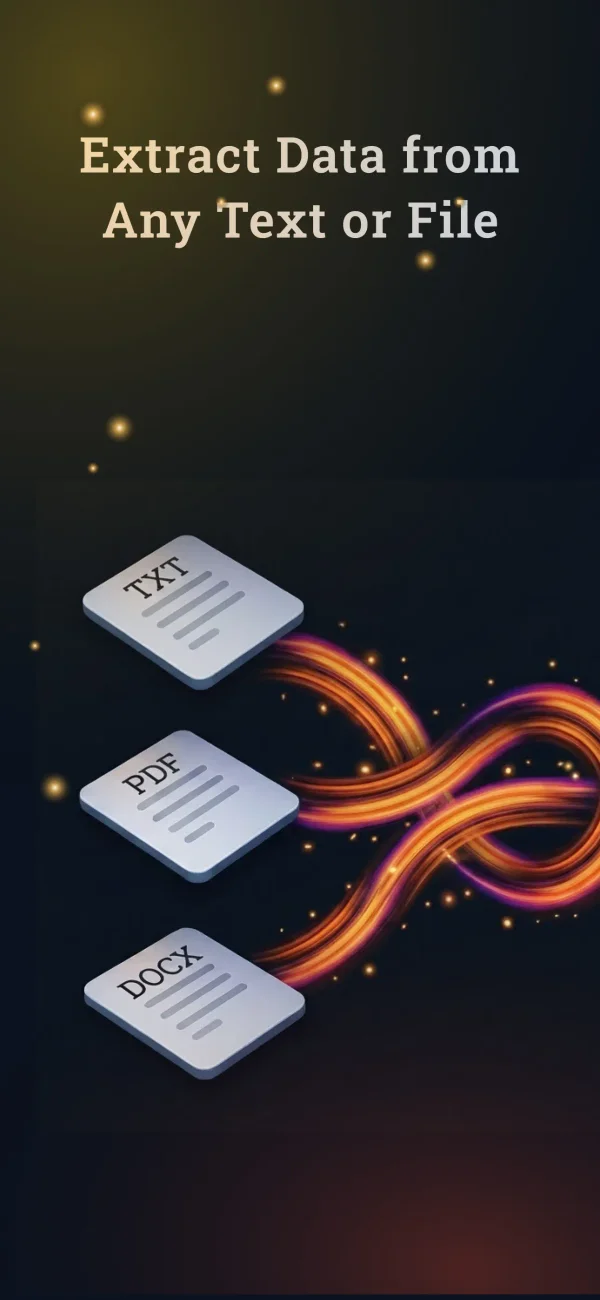
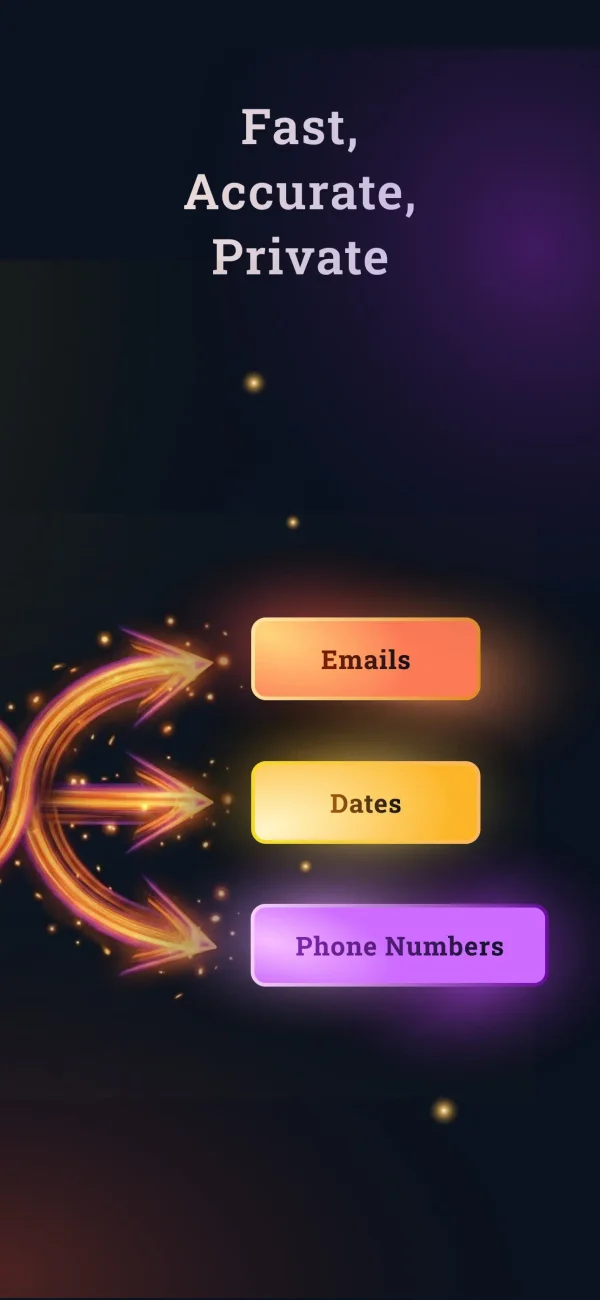
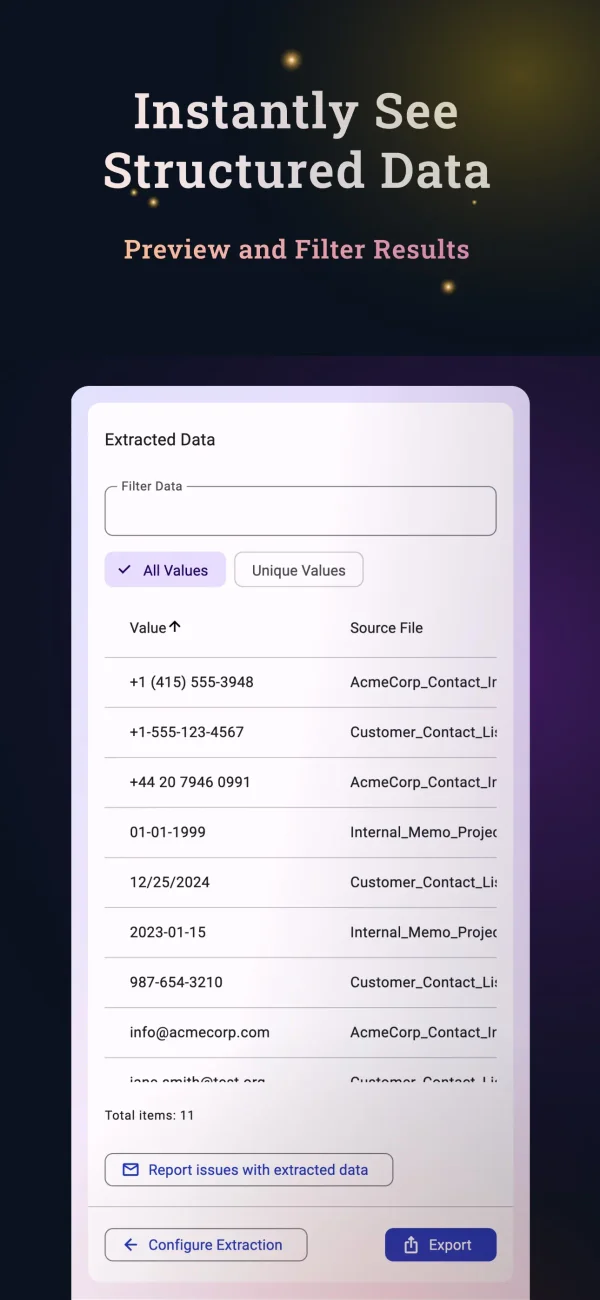
Extract emails, dates, URLs, and more from any text, file, folder, or archive — fast, accurate, and private.
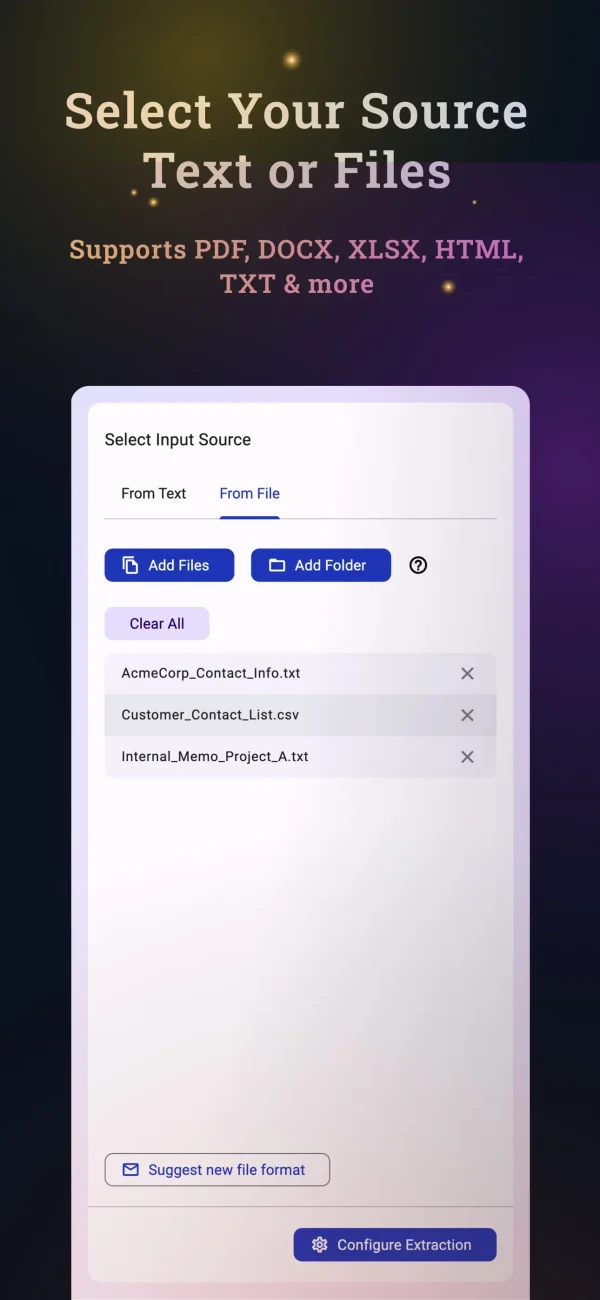
DataSieve helps you turn unstructured text into clean, organized data in seconds. Drag & drop files/folders or select archives to extract multiple data types at once — whether analyzing documents, cleaning data, or pulling key info, it works instantly and locally.
Perfect for:
Developers, analysts, researchers, writers, and anyone who works with text or documents.
Supported input formats:
Text, JSON, HTML, CSV, XLSX, ODS, Word (DOCX), ODT, PDF, EPUB, ZIP & other archives, folders, and more.
Extractable data:
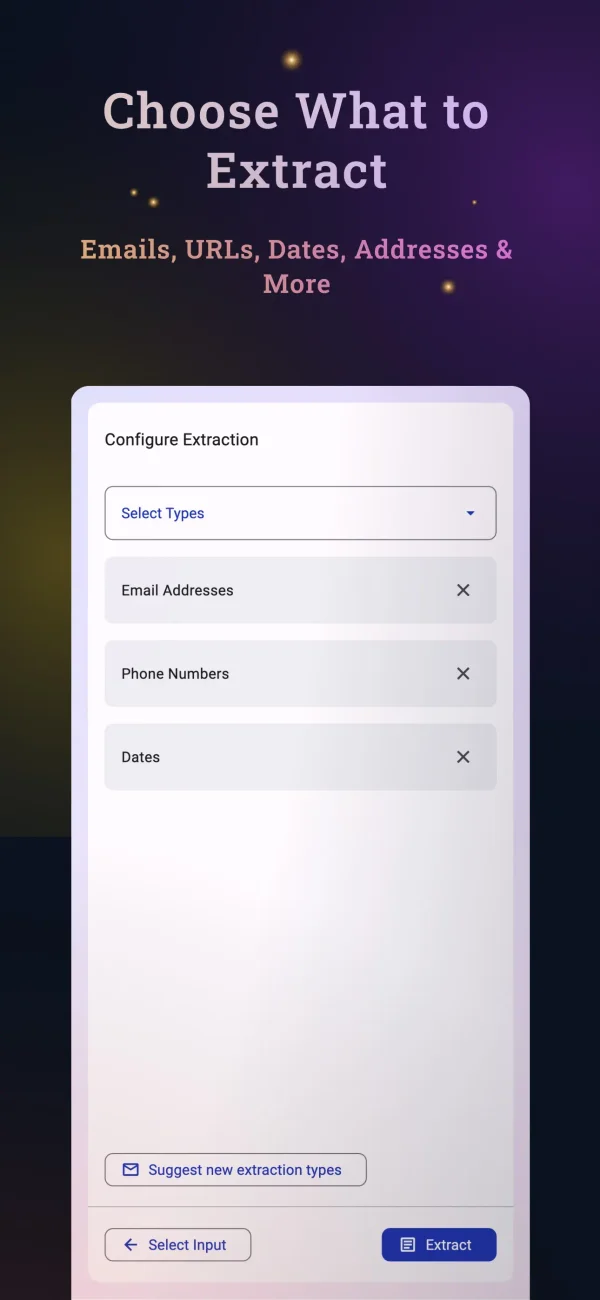
Emails, phone numbers, URLs, dates, addresses, hashtags, coordinates, credit card numbers, keywords, file paths, and more.
Export options:
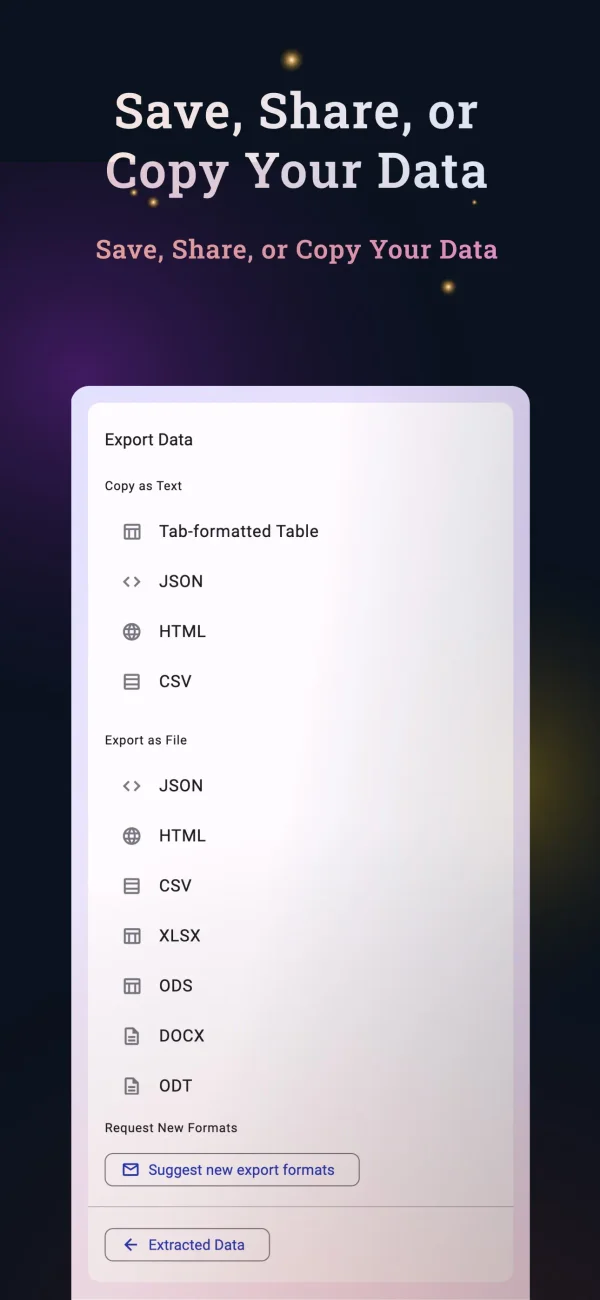
Copy as text, JSON, or HTML — or export as CSV, XLSX, DOCX, ODS, or ODT.
Private by design:
DataSieve works entirely offline. No cloud, no tracking, no data sharing — your information never leaves your device.
Use cases:
- Extract contact info from text, documents, folders, or archives
- Parse data from reports, code, logs, PDFs, or EPUBs
- Clean and organize batch files for analysis
- Collect structured info for research
Stop searching by hand — DataSieve finds your data for you.
- Terms of Use (EULA): https://www.apple.com/legal/internet-services/itunes/dev/stdeula/
- Privacy Policy: https://albemala.me/privacy/
What’s new
Version 2.3.4 · Oct 26, 2026
What's New in Version 2.2
- App name update: We've renamed the app to DataSieve
What's New in Version 2.1
- Create your own custom extract types: Define and save your own data patterns to extract exactly what you need
- Match your system theme: The app now automatically adapts to your device's light or dark mode
- Improved data extraction for many types: Bank accounts, BIC/SWIFT codes, phone numbers, and others
What's New in Version 2.0
- Read PDF and EPUB files: Extract data from documents and e-books
- Drag and drop files and folders: Simply drag files or entire folders into the app to get started
- Process ZIP and other archives: Automatically extract and scan all files inside
- Extract multiple data types at once: Find emails, phone numbers, URLs, dates, and more in a single scan
- General interface improvements: Smoother flow, easier navigation, and a more intuitive experience
App privacy
What Alberto Malagoli declares on the App Store about how this app handles data.
-
Data not linked to you
May be collected but is not linked to your identity.
- Diagnostics
Privacy practices may vary, for example with the features you use or your age.
Information
- Seller
- Alberto Malagoli
- Category
- Productivity
- Version
- 2.3.4
- Updated
- Oct 26, 2026
- Released
- Nov 4, 2025
- Size
- 90.2 MB
- Requires
- iOS 15.6 or later
- Age rating
- 4+
- Price
- Free
- In-app purchases
- Yes
- Languages
- English
- Copyright
- © 2026 Alberto Malagoli
You might also like
-
 Chat-LinkProductivity
-
 Sublime Task: Focus PlannerTasks & Projects, Made Clear
-
 VekilAI: AI Life ManagerNotes,reminders,budget AI app
-
 My Tasks AIOMinimal notes, max focus
-
 PDF Summarize AI Scan - PDFOneExtract Text,OCR, Merge & Chat
-
 GetVowKeep Promises to Yourself
-
 ConArtistProductivity
-
 Pause: Stop DoomscrollingBreak the doomscrolling habit
-
 FiboTime - Fibonacci FocusSmart Timer for Deep Work
-
 AskFlamingoCustom trained chat bots