
- Age rating17+
- CategoryBusiness
- DeveloperDavinci Virtual, LLC
- Size219.3 MB
Links to the official App Store page
Download.org hosts no file of DavinciMobile. The button opens its official App Store page, published by Davinci Virtual, LLC. Listing last checked on Nov 12, 2026.
Screenshots
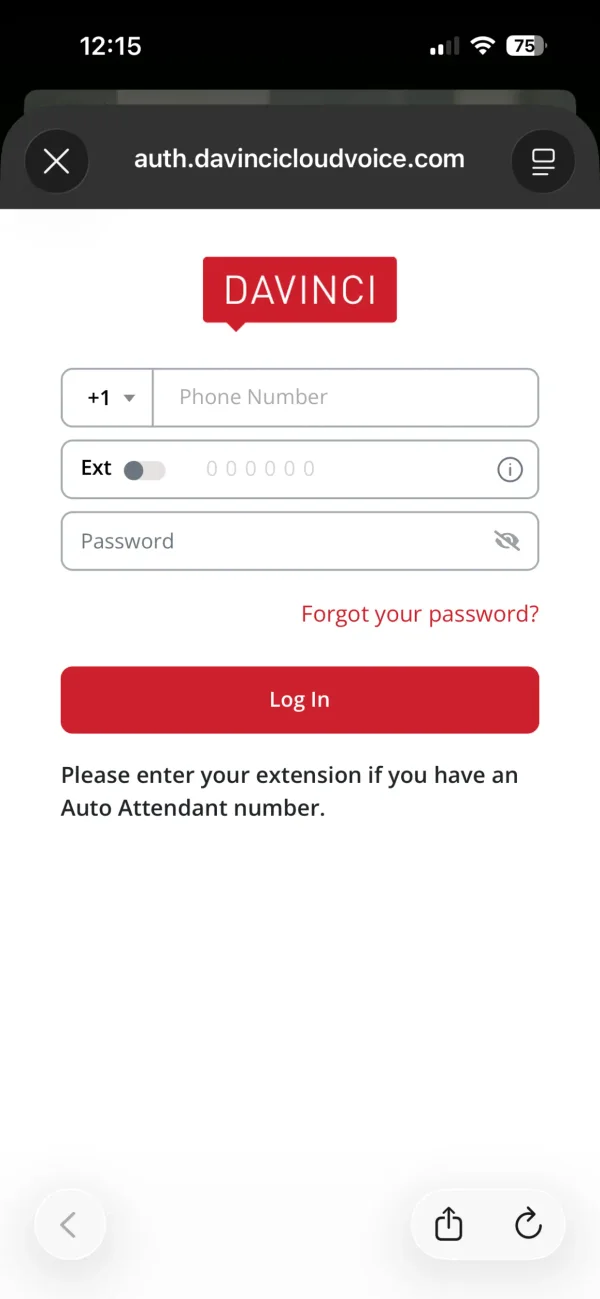
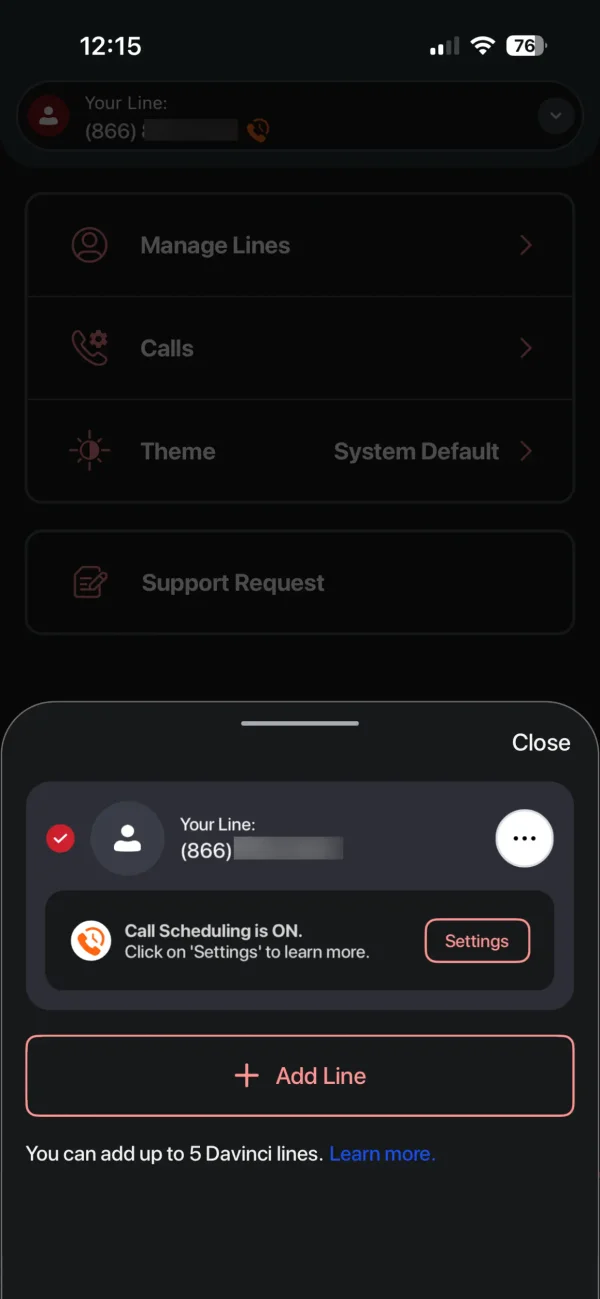
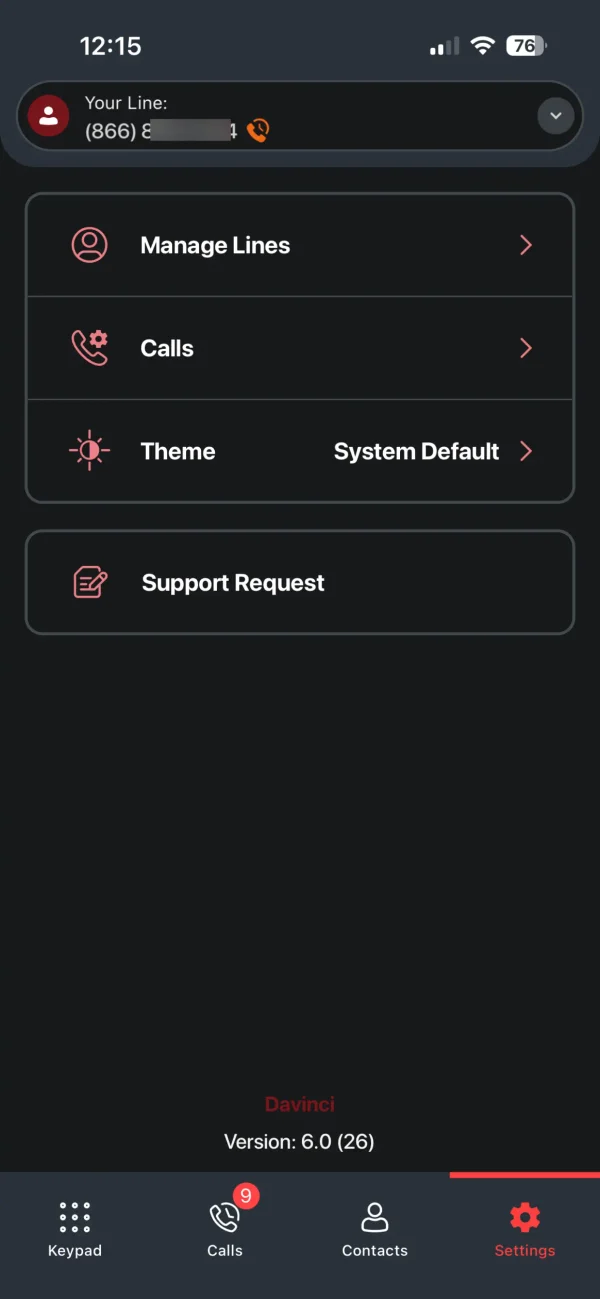
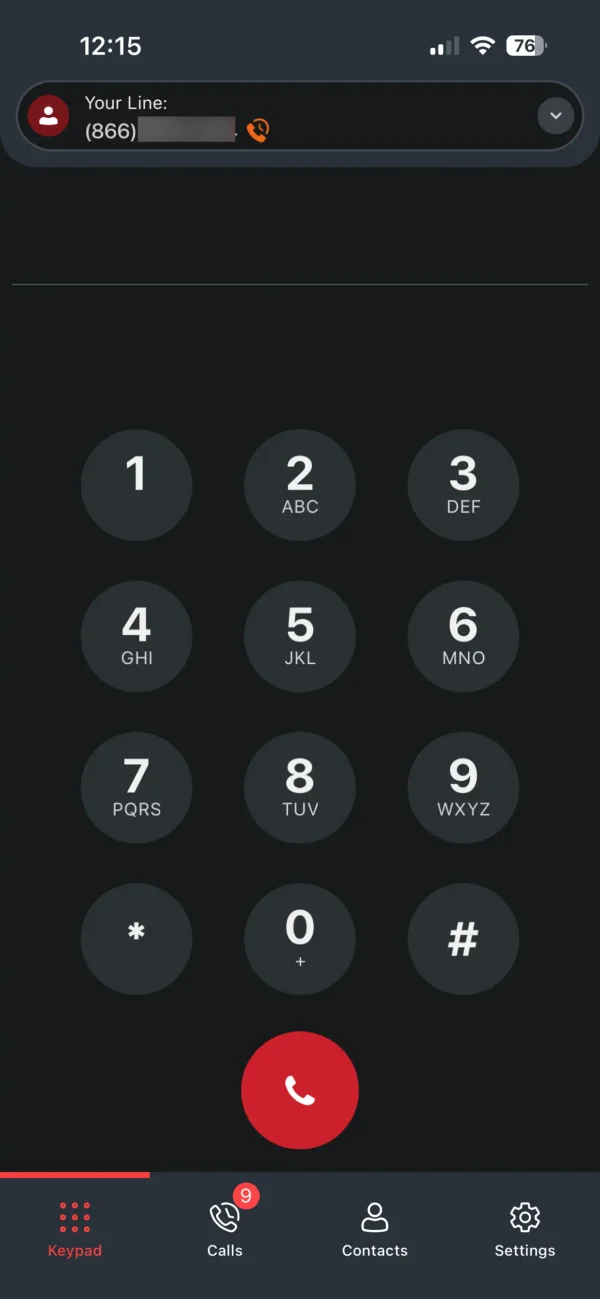
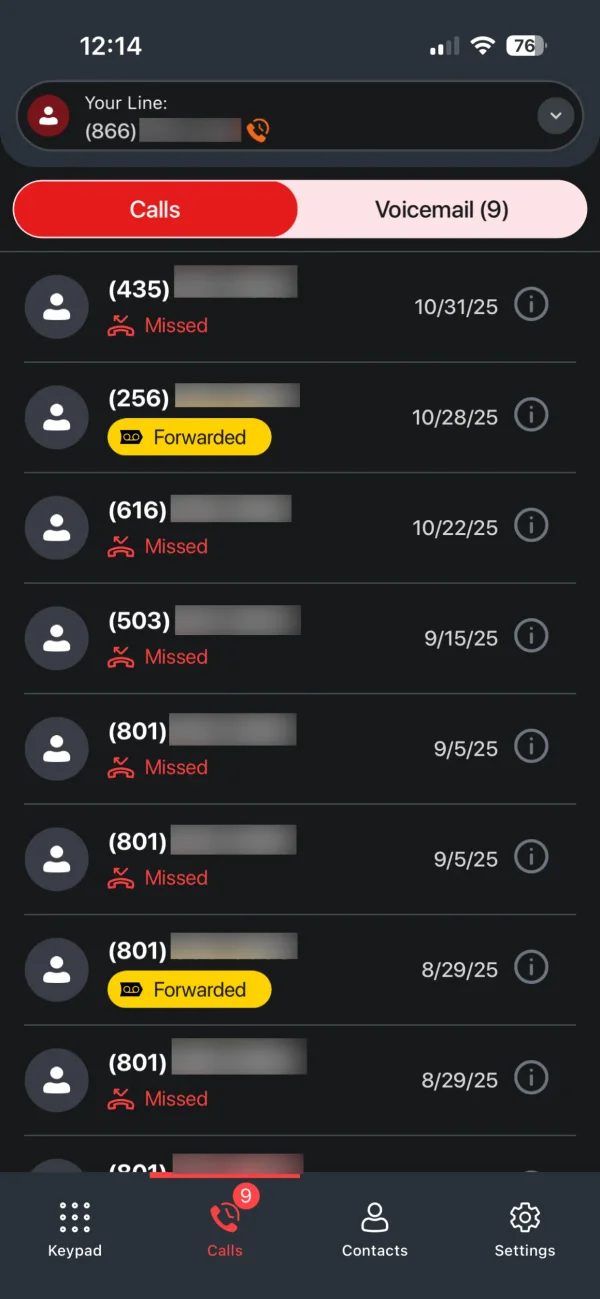
About
Run your business calls from anywhere.
DavinciMobile gives you a dedicated business number, flexible call handling, and tools your team can use on the go. Make calls, send texts, manage voicemail, and stay connected without mixing personal and work communication.
Key Features -
Your Business Line, Always With You
• Use your business number on your phone so you stay professional wherever you are.
• Your team can log in from their own devices, each with their own extension.
Flexible Call Tools
• Choose where calls go: straight to voicemail, another number, or a preset schedule you define.
• Update call-routing rules anytime without touching any hardware.
• Get message transcriptions so you can read voicemails when you don’t want to listen.
Local, Toll-Free, and Vanity Numbers
• Pick from a wide range of number types to match your brand.
• Bring your current number with you if you prefer to keep it.
• Add or remove numbers as your business grows.
Talk and Text Over Data or Wi-Fi
• Place and receive calls over VoIP—no traditional phone line needed.
• Send and receive business texts when paired with eligible plans.
Work Smarter With Built-In Productivity Tools
• Sync your phone’s contacts into the app so you can call or text anyone quickly.
• Use a shared contacts directory for your whole team, keeping everyone aligned.
• Check call logs to see who answered, who missed a call, and what happened next.
Updated App pairs well with your Davinci Live call answering plan.
• New feature allows you to work inside your DavinciMobile app while preventing interruptions to your live call answering.
• Send calls to voicemail during critical meetings.
Monthly Plans required, some features require specific plans or add-ons.
Support - Help is available in-app.
Important: DavinciMobile does not place emergency calls (911).
Quick How-To (Simple Instructions You Can Keep in the Listing or Support Page)
How to make your first call
1. Open the app.
2. Tap the dial pad.
3. Enter a number and press Call.
How to edit call routing
1. Go to Settings.
2. Choose Calls.
3. Pick where you want calls to go.
4. Save your changes.
How to read voicemail transcriptions
1. Open the Voicemail tab.
2. Tap any message.
3. Read or listen right away.
What’s new
Version 6.0.10 · Nov 6, 2026
This release has bug fixes and performance enhancements.
App privacy
What Davinci Virtual, LLC declares on the App Store about how this app handles data.
-
Data linked to you
May be collected and linked to your identity.
- Contacts
- Identifiers
-
Data not linked to you
May be collected but is not linked to your identity.
- Diagnostics
Privacy practices may vary, for example with the features you use or your age.
Information
- Seller
- Davinci Virtual LLC
- Category
- Business
- Version
- 6.0.10
- Updated
- Nov 6, 2026
- Released
- Jan 13, 2012
- Size
- 219.3 MB
- Requires
- iOS 15.0 or later
- Age rating
- 17+
- Price
- Free
- Copyright
- © 2026
You might also like
-
 Onebox – Virtual Phone SystemBusiness
-
 Alliance Virtual OfficesMeetings Made Easy
-
 Answering LegalBusiness
-
 Kall8Power In Numbers
-
 iWorkSpaceMailProductivity
-
 FreedomVoiceBusiness
-
 BeetextingBusiness
-
 Quicktalk for BusinessProductivity
-
 DaVinci Lock MobileBusiness
-
 eVoice – Business Phone NumberVirtual Business Phone System