
- Age rating4+
- CategoryLifestyle
- DeveloperDonghyeon Min
- LanguagesEnglish+ 4 more
- Size9.8 MB
Links to the official App Store page
Download.org hosts no file of Dayday - Timeline Diary. The button opens its official App Store page, published by Donghyeon Min. Listing last checked on Nov 16, 2026.
Screenshots
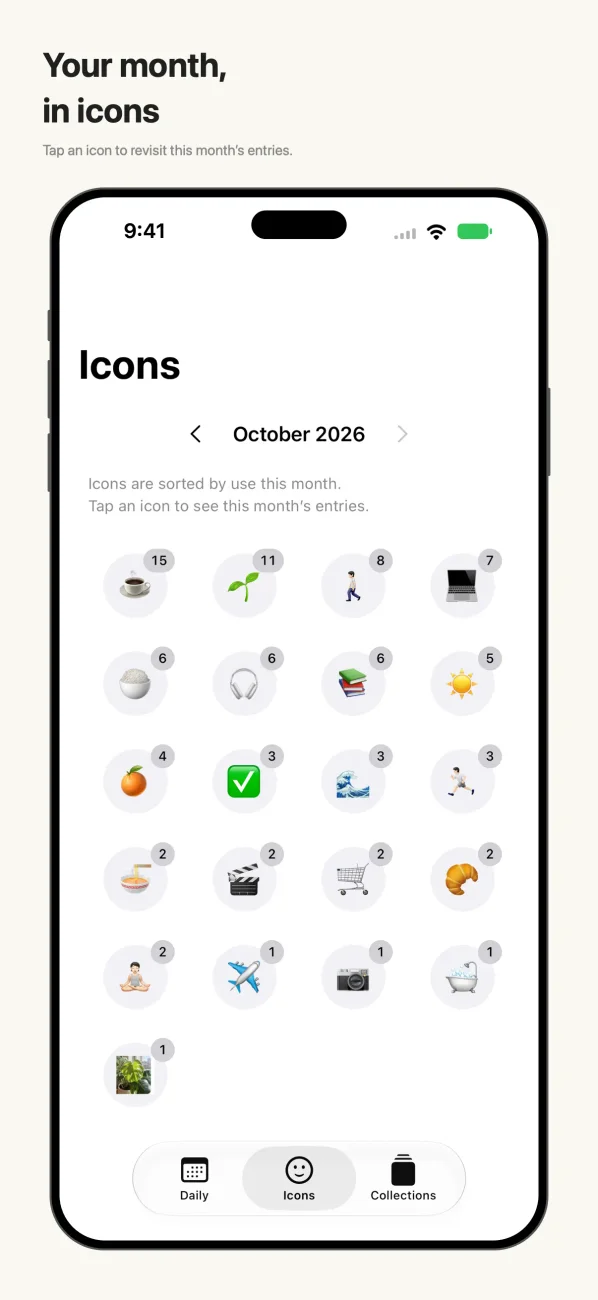
About
Record what you did today, one moment at a time.
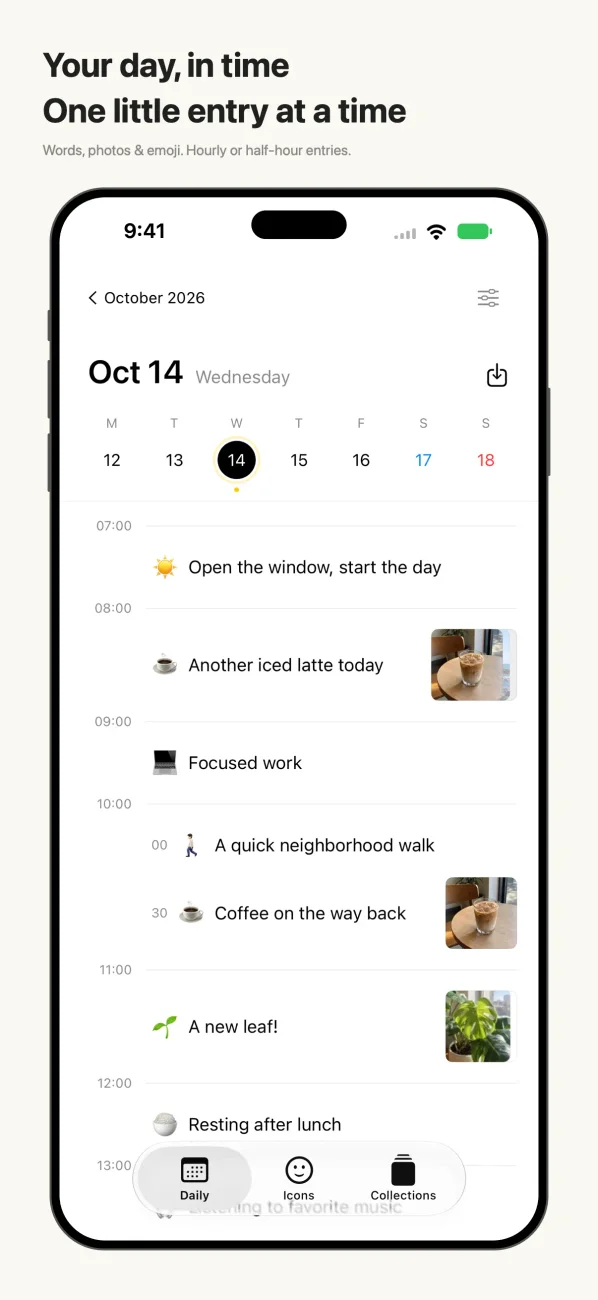
Dayday is a timeline diary app that lets you capture your day with words, emoji, and photos on a familiar daily timeline.
■ Tap a time to write
Add entries in hourly or half-hour slots, and revisit past days using the weekly and monthly calendars.
■ Make each entry your own
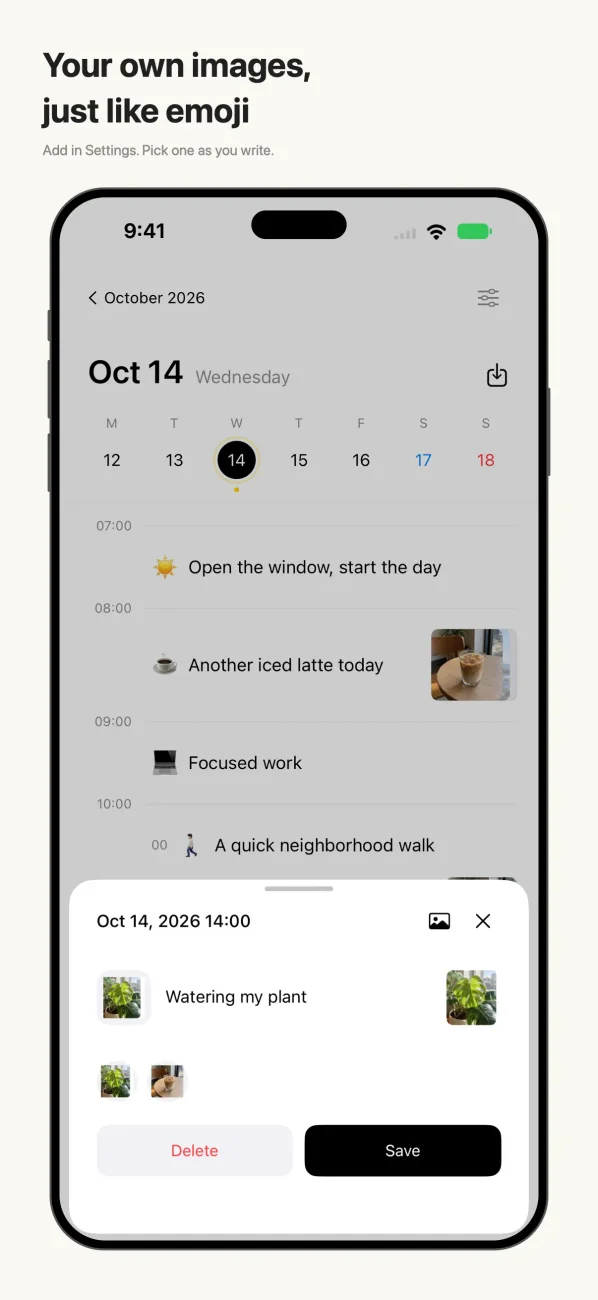
Use words, emoji, and photos—or your own images as icons.
■ Keep memorable days together
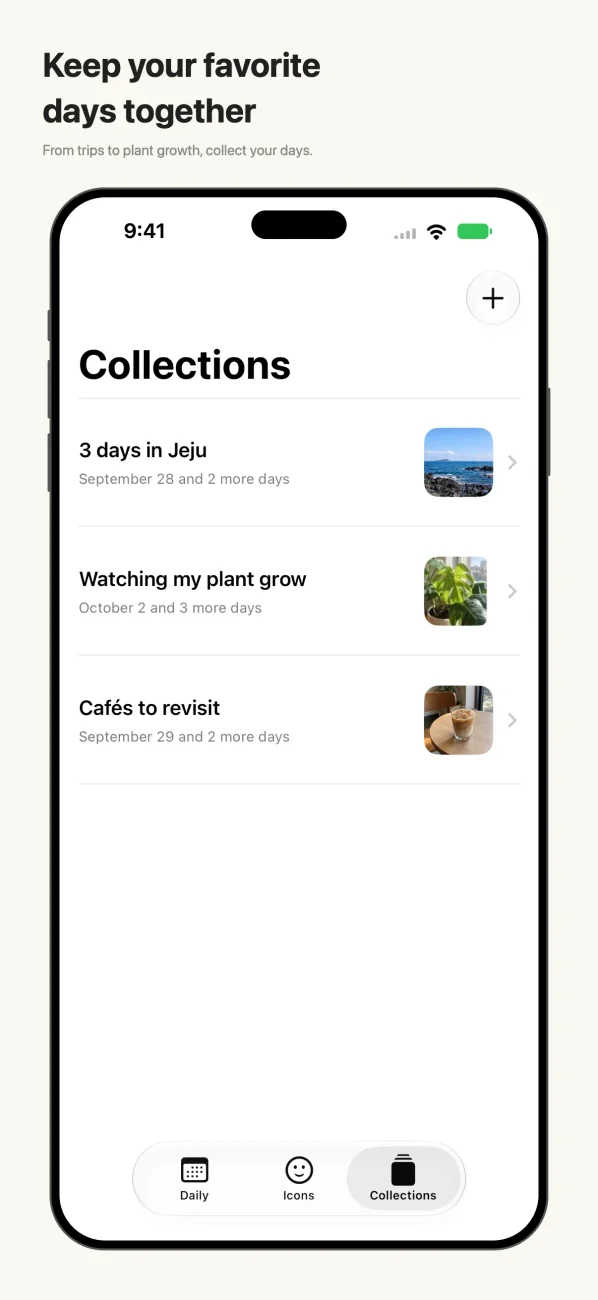
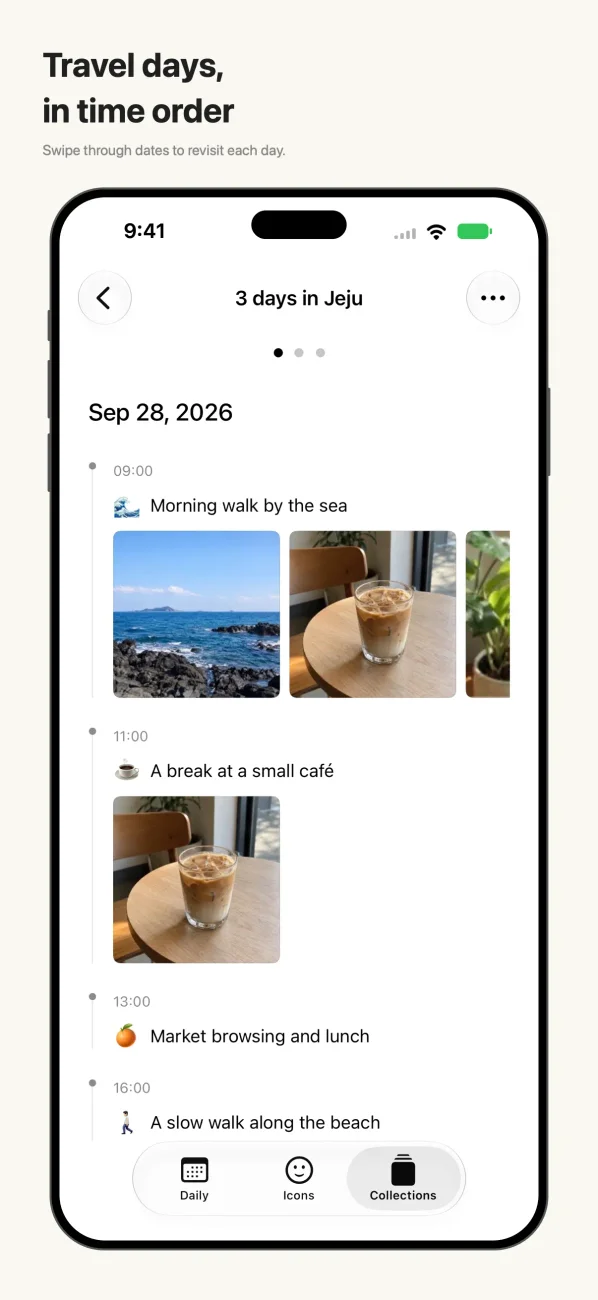
Group days into a collection with a name and cover photo, even when the dates aren't consecutive.
■ A view that suits you
Choose the hours shown and your font, and use the app in light or dark mode.
■ iCloud backup and restore
Back up automatically or manually, and restore your records on a new iPhone using the same Apple Account. Real-time syncing between devices is not supported.
No sign-up is required. Your records are stored on your device by default, and iCloud backup is optional.
We use Firebase for usage analytics and crash reporting, but do not send your diary text or photos to Firebase.
Before switching devices, check that your latest backup has completed. Without a completed backup, your records cannot be recovered if you delete the app or lose your device.
What’s new
Version 1.4.1 · Nov 2, 2026
• Tap the top-right button in Icons to see the month's icons piled up across the screen. Tilt your phone to roll them around.
• Add the Saved phrases widget to your Home Screen and tap a phrase to start an entry right away.
• Record without opening the app using Shortcuts, the Action button or Siri, and save photos straight from the Share button in Photos.
App privacy
What Donghyeon Min declares on the App Store about how this app handles data.
-
Data linked to you
May be collected and linked to your identity.
- Location
- Identifiers
- Usage data
- Diagnostics
Privacy practices may vary, for example with the features you use or your age.
Information
- Seller
- Donghyeon Min
- Category
- Lifestyle
- Version
- 1.4.1
- Updated
- Nov 2, 2026
- Released
- Oct 8, 2026
- Size
- 9.8 MB
- Requires
- iOS 17.0 or later
- Age rating
- 4+
- Price
- Free
- Languages
- English, Japanese, Korean, Simplified Chinese, Traditional Chinese
- Copyright
- © 2026 Seohyun Cho
You might also like
-
 일기곰Lifestyle
-
 One Day — Daily JournalYour life, easily recorded
-
 All Quotes: Quote JournalRecord your Daily Musings
-
 Ace BinderPokémon TCG Collection Tracker
-
 Memotto mp (Diary)A cool app for keeping diaries
-
 Paper Room:Daily Diary PlannerCapture moments plan your day
-
 Eating out JournalLifestyle
-
 Memoire: Photo Diary & JournalCapture Daily Moments & Moods
-
 Daynary: Daily Activity LogTime Tracker & Life Journal
-
 集中852Lifestyle